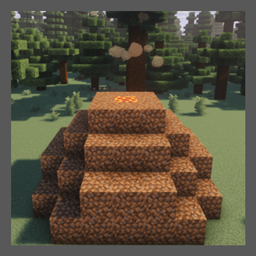
Community listing page, reviews here may not be monitored by the author.
Charcoal Burner

No reviews yet
A fully configurable multi-block structure for turning wood into charcoal in the medieval manner.
Community voices
Reviews
No reviews yet. Be the first to review this project!
Get it on
Available Platforms
About
Project Details
For authors
Embed Badge
If you're the author of this project, you can embed a live badge anywhere that supports HTML or Markdown. It updates automatically whenever ratings change.
Use HTML for any page that supports it, or Markdown for README files and Markdown-based descriptions.
Identifiers
Platform IDs
Resources
External Links
About
Description
Charcoal Burner is a fully configurable mod that allows you to turn logs into charcoal with a default ratio of 1 to 3. Instead of using the boring vanilla method you instead build a multi-block structure that adds life to your world. Furthermore, this mod is designed to be completely vanilla-friendly.
You can change the time required for the transformation, the blocks that are acceptable as a wall, the blocks that are acceptable as a floor, the exchange ratio between logs and charcoal, the items that can be used to trigger the transformation process and you can specify which items are processable using the tag "minecraft:logs"
Config file is named carbonaia-common.toml
To find out how to create the structure, follow the photos below or those in the gallery.
Step 1: Build a 7x7 gravel floor without corners.
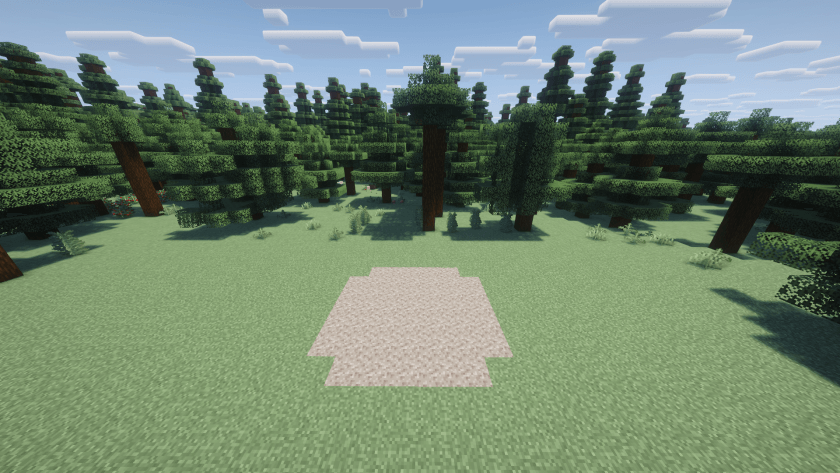
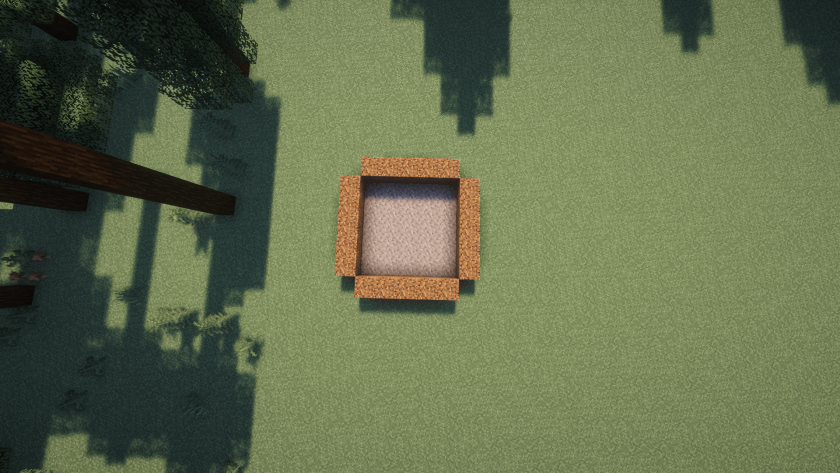
Step 2: Add coarse dirt (by default) at the edges.
Step 3: Build a circle-shaped layer of coarse dirt over the previous layer
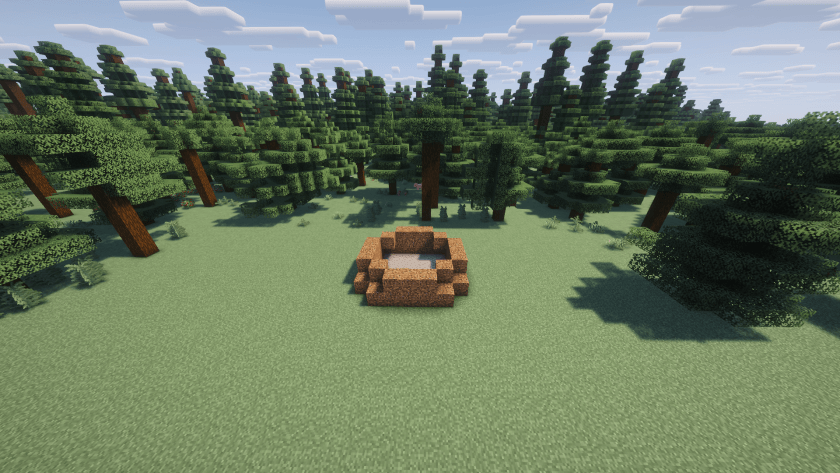
Step 4: Build the third floor using a 5x5 square perimeter of coarse dirt without corners.
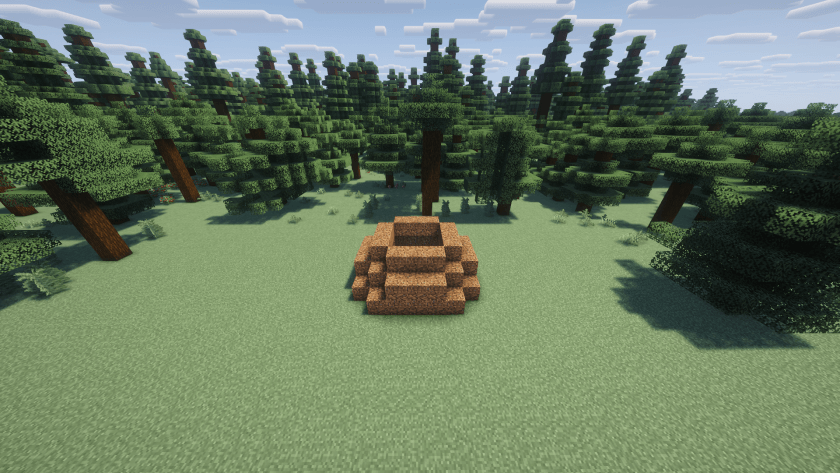
Step 5: Build a hollow 3x3 square of coarse dirt above the previous layer.
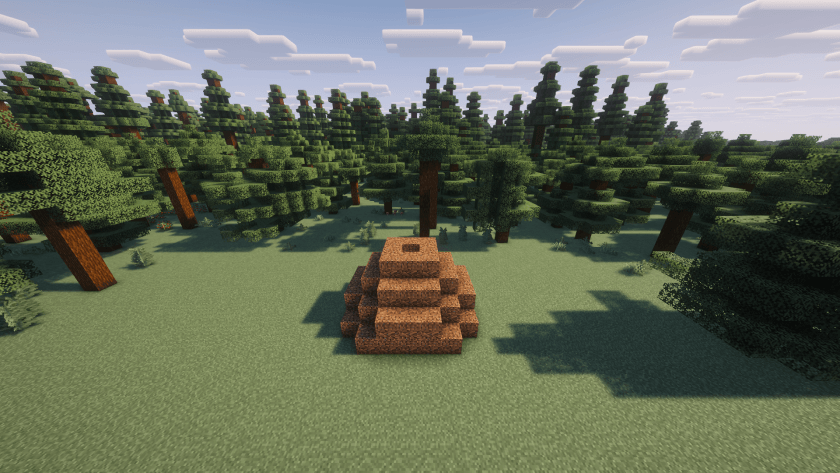
Step 6: Add logs inside. There must not be any empty blocks inside. In all, there should be 55 blocks of logs if you have constructed the structure correctly.
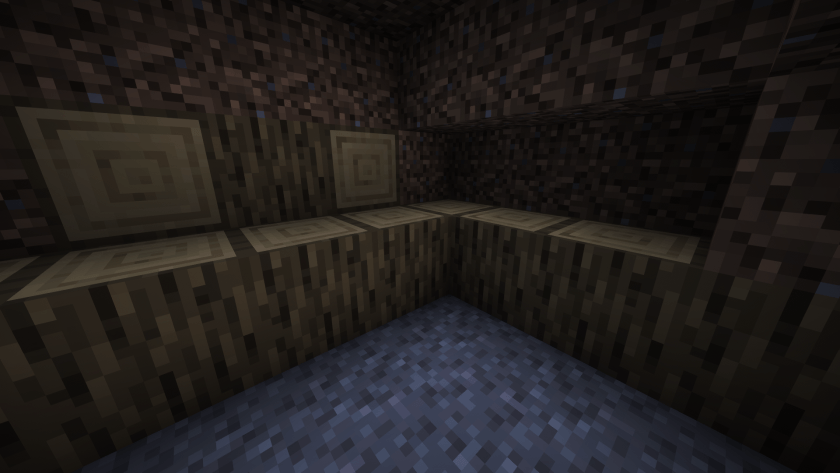
Step 7: Leave the hole at the top of the structure empty and set the log on fire with a flint and steel or fire charge.
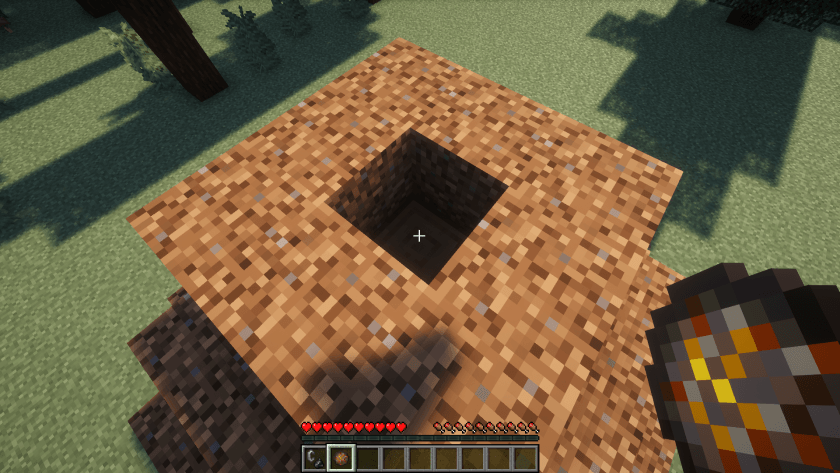
Step 8: Wait for the end of the transformation process. If you have done everything right, a magma block will appear and smoke particles will come out. By default, the process takes 20 minutes.
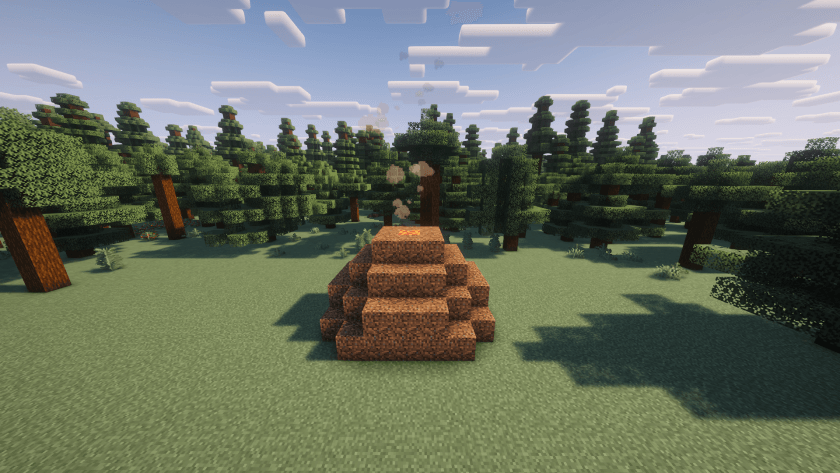
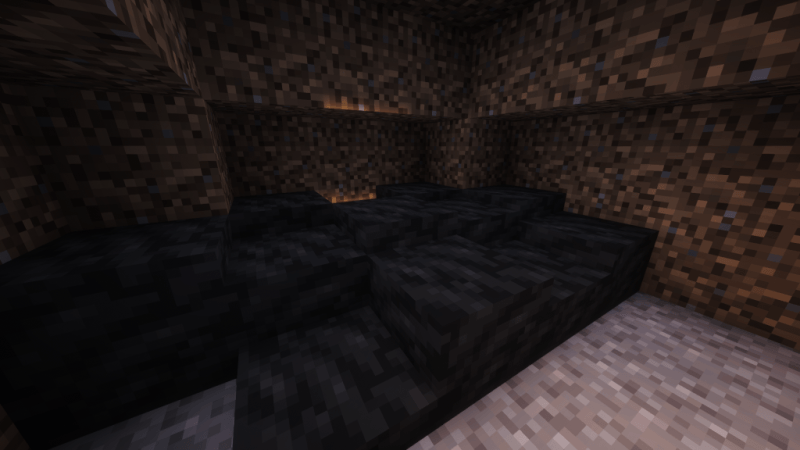
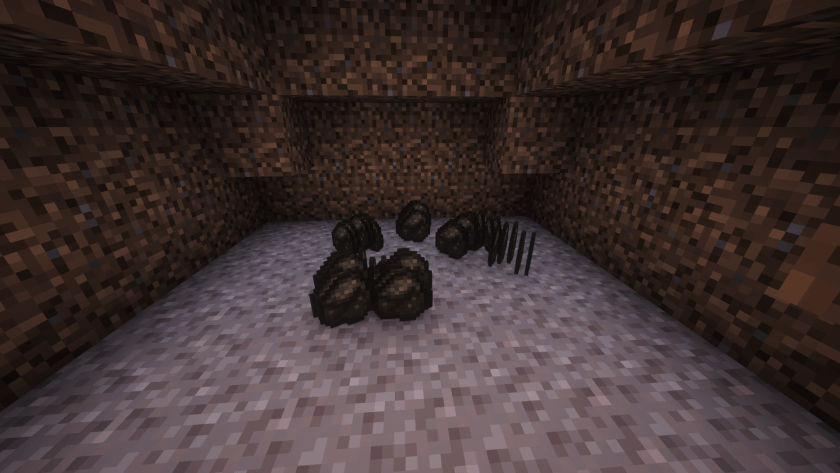
Final step: Collect the charcoal. When the process is over the smoke particles and magma block will disappear. You can choose between a “vanilla” mode that drops charcoal items directly and a more immersive one that instead places layers of charcoal.
Screenshots
Gallery
-
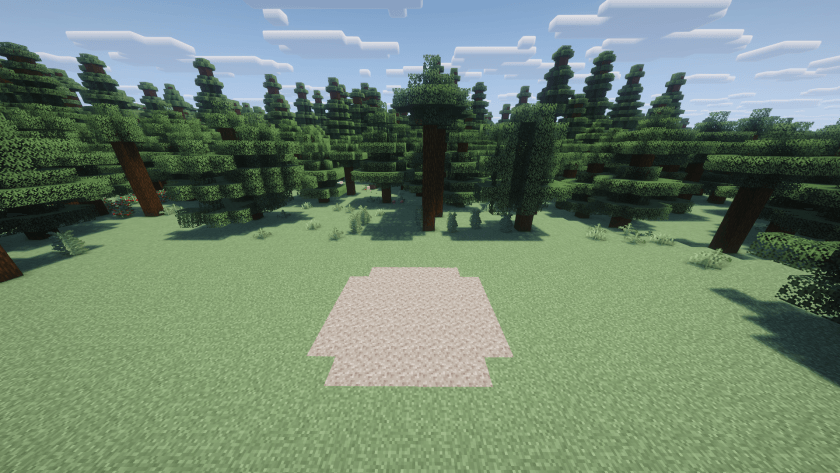 Step1.png FIst step. (All screenshots were taken with Complementary Shaders - Reimagined)
 -
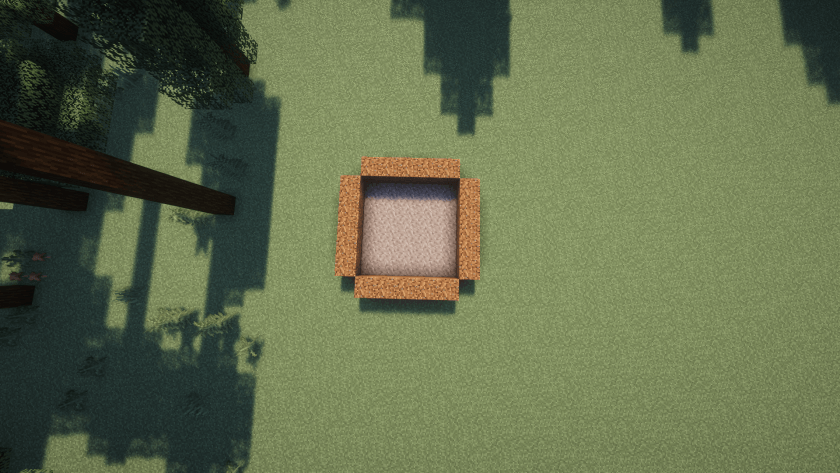 Step2fromAbove.png Step 2
 -
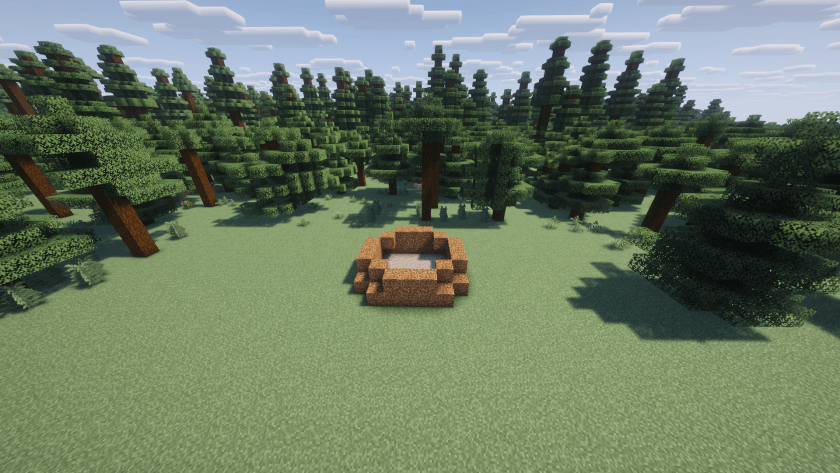 Step3.png Step 3
 -
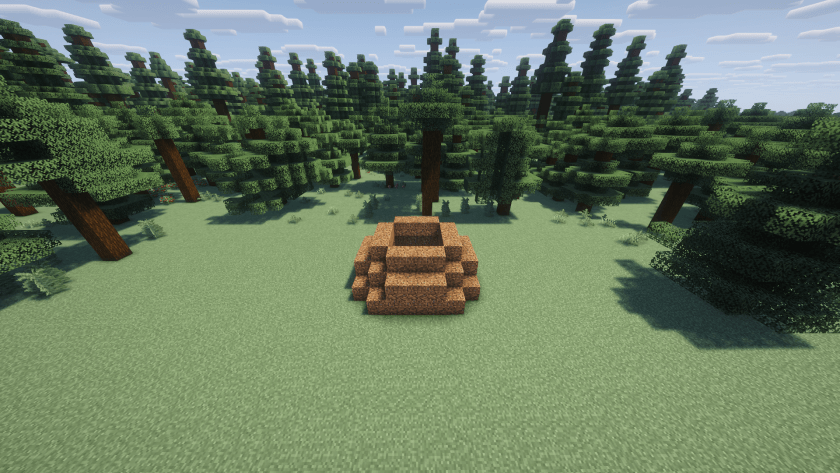 Step4.png Step
 -
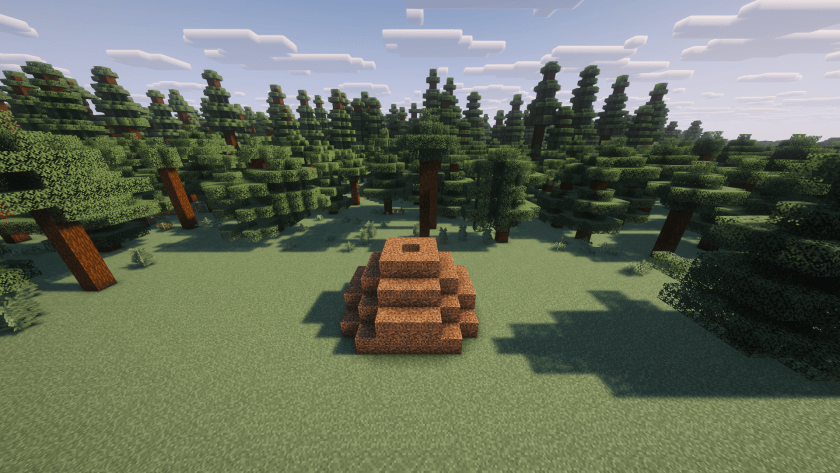 Step5.png Step 5
 -
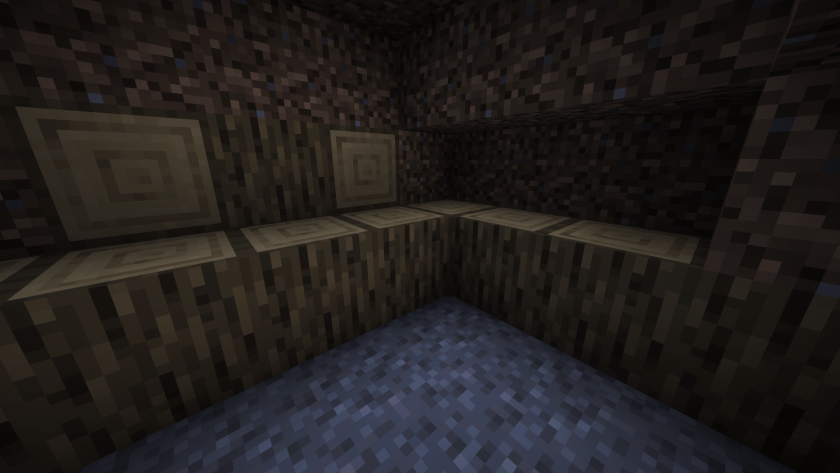 Step6.png Step 6. Add logs until it's full.
 -
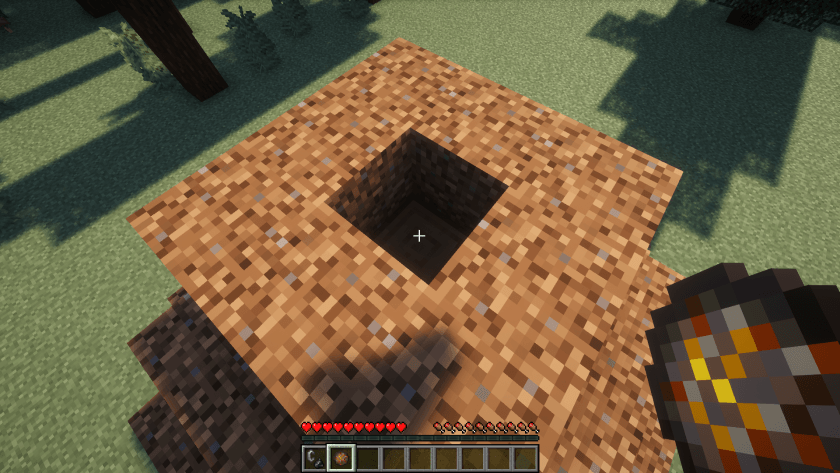 Step7.png Step7
 -
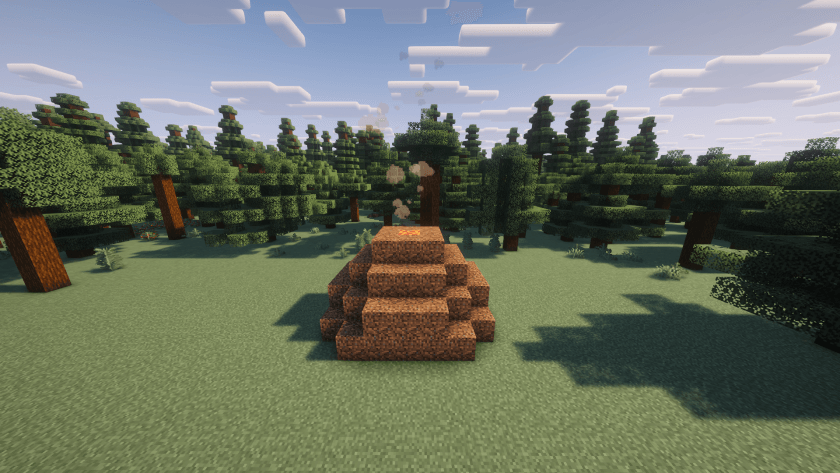 WorkingBurner.png Working Burner
 -
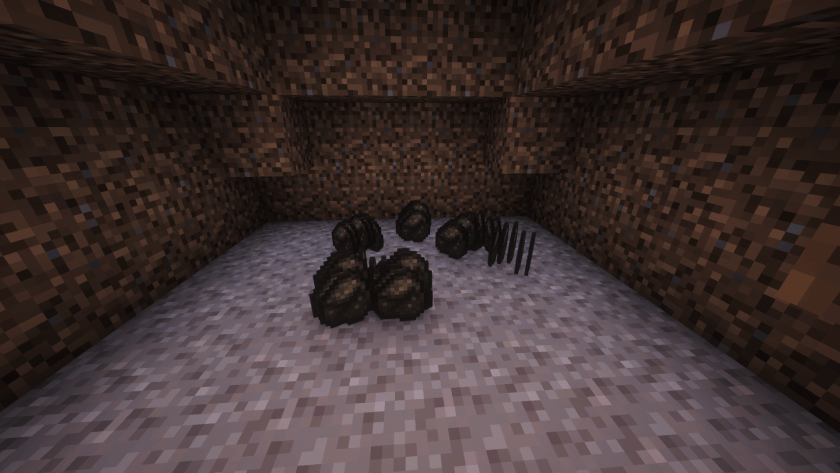 TransformationOutput.png Transformation Output
 -
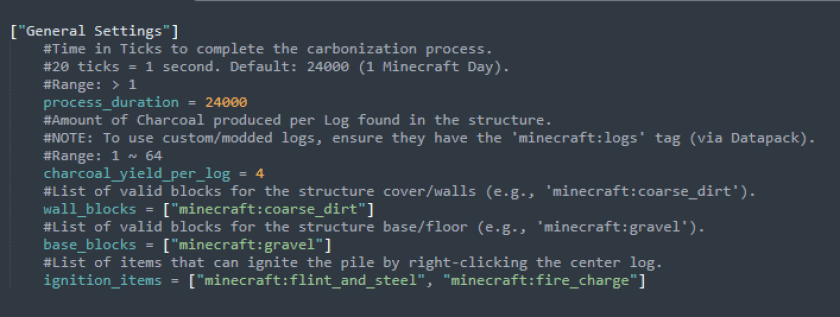 carbonaia-common.toml The config file (carbonaia-common.toml)
Versions
Files
Relations
Project Relations
More like this
Similar Mods
Suggestions use data such as tags, dependencies, dependents, descriptions, titles, and more to rank how much they overlap with this mod.
On ModDex
Community snapshot
By the numbers
Statistics
Want to reach Minecraft players?
We're looking for a server hosting partner to feature here and other parts of the site. Interested? Send us a message!
Get in touchGet it on
Available Platforms
On ModDex
Community snapshot
By the numbers
Statistics
Resources