
Community listing page, reviews here may not be monitored by the author.
Checkmate

No reviews yet
Gives you the opportunity to play a chess game of any size anywhere in the minecraft world.
Community voices
Reviews
No reviews yet. Be the first to review this project!
Get it on
Available Platforms
Compatibility
Supported Environments
Required on the server. Installing it on the client adds functionality.
About
Project Details
For authors
Embed Badge
If you're the author of this project, you can embed a live badge anywhere that supports HTML or Markdown. It updates automatically whenever ratings change.
Use HTML for any page that supports it, or Markdown for README files and Markdown-based descriptions.
Identifiers
Platform IDs
About
Description
Chess
Playing Minecraft is a pleasure for many, so why not combine it with chess, an ancient game that has existed for over one and a half thousand years?
Mechanics
How to Obtain the Chessboard?
There are two ways to get the chess set:
- Crafting
Craft the chess set using 9 items:
- Chiseled Deepslate
- Polished Deepslate Wall
- Polished Diorite
- Diorite Wall
- Redstone
- 2x Black Terracotta
- Brown Terracotta
- Command
If commands are enabled in the accessibility settings, use the following command:
/function main:give_item
Operating Modes
Adjusting Chessboard and Piece Sizes
You can adjust the size of the chessboard and pieces (the default size is 1). You can increase or decrease it as follows:
-
To Increase Size:
- Pick up the chess set after obtaining it.
- Hold down the Shift key.
- Move the mouse cursor above the middle of the screen.
- Right-click.
-
To Decrease Size:
- Perform the same steps as increasing the size, but move the mouse cursor below the middle of the screen.

Playing Chess
To play chess:
- Right-click on the chessboard while Shift is not pressed.

Picking Up the Chessboard
To pick up the chessboard:
- Hold down the Shift key.
- Look straight up while standing near the chessboard.
Once picked up, the chessboard will appear in your inventory.

Currently, the rules of the chessboard do not match the most common ones, which will be corrected in the future.
At the moment, there is a datapack, which is also a resourcepack!
Screenshots
Gallery
-
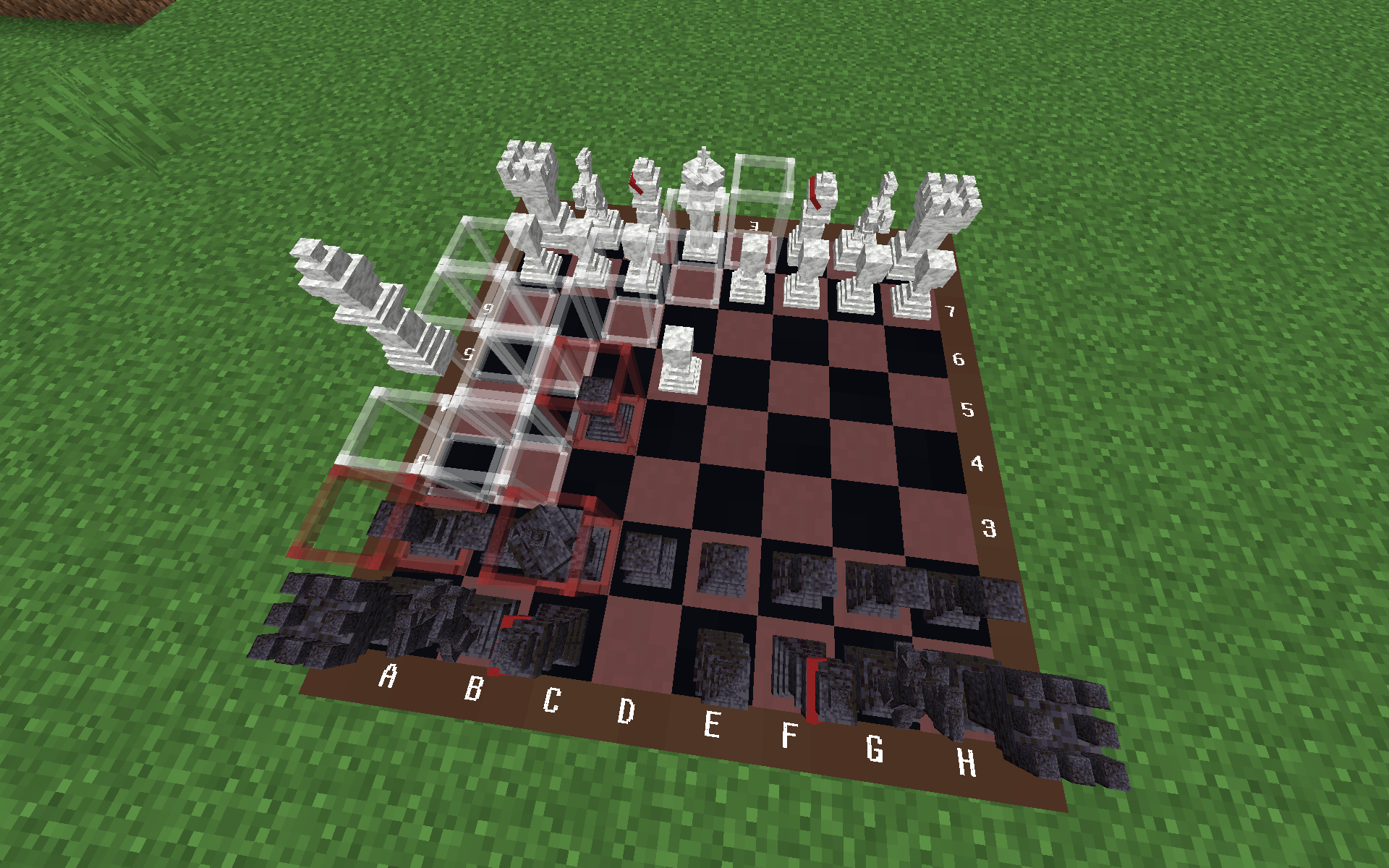 Fool's Mate
 -
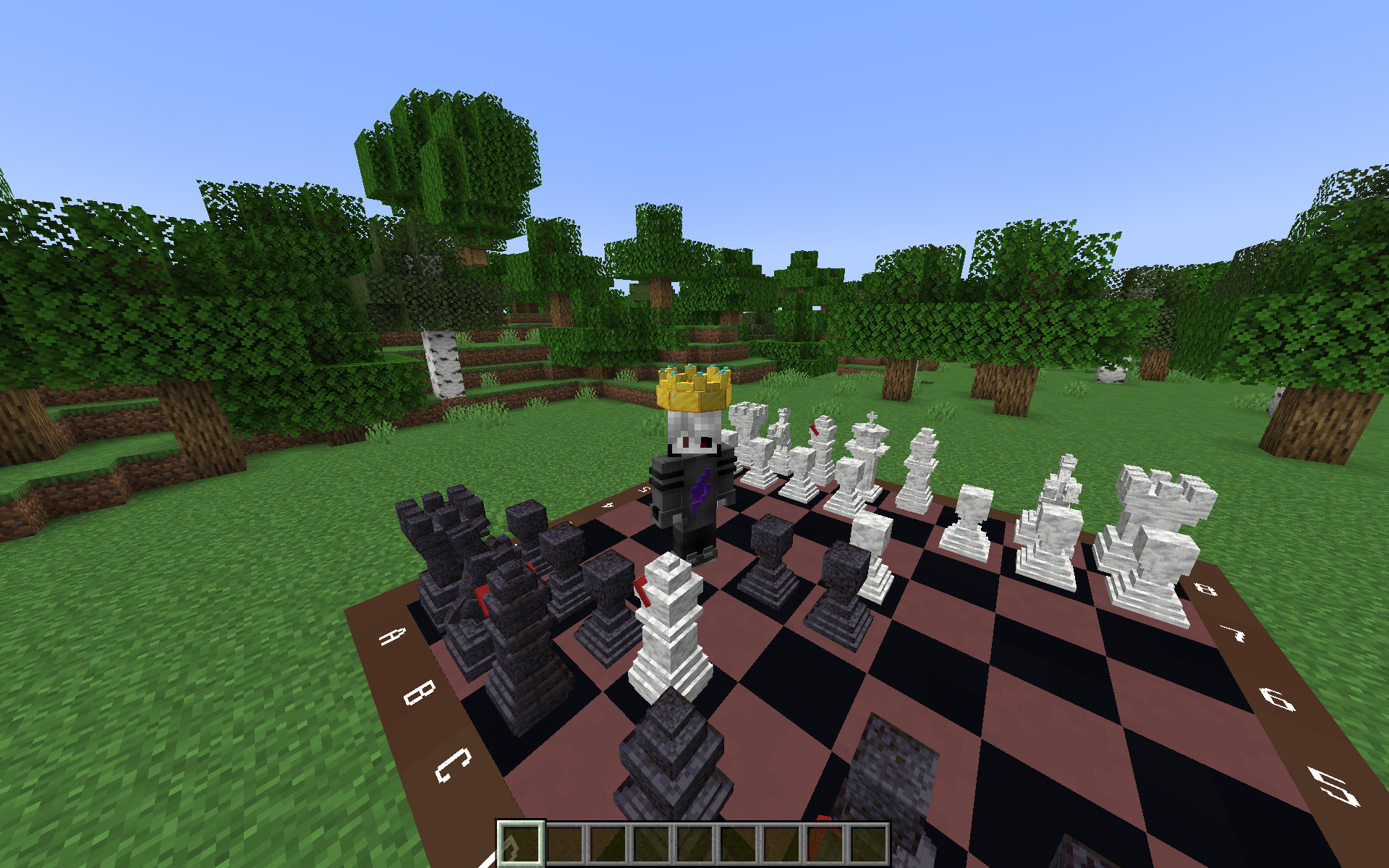 Winning the game After killing the king, a crown will appear on you, which will disappear in 2 minutes.
 -
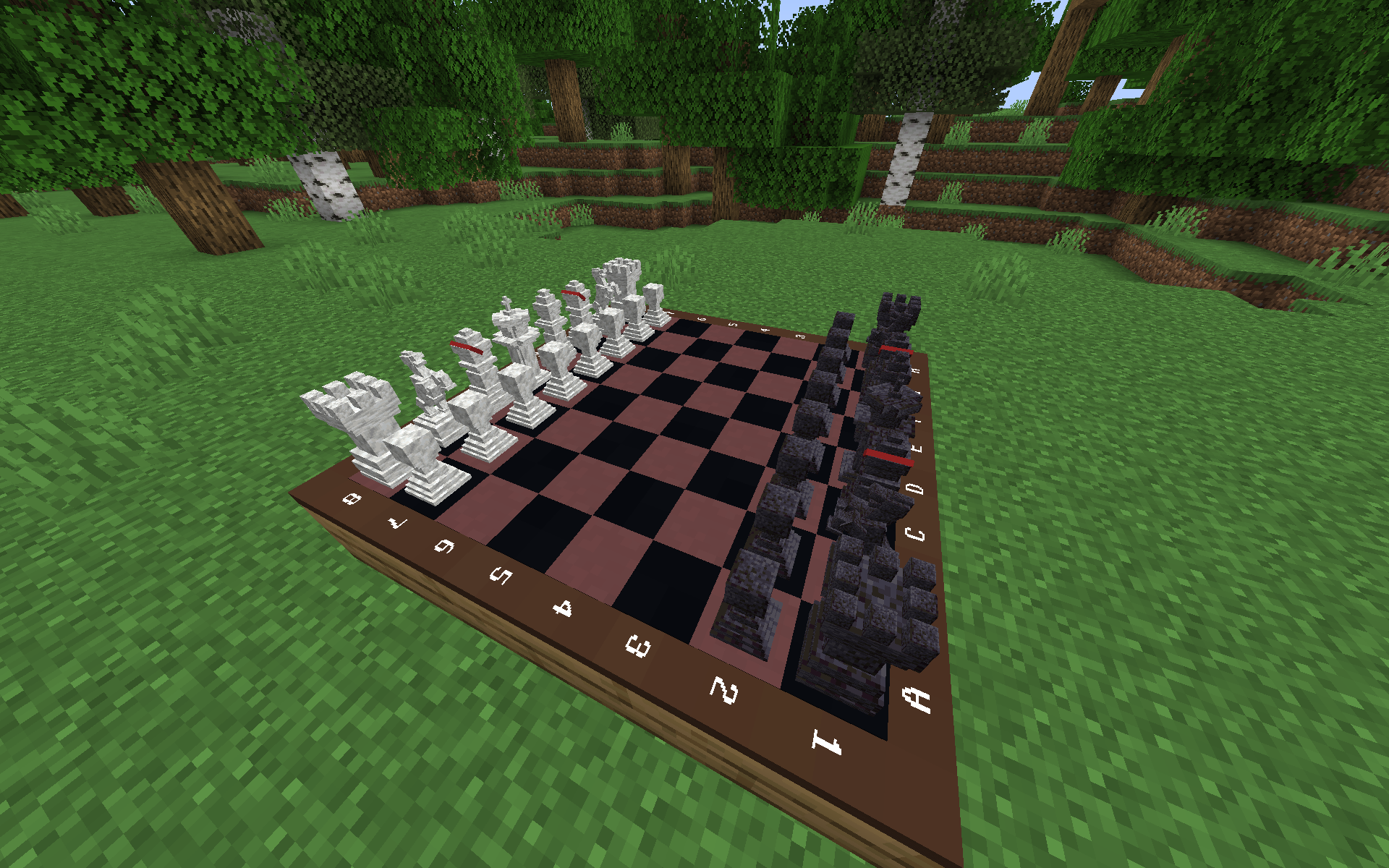 2x2 Chessboard
 -
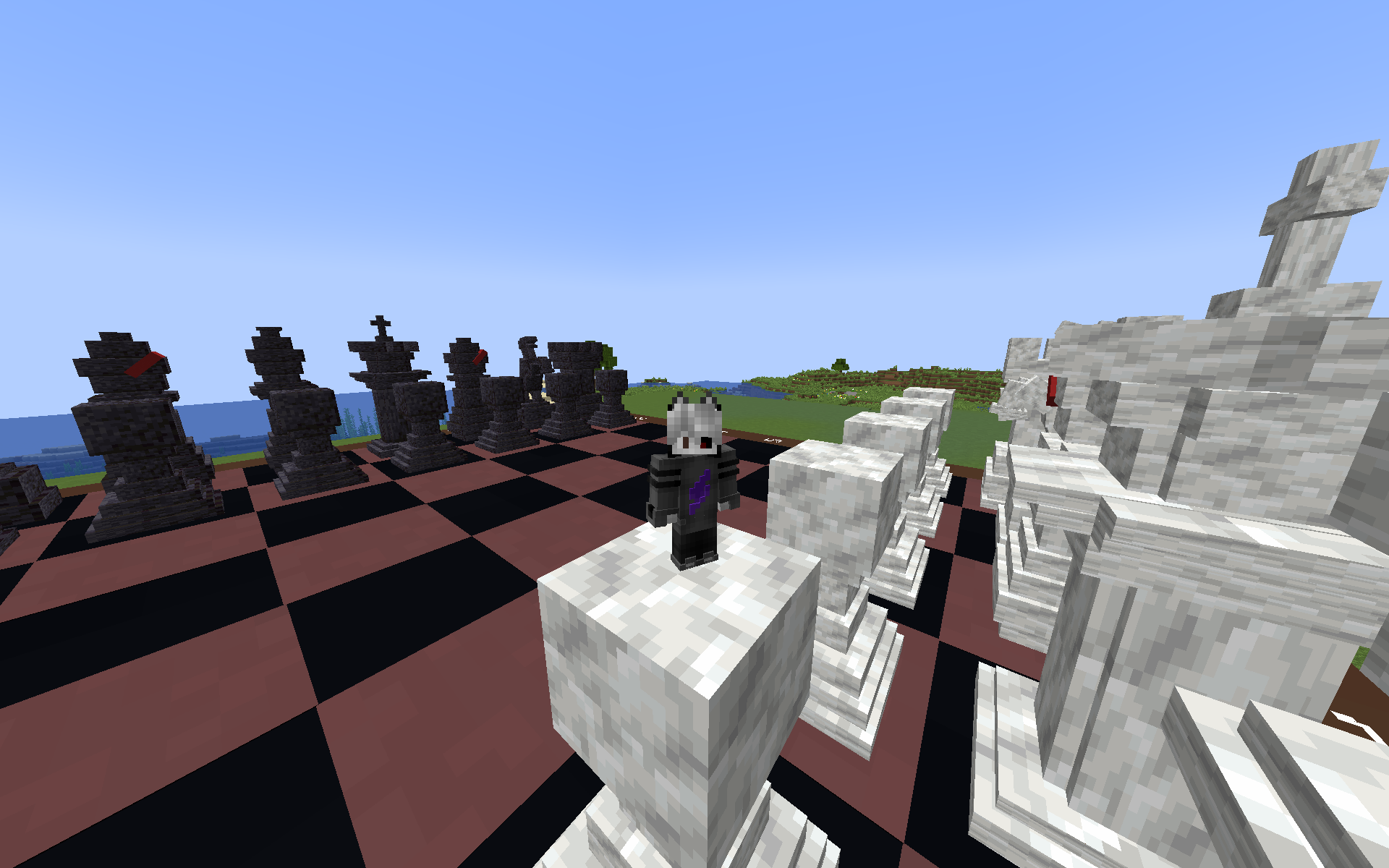 A 50-size chessboard and a player
 -
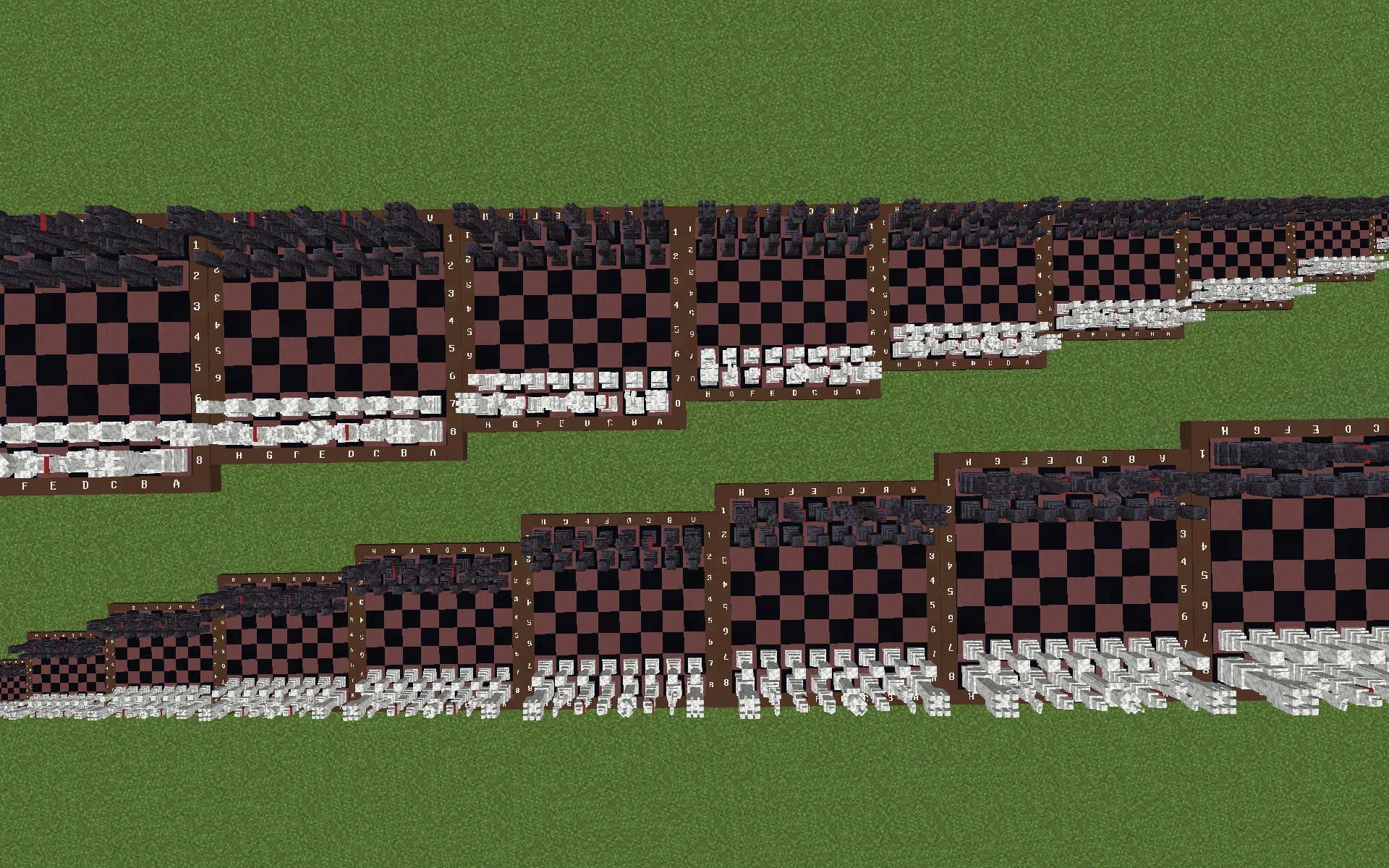 Various sizes
Versions
Files
Relations
Project Relations
More like this
Similar Mods
Suggestions use data such as tags, dependencies, dependents, descriptions, titles, and more to rank how much they overlap with this mod.
On ModDex
Community snapshot
By the numbers
Statistics

Want to reach Minecraft players?
We're looking for a server hosting partner to feature here and other parts of the site. Interested? Send us a message!
Get in touchGet it on
Available Platforms
On ModDex
Community snapshot
By the numbers