![More Backpacks [Forestry Addon]](https://media.forgecdn.net/avatars/thumbnails/3/206/256/256/635351422295379878.png)
Community listing page, reviews here may not be monitored by the author.
More Backpacks [Forestry Addon]

No reviews yet
More Backpacks [Forestry Addon]
Community voices
Reviews
No reviews yet. Be the first to review this project!
Get it on
Available Platforms
About
Project Details
For authors
Embed Badge
If you're the author of this project, you can embed a live badge anywhere that supports HTML or Markdown. It updates automatically whenever ratings change.
Use HTML for any page that supports it, or Markdown for README files and Markdown-based descriptions.
Identifiers
Platform IDs
Resources
External Links
About
Description
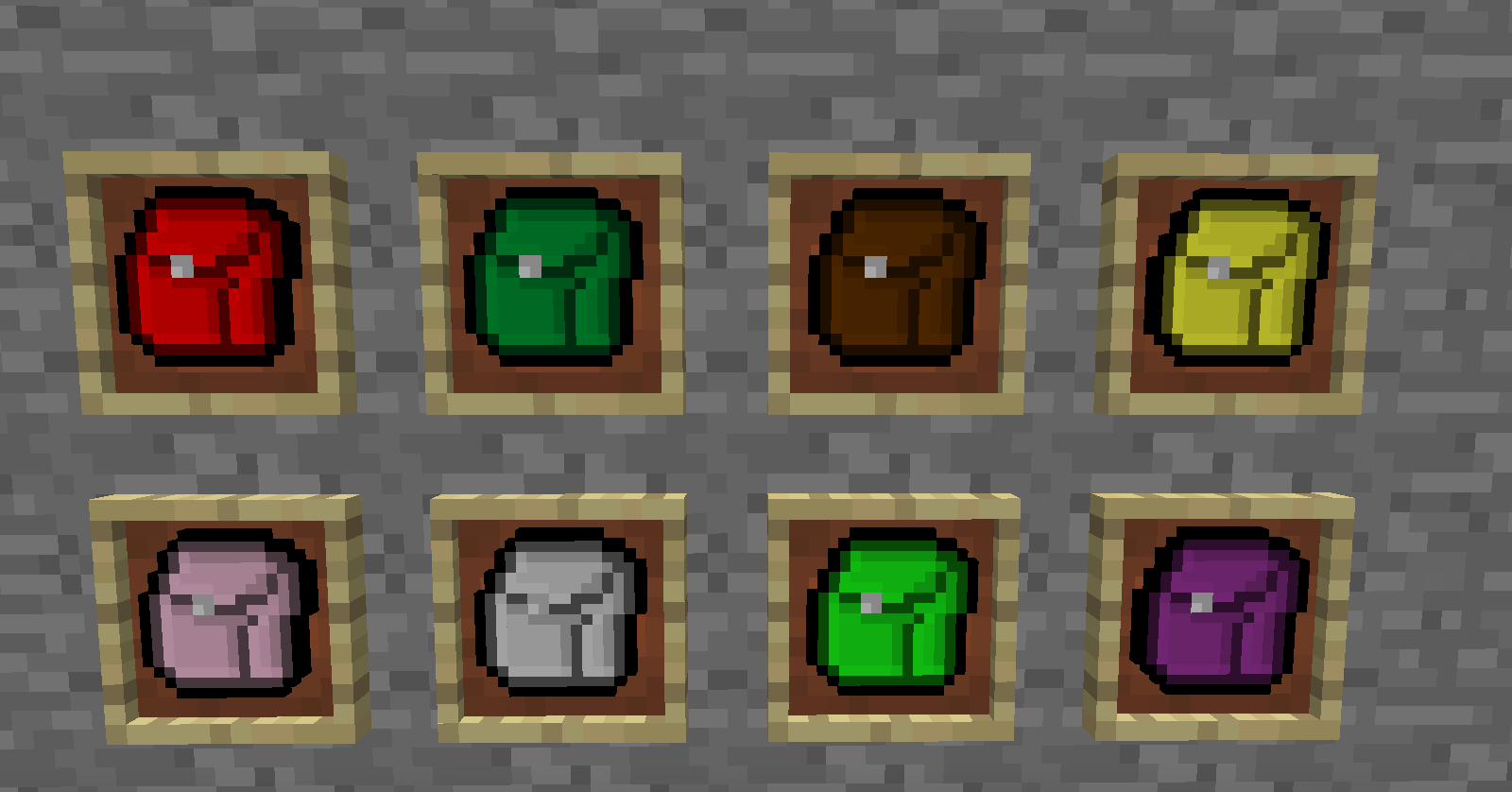
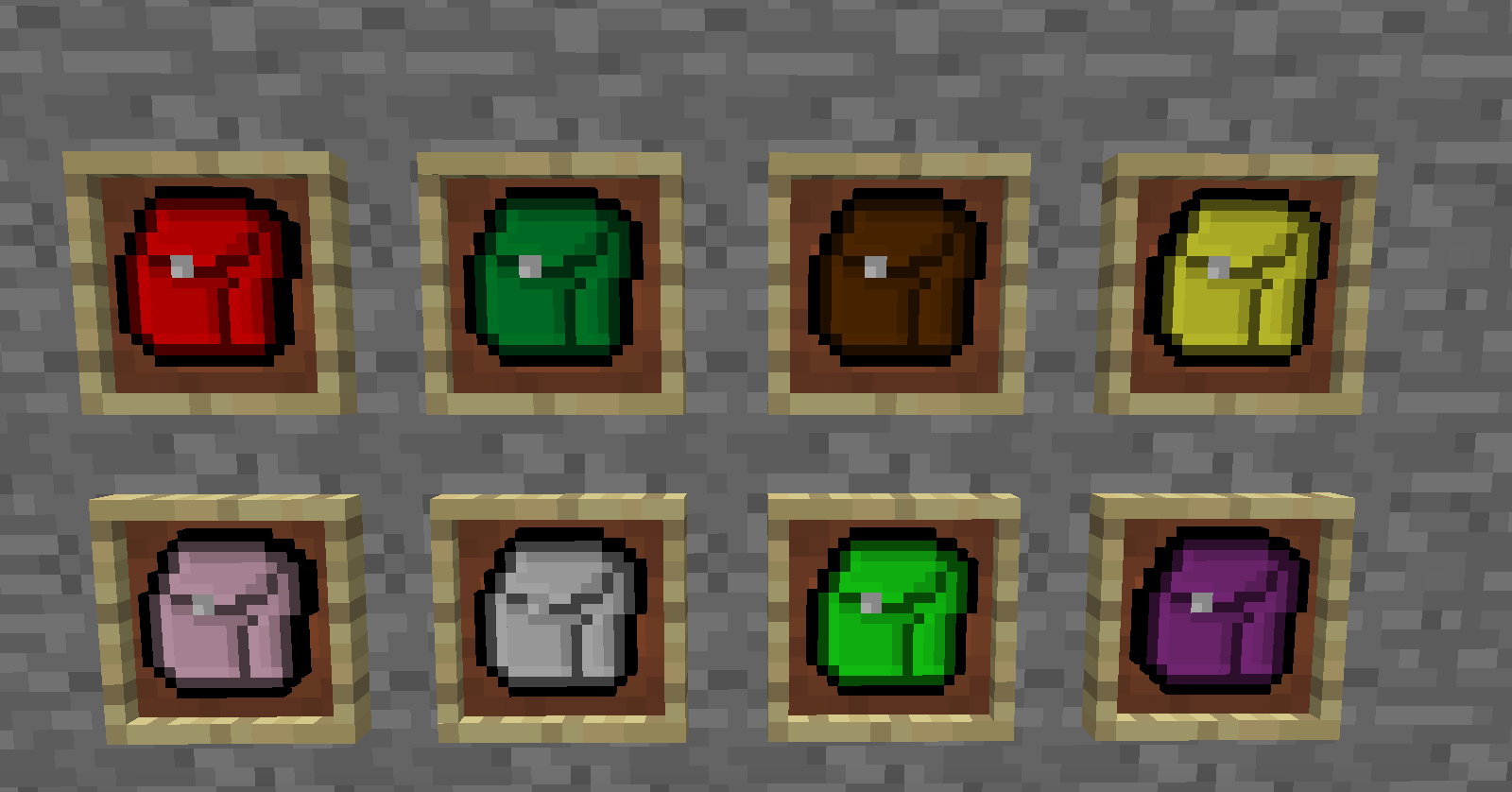
Finally a backpack for every occasion!
This mod is an addon for Forestry, and adds a bunch of new backpacks, each on crafted just like the vanilla forestry ones.
The Backpacks!
- Redstone Engineer's Backpack - holds redstone dust, torches, repeaters, levers, buttons, and pressure plates. Special Item: Block of Redstone
- Farmer's Backpack - holds plant materials like seeds and wheat, as well as netherwart, cacti, reeds, and if you have Industrialcraft 2 installed, it holds seed bags, the cropnalizer, fertilizer and hydration cells. Special Item:Seeds
- Survivalist's Backpack - holds food! Lots of food! All cooked meats (not raw), bread, mushroom soup, apples, forestry honey pots, and if you have Industrialcraft 2, it can hold full and empty food cans, and if you have Thaumcraft 3 it can hold meat nuggets and the triple meat treat. Special Item: Cooked Porkchops
- Artist's Backpack - holds all dyes registered with Forge, decorative blocks such as wool, stone bricks, bricks, slabs, stairs, torches, lamps, glass, ect: Industrialcraft 2 painters, iron fence, scafold. Special Item: Yellow Dye
- Magician's Backpack - holds anything related to magic, from bottle o' enchanting, enchanted books, to Thaumcraft 3 golems, jars, essences, wands and more. Special Item: Enchanted Books
- Metallurgist's Backpack - Hold (nearly) all metal nuggets, ingots, blocks, dusts, small dusts and plates. Special Item: Gold Ingot
- Hydraulic Engineer's Backpack - Holds all liquid containers registered with Forge, as well as liquid transport and storage devices. Special Item: Empty Buckets
- Jewler's Backpack - Holds any items from the Ore Dictionary that start with "gem" such and diamonds, emeralds, Redpower and Gregtech rubies, sapphires and others. Special Item: Emeralds
- Logistical Engineer's Backpack - Holds anything relating to item transport, from hoppers, rails and carts to Buildcraft Pipes.
- Electrician's Backpack - Holds anything related to energy or power, from MJ to EU. Special Item: If IC2 is installed it will be copper cables, if Buildcraft it will be gold power pipes and if neither it will be redstone dust.
- Nuclear Engineer's Backpack - REQUIRES Indusrtrialcraft 2: Holds all nuclear reactor components, as well as the reactor and reactor chambers. Can hold all GregTech reactor components as well. Special Item: Coolant cells
- Programmer's Backpack - REQUIRES ComputerCraft: Holds computers, cables floppy disks, turtles. Special Item: Cables
Installation
You MUST have Forestry installed first: Get Forestry Here.
Install Red Gear Core1.
Just toss the More Backpacks.jar into your mods folder.
In the config you can easily enable or disable any backpacks you like, and change the item ID's if necessary.
1Must be version 2.0.2 or higher
Adding Items To Backpacks
If you want to configure the items a backpack holds, go into the config folder located in config/redgear/morebackpacks. Inside you'll find a series of .json files for each backpack. Open the one you want to edit with a text editor. There are only two values in these files.
- The first value; backpackKey, is the name of the backpack.
- The second value; items, is a list of approved items using the new 1.7 item registration system. You can find the values for these in the fml-client logs.
- The syntax for these entries is "modId:itemName@meta" where "@meta" is optional and leaving it empty will allow any meta value. Save and restart minecraft to see your changes effects. Deleting one of these files will replace it with the default.
What Happens when two backpacks hold the same thing?
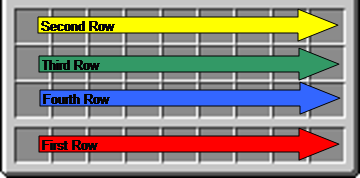
Forestry already handles this, since it is possible to have two of the same backpack. What happens is first it will look at your hot bar, and fill any backpacks from left to right. So if your hot bar has a miners and a redstone backpack, it will put any redstone into the left-most. If your hot bar has no backpack space, it will go to the top row of your inventory and fill from left to right, and then down to the next row and so on.
Hopefully this picture will help make it clearer.
Screenshots
Gallery
-
 More Backpacks Header image More Backpacks Header image
Versions
Files
Relations
Project Relations
More like this
Similar Mods
Suggestions use data such as tags, dependencies, dependents, descriptions, titles, and more to rank how much they overlap with this mod.
On ModDex
Community snapshot
By the numbers
Statistics
Want to reach Minecraft players?
We're looking for a server hosting partner to feature here and other parts of the site. Interested? Send us a message!
Get in touchGet it on
Available Platforms
On ModDex
Community snapshot
By the numbers
Statistics
Resources