
Community listing page, reviews here may not be monitored by the author.
Chronicle Reminders


No reviews yet
Never forget farms, cooldowns, events, or anything else in Minecraft. Create fully customizable reminders with flexible schedules, custom messages, sounds, and polished notifications.
Community voices
Reviews
No reviews yet. Be the first to review this project!
Get it on
Available Platforms
Compatibility
Supported Environments
Runs entirely on the client. Works on vanilla servers.
About
Project Details
For authors
Embed Badge
If you're the author of this project, you can embed a live badge anywhere that supports HTML or Markdown. It updates automatically whenever ratings change.
Use HTML for any page that supports it, or Markdown for README files and Markdown-based descriptions.
Identifiers
Platform IDs
Resources
External Links
About
Description




Create reminders that trigger exactly when you need them.
Chronicle is a complete client-side reminder system built directly into Minecraft.
Schedules
- Daily reminders for recurring events
- Weekly schedules with multiple selectable days
- Custom intervals for repeating notifications
- Enable, disable, edit, or remove reminders at any time
- Test reminders instantly before relying on them
- Keep, disable, or remove supported reminders after they trigger
When → Then Rules
Create condition-based reminders without commands or configuration files.
Chronicle can notify you when:
- Health falls below a selected percentage
- Hunger reaches a selected level
- Remaining air becomes low
- Your inventory becomes full
- The held item's durability becomes low
- You enter a specific dimension
- You enter a configurable X/Z area
Rules trigger only when the condition changes from false to true. They remain quiet while the condition stays active and automatically re-arm afterward.
Client-side only. Chronicle works in both singleplayer and multiplayer without requiring installation on the server.

Aim at a supported block or baby mob and press R. Chronicle will remember the target and notify you when it becomes ready.
Watch This supports:
- Crops reaching full growth
- Beehives and bee nests filling with honey
- Cauldrons becoming full
- Composters becoming ready
- Cave vines growing berries
- Furnaces, smokers, and blast furnaces stopping
- Copper reaching full oxidation
- Baby mobs growing into adults
Press R on the same target again to stop watching it.
The dedicated Watches screen shows every active target in the current world, including its dimension and coordinates. Watches are stored separately for each world or server and survive restarts.
Chronicle never guesses remote state. Unloaded targets remain pending and are checked again when Minecraft sends their state to the client.

Chronicle keeps a local history of real reminder outcomes.
- Missed — the notification expired without an action
- Completed — Dismiss was selected
- Snoozed — a follow-up reminder was successfully created
- Filter history by status
- Review timestamps and snooze durations
- Clear history with explicit confirmation
History stores the newest 500 entries. Test and customizer preview notifications are never included.

Reminder messages can automatically include information from your current game.
Supported placeholders include:
{world}— current world{coords}— current coordinates{biome}— current biome{dimension}— current dimension
Text Placeholder API integration is also supported, allowing compatible mods to provide additional dynamic values.

Chronicle includes a powerful Notification Customizer with an instant live preview.
Choose between:
- Modern Chronicle notifications
- Native Vanilla notifications
- Minimal, Neon, Glass, and Matrix visual themes
Customize:
- Notification title and message
- Icon and icon color
- Title, message, and icon scale
- Background, border, and accent colors
- Built-in color palettes
- Advanced color picker
- Optional animations
- Custom PNG or JPG backgrounds
- Custom notification sounds
- Snooze duration and notification actions
Modern notifications can include clickable actions:
- Snooze for 5, 10, 15, 30, or 60 minutes
- Dismiss to close the current notification
Actions can be disabled completely. Vanilla notifications always preserve their native action-free layout.
Custom Modern backgrounds are validated, center-cropped without distortion, and covered with an automatic readability tint.

Choose between:
- Vanilla notification sound
- Off
- A custom local audio file
Supported formats:
MP3 · OGG · WAV · AIFF · AU
Custom audio is decoded outside the render thread, cached safely, limited to 16 MB and 30 seconds, and cancelled correctly when replaced or when Minecraft closes.

No more changing settings, closing the menu, triggering a reminder, and discovering that it looks wrong.
Chronicle updates the preview live while you customize it, using the same renderer as real notifications.
What you configure is what appears in-game.

Everything is managed through a clean, responsive in-game interface.
- Press J to open Chronicle
- Press R to watch or unwatch a supported target
- Configure all key bindings through Minecraft Controls
- Fully usable at Minecraft's smallest logical GUI sizes
- Available in English, German, Spanish, Russian, and Simplified Chinese
- No manual configuration-file editing required
Chronicle turns Minecraft reminders into something useful, flexible, powerful, and pleasant to use.
Create reminders that trigger exactly when you need them.
Chronicle is a complete client-side reminder system built directly into Minecraft.
Schedules
- Daily reminders for recurring events
- Weekly schedules with multiple selectable days
- Custom intervals for repeating notifications
- Enable, disable, edit, or remove reminders at any time
- Test reminders instantly before relying on them
- Keep, disable, or remove supported reminders after they trigger
When → Then Rules
Create condition-based reminders without commands or configuration files.
Chronicle can notify you when:
- Health falls below a selected percentage
- Hunger reaches a selected level
- Remaining air becomes low
- Your inventory becomes full
- The held item's durability becomes low
- You enter a specific dimension
- You enter a configurable X/Z area
Rules trigger only when the condition changes from false to true. They remain quiet while the condition stays active and automatically re-arm afterward.
Client-side only. Chronicle works in both singleplayer and multiplayer without requiring installation on the server.
Aim at a supported block or baby mob and press R. Chronicle will remember the target and notify you when it becomes ready.
Watch This supports:
- Crops reaching full growth
- Beehives and bee nests filling with honey
- Cauldrons becoming full
- Composters becoming ready
- Cave vines growing berries
- Furnaces, smokers, and blast furnaces stopping
- Copper reaching full oxidation
- Baby mobs growing into adults
Press R on the same target again to stop watching it.
The dedicated Watches screen shows every active target in the current world, including its dimension and coordinates. Watches are stored separately for each world or server and survive restarts.
Chronicle never guesses remote state. Unloaded targets remain pending and are checked again when Minecraft sends their state to the client.
Chronicle keeps a local history of real reminder outcomes.
- Missed — the notification expired without an action
- Completed — Dismiss was selected
- Snoozed — a follow-up reminder was successfully created
- Filter history by status
- Review timestamps and snooze durations
- Clear history with explicit confirmation
History stores the newest 500 entries. Test and customizer preview notifications are never included.
Reminder messages can automatically include information from your current game.
Supported placeholders include:
{world}— current world{coords}— current coordinates{biome}— current biome{dimension}— current dimension
Text Placeholder API integration is also supported, allowing compatible mods to provide additional dynamic values.
Chronicle includes a powerful Notification Customizer with an instant live preview.
Choose between:
- Modern Chronicle notifications
- Native Vanilla notifications
- Minimal, Neon, Glass, and Matrix visual themes
Customize:
- Notification title and message
- Icon and icon color
- Title, message, and icon scale
- Background, border, and accent colors
- Built-in color palettes
- Advanced color picker
- Optional animations
- Custom PNG or JPG backgrounds
- Custom notification sounds
- Snooze duration and notification actions
Modern notifications can include clickable actions:
- Snooze for 5, 10, 15, 30, or 60 minutes
- Dismiss to close the current notification
Actions can be disabled completely. Vanilla notifications always preserve their native action-free layout.
Custom Modern backgrounds are validated, center-cropped without distortion, and covered with an automatic readability tint.
Choose between:
- Vanilla notification sound
- Off
- A custom local audio file
Supported formats:
MP3 · OGG · WAV · AIFF · AU
Custom audio is decoded outside the render thread, cached safely, limited to 16 MB and 30 seconds, and cancelled correctly when replaced or when Minecraft closes.
No more changing settings, closing the menu, triggering a reminder, and discovering that it looks wrong.
Chronicle updates the preview live while you customize it, using the same renderer as real notifications.
What you configure is what appears in-game.
Everything is managed through a clean, responsive in-game interface.
- Press J to open Chronicle
- Press R to watch or unwatch a supported target
- Configure all key bindings through Minecraft Controls
- Fully usable at Minecraft's smallest logical GUI sizes
- Available in English, German, Spanish, Russian, and Simplified Chinese
- No manual configuration-file editing required
Chronicle turns Minecraft reminders into something useful, flexible, powerful, and pleasant to use.
Screenshots
Gallery
-
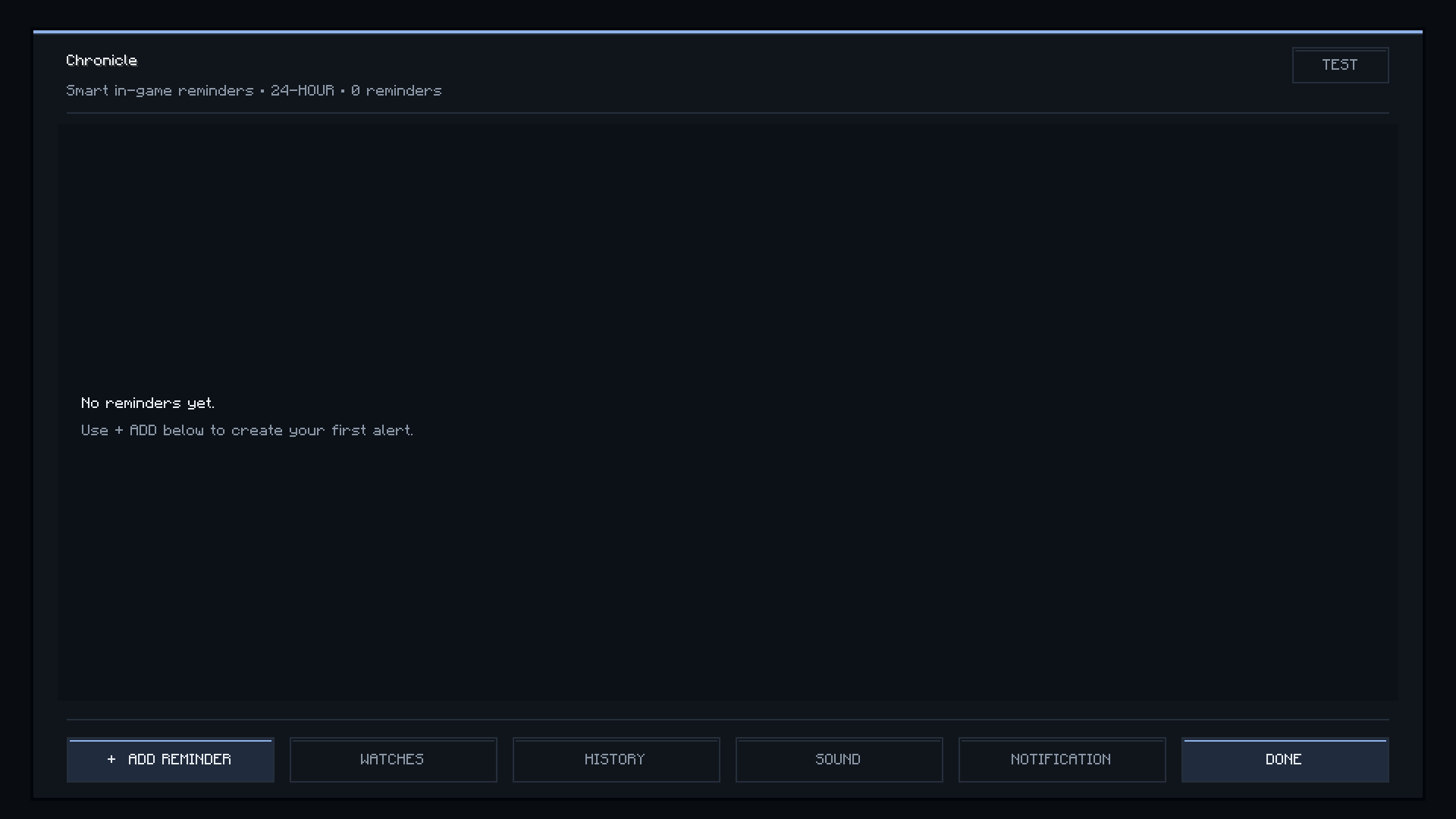 Main page
-
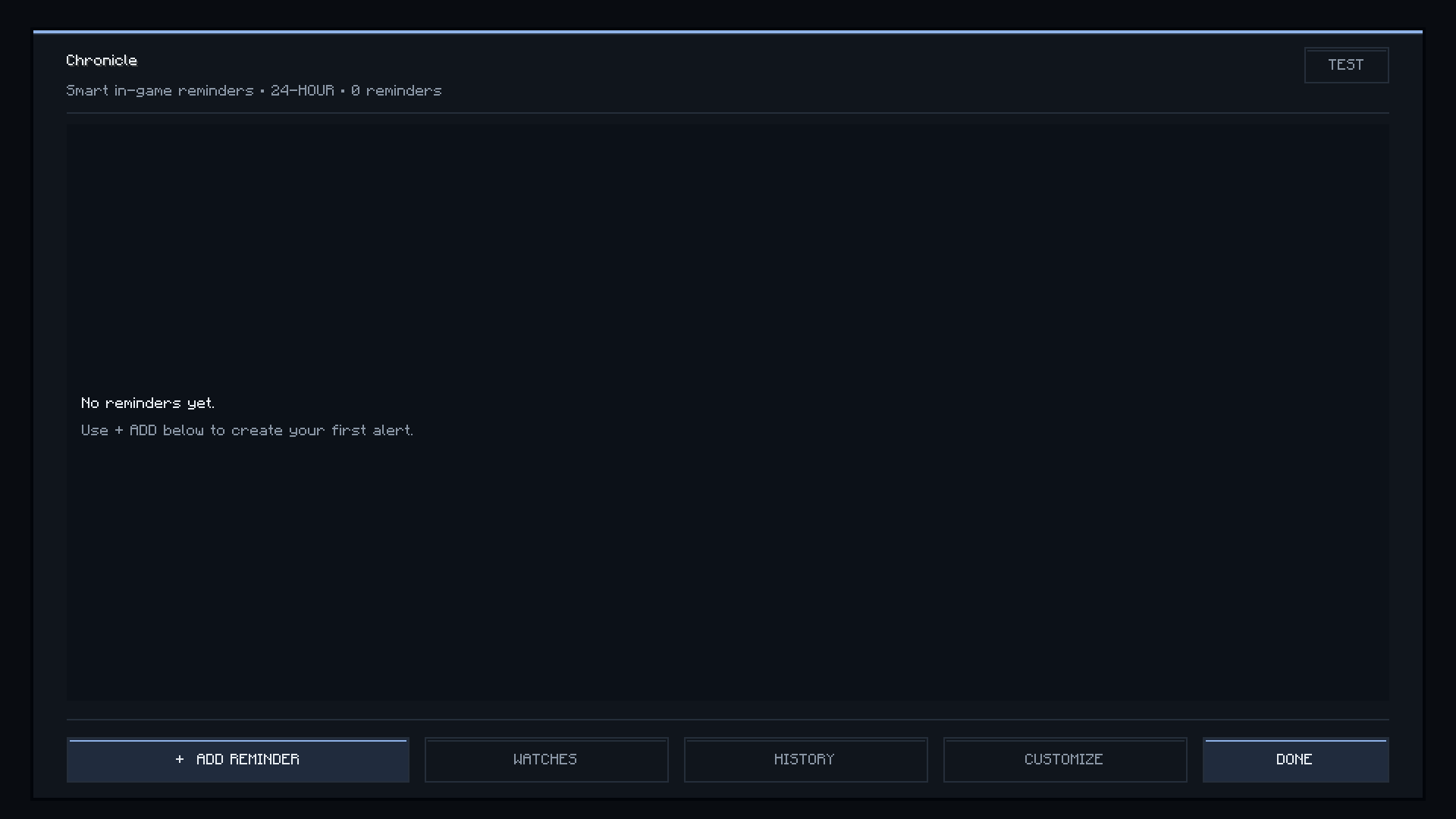 Main page Main page
Versions
Files
Relations
Project Relations
More like this
Similar Mods
Suggestions use data such as tags, dependencies, dependents, descriptions, titles, and more to rank how much they overlap with this mod.
On ModDex
Community snapshot
By the numbers
Statistics
Want to reach Minecraft players?
We're looking for a server hosting partner to feature here and other parts of the site. Interested? Send us a message!
Get in touchGet it on
Available Platforms
On ModDex
Community snapshot
By the numbers
Statistics
Resources