Community listing page, reviews may not be monitored by the author.
Chronological Chronicles

No reviews yet
Alpha 1.1.2_01 mod that adds new items, combat, blocks, enemies, and world generation changes

Community voices
Reviews
No reviews yet. Be the first to review this project!
Get it on
Available Platforms
Compatibility
Supported Environments
Works in singleplayer only; does not function in multiplayer.
About
Project Details
For authors
Embed Badge
If you're the author of this project, you can embed a live badge anywhere that supports HTML or Markdown. It updates automatically whenever ratings change.
Use HTML for any page that supports it, or Markdown for README files and Markdown-based descriptions.
Identifiers
Platform IDs
Resources
External Links
About
Description
This mod's development is currently on hiatus, but feel free to check it out regardless!
Modloader NOT required, see install instructions below
Install Instructions
Due to the introduction of the hub (and my laziness in implementing a proper system), Chronological Chronicles is now distributed as a zip file that contains two things: The actual modded .jar and The Hub world
In order for everything to work properly, the .jar and the saved world need to be put into their correct places
BetaCraft (recommended)
1. Download the provided zip file
2. Create a new alpha 1.1.2_01 instance, name it 'Chronological Chronicles'
3. Launch the instance at least once (to set up everything according to your system and download resources)
4. Extract the zip file, this will extract the 'Hub' world file and the 'chronological_chronicles' .jar. The world file MUST be placed in the instance's 'saves' directory (if a 'saves' directory does NOT exist, create one). The .jar must be placed in the betacraft's 'versions' directory
5. Change the instance version from alpha 1.1.2_01 to the 'chronological_chronicles' .jar at the bottom of the Select Version list
Prism Launcher
1. Download the provided zip file
2. Create a new alpha 1.1.2_01 instance, name it 'Chronological Chronicles'
3. Extract the zip file anywhere
4. Take the .jar file and place it into the libraries directory of the instance (or graphically, pick 'Replace Minecraft.jar' in the edit window, and select the .jar
5. Take the directory that contains the 'saves' directory, and copy the **contents** of it into the .Minecraft directory of the instance
Chronological Chronicles
The Chronological Chronicles mod is a Minecraft Alpha 1.1.2_01 mod based around exploring, and combat.
It adds:
- Cards, that grant passive effects upon being equipped
- New weapons and armors
- Many new magical staves
- New structures
- Ability to set spawn point
- Hub world functionality
- New decorative blocks
- New artisan food crafting system
- New mobs
- A new world type: Desert
- Two texture modes
- Bug fixes
And reworks:
- All textures
- Mobs to be much more agressive
- Day/Night
- Dungeons
- World generation
- HUD
This mod was originally hosted on my website https://chimneyegg.github.io/#Chronological%20Chronicles, where older versions can also be found alongside the wiki!
Also check out the latest trailer!
This mod's aesthetics were inspired by the Minecraft Alpha 1.0.16 Versions YouTube ARG and associated mods! Check them out!
For socials and contact: https://linktr.ee/chimneyeggs
Screenshots
Gallery
-
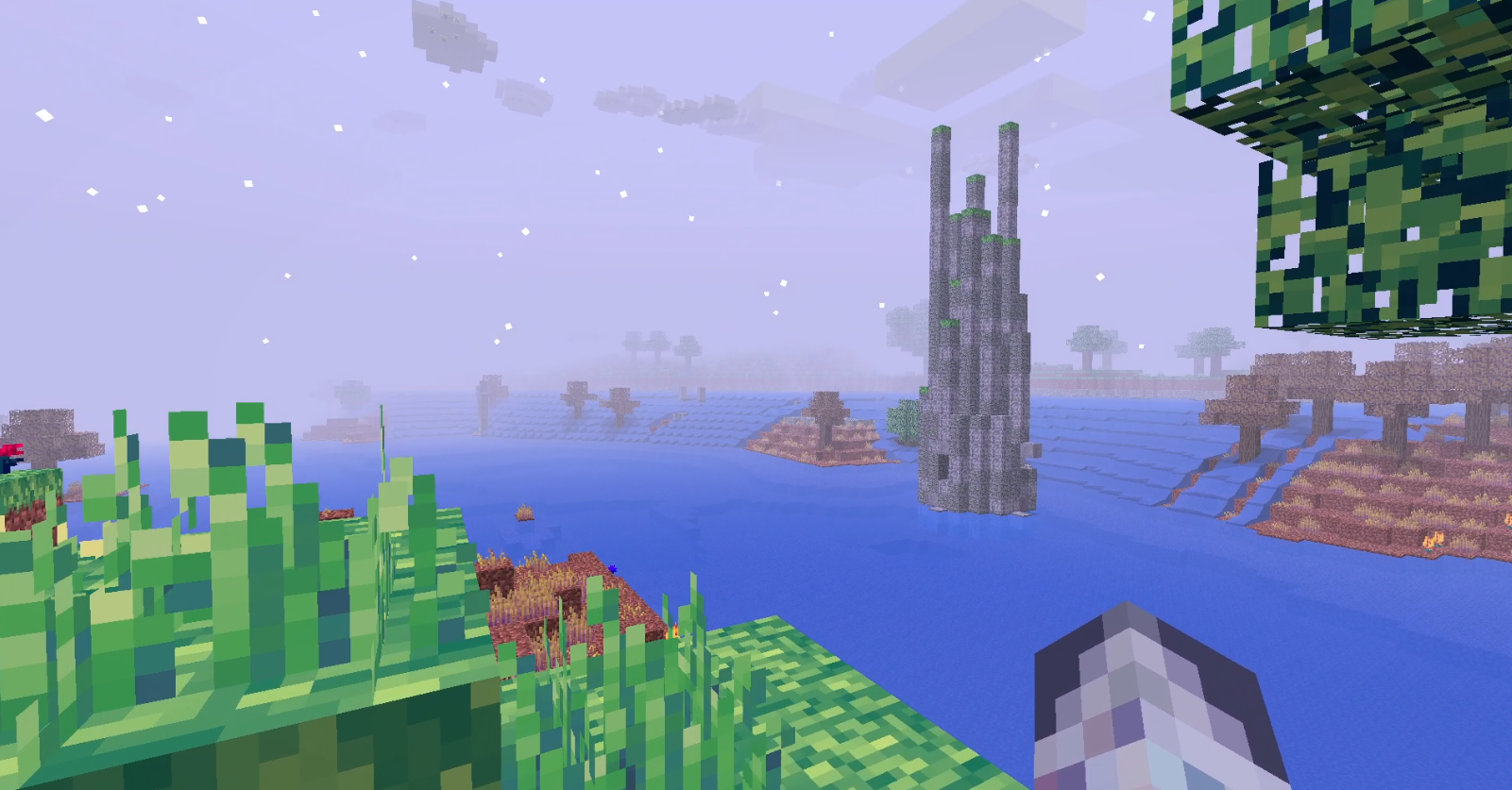 In-Game Screenshot
 -
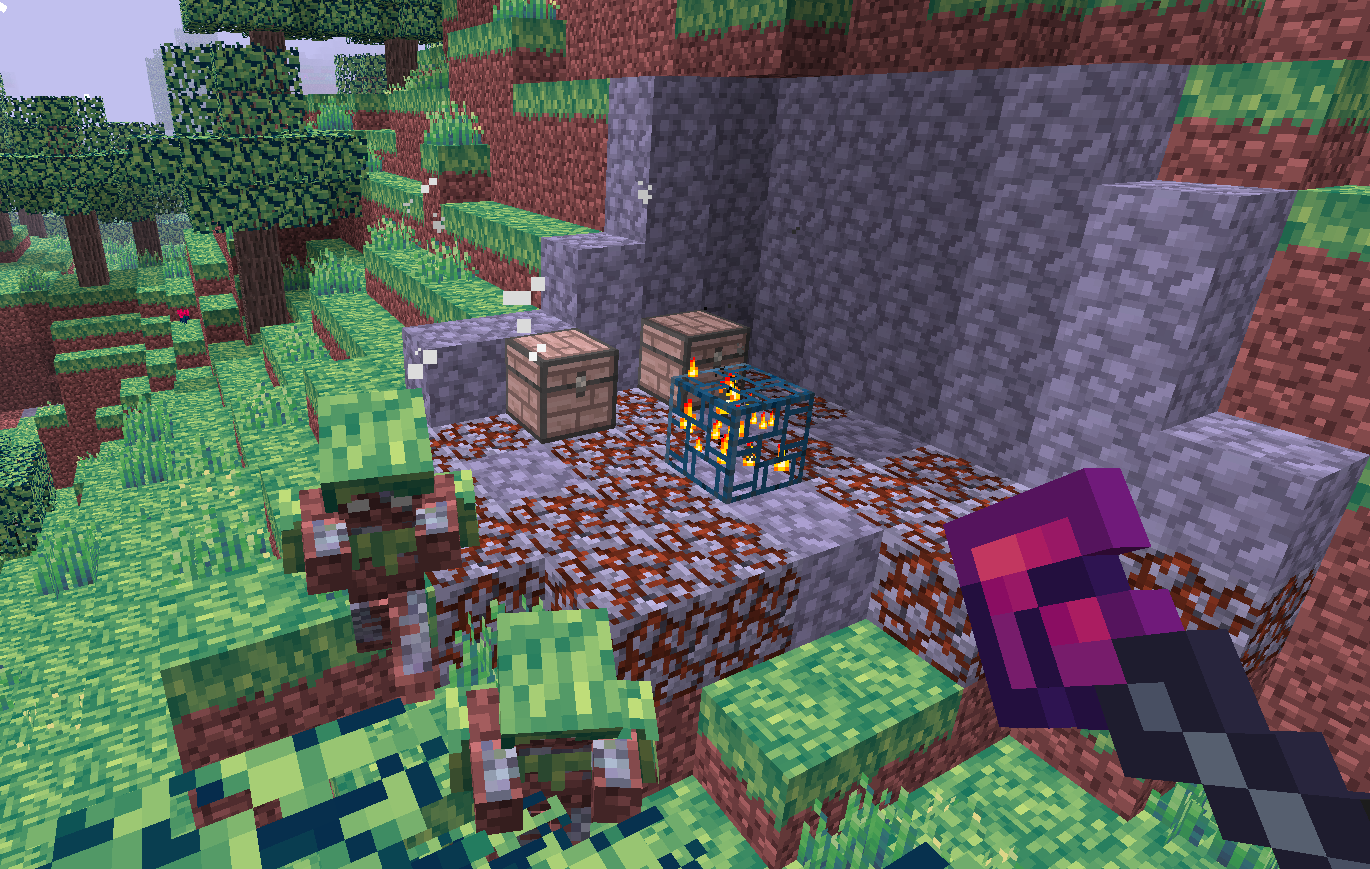 In-Game Screenshot
 -
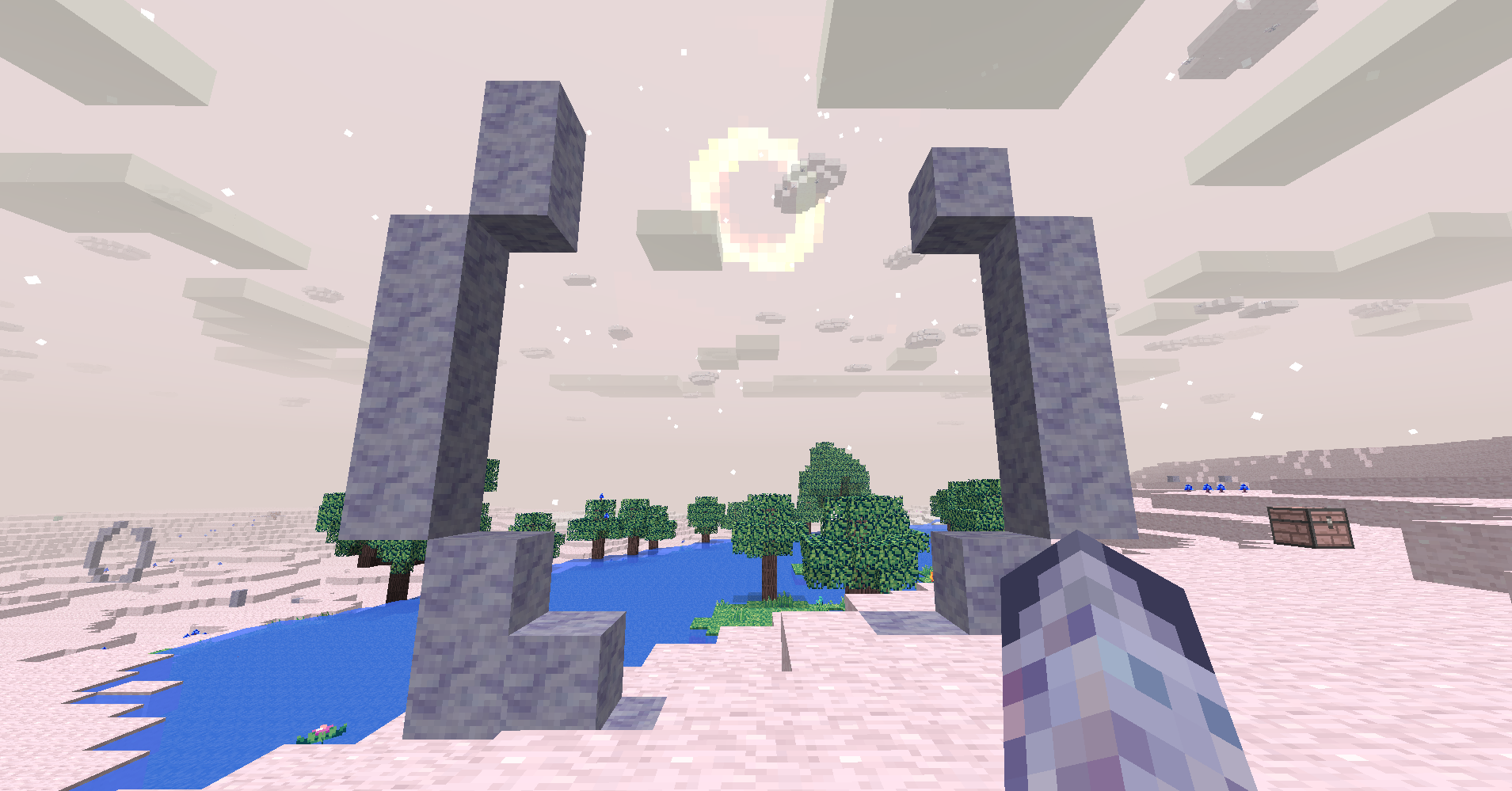 In-Game Screenshot
 -
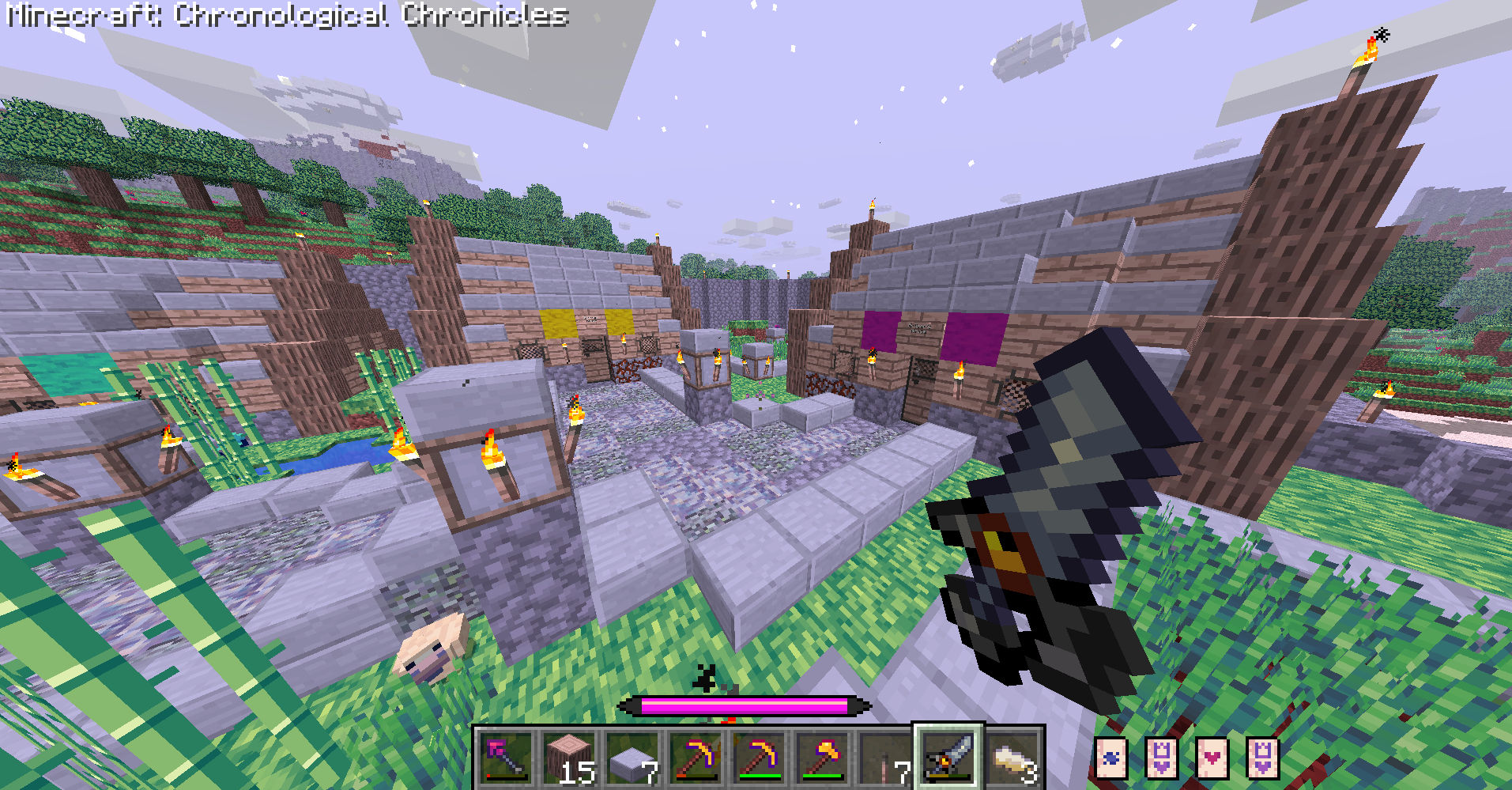 In-Game Screenshot
 -
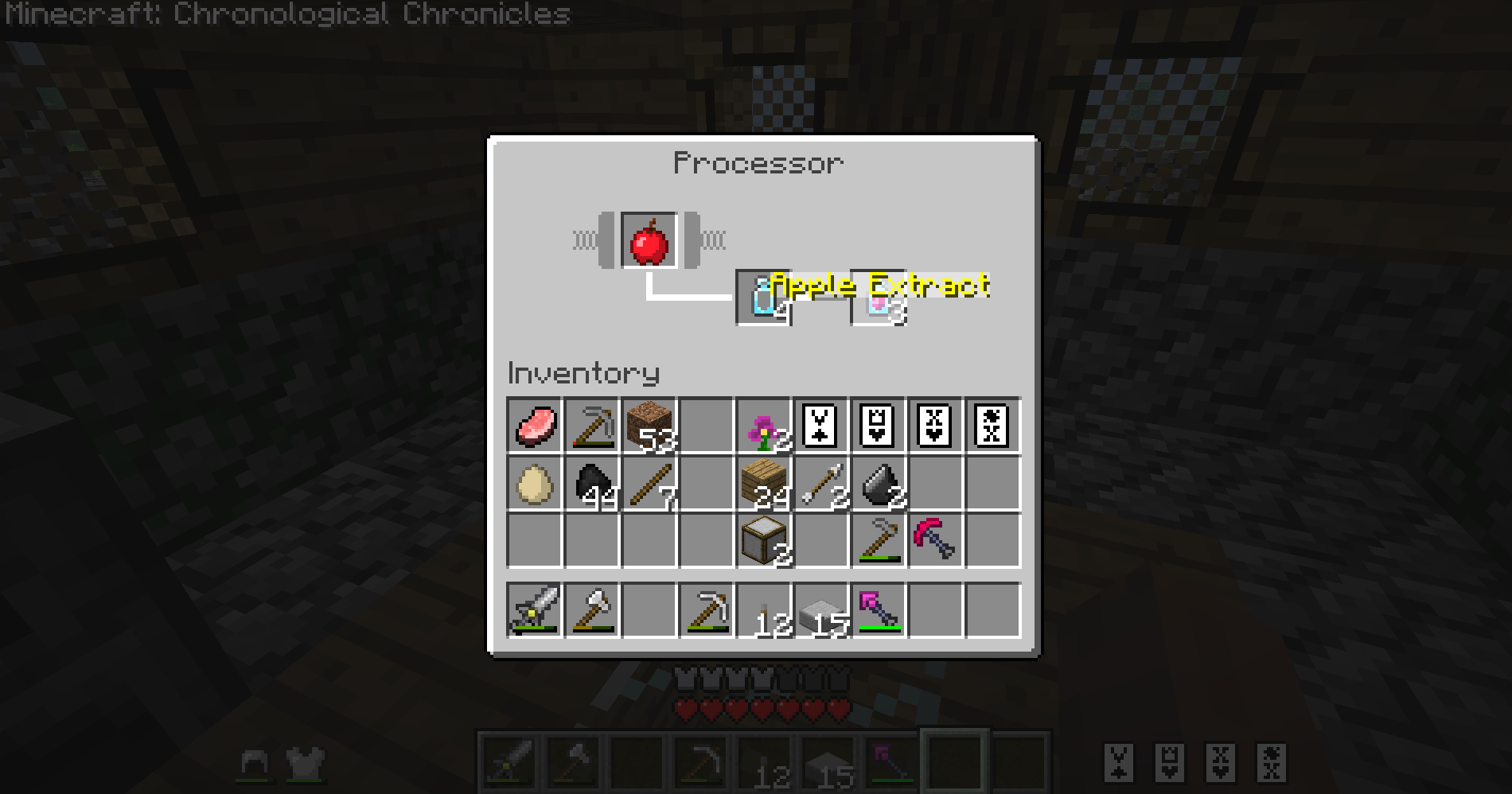 In-Game Screenshot (Classic Textures)
 -
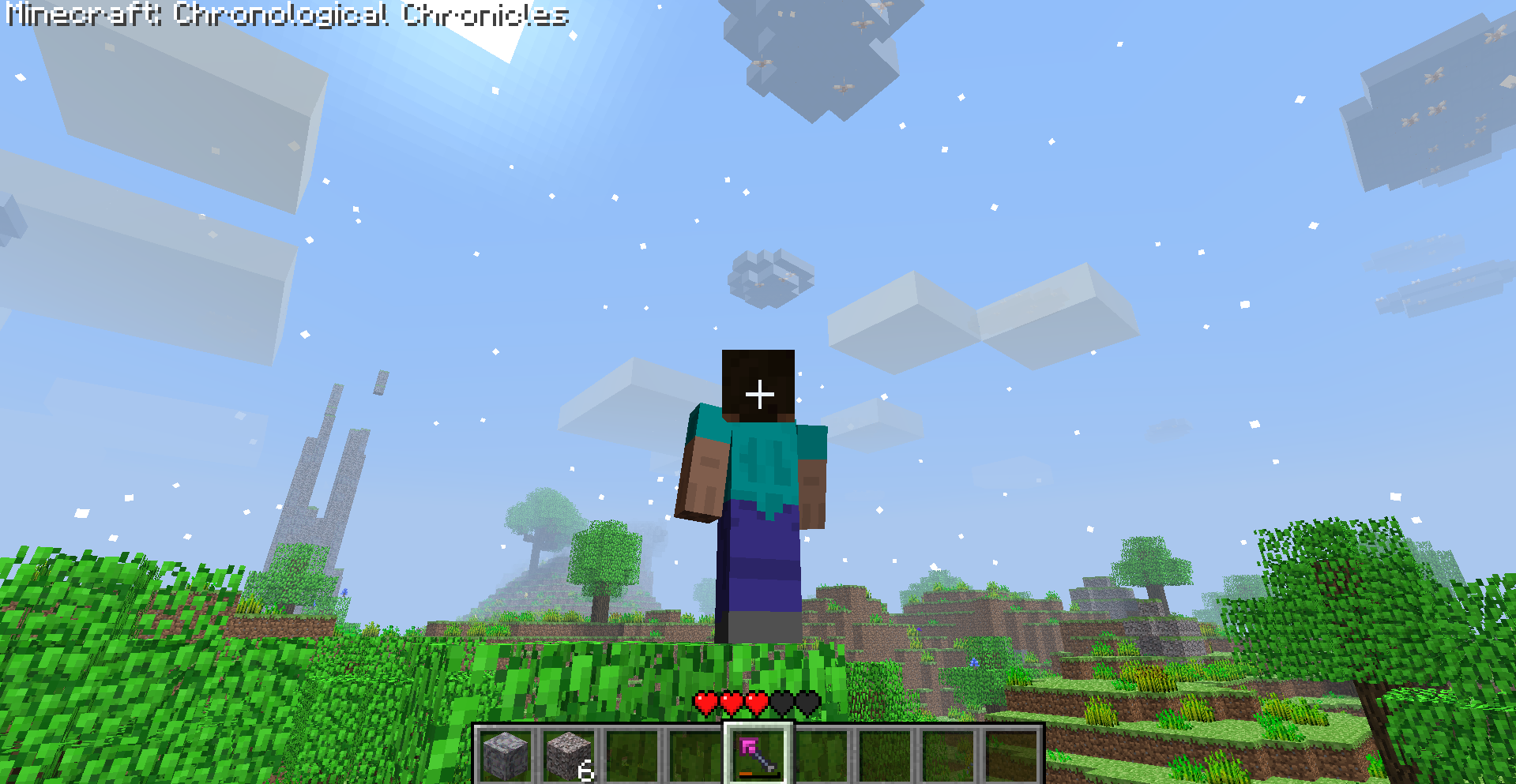 In-Game Screenshot (Classic Textures)
Versions
Files
Relations
Project Relations
More like this
Similar Mods
Suggestions use data such as tags, dependencies, dependents, descriptions, titles, and more to rank how much they overlap with this mod.
On ModDex
Community snapshot
By the numbers
Statistics


Get it on
Available Platforms
On ModDex
Community snapshot
By the numbers
Statistics
Resources