
Community listing page, reviews here may not be monitored by the author.
A-Clicker

No reviews yet
The AutoClicker Mod

Community voices
Reviews
No reviews yet. Be the first to review this project!
Get it on
Available Platforms
About
Project Details
For authors
Embed Badge
If you're the author of this project, you can embed a live badge anywhere that supports HTML or Markdown. It updates automatically whenever ratings change.
Use HTML for any page that supports it, or Markdown for README files and Markdown-based descriptions.
Identifiers
Platform IDs
Resources
External Links
About
Description
Take control of your clicks with this versatile AutoClicker mod! Whether you're farming resources, engaging in rapid combat, or just want to save your fingers some effort, this mod provides a robust and configurable solution.
Core Features:
- Dual-Mode Clicking: Automate both left-clicks (attack/break) and right-clicks (use/interact) independently or at the same time.
- Customizable Speed:
- Delay Mode: Set a precise delay (in game ticks, where 20 ticks = 1 second) between each click.
- Hold Mode: Simulate continuously holding down the mouse button for actions like mining or using a bow
Intuitive Toggle Keybind:
- Quickly toggle your saved left-click or right-click configuration on or off using a customizable modifier key (defaults to Tab) + the respective mouse button (Left Mouse Button for attack, Right Mouse Button for use).
- If the clicker is active, this key combination will turn it off and save its current settings.
- If inactive, it will activate the clicker with your last saved settings.
- Change the modifier key from Tab to anything you like in Minecraft's standard "Controls" menu!
Simple Chat Commands:
/click attack <delay>: Start left-clicking with a specific tick delay./click use <delay>: Start right-clicking with a specific tick delay./click attack hold: Hold down the left mouse button./click use hold: Hold down the right mouse button./click stop: Immediately stops all autoclicking and saves the current active configurations.
- Clear Visual Feedback: A subtle on-screen overlay shows the status of your left and right clickers, including countdowns for delayed clicks or a "HOLD" indicator.
⚠️ Warning
- Important!
Using this mod on certain multiplayer servers may violate their rules, especially if auto-clickers or automated actions are prohibited.
Is allowed on HolyWorld :)
Screenshots
Gallery
-
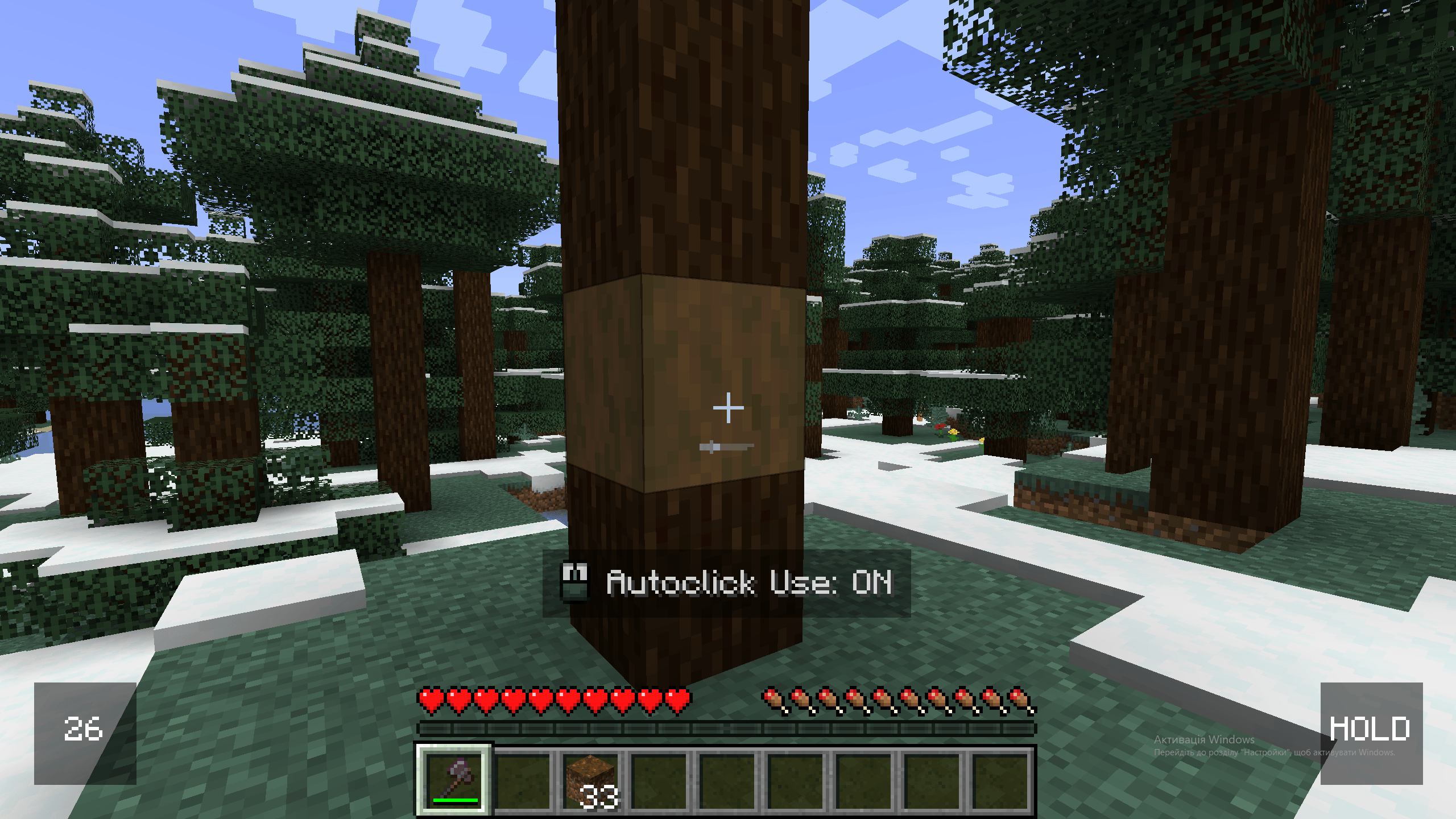 image_2025-06-19_19-58-01.png image_2025-06-19_19-58-01.png
 -
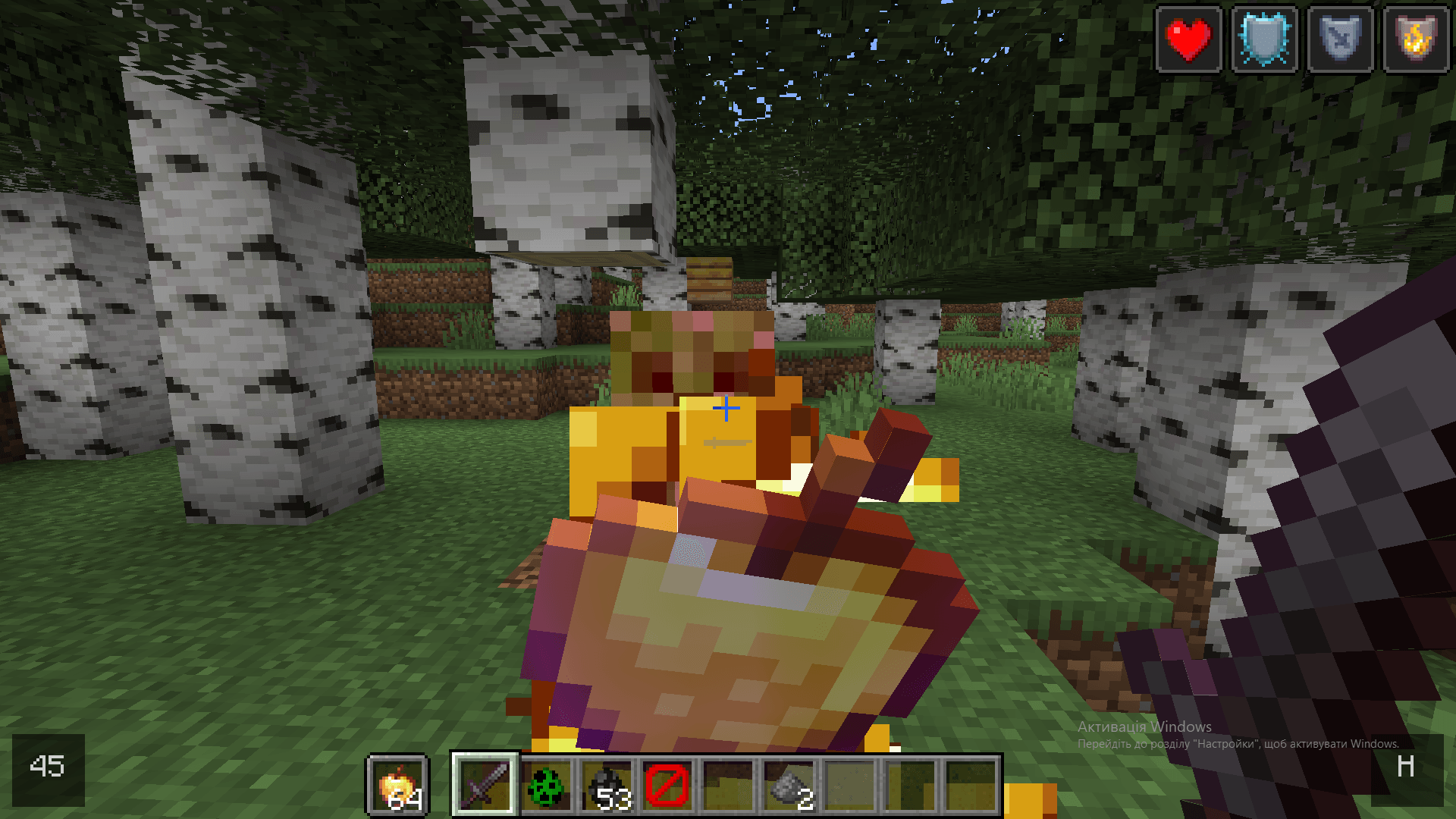 image_2025-04-20_17-04-21.png image_2025-04-20_17-04-21.png
Versions
Files
Relations
Project Relations
More like this
Similar Mods
Suggestions use data such as tags, dependencies, dependents, descriptions, titles, and more to rank how much they overlap with this mod.
On ModDex
Community snapshot
By the numbers
Statistics
 (opens in a new tab)
Get it on
Available Platforms
On ModDex
Community snapshot
By the numbers
Statistics
Resources