Community listing page, reviews here may not be monitored by the author.
Cobblemon Full Restore


No reviews yet
Recover your lost Pokémon after crashes, disconnects, or save corruption.
Community voices
Reviews
No reviews yet. Be the first to review this project!
Get it on
Available Platforms
Compatibility
Supported Environments
Runs entirely on the server. Also works in singleplayer.
About
Project Details
For authors
Embed Badge
If you're the author of this project, you can embed a live badge anywhere that supports HTML or Markdown. It updates automatically whenever ratings change.
Use HTML for any page that supports it, or Markdown for README files and Markdown-based descriptions.
Identifiers
Platform IDs
Resources
External Links
About
Description
Cobblemon Full Restore adds a simple and safe /cfr command suite for backing up and restoring a player's Cobblemon PC and Party data, including an optional scheduled auto-backup system with rotating snapshots, so a sudden crash or power outage doesn't cost you your Pokémon even if nobody had the chance to back up manually first.
Perfect for singleplayer players and small server communities who frequently lose Pokémon due to crashes or connection issues.
Commands
Backup & Restore
/cfr backup—Everyone— Backup your own Pokémon data/cfr backup <player>—OP 2+— Backup another player's data/cfr restore—Everyone— Restore your own data (confirmation required)/cfr restore <player>—OP 2+— Restore another player's data/cfr restore cancel—Everyone— Cancel a pending restore/cfr restore offline <uuid>—OP 2+— Restore a player who isn't currently online/cfr status—Everyone— Check if backup files exist/cfr status <player>—OP 2+— Check another player's backup status
Rotating Snapshots
/cfr snapshots—Everyone— List your rotating auto-backup snapshots/cfr snapshots <player>—OP 2+— List another player's snapshots/cfr restore snapshot <i>—Everyone— Restore from a specific snapshot (confirmation required)/cfr restore <player> snapshot <i>—OP 2+— Restore another player from a specific snapshot
Auto-Backup
/cfr autobackup status—Everyone— Show auto-backup schedule status/cfr autobackup on/off—OP 2+— Enable/disable scheduled auto-backups/cfr autobackup now—OP 2+— Run an auto-backup pass immediately/cfr autobackup interval <minutes>—OP 2+— Change the auto-backup interval/cfr help—Everyone— Show the full command reference
How It Works
Manual backups: /cfr backup creates a snapshot file (.dat.old) of your current PC and Party. /cfr restore replaces the active .dat files with that backup.
Auto-backups: on a configurable timer (default every 30 minutes), the mod automatically snapshots every online player's data to rotating .dat.auto.<timestamp> files — completely separate from the manual .dat.old slot, so scheduled backups never overwrite your manual backup or each other. By default, up to 5 snapshots are kept per player so you have several restore points to fall back through, not just one. A free snapshot is also taken on disconnect (and optionally on join).
Safety first:
- Restoring always requires two-step confirmation — run the command twice within 30 seconds (or
/cfr restore cancelto back out) - Before restoring, your current data is automatically saved as
.dat.crash.<timestamp>so nothing is permanently lost - Backups and snapshots refuse to capture a
.datfile that looks truncated/corrupted (under 64 bytes), so a crash never gets mistaken for a "good" backup - All backup files are automatically pruned to a configurable retention count, so your save folder never fills up with old files
Configuration
Settings live in config/cobblemonfullrestore.json (created automatically) and can also be changed live in-game with /cfr autobackup commands.
Contact
Discord: zmoonmaru
Cobblemon Full Restore adds a simple and safe /cfr command suite for backing up and restoring a player's Cobblemon PC and Party data, including an optional scheduled auto-backup system with rotating snapshots, so a sudden crash or power outage doesn't cost you your Pokémon even if nobody had the chance to back up manually first.
Perfect for singleplayer players and small server communities who frequently lose Pokémon due to crashes or connection issues.
Commands
Backup & Restore
/cfr backup—Everyone— Backup your own Pokémon data/cfr backup <player>—OP 2+— Backup another player's data/cfr restore—Everyone— Restore your own data (confirmation required)/cfr restore <player>—OP 2+— Restore another player's data/cfr restore cancel—Everyone— Cancel a pending restore/cfr restore offline <uuid>—OP 2+— Restore a player who isn't currently online/cfr status—Everyone— Check if backup files exist/cfr status <player>—OP 2+— Check another player's backup status
Rotating Snapshots
/cfr snapshots—Everyone— List your rotating auto-backup snapshots/cfr snapshots <player>—OP 2+— List another player's snapshots/cfr restore snapshot <i>—Everyone— Restore from a specific snapshot (confirmation required)/cfr restore <player> snapshot <i>—OP 2+— Restore another player from a specific snapshot
Auto-Backup
-
/cfr autobackup status—Everyone— Show auto-backup schedule status -
/cfr autobackup on/off—OP 2+— Enable/disable scheduled auto-backups -
/cfr autobackup now—OP 2+— Run an auto-backup pass immediately -
/cfr autobackup interval <minutes>—OP 2+— Change the auto-backup interval -
/cfr help—Everyone— Show the full command reference
How It Works
Manual backups: /cfr backup creates a snapshot file (.dat.old) of your current PC and Party. /cfr restore replaces the active .dat files with that backup.
Auto-backups: on a configurable timer (default every 30 minutes), the mod automatically snapshots every online player's data to rotating .dat.auto.<timestamp> files — completely separate from the manual .dat.old slot, so scheduled backups never overwrite your manual backup or each other. By default, up to 5 snapshots are kept per player so you have several restore points to fall back through, not just one. A free snapshot is also taken on disconnect (and optionally on join).
Safety first:
- Restoring always requires two-step confirmation — run the command twice within 30 seconds (or
/cfr restore cancelto back out) - Before restoring, your current data is automatically saved as
.dat.crash.<timestamp>so nothing is permanently lost - Backups and snapshots refuse to capture a
.datfile that looks truncated/corrupted (under 64 bytes), so a crash never gets mistaken for a "good" backup - All backup files are automatically pruned to a configurable retention count, so your save folder never fills up with old files
Configuration
Settings live in config/cobblemonfullrestore.json (created automatically) and can also be changed live in-game with /cfr autobackup commands.
Contact
Discord: zmoonmaru
Screenshots
Gallery
-
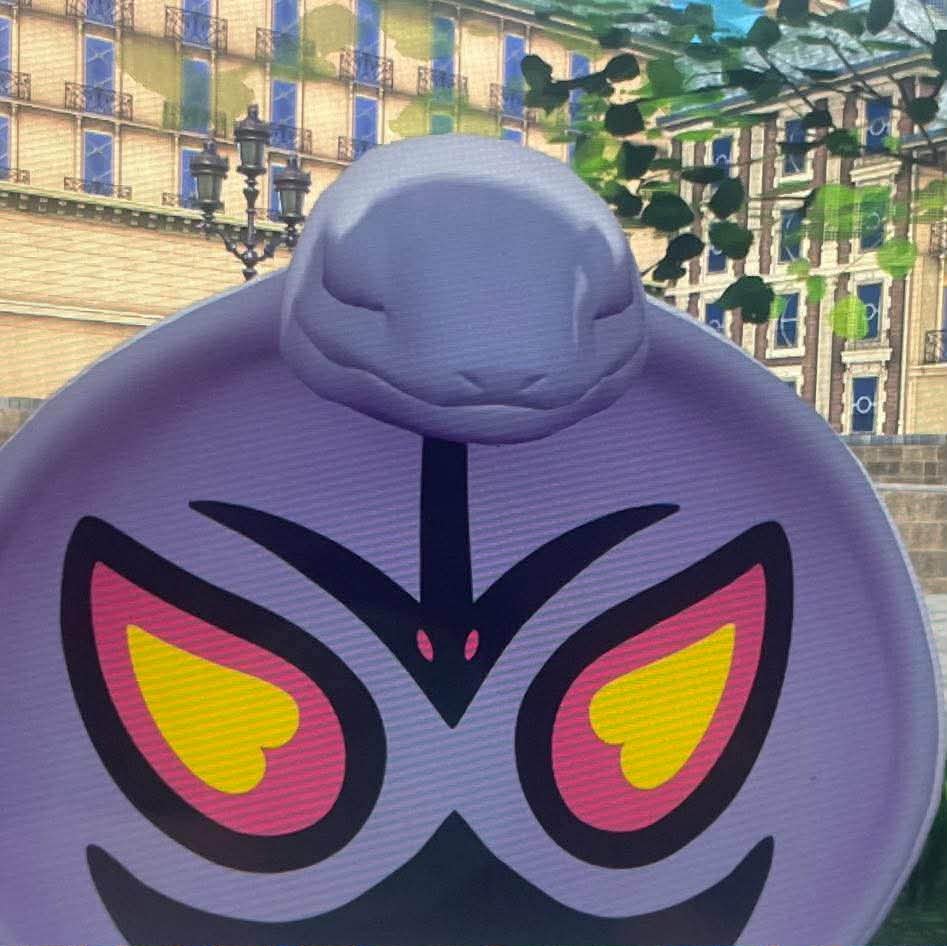 I know you need this
Versions
Files
Relations
Project Relations
More like this
Similar Mods
Suggestions use data such as tags, dependencies, dependents, descriptions, titles, and more to rank how much they overlap with this mod.
On ModDex
Community snapshot
By the numbers
Statistics
Want to reach Minecraft players?
We're looking for a server hosting partner to feature here and other parts of the site. Interested? Send us a message!
Get in touchGet it on
Available Platforms
On ModDex
Community snapshot
By the numbers
Statistics
Resources