Community listing page, reviews here may not be monitored by the author.
ColorBiome


No reviews yet
ColorBiome lets you customize vegetation and water colors in selected Minecraft areas using palettes from any biome, including modded ones.
Community voices
Reviews
No reviews yet. Be the first to review this project!
Get it on
Available Platforms
Compatibility
Supported Environments
Must be installed on both the client and the server.
About
Project Details
For authors
Embed Badge
If you're the author of this project, you can embed a live badge anywhere that supports HTML or Markdown. It updates automatically whenever ratings change.
Use HTML for any page that supports it, or Markdown for README files and Markdown-based descriptions.
Identifiers
Platform IDs
Resources
External Links
About
Description
ColorBiome gives you control over the visual atmosphere of your builds without changing the actual biome underneath them.
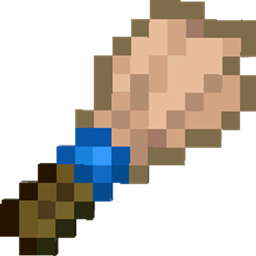
With the Palette Brush, you can select an area and apply the vegetation and water colors of any available biome. Build on a Mushroom Fields island while using the deep greens of a Dark Forest, create a warmer oasis in a cold landscape, or give separate levels of a large build their own atmosphere.
Features
- Apply biome color palettes to selected areas.
- Choose vegetation and water palettes separately.
- Use palettes from vanilla biomes and installed biome mods.
- Search the complete biome list by name or ID.
- Control the vertical range of each area.
- Extend an area to the world ceiling or world floor when needed.
- Keep the original biome, terrain, structures, mob spawning, and generation unchanged: only the visual colors are affected.
How It Works
- Use the Palette Brush to select an area.
- Open the brush menu.
- Choose a biome palette for vegetation and water.
- Set how far the effect should extend above and below the selected area.
- Confirm your choices.
ColorBiome gives you control over the visual atmosphere of your builds without changing the actual biome underneath them. With the Palette Brush, you can select an area and apply the vegetation and water colors of any available biome. Build on a Mushroom Fields island while using the deep greens of a Dark Forest, create a warmer oasis in a cold landscape, or give separate levels of a large build their own atmosphere.
Features
- Apply biome color palettes to selected areas.
- Choose vegetation and water palettes separately.
- Use palettes from vanilla biomes and installed biome mods.
- Search the complete biome list by name or ID.
- Control the vertical range of each area.
- Extend an area to the world ceiling or world floor when needed.
- Keep the original biome, terrain, structures, mob spawning, and generation unchanged: only the visual colors are affected.
Performance
How It Works
- Use the Palette Brush to select an area.
- Open the brush menu.
- Choose a biome palette for vegetation and water.
- Set how far the effect should extend above and below the selected area.
- Confirm your choices.
Screenshots
Gallery
-
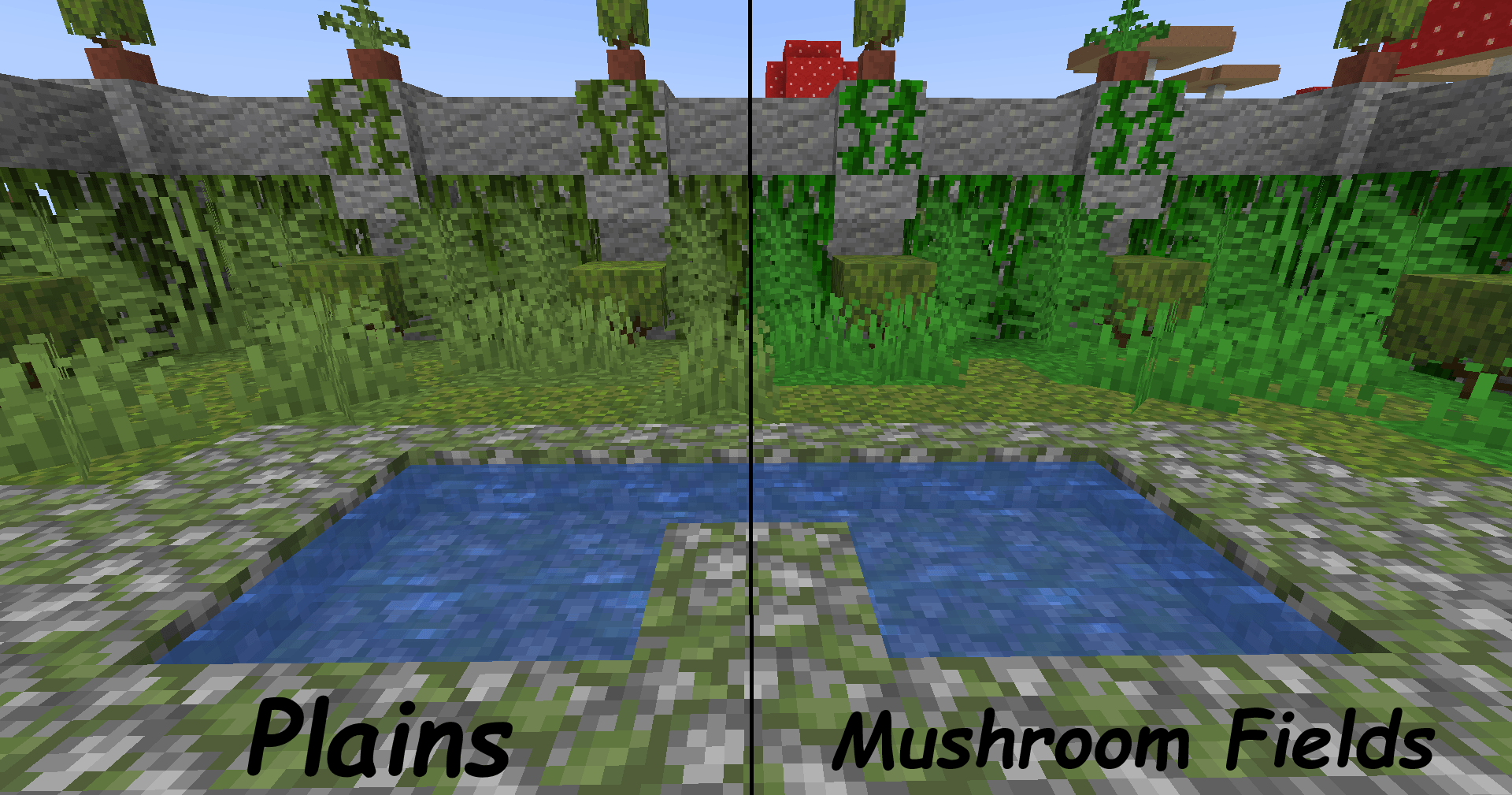 Vegetation that matches your build Choose a vegetation color that suits your build.
 -
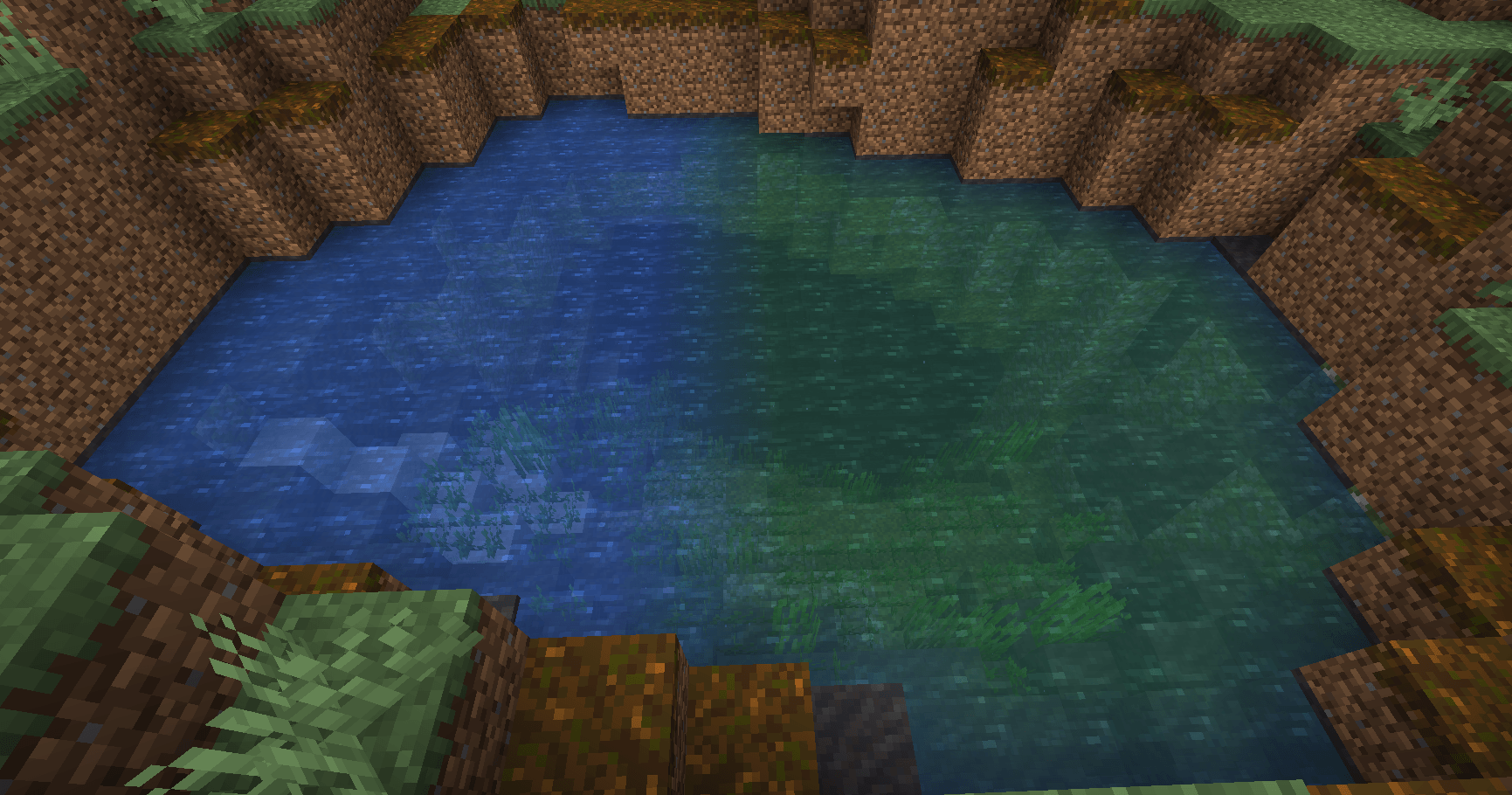 Water that fits your build Match the water color to your build idea.
 -
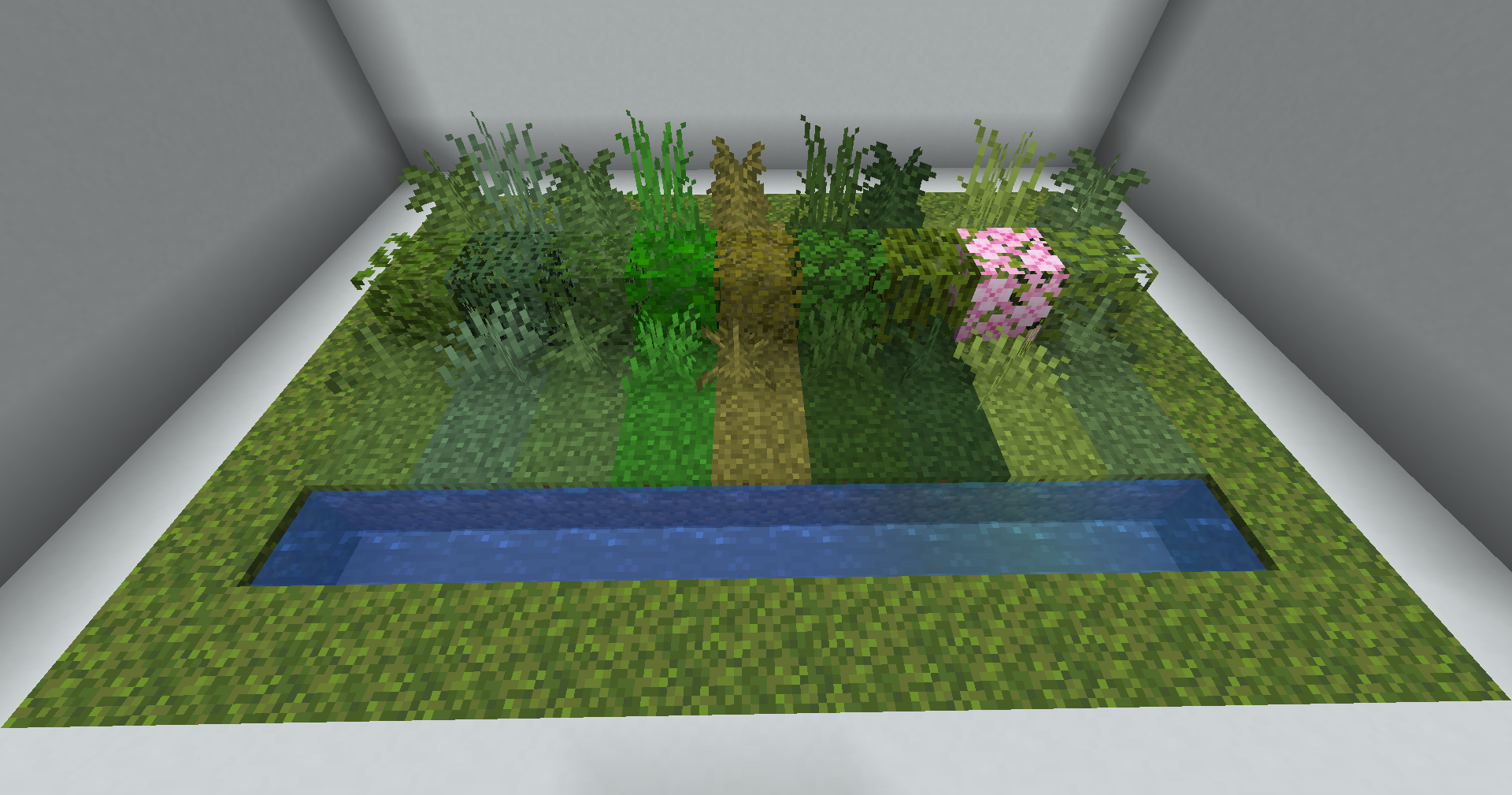
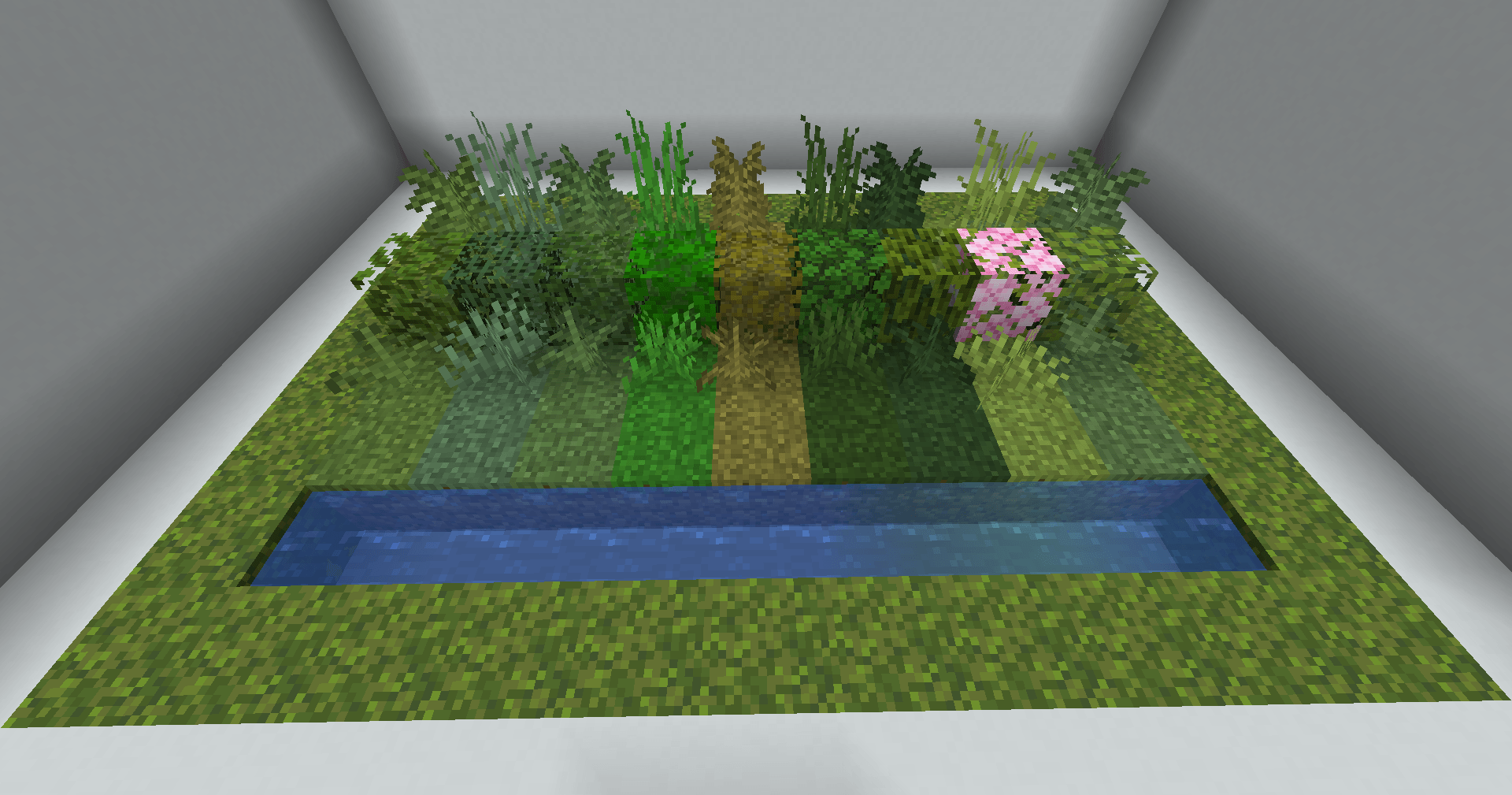 Biome Palette Showcase The same vegetation and water can take on different biome palettes, letting you match the colors of your build without moving it to another biome.
-
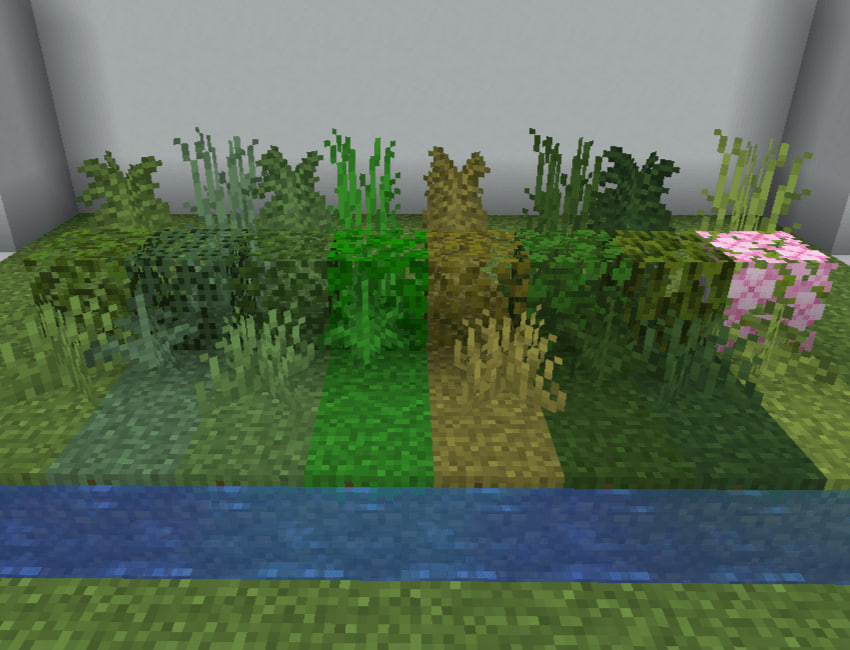 Biome Palette Showcase The same vegetation and water can take on different biome palettes, letting you match the colors of your build without moving it to another biome.
 -
 Vegetation That Matches Your Build Choose a vegetation color that suits your build.
 -
 Water That Fits Your Build Match the water color to your build idea.
Versions
Files
Relations
Project Relations
More like this
Similar Mods
Suggestions use data such as tags, dependencies, dependents, descriptions, titles, and more to rank how much they overlap with this mod.
On ModDex
Community snapshot
By the numbers
Statistics
Want to reach Minecraft players?
We're looking for a server hosting partner to feature here and other parts of the site. Interested? Send us a message!
Get in touchGet it on
Available Platforms
On ModDex
Community snapshot
By the numbers
Statistics
Resources