Community listing page, reviews here may not be monitored by the author.
ColorOverlay

No reviews yet
A client-side mod for total visual customization. Change sky, water, clouds, sun, moon, stars, fog & torch colors. Add screen overlays with blend modes, gradients & vignette. Every feature toggles independently with auto-save.
Community voices
Reviews
No reviews yet. Be the first to review this project!
Get it on
Available Platforms
About
Project Details
For authors
Embed Badge
If you're the author of this project, you can embed a live badge anywhere that supports HTML or Markdown. It updates automatically whenever ratings change.
Use HTML for any page that supports it, or Markdown for README files and Markdown-based descriptions.
Identifiers
Platform IDs
Resources
External Links
About
Description
ColorOverlay - Full Visual Customization Mod
Transform your Minecraft world with complete color control! ColorOverlay is a client-side Fabric mod that lets you customize every visual element of the game in real time.
🎨 Screen Overlay
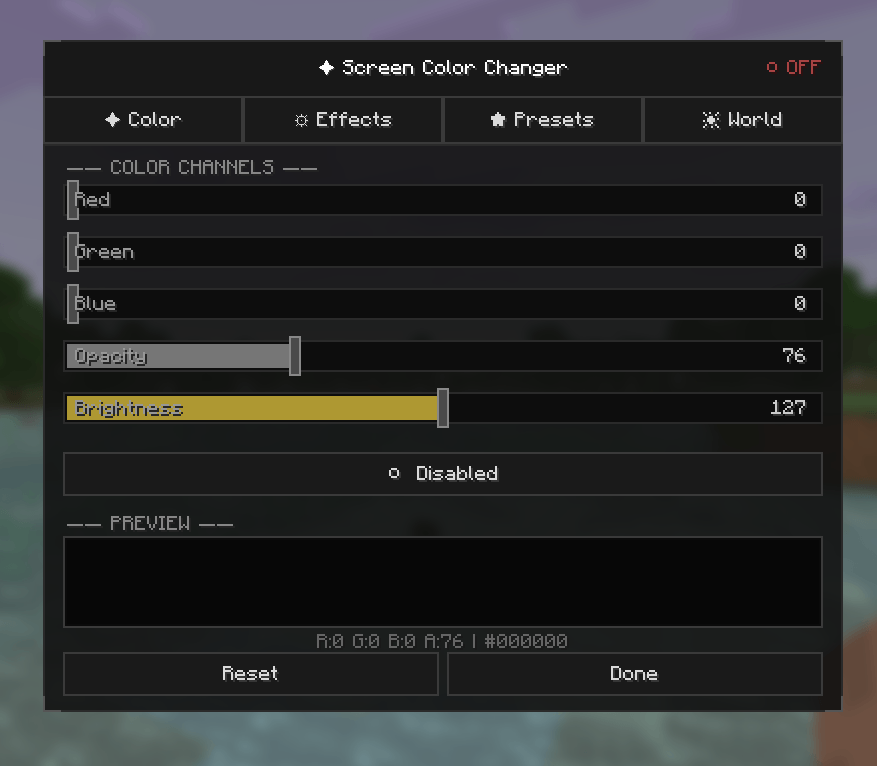
- Adjust RGBA color overlay on your entire screen
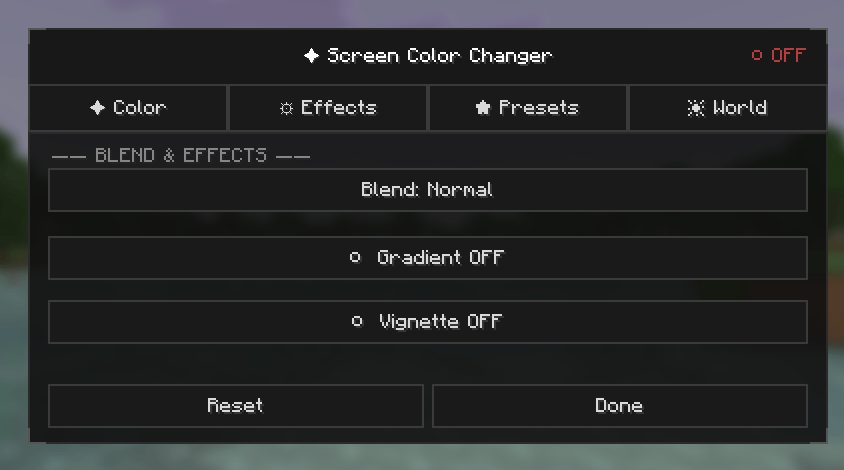
- Multiple blend modes: Normal, Multiply, Screen, Additive
- Gradient effects with customizable direction (Top-Down, Left-Right, Diagonal)
- Vignette effect with adjustable intensity
- Brightness & Saturation controls
🌍 World Colors
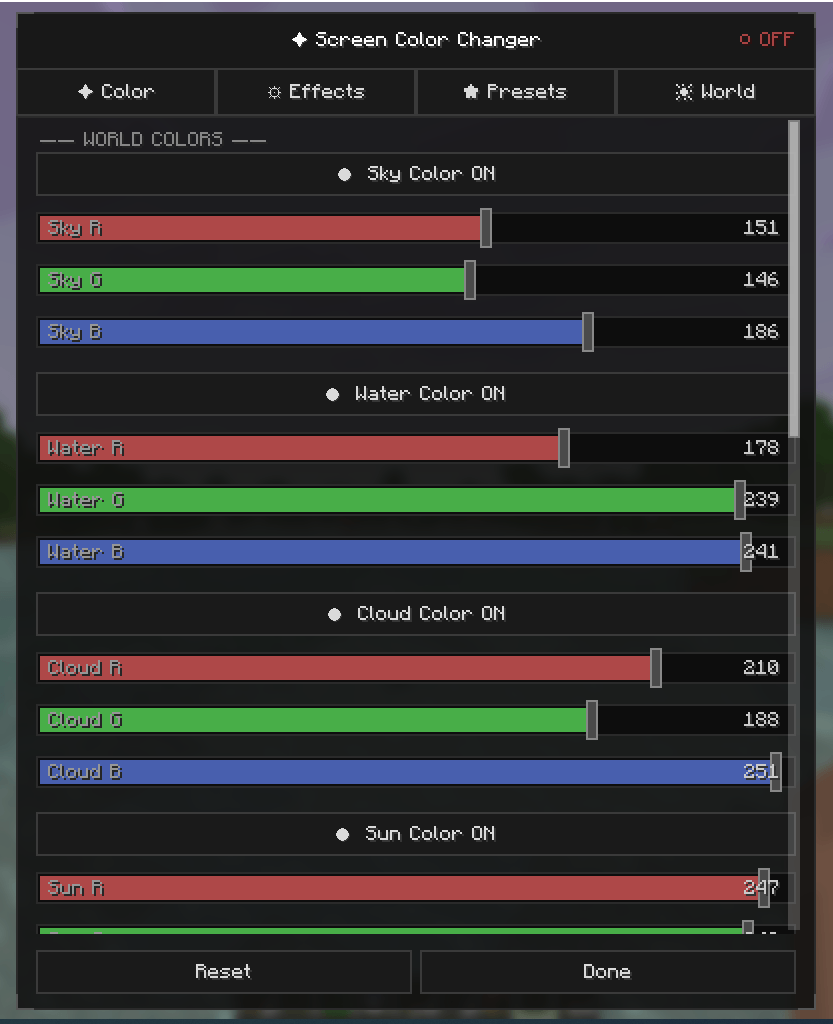
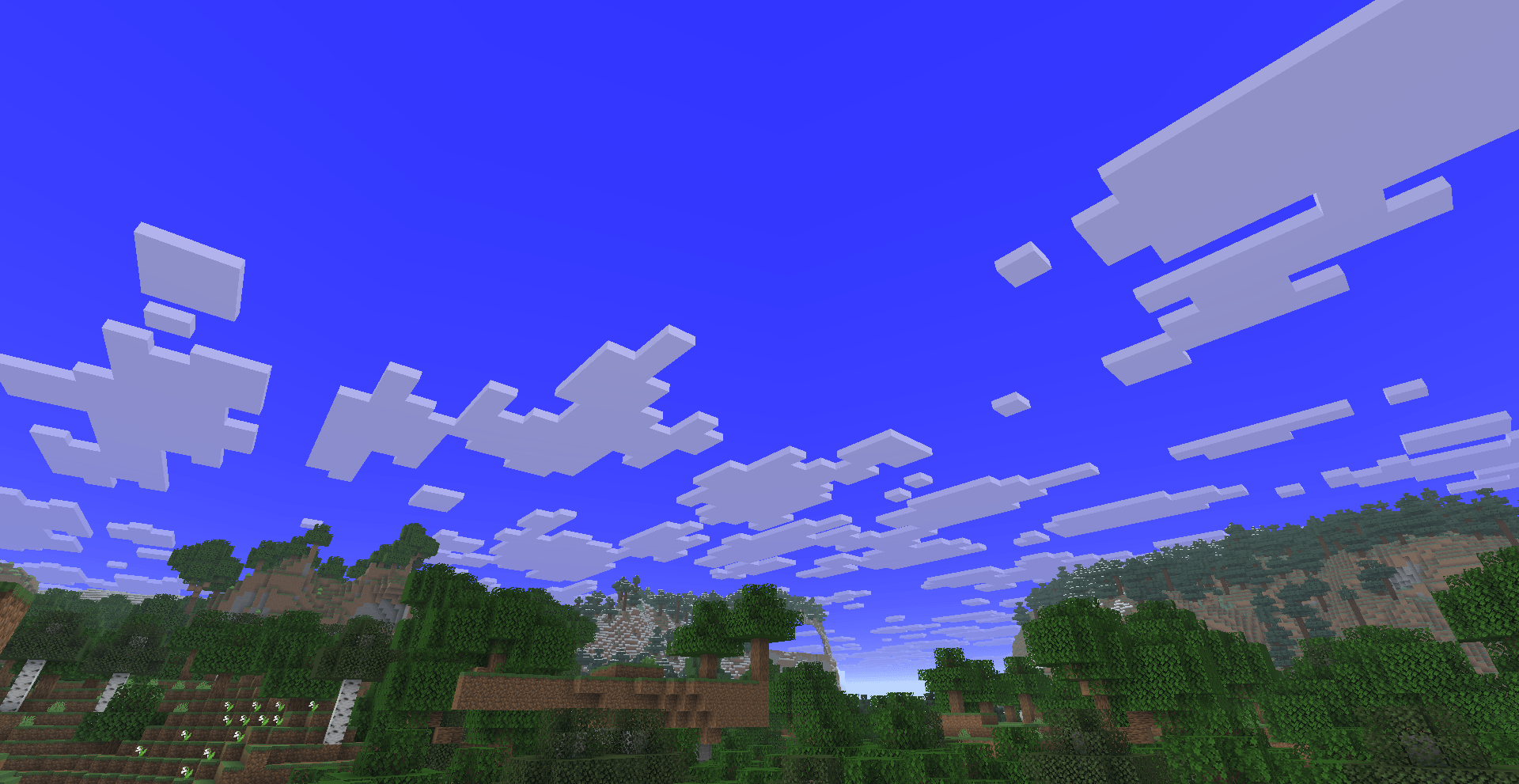
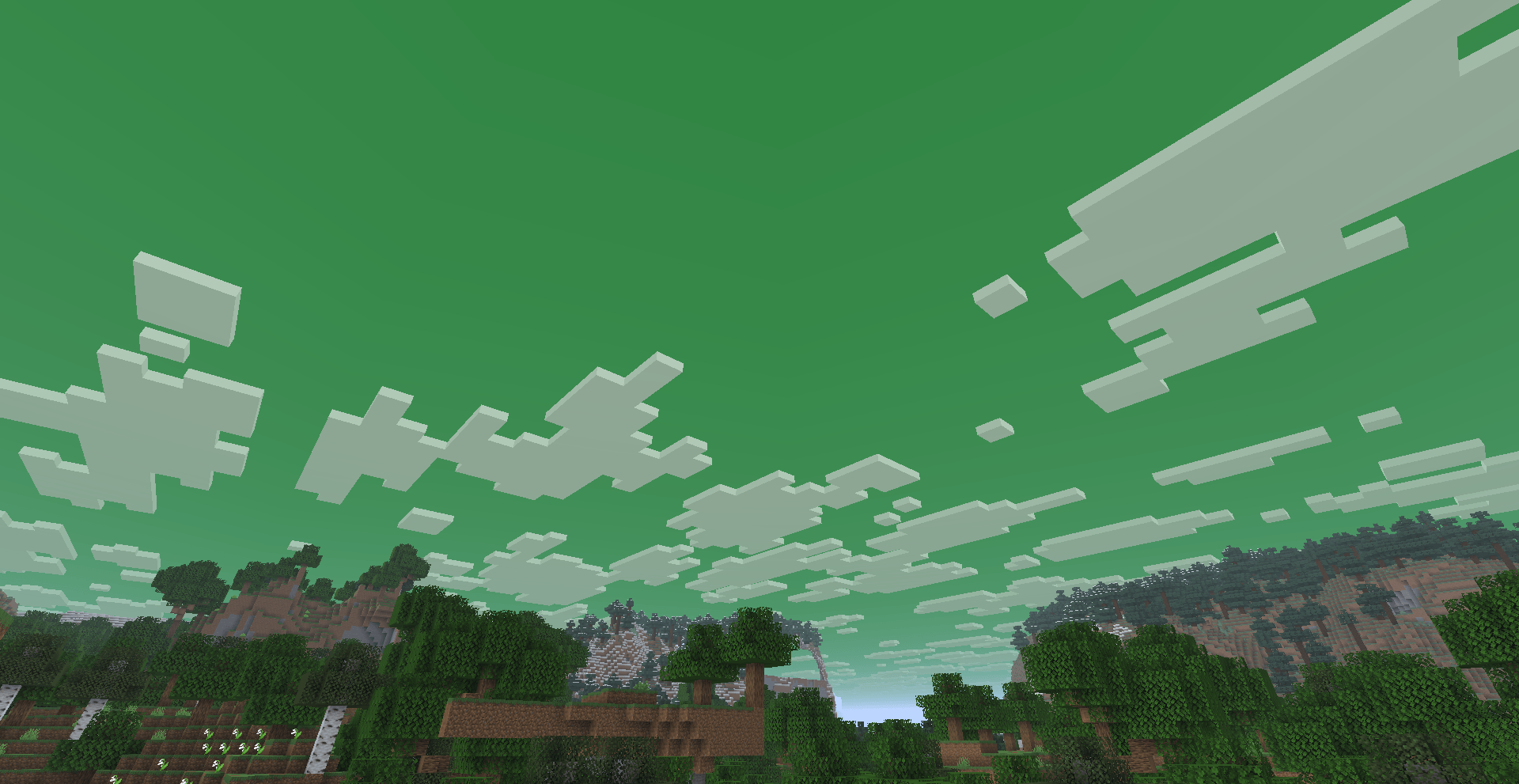
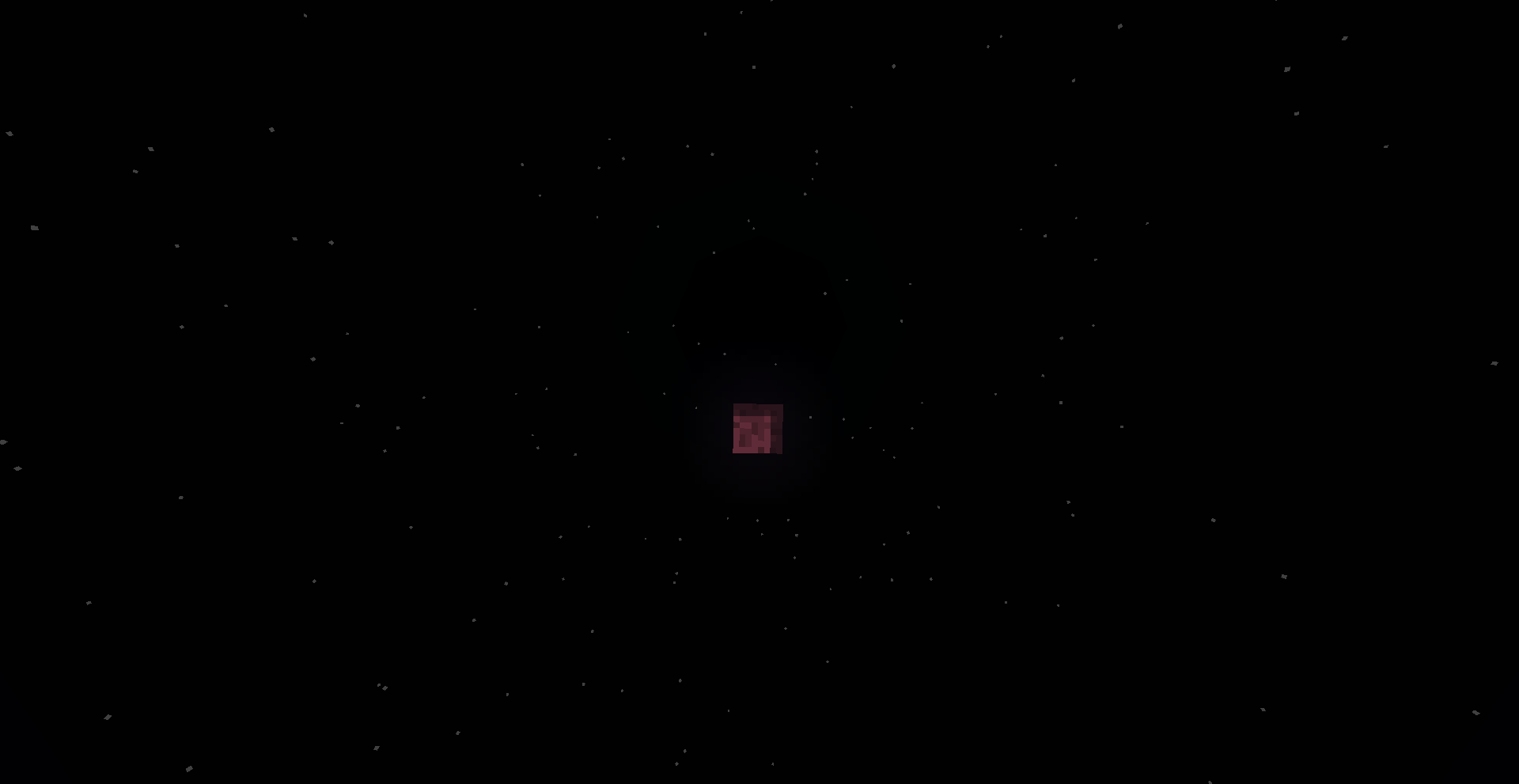
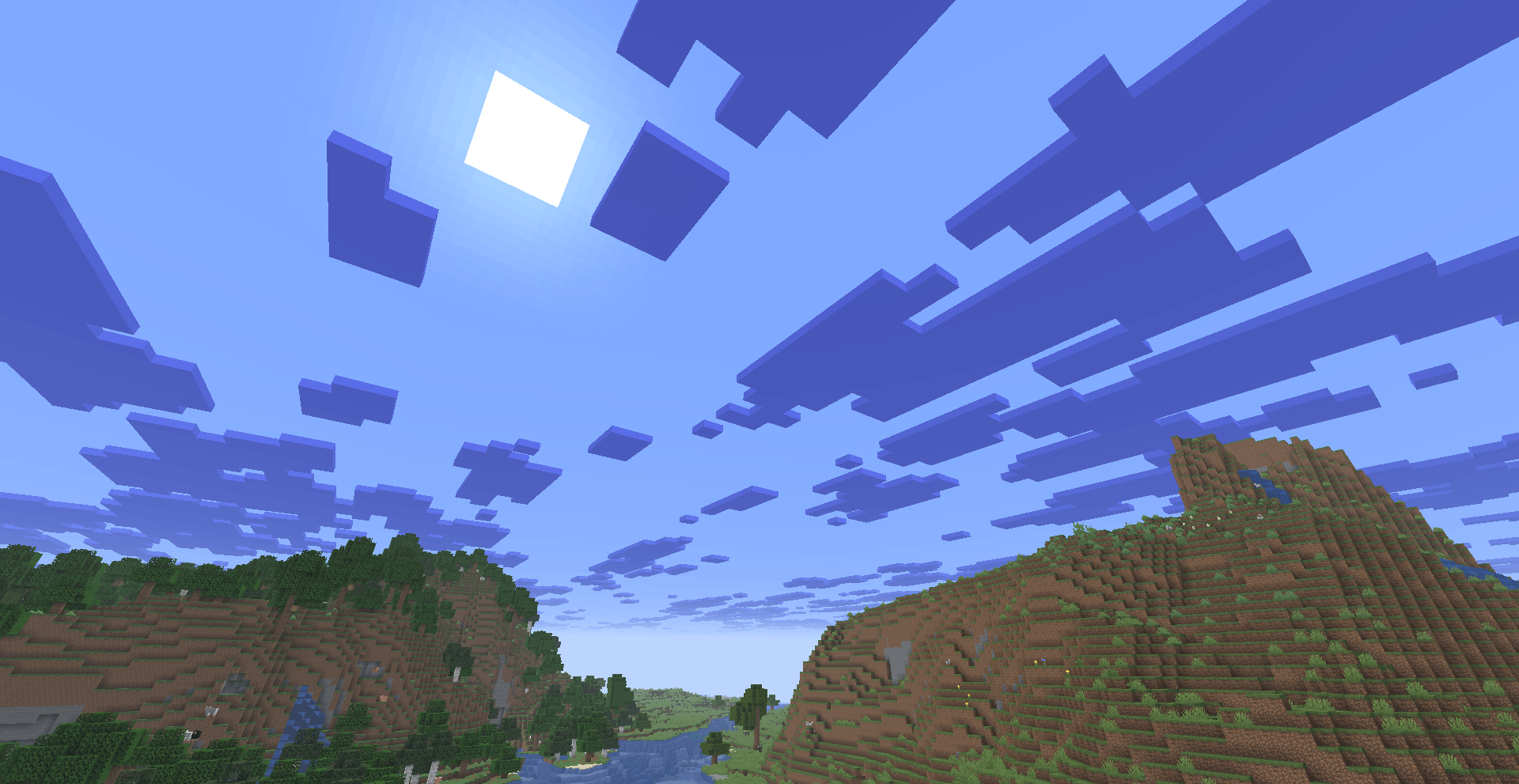
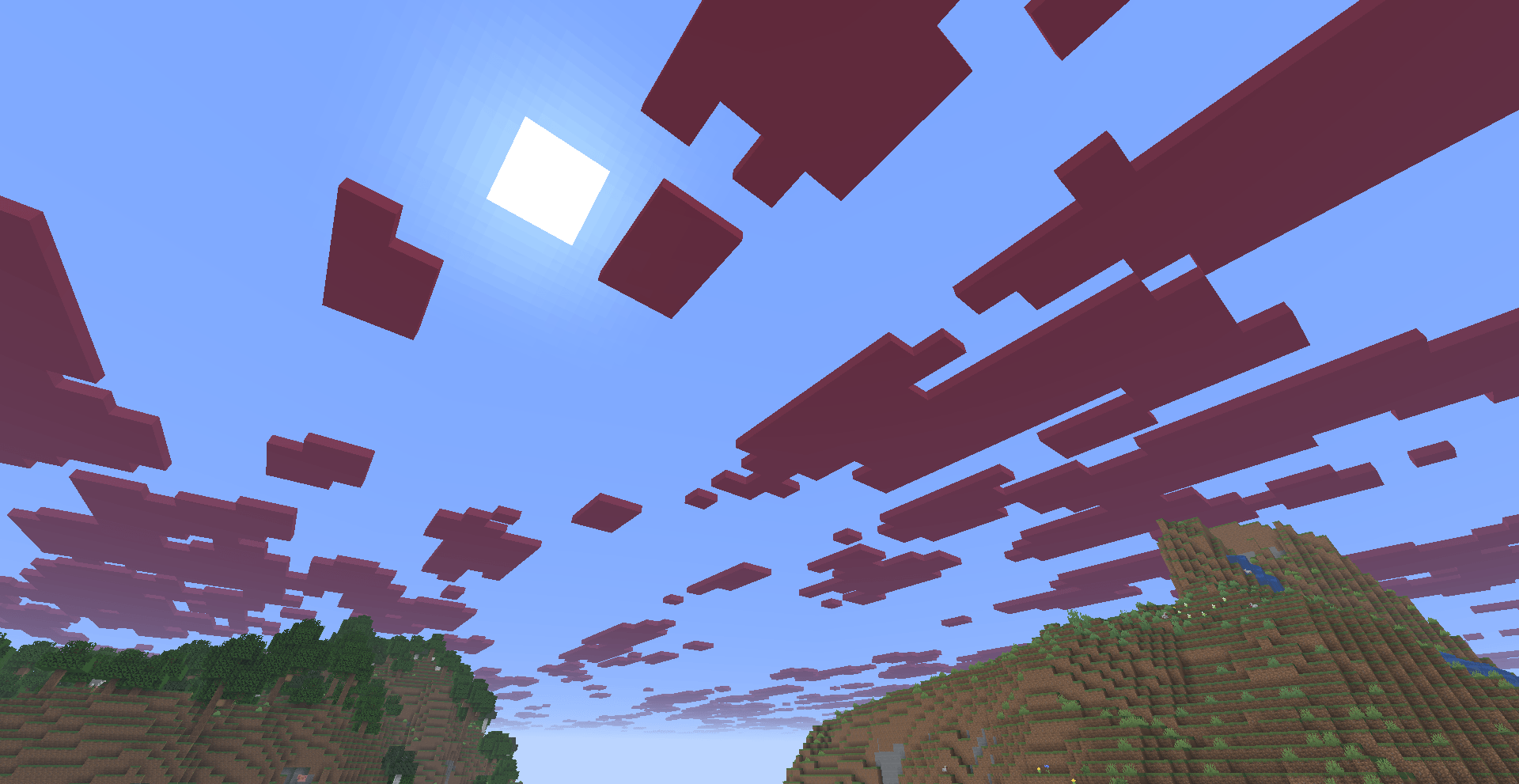
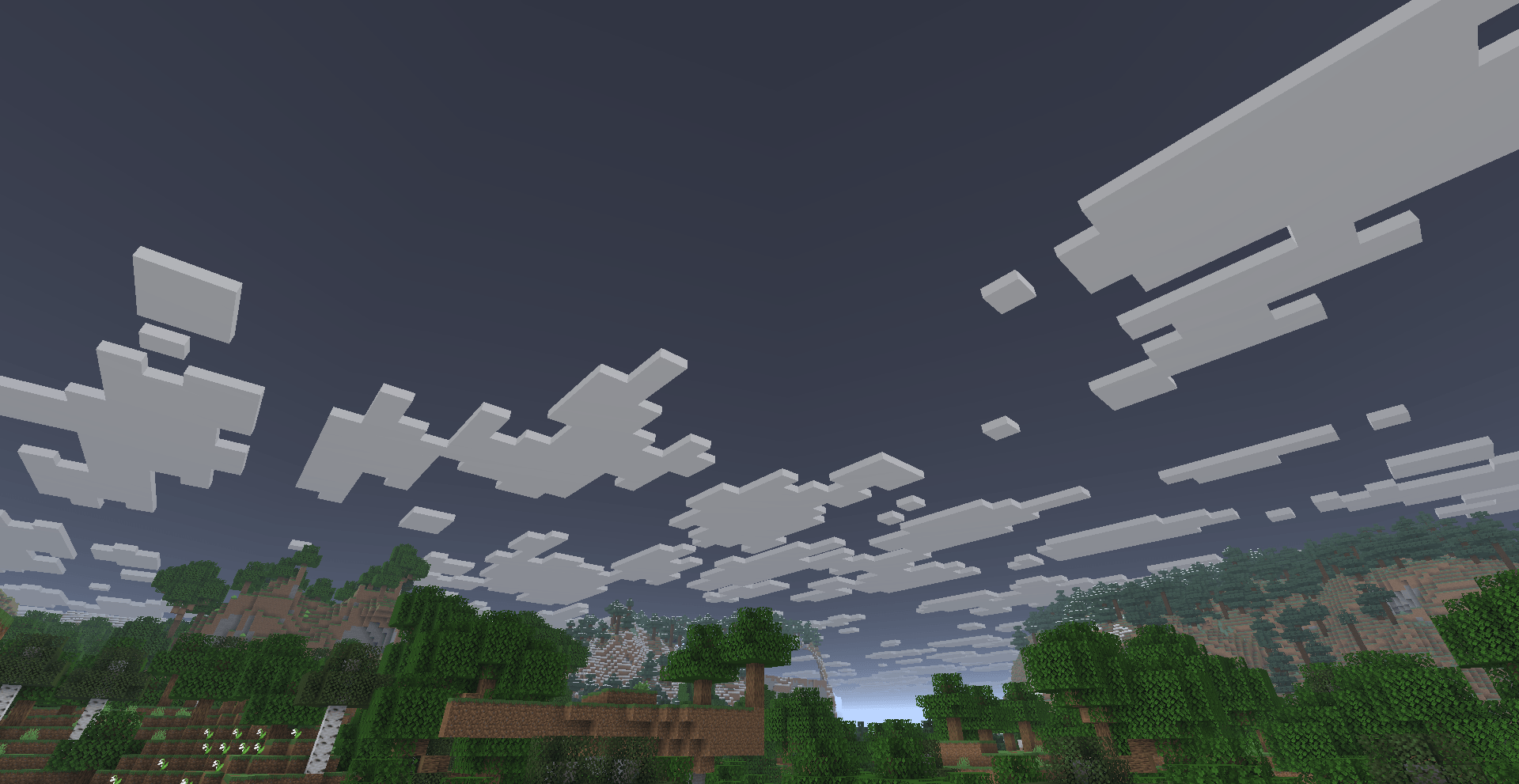
- Sky: Override the sky color with any RGB value
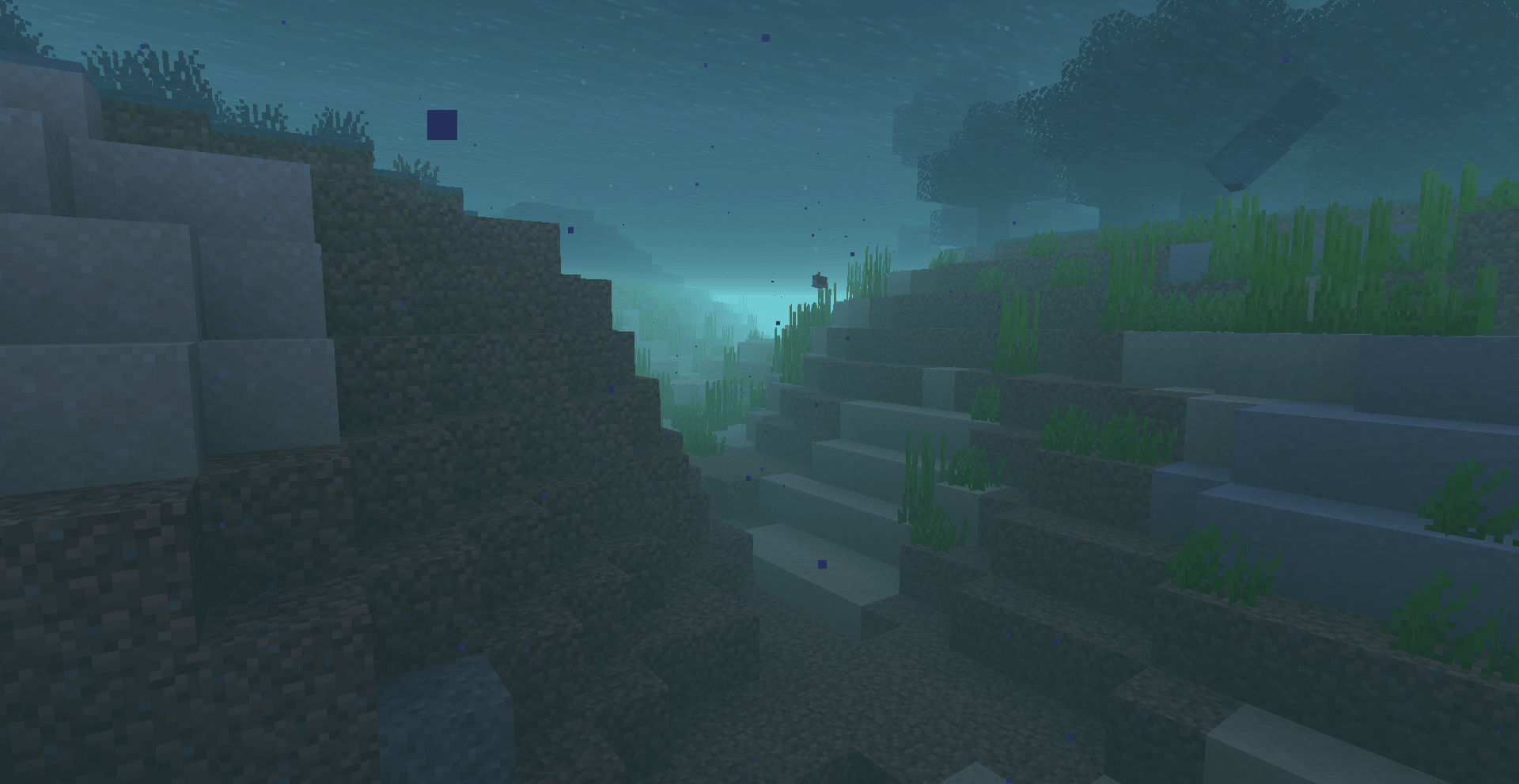
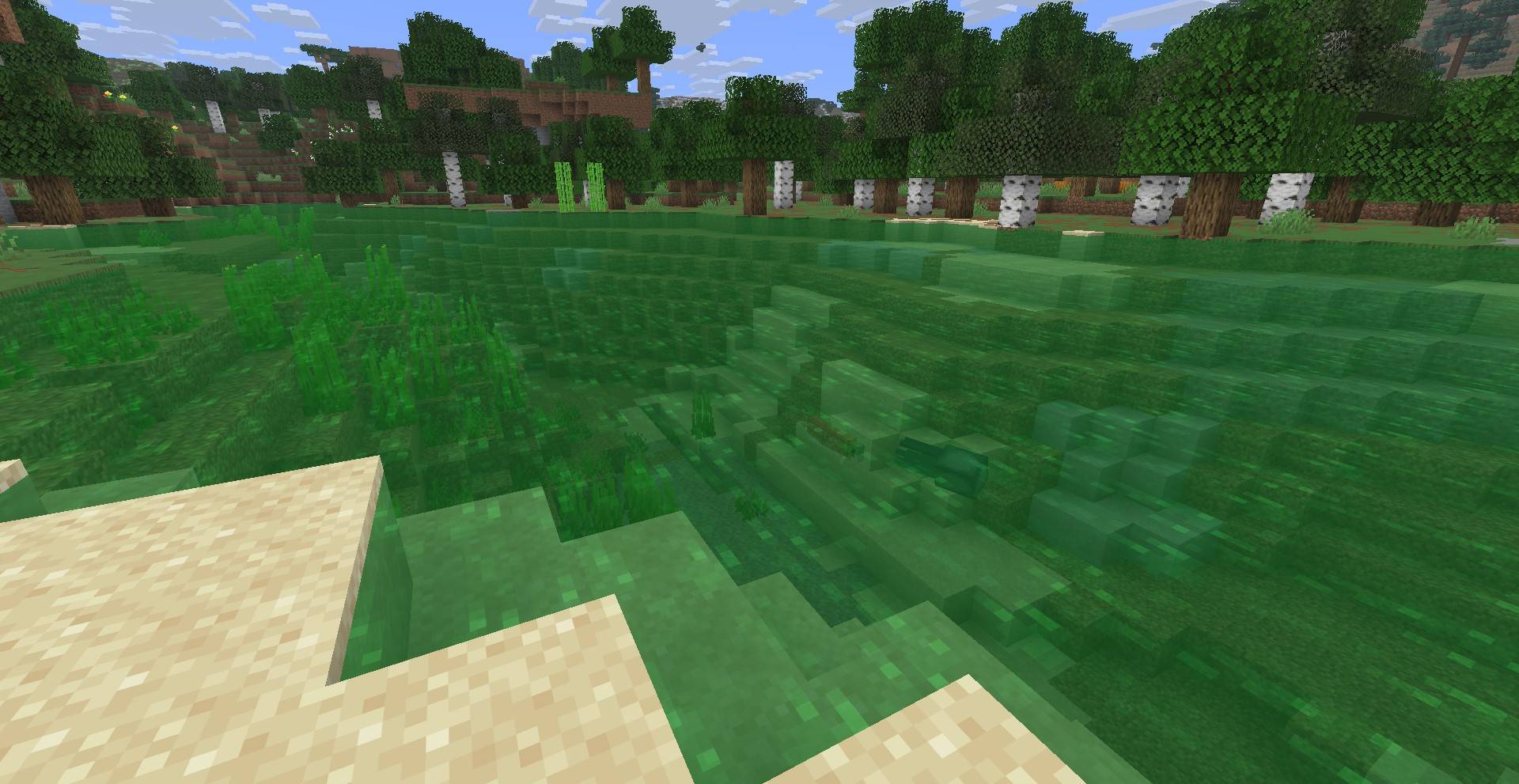
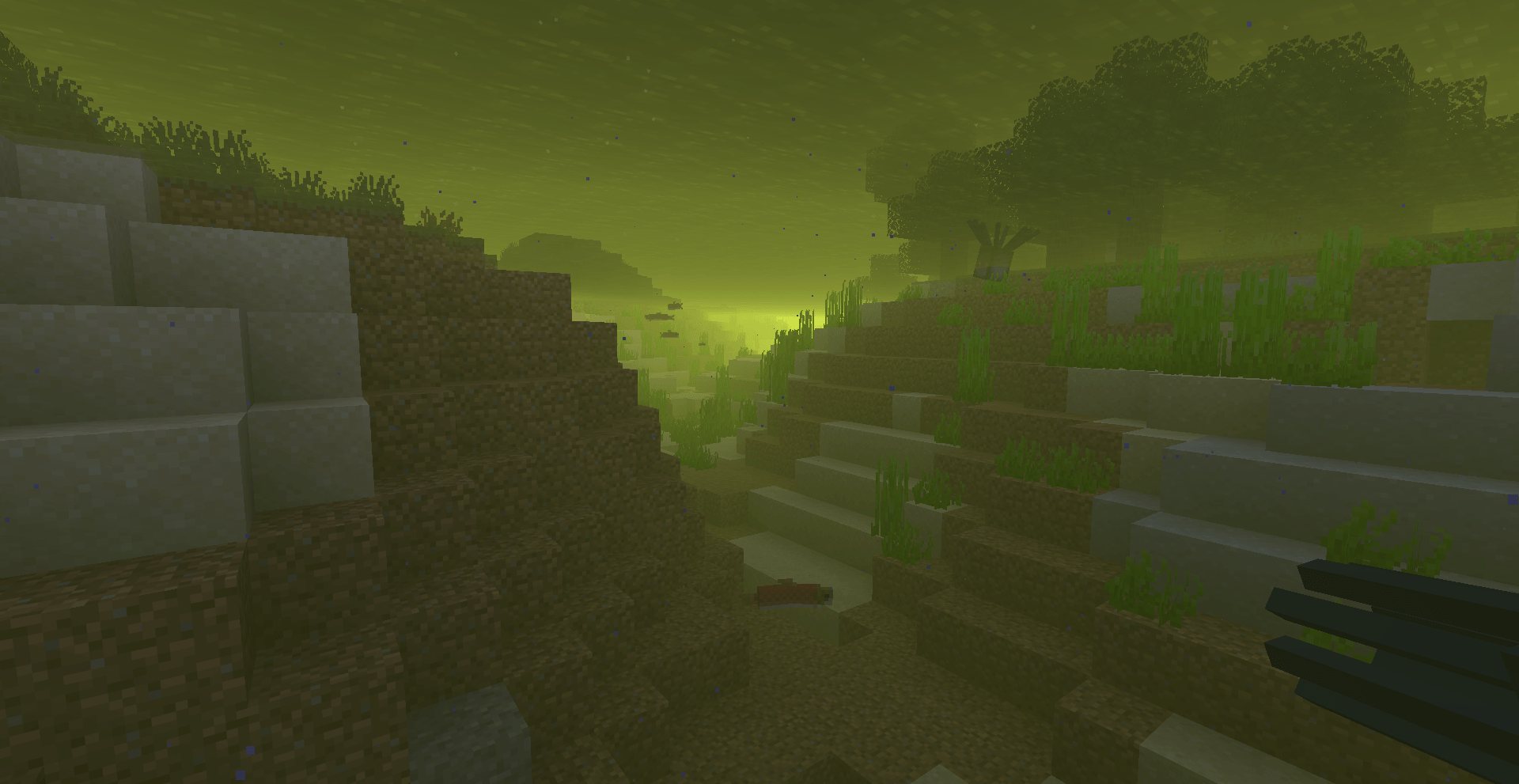
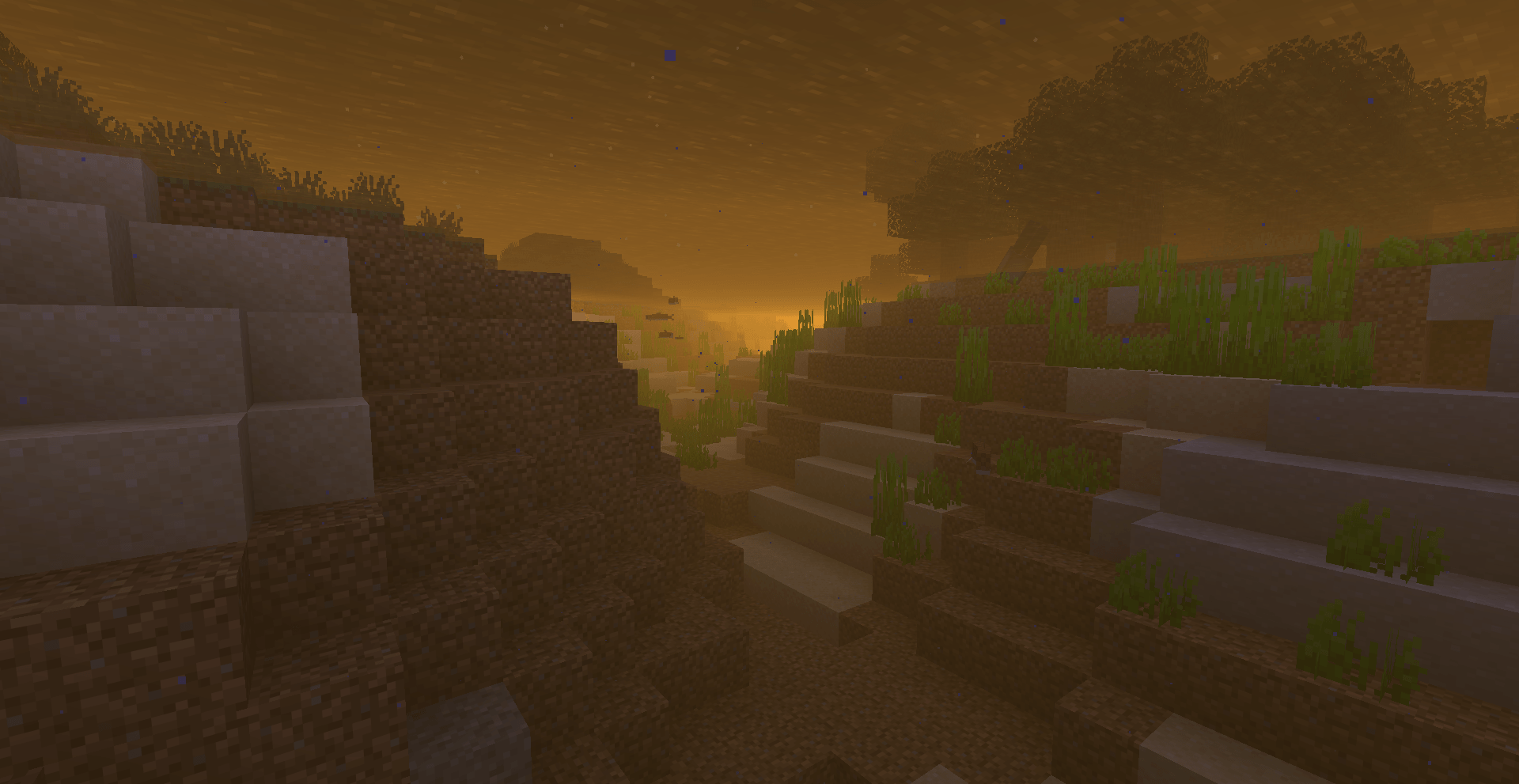
- Water: Change water color across all biomes (surface & underwater fog)
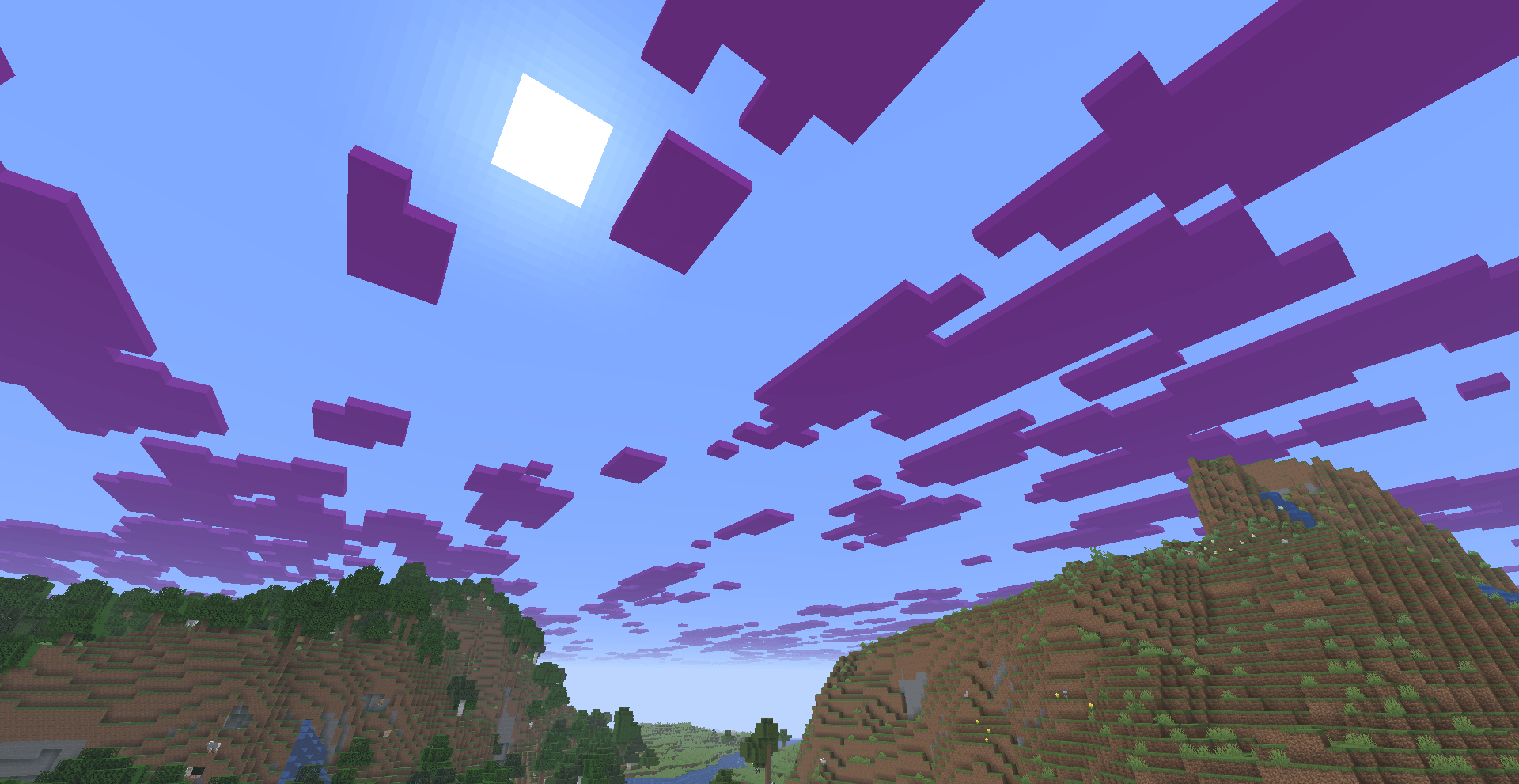
- Clouds: Customize cloud color with full ARGB control
- Sun: Tint the sun with custom colors
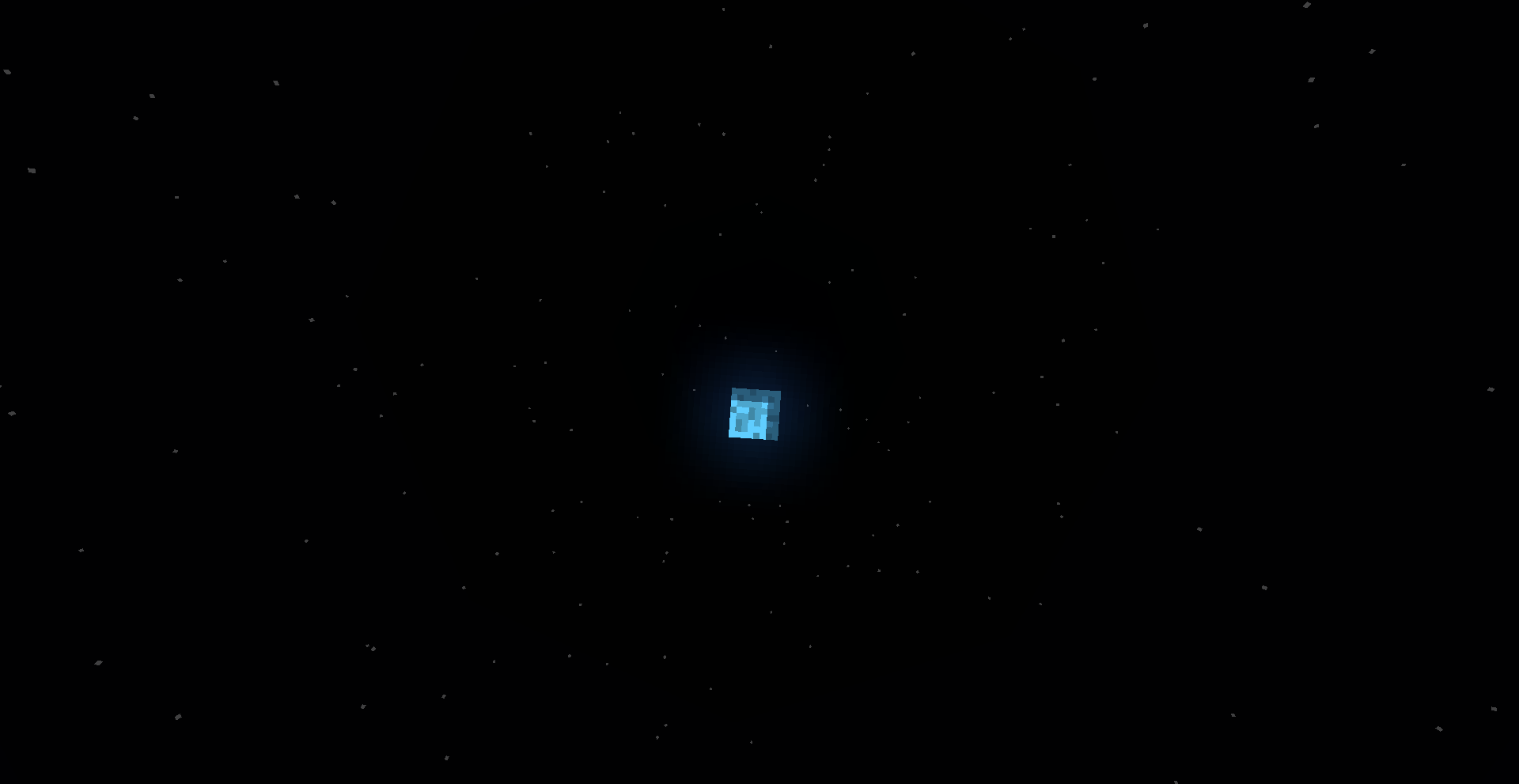
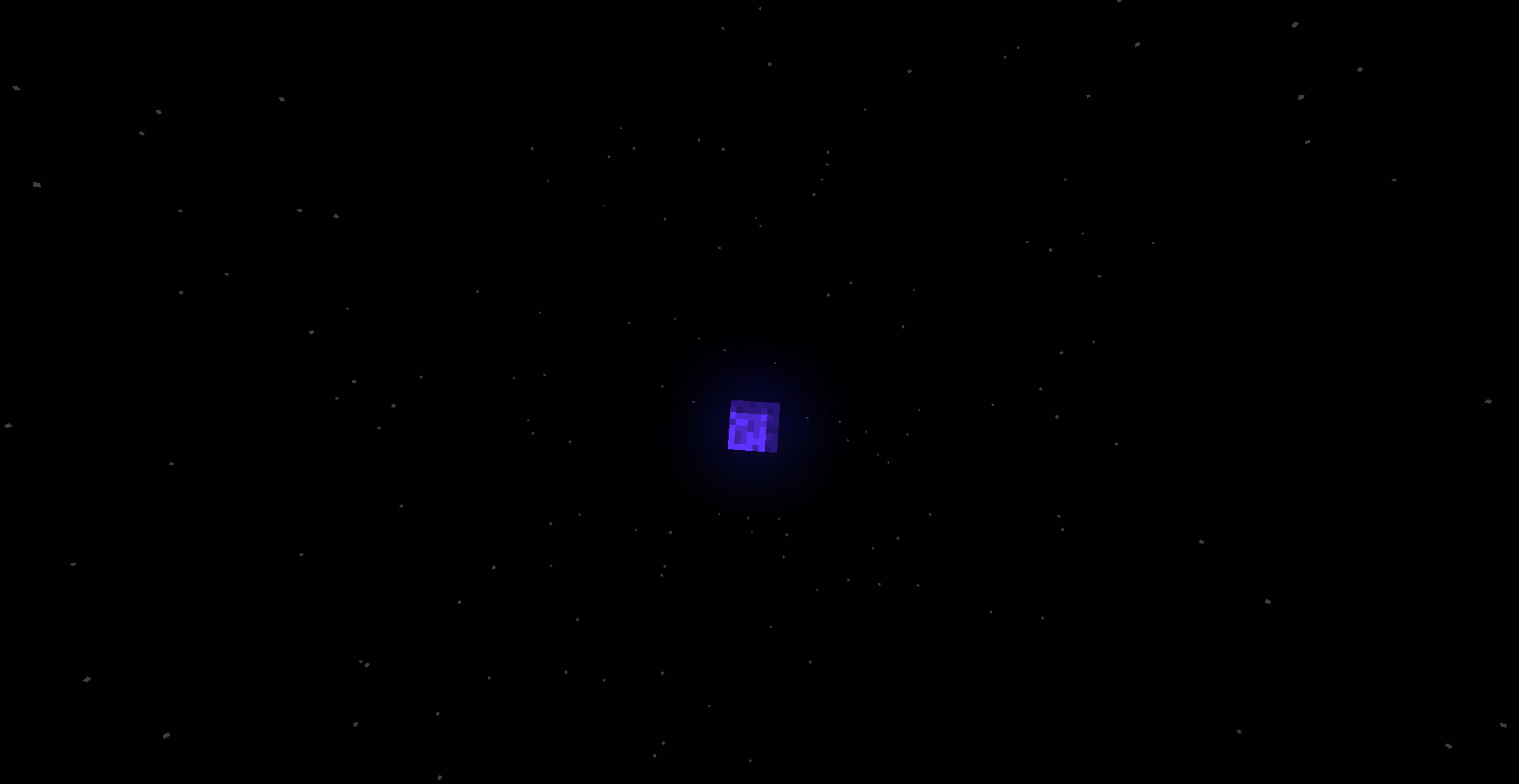
- Moon: Recolor the moon independently
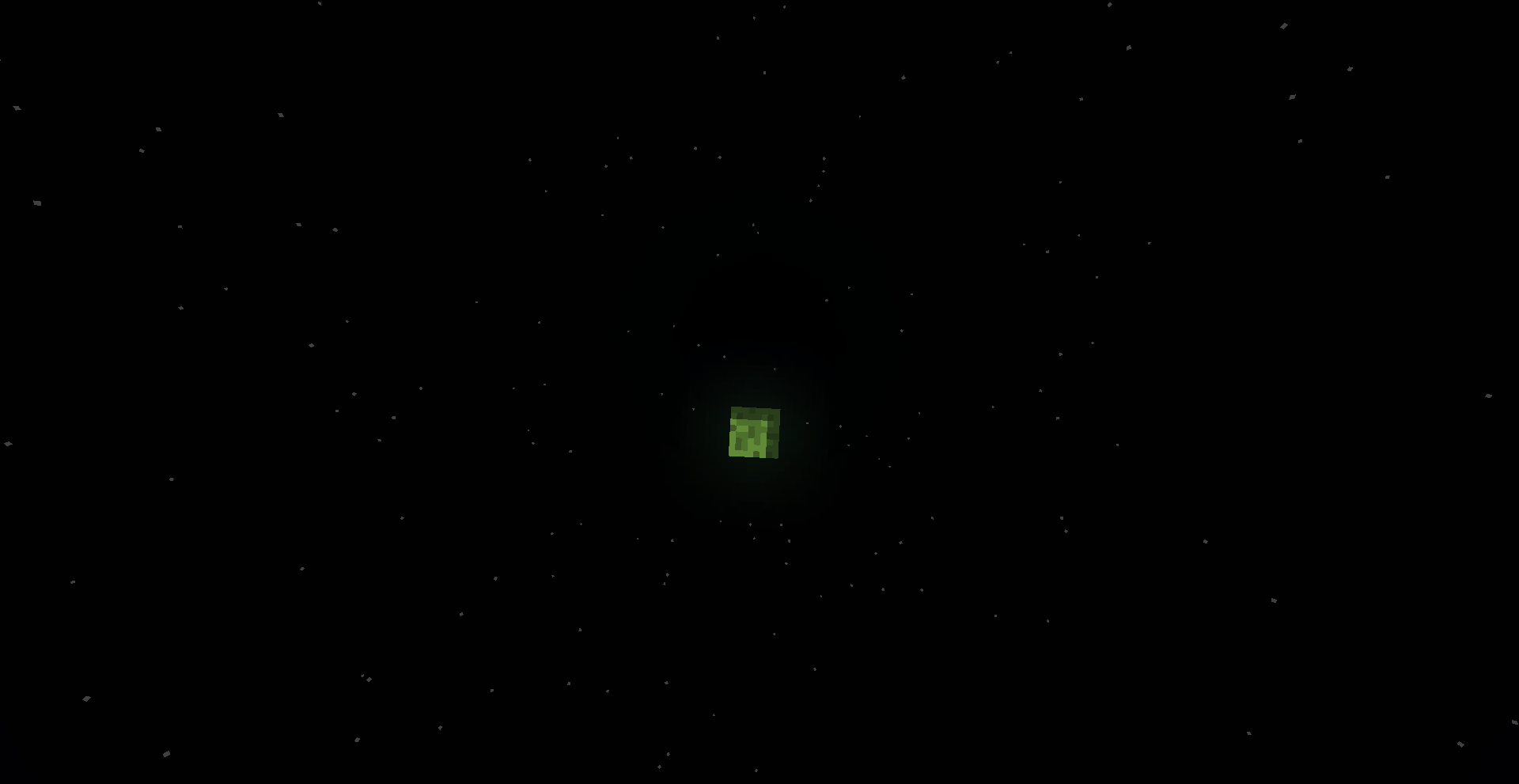
- Stars: Adjust star colors while preserving natural brightness
- Fog: Full fog color override with independent fog intensity system
- Torch Particles: Change the color of torch flame particles
⚙️ Features
- All features default to vanilla — nothing changes until you want it to
- Every feature has its own independent toggle
- Beautiful dark-themed UI with tabbed layout (Color, Effects, Presets, World)
- Scrollable interface for easy access to all settings
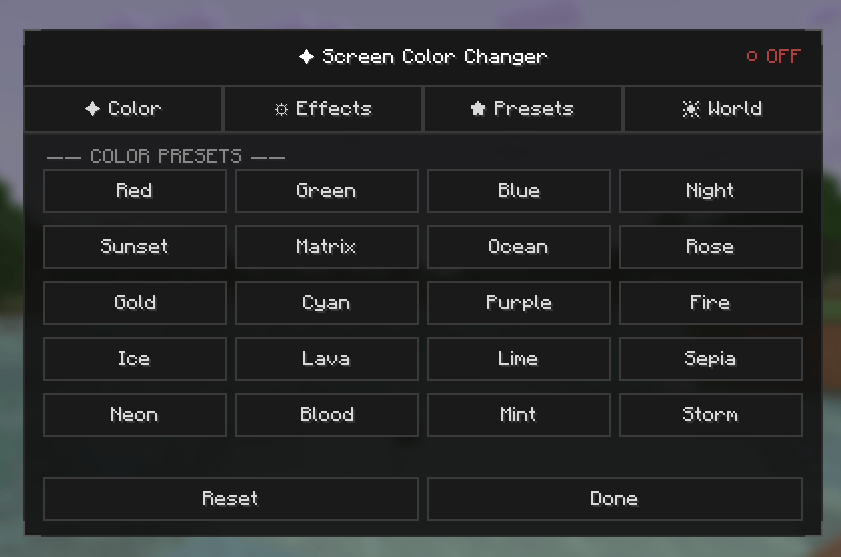
- 5 built-in presets: Warm Sunset, Cool Blue, Matrix Green, Sepia Film, Neon Purple
- Robust auto-save system — settings are never lost
- Press K to open the settings screen (configurable keybind)
🎮How to Use
- After installing the mod correctly, follow these steps:
- Launch Minecraft using Fabric Loader.
- Enter any world (Singleplayer or Multiplayer).
- Press the K key on your keyboard.
- The ColorOverlay settings screen will open instantly.
This is a purely client-side mod — no server installation needed. Safe for multiplayer!
Screenshots
Gallery
-
 0.3
0.3 -
 0.2
0.2 -
 0.1
0.1 -
-
 20
20 -
 19
19 -
 18
18 -
 17
17 -
 16
16 -
 15
15 -
 14
14 -
 13
13 -
 12
12 -
 11
11 -
 10
10 -
 9
9 -
 8
8 -
 7
7 -
 6
6 -
 5
5
Versions
Files
Relations
Project Relations
More like this
Similar Mods
Suggestions use data such as tags, dependencies, dependents, descriptions, titles, and more to rank how much they overlap with this mod.
On ModDex
Community snapshot
By the numbers
Statistics
Want to reach Minecraft players?
We're looking for a server hosting partner to feature here and other parts of the site. Interested? Send us a message!
Get in touchGet it on
Available Platforms
On ModDex
Community snapshot
By the numbers
Statistics
Resources