
Community listing page, reviews here may not be monitored by the author.
Command Setlist

No reviews yet
This datapack adds a collection of new minecraft commands that help and entertain players on a server or singleplayer world
Community voices
Reviews
No reviews yet. Be the first to review this project!
Get it on
Available Platforms
About
Project Details
For authors
Embed Badge
If you're the author of this project, you can embed a live badge anywhere that supports HTML or Markdown. It updates automatically whenever ratings change.
Use HTML for any page that supports it, or Markdown for README files and Markdown-based descriptions.
Identifiers
Platform IDs
Resources
External Links
About
Description
Ever wanted some fun and quality of life commands on your server or on your own world? Well look no further this datapack is for you!
This datapack will be updated over time with more features so stay tuned Until then, if you find any bugs or have any issues please contact me
Features so far: 1. Sethome [Solo And Multiplayer]: Type '/trigger CSL.sethome' to set your home, once set you can teleport to it whenever you want using '/trigger CSL.home'! (Note: you can only set one home and if you sethome again it will replace your previous home location)
2. Rock Paper Scissors (RPS) [Multiplayer]: Type '/trigger CSL.RPS.joinQueue' to join a queue, once 2 players join the game will begin. You will have to click the chat to pick your choice and once it happens you find out the result. (Note: only one game can happen at a time, and even if a player is afk, in 60 seconds you can play again)
3. RTP [Solo And Multiplayer]: Type '/trigger CSL.RTP' to teleport you in a random spot within a 10.000 block radius. (Note: this command may fail if it can not safely teleport you so you may repeat it, and it also has a 5 minute cooldown)
4. Playtime [Solo And Multiplayer]: Type '/trigger CSL.playtime' to see your playtime in a world. (Note: playtime starts counting from the point this datapack is installed and after)
5. Location Broadcast [Solo And Multiplayer]: Type '/trigger CSL.locationBroadcast' to send a message in chat with your current location coordinates, whether you need to save the coordinates for later or if you want a friend to find you. (Note: this command has a 5 minute cooldown so chat is not spammed)
6. Coin Flip [Solo And Multiplayer]: Type '/trigger CSL.coinFlip' to flip a coin, might flip heads, might flip tails.
7. Hat [Solo And Multiplayer]: Type '/trigger CSL.hat' to put the item you are holding on as a hat. (Note: this command will only work if you hold an item and are not wearing anything on your head)
8. Health [Multiplayer]: Not a command, but will add an indicator above the player's name showing how much health they have
9. Surface [Solo And Multiplayer]: Type '/trigger CSL.surface' to teleport to the surface from underground or from up high
10. Death Count [Solo And Multiplayer]: Type '/trigger CSL.deathCount' to see how many times you died
11. Kill Count [Solo And Multiplayer]: Type '/trigger CSL.killCount' to see how many mobs you killed
12. Undye [Solo And Multiplayer]: Type '/trigger CSL.unDye' to turn most dyed blocks in your inventory to undyed/white versions (includes glass, glass panes, beds, wool, carpets, shulker boxes and terracotta)
13. TPA [Multiplayer]: Type '/trigger CSL.TPA.id' to check your id, then to request for teleport type '/trigger CSL.TPA set '. The player can accept with '/trigger CSL.TPA.accept', if 30 seconds pass the request fails
Also by typing '/trigger CSL.help' you will see the list of commands and how to use them
Screenshots
Gallery
-
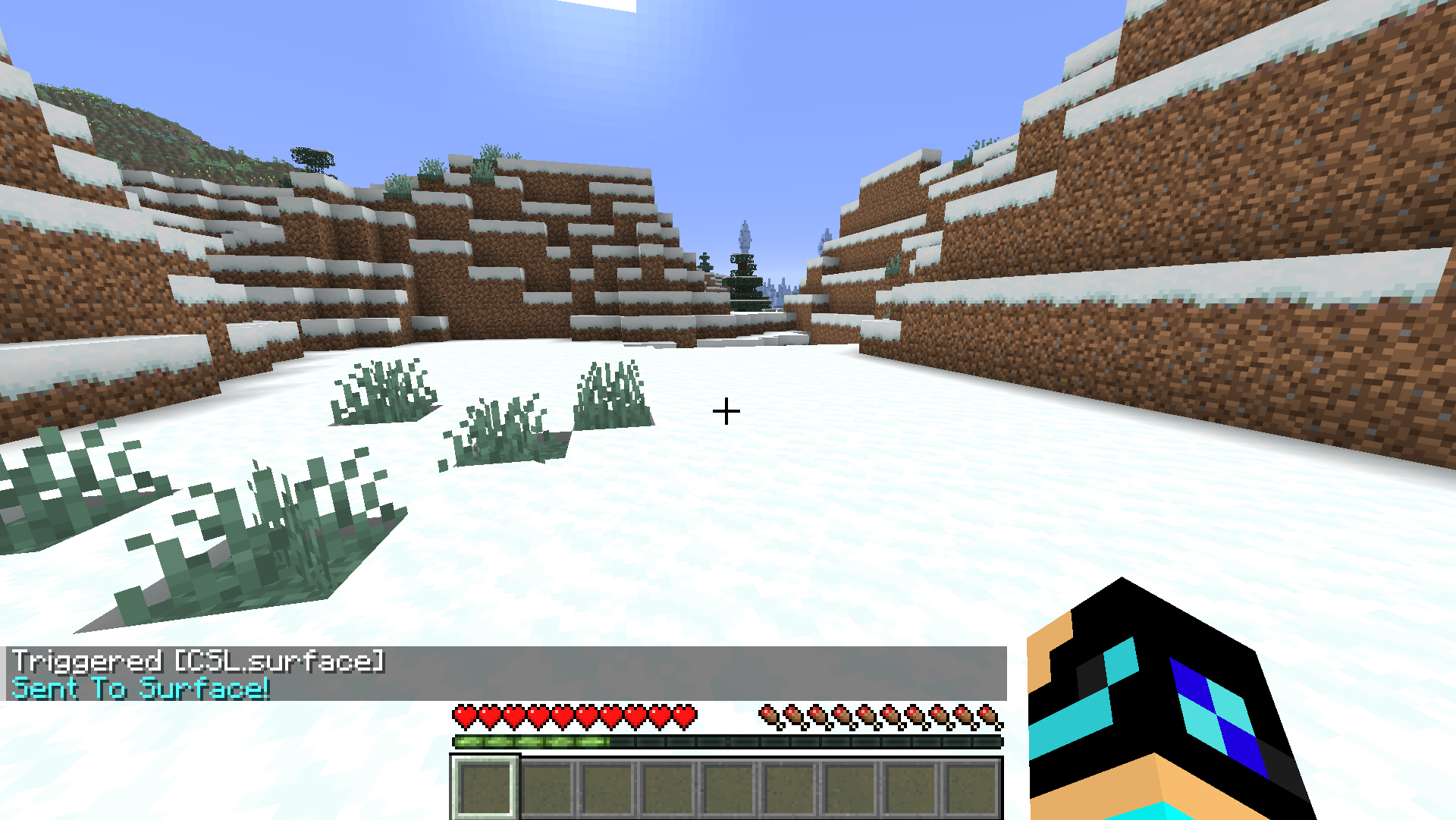 Surface command Teleports you to the surface
 -
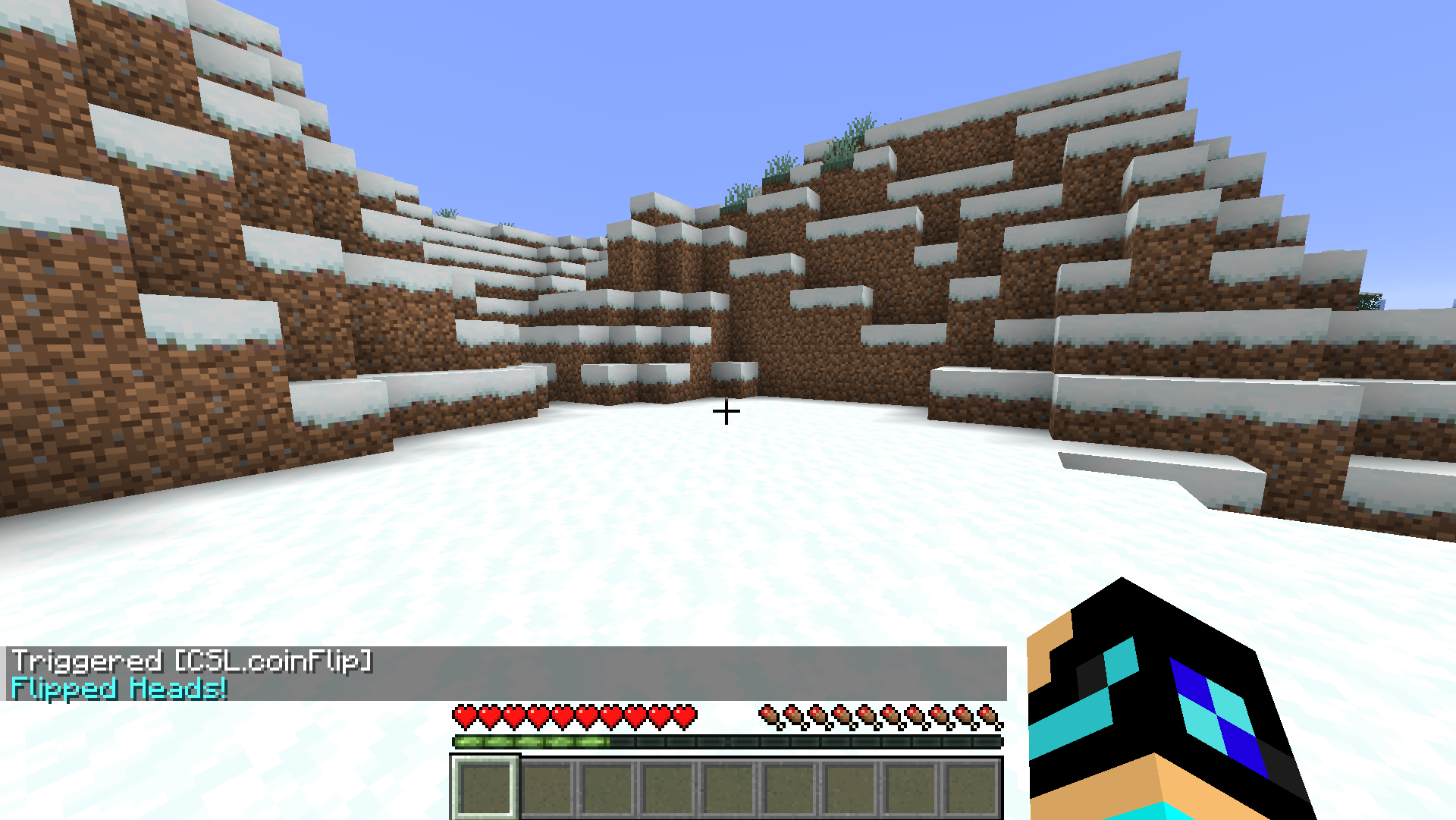 Coin Flip command Flips a coin, might get heads, might get tails
 -
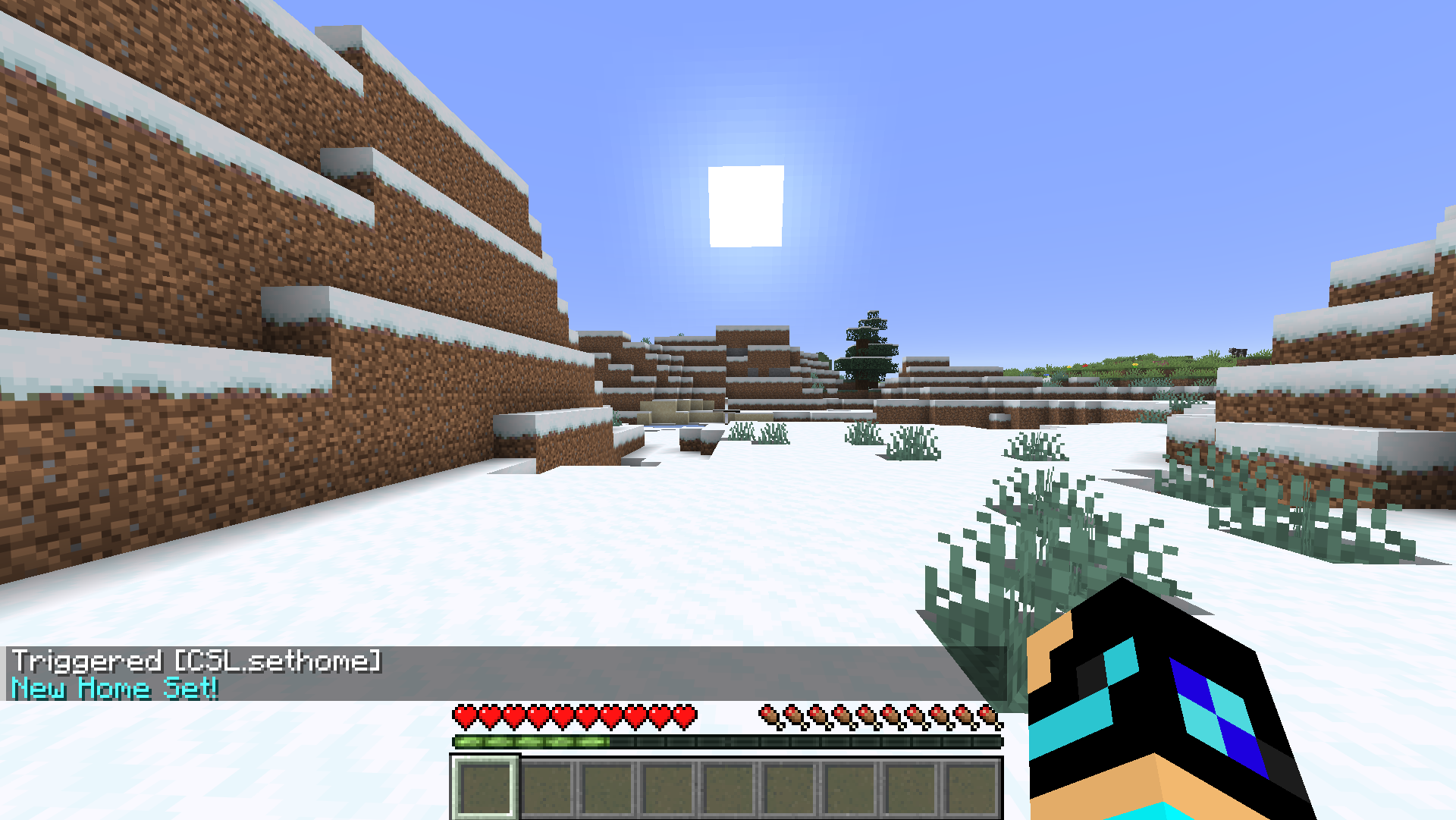 Sethome command Sets a home on your location, once set you can teleport to it at any time
 -
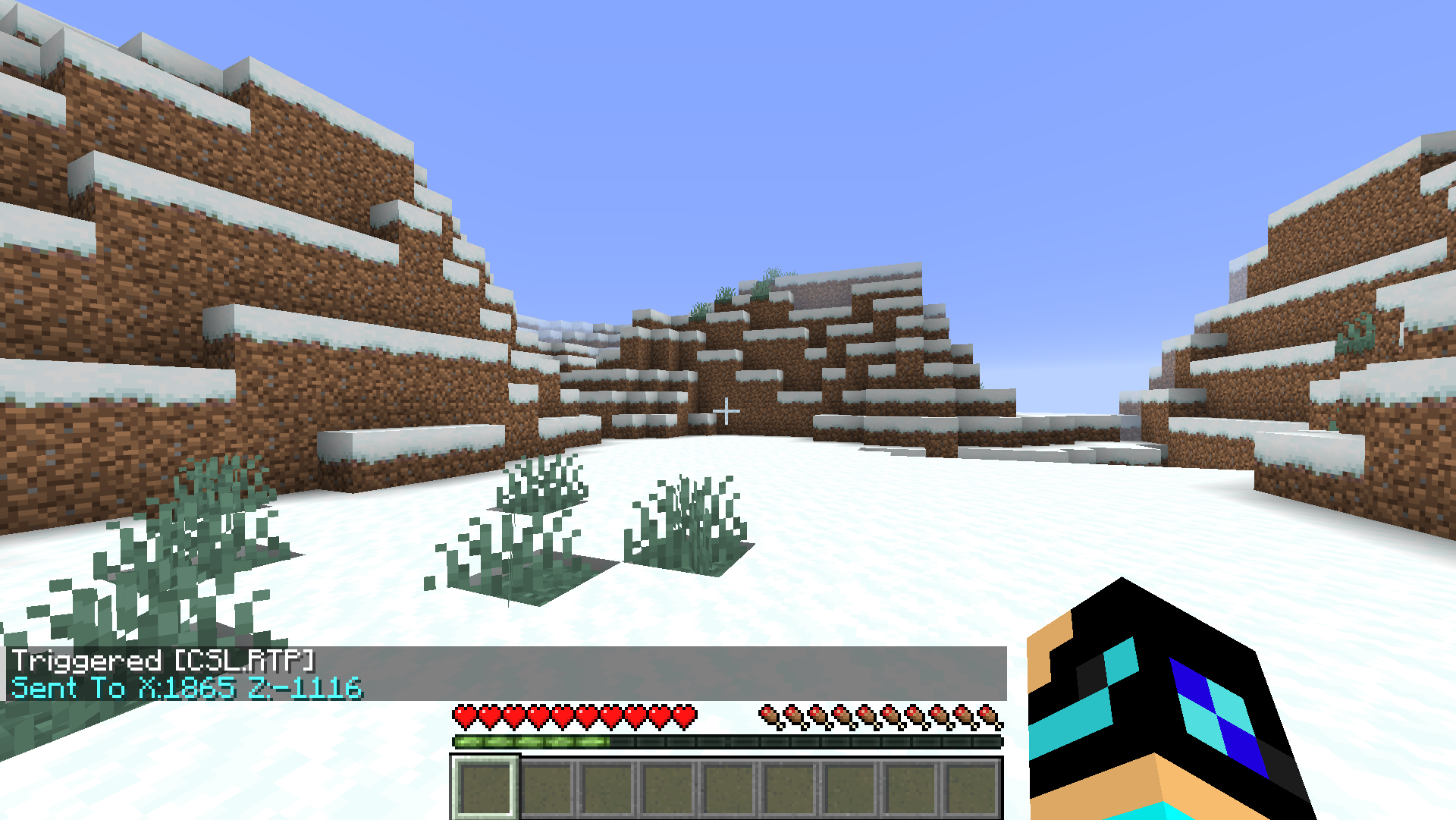 RTP command Teleports the player to a random location
 -
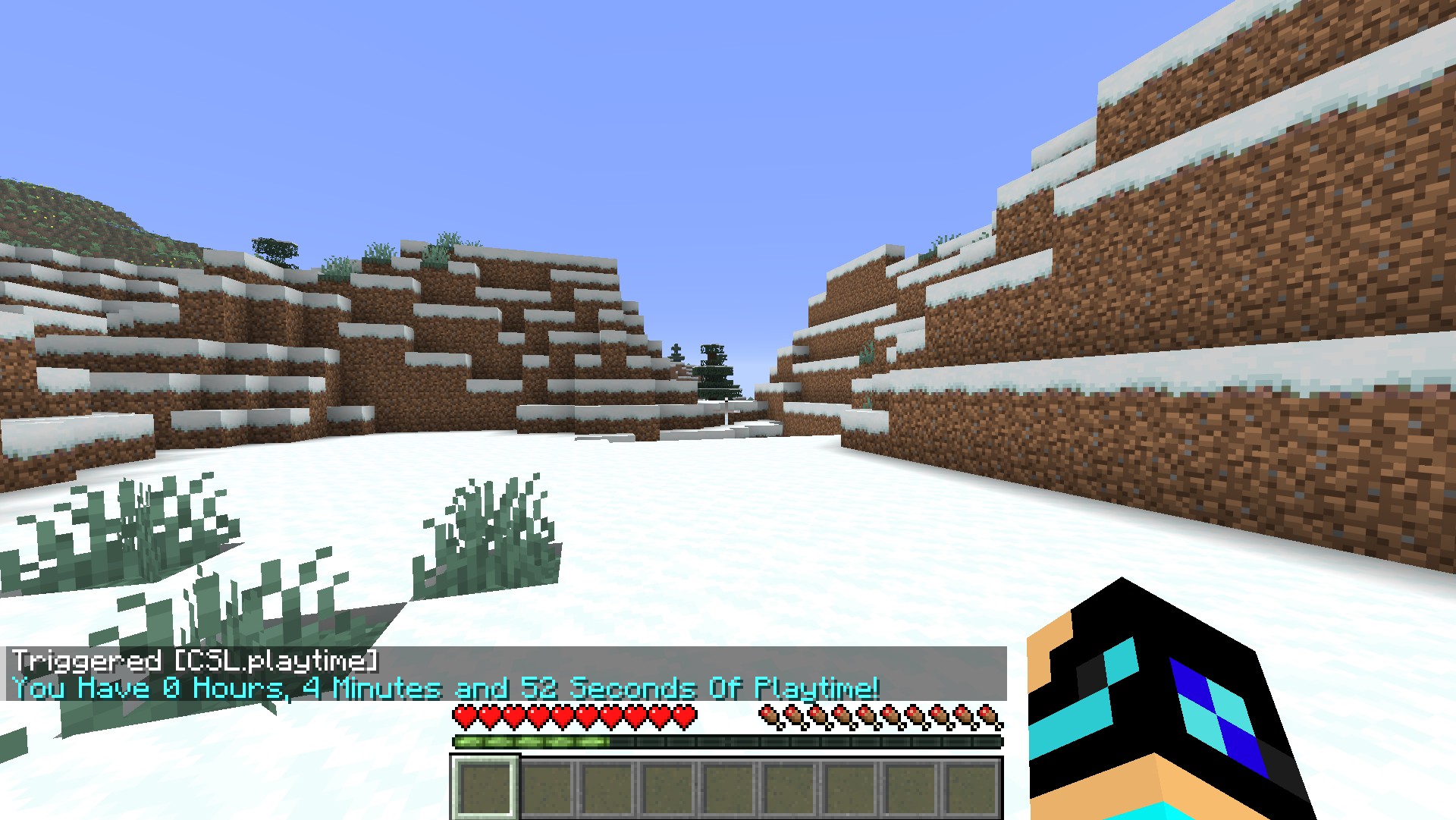 Playtime command Shows how long you played in a world
Versions
Files
Relations
Project Relations
More like this
Similar Mods
Suggestions use data such as tags, dependencies, dependents, descriptions, titles, and more to rank how much they overlap with this mod.
On ModDex
Community snapshot
By the numbers
Statistics

Want to reach Minecraft players?
We're looking for a server hosting partner to feature here and other parts of the site. Interested? Send us a message!
Get in touchGet it on
Available Platforms
On ModDex
Community snapshot
By the numbers
Statistics
Resources