
Community listing page, reviews here may not be monitored by the author.
Continental Sandwiches

No reviews yet
World generation data pack that changes our world to get an effect similiar in look to a sandwich.
Community voices
Reviews
No reviews yet. Be the first to review this project!
Get it on
Available Platforms
About
Project Details
For authors
Embed Badge
If you're the author of this project, you can embed a live badge anywhere that supports HTML or Markdown. It updates automatically whenever ratings change.
Use HTML for any page that supports it, or Markdown for README files and Markdown-based descriptions.
Identifiers
Platform IDs
About
Description

Description
Continental Sandwiches is a world generation data pack that changes our world to get an effect similiar in look to a sandwich. This data pack changes Overworld and Nether.
Disclaimer
Continental Sandwiches does not provide official support for usage of other world generation data packs but you can modify it yourself.
Terms of Use
By using Continental Sandwiches data pack you agree to observe the rules written in TOU.
If you wouldn't like to accept the rules of TOU, just stop using this pack.
General provisions:
- You are allowed to use, share, write articles, modify and distribute modified version of the pack (with a mention of the original data pack)
- You are not allowed to: monetize, share the original from unofficial download sources, redistribute unmodified version and claim to be the author of the original data pack.
- Full Terms of Use can be found inside of README.txt file.


How to Install
- Open Minecraft: Java Edition on version corresponding to downloaded release or any variation of it.
- Click on a button labeled Singleplayer.
- If you have created any world before, click Create New World. If you have never created any world before go to step no. 4.
- Click on a button labeled Data Packs.
- Click on a button labeled Open Pack Folder.
- Now you can see temporary folder created by the game. Open another instance of File Explorer and find the downloaded .zip file.
- Drag the downloaded .zip file into temporary folder.
- Click on Minecraft window and hover your mouse above the icon of the pack on the left side of the window, and click on the arrow pointing right.
- Click on a button labeled Done.
- Click on a button labeled Create New World.

Programs and Sources Used to Create
-Minecraft Assets
-Minecraft Vanilla Worldgen File
-Data pack updater by Misode
Created and Released by

Screenshots
Gallery
-
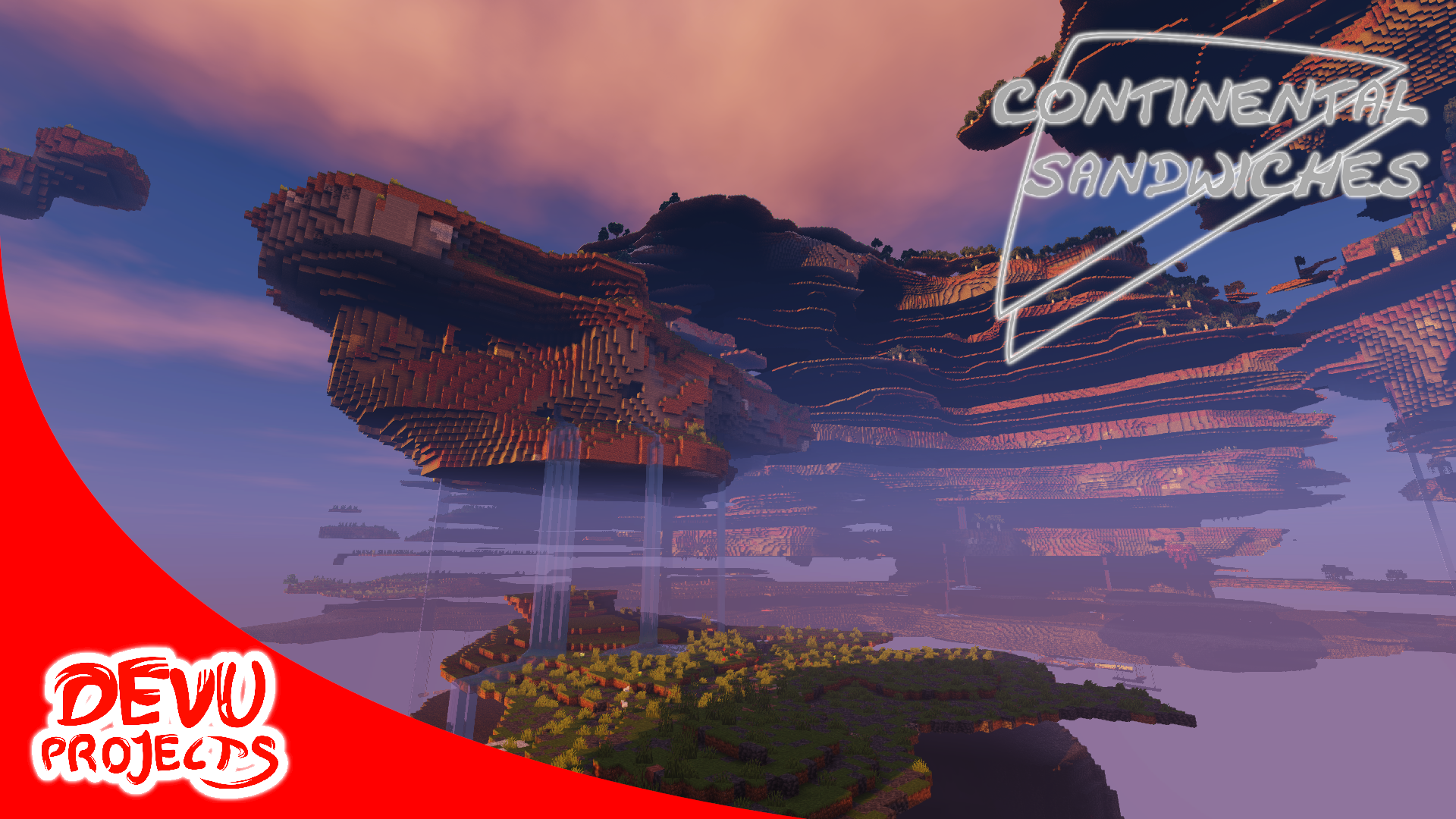 Promo image
 -
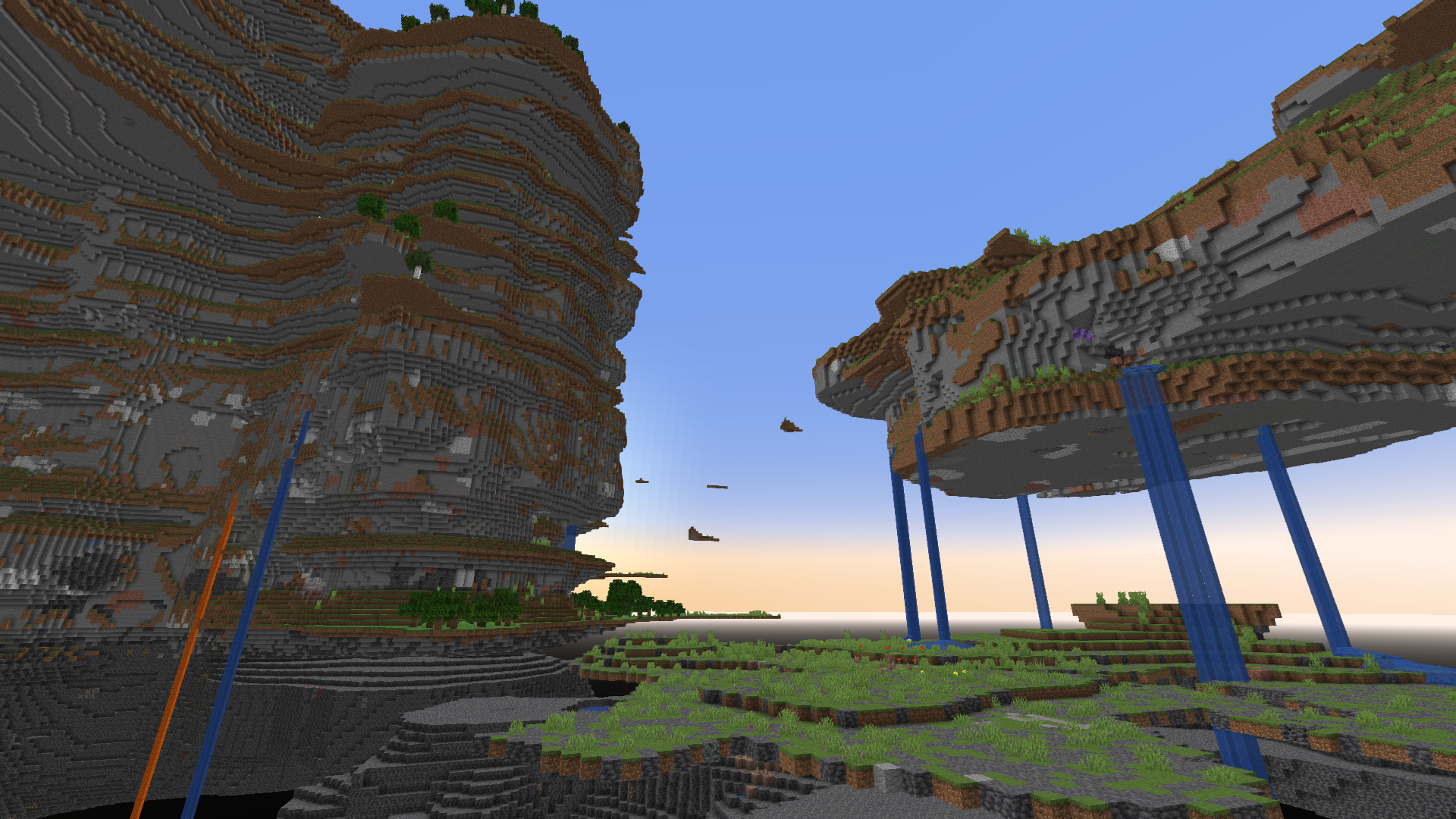 Overworld 2
 -
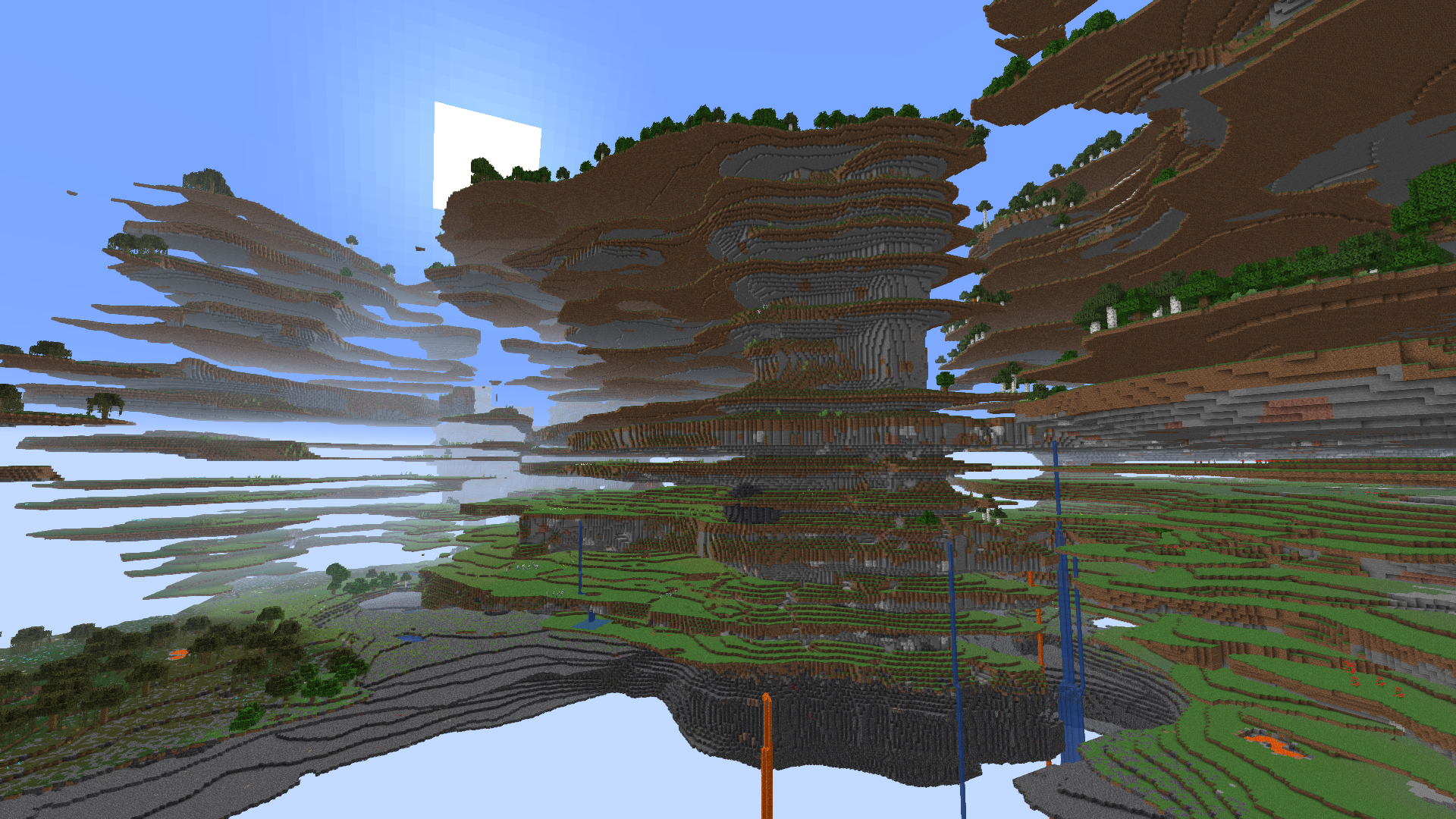 Overworld
 -
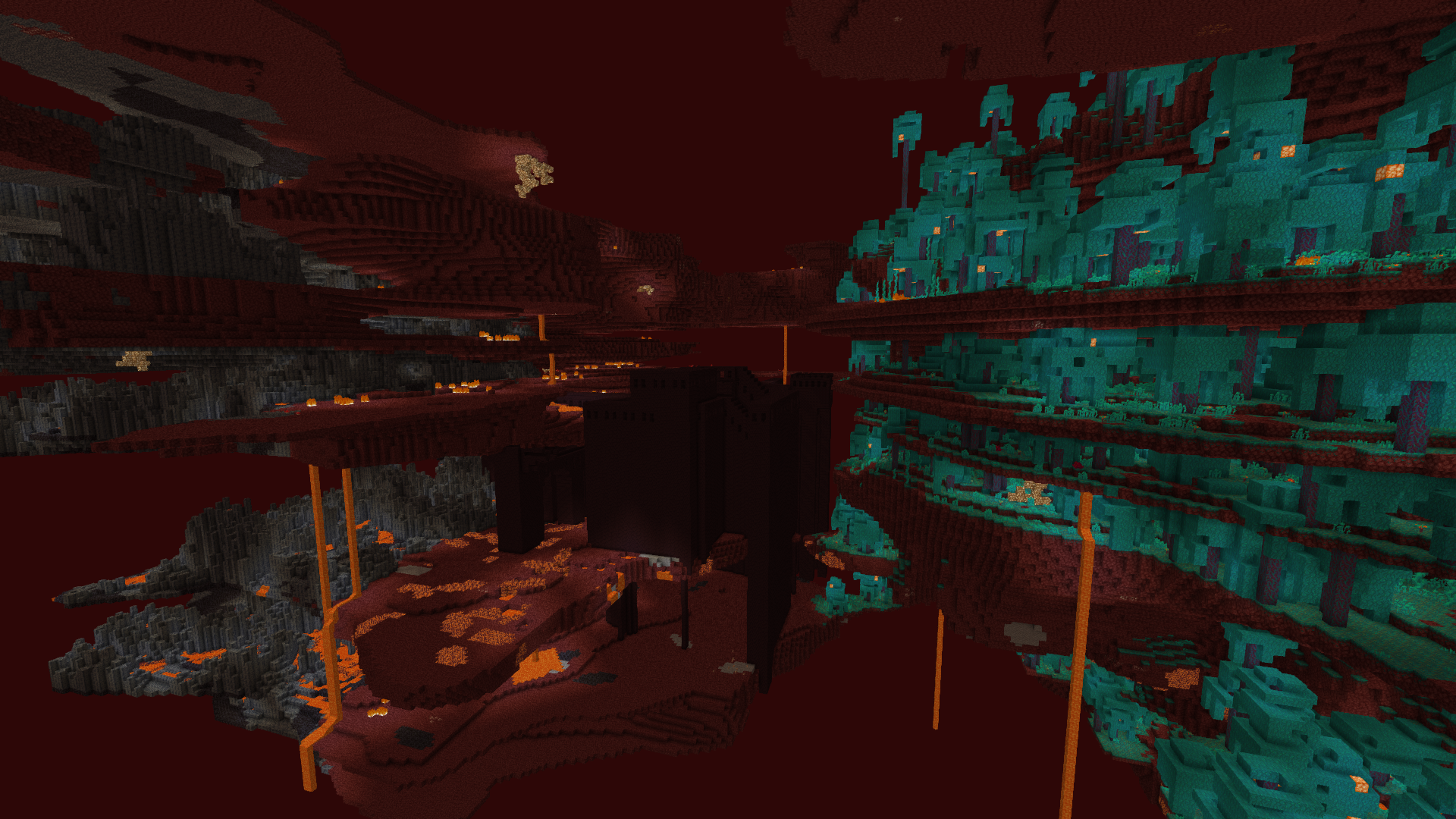 Nether 2
 -
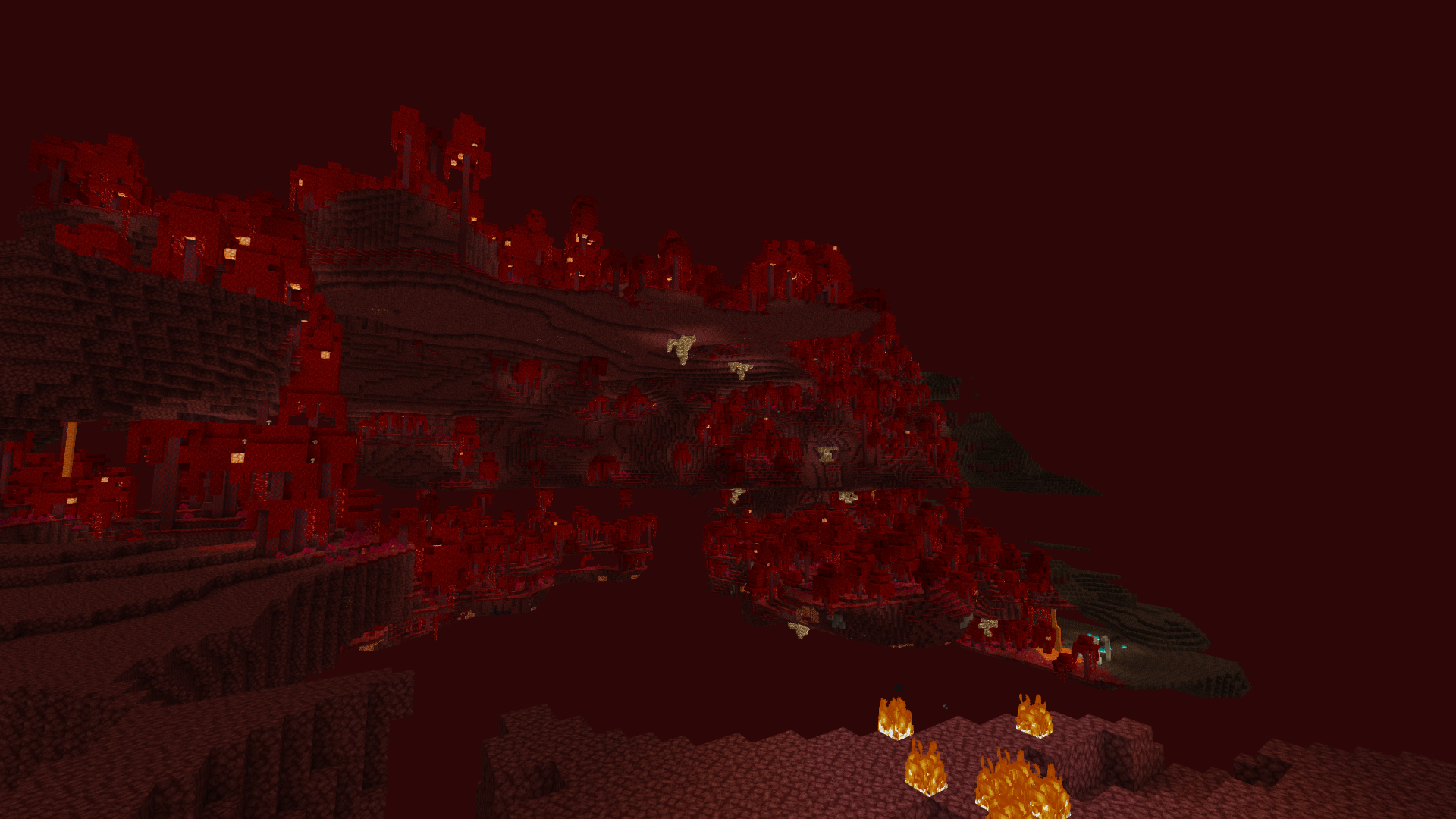 Nether 1
 -
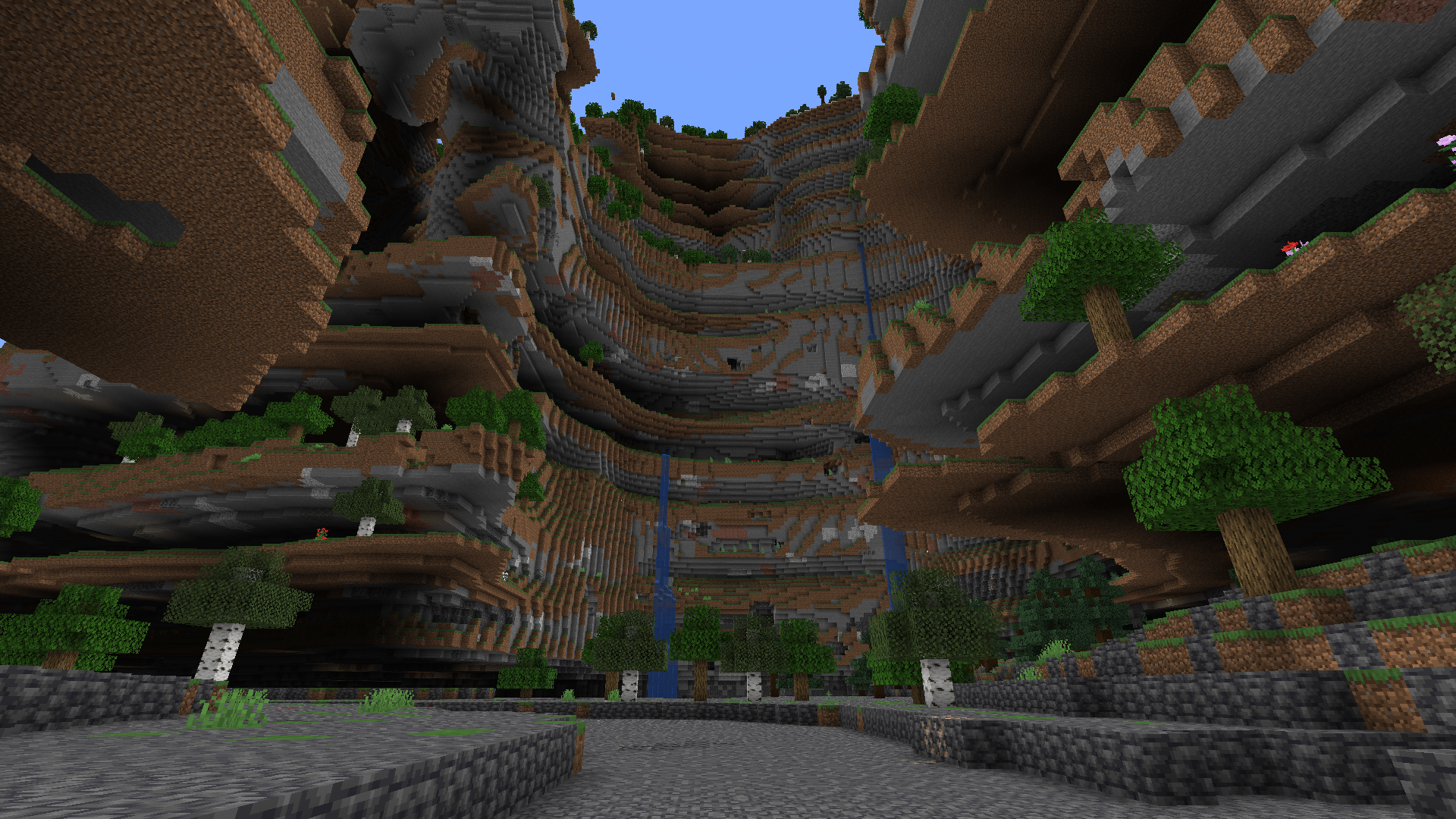 Cliff
Cliff -
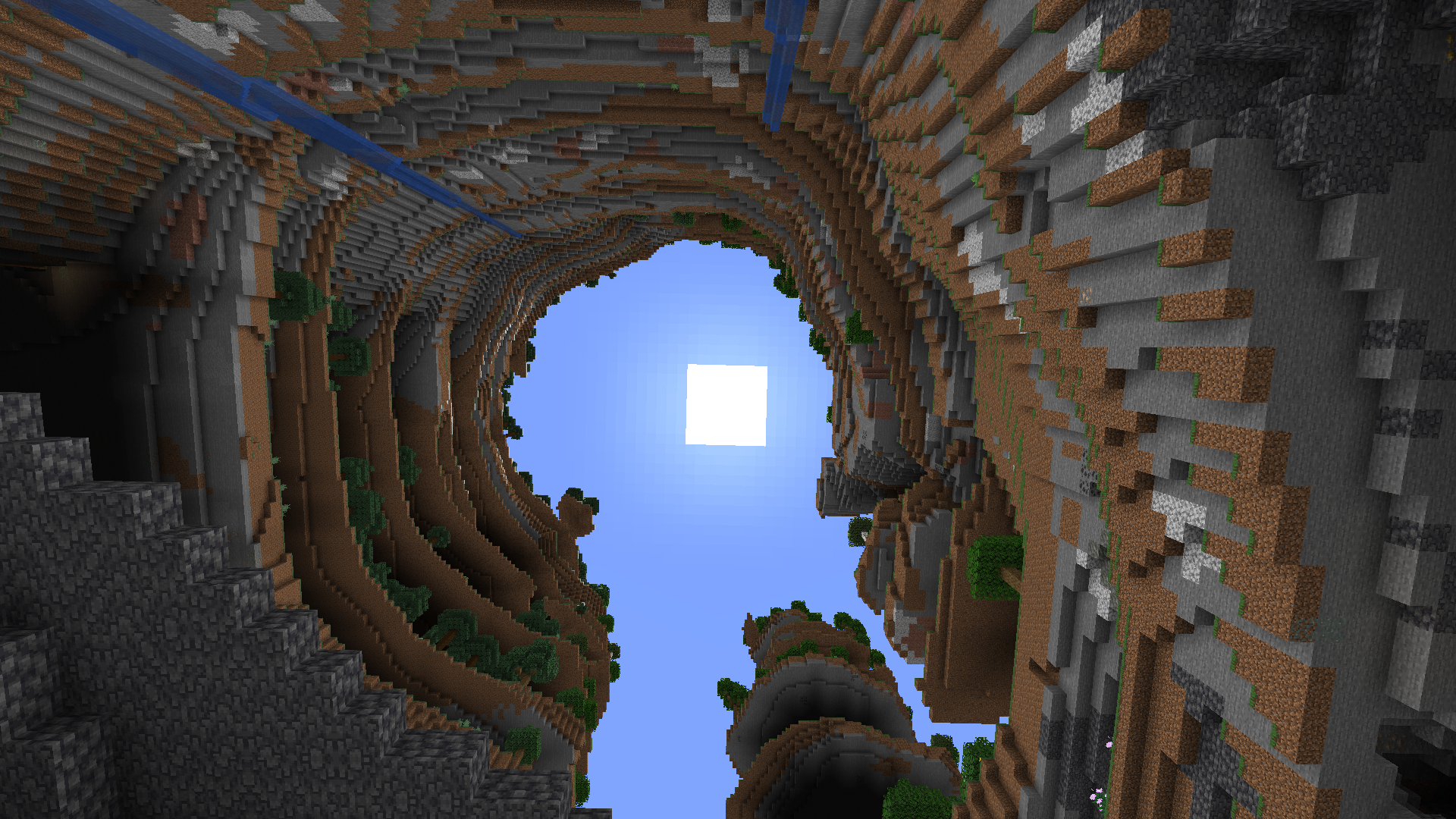 Cliff from bottom
 -
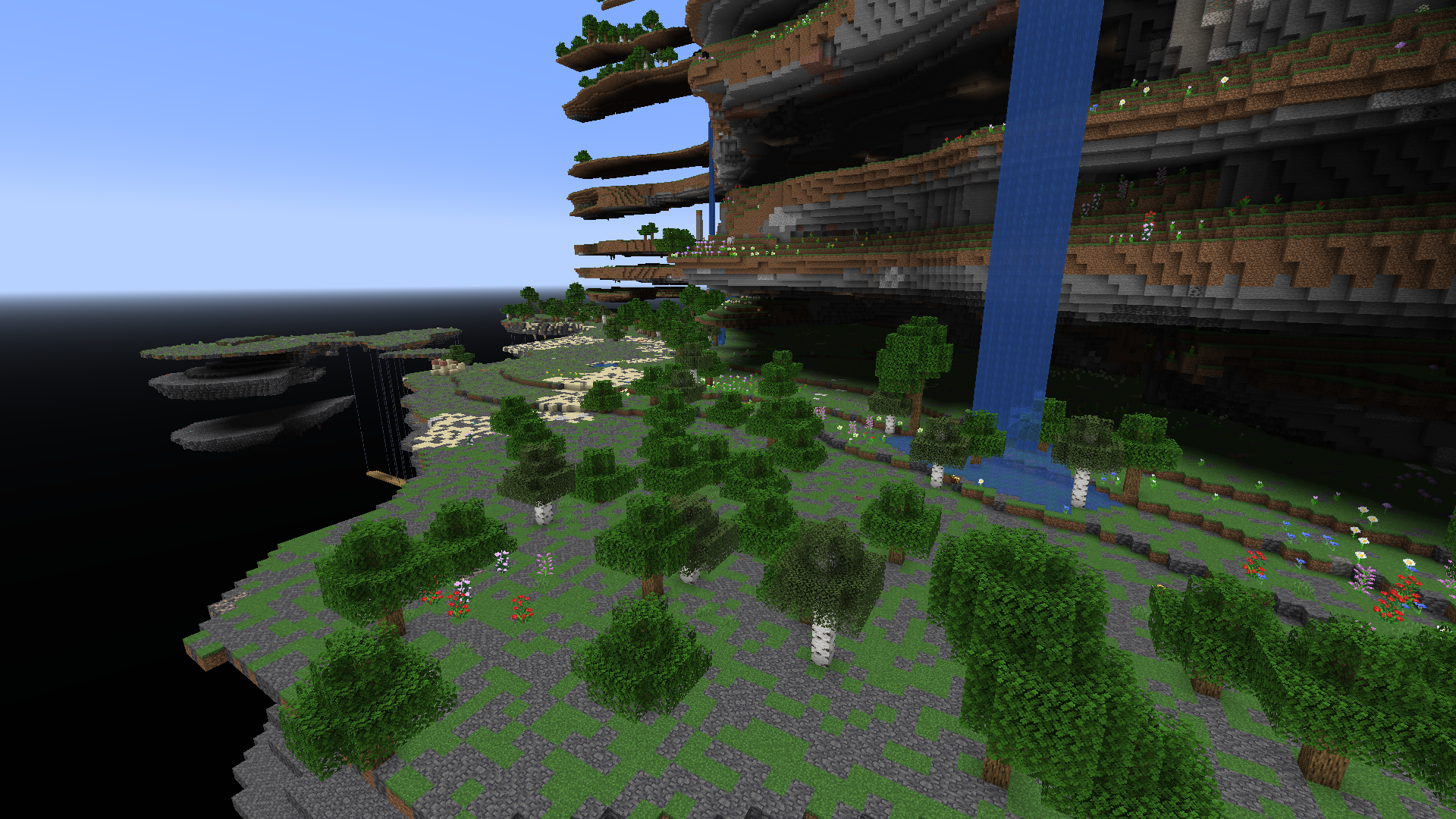 Lower levels
 -
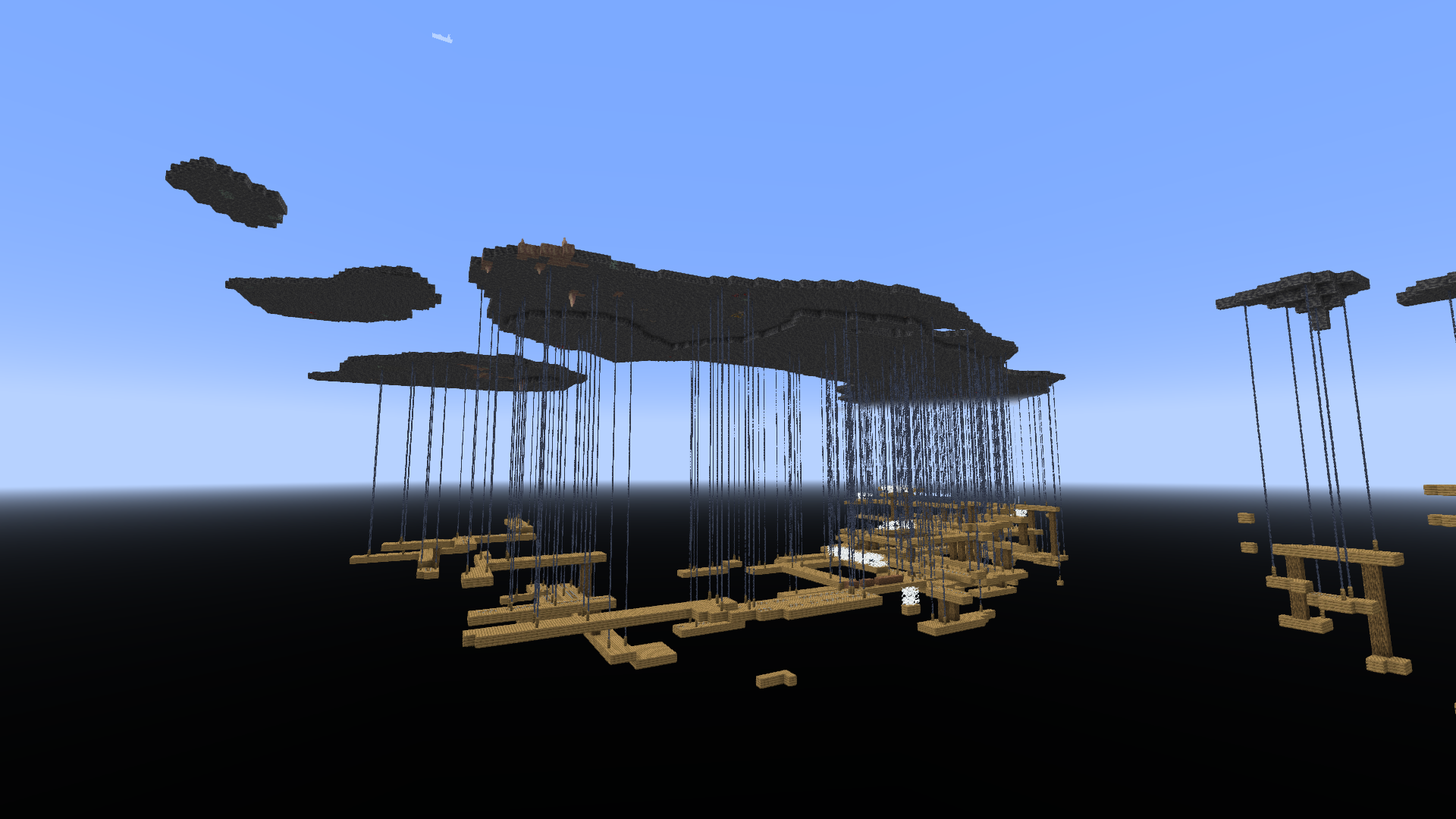 Mineshaft
Versions
Files
Relations
Project Relations
More like this
Similar Mods
Suggestions use data such as tags, dependencies, dependents, descriptions, titles, and more to rank how much they overlap with this mod.
On ModDex
Community snapshot
By the numbers
Statistics

Want to reach Minecraft players?
We're looking for a server hosting partner to feature here and other parts of the site. Interested? Send us a message!
Get in touchGet it on
Available Platforms
On ModDex
Community snapshot
By the numbers