
Community listing page, reviews here may not be monitored by the author.
Coordinated Command Blocks

No reviews yet
Adds a button to convert between Relative and Absolute coordinates in Command Blocks!
Community voices
Reviews
No reviews yet. Be the first to review this project!
Get it on
Available Platforms
Compatibility
Supported Environments
Runs entirely on the client. Works on vanilla servers.
About
Project Details
For authors
Embed Badge
If you're the author of this project, you can embed a live badge anywhere that supports HTML or Markdown. It updates automatically whenever ratings change.
Use HTML for any page that supports it, or Markdown for README files and Markdown-based descriptions.
Identifiers
Platform IDs
About
Description
Coordinated Command Blocks
Adds a button to convert between Relative and Absolute coordinates in Command Blocks
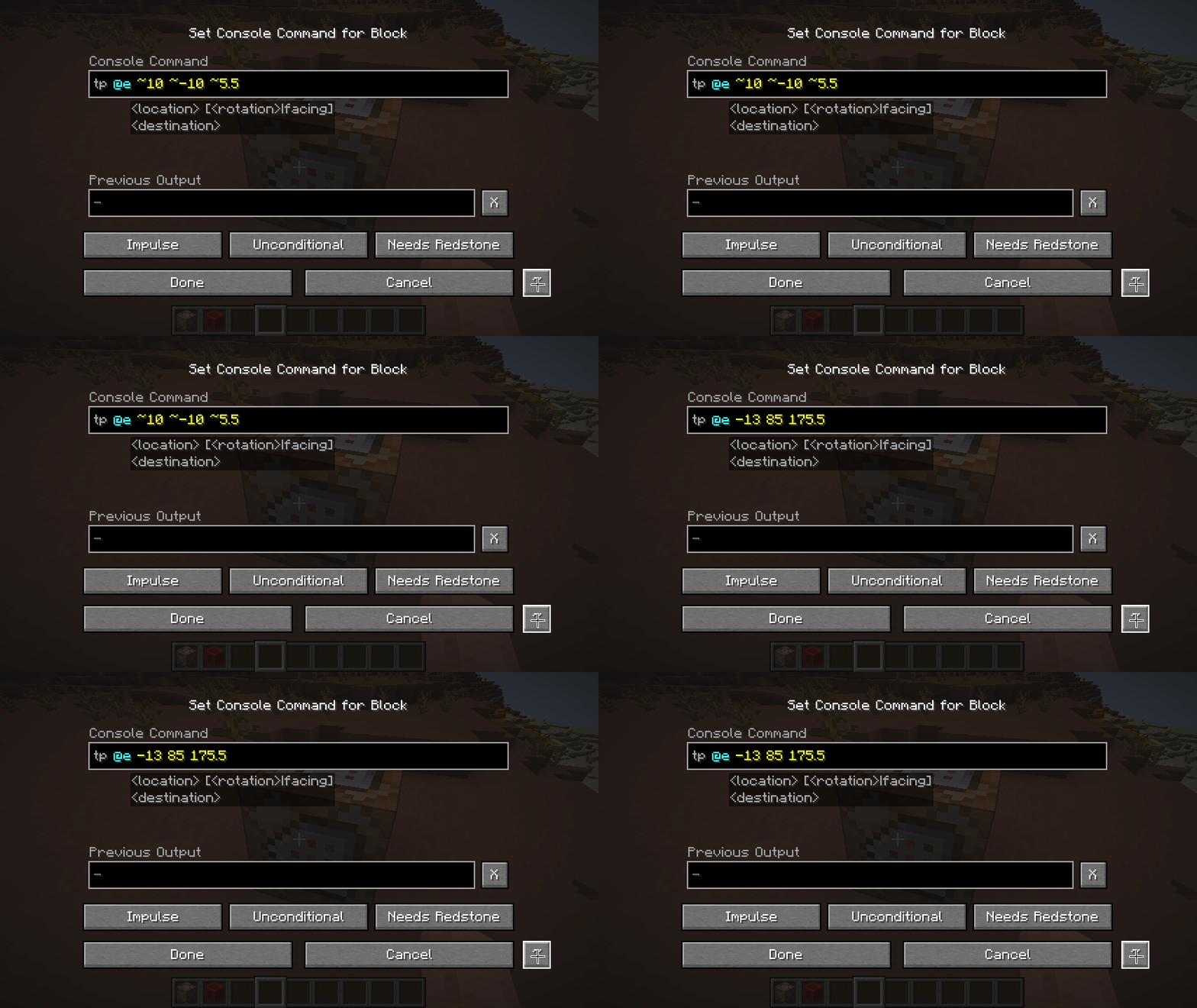
for instance a command block at 10, 10, 10 with setblock ~1 ~2 ~3 stone would convert into setblock 11 12 13 stone, then clicking it again would turn the coords back into ~1 ~2 ~3
coordinate conversions are always relative to the position of the command block, so it may have unintended consequences when doing execute positioned or execute at, likewise parameters for the particle command might be interpreted as coordinates (as well as anything else "coordinatey" like text in nbt data might be)
Screenshots
Gallery
-
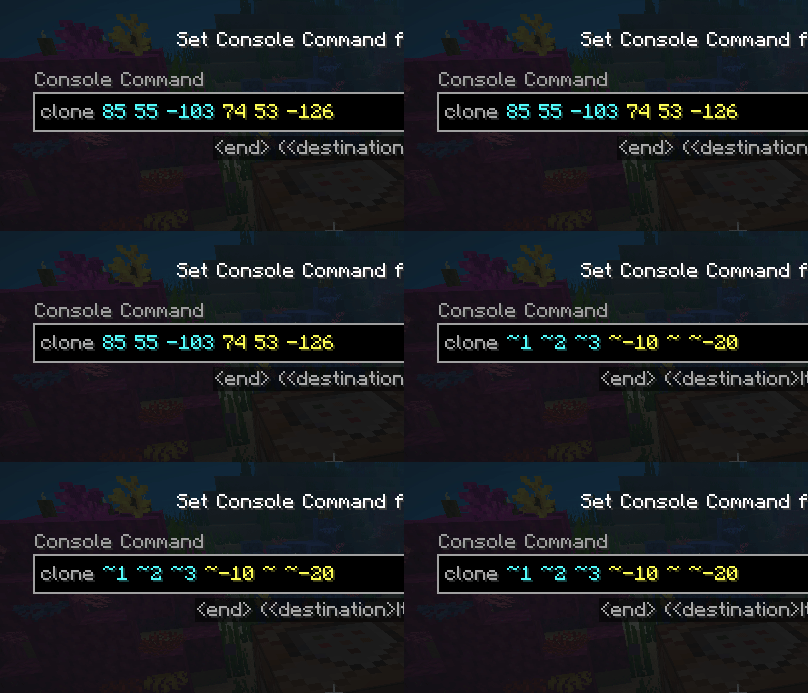 Multiple Coords it works with multiple coordinate sets at once!
 -
Absolutely Relative positions! clicking the ~ button converts all coordinates to be either absolute or relative!
Versions
Files
Relations
Project Relations
More like this
Similar Mods
Suggestions use data such as tags, dependencies, dependents, descriptions, titles, and more to rank how much they overlap with this mod.
On ModDex
Community snapshot
By the numbers
Statistics

Want to reach Minecraft players?
We're looking for a server hosting partner to feature here and other parts of the site. Interested? Send us a message!
Get in touchGet it on
Available Platforms
On ModDex
Community snapshot
By the numbers