Community listing page, reviews may not be monitored by the author.
Copy & Build

No reviews yet
Copy any build into a blueprint, preview it as a hologram, and let a Builder NPC construct it for you, for free.

Community voices
Reviews
No reviews yet. Be the first to review this project!
Get it on
Available Platforms
About
Project Details
For authors
Embed Badge
If you're the author of this project, you can embed a live badge anywhere that supports HTML or Markdown. It updates automatically whenever ratings change.
Use HTML for any page that supports it, or Markdown for README files and Markdown-based descriptions.
Identifiers
Platform IDs
Resources
External Links
About
Description
Copy any build, preview it as a hologram, and let the Builder construct it for you, for free.
Construct and Clone All was created by a father and his 11-year-old son, based on his idea: "what if a villager could just build my house somewhere else?" So we made it.
FEATURES
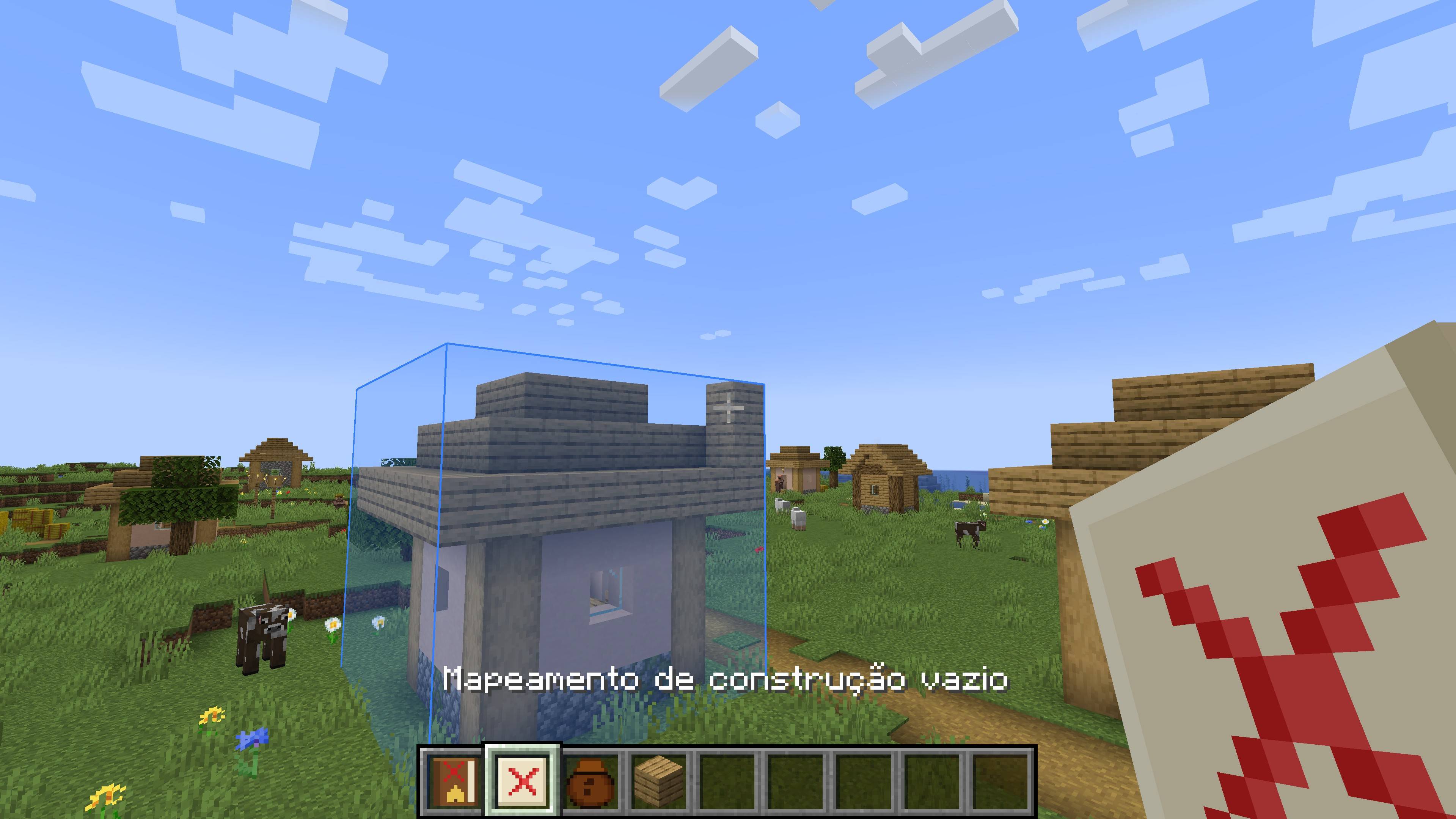
- Copy buildings: use the Empty Construction Mapping to select an area (up to 32x32x32). A blue box shows the selected area and turns red if it gets too big.
- Copies everything: blocks, block states, chests with their items, signs and other block entities. (Mobs and armor stands are not copied.)
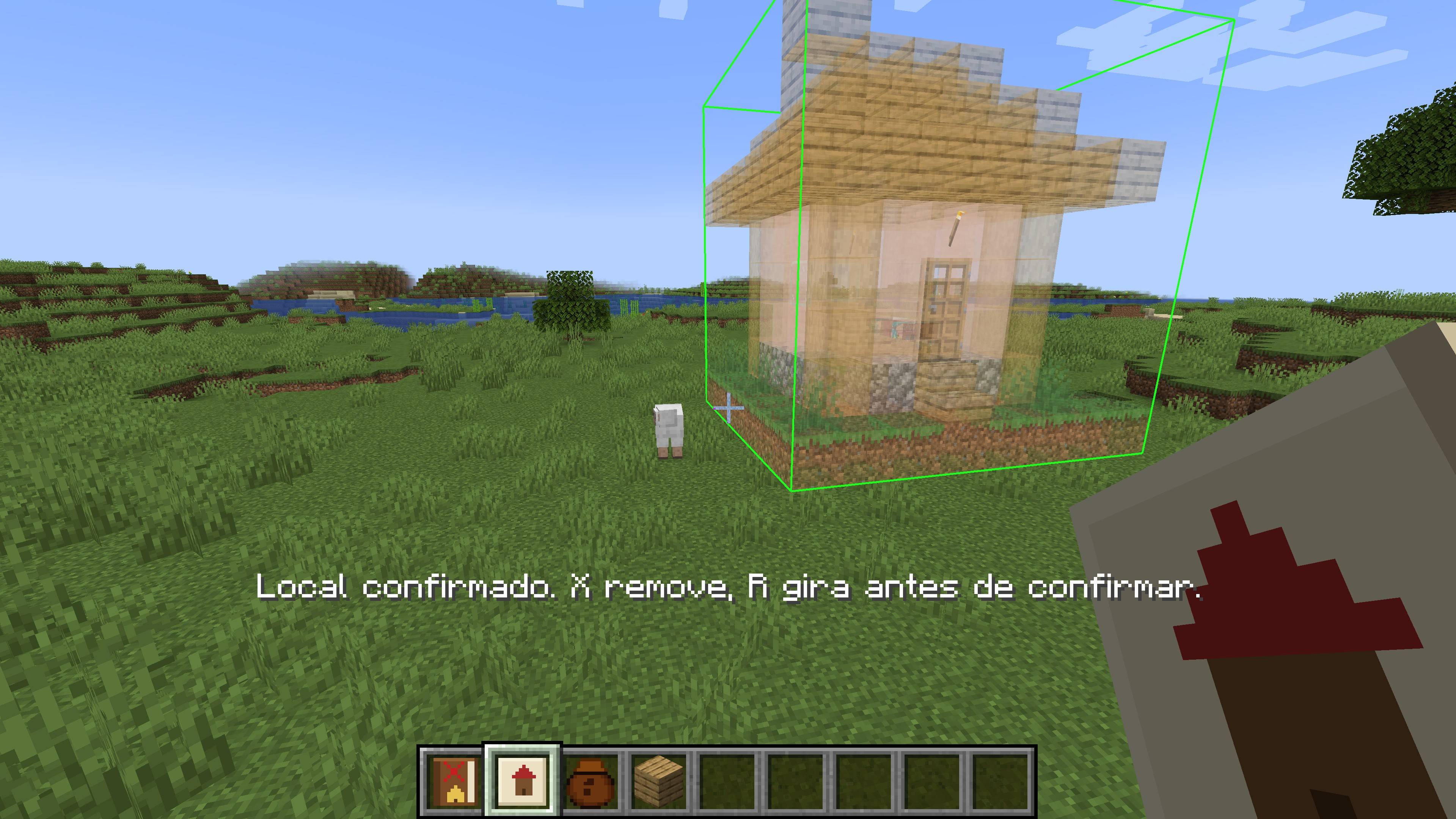
- Hologram preview: hold the Filled Construction Mapping to see a translucent hologram of your build following your crosshair.
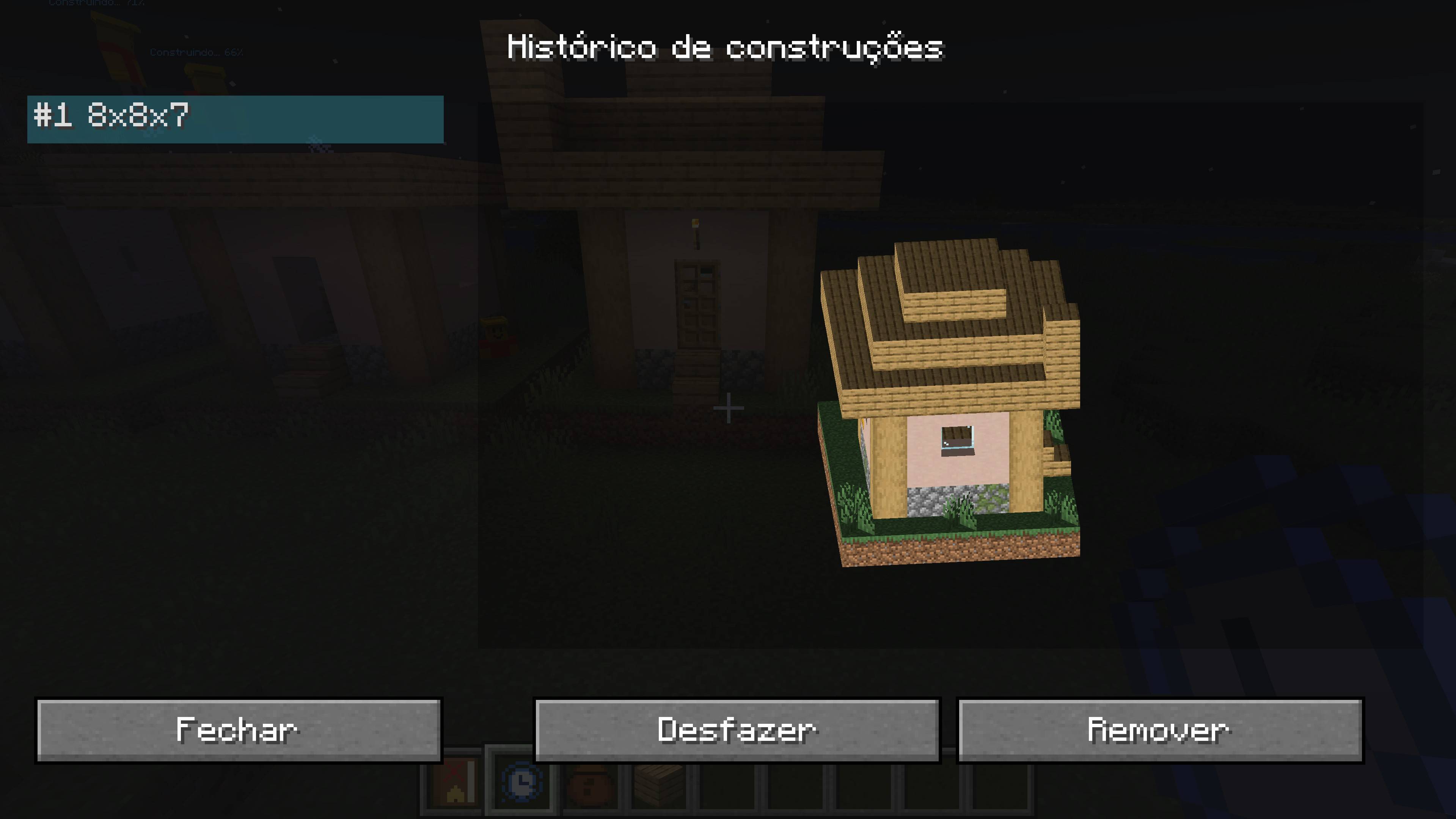
- Rotate and confirm: rotate the hologram in 90° steps, then confirm the location. Placed it in the wrong spot? Remove it and try again.
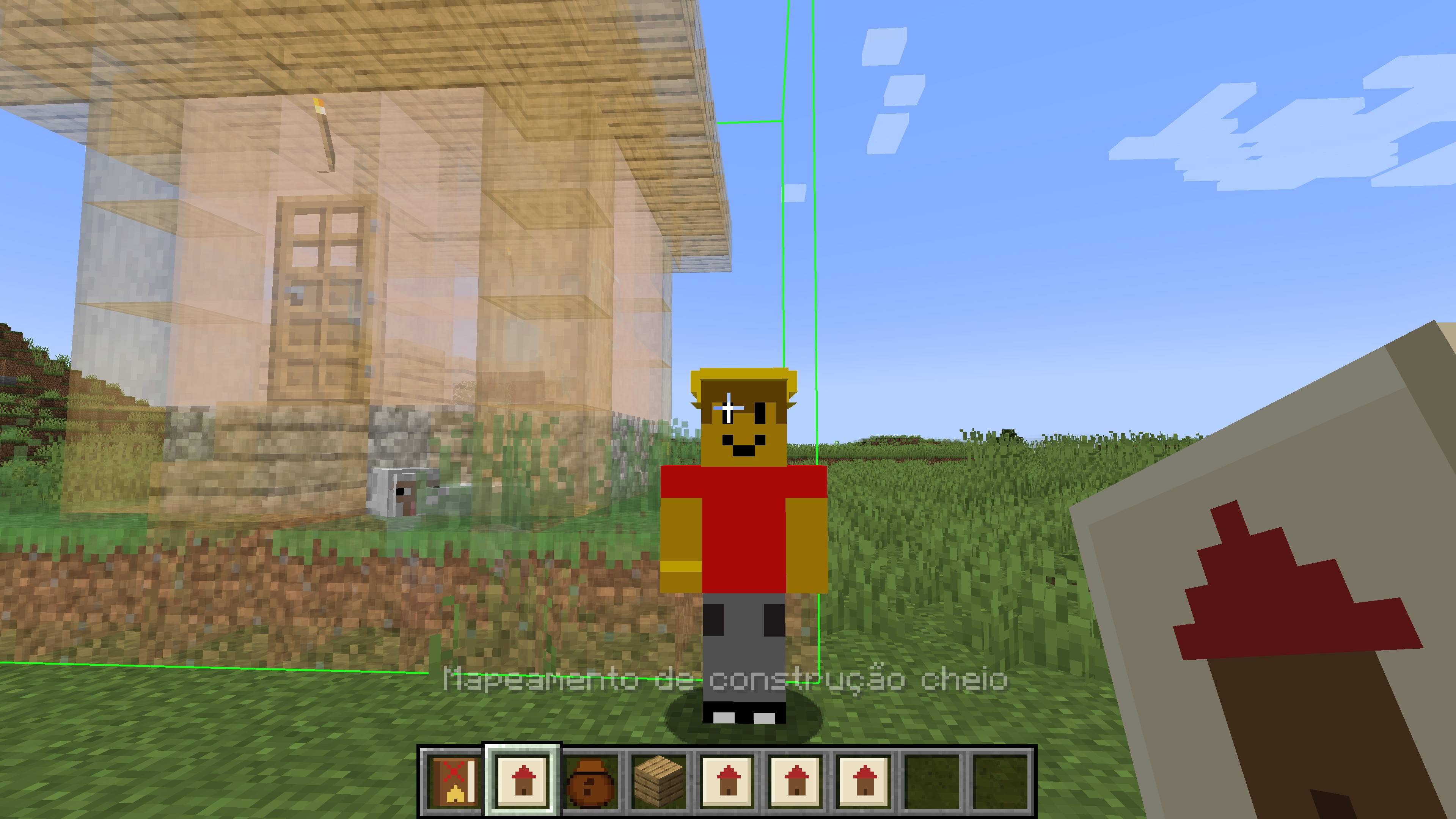
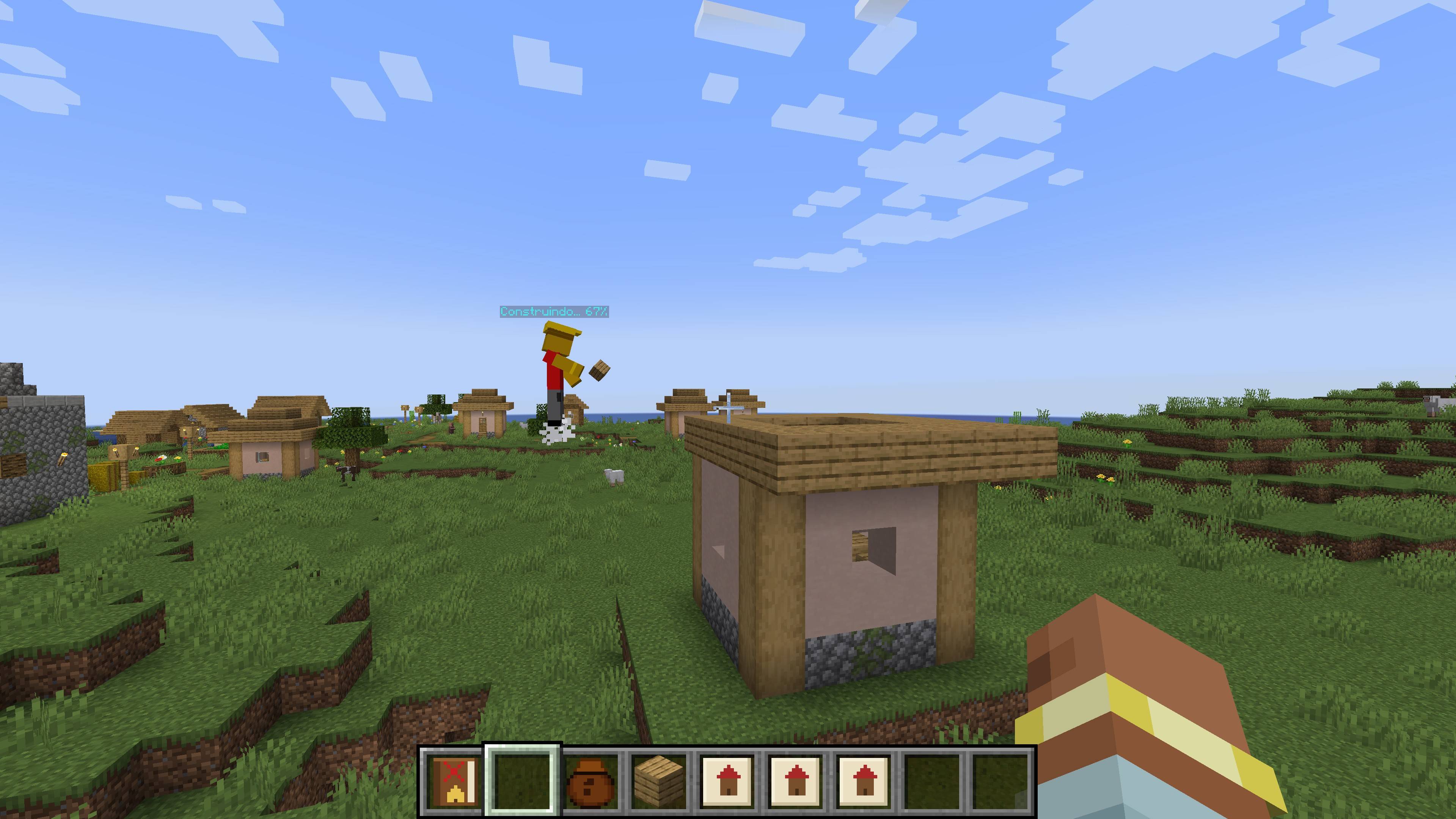
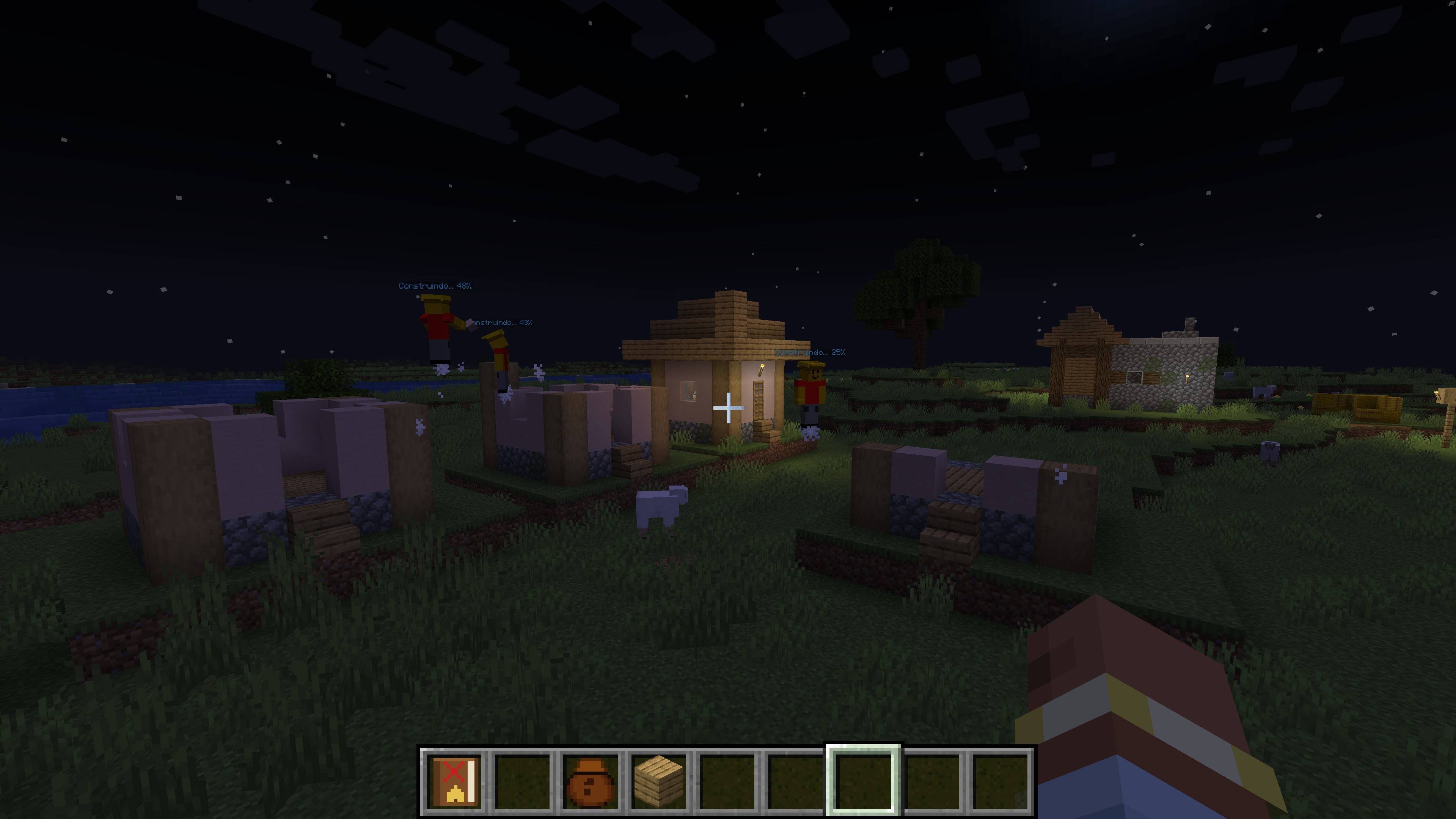
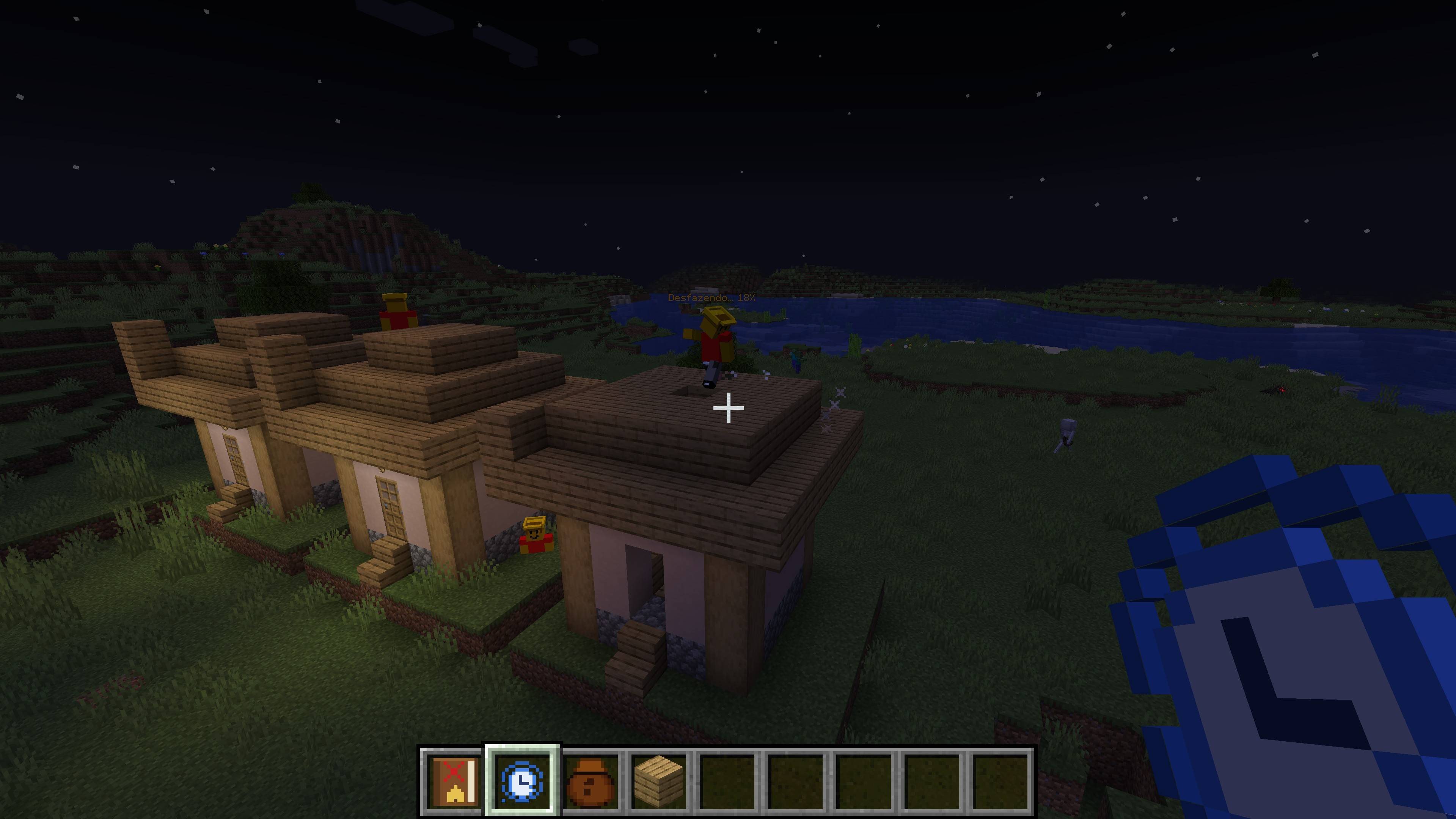
- The Builder: a new NPC that takes the mapping, walks to the site and builds the structure layer by layer, with no materials needed.
- Tall builds: the Builder floats alongside the construction as it rises, so towers and big structures get finished.
- Cancel and undo: right-click the Builder during construction to cancel. You can undo everything, and the terrain that was replaced is restored.
- In-game guide: the Builder's Guide book teaches every step. You receive one when you first join a world.
- Works on multiplayer servers (install the mod on both server and clients)
HOW TO USE
1. Take an Empty Construction Mapping and right-click one corner of your build.
2. Move your crosshair to the opposite corner and right-click again. The paper becomes a Filled Construction Mapping.
3. Hold the Filled Mapping, aim where you want the build, press R to rotate and right-click to confirm. Press X to remove the location.
4. Spawn a Builder (spawn egg in the mod's creative tab) and right-click it with the Filled Mapping. It does the rest.
NOTES
- Minecraft 1.20.1, Forge.
- The Builder replaces the blocks in the target area so the result matches the original build.
- Works best in Creative or for fun builds, since materials are free.
Found a bug or have an idea? Leave a comment. We read everything!
Screenshots
Gallery
-
 mine2.jpg mine2.jpg
 -
 mine3.jpg mine3.jpg
 -
 mine4.jpg mine4.jpg
 -
 mine5.jpg mine5.jpg
 -
 mine6.jpg mine6.jpg
 -
 mine7.jpg mine7.jpg
 -
 mine1.jpg mine1.jpg
Versions
Files
Relations
Project Relations
More like this
Similar Mods
Suggestions use data such as tags, dependencies, dependents, descriptions, titles, and more to rank how much they overlap with this mod.
On ModDex
Community snapshot
By the numbers
Statistics

Get it on
Available Platforms
On ModDex
Community snapshot
By the numbers
Statistics
Resources