Community listing page, reviews may not be monitored by the author.
Corpse, GraveStone & Tombstone x Curios & Accessories Compat

No reviews yet
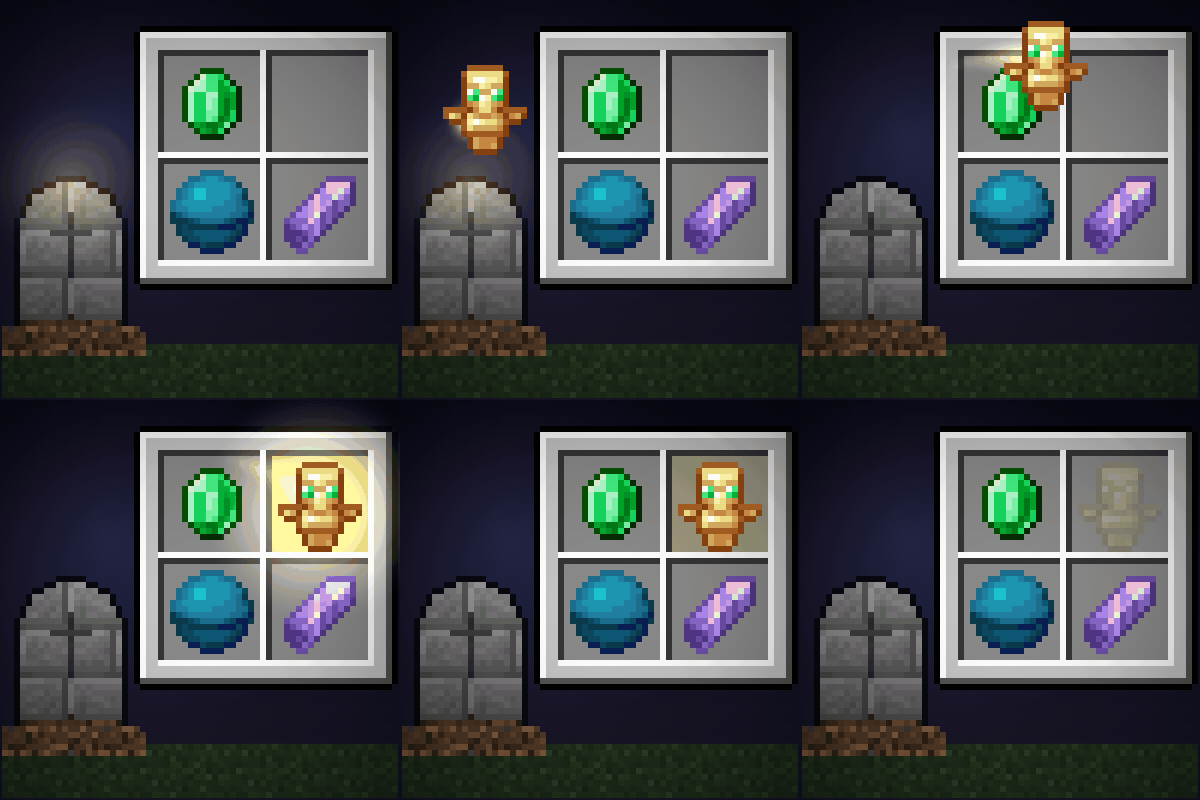
Graves put your rings, necklaces and cosmetic armor back in their exact Curios, Accessories and Cosmetic Armor slots. Per-slot keep/drop rules. Server-side logic.

Community voices
Reviews
No reviews yet. Be the first to review this project!
Get it on
Available Platforms
About
Project Details
For authors
Embed Badge
If you're the author of this project, you can embed a live badge anywhere that supports HTML or Markdown. It updates automatically whenever ratings change.
Use HTML for any page that supports it, or Markdown for README files and Markdown-based descriptions.
Identifiers
Platform IDs
Resources
External Links
About
Description
Corpse, GraveStone & Tombstone x Curios & Accessories: your items go back into their exact slots after you die
You die wearing two rings, a necklace, a cape and a cosmetic hat. You get your grave back, and everything lands in your main inventory. Now you get to put each one back by hand, and guess which ring went in which slot.
This mod puts every item straight back into the slot it came from: ring 1 to ring 1, ring 2 to ring 2, cosmetic hat to the cosmetic hat slot. It works for Accessories, Curios and Cosmetic Armor Reworked, with Corpse, GraveStone, Corail Tombstone and Simple Tomb. One mod, no extra libraries.
Works with
| Grave mod | Accessories | Curios | Cosmetic Armor Reworked |
|---|---|---|---|
| Corpse | Yes | Yes (if Corpse x Curios API Compat is installed, we leave Curios to it) | Yes (if Corpse x Cosmetic Armor Reworked Compat is installed, we leave it to that mod) |
| GraveStone | Yes | Yes (if Gravestone x Curios API Compat is installed, we leave Curios to it) | Yes |
| Corail Tombstone | Yes, even with a full inventory | Yes, even with a full inventory | Tombstone keeps cosmetic armor itself (its own option, on by default) |
| Simple Tomb | Yes | Yes | Yes |
| No grave mod | The death rules below still apply (keep, drop or destroy per slot) |
Minecraft 1.20.1 (Forge) and 1.21.1 (NeoForge). Every mod in the table is optional: install the ones your pack uses.
Choose what happens to each slot on death
A server config lets you choose, per slot type and per item:
- GRAVE (default): into the body or grave, back to its slot when you recover it.
- KEEP: stays on you through death and respawn.
- DROP: dropped on the ground where you died, never into the grave.
- DESTROY: deleted.
Items tagged c:soulbound or forge:soulbound are kept by default.
[death]
    slotRules = ["necklace=KEEP", "charm=DROP", "*=GRAVE"]
    itemRules = ["minecraft:elytra=KEEP", "#c:soulbound=KEEP", "#forge:soulbound=KEEP"]
An item rule beats a slot rule. Slot names are the ones Accessories and Curios use (ring,
necklace, back, ...); Cosmetic Armor Reworked uses cosmetic_head,
cosmetic_chest, cosmetic_legs and cosmetic_feet. The file is
gravesaccessories-server.toml (in world/serverconfig/ on 1.20.1, in config/ on
1.21.1).
Safe by design
- An item is never deleted or copied. If its slot is taken, the slot no longer exists, the item is not allowed there any more, or it belongs to another player, it stays in your inventory as a normal item.
- Inventory full? Tombstone graves go straight into the slots; items that GraveStone or Simple Tomb drop on the ground jump into their slots when you pick them up; Corpse keeps them in the body until you make room.
- keepInventory and the slot mods' own rules (soulbound, Curse of Vanishing, slots that keep their items) are respected.
- Already using a Curios or cosmetic armor compat for your grave mod? We detect it and never handle the same items twice.
- No mixins: only the public events of each mod.
- All the logic runs on the server: install it on the server, or in your single-player game.
For modpack makers
Feel free to include it in your modpack. MIT licensed.
Credits
Accessories by Blodhgarm, chyzman and Dr.Zeal (wisp-forest). Curios by TheIllusiveC4. Cosmetic Armor Reworked by lainmod. Corpse and GraveStone by henkelmax. Corail Tombstone by Corail31. Simple Tomb by Lothrazar. This mod is an independent add-on and is not affiliated with any of them.
Screenshots
Gallery
-
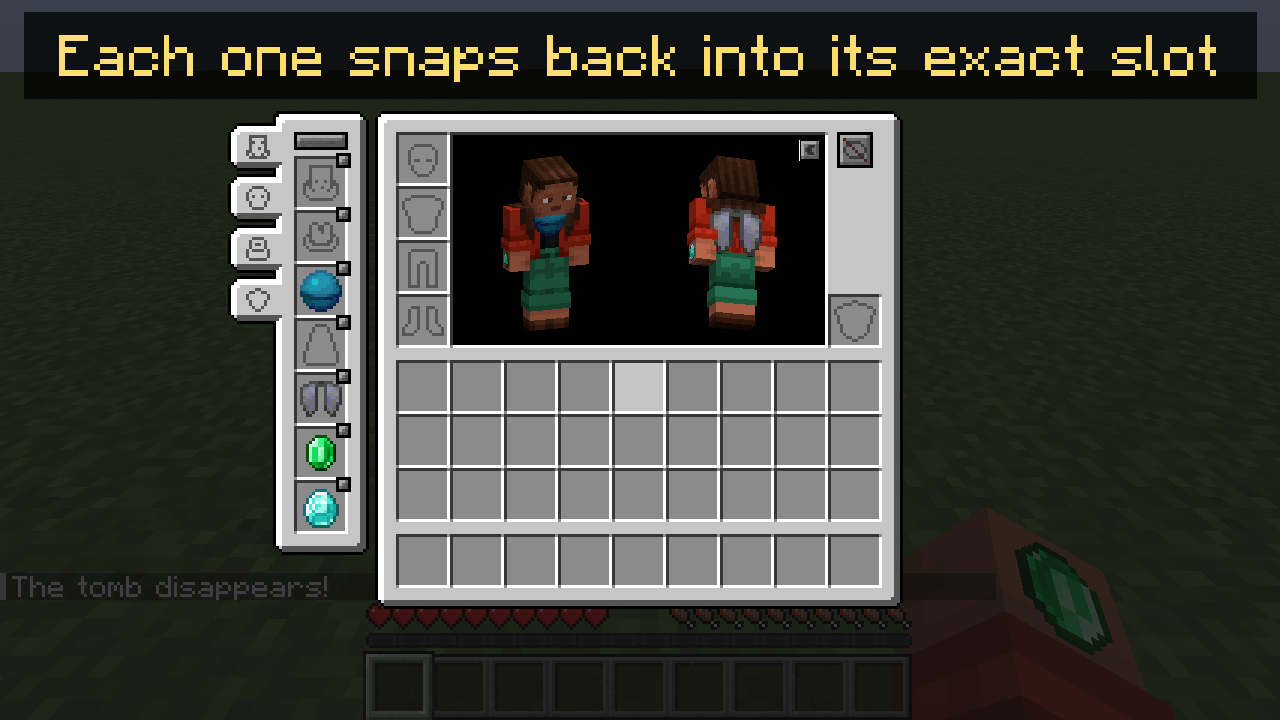 Accessories items snap back into their exact slots (Corail Tombstone)
-
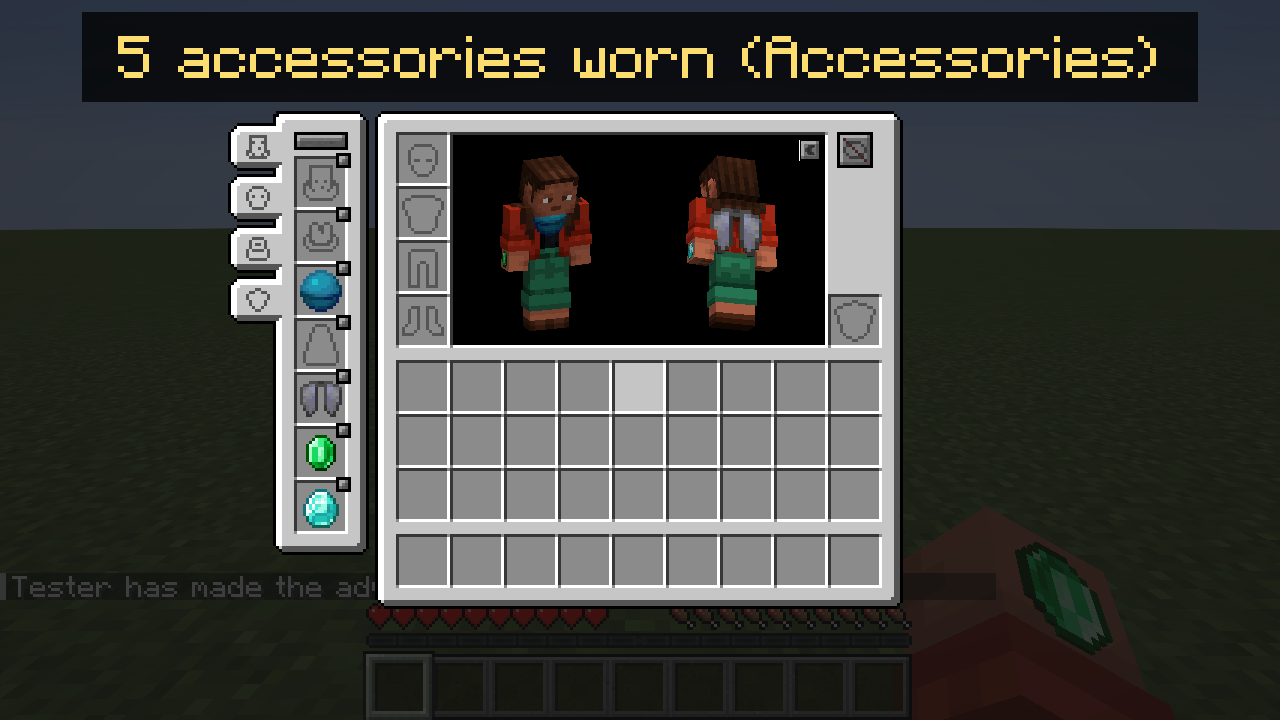 Five items worn in Accessories slots
-
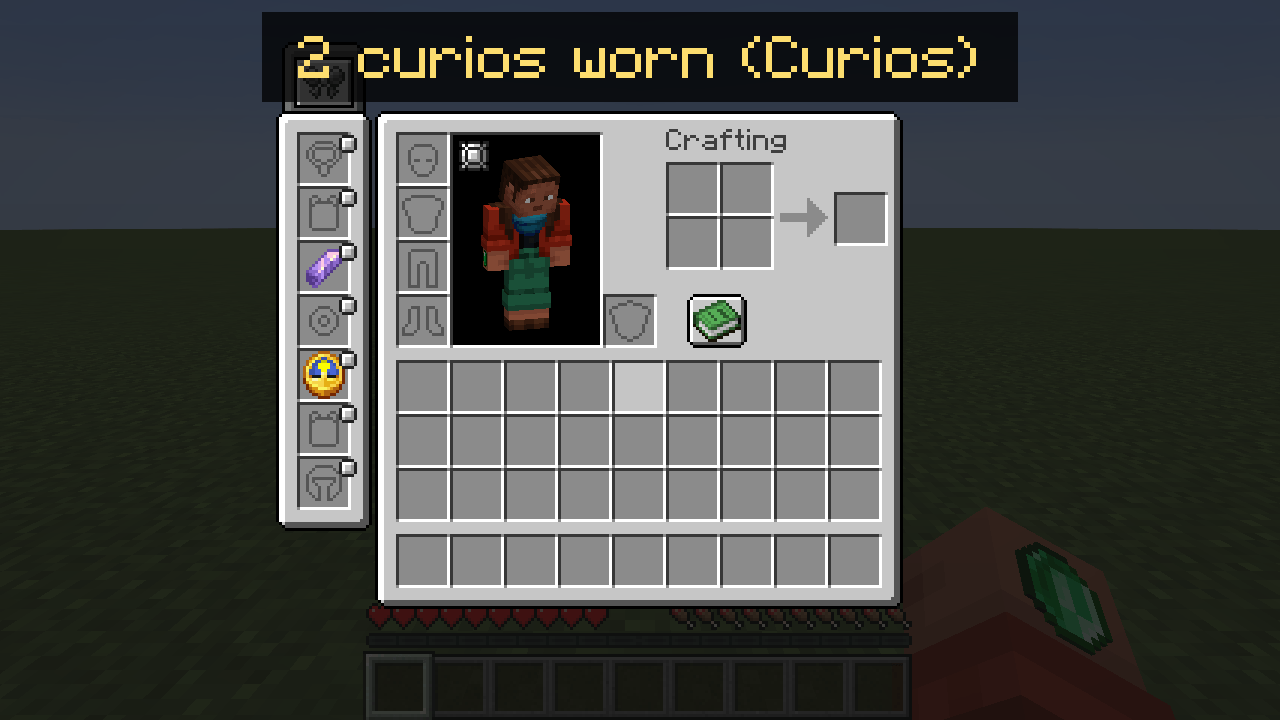 Two items worn in Curios slots
-
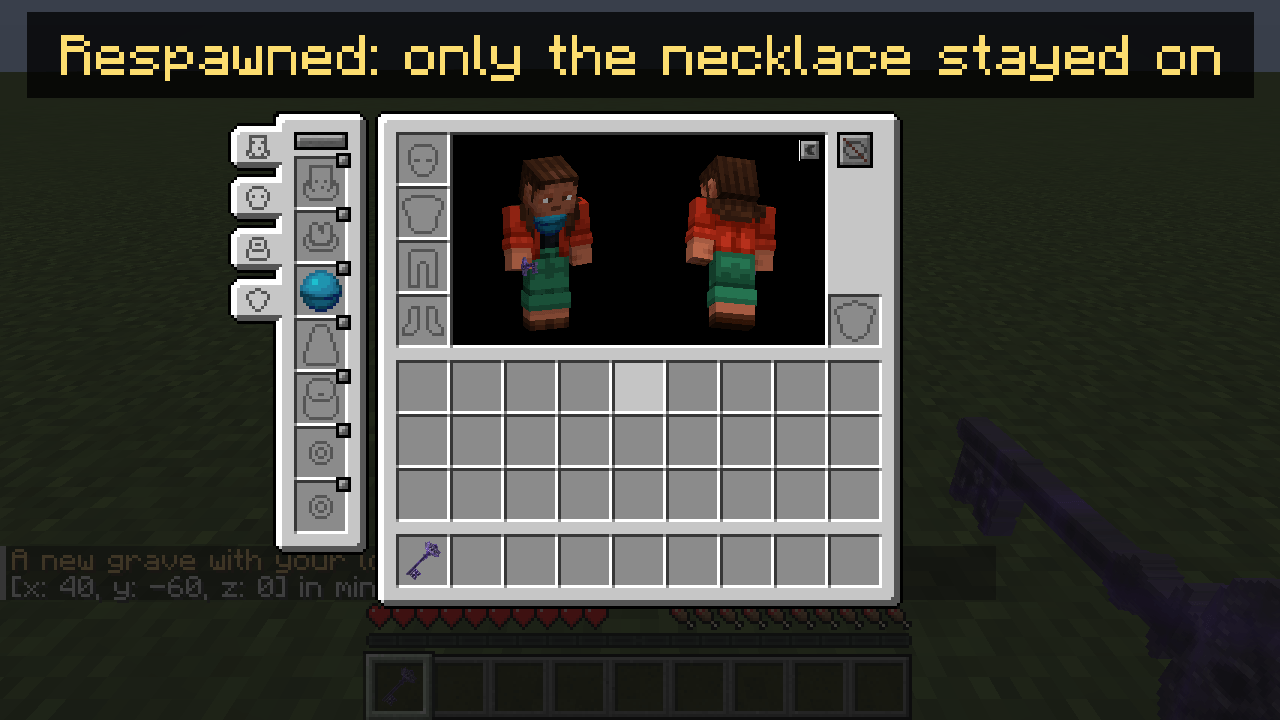 Server rule necklace=KEEP: only the necklace stays on after respawn
-
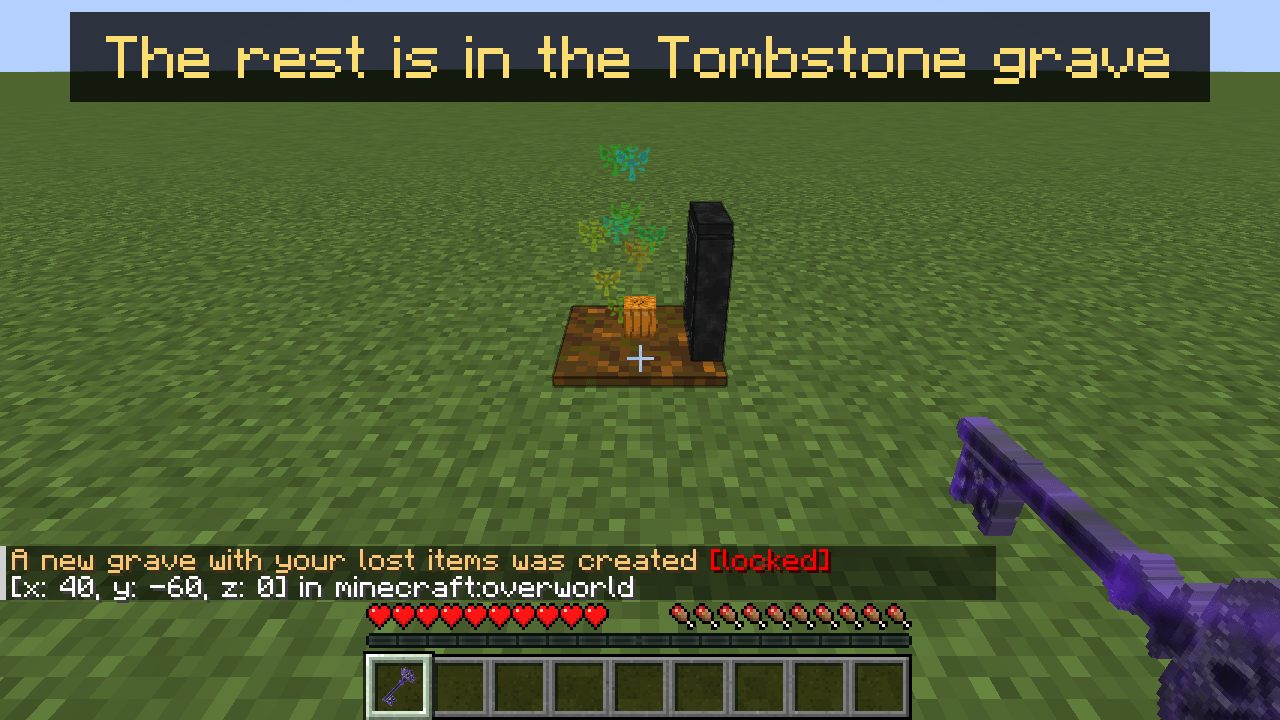 The rest goes into the Corail Tombstone grave
-
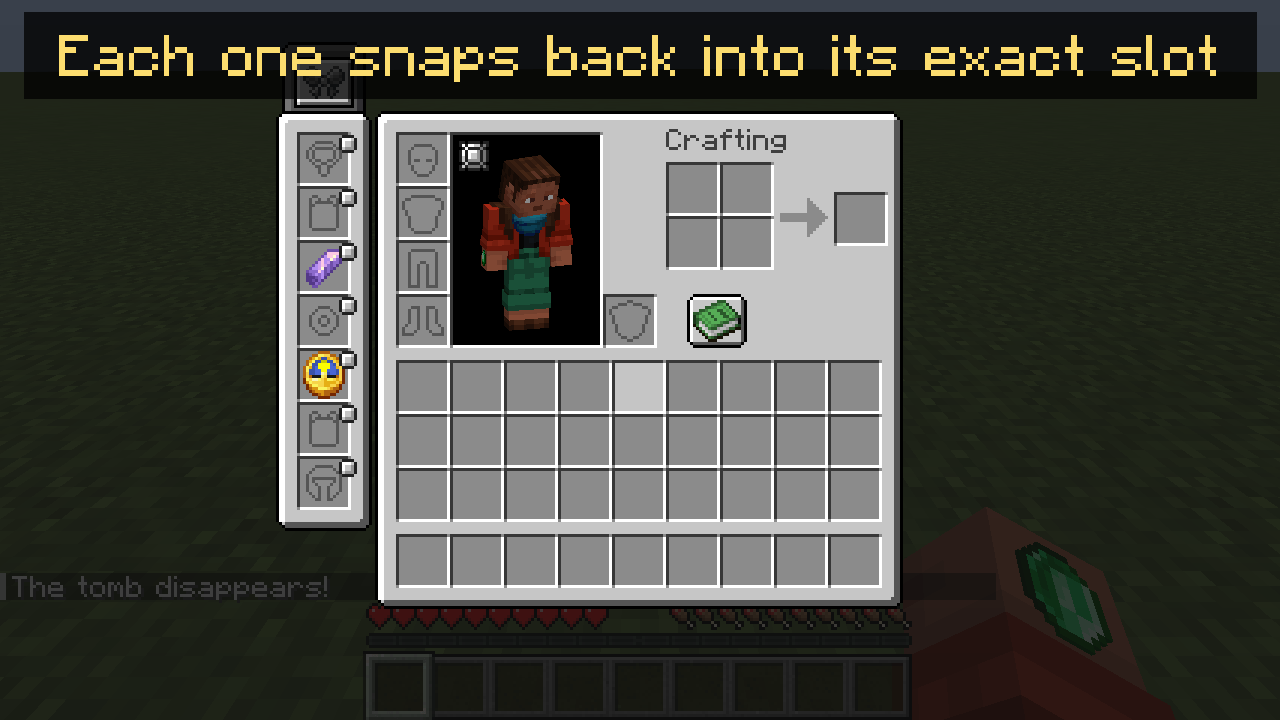 Curios items snap back into their exact slots
Versions
Files
Relations
Project Relations
More like this
Similar Mods
Suggestions use data such as tags, dependencies, dependents, descriptions, titles, and more to rank how much they overlap with this mod.
On ModDex
Community snapshot
By the numbers
Statistics

Get it on
Available Platforms
On ModDex
Community snapshot
By the numbers
Statistics
Resources