Community listing page, reviews here may not be monitored by the author.
Cracker's Wither Storm Mod


No reviews yet
Adds a mutant, ginourmous, evolved variant of the Wither programmed to hunt you down while destroying everything it can.

Community voices
Reviews
No reviews yet. Be the first to review this project!
Get it on
Available Platforms
Compatibility
Supported Environments
Must be installed on both the client and the server.
About
Project Details
For authors
Embed Badge
If you're the author of this project, you can embed a live badge anywhere that supports HTML or Markdown. It updates automatically whenever ratings change.
Use HTML for any page that supports it, or Markdown for README files and Markdown-based descriptions.
Identifiers
Platform IDs
About
Description






This mod adds the Wither Storm from Minecraft: Story Mode, and is designed to be mainly a survival challenge mod in where the player(s) try to defeat the Wither Storm while running, hiding, and gearing up as they go along. No prior knowledge of Minecraft: Story Mode is required! One of the goals of this mod is to abstract the Wither Storm from the game as much as possible, so anyone can play.
To summon the Wither Storm, locate the rundown house at X: 0, Z: 0, and place the last wither skull on top of the incomplete wither-like structure!
I'd highly recommend going through this guide to get started playing in survival

• The Wither Storm:
Grows and evolves by absorbing its surroundings.
Has the ability to track the nearest player from wherever, and may occasionally chase them.
The Wither Storm has the ability to chunk load wherever, without the presence of a player, meaning the Wither Storm is always active
You can see the Wither Storm up to and over 10 000 blocks away thanks to the distant renderer added by the mod
The Wither Storm can pick up clusters of blocks, which can be entire trees or even villager houses!
The Wither Storm can pick up and consume almost any mob
• The Formidibomb
• Boss Battles
• Multiplayer compatibility
• Built-in config and config menu for customizability
• New tools and weapons
• Wither Sickness
• And more!

• If you're having issues with the Wither Storm never evolving and/or you can't see it on singleplayer worlds and you're using OptiFine, make sure "Smooth World" under "Performance" under "Video Settings" is disabled.
• Superflat worlds will need to be reloaded after world creation to make sure that the bowels is loaded in 1.19
This mod completely changes the way you play Minecraft. I would not recommend summoning the Wither Storm on a pre-existing world, if it's your only copy and it's one that you care about.
Ports to the latest Minecraft version will happen eventually. Versions below 1.20.1 are no longer supported and will only be updated to fix game breaking issues/bugs.
I will not be porting to older versions.
Certain features may deviate from what is seen in MC:SM. I also don't plan on adding other mobs from the game into this mod specifically.
If certain aspects feel unbalanced, or you'd like to suggest a specific feature, I'd recommend going to the mod's GitHub repository and submitting an issue.
Recipes for the blocks and items should get unlocked as you progress through the mod. Use your recipe book to check them out.

• Where is the "server config?"
If you're on singleplayer, the server config can be accessed via Pause Menu > Options > Purple "W" button, then clicking the "World Options" button. If you'd like to access it out of game (or your world is on a server), you can locate your world file (in your saves folder), go to the "serverconfig" file and open the witherstormmod-server.toml. Note: The server config is unique for each world. Changes made will not be applied to other saves.
• "How do I make the Wither Storm evolve quicker?"
By going to the same server config, change the "evolutionAttributeModifier" to a value below 1, the quickest allowed being 0.1. You will need to reload your world to apply this change! You can also use the /attribute command to change the evolution speed.
• "Fabric?"
Currently no.
• "Can you port to [Insert Version Here]?"
If it's for a new version of the game, patience, it's coming. We will not be backporting to older versions however.
• "Can I use this in my modpack?"
Yes! Just make sure to provide credit and a link back to this page
Guide
Preferences and Performance
Known Compatibility Issues
Commands and Technical
Copyright Info
Advanced Modification




This mod adds the Wither Storm from Minecraft: Story Mode, and is designed to be mainly a survival challenge mod in where the player(s) try to defeat the Wither Storm while running, hiding, and gearing up as they go along. No prior knowledge of Minecraft: Story Mode is required! One of the goals of this mod is to abstract the Wither Storm from the game as much as possible, so anyone can play.
To summon the Wither Storm, locate the rundown house at X: 0, Z: 0, and place the last wither skull on top of the incomplete wither-like structure!
I'd highly recommend going through this guide to get started playing in survival
• The Wither Storm:
Grows and evolves by absorbing its surroundings.
Has the ability to track the nearest player from wherever, and may occasionally chase them.
The Wither Storm has the ability to chunk load wherever, without the presence of a player, meaning the Wither Storm is always active
You can see the Wither Storm up to and over 10 000 blocks away thanks to the distant renderer added by the mod
The Wither Storm can pick up clusters of blocks, which can be entire trees or even villager houses!
The Wither Storm can pick up and consume almost any mob
• The Formidibomb
• Boss Battles
• Multiplayer compatibility
• Built-in config and config menu for customizability
• New tools and weapons
• Wither Sickness
• And more!
• If you're having issues with the Wither Storm never evolving and/or you can't see it on singleplayer worlds and you're using OptiFine, make sure "Smooth World" under "Performance" under "Video Settings" is disabled.
• Superflat worlds will need to be reloaded after world creation to make sure that the bowels is loaded in 1.19
This mod completely changes the way you play Minecraft. I would not recommend summoning the Wither Storm on a pre-existing world, if it's your only copy and it's one that you care about.
Ports to the latest Minecraft version will happen eventually. Versions below 1.20.1 are no longer supported and will only be updated to fix game breaking issues/bugs.
I will not be porting to older versions.
Certain features may deviate from what is seen in MC:SM. I also don't plan on adding other mobs from the game into this mod specifically.
If certain aspects feel unbalanced, or you'd like to suggest a specific feature, I'd recommend going to the mod's GitHub repository and submitting an issue.
Recipes for the blocks and items should get unlocked as you progress through the mod. Use your recipe book to check them out.
• Where is the "server config?"
If you're on singleplayer, the server config can be accessed via Pause Menu > Options > Purple "W" button, then clicking the "World Options" button. If you'd like to access it out of game (or your world is on a server), you can locate your world file (in your saves folder), go to the "serverconfig" file and open the witherstormmod-server.toml. Note: The server config is unique for each world. Changes made will not be applied to other saves.
• "How do I make the Wither Storm evolve quicker?"
By going to the same server config, change the "evolutionAttributeModifier" to a value below 1, the quickest allowed being 0.1. You will need to reload your world to apply this change! You can also use the /attribute command to change the evolution speed.
• "Fabric?"
Currently no.
• "Can you port to [Insert Version Here]?"
If it's for a new version of the game, patience, it's coming. We will not be backporting to older versions however.
• "Can I use this in my modpack?"
Yes! Just make sure to provide credit and a link back to this page
Guide
Preferences and Performance
Known Compatibility Issues
Commands and Technical
Copyright Info
Advanced Modification
Screenshots
Gallery
-
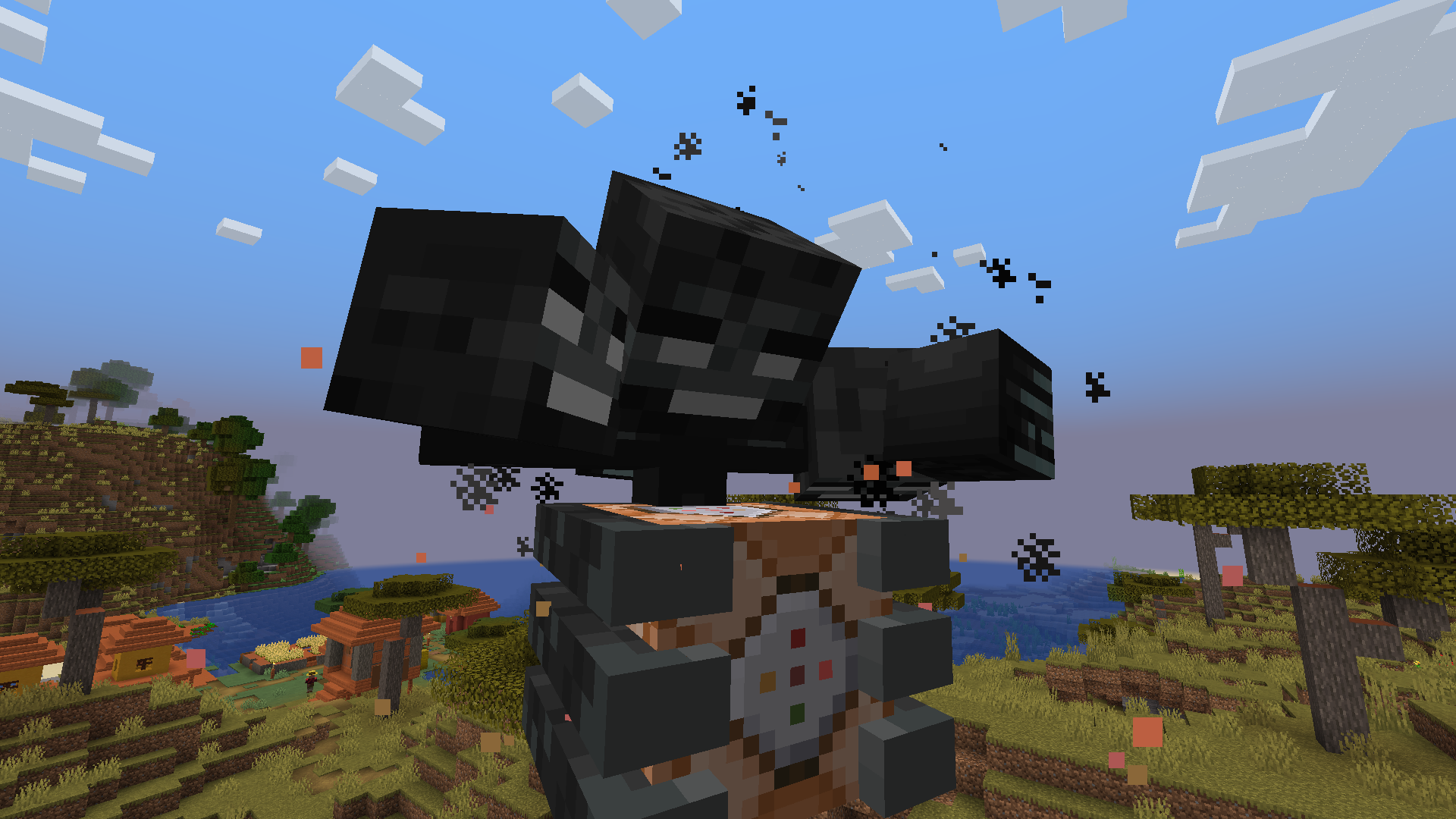 Beginning phase
 -
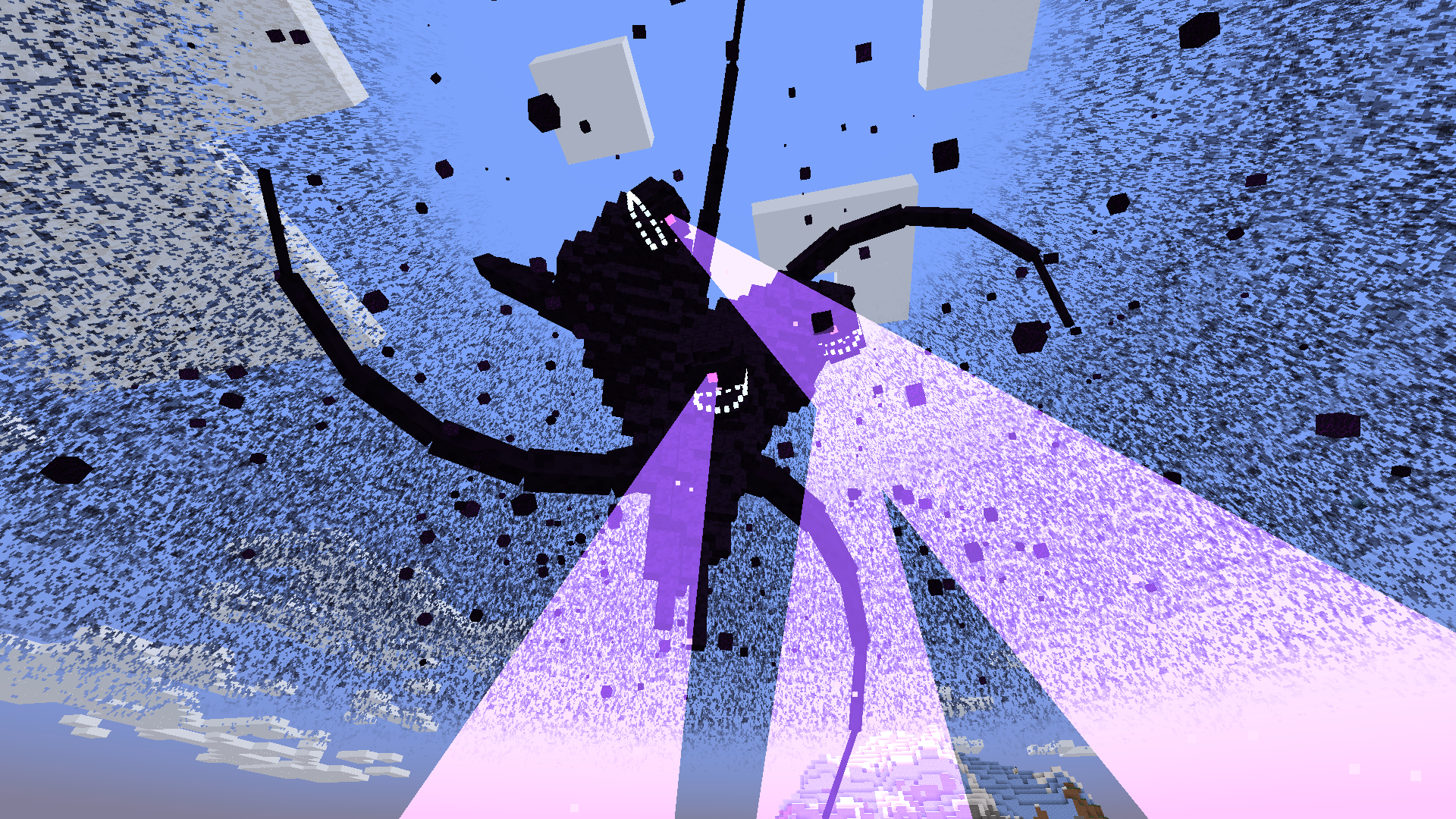 Phase 4
 -
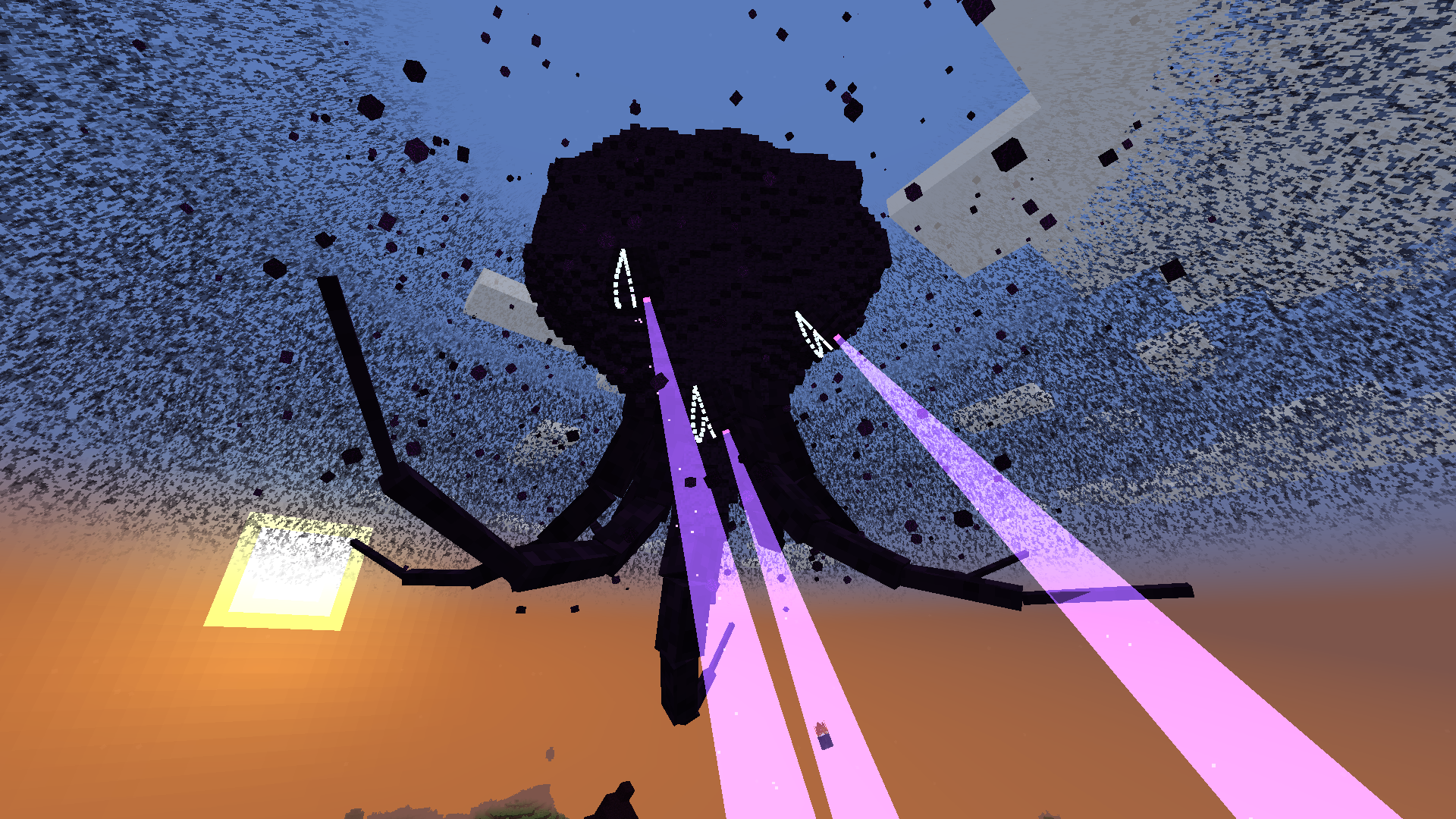 Phase 5
 -
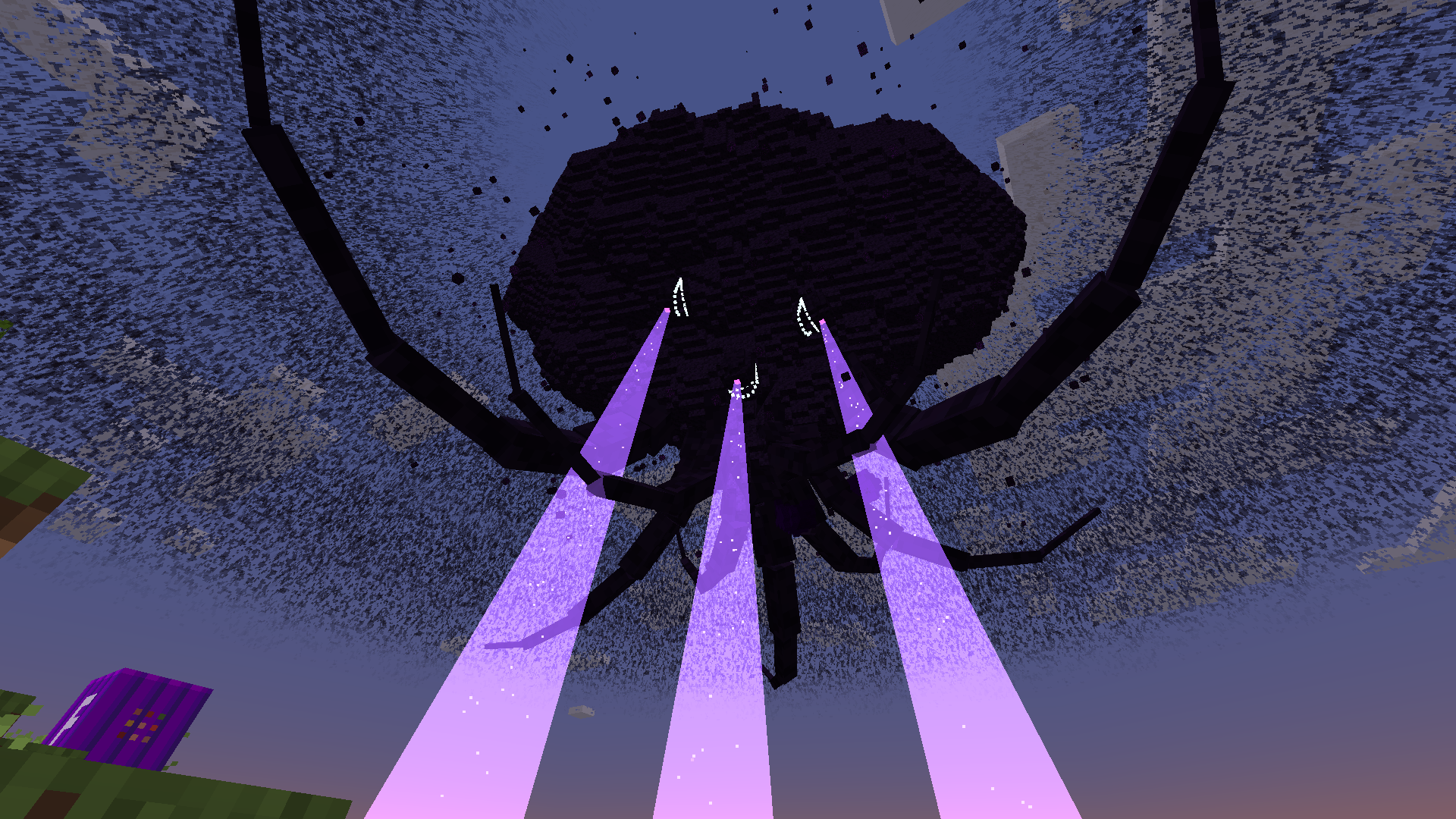 End of phase 5
 -
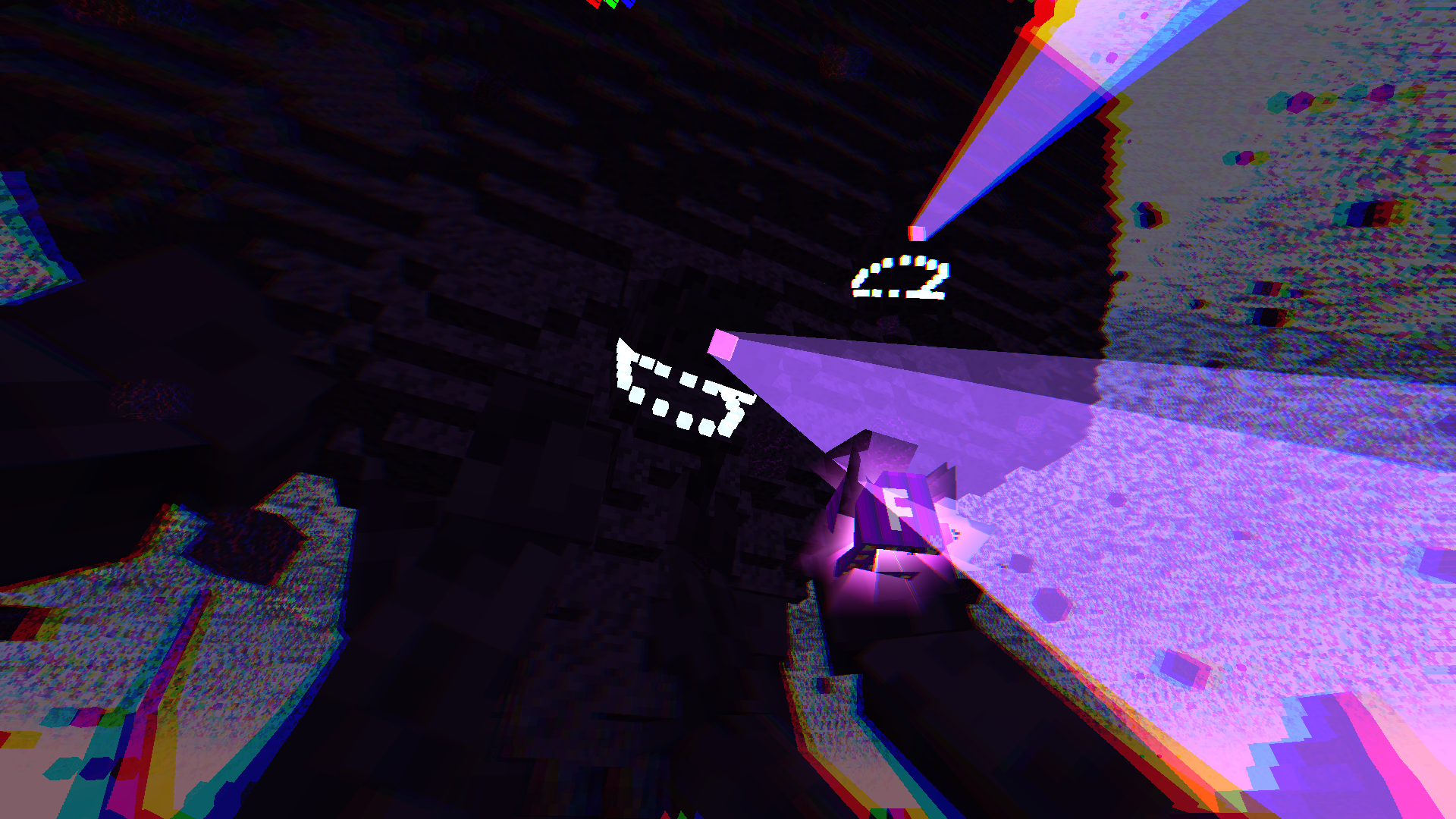 Formidibomb near detonation
 -
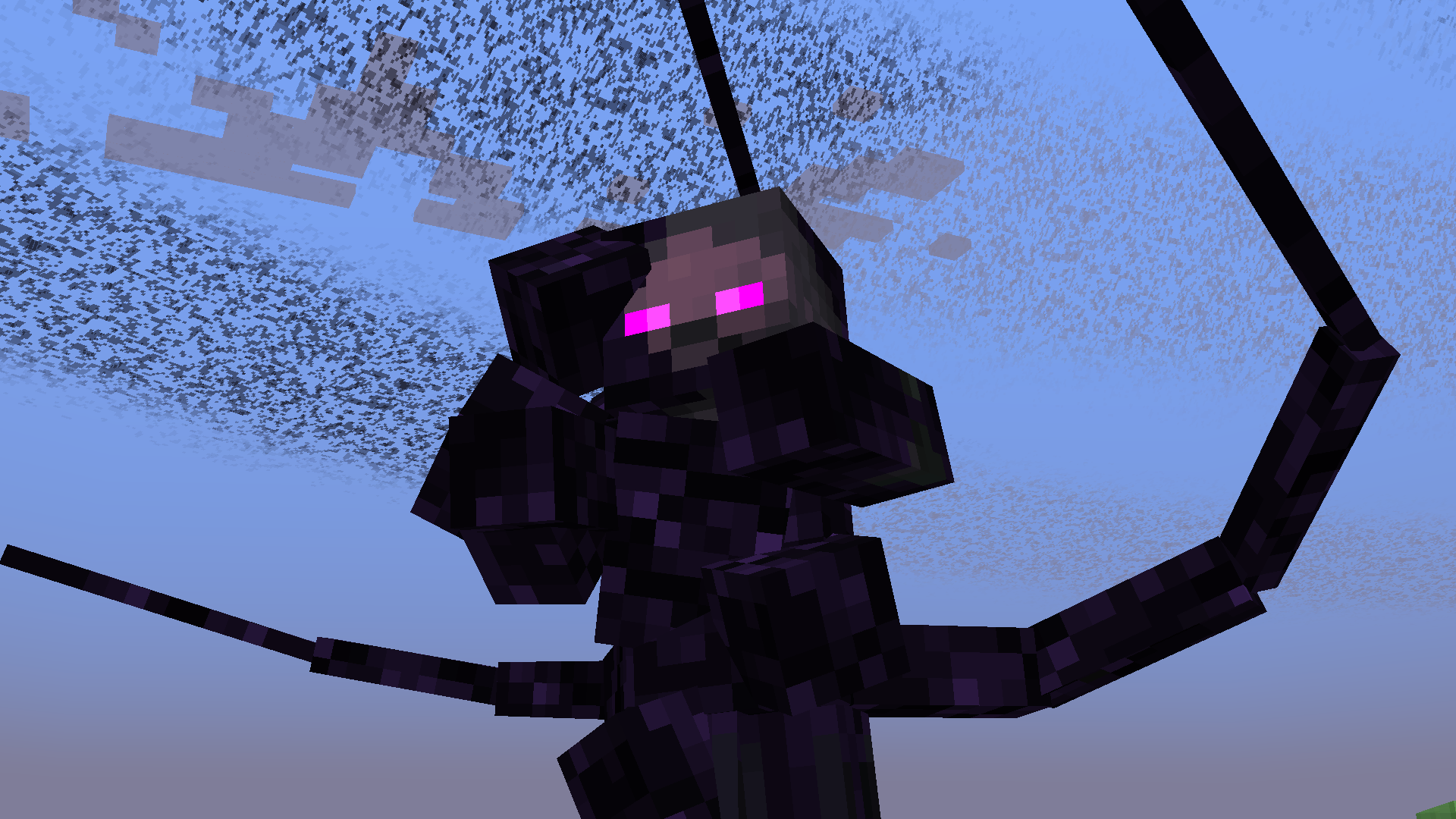 Withered Symbiont
 -
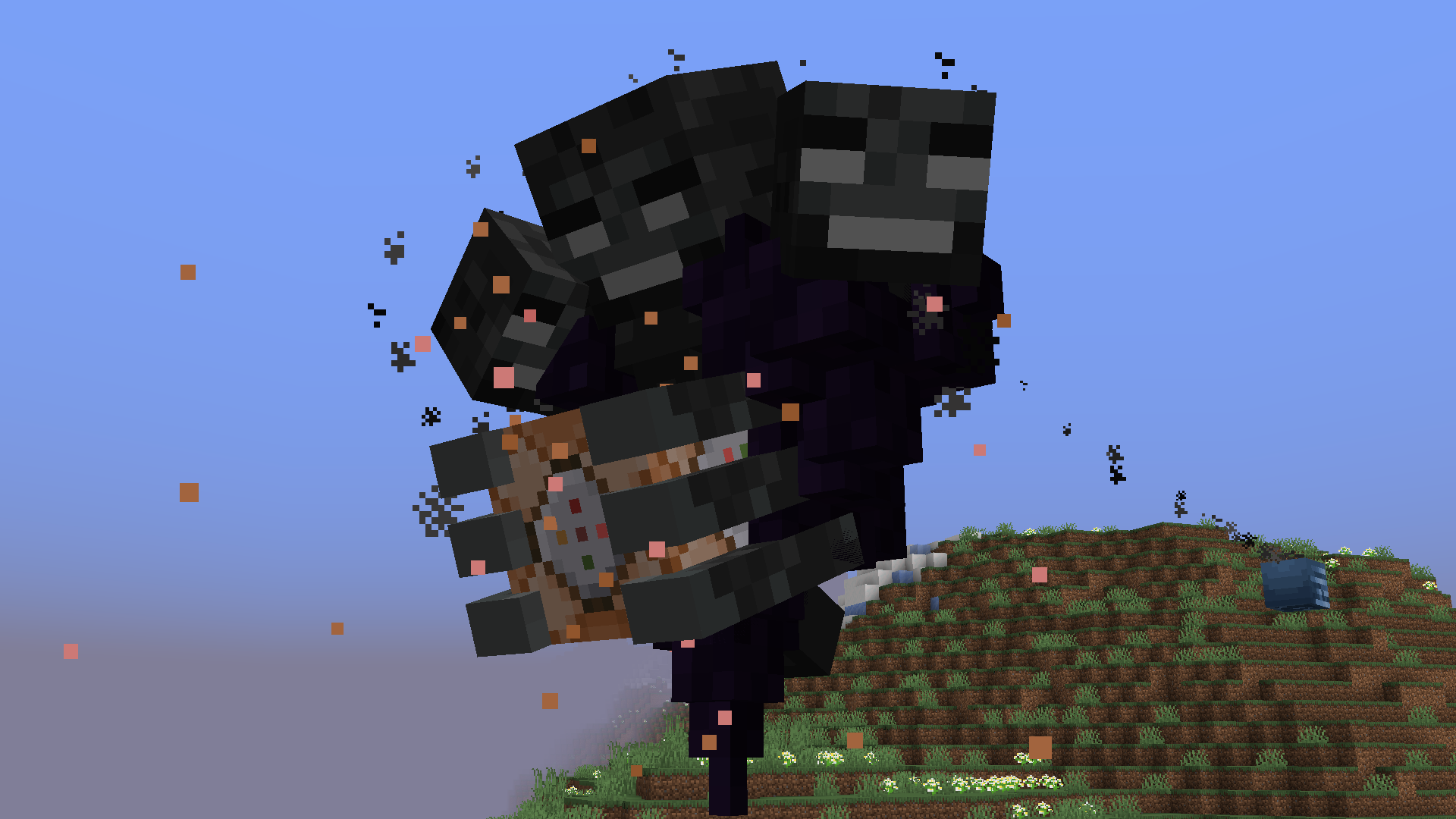 Phase 1
 -
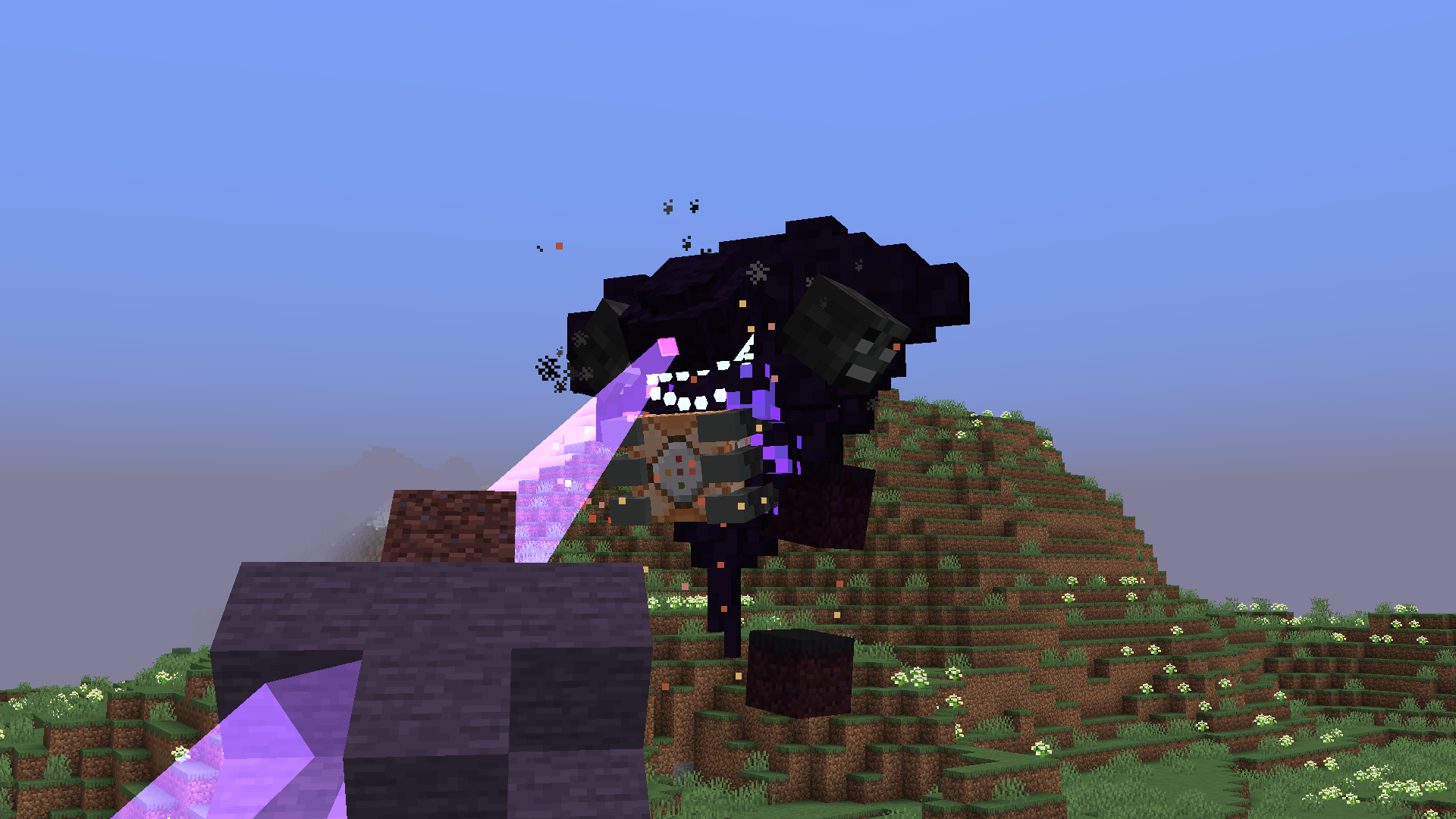 Phase 2
 -
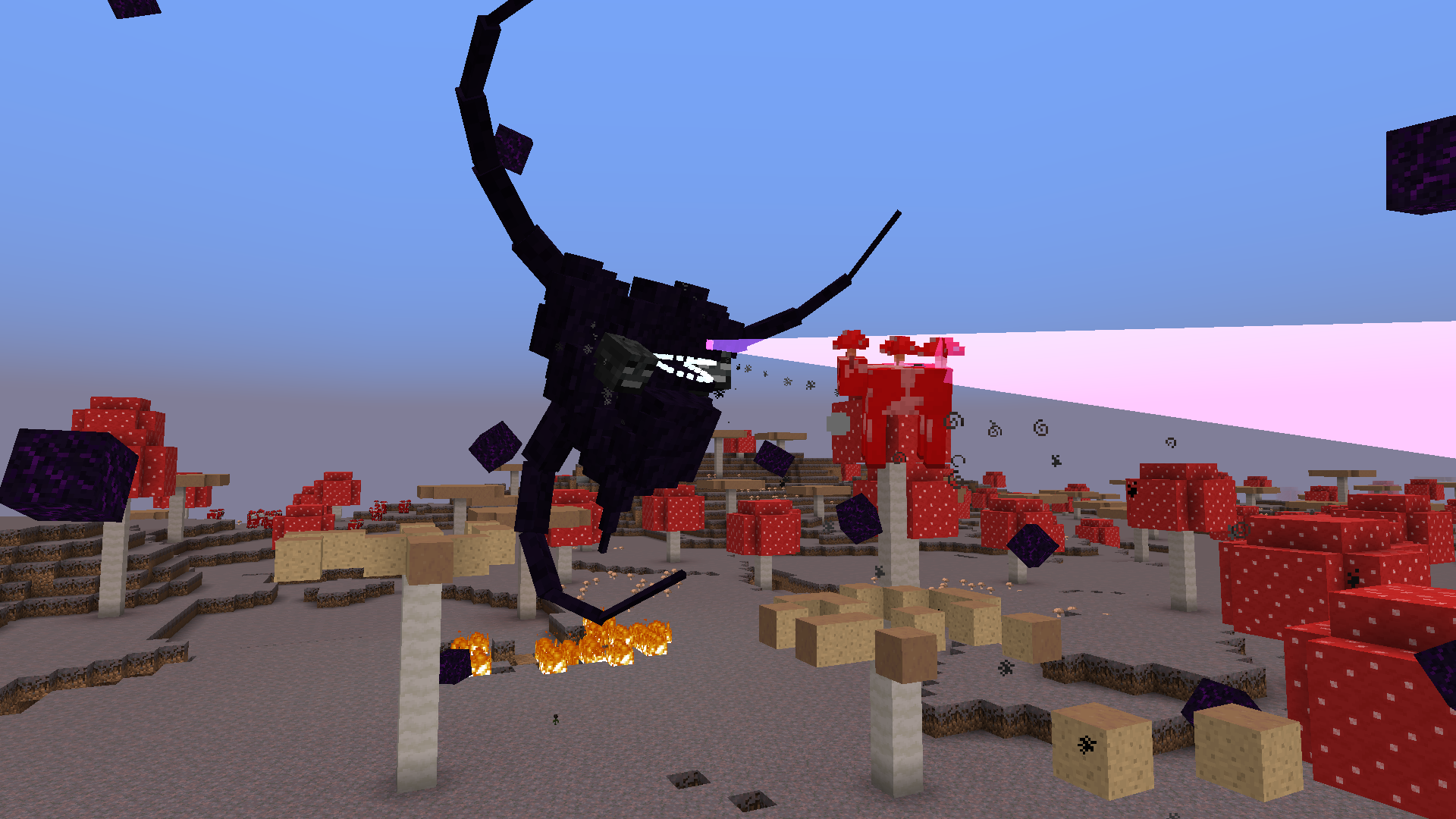 Phase 3
 -
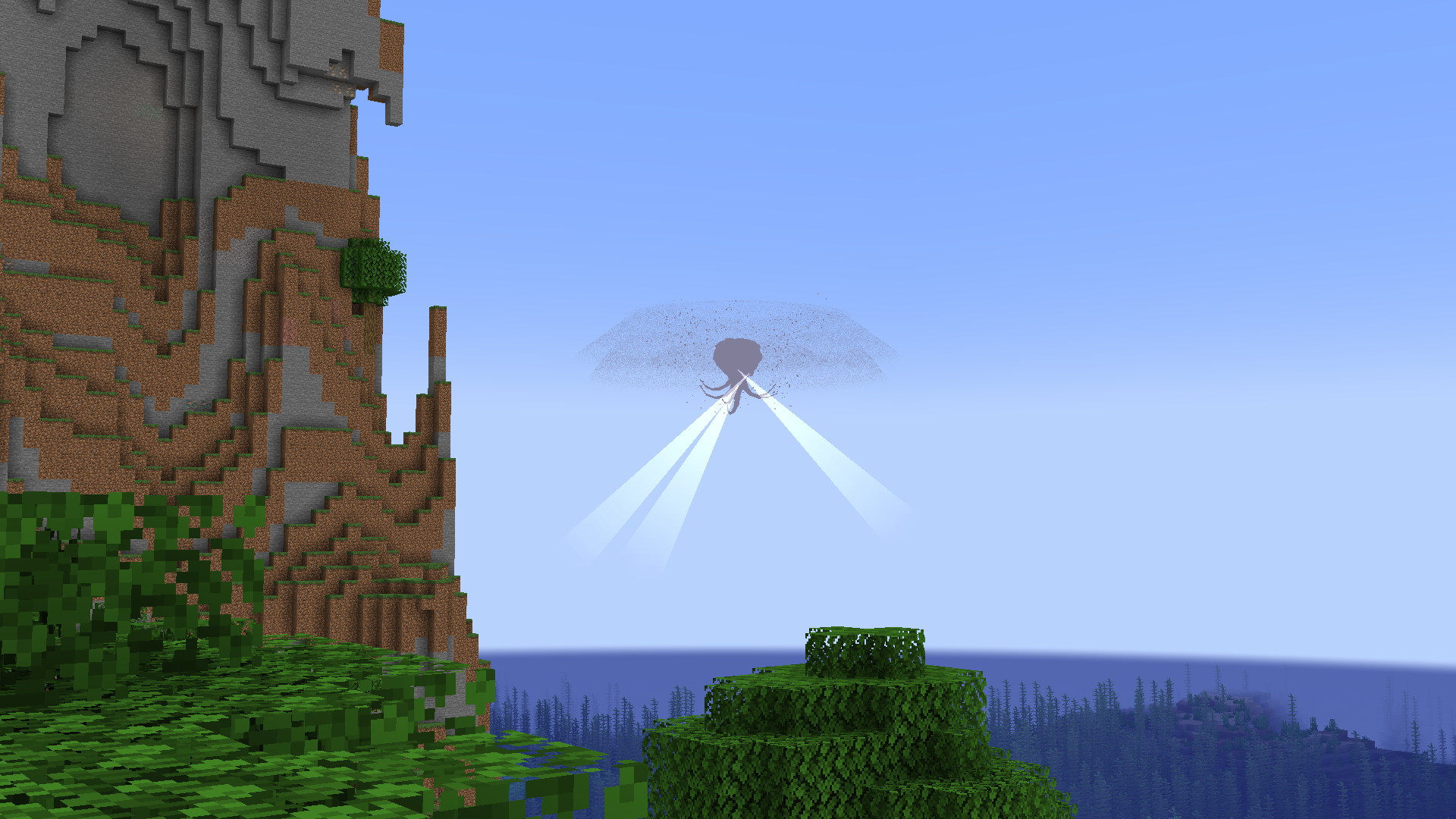 Wither Storm in the distance
 -
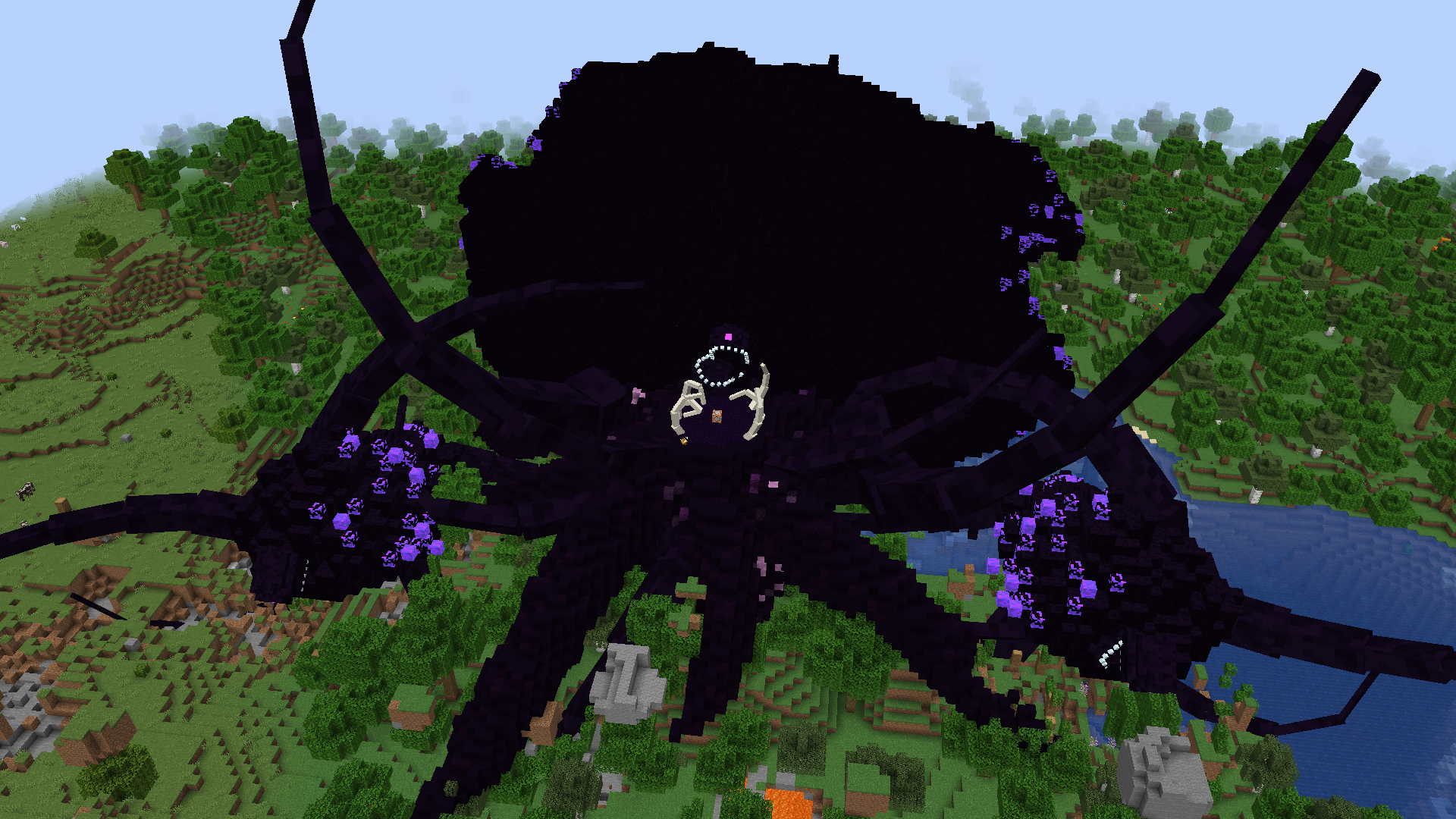 Wither Storm playing dead
 -
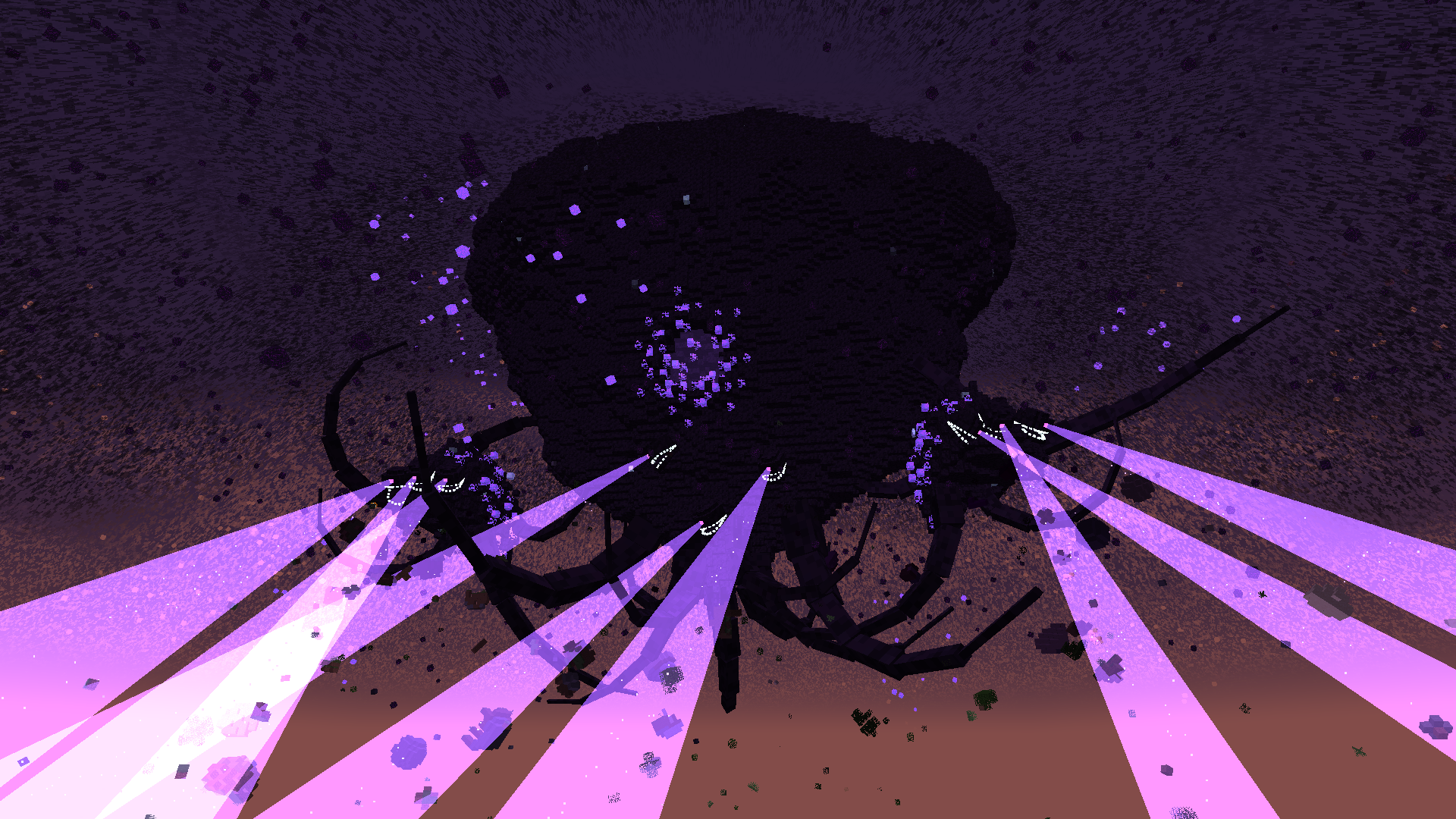 Phase 7 with a hole in its mass
 -
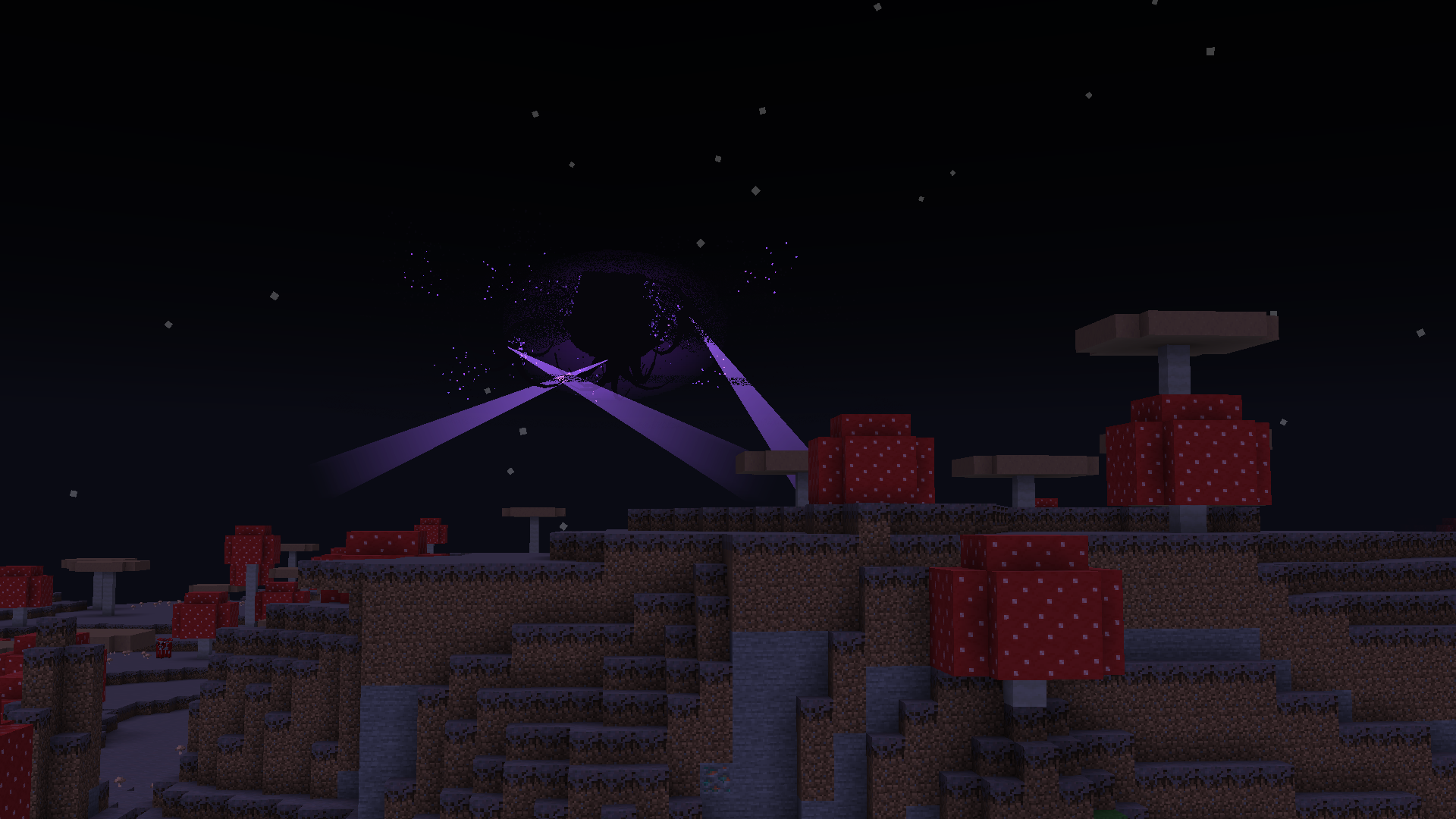 Phase 6 in the distance
 -
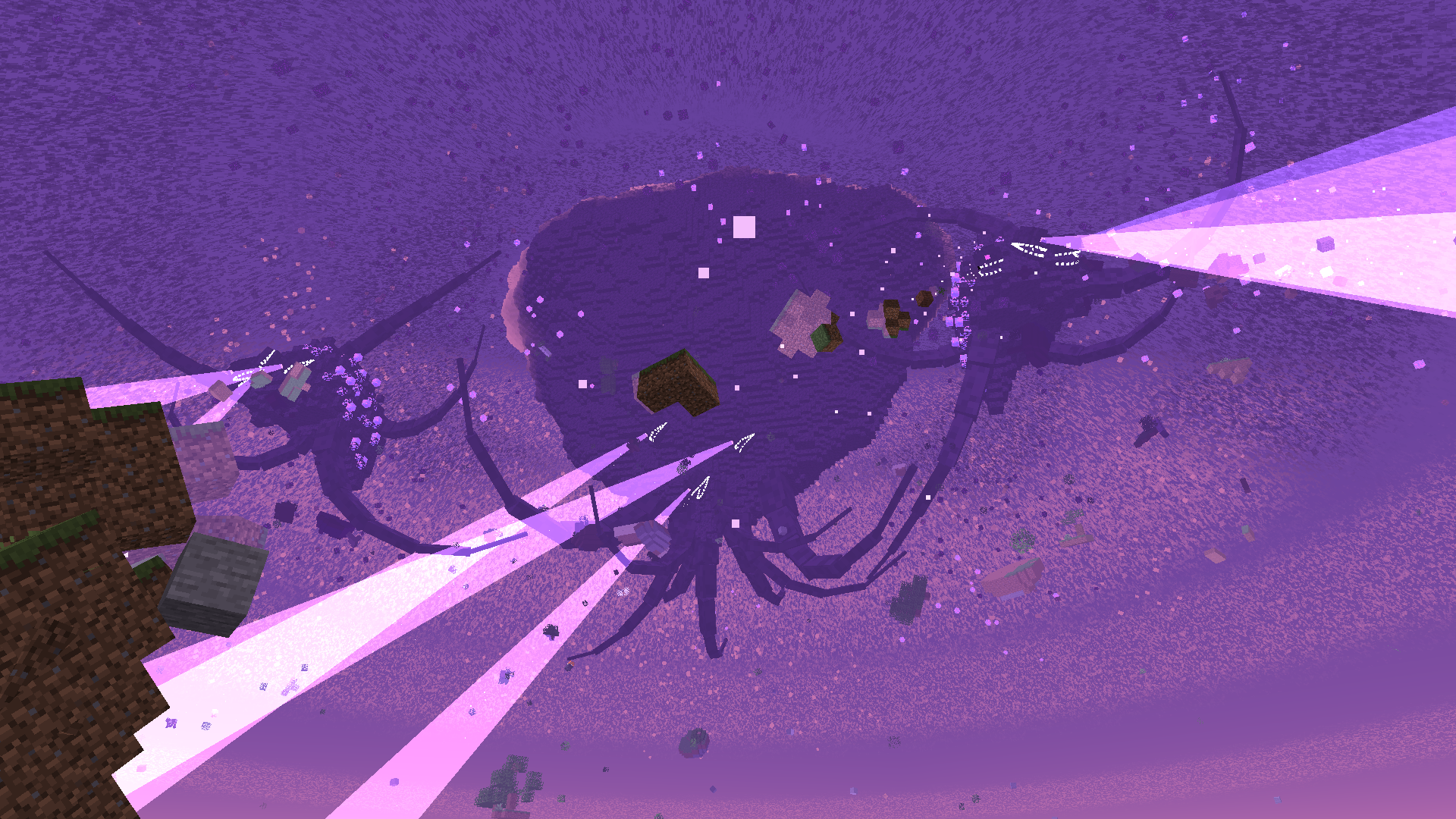 Phase 7
 -
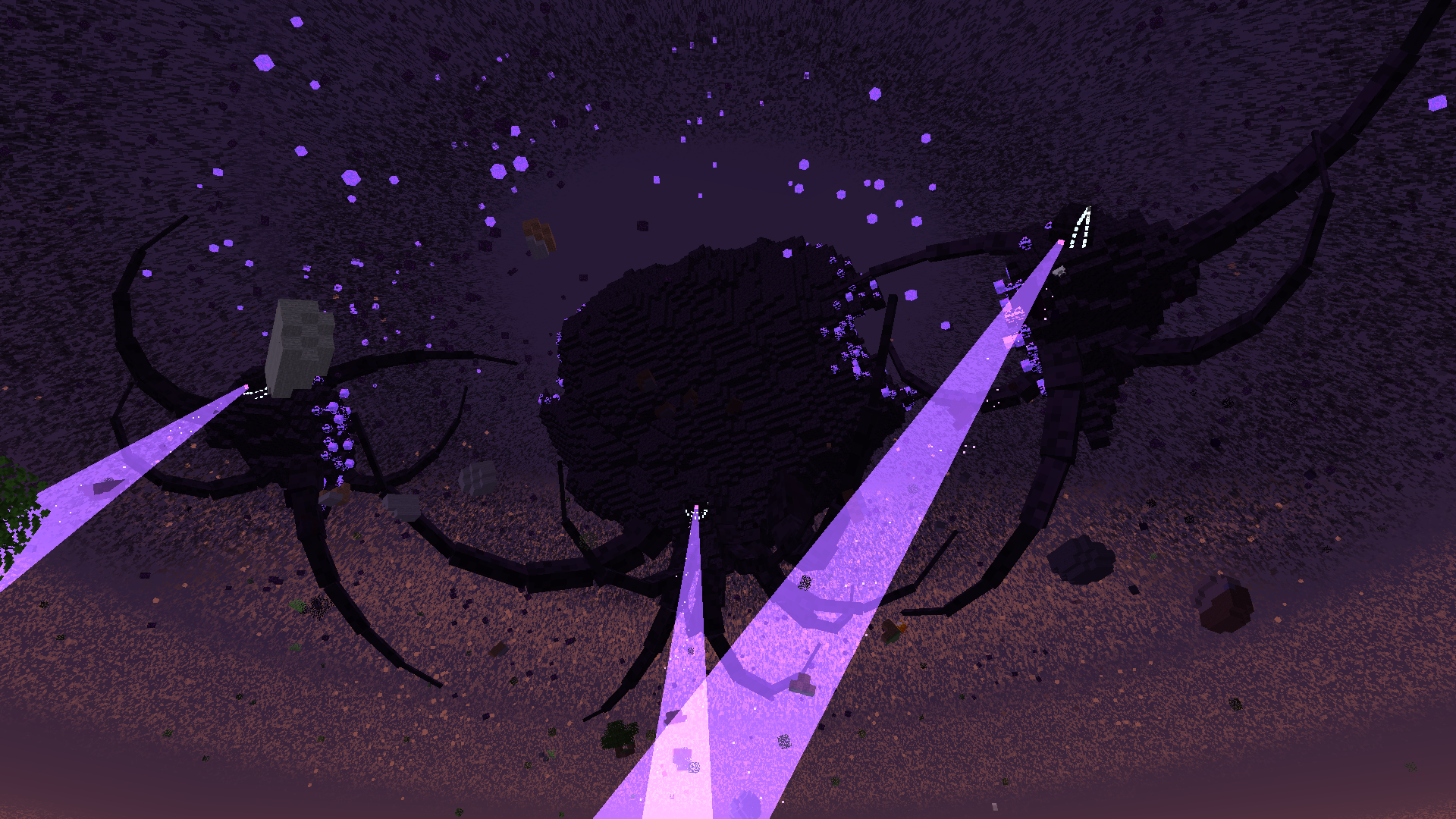 Phase 6
 -
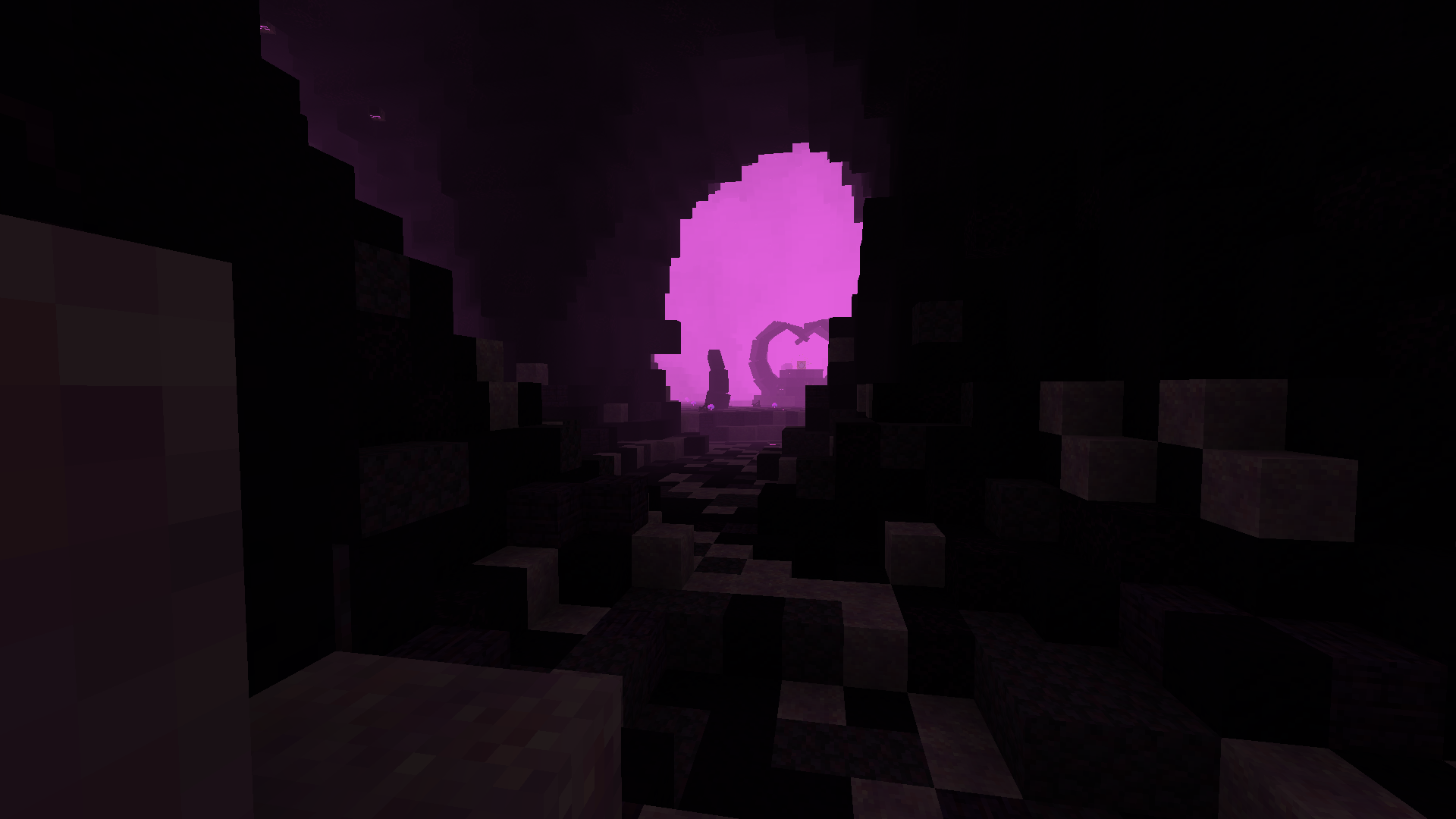 The bowels
 -
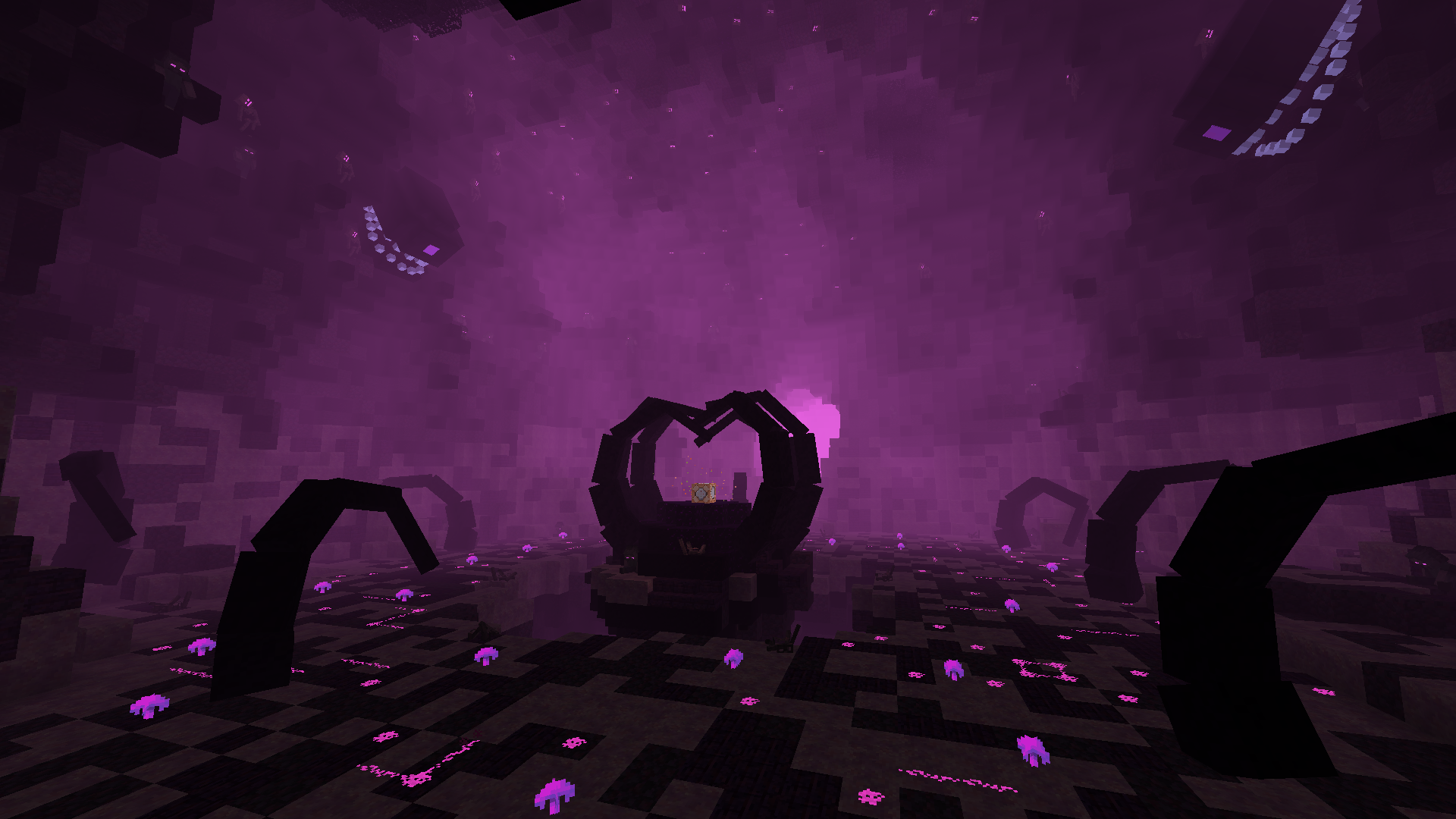 Final boss arena
-
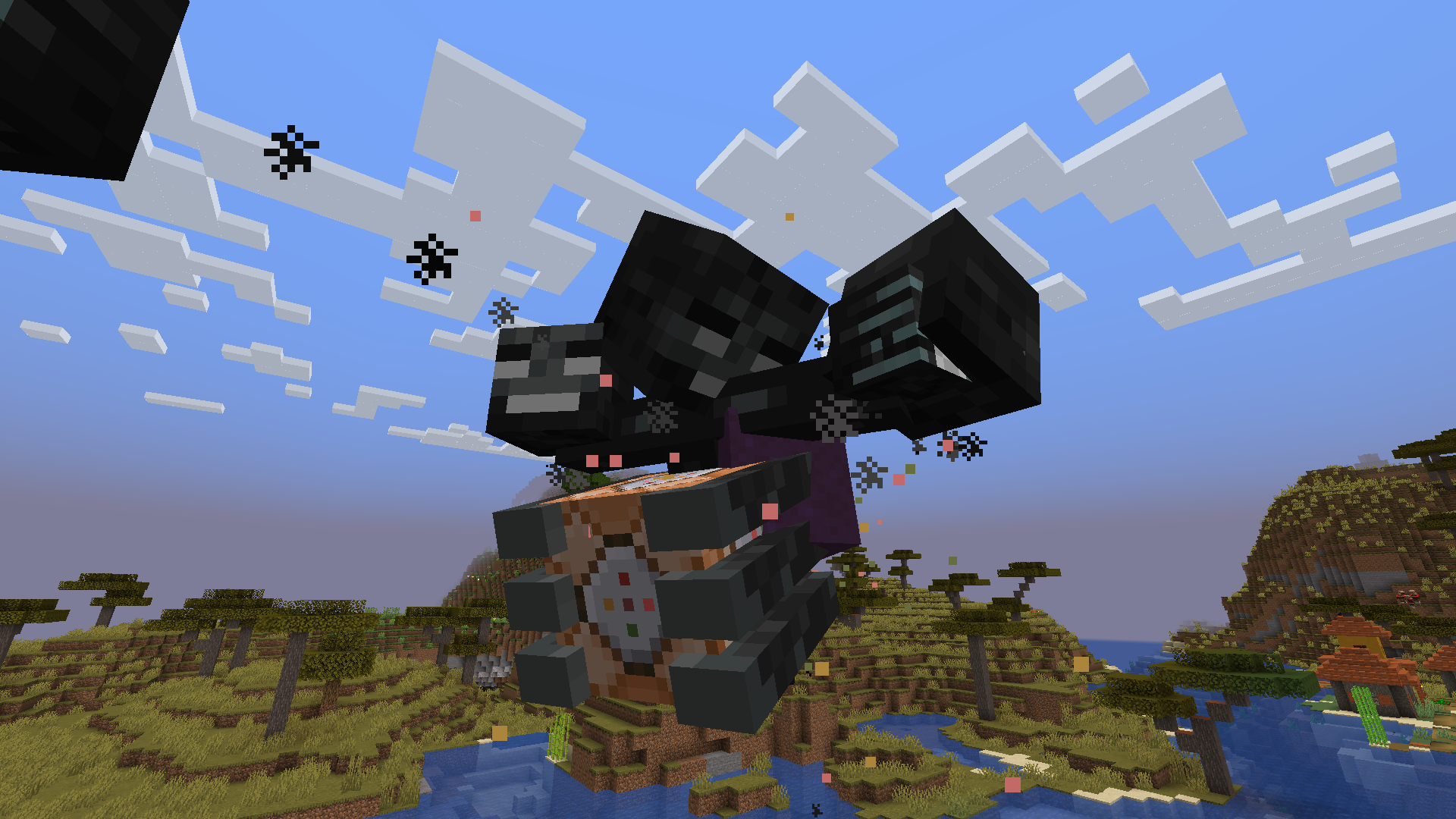 Phase 0
 -
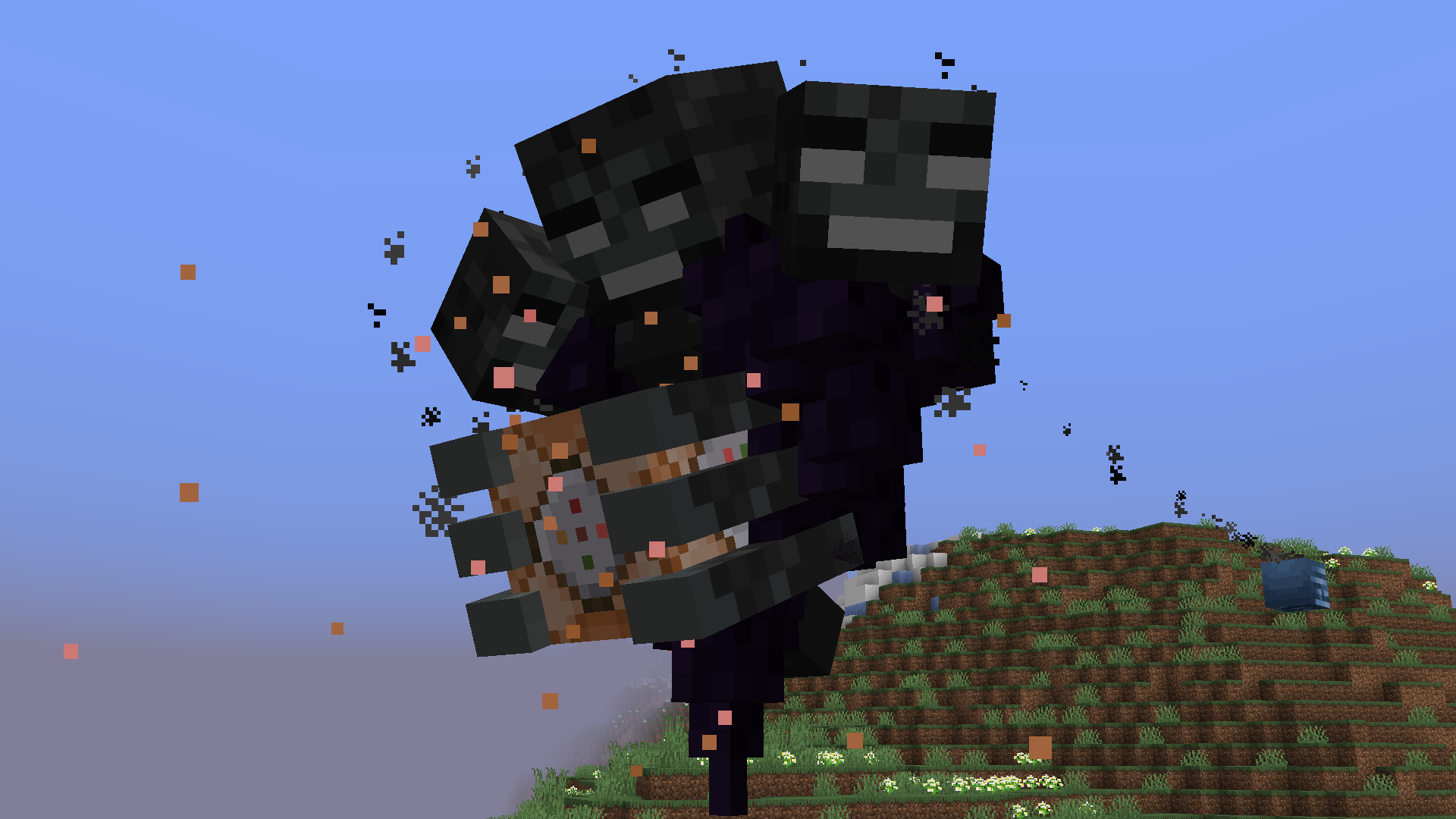 Phase 1
 -
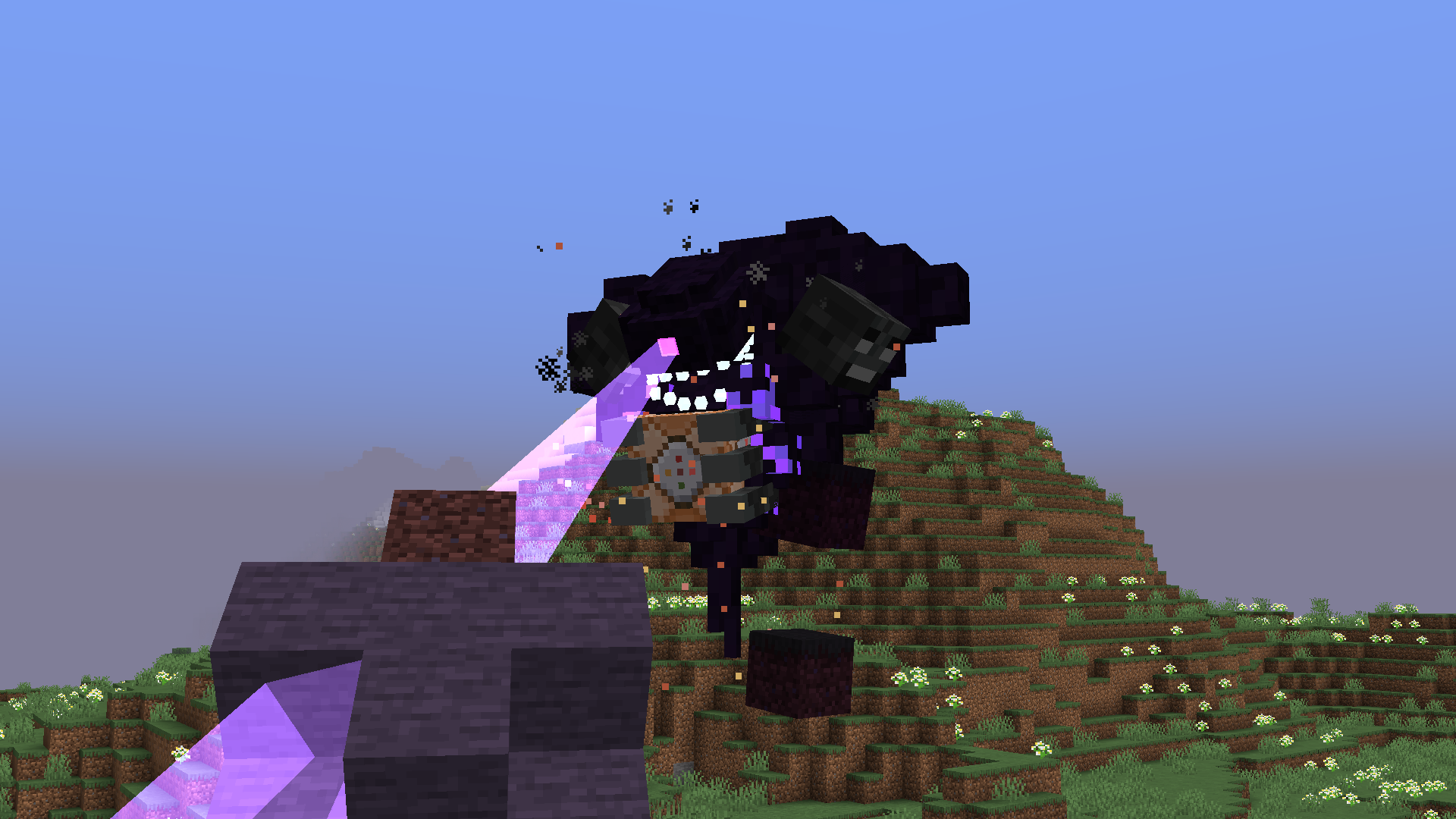 Phase 2
 -
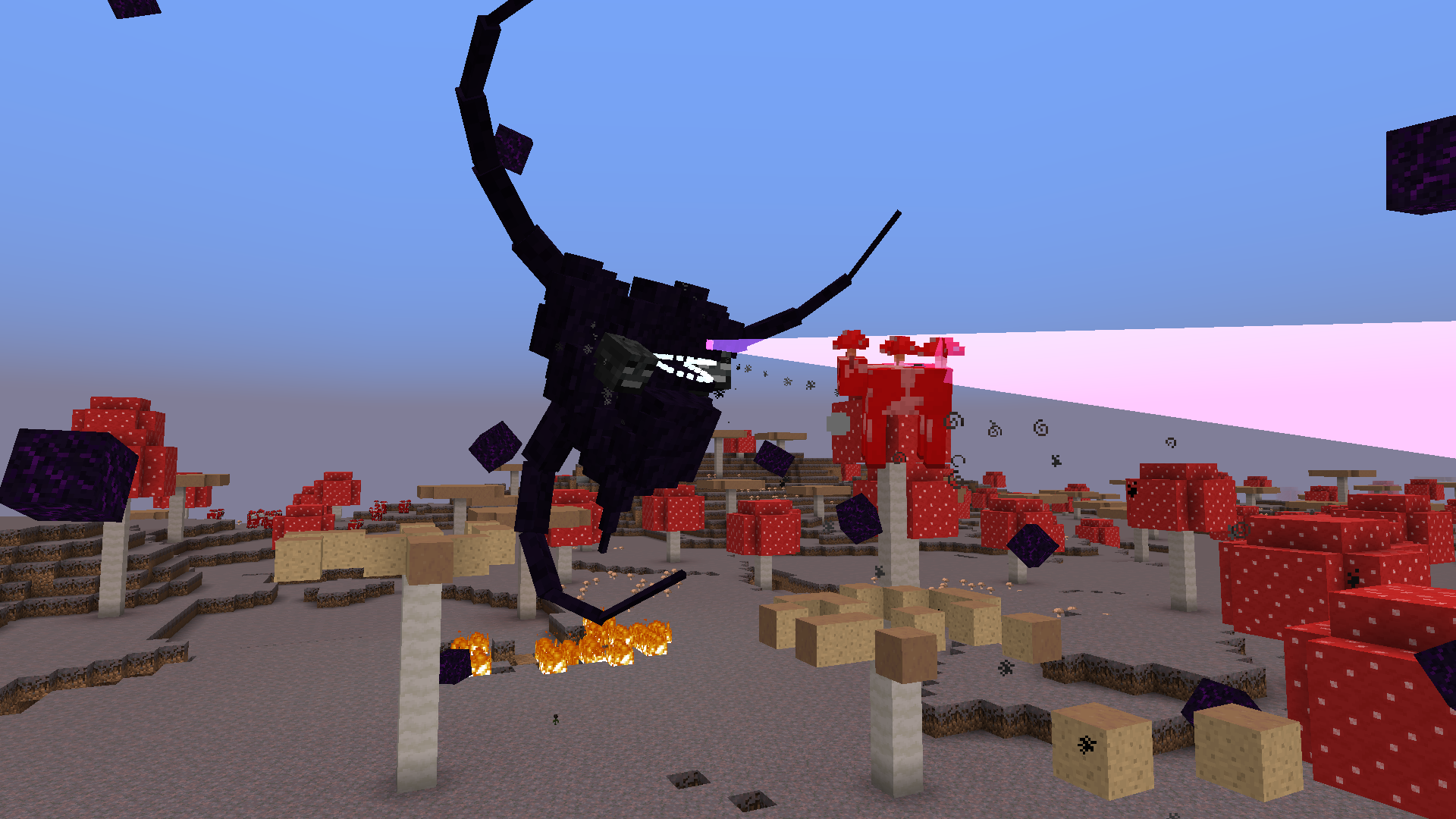 Phase 3
 -
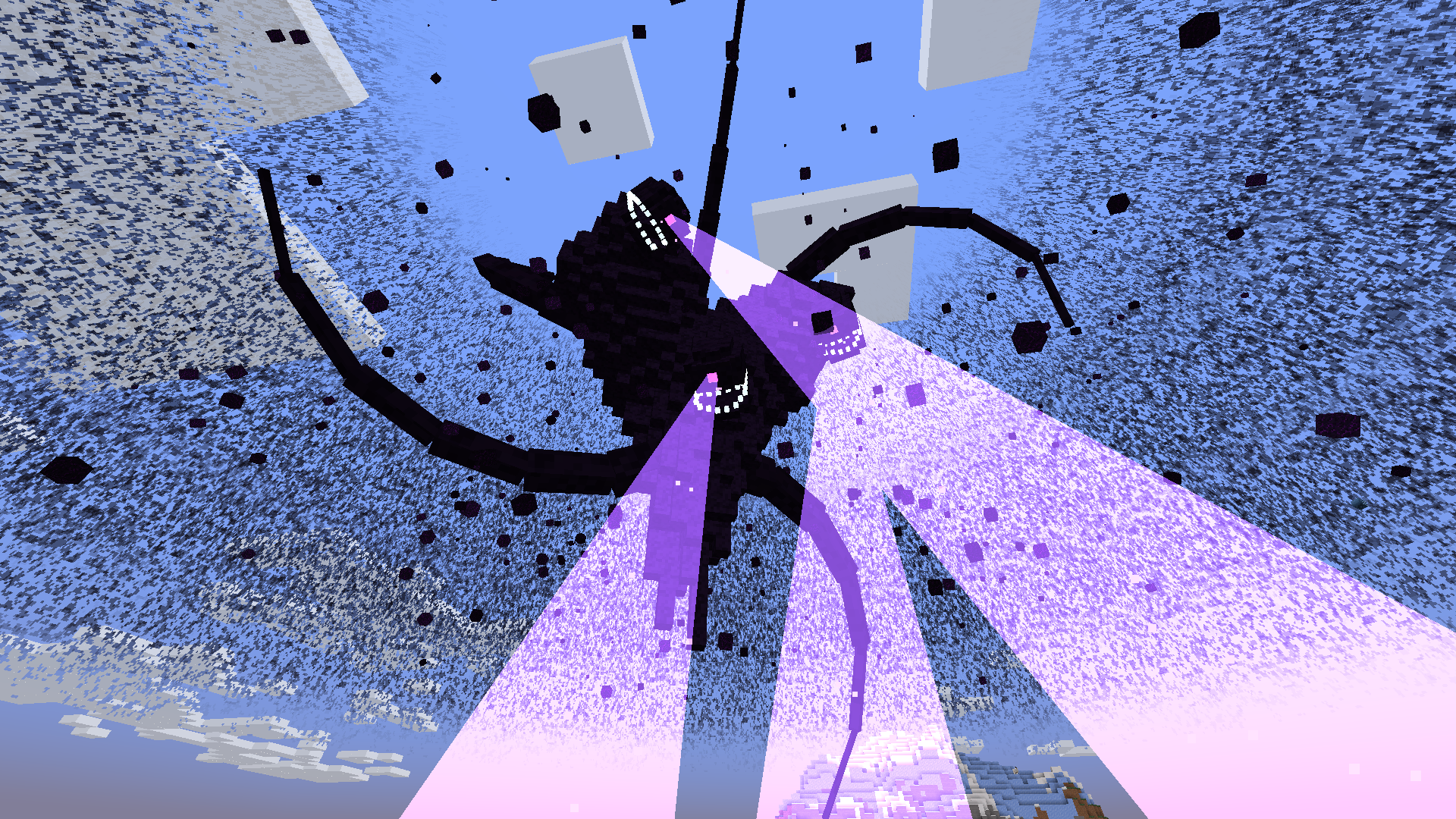 Phase 4
 -
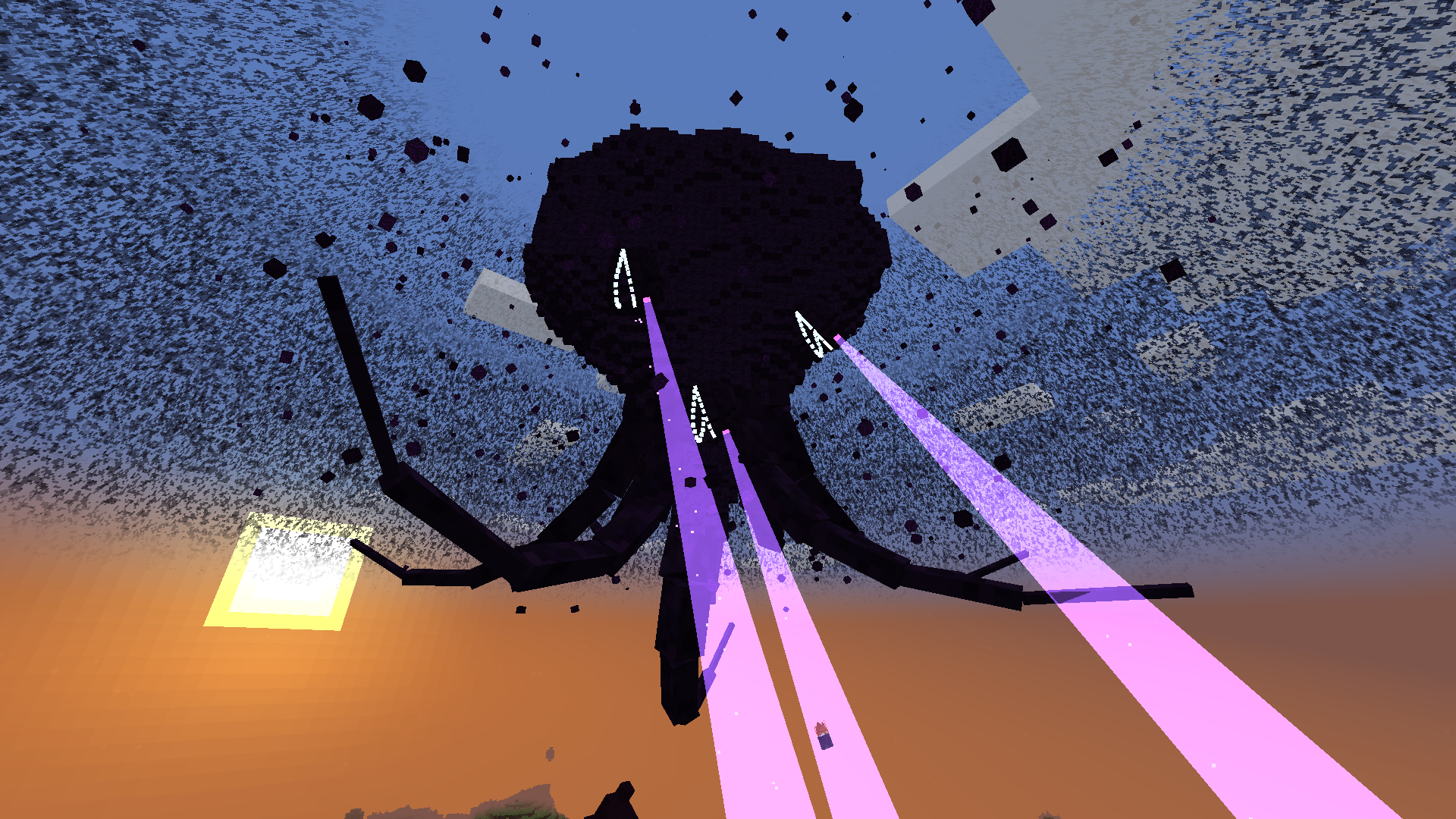 Phase 5
 -
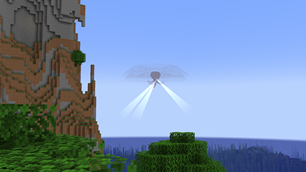 Wither Storm in the distance
 -
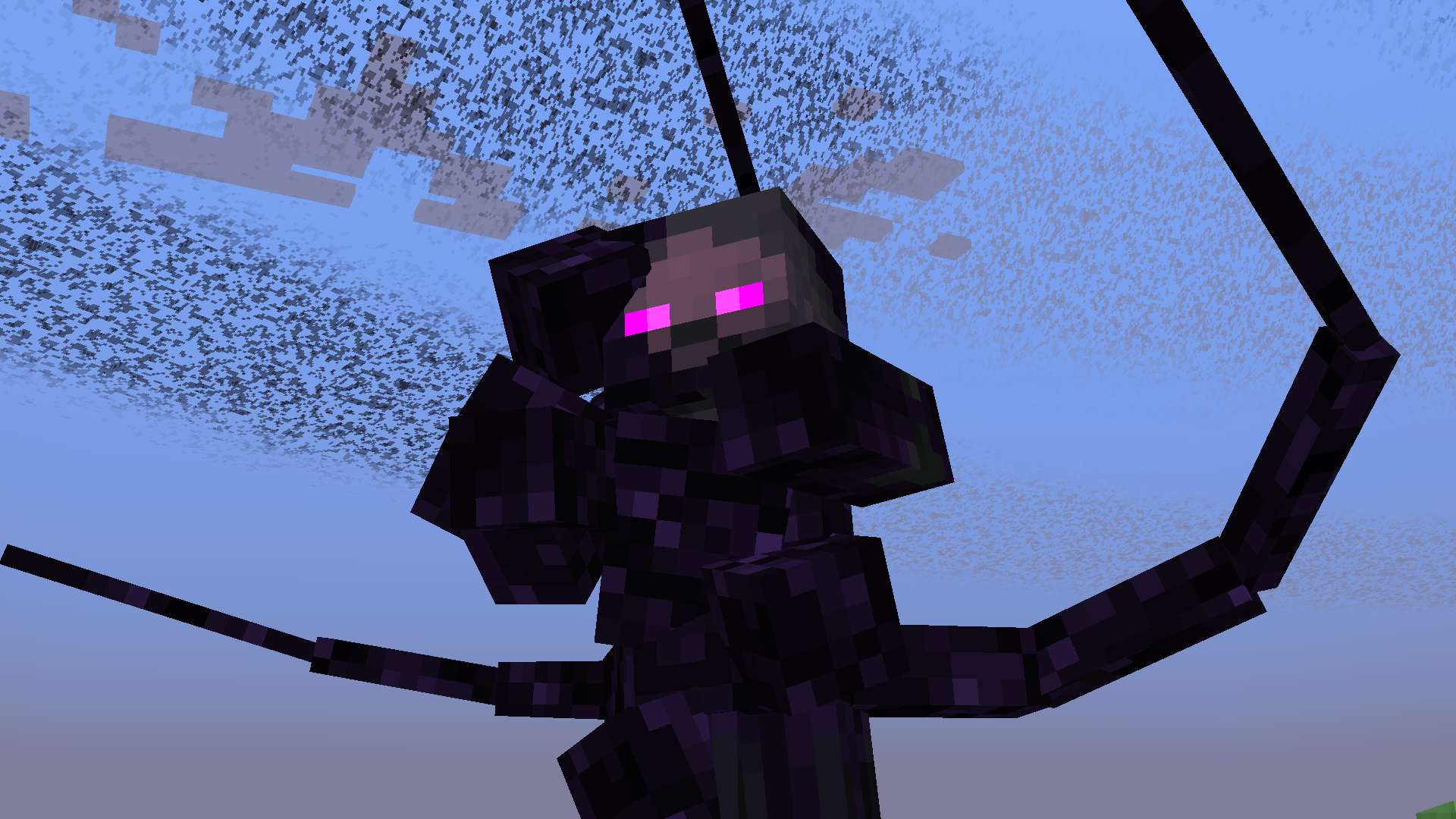 Withered Symbiont
 -
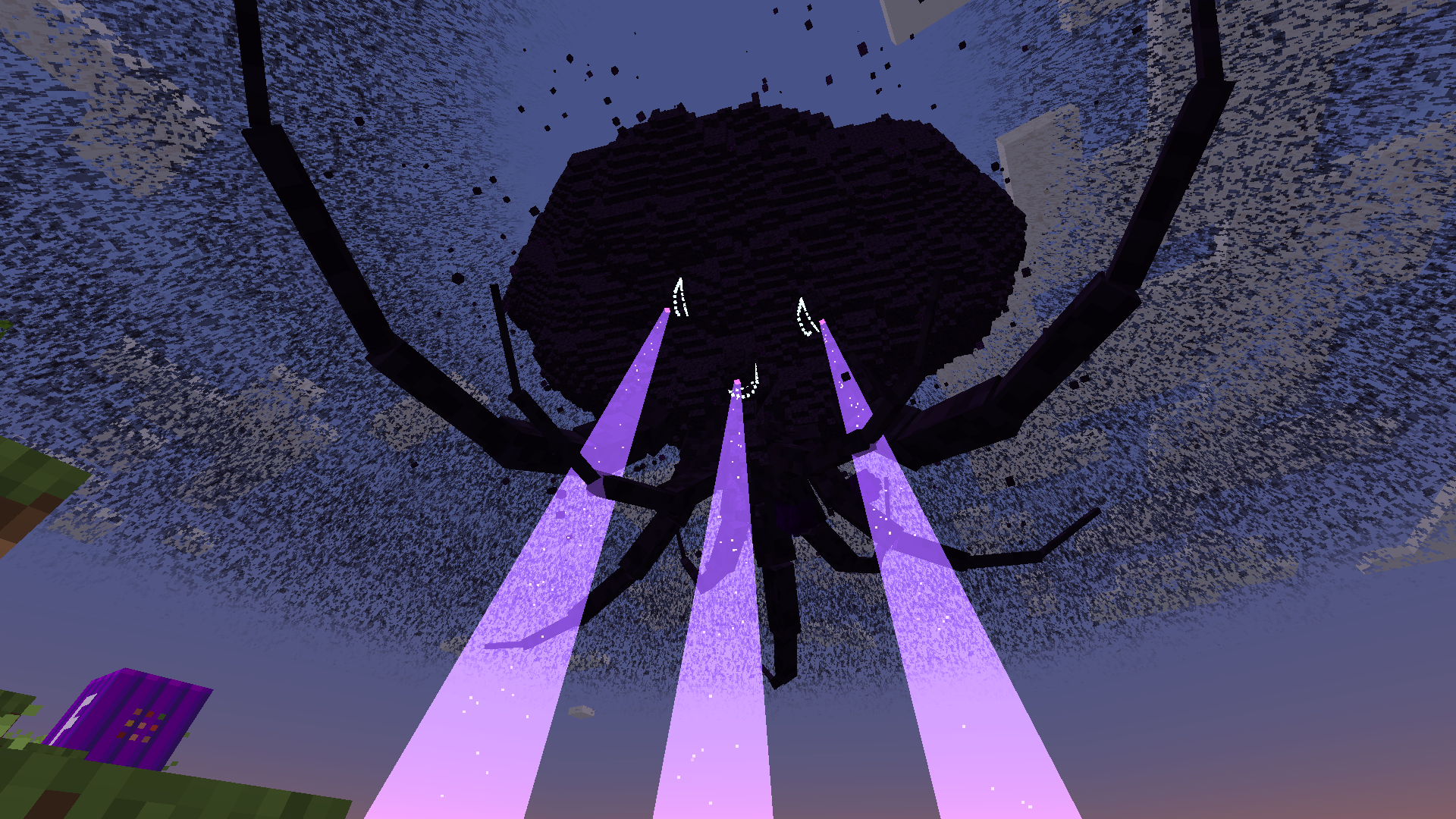 Phase 5.5
 -
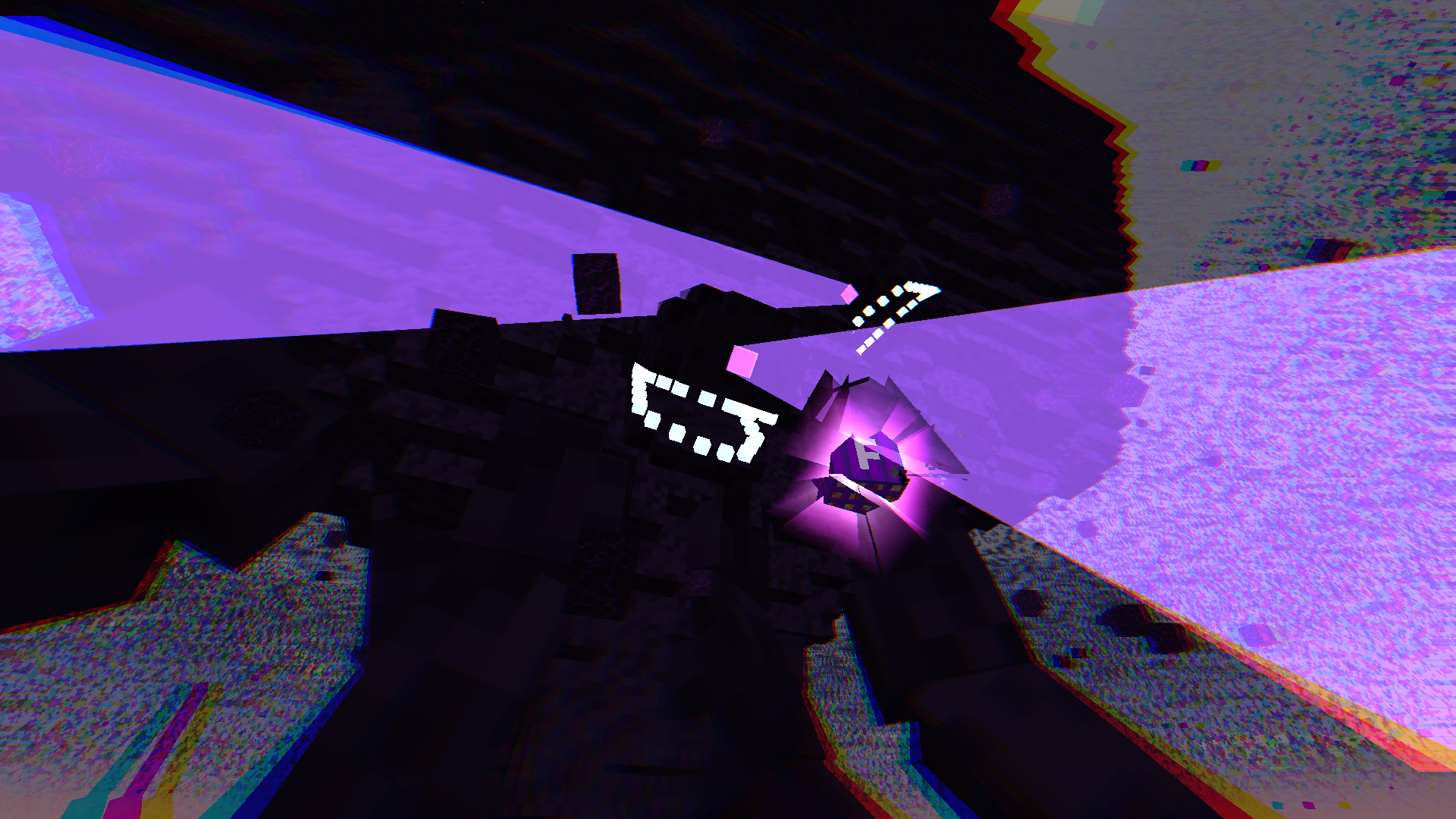 Formidibomb Near Detonation
 -
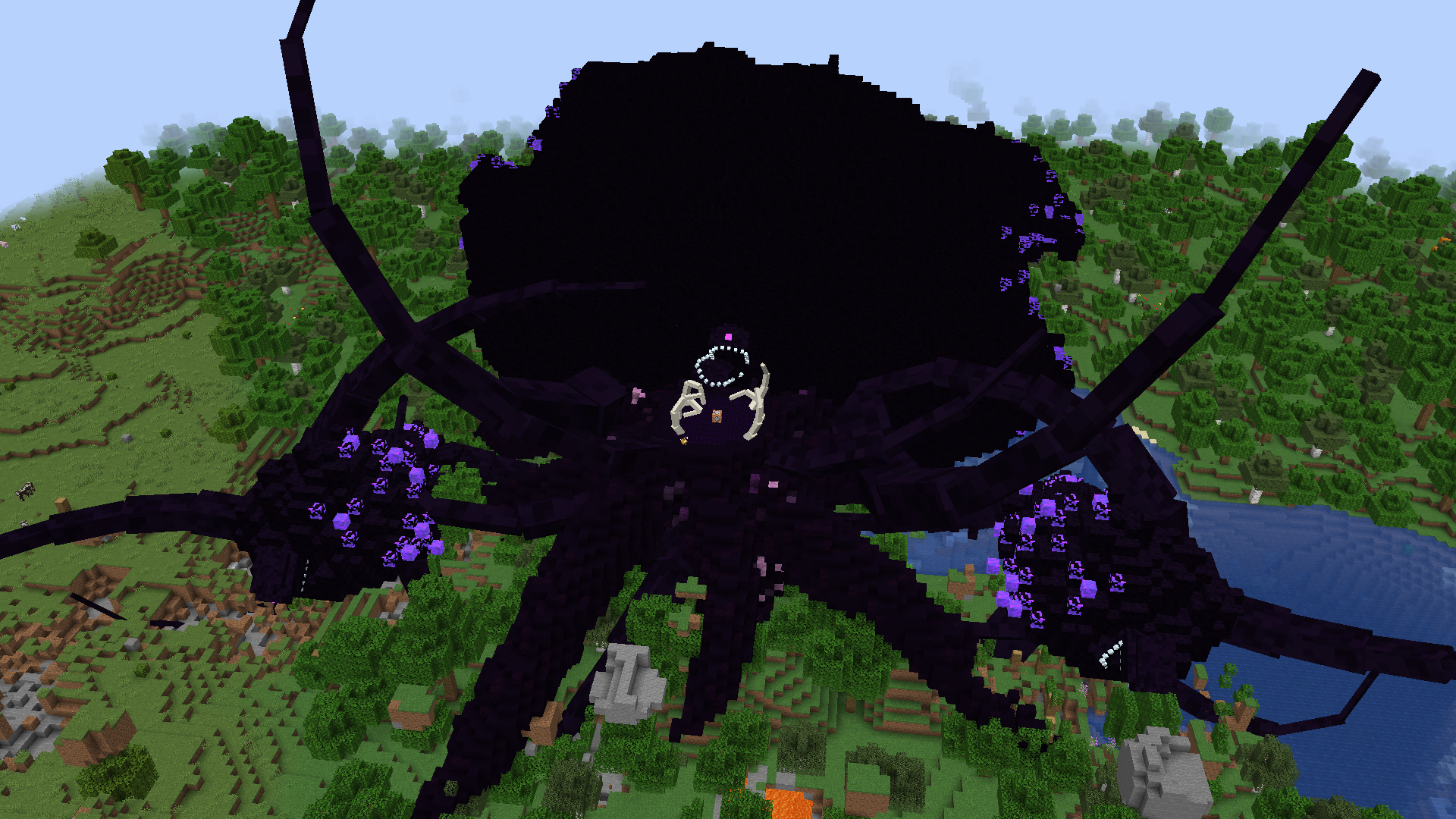 Wither Storm playing dead
 -
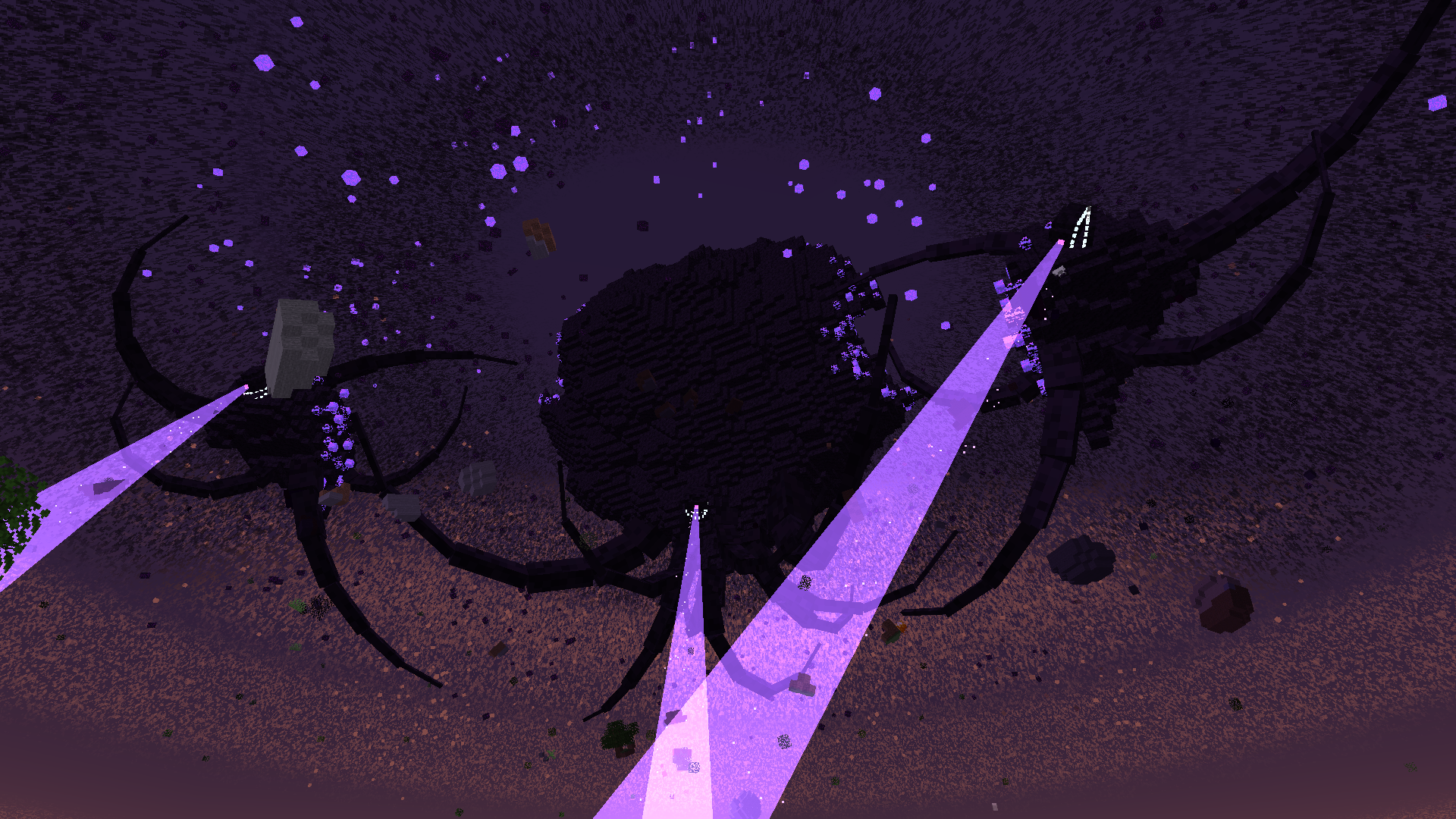 Phase 6
 -
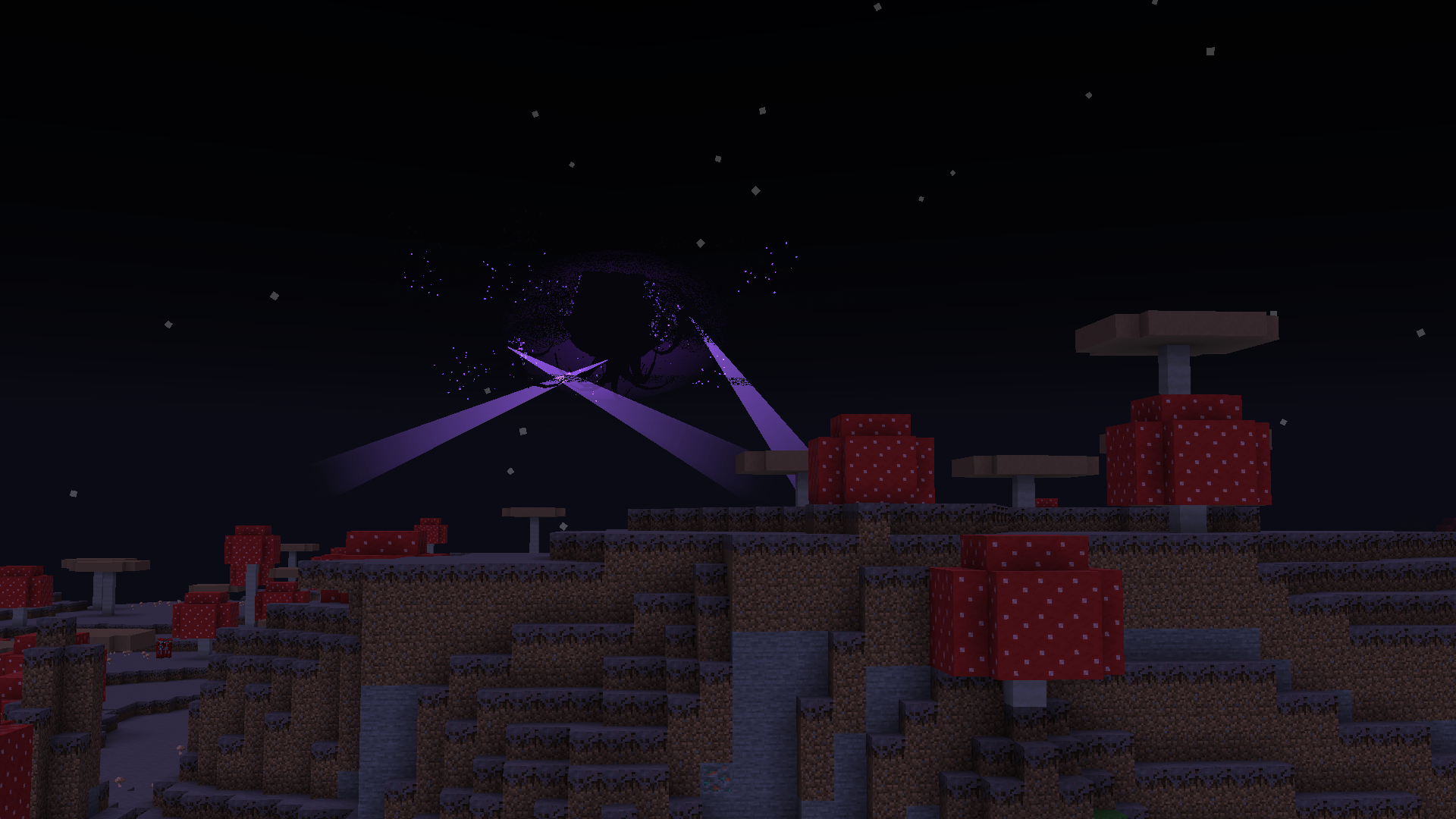 Phase 6 in the distance
 -
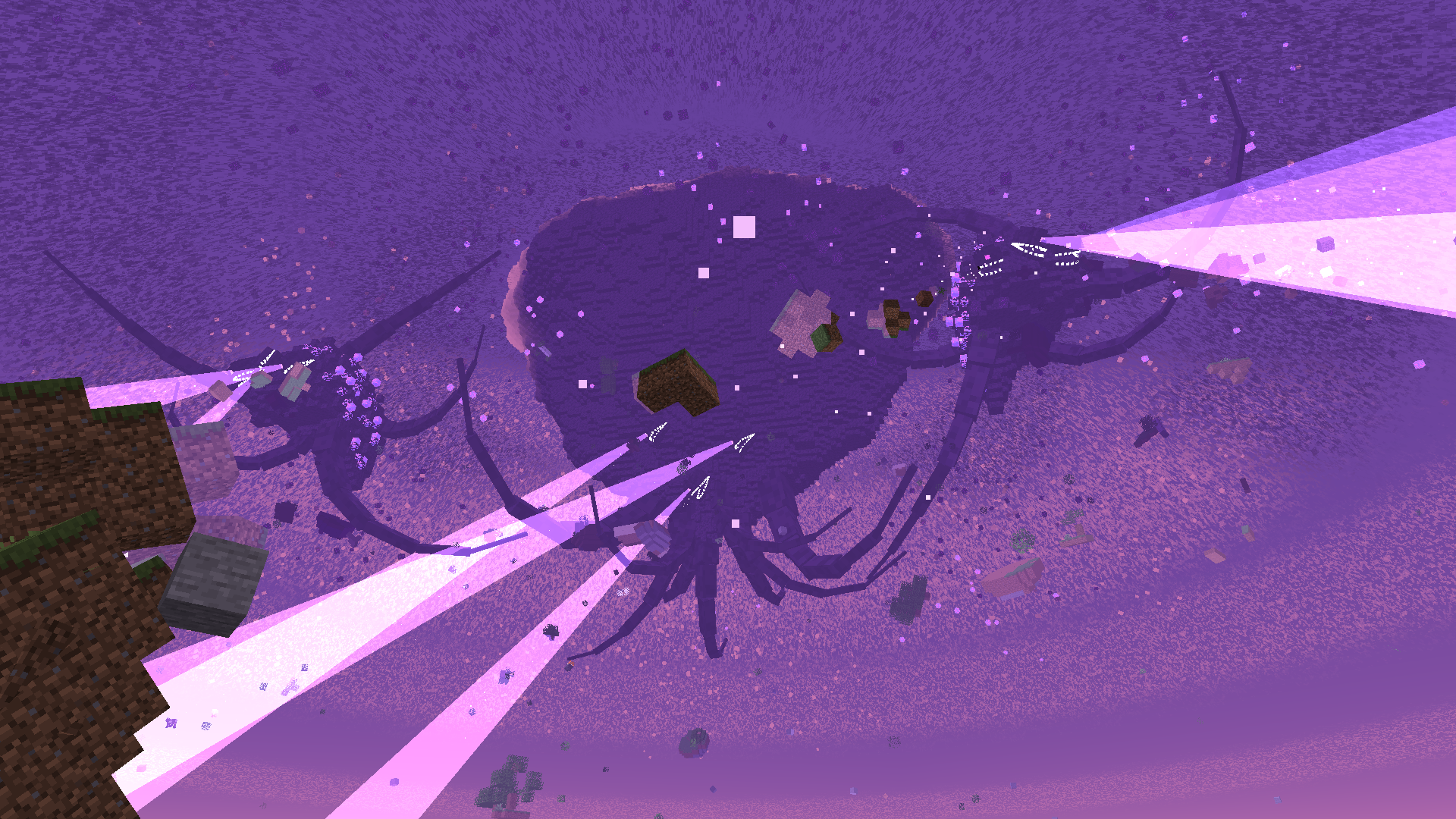 Phase 7
 -
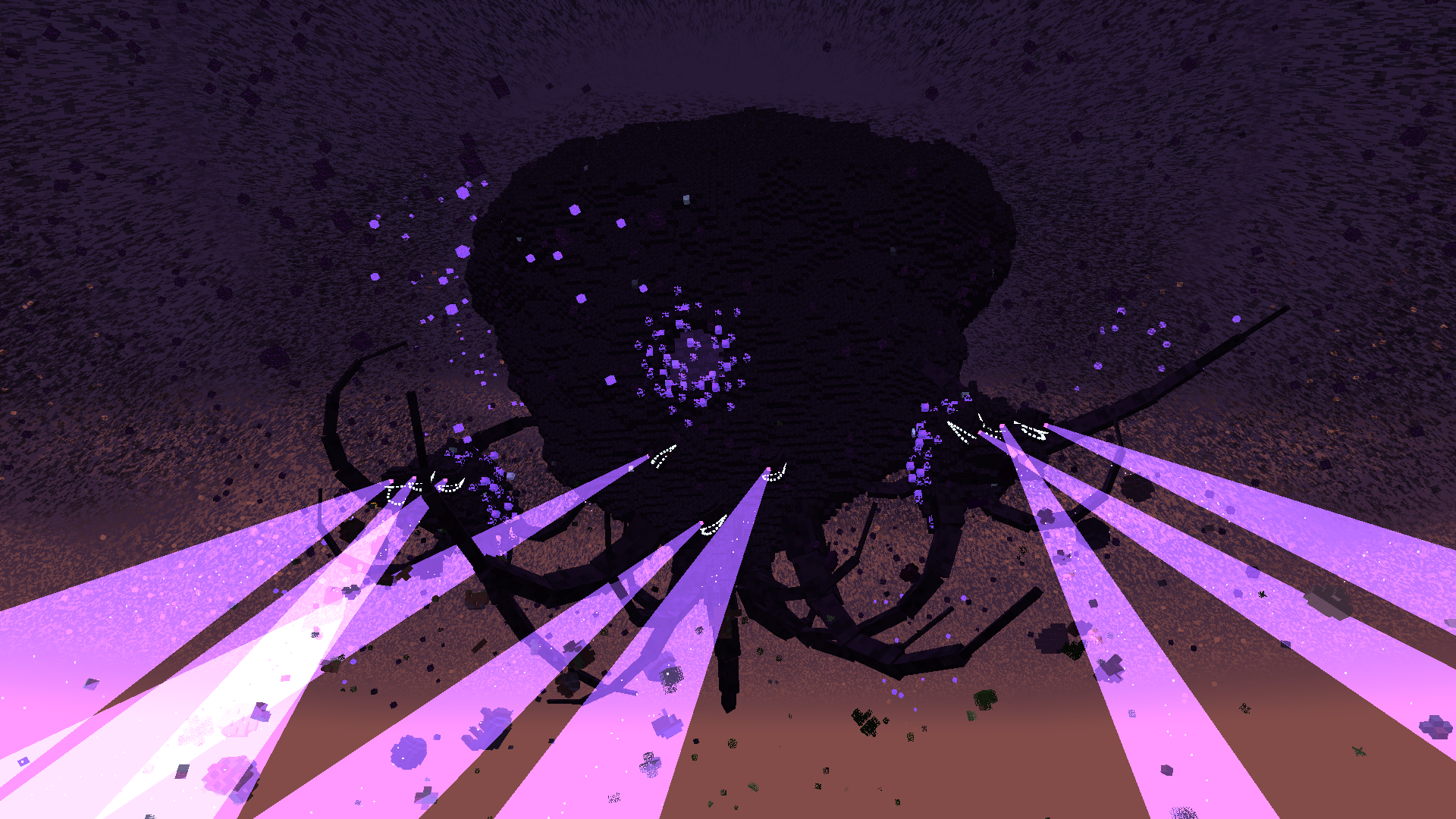 Phase 7 with a hole in its mass
 -
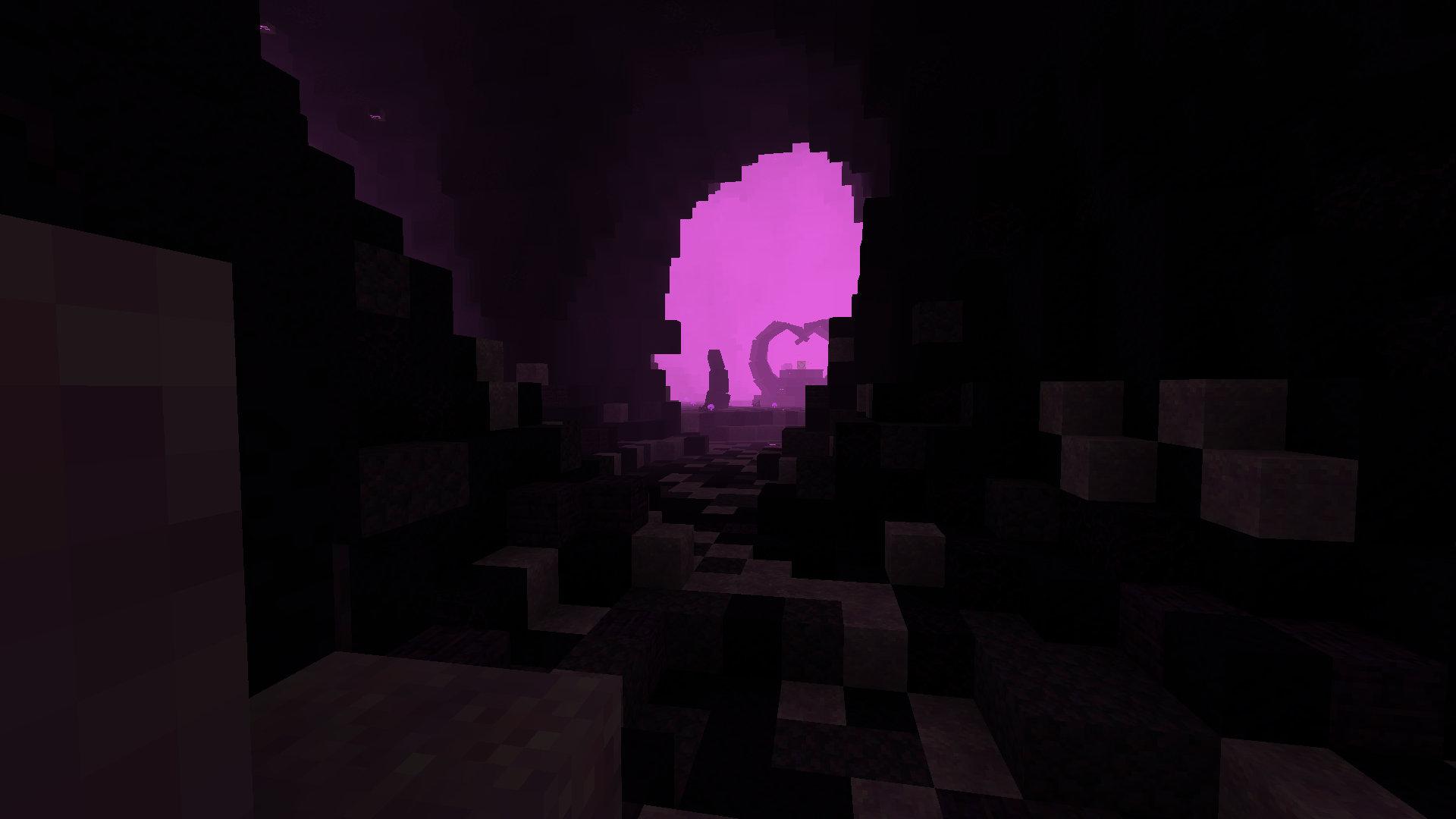 The bowels
 -
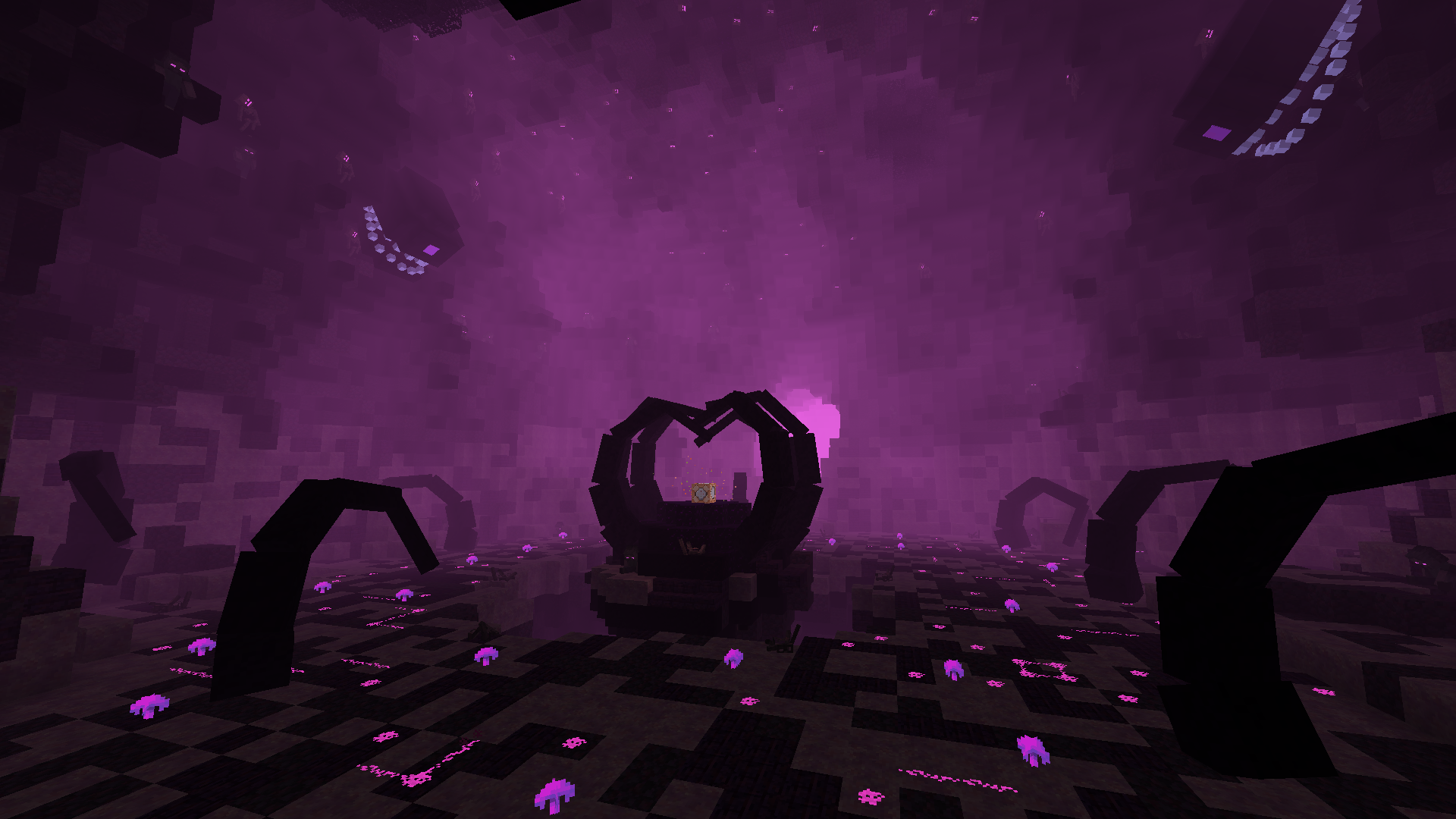 Final boss arena
Versions
Files
Relations
Project Relations
More like this
Similar Mods
Suggestions use data such as tags, dependencies, dependents, descriptions, titles, and more to rank how much they overlap with this mod.
On ModDex
Community snapshot
By the numbers
Statistics
 (opens in a new tab)
Get it on
Available Platforms
On ModDex
Community snapshot
By the numbers