Community listing page, reviews may not be monitored by the author.
Create: Airspace

No reviews yet
Aviation and airport accessories for Create: barrier posts, terminal seats, airfield signs, edge lights, a windsock and a rotating beacon.

Community voices
Reviews
No reviews yet. Be the first to review this project!
Get it on
Available Platforms
About
Project Details
For authors
Embed Badge
If you're the author of this project, you can embed a live badge anywhere that supports HTML or Markdown. It updates automatically whenever ratings change.
Use HTML for any page that supports it, or Markdown for README files and Markdown-based descriptions.
Identifiers
Platform IDs
Resources
External Links
About
Description
Create: Airspace
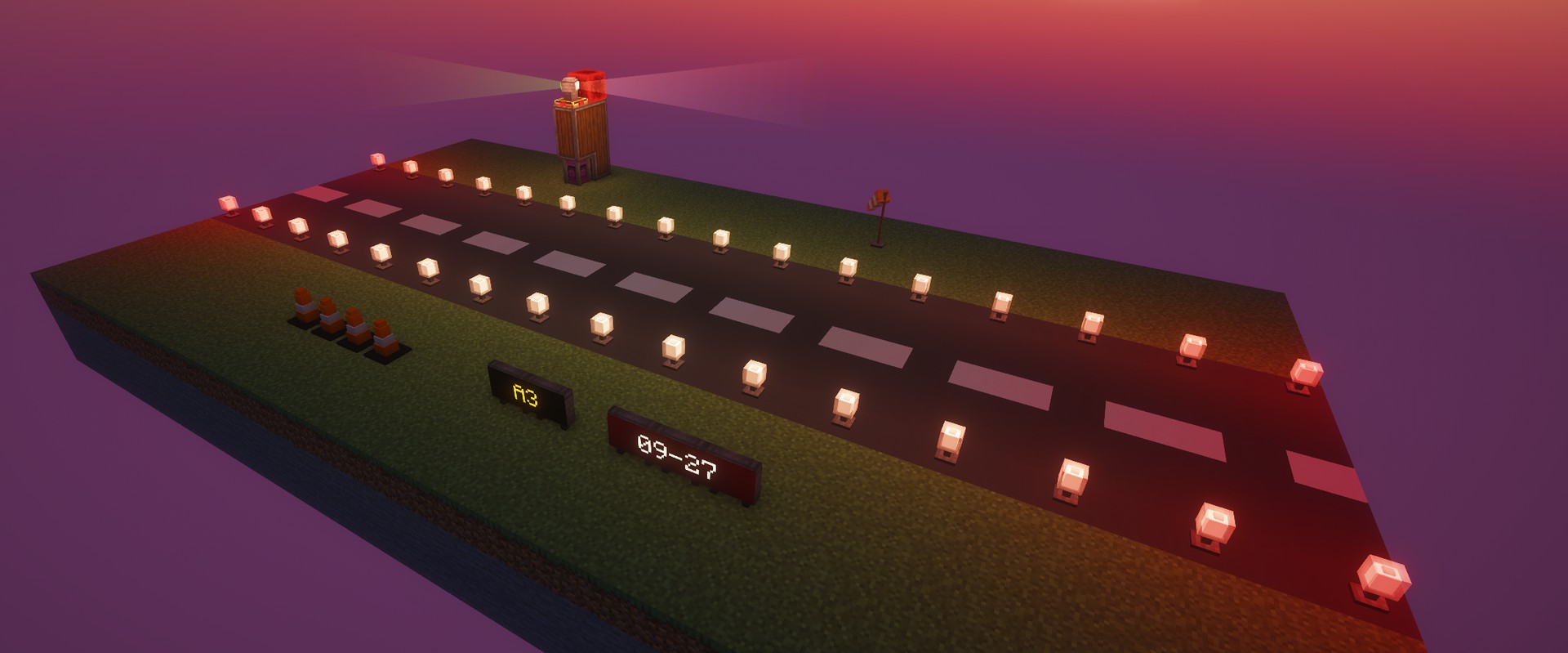
Aviation and airport accessories for Create. Build a proper airfield around your aircraft: barrier posts for queue lines, terminal seats, taxiway signs, edge lights, a windsock that follows the wind and a rotating airport beacon.
Made for aviation builds, Create: Airspace sits right next to Create and Create Aeronautics. It uses Create's own processes, Ponder scenes and wrench handling, so everything feels like part of Create.
Barrier Posts
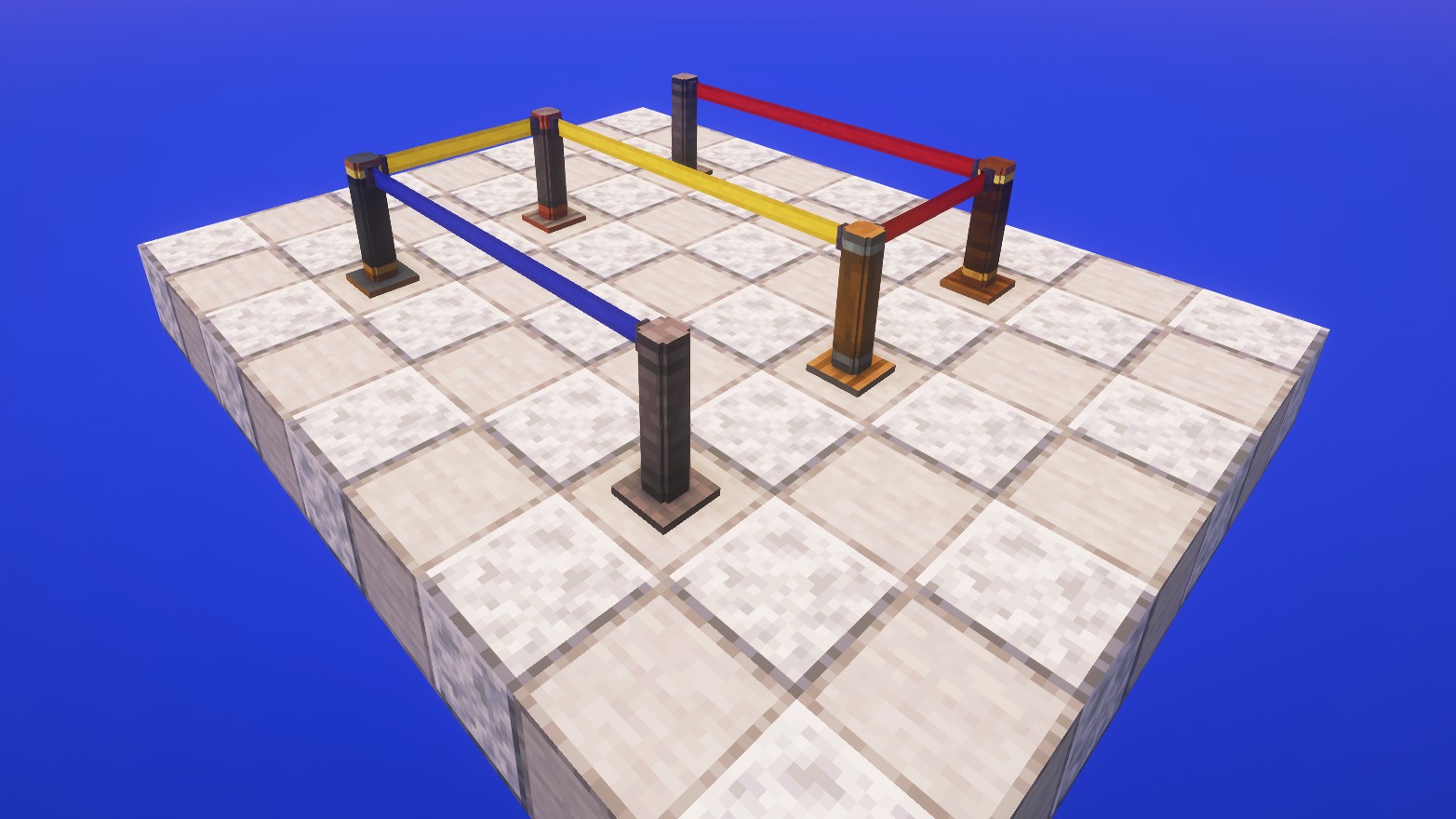
Connect two posts with a wrench and a retractable belt stretches between them. Each post holds several belts, perfect for queue lines. Recolour belts with dye. Available in industrial iron, andesite, brass, copper and train casing.
Terminal Seats
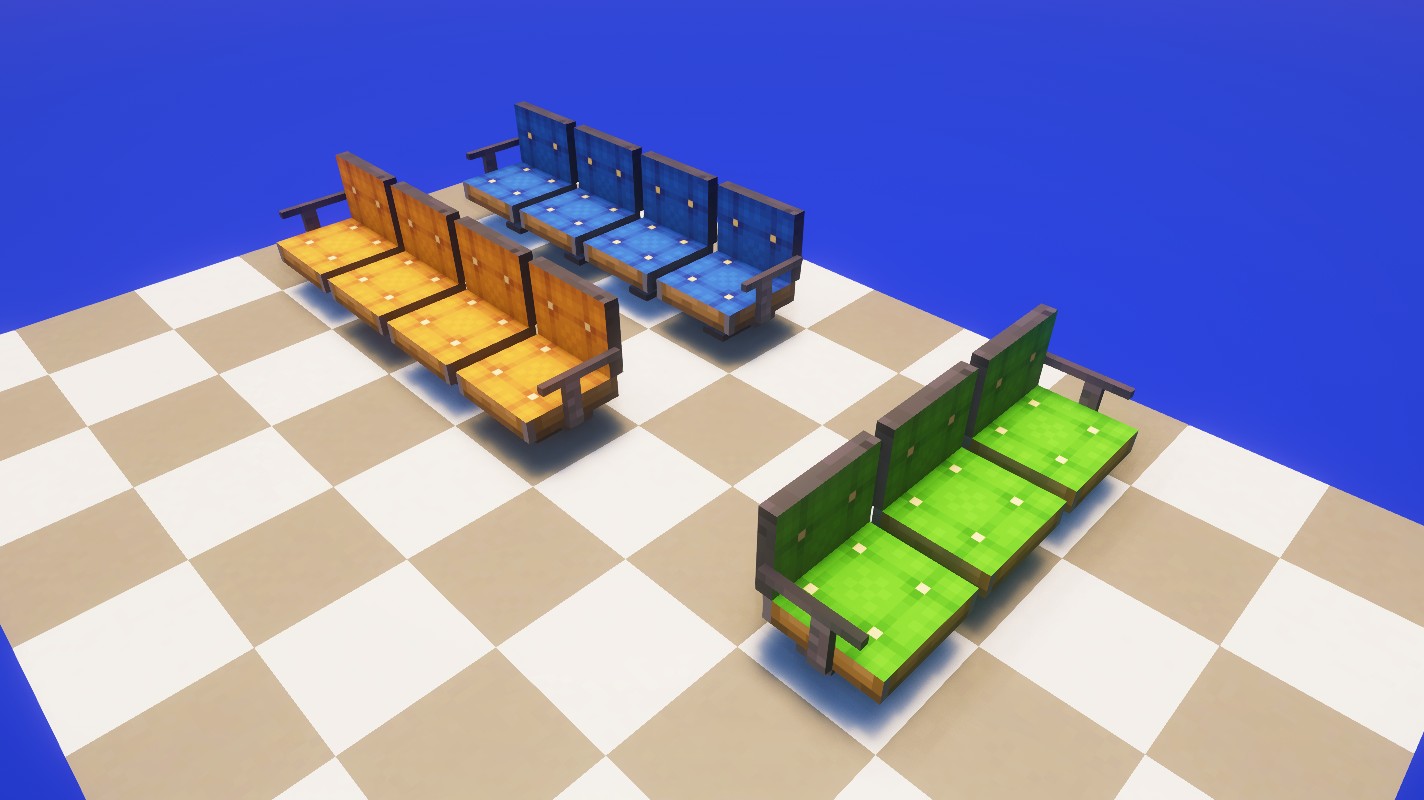
Seats facing the same way join into rows, with armrests only at the ends. Sit down like on Create's seats, leashed mobs too, and they keep working on contraptions. 16 colours, recolour with dye.
Airfield Signs
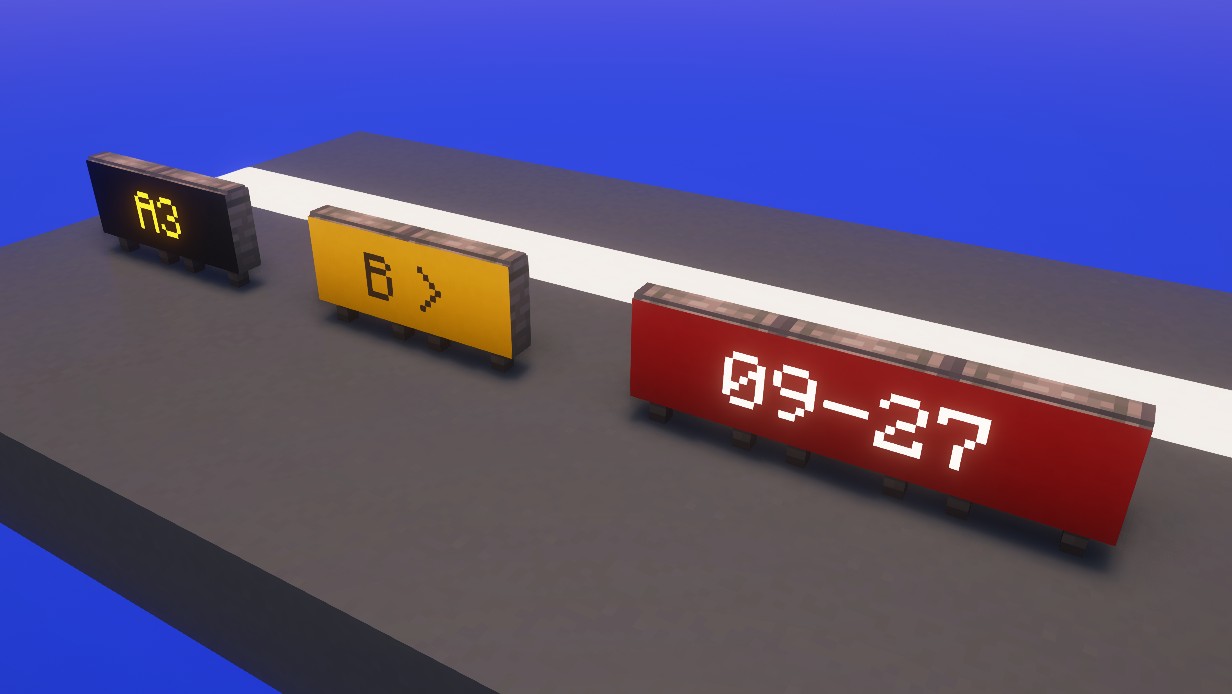
Location, direction and mandatory signs. Write on a whole row with a named name tag, a clipboard or a Display Link. The text spans the row, glows at night and is readable from both sides. Switch the sign type with a wrench.
Edge Lights
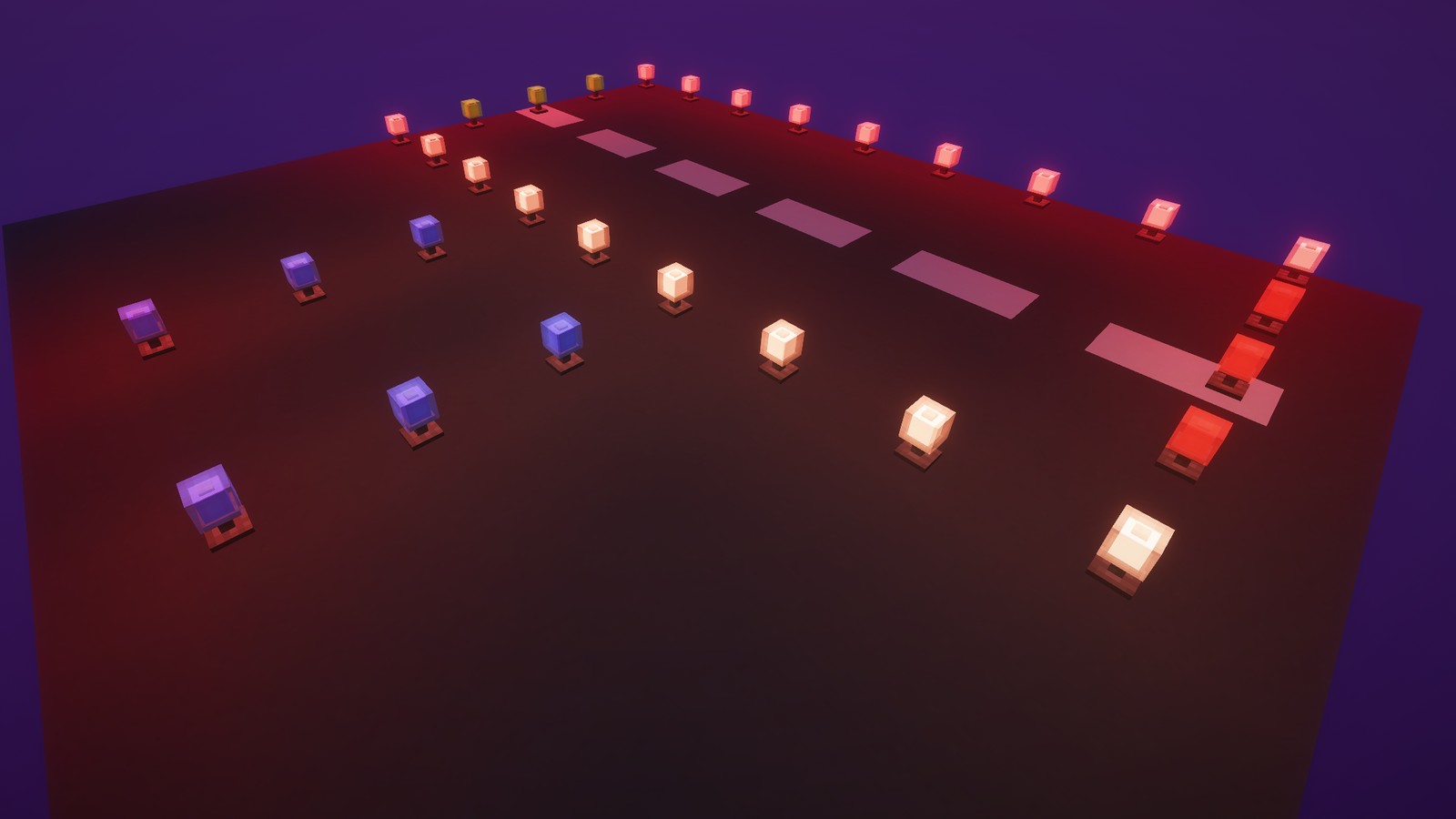
Light up with redstone. Redstone dust connects to them, so a single line beside a row of lights powers all of them. White, blue, green, red and yellow.
Windsock
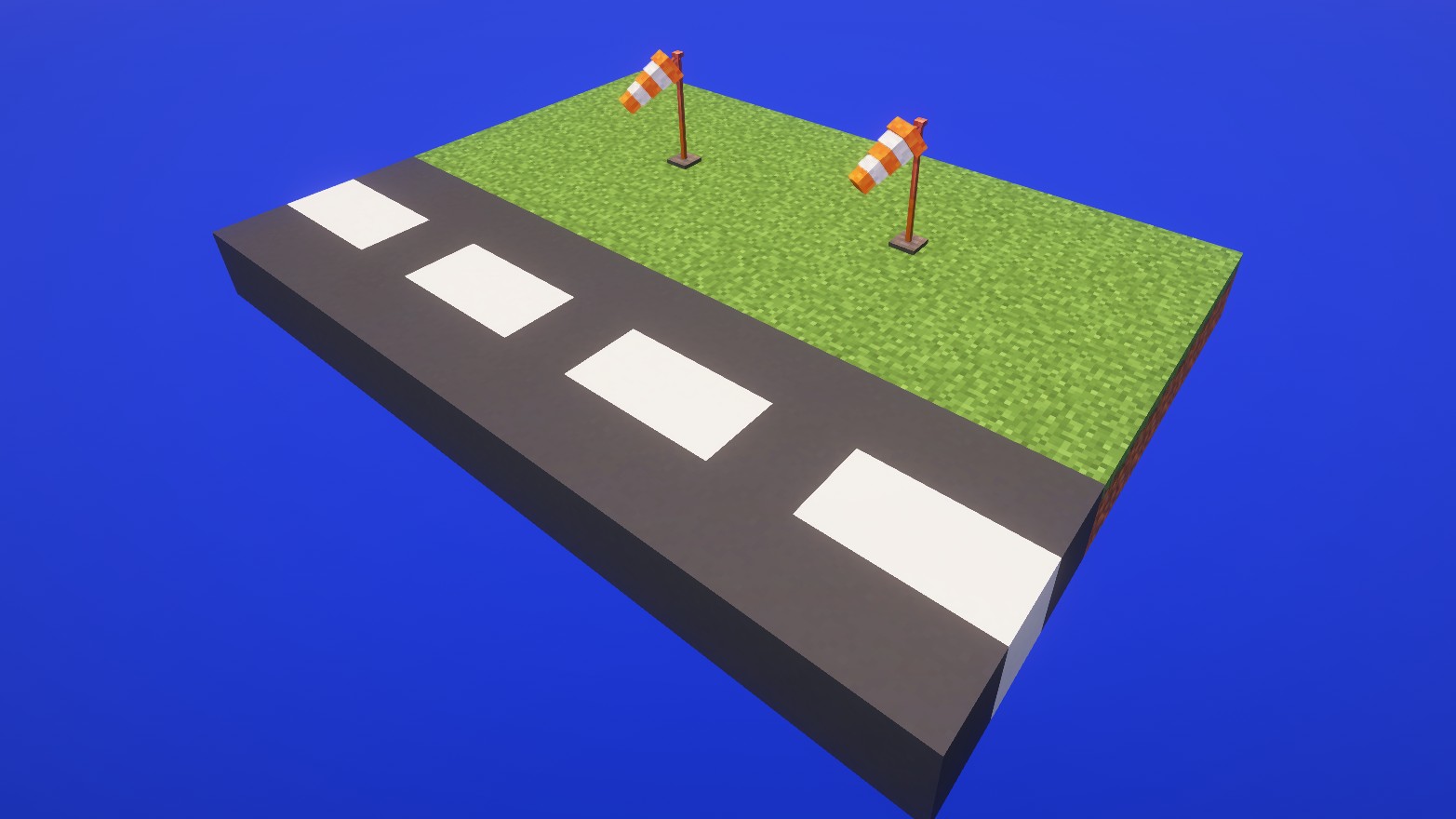
Turns into the wind and rises with its strength. The wind is the same for every player and gets stronger with rain, thunderstorms and height.
Airport Beacon
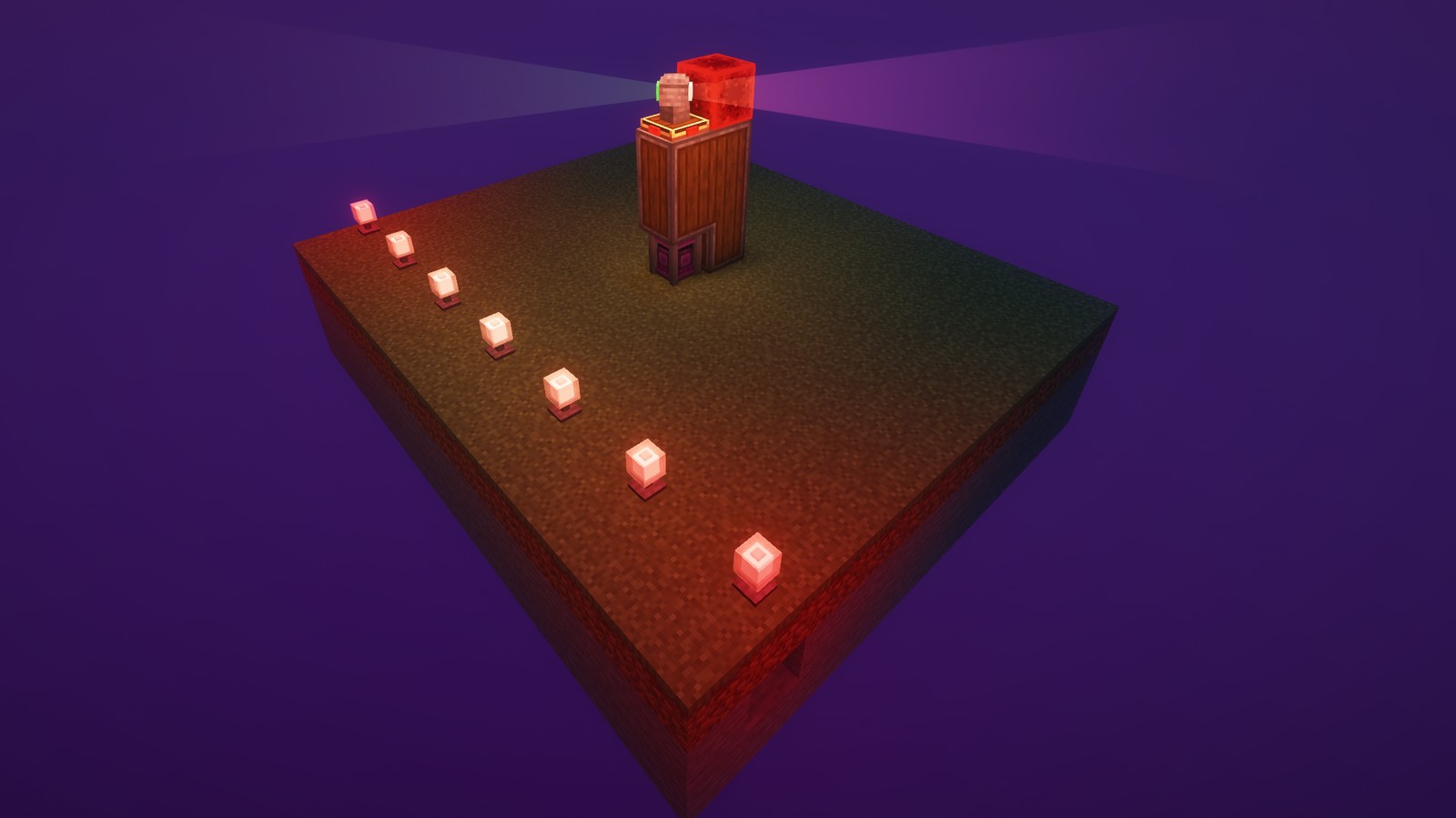
Rotational force turns the head, redstone from the sides controls brightness and range of the light. Switch between the patterns of land airports, water airports, heliports and military airports with a wrench. Looking straight into a beam dazzles you for a moment (can be turned off in the client config).
Traffic Cones
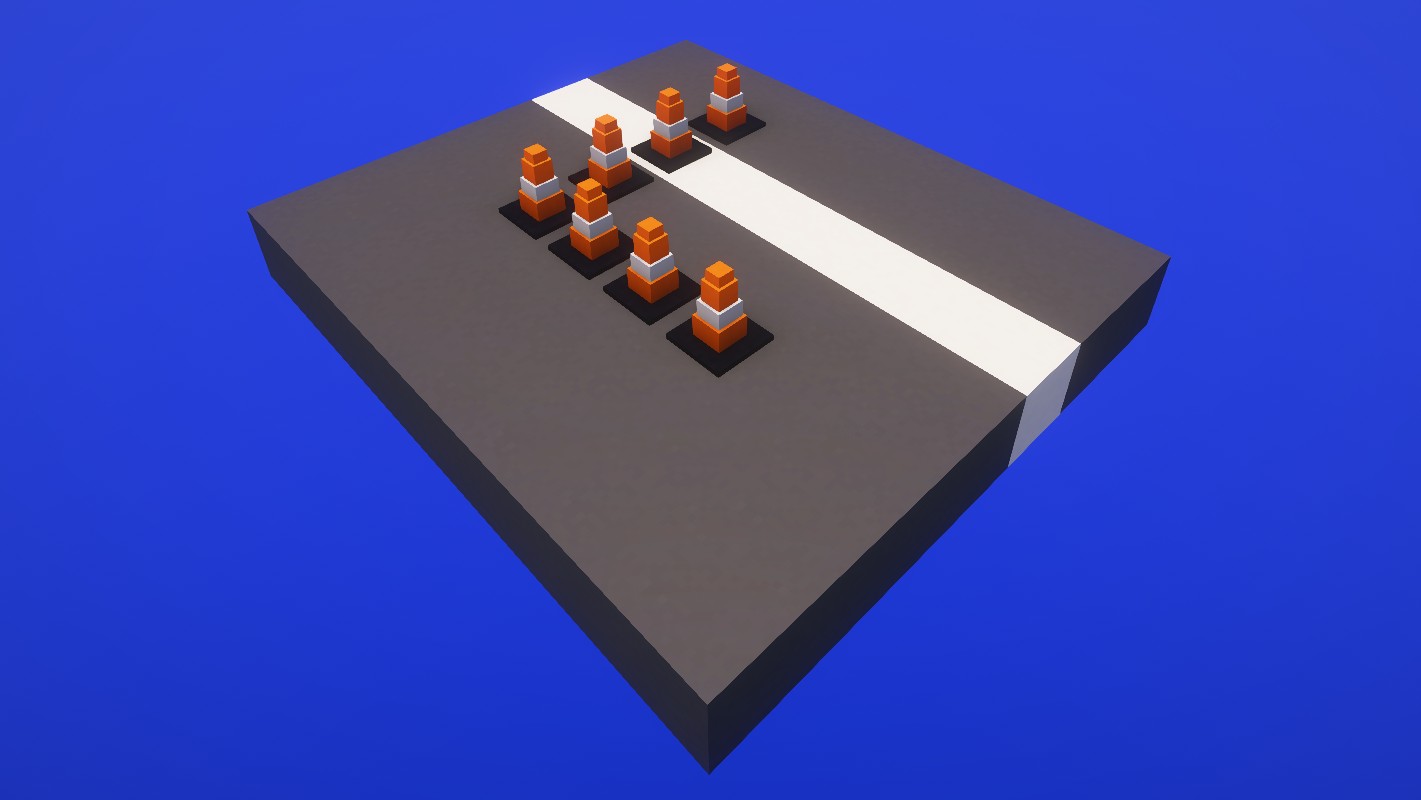
Mark closed areas. They can be placed underwater too.
Recipes
Simple blocks are crafted, everything else goes through Create: deploying, item application, sequenced assembly and mechanical crafting. All recipes show up in JEI, and most blocks have a Ponder scene (hold W over the item).
Requirements
- Minecraft 1.21.1, NeoForge
- Create 6.0.10 or newer
- Needed on both client and server
Works alongside Create Aeronautics.
License
MIT. Source code and issue tracker on GitHub.
Screenshots
Gallery
-
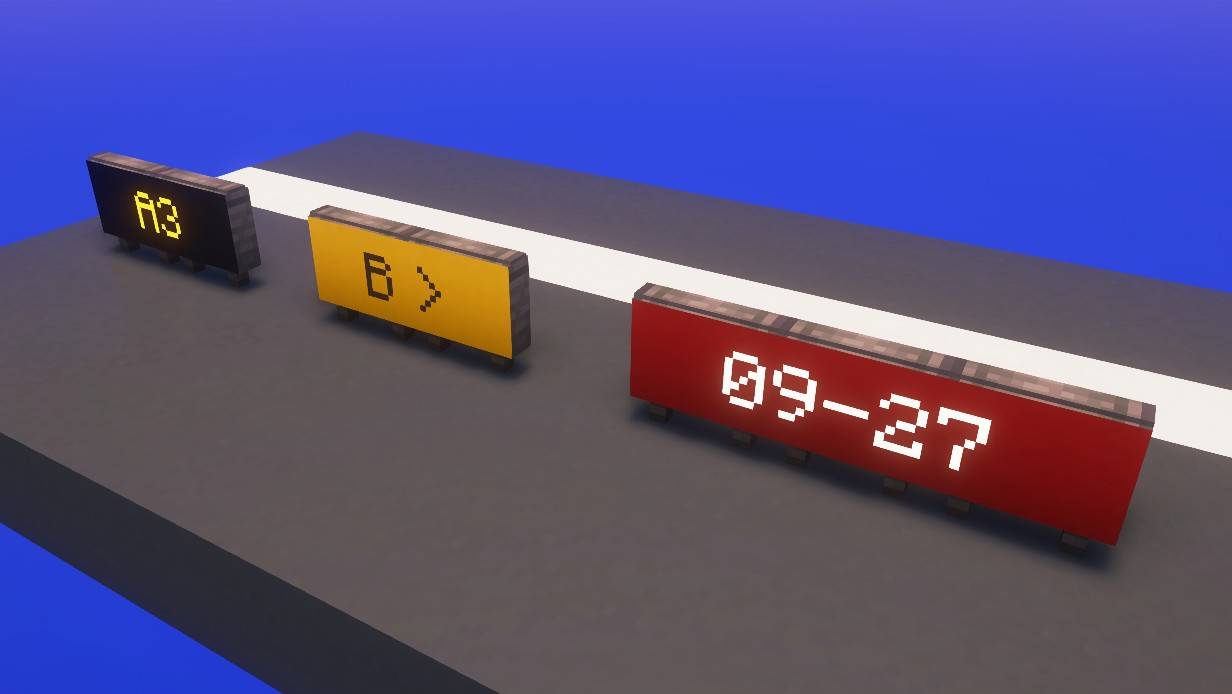 airfield_signs.jpg airfield_signs.jpg
 -
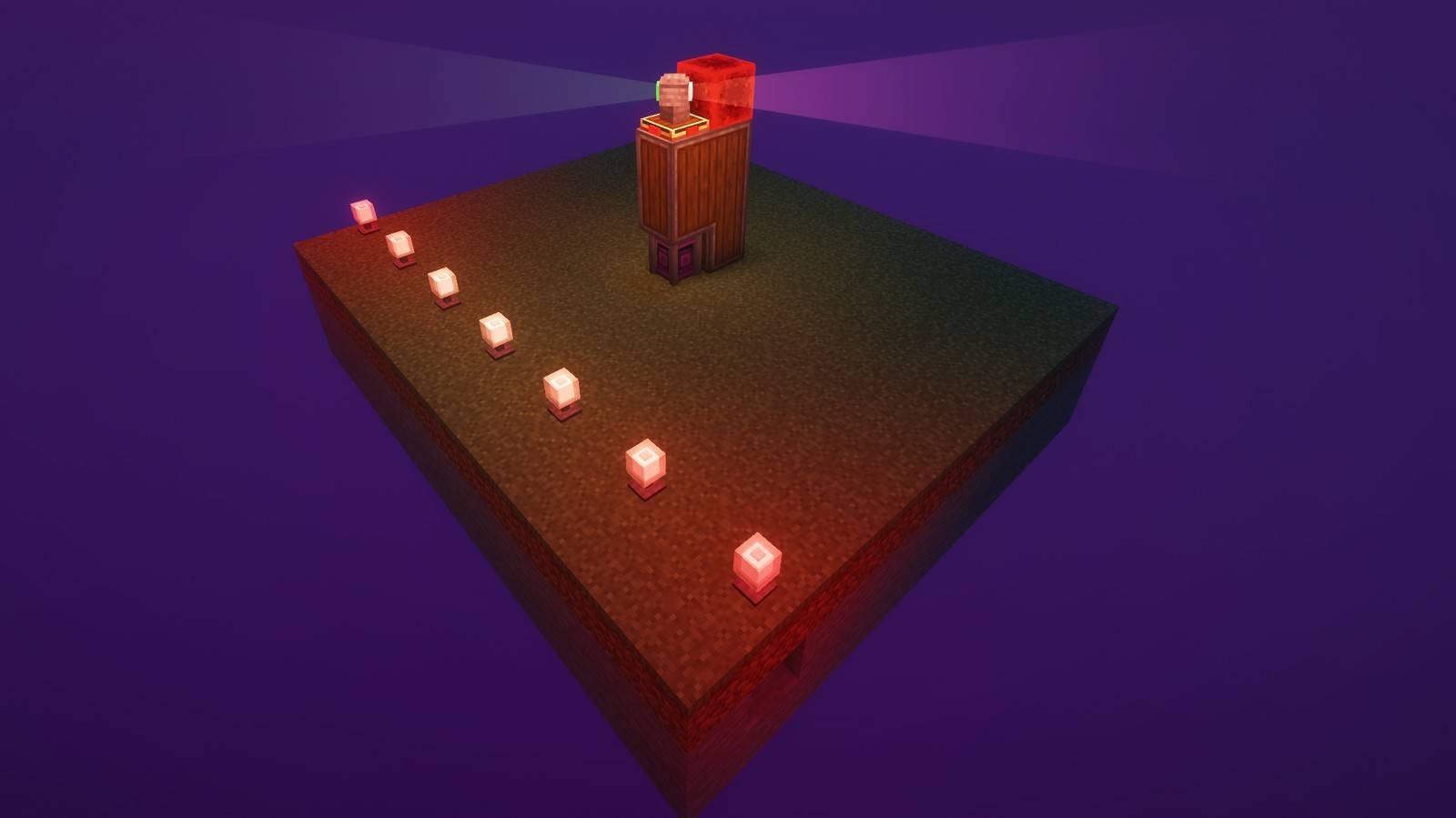 airport_beacon.jpg airport_beacon.jpg
 -
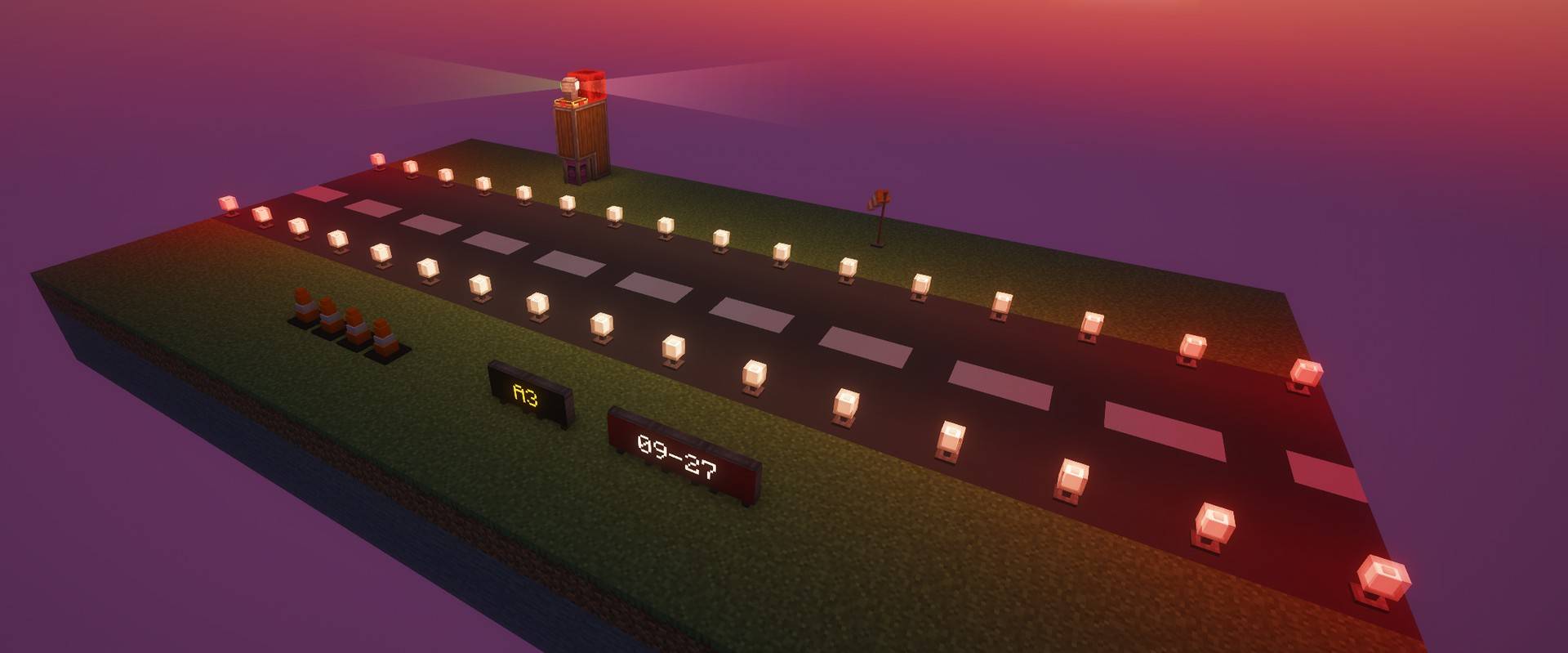 banner.jpg banner.jpg
 -
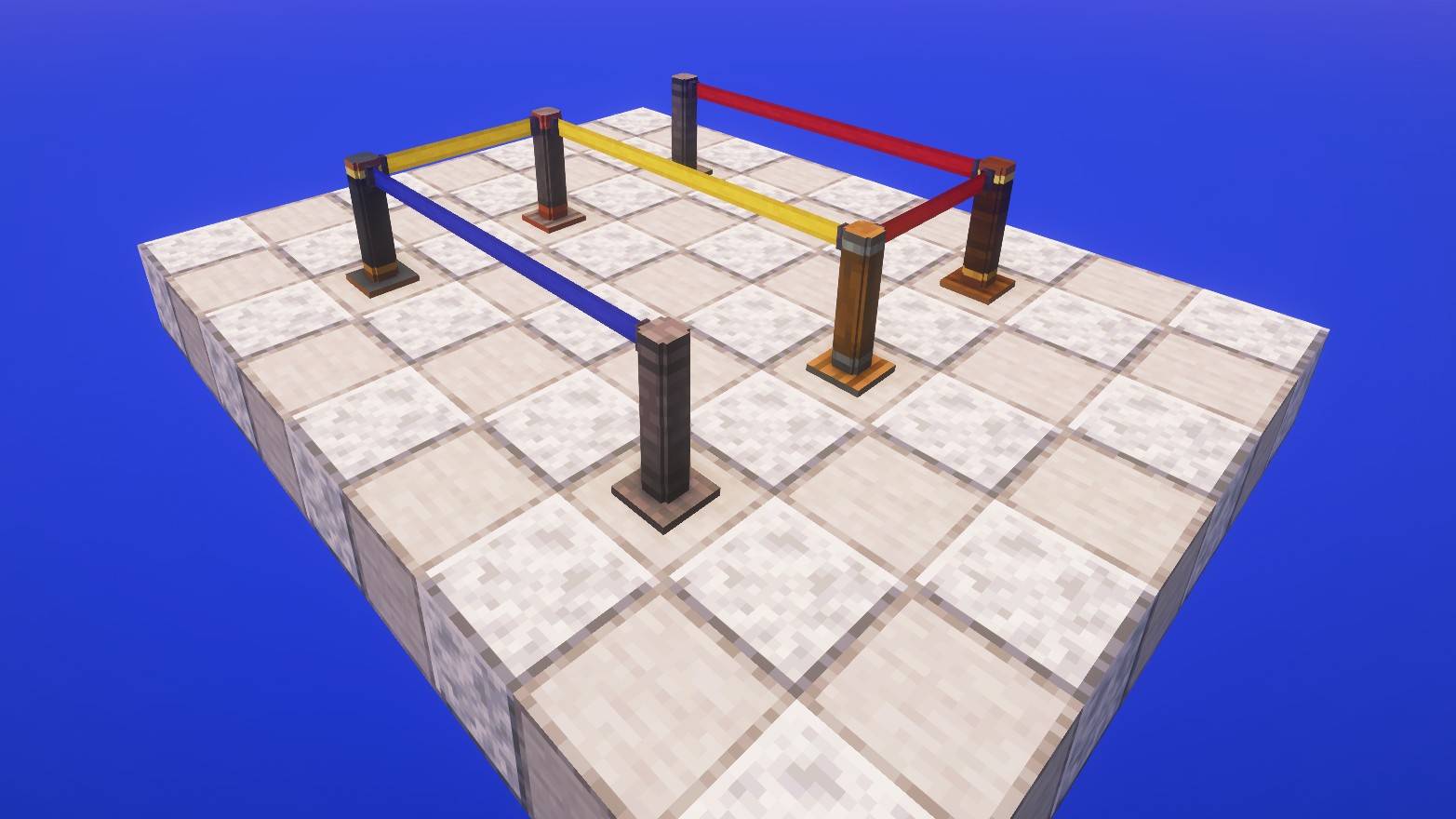 barrier_posts.jpg barrier_posts.jpg
 -
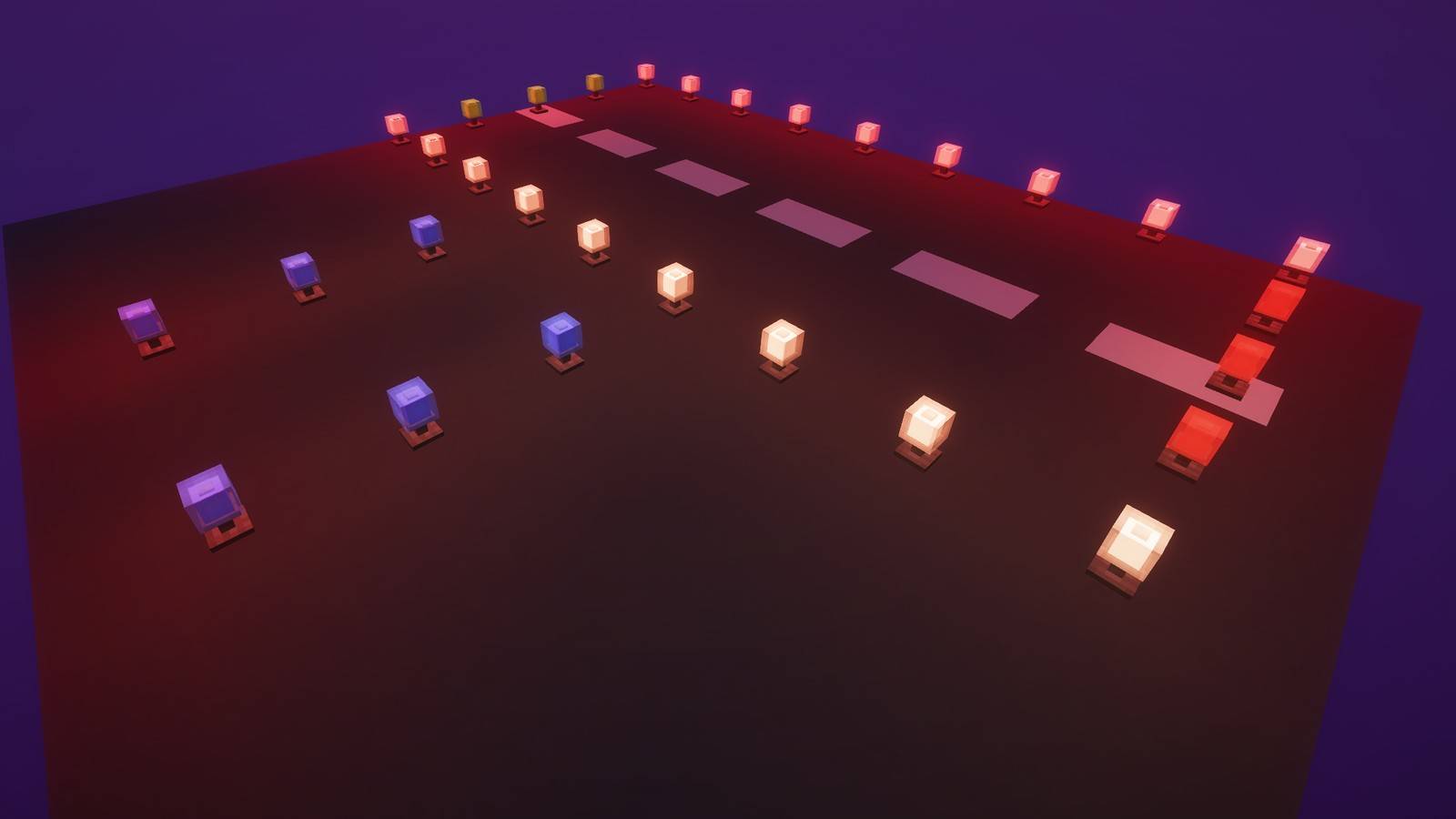 edge_lights.jpg edge_lights.jpg
 -
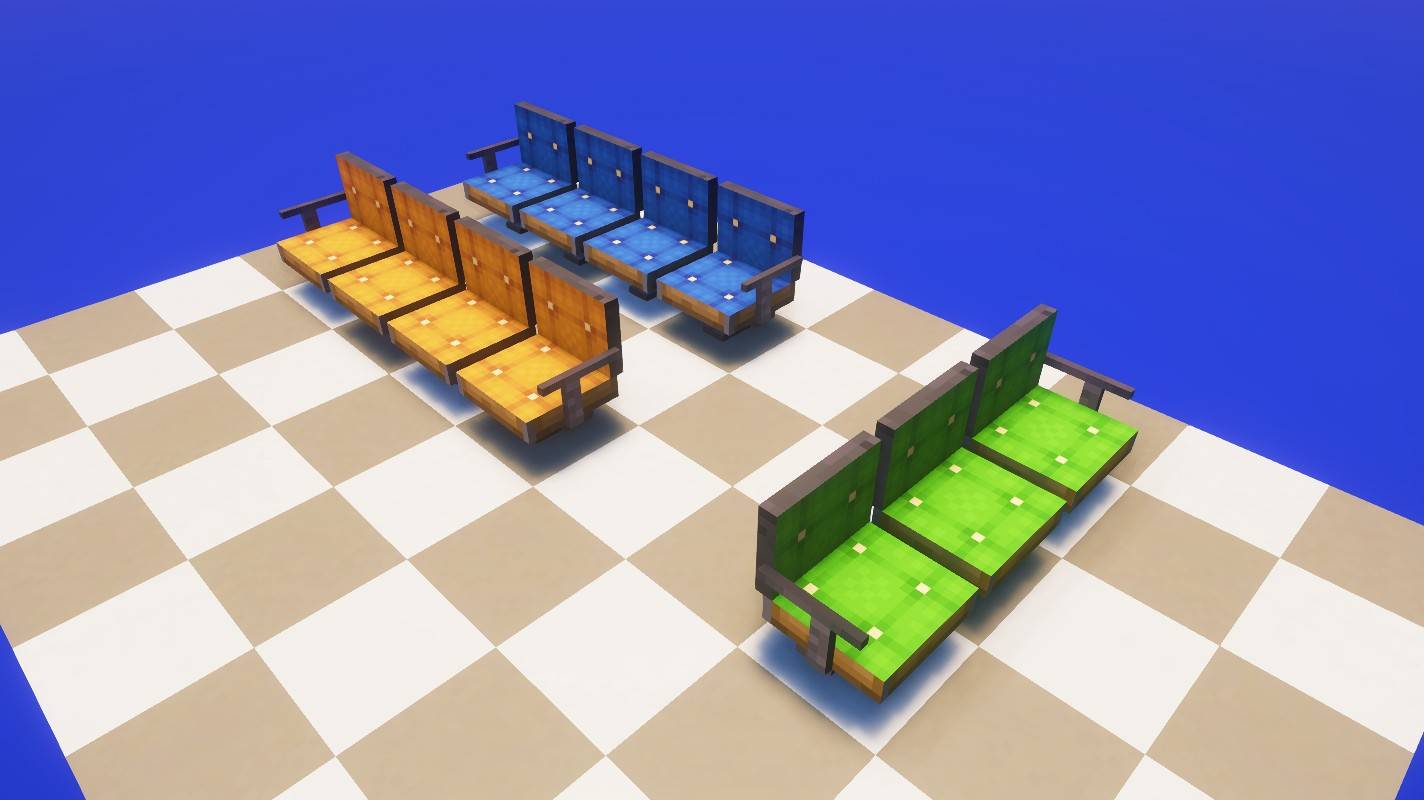 terminal_seats.jpg terminal_seats.jpg
 -
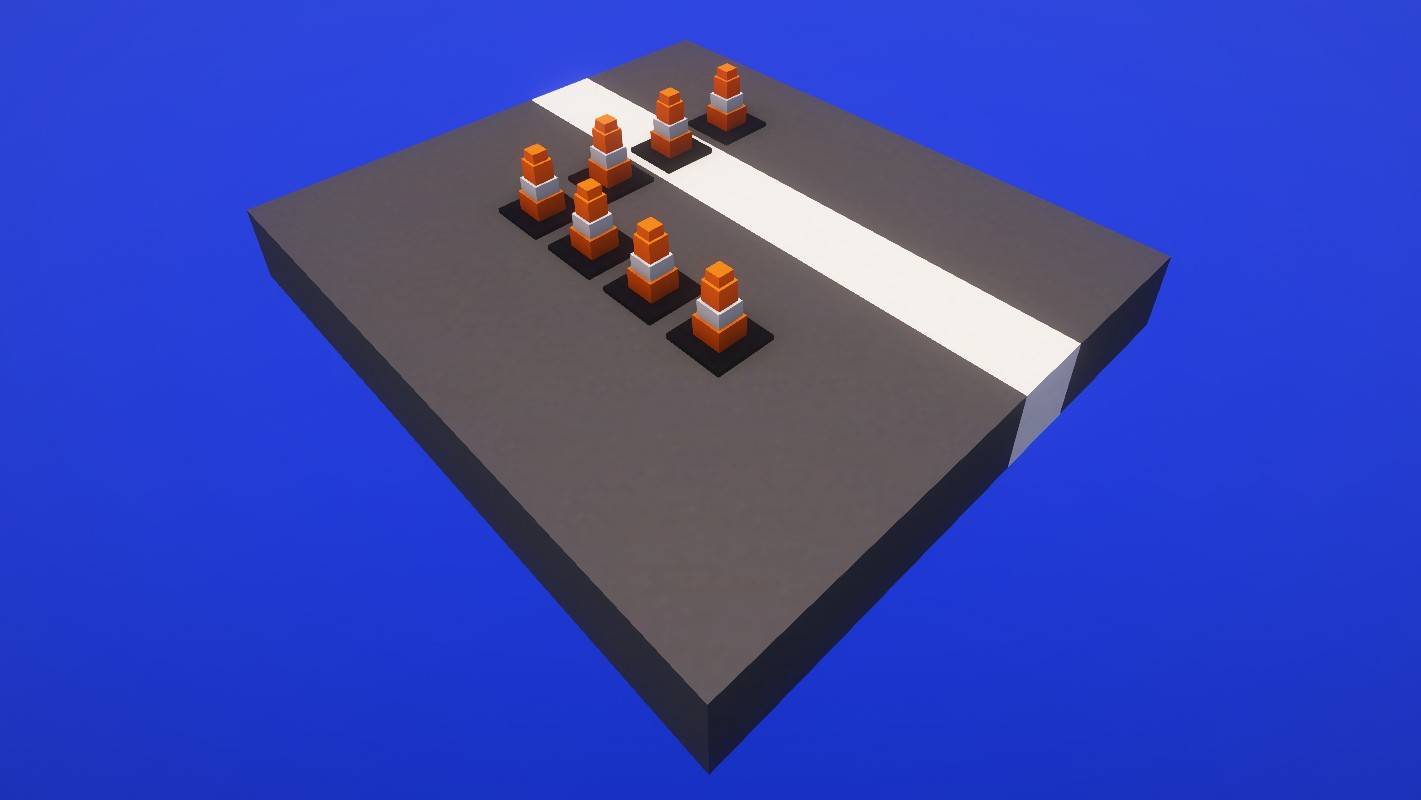 traffic_cones.jpg traffic_cones.jpg
 -
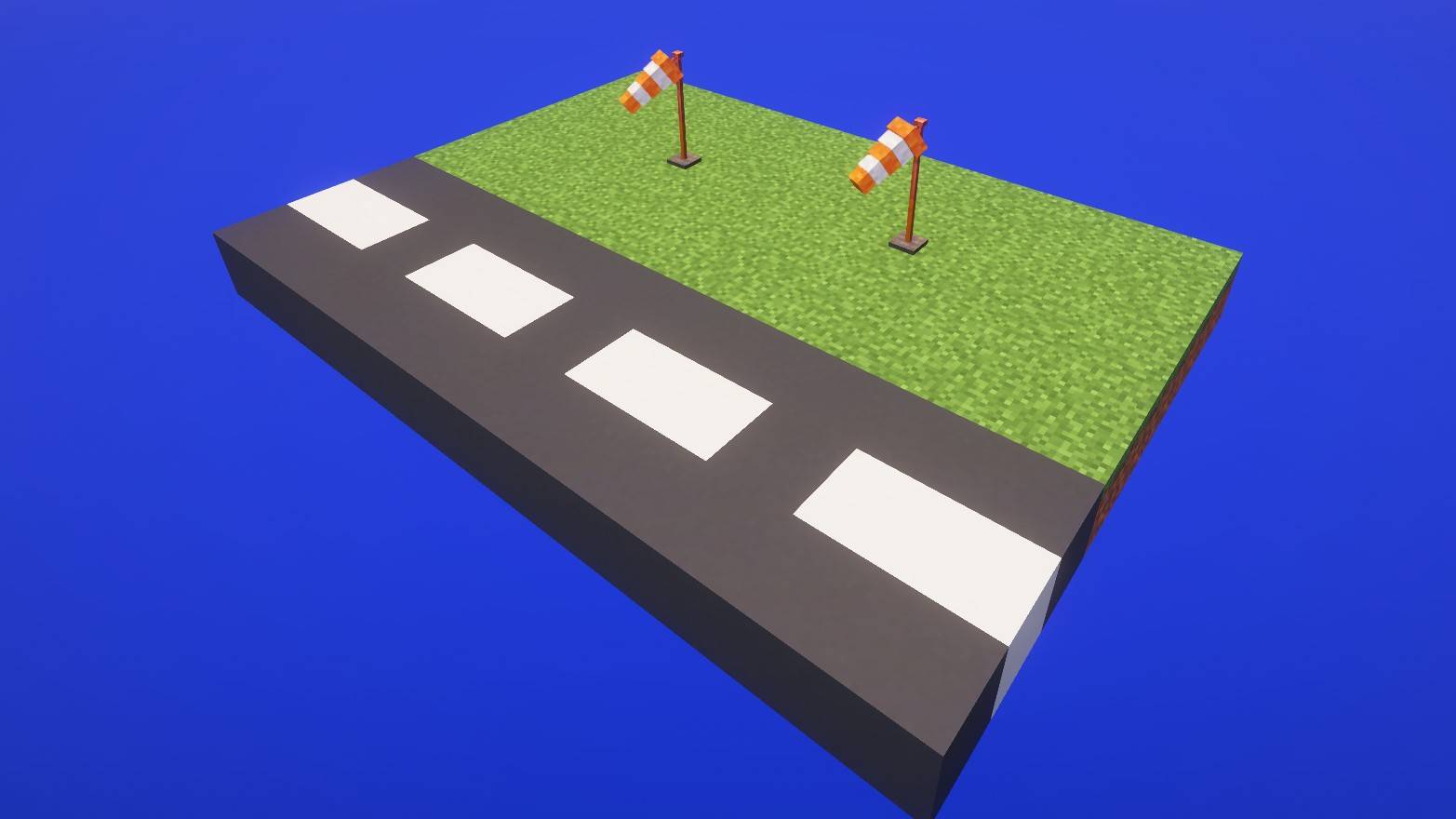 windsock.jpg windsock.jpg
Versions
Files
Relations
Project Relations
More like this
Similar Mods
Suggestions use data such as tags, dependencies, dependents, descriptions, titles, and more to rank how much they overlap with this mod.
On ModDex
Community snapshot
By the numbers
Statistics

Get it on
Available Platforms
On ModDex
Community snapshot
By the numbers
Statistics
Resources