
Community listing page, reviews here may not be monitored by the author.
Create Big Cannons:Simple Scope

No reviews yet
A lightweight scope addon for Create Big Cannons. One connector item binds to any cannon block, two switchable view modes, full support for physicalized vehicles from Create: Aeronautics.
Community voices
Reviews
No reviews yet. Be the first to review this project!
Get it on
Available Platforms
Compatibility
Supported Environments
Must be installed on both the client and the server.
About
Project Details
For authors
Embed Badge
If you're the author of this project, you can embed a live badge anywhere that supports HTML or Markdown. It updates automatically whenever ratings change.
Use HTML for any page that supports it, or Markdown for README files and Markdown-based descriptions.
Identifiers
Platform IDs
Resources
External Links
About
Description
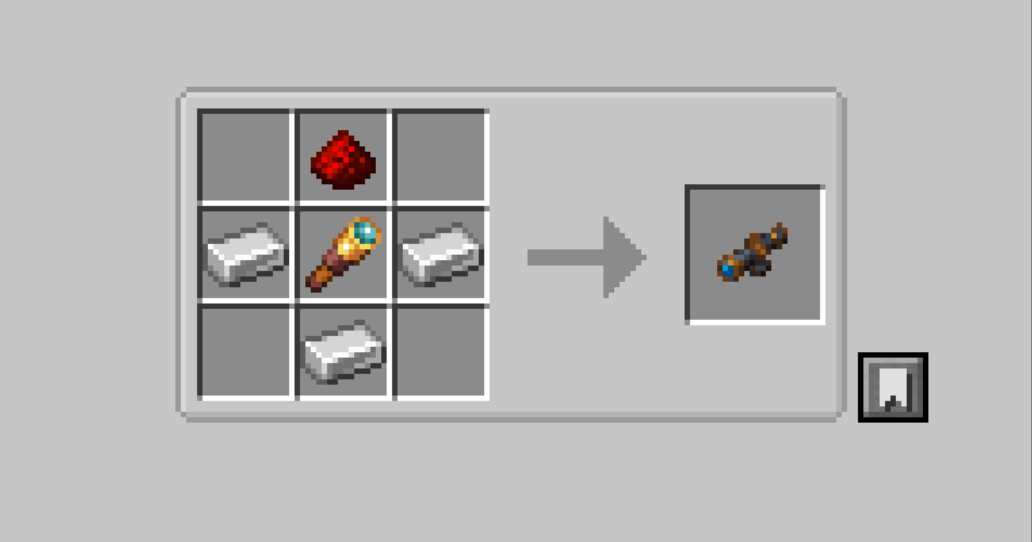
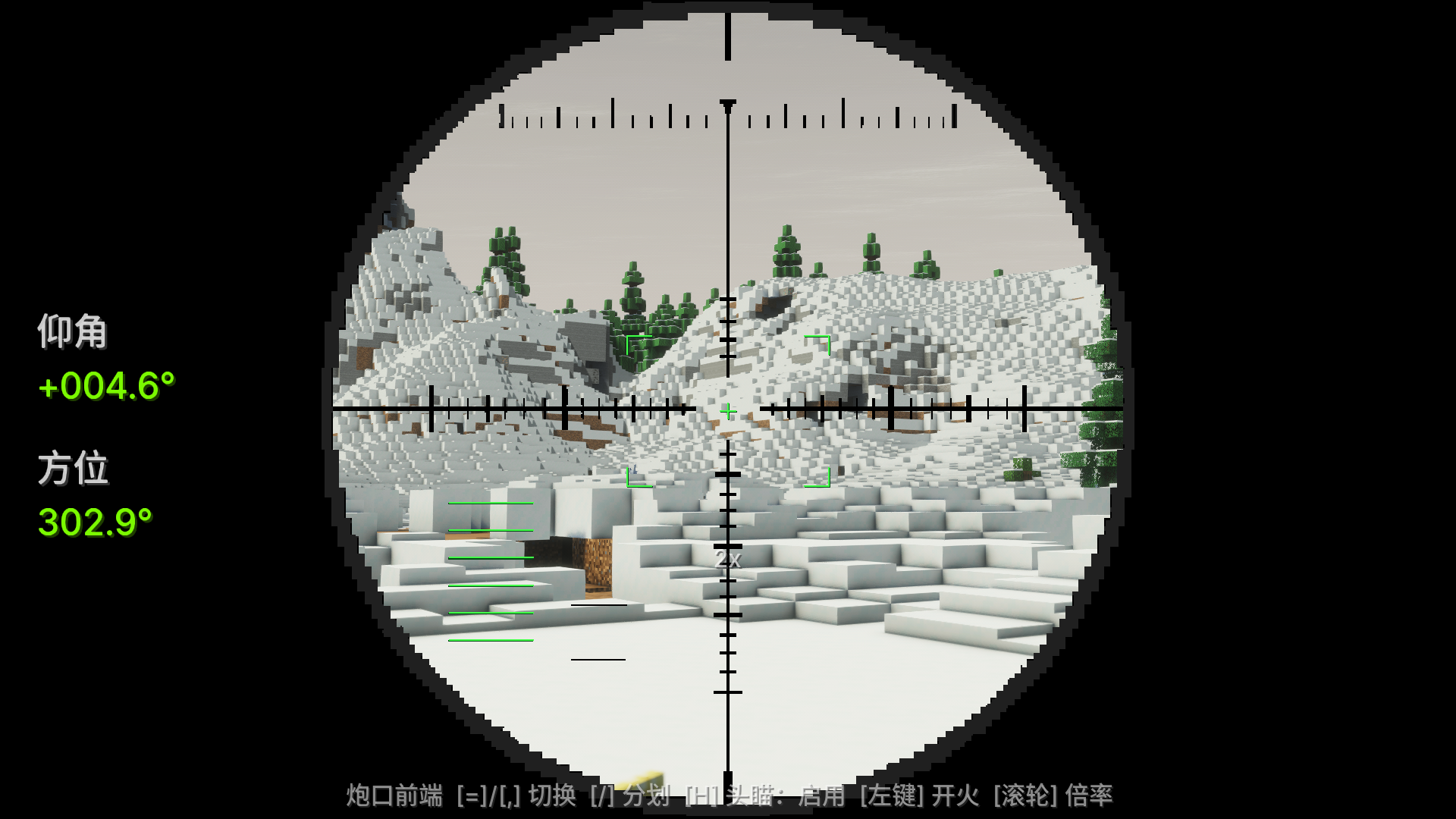
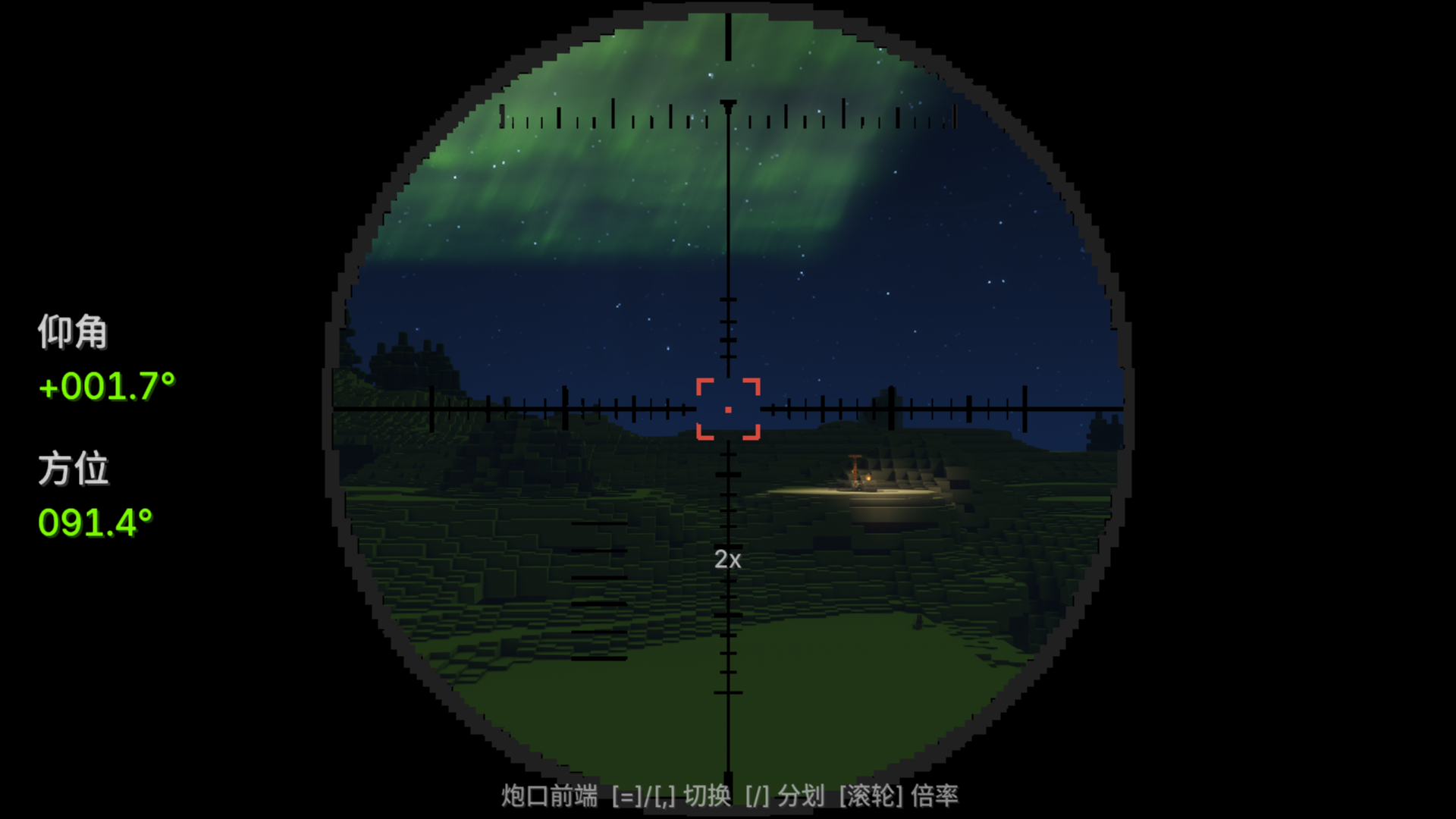
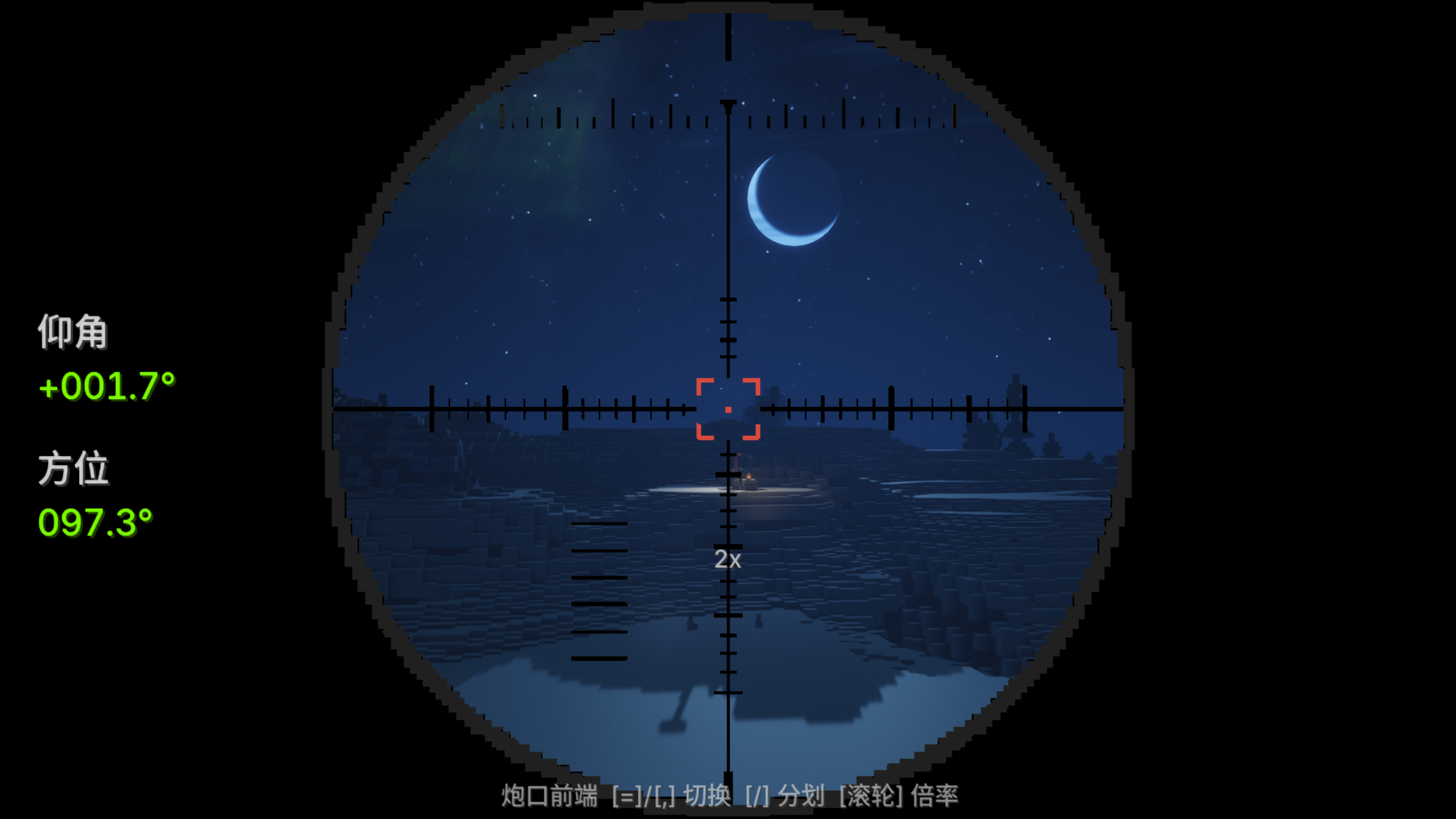
A lightweight scope addon for Create Big Cannons. One connector item binds to any cannon block, two switchable view modes, full support for physicalized vehicles from Create: Aeronautics. For convenience, a Head Tracking feature was added to the turret.(No stress and redstone firing signal needed) Compatibility table: MC 1.21.1; CBC 5.11.x series, cbc_at, Sable 1.2.2~2.0.x, any version of Aeronautics (zero direct dependency) are all optional soft dependencies, missing or mismatched versions will just downgrade without crashing. Guide:
- Binding: Right-click any CBC/cbc_at cannon block with the handheld part (breach recommended, most accurate for measuring length); Shift right-click to unbind
- Aiming:
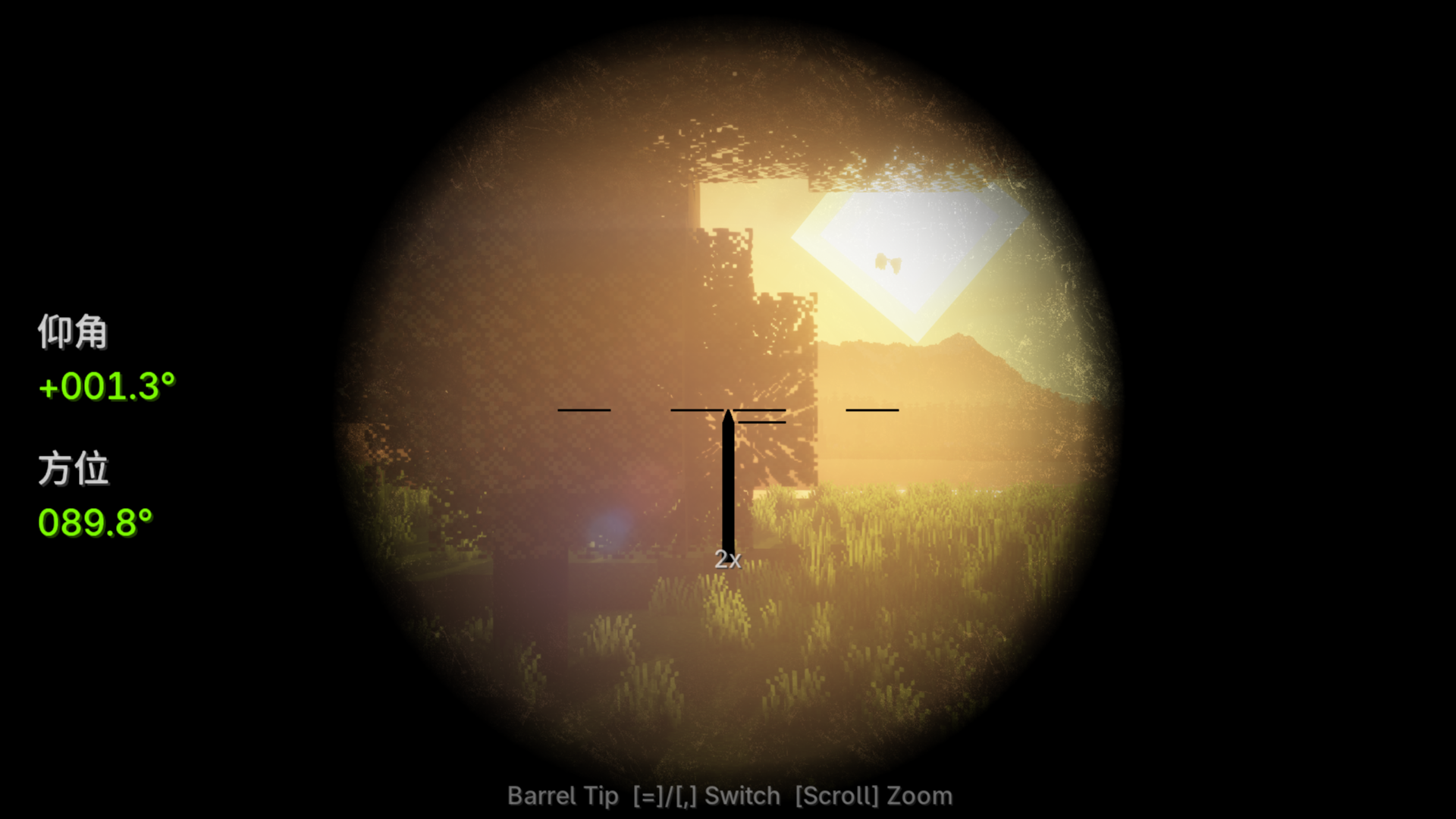
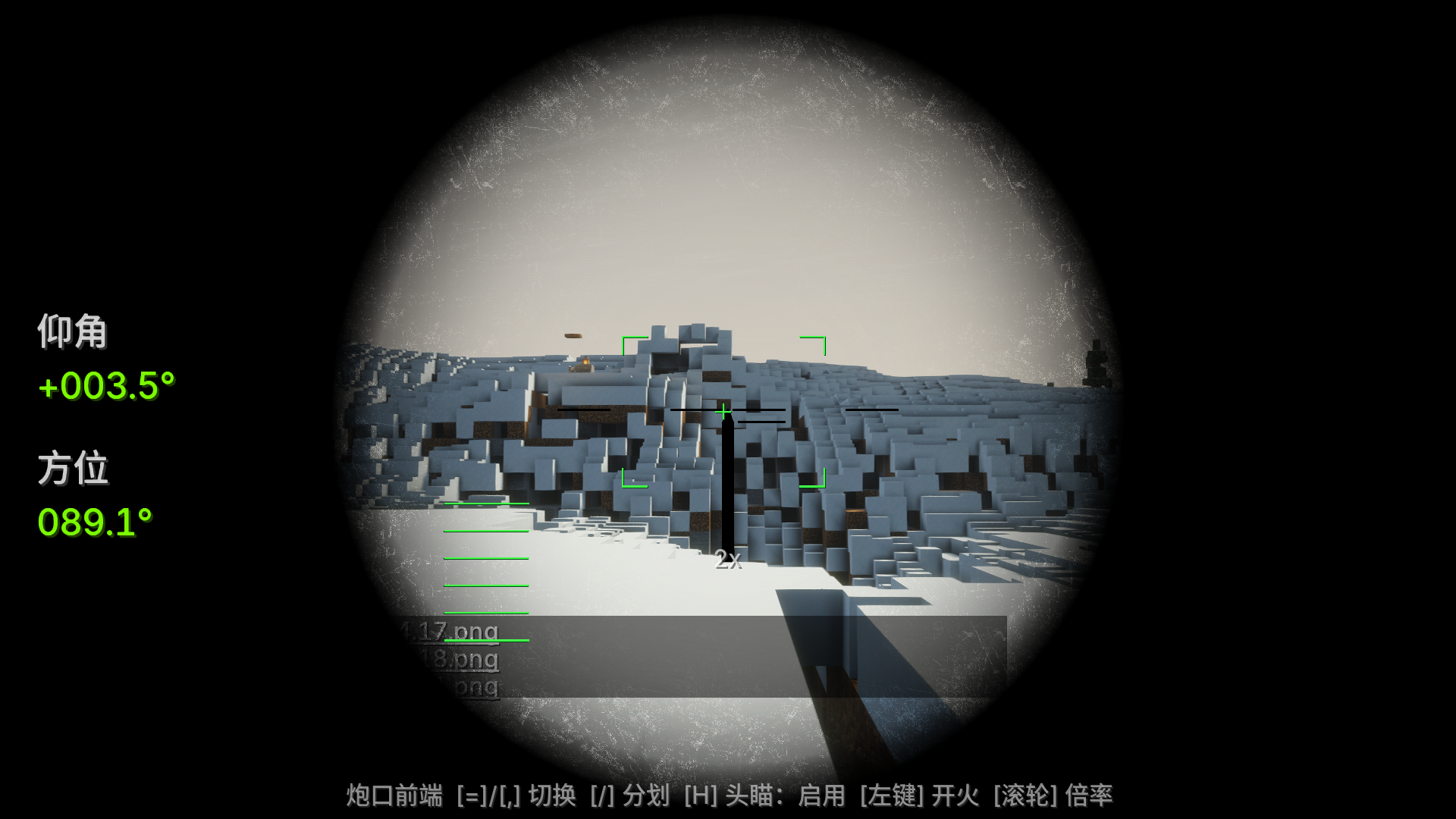
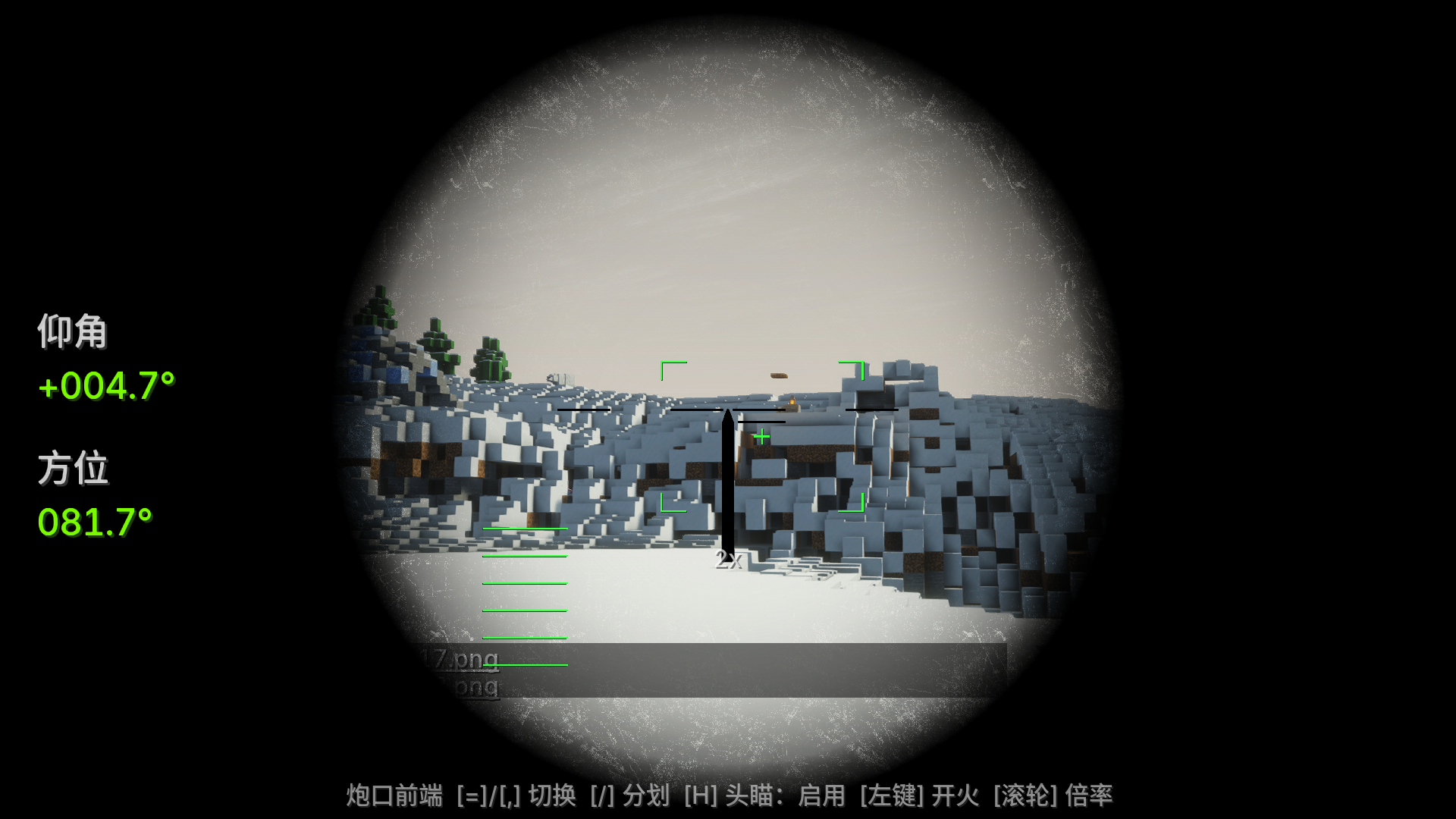
- '=' View from above the barrel
- ','View from the muzzle
- Mouse wheel to adjust magnification 2x / 4x / 8x
- '/' Switch scope material Press the same key again to exit (both keys can be changed in Settings → Controls → CBC Scope)
- Physical-Chemical Vehicles (Aeronautics): First, use the physical assembler to assemble the chassis, and then bind it with the assembly turret—if you bind first then assemble, the coordinates will become invalid, just right-click to bind again. The scoped view will move, turn, and tilt along with the chassis, with readings in real-world angles.
- To scope, you just need to make sure the scope is in your backpack.
Create Big Cannons 的轻量级瞄准镜附属模组。一个连接部件绑定任意火炮方块,双视角自由切换,完整支持机械动力航空学的物理化载具。 为了方便,给炮台增加了可开关的头瞄功能.无需应力以及红石开火信号就可实现头瞄和开火功能(轮椅) 兼容表:MC 1.21.1;CBC 5.11.x 全系、cbc_at、Sable 1.2.2~2.0.x、航空学任意版(零直接依赖)均为可选软依赖,缺失/版本不符时降级不崩溃 指南:
- 绑定:手持部件右键任意 CBC/cbc_at 火炮方块(推荐炮闩,测长最准);Shift+右键解绑
- 开镜:
- “=” 炮管上方视角
- “,” 炮口前端视角
- 滚轮 调倍率 2x / 4x / 8x
- “/” 切换开镜素材 再按同一键退出(两个键可在 设置→控制→CBC瞄准镜 里改)
- 物理化载具(航空学):先用物理组装器组装底盘,并用组装炮台再绑定——先绑后组装坐标会失效,重新右键绑一次即可。开镜视角会跟随底盘平移、转向、倾斜,读数为真实世界角度
- 开镜只需要保证瞄准镜在背包里
Screenshots
Gallery
Versions
Files
Relations
Project Relations
More like this
Similar Mods
Suggestions use data such as tags, dependencies, dependents, descriptions, titles, and more to rank how much they overlap with this mod.
On ModDex
Community snapshot
By the numbers
Statistics

Want to reach Minecraft players?
We're looking for a server hosting partner to feature here and other parts of the site. Interested? Send us a message!
Get in touchGet it on
Available Platforms
On ModDex
Community snapshot
By the numbers
Statistics
Resources