
Community listing page, reviews here may not be monitored by the author.
Create: Blueprint Visualizer(机械动力:阅炮神器)

No reviews yet
Adds a real-time HUD that visualizes the required materials for blueprints loaded into the Create mod’s Blueprint Cannon.
Community voices
Reviews
No reviews yet. Be the first to review this project!
Get it on
Available Platforms
About
Project Details
For authors
Embed Badge
If you're the author of this project, you can embed a live badge anywhere that supports HTML or Markdown. It updates automatically whenever ratings change.
Use HTML for any page that supports it, or Markdown for README files and Markdown-based descriptions.
Identifiers
Platform IDs
Resources
External Links
About
Description
Create: Blueprint Visualizer
A Create mod addon that visualizes material requirements for the Blueprint Cannon — builder-friendly and tool-oriented.
Features
-
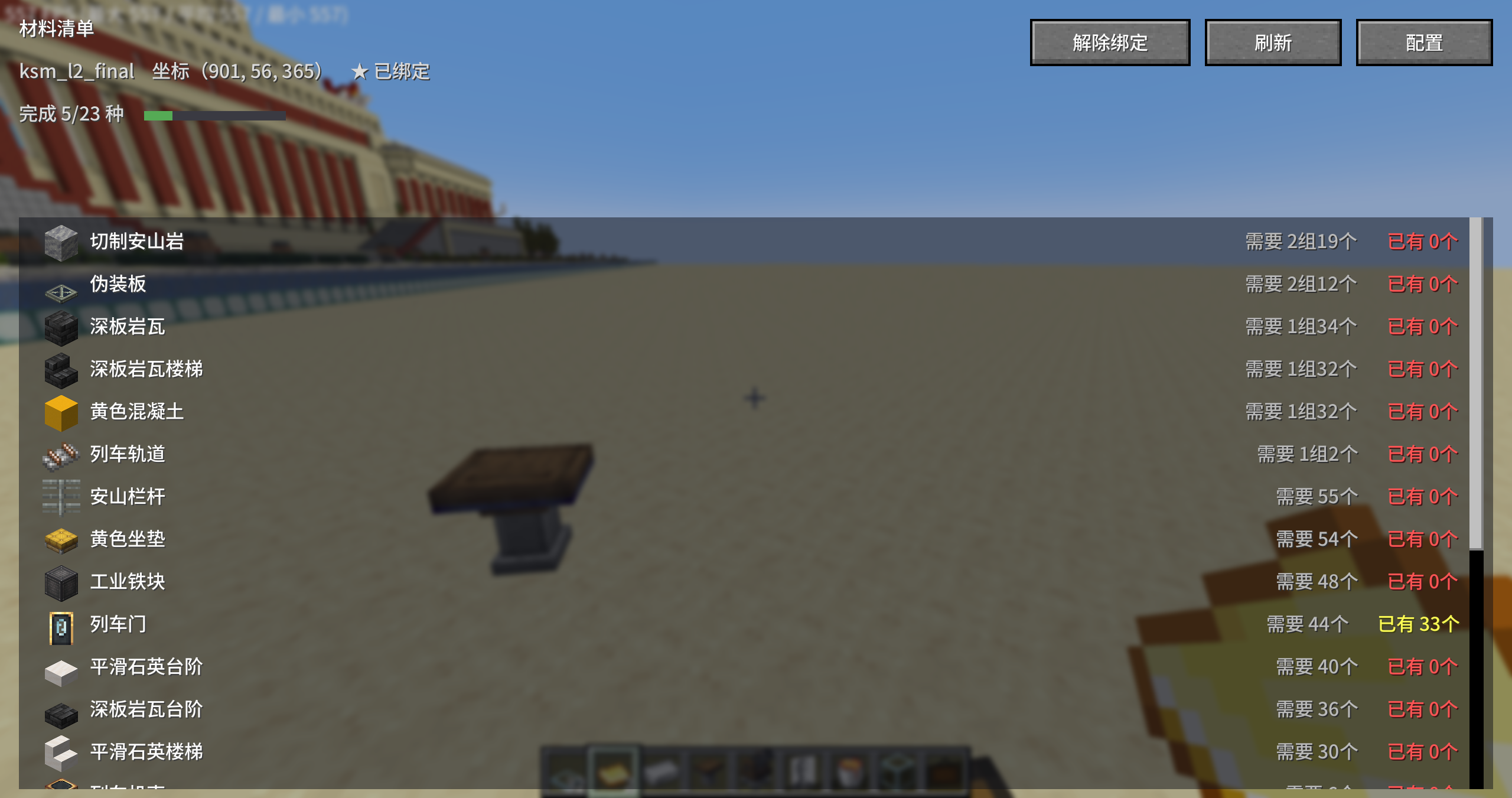
Material Panel (Keybind) – Press G to open the material list interface (ESC to close) — scrollable list with item icons, required/available quantities (color-coded green/yellow/red), and a total progress bar. Includes "Refresh", "Bind / Unbind This Cannon", and "Config" buttons.
-
Real-time HUD (Optional) – When enabled in config, the material panel stays on screen as a HUD (toggle with H key; disabled by default). PageUp/PageDown to flip pages (keybinds customizable), with rows per page adjustable in config.
-
Bind to a Blueprint Cannon – A "Bind This Cannon" button is added to Create's native Blueprint Cannon GUI (can also be bound from the material panel). Once bound, the HUD/panel always displays that cannon (no distance limit), showing its coordinates and blueprint file name (e.g.,
114514). Auto-unbinds when printing finishes. -
Real-time Updates – Syncs from the server every second (using the same logic as Create's built-in "Material List Book"). Adding/removing materials refreshes within 1 second, and remaining requirements decrease during printing. The panel's scroll position won't be reset to the top by each refresh.
-
Auto-detects All Adjacent Containers – Includes chests, barrels, shulker boxes, item vaults, and other mod containers/backpacks placed directly adjacent to any of the cannon's 6 sides.
-
Flexible Quantity Formatting – Choose between Box · Group · Piece / Group · Piece (default) / Raw numbers. Automatically converts based on stack size (e.g., banners are 16/stack; non-stackable items display as individual counts).
-
Sorting & Filtering – Sort by quantity descending (default), ascending, or alphabetically. Sufficient materials are automatically pushed to the bottom, with an option to hide sufficient materials entirely (hidden by default).
-
In-Game Config Screen – Access via "Mod List → Create: Blueprint Visualizer → Config" (or directly via the "Config" button in the top-right corner of the panel).
-
12 Languages – Simplified Chinese, Traditional Chinese, Classical Chinese (lzh), English, Japanese, Korean, Russian, French, German, Spanish, Portuguese, and Arabic.
机械动力:阅炮神器(Create: Blueprint Visualizer)
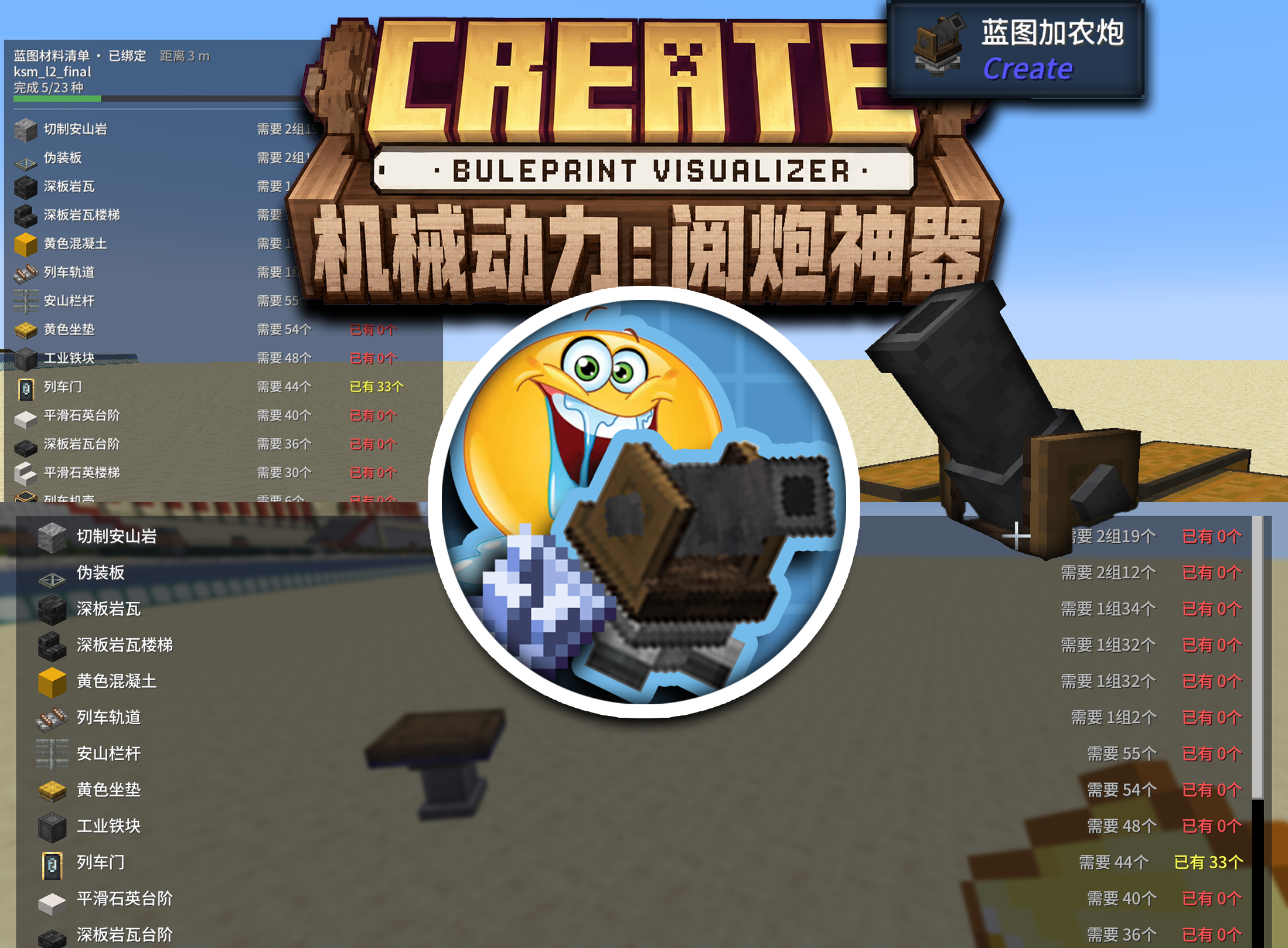
机械动力(Create)附属模组 —— 把蓝图大炮的材料需求可视化显示,建筑党/材料工具人友好。
功能
- 按键材料面板:按 G 打开材料清单界面(ESC 关闭)——可滚动列表、物品图标、需要/已有数量(绿/黄/红着色)、总进度条,附「刷新」「绑定此大炮 / 解除绑定」「配置」按钮
- 实时 HUD(可选):配置中开启「实时 HUD 显示」后,材料面板以 HUD 形式常驻屏幕(H 键开关);默认关闭;PageUp/PageDown 翻页(键位可改),每页行数在配置中调
- 绑定蓝图炮:在 Create 蓝图大炮的原生 GUI 中新增「绑定此大炮」按钮(也可在材料面板中绑定)。绑定后 HUD/面板始终显示该大炮(不受距离限制),并显示其坐标与蓝图文件名(如
114514);打印结束自动解绑 - 实时更新:服务端每秒同步(与 Create 自带「材料清单书」同源逻辑),放/取材料 1 秒内刷新,打印过程中剩余需求随之减少;面板滚动位置不会被每秒刷新拽回顶部
- 自动统计一切相邻容器:大炮 6 个方向紧邻的箱子、木桶、潜影盒、物品保险库、以及其它模组的容器/背包
- 数量格式可选:盒·组·个 / 组·个(默认)/ 纯数字;按物品堆叠上限自动换算(旗帜 16/组、不可堆叠物品直接显示个数)
- 排序与过滤:数量降序(默认)/ 升序 / 首字母;已足够的材料自动排最后,且可配置「隐藏已足够的材料」(默认隐藏)
- 内置配置界面:游戏内「模组列表 → 机械动力:阅炮神器 → 配置」(或面板右上角「配置」按钮直通)
- 12 种语言:简中、繁中、文言(lzh)、英、日、韩、俄、法、德、西、葡、阿拉伯
Screenshots
Gallery
Versions
Files
Relations
Project Relations
More like this
Similar Mods
Suggestions use data such as tags, dependencies, dependents, descriptions, titles, and more to rank how much they overlap with this mod.
On ModDex
Community snapshot
By the numbers
Statistics
Want to reach Minecraft players?
We're looking for a server hosting partner to feature here and other parts of the site. Interested? Send us a message!
Get in touchGet it on
Available Platforms
On ModDex
Community snapshot
By the numbers
Statistics
Resources