
Community listing page, reviews may not be monitored by the author.
Create: Gravis's Flying Config Menu

No reviews yet
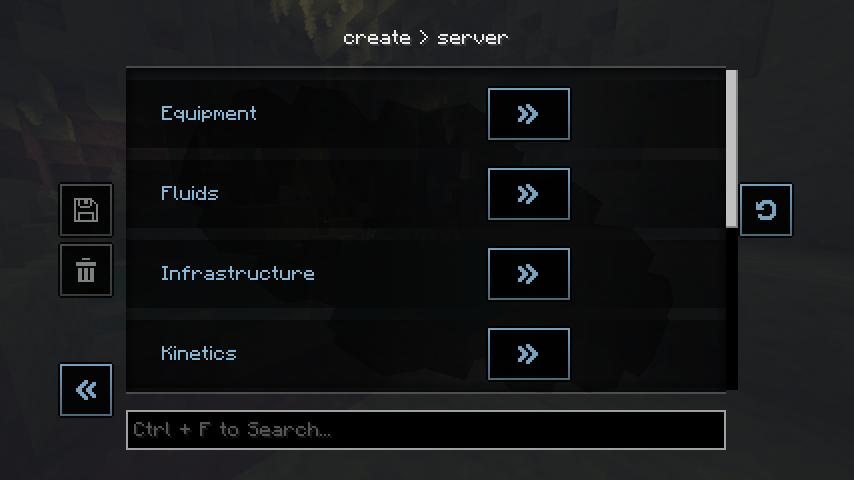
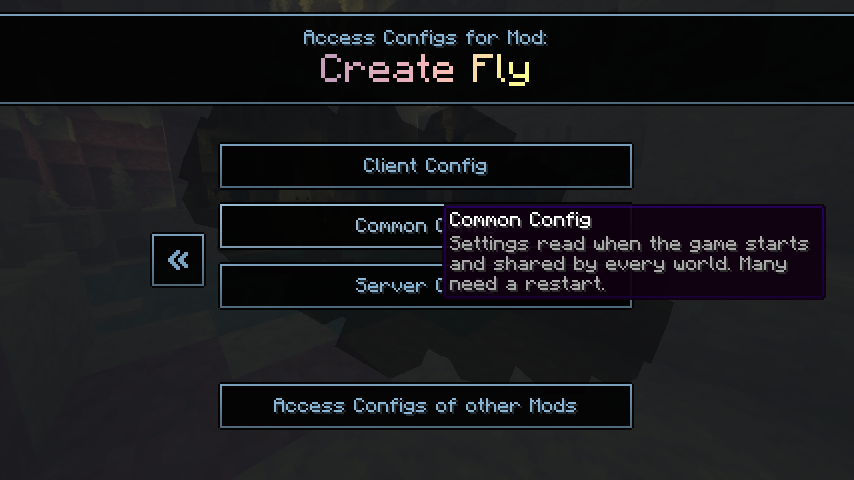
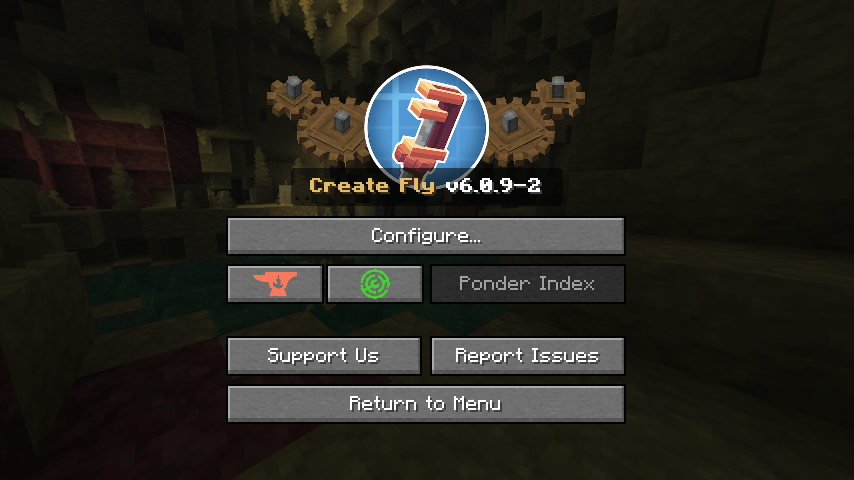
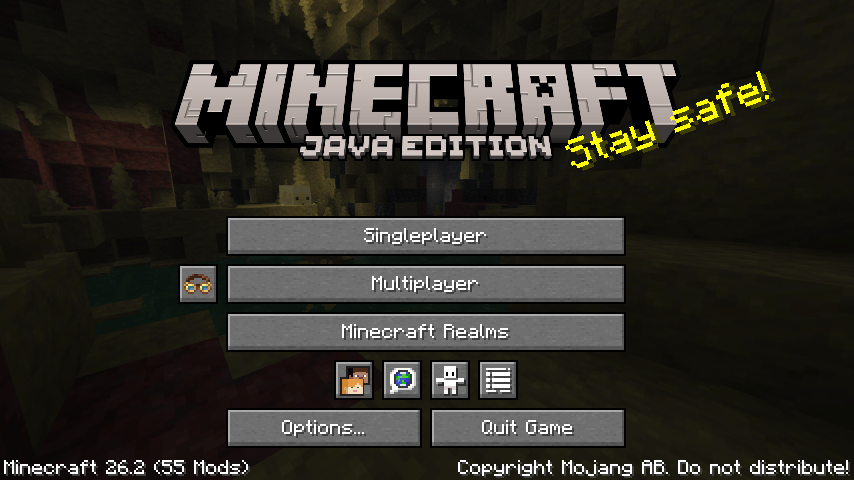
The in-game config menu for Create Fly, the Fabric port of Create for Minecraft 26.2.

Community voices
Reviews
No reviews yet. Be the first to review this project!
Get it on
Available Platforms
About
Project Details
For authors
Embed Badge
If you're the author of this project, you can embed a live badge anywhere that supports HTML or Markdown. It updates automatically whenever ratings change.
Use HTML for any page that supports it, or Markdown for README files and Markdown-based descriptions.
Identifiers
Platform IDs
About
Description
Create: Gravis's Flying Config Menu
The in-game config menu for Create Fly, the Fabric port of Create for Minecraft 26.2.
Create Fly does not ship the config screen that Create has, so changing a setting meant closing the game and editing a JSON file (Create-Fly#64). This mod brings the menu back, made to look and work like Create's own: the goggles button next to Multiplayer and in the pause menu, the Create menu with its spinning cogs, and the config screens with the cog turning behind them.
It is not made by, or endorsed by, ZurrTum or the Create team.
What you can do
- Edit Create Fly's client, common and server settings from the title screen or in a world.
- Edit the settings of addons that use Create Fly's config system (tested with Create: Dragons Plus), from "Access Configs of other Mods".
- Changes wait until you save: type or click as much as you want, then save, discard, or set the whole file back to the defaults. Leaving with unsaved changes asks first.
- Each option shows its range, unit and description, a reset button, and a mark when the change needs a restart or rejoining the world.
- Search with Ctrl + F.
- Works with Mod Menu (optional): Create Fly and its addons get a Config button there that opens this menu.
Changes take effect in the game
Saved values are what Create Fly uses right away, the same as editing the file by hand. This is checked by automated tests in a real world: lowering the maximum rotation speed makes a too-fast shaft break, changing the sails per RPM changes how fast a windmill turns, and the windmill advancements are still awarded.
Servers
The mod is client-only; servers do not need it.
- In single-player and from the title screen you can edit the server settings (in Create Fly they are one file for every world).
- On a multiplayer server the server settings are read-only: they belong to the server, and the values you see are the ones it sent. Your client settings stay editable.
Requirements
- Minecraft 26.2 and Fabric Loader 0.19.5 or newer
- Fabric API
- Create Fly 26.2-6.0.9-1 or a later 6.0.x (tested with 26.2-6.0.9-2)
- Java 25
- Optional: Mod Menu
Differences from Create's menu
- The server settings can be edited from the title screen, because in Create Fly they live in one global file.
- The title screen keeps Minecraft's own panorama; Create's custom panorama is not reproduced.
Credits, source, license
The look and behaviour of the screens follow the config menu of Create's Catnip library (MIT, © The Create Team); the code here is a new implementation for Create Fly's config system. The icons and widgets you see are drawn by your own Create Fly installation; nothing of it is copied into this mod. Details in THIRD_PARTY_NOTICES.md.
Source and issue tracker: github.com/GravisLudio/gravis-flying-config-menu. MIT license. Report problems there, not to the Create or Create Fly authors.
Screenshots
Gallery
-
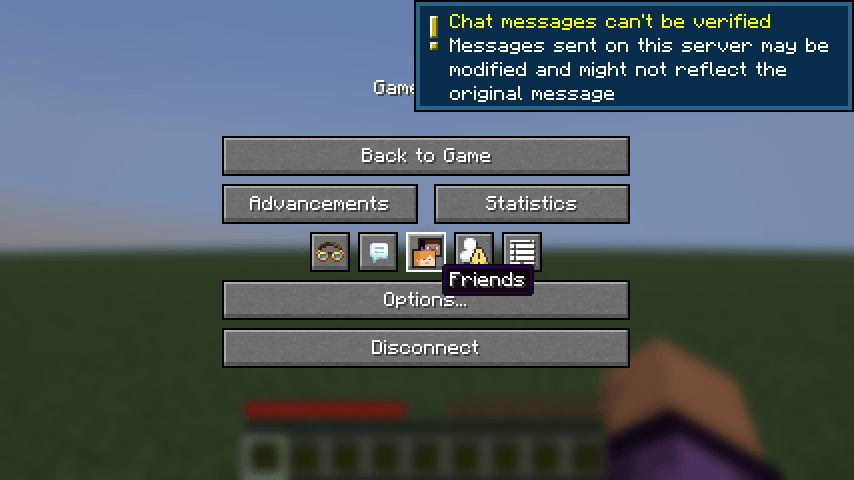 8-pausa-boton-gafas.png 8-pausa-boton-gafas.png
 -
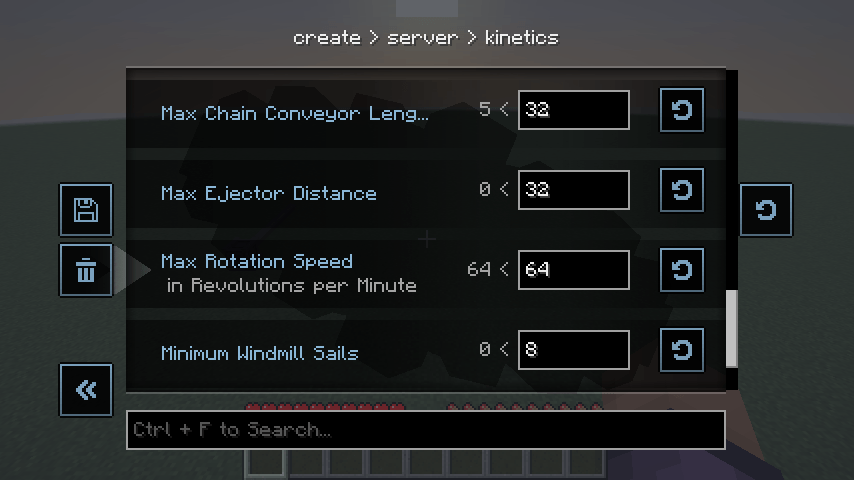 7-en-el-mundo.png 7-en-el-mundo.png
 -
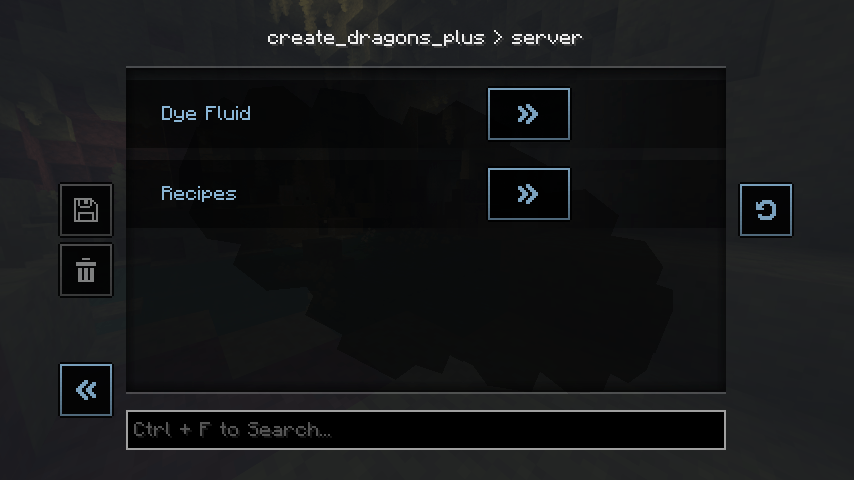 6-addon-dragons-plus.png 6-addon-dragons-plus.png
 -
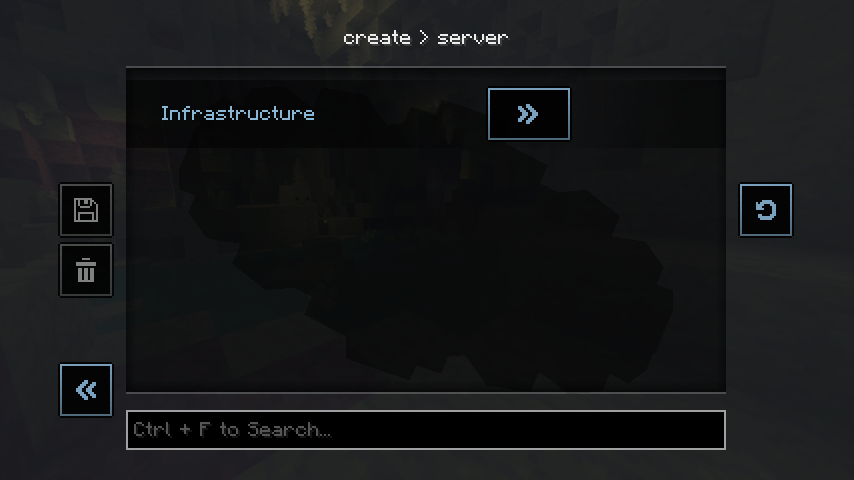 5-busqueda.png 5-busqueda.png
 -
 4-editor.png 4-editor.png
 -
 3-raiz-config.png 3-raiz-config.png
 -
 2-menu-de-create.png 2-menu-de-create.png
 -
 1-titulo-boton-gafas.png 1-titulo-boton-gafas.png
Versions
Files
Relations
Project Relations
More like this
Similar Mods
Suggestions use data such as tags, dependencies, dependents, descriptions, titles, and more to rank how much they overlap with this mod.
On ModDex
Community snapshot
By the numbers
Statistics

Get it on
Available Platforms
On ModDex
Community snapshot
By the numbers