
Community listing page, reviews here may not be monitored by the author.
Create:Heat


No reviews yet
A mod provide ways to heat create machine up

Community voices
Reviews
No reviews yet. Be the first to review this project!
Get it on
Available Platforms
Compatibility
Supported Environments
Must be installed on both the client and the server.
About
Project Details
For authors
Embed Badge
If you're the author of this project, you can embed a live badge anywhere that supports HTML or Markdown. It updates automatically whenever ratings change.
Use HTML for any page that supports it, or Markdown for README files and Markdown-based descriptions.
Identifiers
Platform IDs
About
Description
Overview
This mod primarily adds two blocks for transferring and storing Create's heat energy in the game.
Blocks
Thermal Block series, etc.
Mined with a stone pickaxe or higher. Can be quickly dismantled with a wrench. Has 4 block states, consistent with the block states of a Blaze Burner.
Transmits heat, similar to pipes. Automatically connects adjacent Thermal Block into a single network (maximum connection distance can be modified in the config file).
For a group of connected Thermal Block, there is an internal shared heat storage system.
Absorbing Heat
Heat can be added to the shared storage by heating any block in the network from below.
Releasing Heat
- When a machine is found above a block (either one in the
createheat:should_heatblock tag, or a Boiler), the block will change its state to a heating state (depending on the stored heat. Heat consumption per state is configurable; it will provide the highest possible heat level). - When a block adjacent to the network meets the input conditions for a recipe with type
createheat:heat, the block will change its state to a heating state (conditions as above).
Tight compressed_stone
Mined with a wooden pickaxe or higher. Can store heat. Has 3 block states, corresponding to: No Heat, Regular Heat, and Super Heat.
When in the Normal Heating Heat or Super Heating Heat state, it damages entities standing on it, similar to a Magma Block.
When connected to a Thermal Block network, it is automatically integrated into the network's heat storage system. It changes its own block based on the amount of heat stored in the network, and will turn into corresponding blockstate if the heat is sufficiently high.
Recipes
Adds one recipe type.
Heat
Consumes heat to transform a block from one state to another.
Data Support
Supports adding custom state-based heaters via data packs.
Cross-Mod Compatibility
Content (like blocks, items) only appears if the corresponding mod is installed.
Ice And Fire Community Edition
Adds one block.
Block
Dragon Fire Input: Used to convert Dragon Breath into heat.
Data Support
Data packs can be used to customize the amount of heat provided by the breath of different dragon types and different growth stages.
Overview
This mod primarily adds two blocks for transferring and storing Create's heat energy in the game.
Blocks
Thermal Block series, etc.
Mined with a stone pickaxe or higher. Can be quickly dismantled with a wrench. Has 4 block states, consistent with the block states of a Blaze Burner.
Transmits heat, similar to pipes. Automatically connects adjacent Thermal Block into a single network (maximum connection distance can be modified in the config file).
For a group of connected Thermal Block, there is an internal shared heat storage system.
Absorbing Heat
Heat can be added to the shared storage by heating any block in the network from below.
Releasing Heat
- When a machine is found above a block (either one in the
createheat:should_heatblock tag, or a Boiler), the block will change its state to a heating state (depending on the stored heat. Heat consumption per state is configurable; it will provide the highest possible heat level). - When a block adjacent to the network meets the input conditions for a recipe with type
createheat:heat, the block will change its state to a heating state (conditions as above).
Tight compressed_stone
Mined with a wooden pickaxe or higher. Can store heat. Has 3 block states, corresponding to: No Heat, Regular Heat, and Super Heat.
When in the Normal Heating Heat or Super Heating Heat state, it damages entities standing on it, similar to a Magma Block.
When connected to a Thermal Block network, it is automatically integrated into the network's heat storage system. It changes its own block based on the amount of heat stored in the network, and will turn into corresponding blockstate if the heat is sufficiently high.
Recipes
Adds one recipe type.
Heat
Consumes heat to transform a block from one state to another.
Data Support
Supports adding custom state-based heaters via data packs.
Cross-Mod Compatibility
Content (like blocks, items) only appears if the corresponding mod is installed.
Ice And Fire Community Edition
Adds one block.
Block
Dragon Fire Input: Used to convert Dragon Breath into heat.
Data Support
Data packs can be used to customize the amount of heat provided by the breath of different dragon types and different growth stages.
Screenshots
Gallery
-
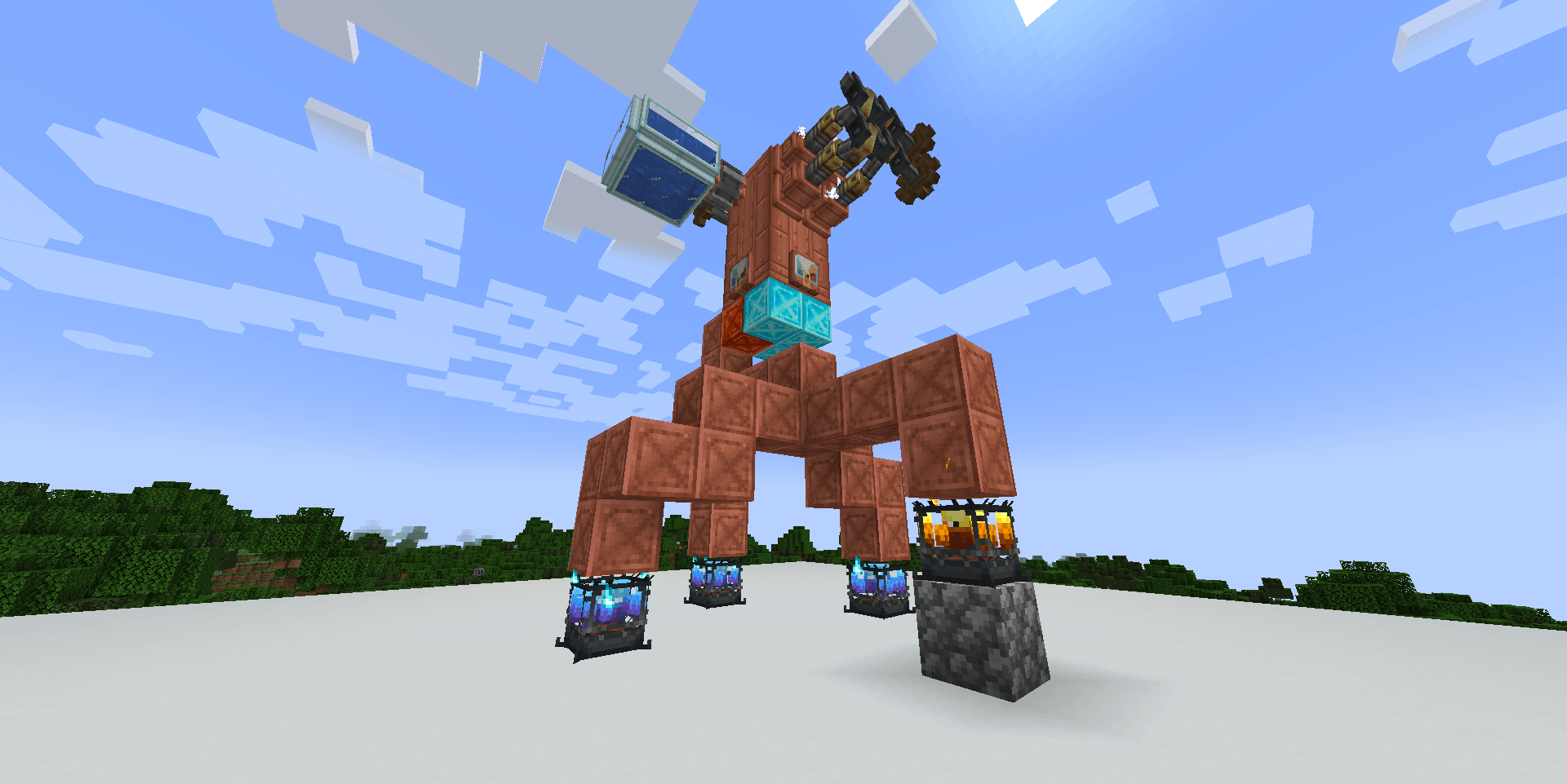 The usage of Thermal Block Heat the Thermal Block and it will heat boiler
 -
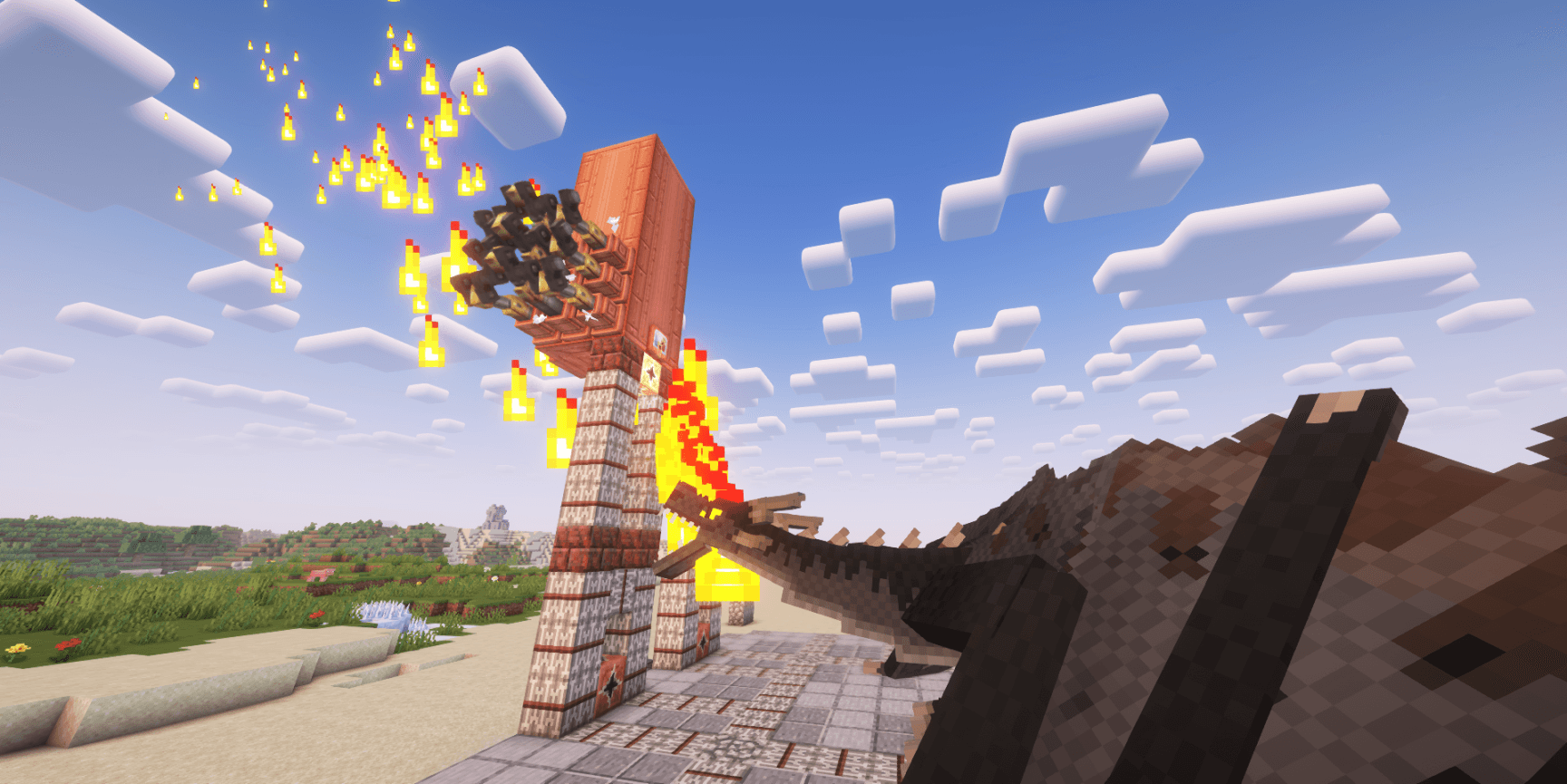 Compat with IceAndFire Community Edition Heating boiler with a fire dragon
-
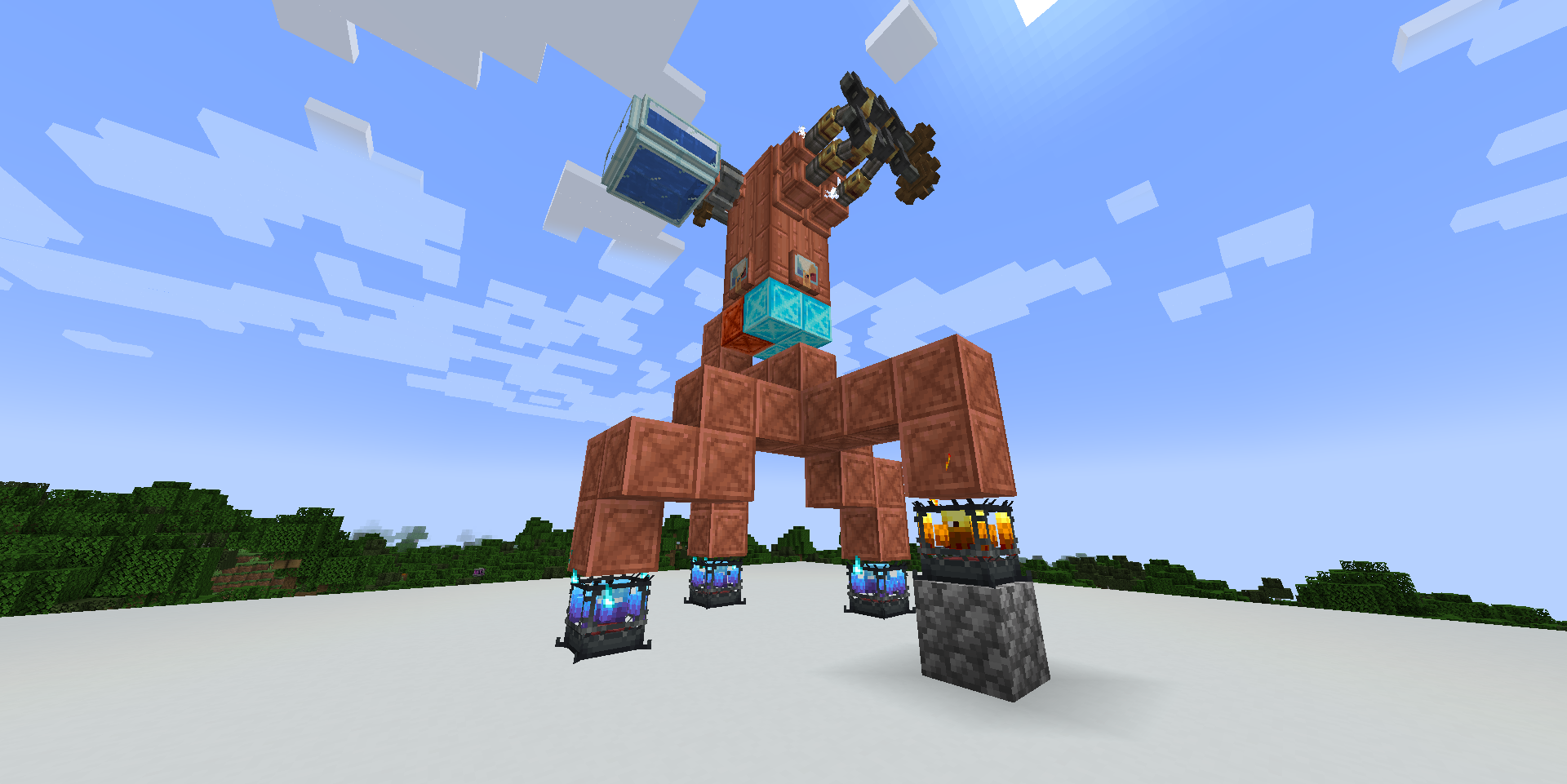 The usage of Thermal Block Heat the Thermal Block and it will heat boiler
 -
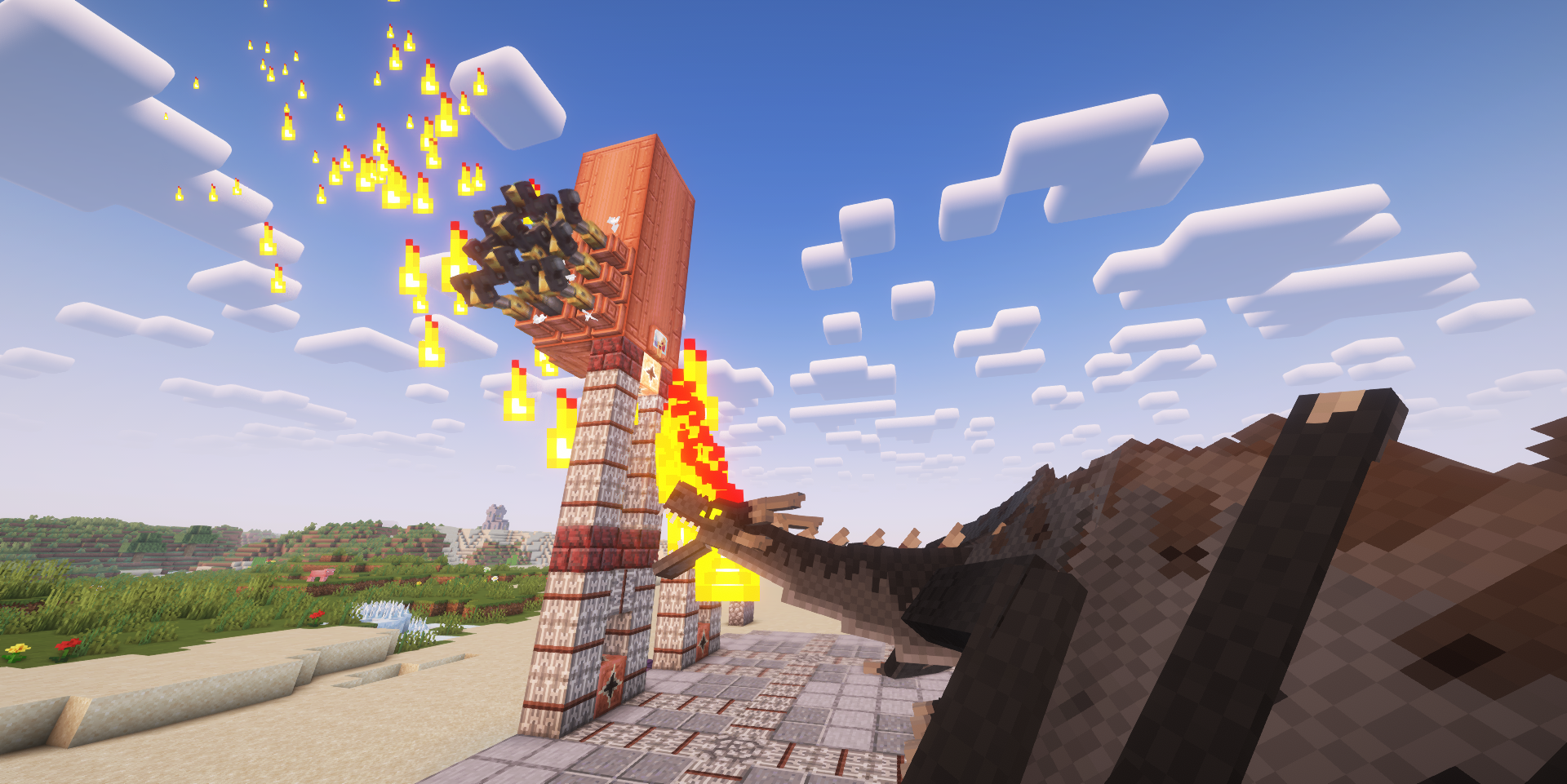 Compat with IceAndFire Community Edition Heating boiler with a fire dragon
Versions
Files
Relations
Project Relations
More like this
Similar Mods
Suggestions use data such as tags, dependencies, dependents, descriptions, titles, and more to rank how much they overlap with this mod.
On ModDex
Community snapshot
By the numbers
Statistics
 (opens in a new tab)
Get it on
Available Platforms
On ModDex
Community snapshot
By the numbers