Community listing page, reviews may not be monitored by the author.
Create: Minecolonies Smart Clipboard

No reviews yet
Enhanced Minecolonies Clipboard and performance tweak for Create and Minecolonies interactions.

Community voices
Reviews
No reviews yet. Be the first to review this project!
Get it on
Available Platforms
About
Project Details
For authors
Embed Badge
If you're the author of this project, you can embed a live badge anywhere that supports HTML or Markdown. It updates automatically whenever ratings change.
Use HTML for any page that supports it, or Markdown for README files and Markdown-based descriptions.
Identifiers
Platform IDs
Resources
External Links
About
Description
Create: MineColonies Smart Clipboard
Your colony, organized in one place
Create: MineColonies Smart Clipboard retains all functionality of the regular MineColonies Clipboard, then expands it into a practical management tool for players using Create and MineColonies together.
Link one Smart Colony Clipboard to your colony to gain deeper request analysis, production information, colony-wide controls, recipe teaching, and built-in storage for colony tools that would otherwise occupy several inventory slots.
A Goldstein Industries Endeavor
At a glance
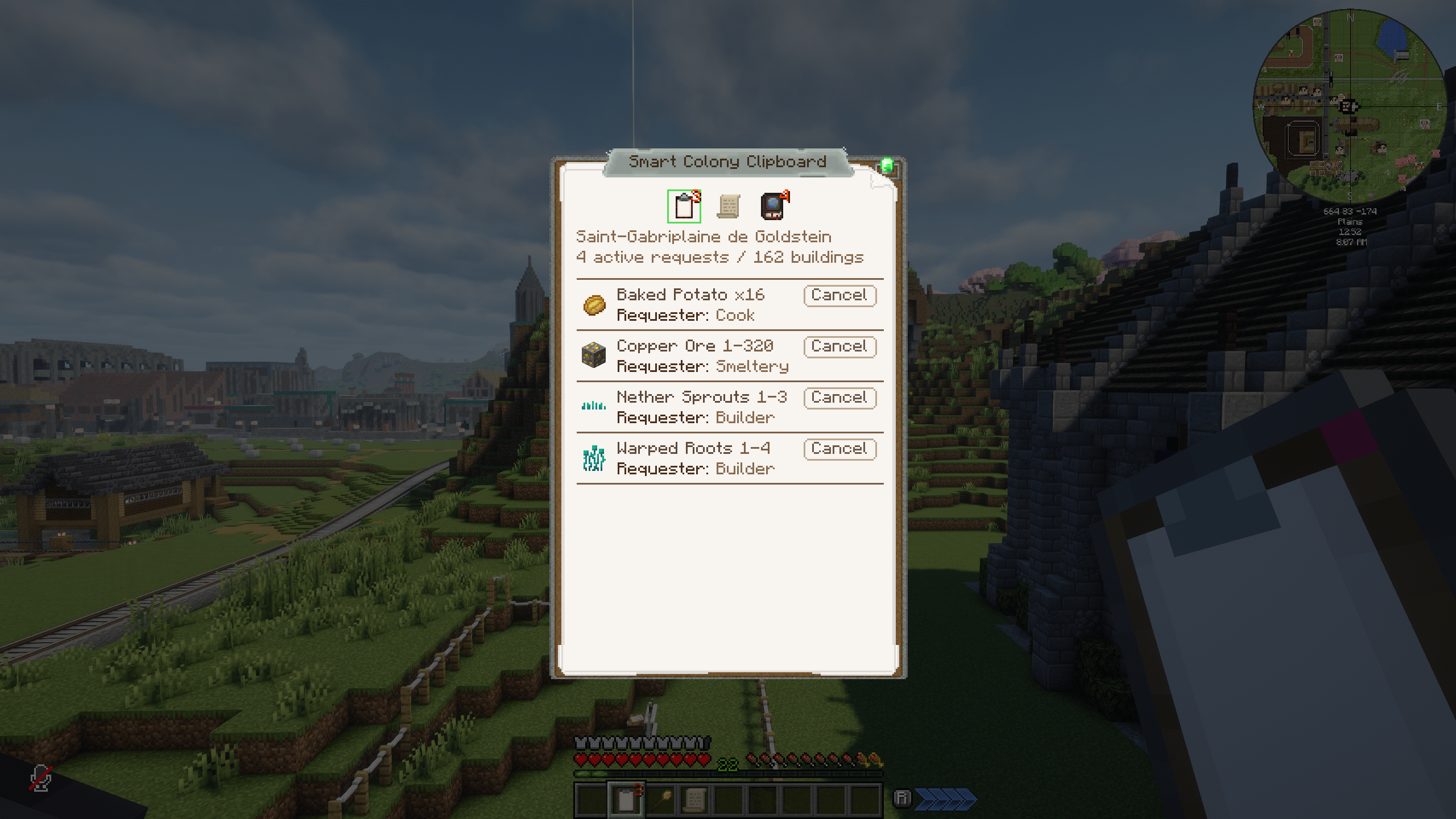
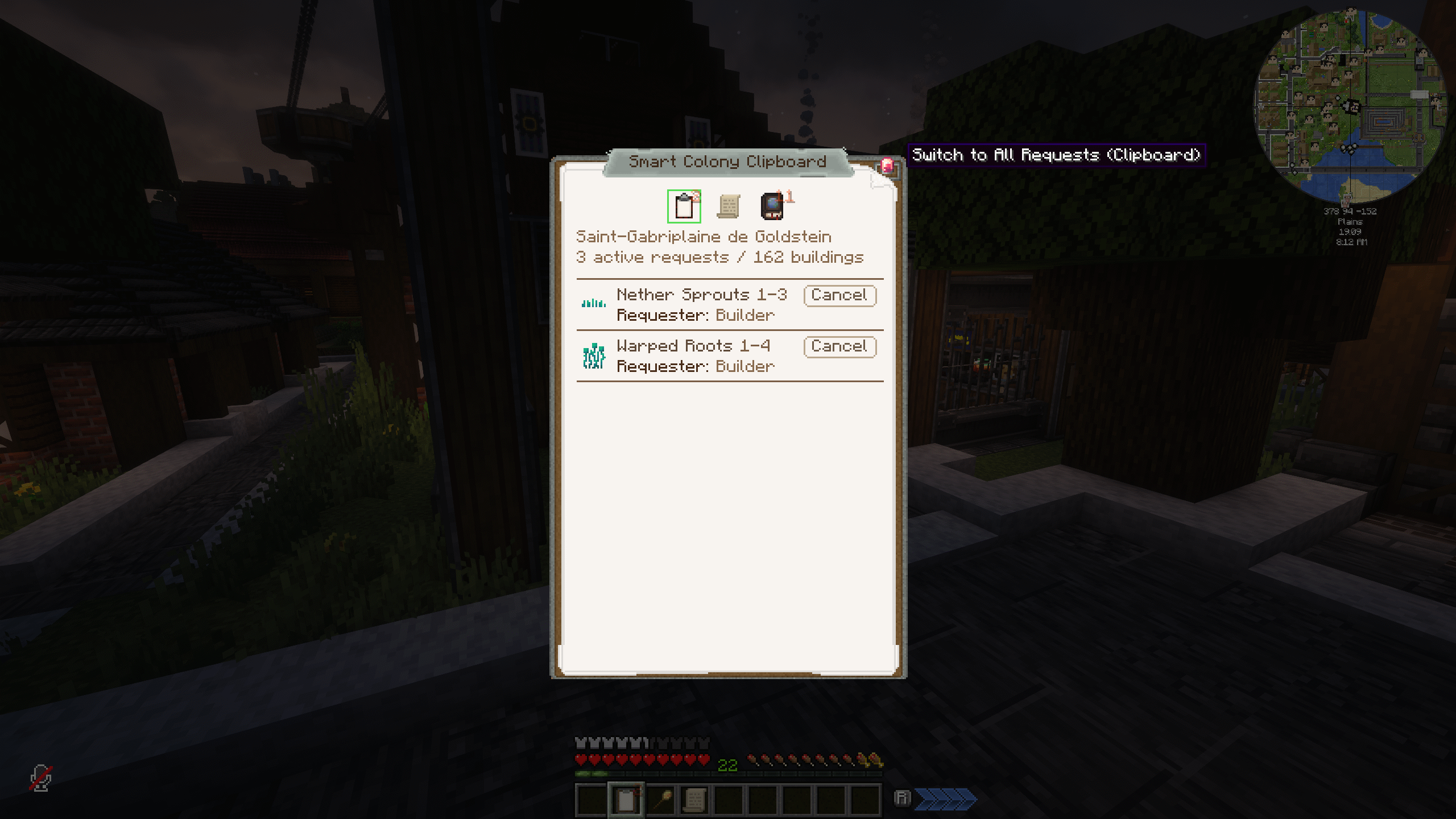
- Adds warehouse availability, expandable dependency trees, and production context to requests
- See which huts already know a recipe and which compatible huts may be able to learn it
- Unassign all jobs or residences and set hiring or housing modes across compatible huts
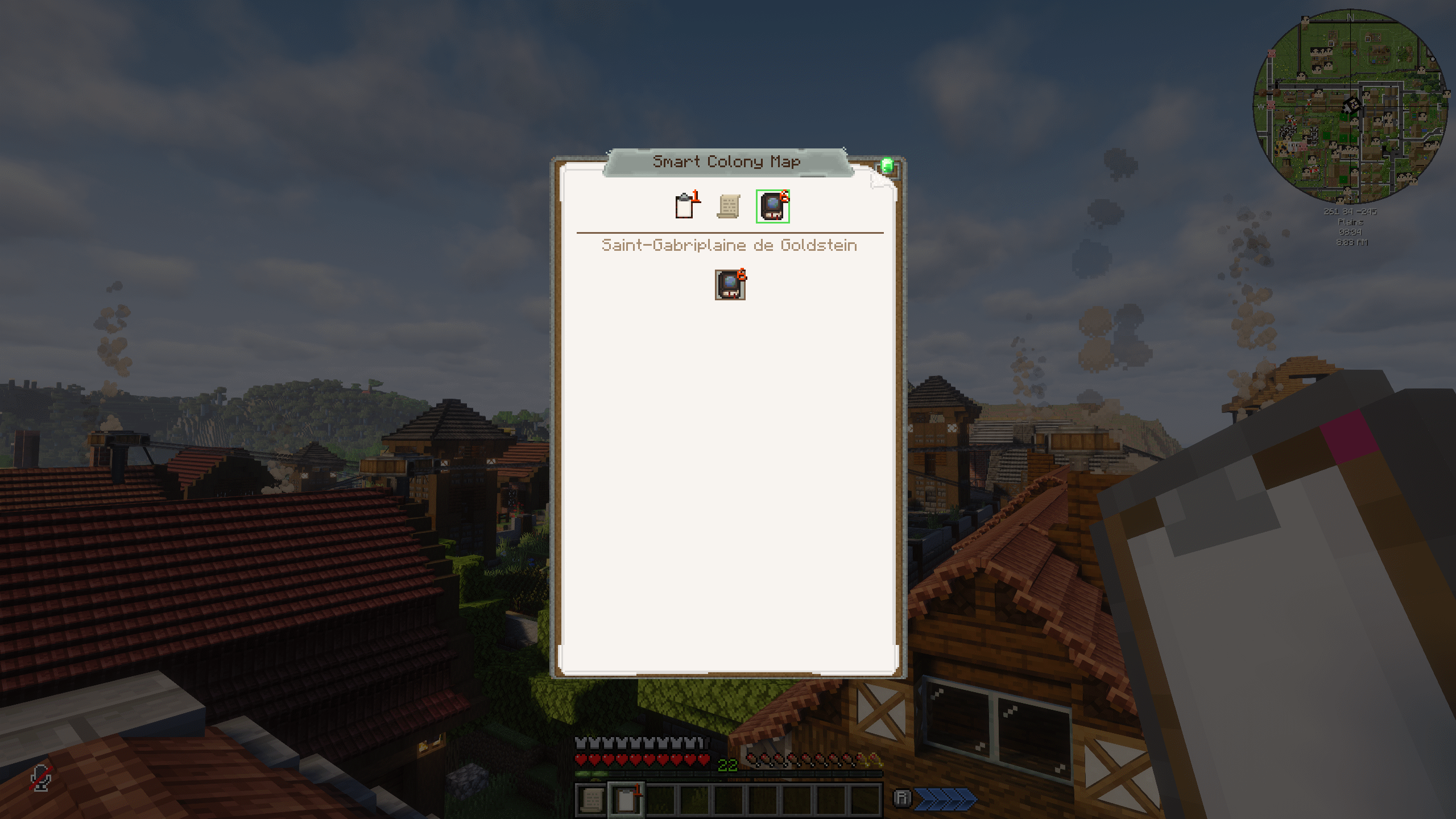
- Store up to 18 Resource Scrolls and one Colony Map
- Store and open one actual MineColonies Quest Book
- Teach eligible Domum Ornamentum Architect's Cutter recipes found among the colony's active requests
- Improve selected Create interactions with MineColonies-managed inventories
Getting started
- Craft a Smart Colony Clipboard from the standard MineColonies Clipboard and Create components.
- Hold it and Shift + Right Click the colony's Town Hall to link that specific clipboard to the colony.
- Right click with the clipboard to open its management screen.
The colony link, stored Resource Scrolls, stored Colony Map, and stored Quest Book remain attached to that individual clipboard.
Go beyond the standard request list
The regular Clipboard tells you what the colony needs. The Smart Colony Clipboard adds the context needed to understand how that request can be fulfilled.
Depending on the request, the enhanced view can add:
- The amount already available in the Warehouse
- An expandable tree of parent and child requests
- Known production methods and recipe context
- Domum Ornamentum shape and material information
This information is presented alongside the regular Clipboard workflow rather than replacing it.
Smart production information
When production information is available, the clipboard helps answer the question that usually sends colony owners through several hut interfaces:
Can my colony already make this?
The Smart Info display can identify which huts already know the requested recipe, which huts are compatible with that recipe, and other relevant production information. A compatible hut is not a guarantee that teaching will succeed if MineColonies rejects it because of capacity, a disabled recipe, or another native rule.
Domum Ornamentum requests receive additional Architect's Cutter context, including their shape and material combination. Hold the Smart Colony Clipboard and Shift + Right Click a compatible MineColonies worker hut to scan that colony's active requests and teach the eligible Architect's Cutter recipe entries to that hut. Teaching requires the colony's MANAGE_HUTS permission and remains subject to MineColonies' normal compatibility, disabled-recipe, and capacity rules.
Colony Controls
The Colony Controls tab is designed for the moments when reorganizing a settlement one citizen at a time becomes impractical.
From one screen, authorized players can preview and apply four specific colony-wide actions:
- Unassign all currently employed citizens from their jobs
- Unassign all currently housed citizens from their residences
- Set the hiring mode used by all compatible workplaces
- Set the housing mode used by all compatible residences
Colony Controls does not assign individual citizens, recommend assignments, automatically redistribute workers, or change the Town Hall's colony-wide defaults.
Potentially disruptive actions include scope previews, confirmations, automatic-refill warnings, and result counts so the effect is clear before and after it is applied.
Colony tools without the inventory clutter
The Smart Colony Clipboard can hold the actual MineColonies items it integrates:
- Up to 18 Resource Scrolls
- One Colony Map
- One Quest Book
Stored Resource Scrolls remain available for linked builder-resource information. The Colony Map opens the native MineColonies map interface, and the Quest Book opens the colony's native quest log before returning to the Smart Clipboard.
Create and MineColonies compatibility
The mod also contains focused server-side compatibility improvements for established Create and MineColonies interaction points, including:
- Short-lived Create inventory summaries for MineColonies combined inventories
- Fresh cached counts for compatible restocking Factory Panels
- Warehouse inventory snapshots for Create Stockpile Switches
- Packager and building-inventory compatibility behavior
- A targeted safeguard for malformed item data during funnel extraction
These changes do not replace Create's logistics system or automate colony requests. They reduce unnecessary repeated work and improve selected interactions while keeping inventory and request changes server-authoritative.
Included utility recipes
The mod also packages several Create mixing recipes used by its original modpack environment:
- Gravel, sand, and water into dirt
- Cobblestone and quartz into diorite
- Shroomlight and dye into each froglight color
- A large empty bottle and milk bucket into a large milk bottle, returning the bucket
These recipes load automatically in worlds using the mod and can be overridden by a world datapack.
Requirements and compatibility
- Minecraft 1.21.1
- NeoForge 21.1.226 or newer in the compatible 1.21.1 line
- Create 6.0.10 through the compatible 6.0.x line
- MineColonies 1.1.1041 for Minecraft 1.21.1 through the compatible 1.1.x line
- Domum Ornamentum 1.0.220 through the compatible 1.0.x line
- Java 21
Install the mod and matching dependencies on both the client and server. Single-player, multiplayer, and dedicated servers are supported.
When updating between versions, update the client and server together.
Configuration
The mod works out of the box. Server-side cache and diagnostic settings are stored per world in:
world/serverconfig/create_colony_logistics-server.toml
Restart the world or dedicated server after changing these settings.
Source
Create: MineColonies Smart Clipboard is an independent companion mod. It is not affiliated with or endorsed by the Create, MineColonies, or Domum Ornamentum teams.
Original project code is available under the MIT License.
Screenshots
Gallery
-
 Clipboard_request.png Clipboard_request.png
-
 Clipboard_request_important.png Clipboard_request_important.png
-
 colony_map.png colony_map.png
-
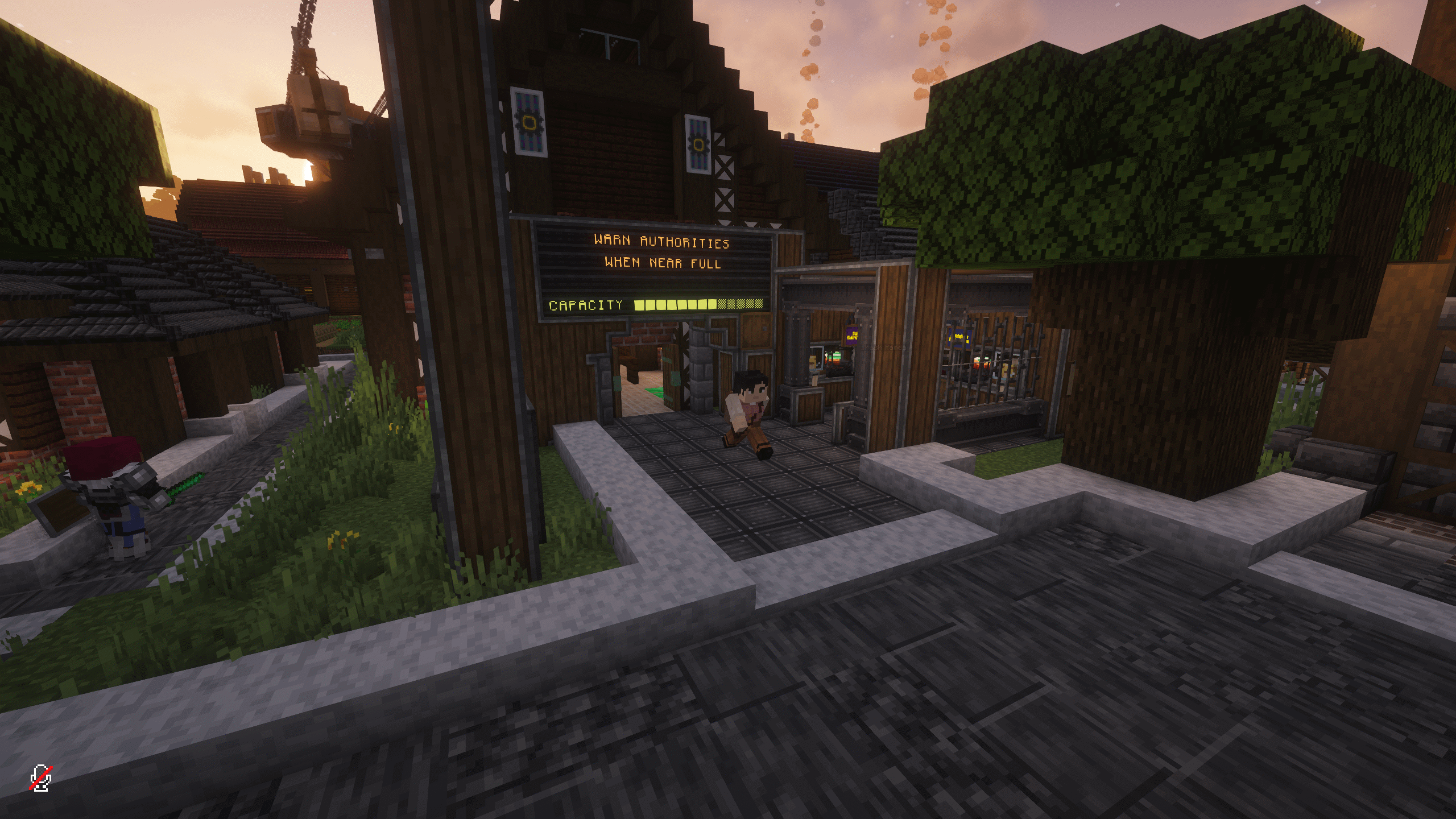 Create_Colony.png Create_Colony.png
-
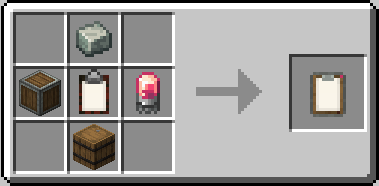 recipe.png recipe.png
-
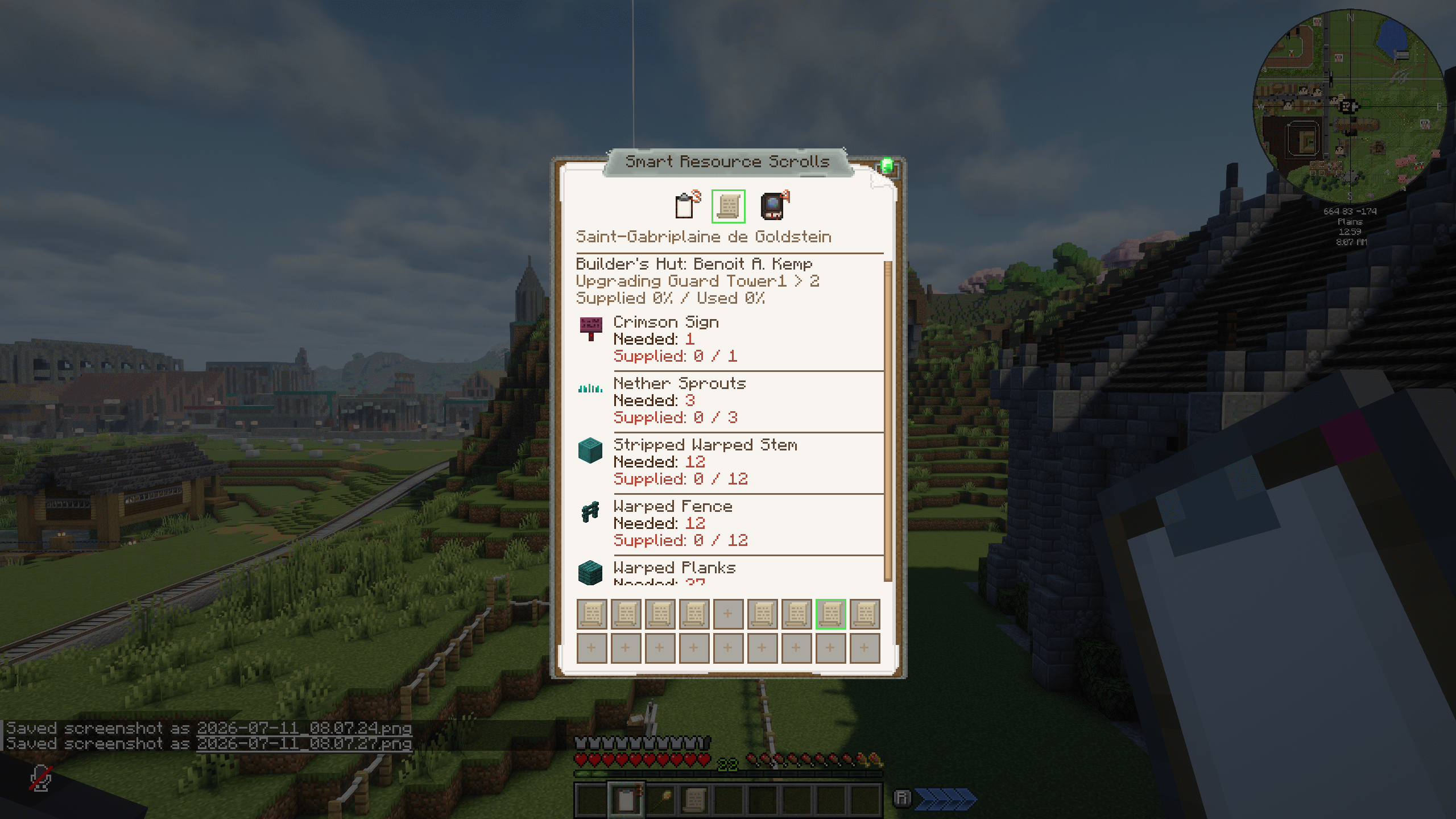 Resource_Srcoll.png Resource_Srcoll.png
-
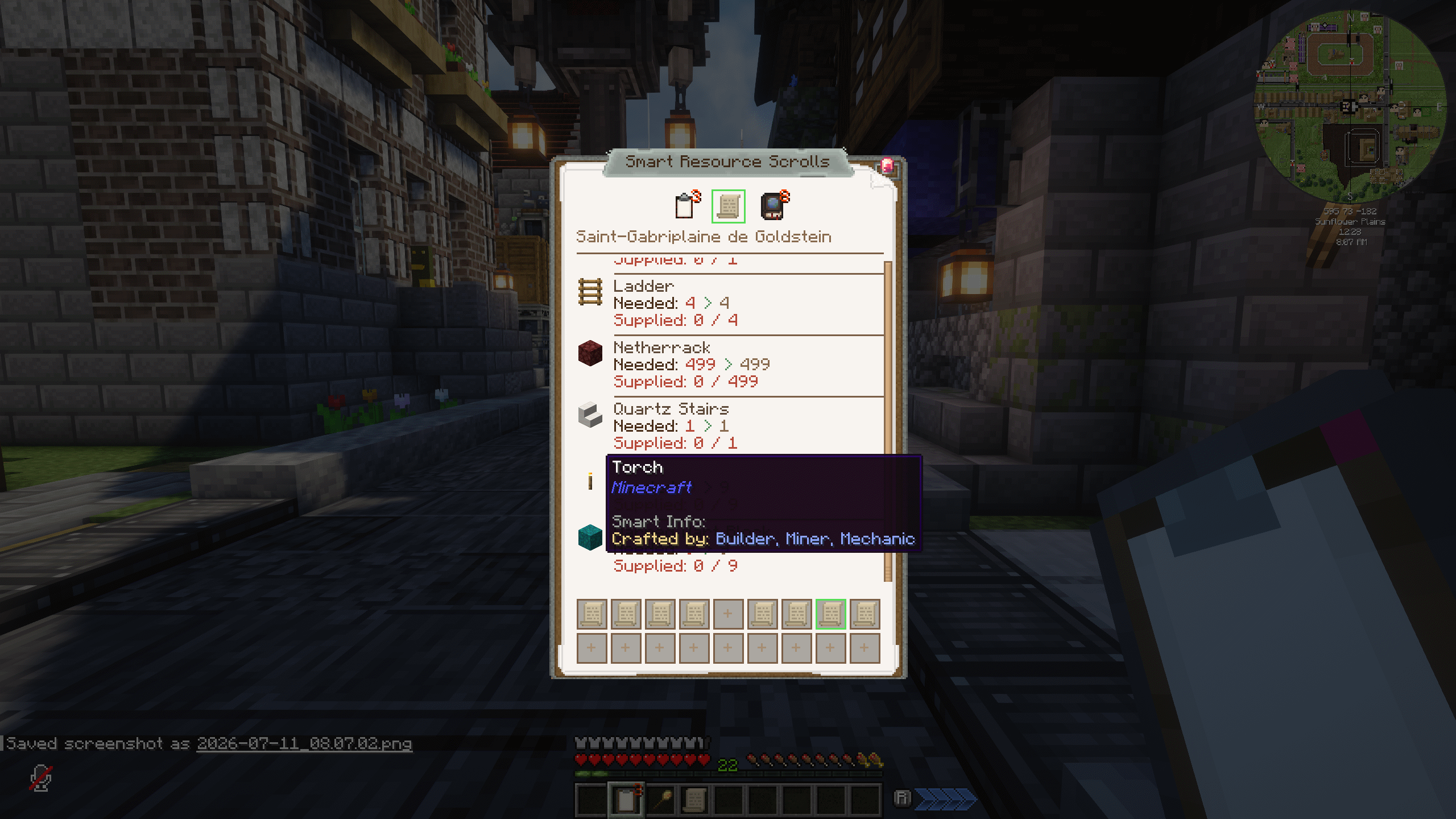 smart_info_1.png smart_info_1.png
-
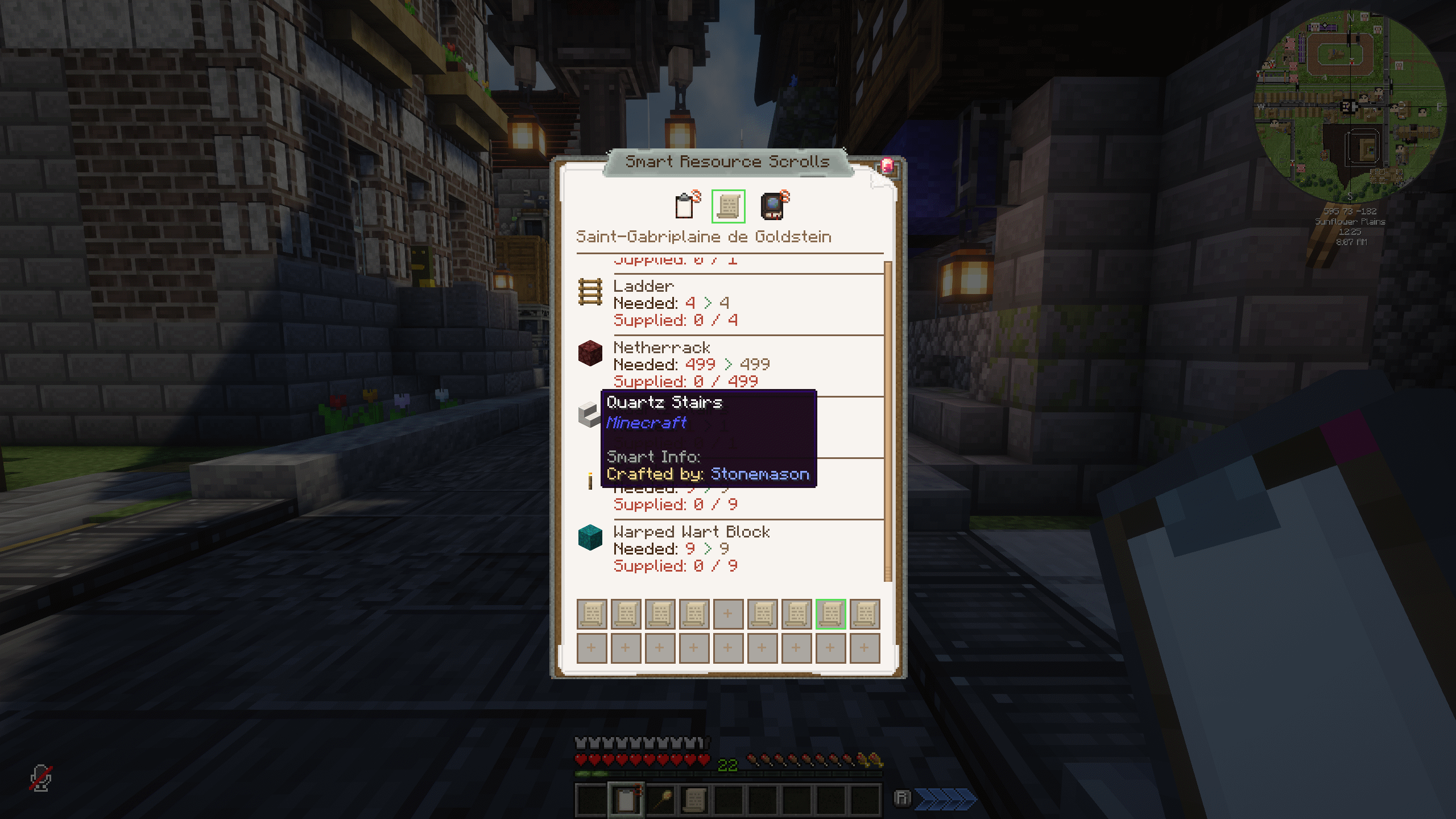 smart_info_2.png smart_info_2.png
Versions
Files
Relations
Project Relations
More like this
Similar Mods
Suggestions use data such as tags, dependencies, dependents, descriptions, titles, and more to rank how much they overlap with this mod.
On ModDex
Community snapshot
By the numbers
Statistics

Get it on
Available Platforms
On ModDex
Community snapshot
By the numbers
Statistics
Resources