Community listing page, reviews may not be monitored by the author.
Create: Train Functionality

No reviews yet
> Build on your Create train while it drives. A Functional Fob makes a carriage's blocks real: place and break them, open chests, run machines. Disassemble and your build stays in the world. Early build — back up first. ---

Community voices
Reviews
No reviews yet. Be the first to review this project!
Get it on
Available Platforms
About
Project Details
For authors
Embed Badge
If you're the author of this project, you can embed a live badge anywhere that supports HTML or Markdown. It updates automatically whenever ratings change.
Use HTML for any page that supports it, or Markdown for README files and Markdown-based descriptions.
Identifiers
Platform IDs
Resources
External Links
About
Description
Create: Train Functionality
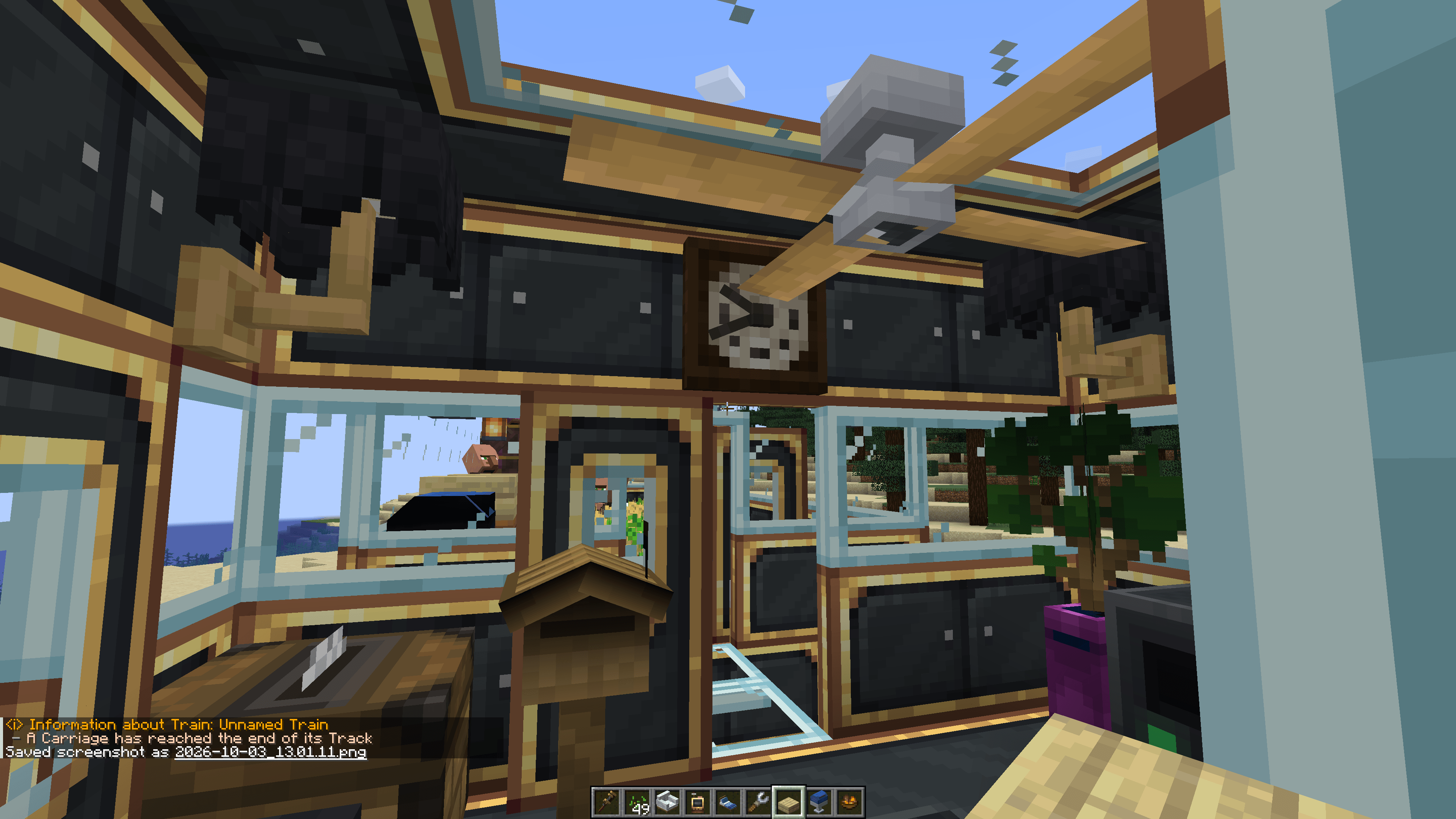
Build on your Create train while it drives. Stick a Functional Fob on an assembled carriage and its blocks become real: place and break them, open the chests, use the controls, run the machines — on the move. Disassemble the train and your build is simply there in the world; put it back together and it is part of the train again. No re-gluing.
(Please leave me ideas, and tell me what you want changed, be vocal of odd things and behavior you see! This started as a "house on tracks" project, but would love to take this in a direction everyone would love, to be accessible so no need for Aeronautics or learning it while keeping it heavily integrated)
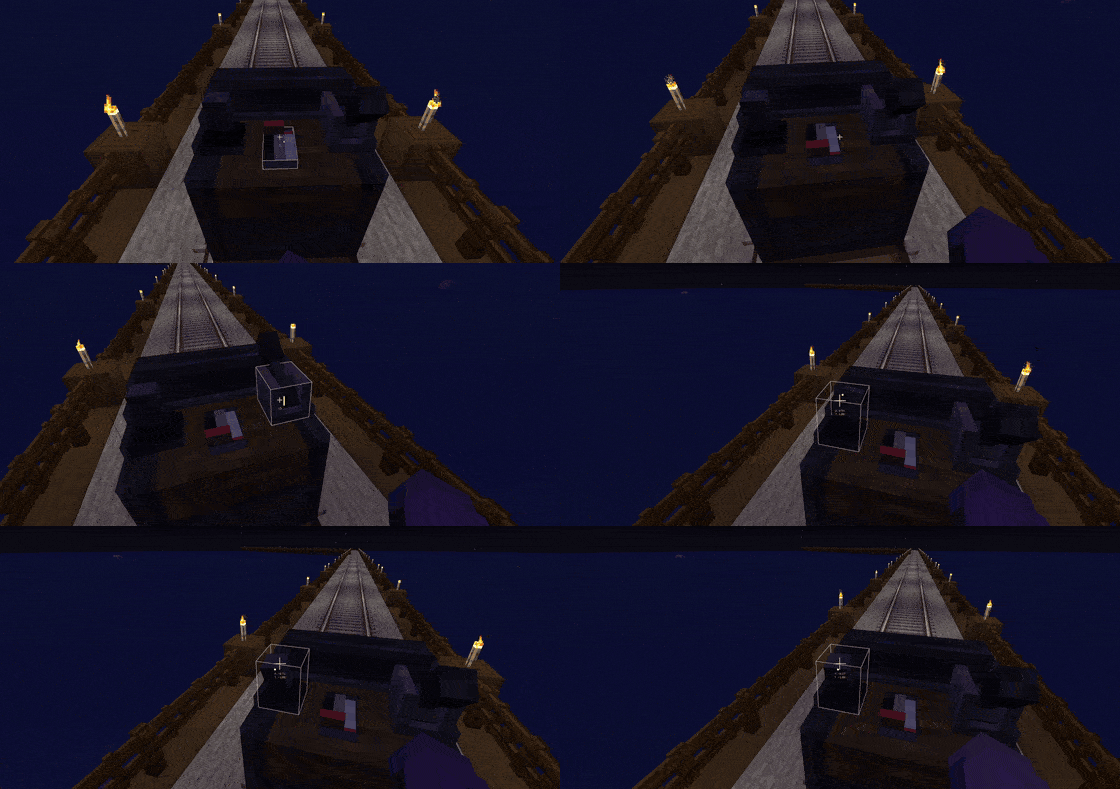
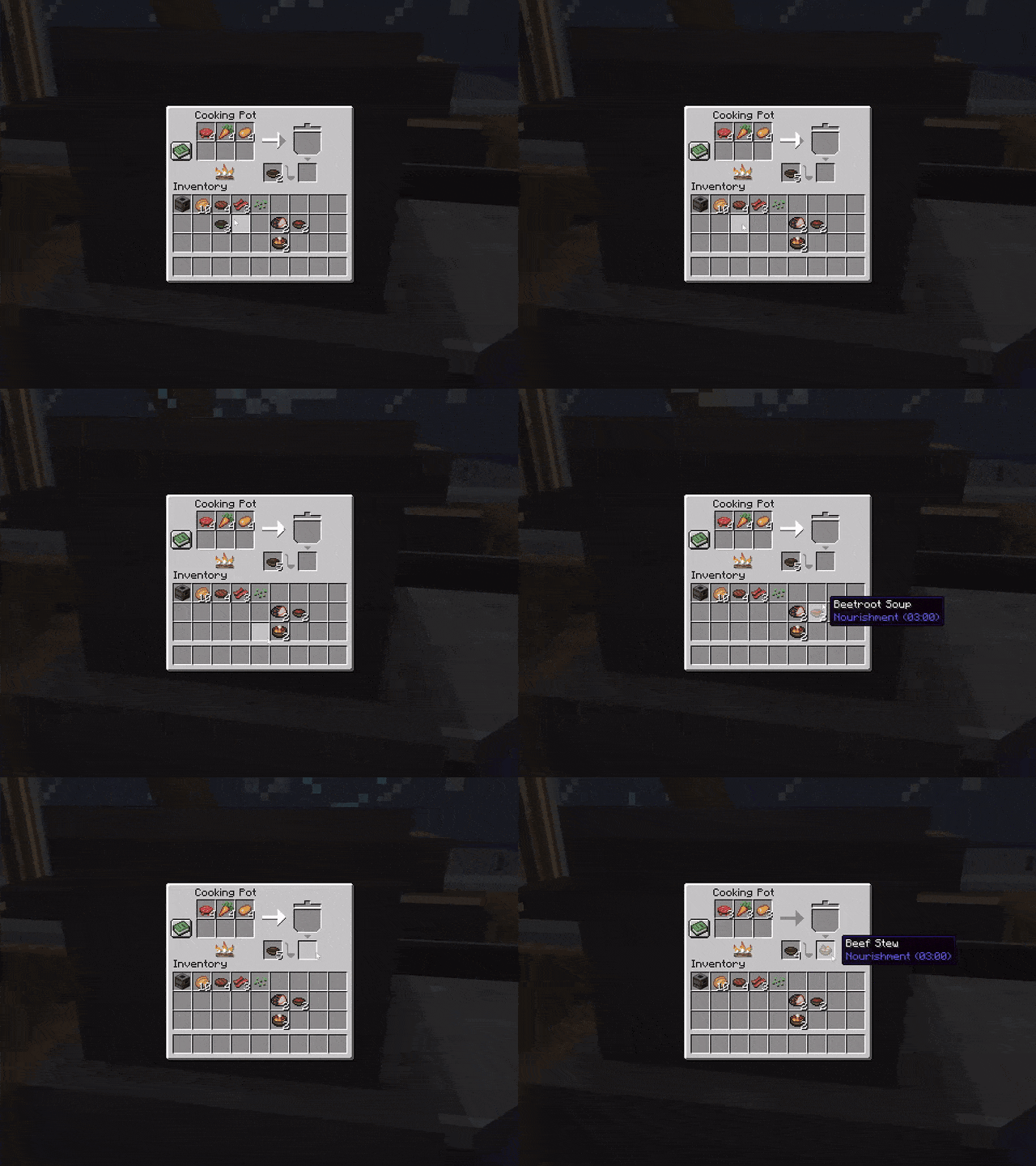
⚠️ Before you install
- Back up your world. This is a beta. Your train's blocks live in a far-off part of the world, so a bad interaction costs blocks, not just looks.
- Version pins are strict. If NeoForge refuses to start and names this mod, install the version it asks for — nothing has touched your save.
- Sable 2.0.6 is the verified version. A newer 2.0.x will start, but wait for a matching build of this mod before trusting a world with trains to it.
Required
| Mod | Versions |
|---|---|
| NeoForge | 21.1.228 – 21.1.x |
| Create | 6.0.10 – 6.0.x |
| Sable | 2.0.5 – 2.0.x (2.0.6 verified) — standalone, or the copy inside Create: Aeronautics |
Strongly recommended
Not required, but each adds something to this mod that it cannot do alone.
| Mod | What it brings to this mod |
|---|---|
| Dashpanels | Dashboards for the Dashboard Controller — drive the train from control panels in your cab: joystick, throttle, brake, a station button and steering at junctions, on a panel on top of the controller or on desks anywhere in the cab joined to it by a Control Cable (floor, wall or ceiling). The controller also works without Dashpanels, from Create's own Redstone Links. Dashpanels needs NeoForge 21.1.235 or newer. |
| Dashpanels: Expanded | Three more controls for a dashboard: the gearshift (forward, neutral or reverse for the throttle lever), the brake lever and the spring button (a station button). Needs Dashpanels. |
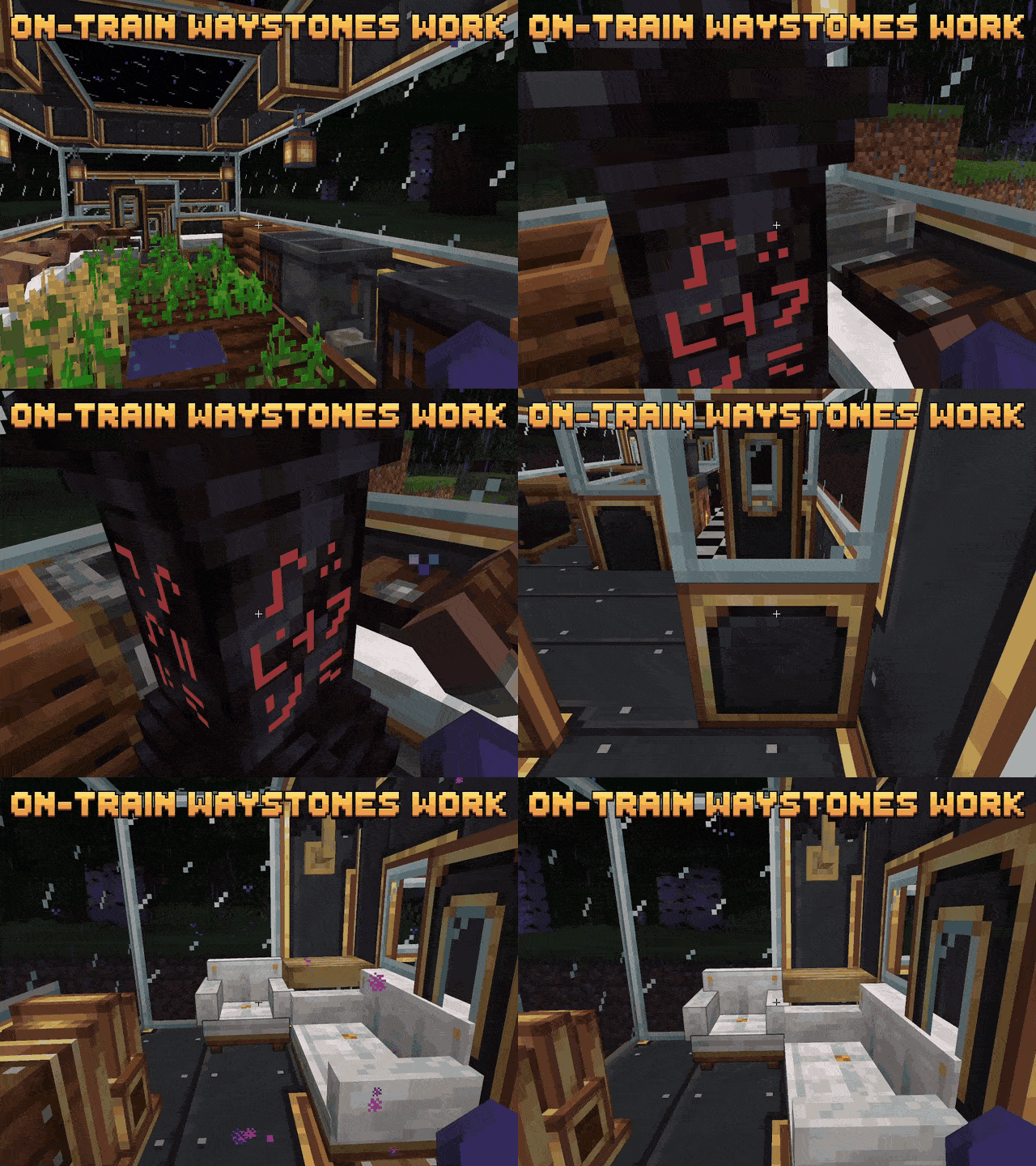
| Waystones + Waystones: Sable | Waystones that ride your train. A waystone built on a buildable train goes where the train goes, and back aboard when you reassemble the train at the same station, so you can teleport back to your train. Needs both. |
Dashpanels is a great mod in its own right — give it a try in your other builds too.
What works on a moving train
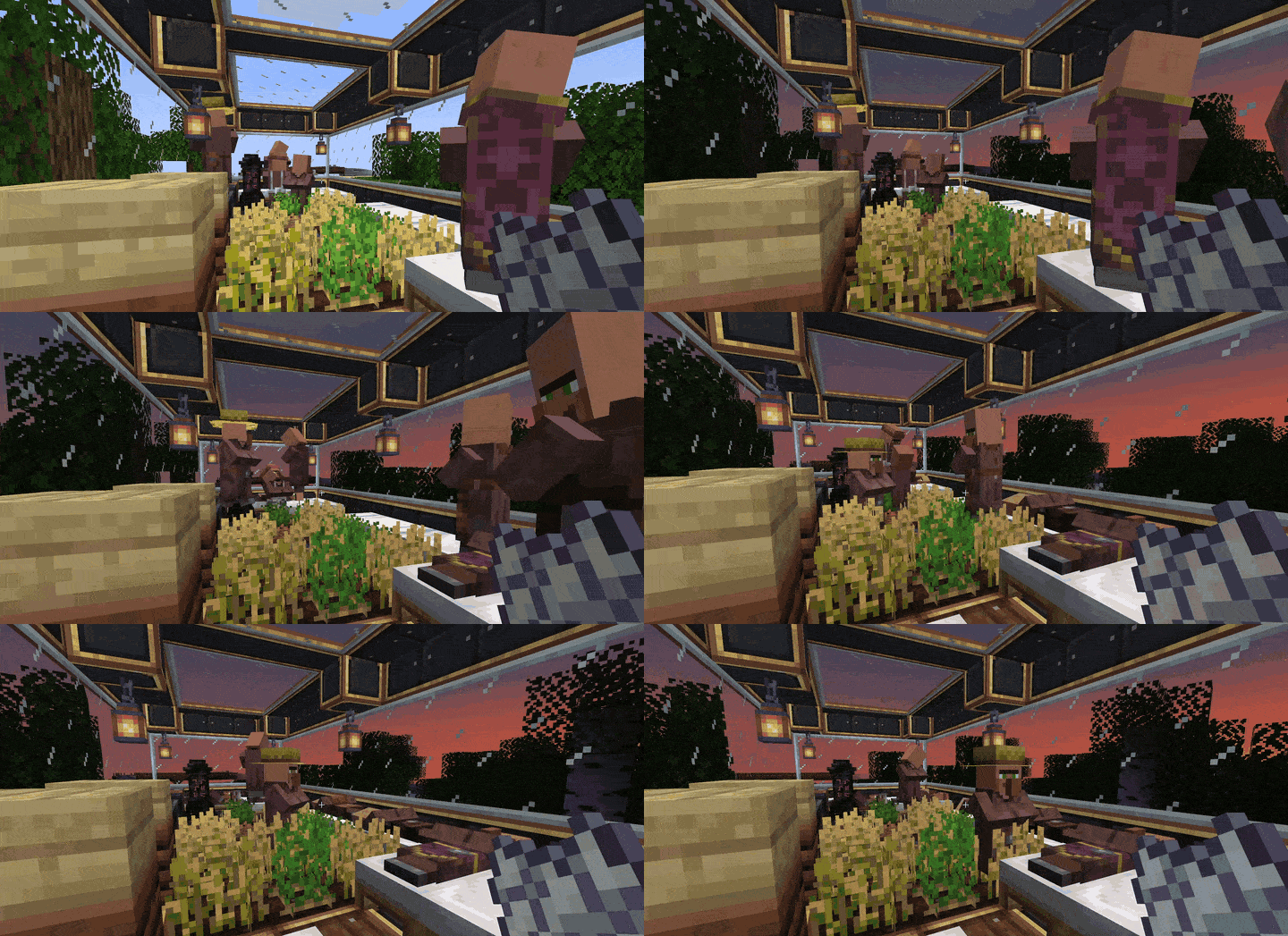
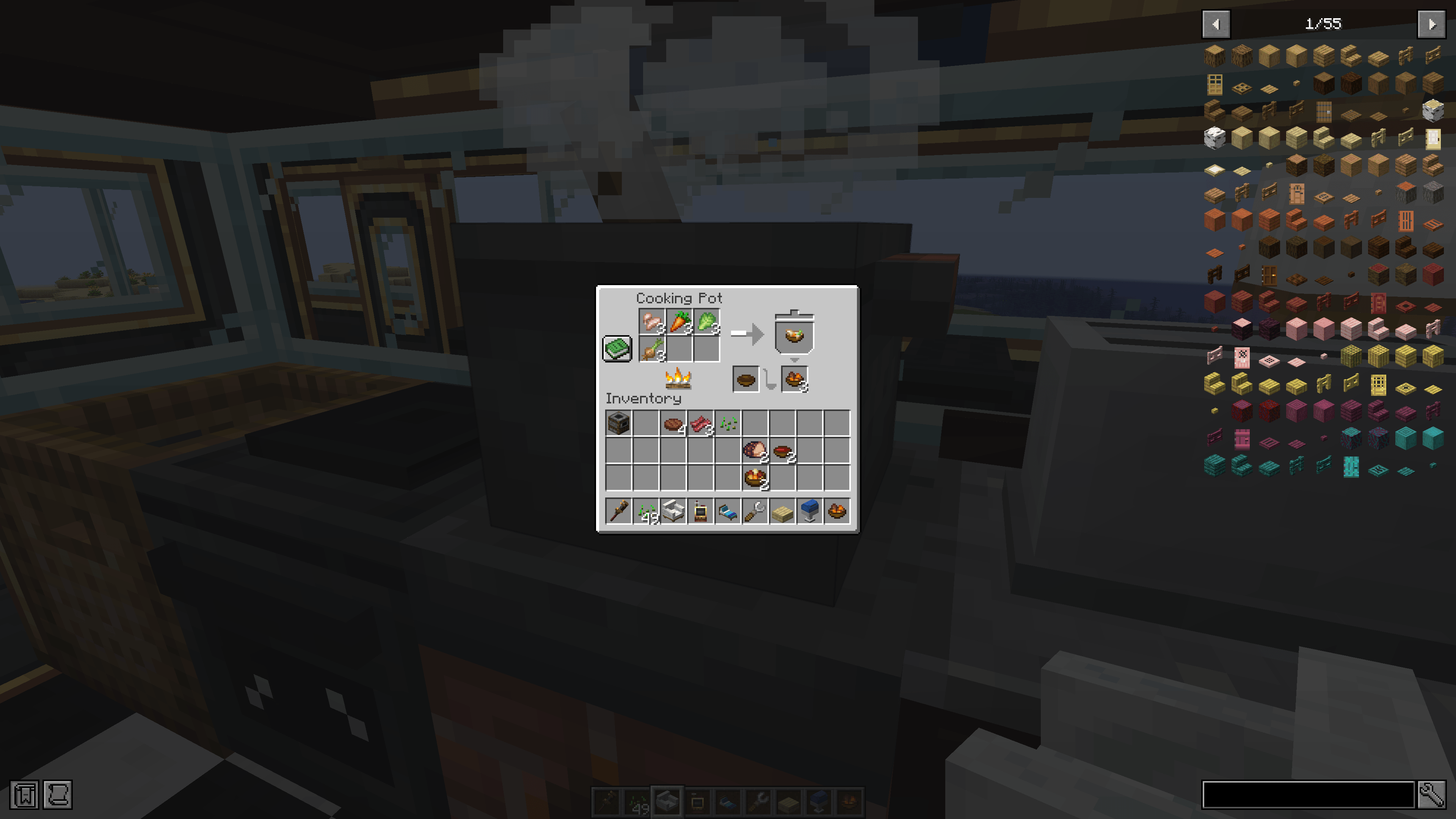
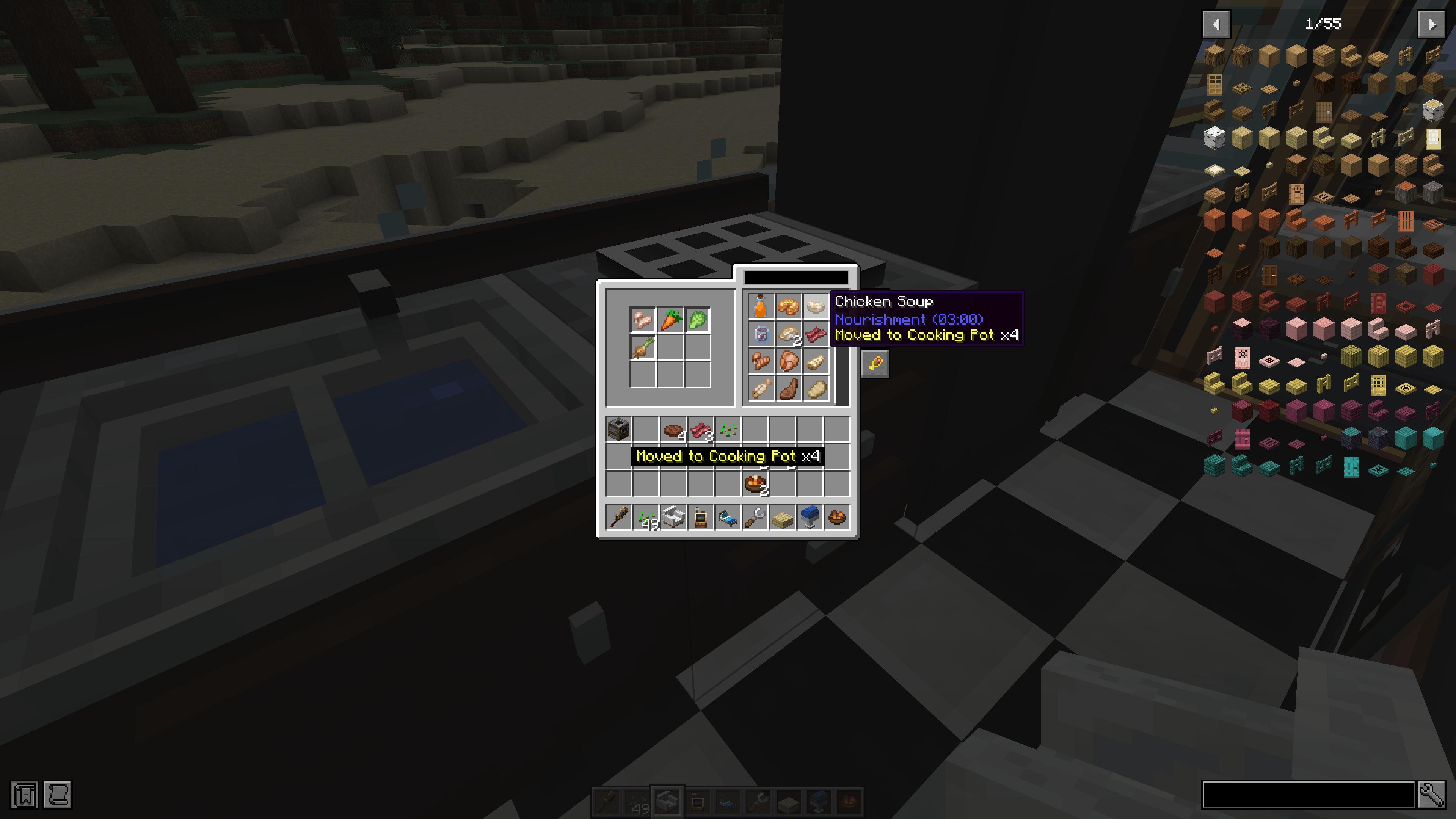
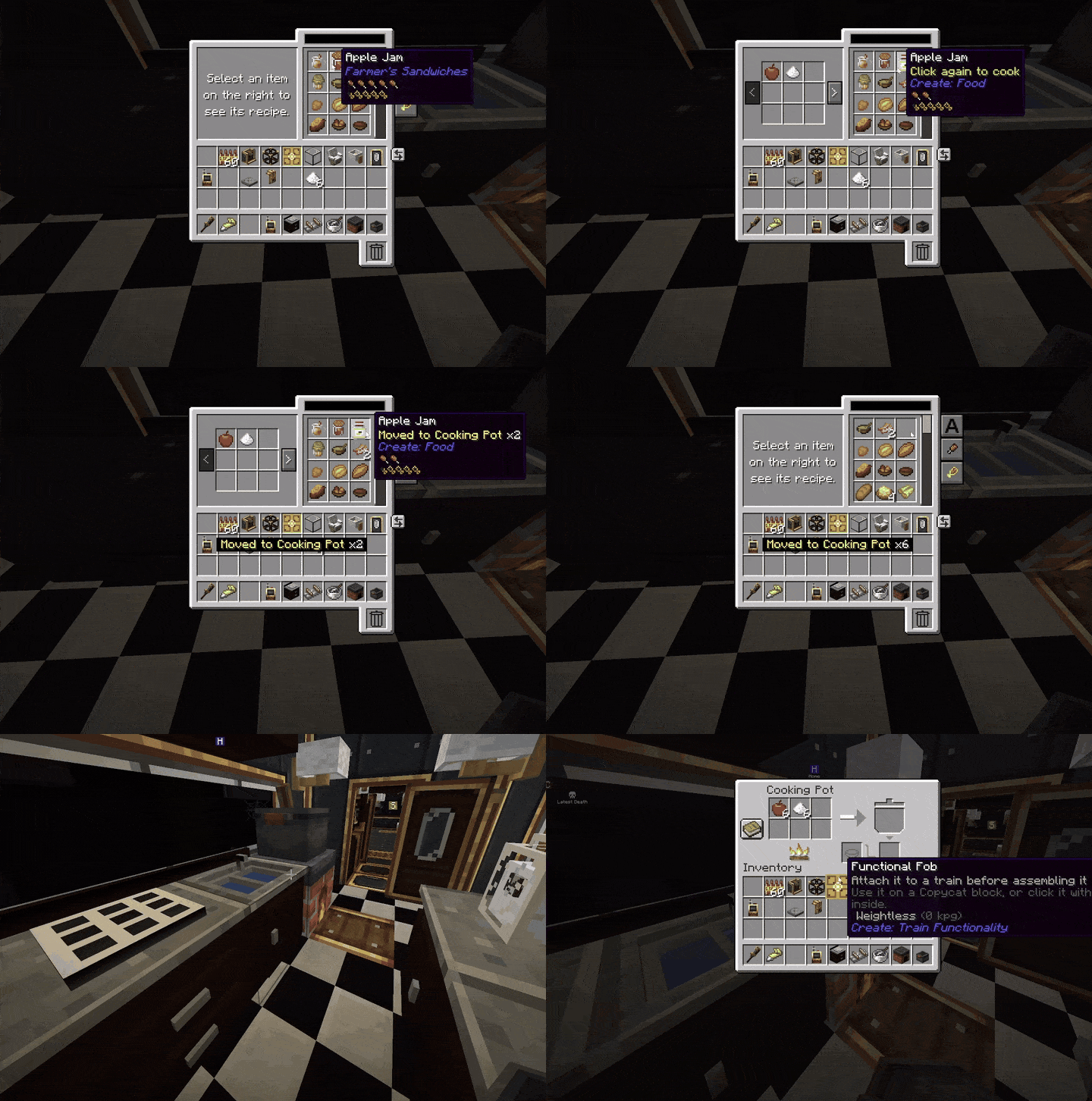
- Kitchens and farms — Cooking for Blockheads kitchens cook, into Farmer's Delight pots too. Crops grow while you are nearby — or while you are away, with a Chunk Anchor Lever.
- Going where nobody is — a moving buildable train keeps its chunks loaded, so its build always arrives with it. With someone seated aboard it waits at the edge of loaded land, as a plain Create train does. A Chunk Anchor Lever on any carriage keeps the whole train loaded when parked too.
- Create machines — mixers, pumps, mechanical arms (they remember their targets), chutes, funnels, vaults, portable storage, the stock network and train schedules. Drills, harvesters, deployers and saws work the world without eating your own train.
- Villagers and animals — villagers take job blocks and beds, sleep aboard and keep their trades; animals breed and graze.
- Running mobs over — like a plain Create train: whatever stands on the track in front of a moving buildable train is hurt and thrown, with Roadkill for the player at Create's controls. Anything riding the train is never hurt, and Create's "trains cause damage" setting turns it off.
- Seats — Create's own plus about thirty from ten furniture mods. A rider on any seat you built counts for Create's "Players Seated" schedule condition.
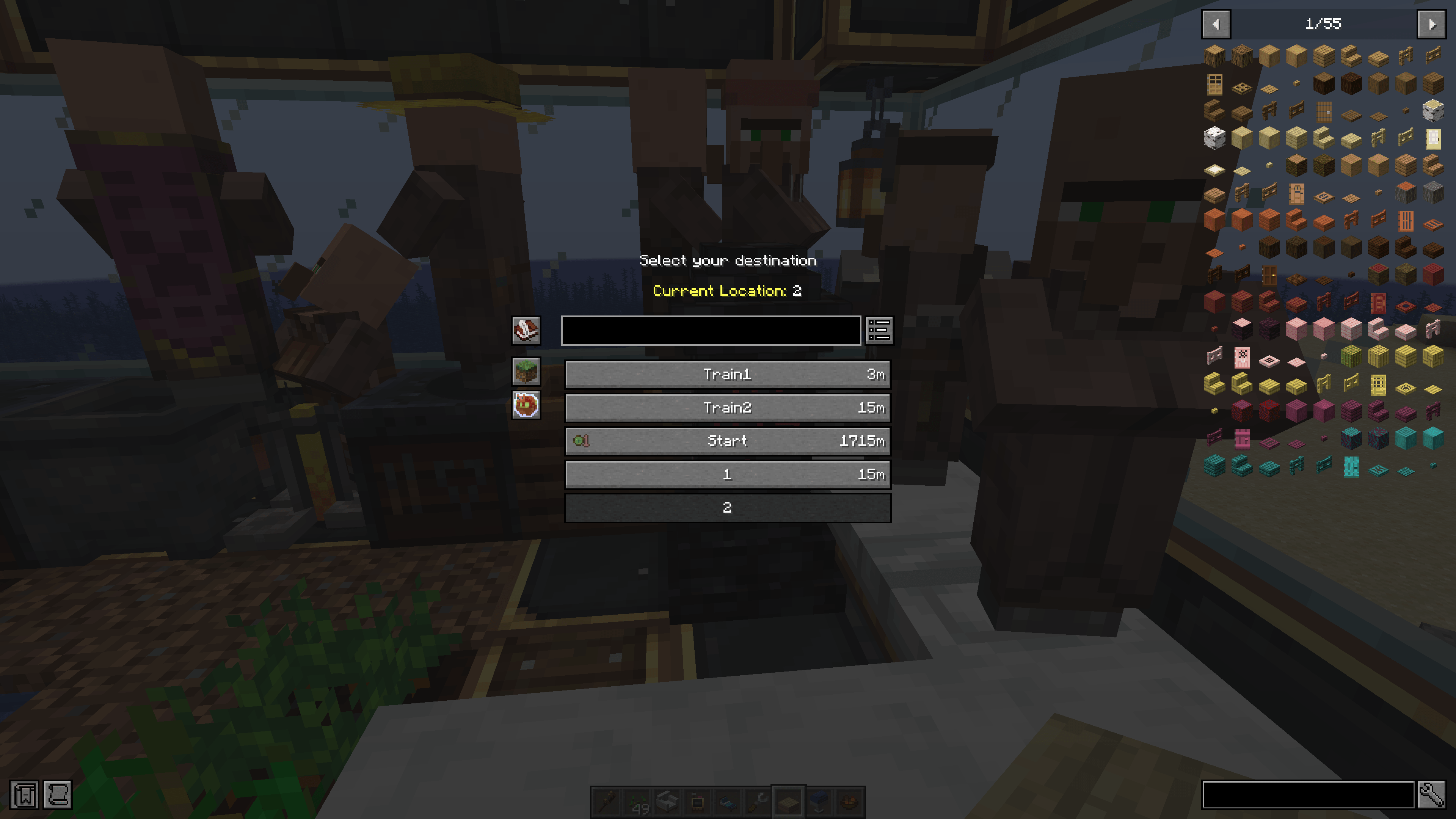
- Driving from a cab you built — a Dashboard Controller drives the train from Create's own Redstone Links and handheld Linked Controller, from Dashpanels panels and desks, or from Create: Aeroworks consoles. It counts as the train's controls, so a cab at each end makes a two-way train.
- Power from the wheels — an Axle Generator against a bogey turns the train's motion into rotation for the machines on the deck.
- Sleeping aboard — beds work on a buildable train as anywhere: your respawn point goes with the bed when the train is disassembled or reassembled, and a Sleeper Berth folds flat against the carriage wall when you are not using it.
- Dining aboard — a Fold-down Dining Table holds real items on its top and keeps them through disassembly and reassembly; it folds flat against the wall once it is cleared.
- Luggage aboard — a Luggage Rack hangs under the carriage ceiling with nine slots, shows a leather case when it holds anything, and counts as the train's cargo like a barrel.
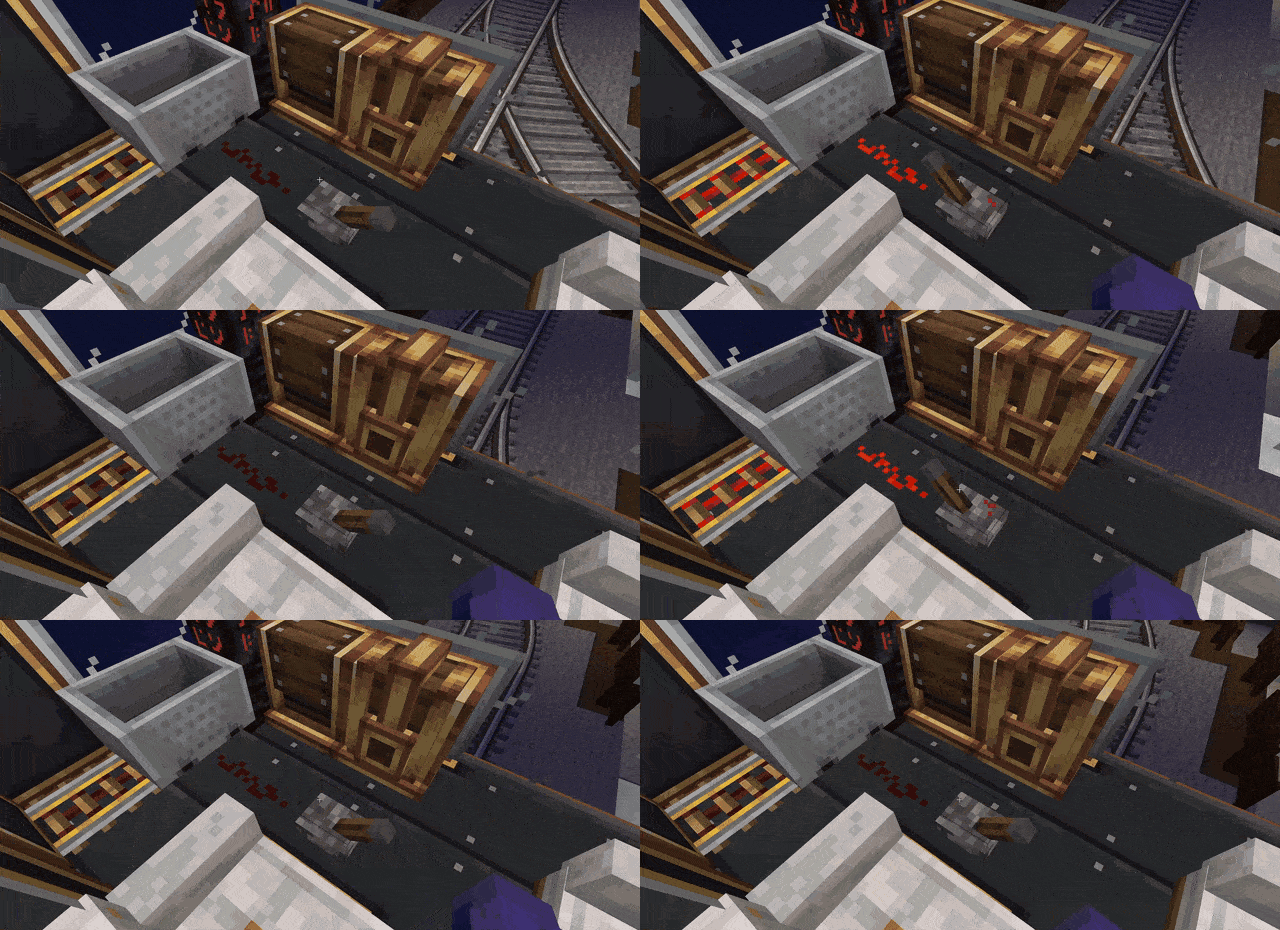
- An emergency stop — pull an Emergency Brake Cord on any carriage wall and the whole train brakes to a stop until someone resets it; its red flag shows which cord was pulled.
- Clearing the line — a Bells & Whistles pilot (cow-catcher) on a buildable train clears snow, dirt, gravel and sand from a train-sized opening in front of it.
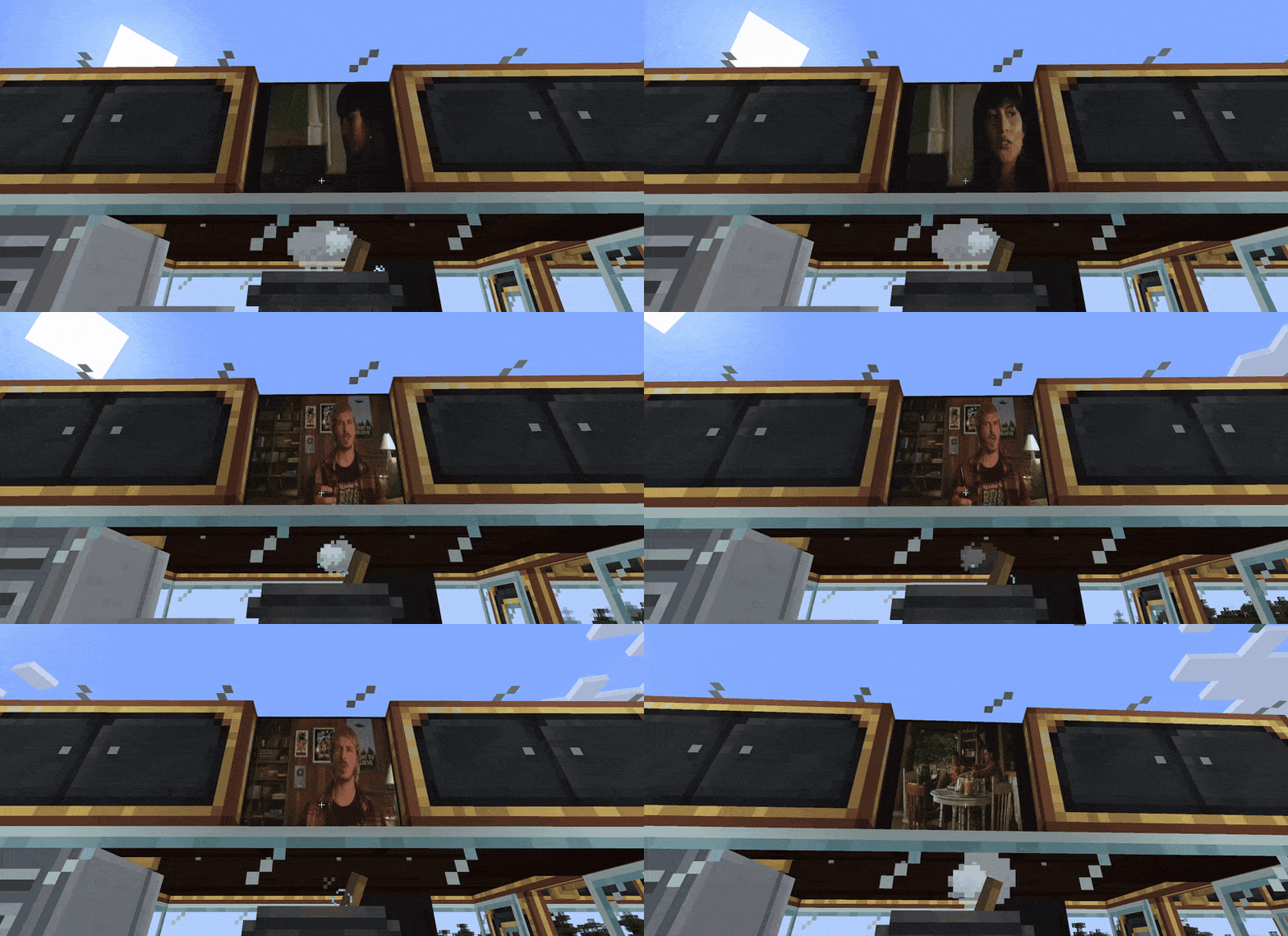
- Displays on the train — a Create Display Link against the fob or a Dashboard Controller shows the train's next stop, status, speed, name or seated players on any display board, nixie tube or sign aboard.
- Station announcements (off unless you turn them on) — riders of a scheduled buildable train see "Next stop" as it sets off and "Now arriving" before the stop, with a soft chime when no instrument on the train plays Create's tune; Create's arrival tune plays the bells, note blocks and whistles on the train as they are now.
- Everything else — redstone, sliding doors, Create Train Parts steps, your toolbox, and Create's Train Relocator for a derailed train (wrench any of its blocks while it is off its track; on the rails, one of its bogeys).
How to use
- 1. Craft a Functional Fob and stick it on any block of a train's body.
- 2. Assemble the train at a station. That carriage is now buildable.
- 3. Build on it while it runs. Disassemble it and your changes stay in the world.
All eight of this mod's blocks are in its own creative tab. Wear Create's goggles and look at any of them to see what it is doing.
| Block | What it is for |
|---|---|
| Functional Fob | Makes a carriage buildable. The one block you need. |
| Chunk Anchor Lever | Keeps a parked train loaded while you are away. |
| Dashboard Controller | Drives the train from Dashpanels panels, Aeroworks consoles or Redstone Link frequencies. |
| Axle Generator | Turns the train's motion into rotation for machines on board. |
| Sleeper Berth | A fold-down bunk: a real bed on your train, respawn point and all. |
| Fold-down Dining Table | Holds real items for a dining car. |
| Luggage Rack | Nine slots of overhead storage that ride as the train's cargo. |
| Emergency Brake Cord | Pull it and the whole train brakes to a stop. |
Make them match your train. (Casings) Sneak + right-click the Fob, the Chunk Anchor Lever, the Dashboard Controller or the Axle Generator with an Andesite, Brass, Copper or Train Casing or a Block of Industrial Iron: it takes the casing's look and keeps its shape and every function - the fob's ring, the lever's lamp and the controller's gauge stay visible. One casing is used; sneak + right-click with an empty hand gives it back. One press is one change: for half a second after a casing goes on or comes off, further clicks by you on that block do nothing, so holding the button never puts it straight back on. Set casingMaterials = "FREE" in the config and any plain, solid full block works the same way - stone, planks, logs, your pack's decorative blocks (casings only by default; turning it off later takes nothing off). With Dashpanels, do the same to a Control Cable to hide it inside a full casing block: it is still the cable, so the desks on it still drive the train, and it blends into Create's casings around it like a casing block (a wrench on a side stops that side blending; sneak + wrench does every side).
Functional Fob
Recipe (shapeless): lever + redstone dust + brass sheet + andesite alloy — makes two.
The fob is what makes a carriage buildable. Stick it on any block of a carriage's body before you assemble the train; every carriage with a fob on it becomes buildable, and the rest stay normal Create carriages. Its glass ring glows amber while the train is assembled. To hide it, right-click it with a Copycat Panel — it still works inside.
Chunk Anchor Lever
Recipe (shapeless): lever + ender pearl + brass sheet.
Keeps a parked train running while you are away. Put it on any carriage of a buildable train and flip it on: the whole train stays loaded even when parked, so machines keep running and crops keep growing. Flip it off and the train stays loaded only while it moves (a moving buildable train always keeps its chunks, so its build arrives with it). Because it keeps the train loaded, a schedule's "Station unloaded" stop does not end while the lever is on, as with any chunk loader beside a plain Create train; without it, that stop ends as soon as nobody is near, as on a plain train. The same goes for a wait for an amount of items or fluid: a buildable train cannot see its cargo while it is unloaded, so without the lever such a wait decides only once the train is loaded again (about a second after you come near). Its amber lamp on top shows when it is on, and right-clicking it says what it is doing. Only your hand flips it — it ignores redstone and gives none out. Server owners can turn it off (chunkAnchorLever) and cap how many trains keep chunks loaded (maxTrainsHoldingChunks, default 32) in the mod's config.
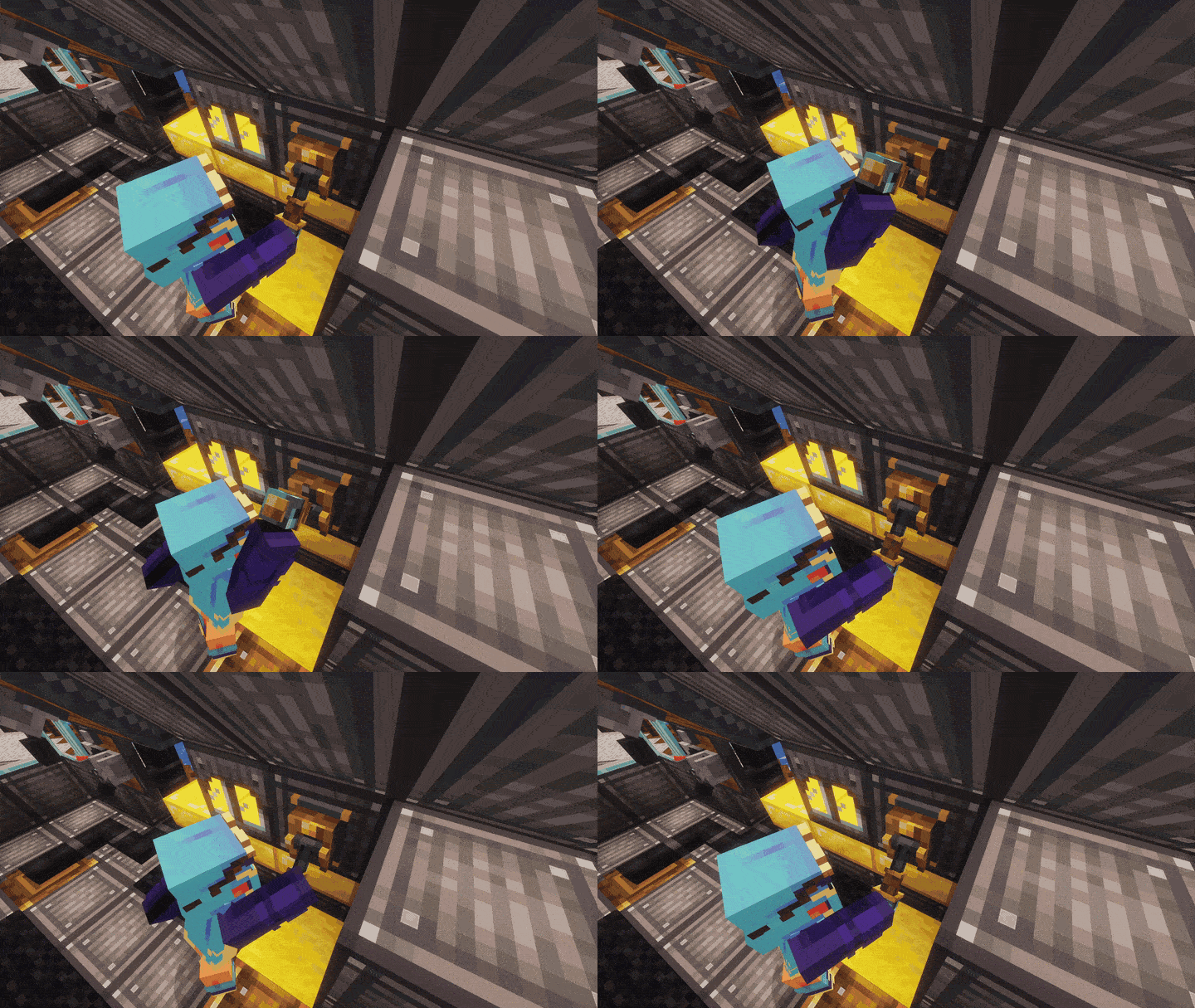
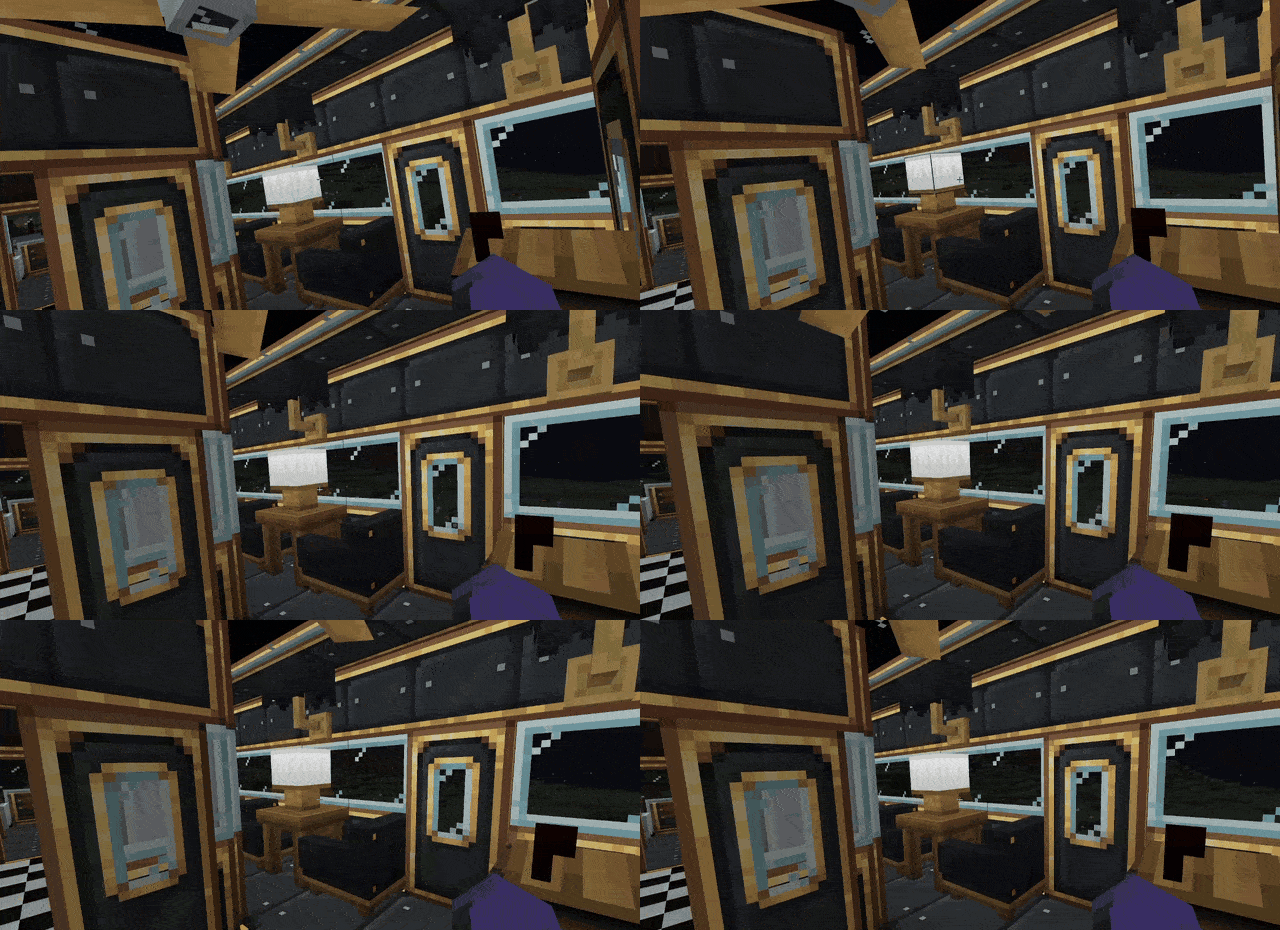
(This scene was done with Create: Train Functionality, Touch'n Motion, EMF Compat Core, [EMF], [ETF], EMF Compat: Not Enough Animations and Fresh Animations: Player extension)
Dashboard Controller
Recipe (shapeless): any Create casing + electron tube + 2 redstone.
Put it on the deck of a buildable train — in the floor of the cab is handiest — and it drives the train from whatever you connect to it, at the same speeds and on the same fuel as Create's own controls. It counts as the train's controls, so a train whose only controls are a dashboard can be assembled, and a cab at each end makes a two-way train. Look at it with goggles to see what it reads and what it is doing.
By frequency — no other mod needed. Sneak + right-click the controller with a wrench on the face you want: that face gets ten slots on Create's red and blue pads, in five pairs — Forward, Reverse, Brake, Station and Steer. Click an item onto a slot to set it, as on a Redstone Link. A Redstone Link, Create's handheld Linked Controller or a lectern controller on the same frequency then drives the train from anywhere in range: the signal strength on Forward sets the speed, Reverse backs it at a quarter speed, Brake stops it, and Station takes it to the station ahead. Steer picks the way at the next junction by strength — 1 to 5 left, 11 to 15 right, anything else straight — so a joystick, yoke or steering wheel that sends a middle signal when centred steers the train. Forward is the way you looked when you placed the controller. Out of link range the train coasts to a stop, so it cannot run away from its transmitter. Sneak + wrench again to go back to panel mode.
A Dashpanels panel on top. Put a Dashpanels control panel on the controller, standing where you will drive and looking the way you want to go. (The controller underneath can face any way.)
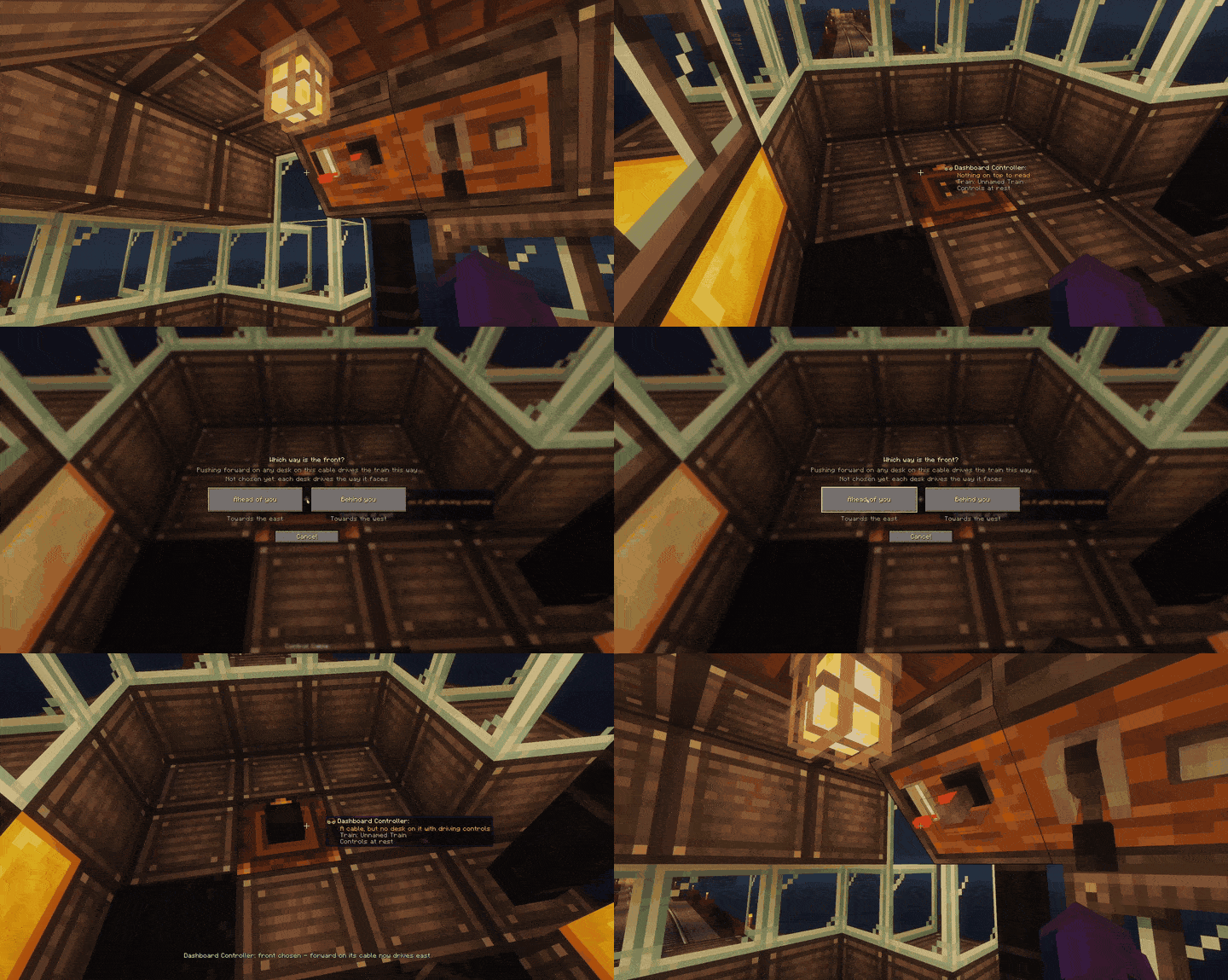
Dashpanels desks anywhere in the cab. With nothing on top, a Dashpanels Control Cable touching the controller connects every desk on that cable — on the floor, a wall or the ceiling. A small screen asks "Which way is the front?"; pick an end of the train and the desks nearest that controller drive towards it. Right-click the controller with an empty hand to change it. One cable can join a cab at each end: put a controller in each cab and each desk answers to the controller nearest it along the cable, so each cab keeps its own front. Give each cab's brake lever the word "brake" in its name ("Brake", "Rear brake"), or use a Brake Lever.
A Create: Aeroworks console on top. A control desk, control stand or joystick block works like a Dashpanels panel, and a desk Aeroworks has joined together drives as one cab. A stick drives only while someone sits at the console.
| Control | What it does |
|---|---|
| Joystick | Up drives forward, down drives back. Hold it left or right through a junction to take that branch. |
| Control lever, Aeroworks lever or throttle quadrant | The throttle: how far you push it sets the speed. |
| Gearshift (Dashpanels: Expanded) | Forward, neutral or reverse for the throttle. |
| Brake lever (Dashpanels: Expanded) | Stops the train, even with the throttle open. |
| Aeroworks wheel, yoke or pedal | A wheel or yoke steers at junctions; a pedal brakes. |
| Momentary switch, spring button (Dashpanels: Expanded) or Aeroworks button | The station button: takes the train into the next station ahead, whichever way that station faces, and stops it there, like pressing Space at Create's own controls - but it looks much further: up to 4096 blocks of track by default (the dashboardStationReach setting; Create's own Space reaches about 32). Touch the throttle, stick or brake to take over again. |
| Anything renamed | Rename any lever, knob, switch or module throttle, reverse, left, right, brake or station to give it that job. |
One driver per train: the cab that took the train keeps it while it drives, and any other stands aside — except its brake. A brake on any Dashboard Controller on the train brakes it, at any time, whoever is driving; the driving cab keeps the train and drives on when the brake is let go. A dashboard brake also beats a player holding W at Create's own controls. A panel, console or controller facing across the train does nothing except brake — place it looking along the track to drive. A panel without a controller under it (or a cable to one) is just a panel. While every control is at rest the train is left alone, so it keeps running its schedule; touching a control takes over, as sitting at Create's own controls does, and the schedule stays paused until you click the blaze burner conductor (it resumes, as on a plain Create train) or hand it one again.
Axle Generator
Recipe (shaped): brass sheet, shaft, brass sheet / chain, electron tube, chain / brass sheet, sturdy sheet, brass sheet.
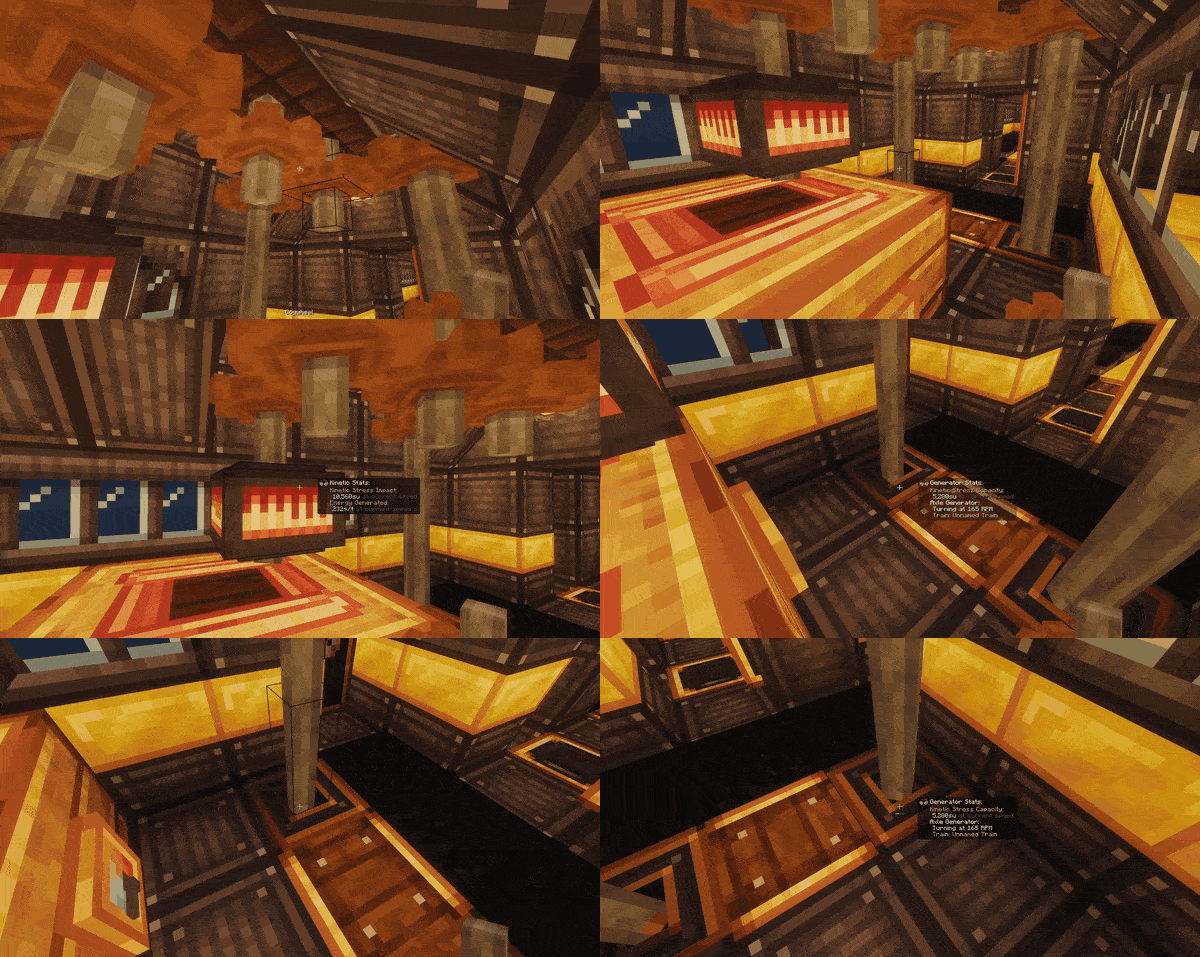
Power from the wheels. Put it on a buildable train with its front against the front or back of a bogey, and the train's motion comes out as rotation through the shaft opening on top: the faster the train, the faster it turns (up to 256 RPM), supplying 32 stress units per RPM. Parked, it stops; reversing the train reverses it. The pair on one bogey, front and back, runs one Create Crafts & Additions alternator.
Sleeper Berth
Recipe (shaped): white wool, leather, leather / dark oak planks, brass sheet, dark oak planks.
A bunk for a sleeper carriage: walnut, a leather mattress, a porcelain pillow and a brass rail. Right-click a wall with it and it lies along the wall, its head one block to your right (on a floor, against the wall in front of you). Sneak and right-click with empty hands to fold it flat against the wall; right-click to let it down. Lowered, it is a bed like any other - sleep, your respawn point and the night work exactly as with a vanilla bed, on the ground or on a buildable train - and folding it keeps your spawn. Disassemble the train somewhere else and your respawn point follows the bed. Nobody can fold it while someone sleeps in it. Villagers never use it. It keeps its fold through disassembly and reassembly. Lowered, its two leather straps reach up to the ceiling (anything solid up to 8 blocks above, a train's own roof on a train), each with a small brass plate - only a look.
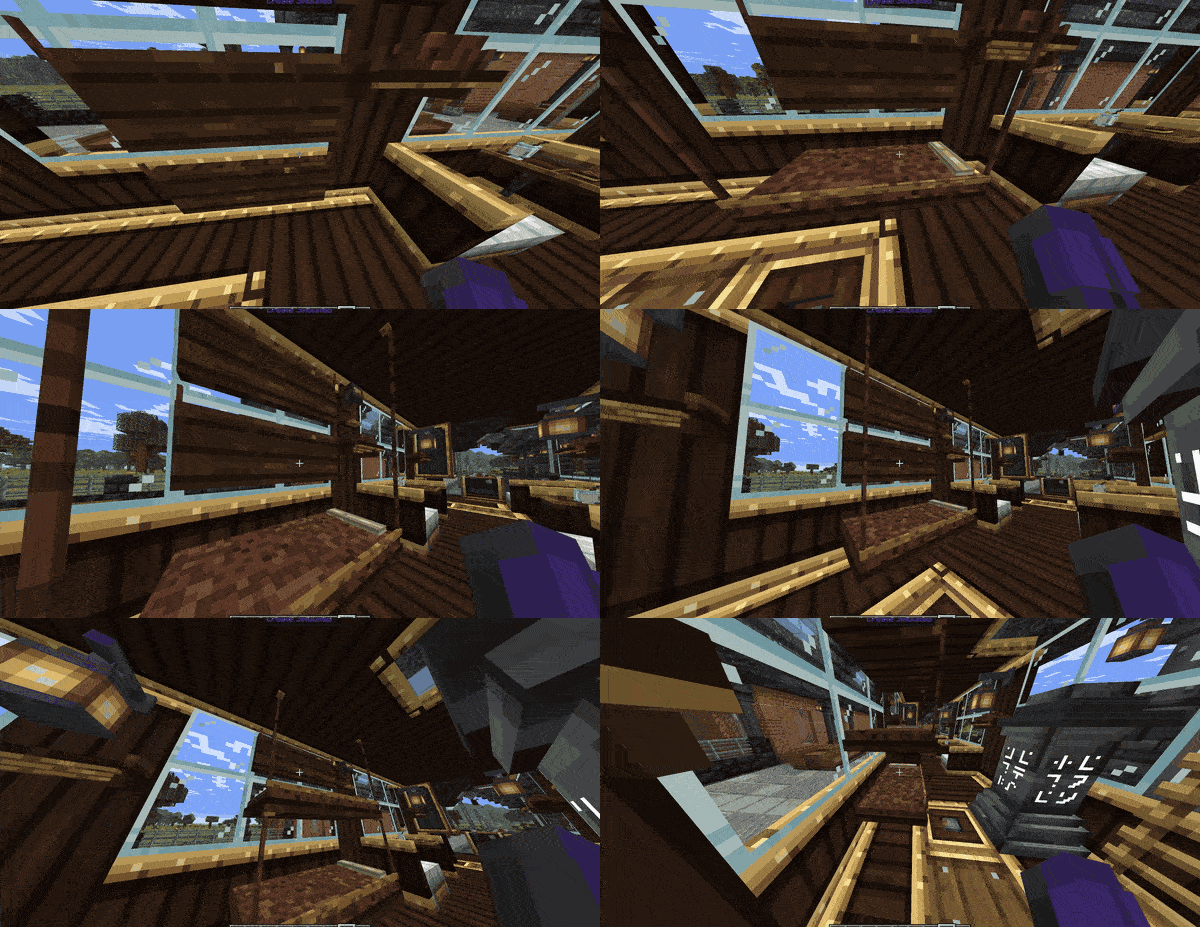
Fold-down Dining Table
Recipe (shaped): three brass nuggets / three wooden slabs / an iron sheet.
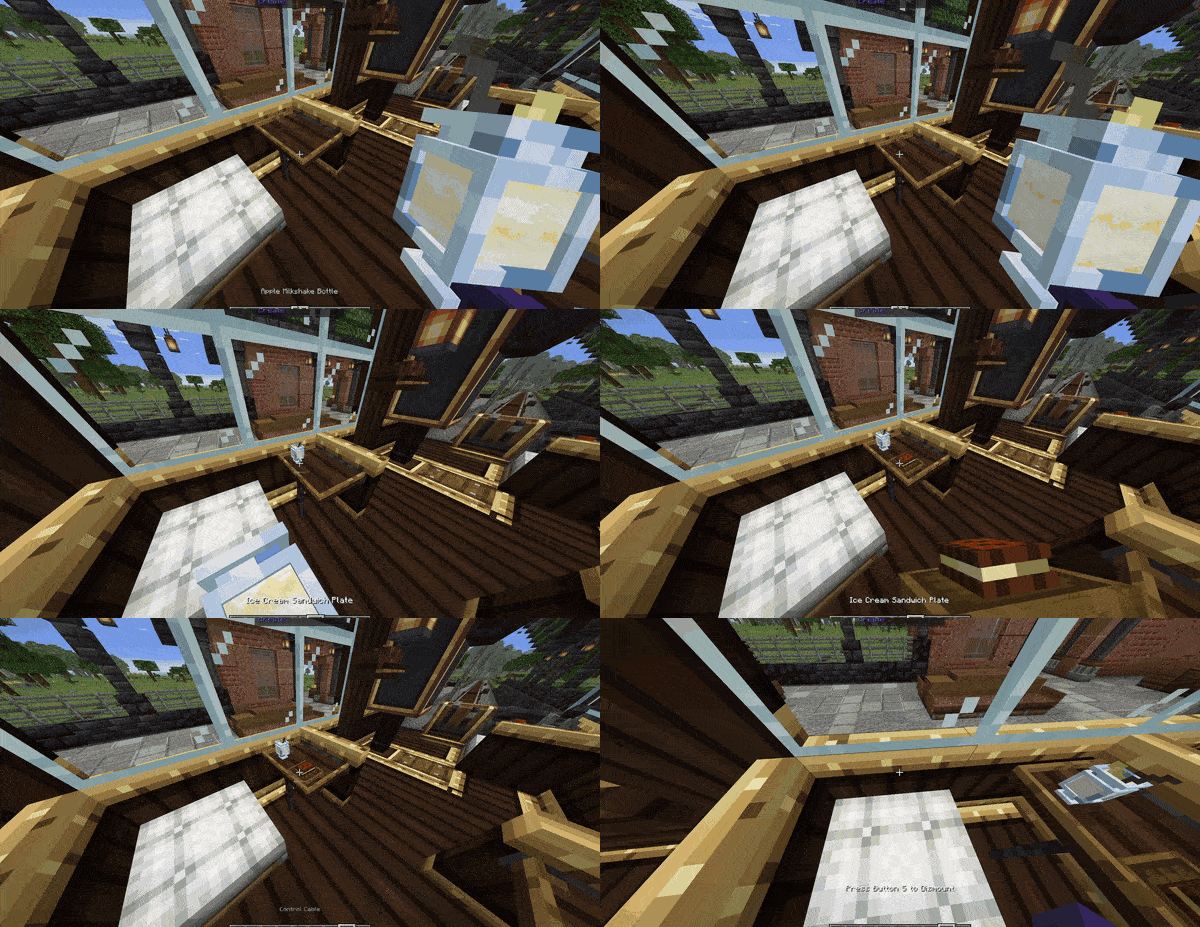
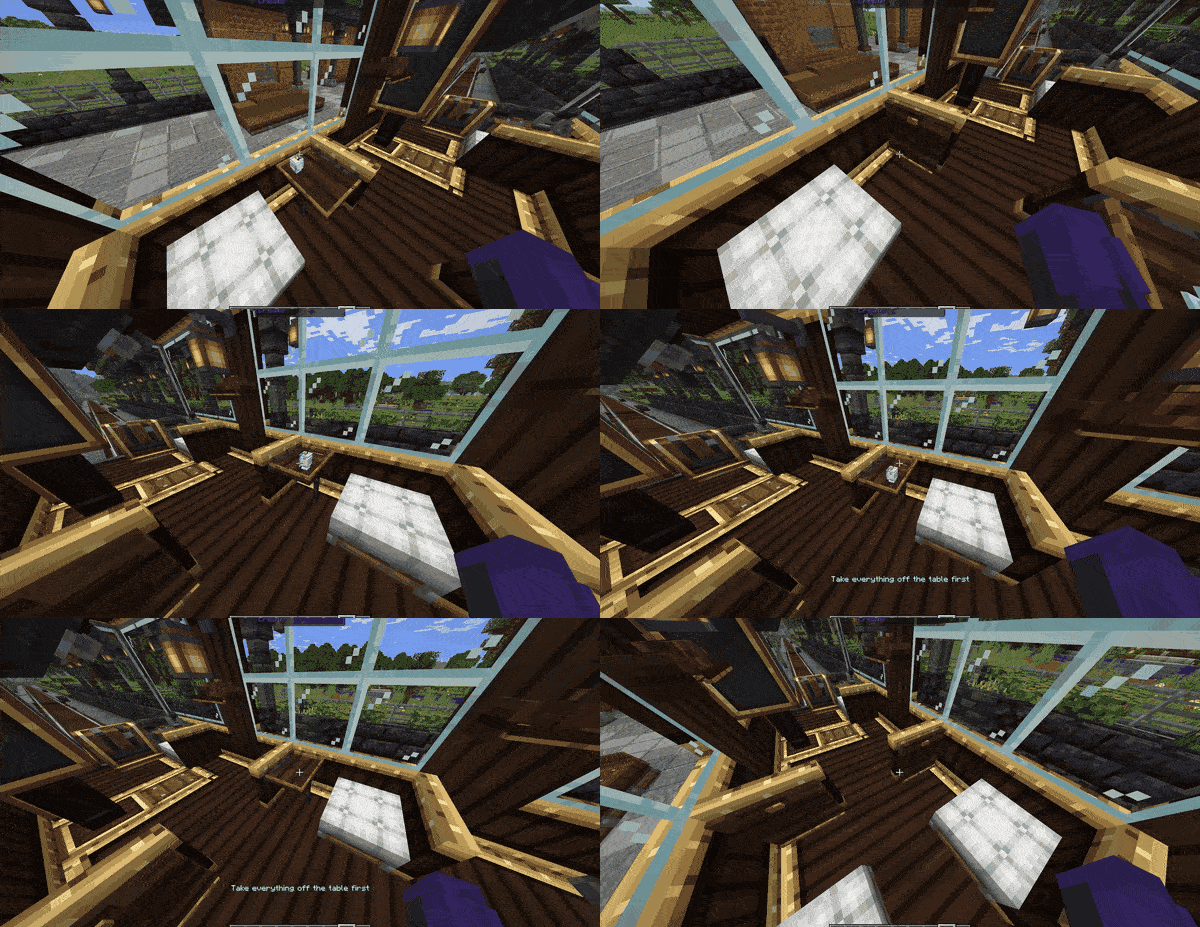
A walnut table with a brass fiddle rail, for a dining car, that holds real items. Right-click a wall with it and it hangs there (on a floor, against the wall in front of you). Right-click its top with an item to set one down in one of four places; right-click a place to take its item back. Flat and thin items lie flat; cups, bottles and other solid items stand upright on their base. Sneak and right-click with empty hands to fold it flat against the wall; right-click to let it down. A table with anything on it will not fold until you clear it. It is not storage: hoppers and train cargo ignore it, and breaking it drops what was on it. On a buildable train it keeps what is on it through disassembly and reassembly; on a plain Create train it stays as it was assembled.
Luggage Rack
Recipe (shaped): three brass nuggets over two wooden slabs (any wood).
An overhead rack for a carriage wall: walnut brackets and brass rails. Right-click a wall with it and it hangs there in the top half of the space, back to the wall (on a floor, against the wall in front of you, facing you); it needs nothing behind it. Right-click opens one row of nine slots, and a leather case shows on it whenever it holds anything. Comparators, hoppers and Create's chutes, funnels and Portable Storage Interfaces work with it as with a barrel. On any Create train it rides like a barrel and counts as the train's cargo; on a buildable train a rack that was on the carriage when it was assembled is part of the cargo, and one hung during a trip joins at the next assembly, as a chest does. Its contents stay through disassembly and reassembly. Broken, it spills its contents; Create's wrench turns it, and sneak + wrench picks it up. A schematic prints it empty.
Emergency Brake Cord
Recipe (shapeless): dark oak slab, iron sheet, leather, brass nugget, red dye.
A pull cord for a carriage wall: a walnut board, an iron pull-box and a leather strap with a brass T-handle. It goes on walls only. Right-click it and the whole buildable train brakes to a stop at a Dashboard Controller brake's rate, and stays stopped until someone clicks the cord again; a red flag shows which cord was pulled. Anyone aboard can pull or reset it. A cab driving from a Dashboard Controller keeps the train and drives on by itself once the cord is reset. A train running a schedule is paused, as Create's own Train Controls pause it: reset the cord, then click the conductor to carry on. A player at Create's own controls cannot drive against it. A cord left pulled stays pulled through disassembly and reassembly. Off a train it is a pull switch that powers the blocks right beside it (put a bell next to it), never through its wall. Sneak + wrench picks it up.
Displays on the train
Put a Create Display Link against the Functional Fob or a Dashboard Controller on the deck, link it to a display board, nixie tube or sign on the same carriage as you would anywhere, and pick one of five kinds of information in the link's screen:
| Information | What it shows |
|---|---|
| Next Stop | The next station on the schedule, with Create's own arrival time from the station departure boards ("Westbrook (45s)"), or the station alone. Where Create cannot work out a time (the train waits for players, cargo or redstone) the next station still shows, with "~". |
| Train Status | "To Westbrook", "Waiting for a signal", "No schedule", "Derailed"… and at a stop Create's own waiting text ("Departs in 10 Seconds"). |
| Train Speed | In m/s or km/h. |
| Train Name | Optionally with "carriage 2 of 3". |
| Players Seated | The count Create's "Players Seated" schedule condition uses, deck seats included. |
Keep the link, the block it reads and the display on one carriage: they ride together through disassembly and reassembly. The display clears while the train is disassembled and shows the train again when it is reassembled. A display board needs rotation at 30 RPM or more, as always, so one turned only by an Axle Generator stops changing while the train is parked or slow. A fob hidden in a copycat panel is not a source - use a visible fob or a controller. Cargo needs nothing new: Create's own Smart Observer facing a deck chest, with a link on the observer.
Station announcements and the arrival tune
The announcements are off by default. To switch them on, open config/create_train_functionality-common.toml in your game folder (on a server, the server's own config folder), change stationAnnouncements = "OFF" to stationAnnouncements = "TEXT_AND_CHIME" (or "TEXT" for the words without the chime), save and restart the game. Or, in game: Esc > Mods > Create: Train Functionality > Config > Station announcements, then Done (single player and a LAN host apply it at once; a dedicated server's admin still edits the server's file and restarts).
Once on: on a buildable train running on a schedule, players standing on the train or sitting in a seat on it see "Next stop: Westbrook" above the hotbar as it sets off, and "Now arriving: Westbrook" about 60 blocks before the stop. When no instrument on the train plays Create's arrival tune for that stop, they also hear a soft two-note chime with "Now arriving" - only they hear it. That is when the train has no bell, note block or steam whistle that was on it when it was assembled, or the stop is 100 blocks away or less (Create plays no tune for those). Nobody on the platform is told anything. A stop less than 60 blocks away gets "Next stop" only; a trip held up and carried on to the same stop is not announced twice.
Create's own arrival tune (the instruments on a train playing as it pulls into a stop more than 100 blocks from where it set off) plays the train as it is: an instrument you broke off is silent, a retuned note block plays its new note. One built after assembly joins after the next disassembly and assembly, as on a plain Create train. The tune is not part of the announcements setting: it plays as on any Create train.
Moving or turning a train with the wrench
As on any Create train: hold a wrench, right-click any block of the train, then click a track. The back of the train goes on the rail you click, and the front faces the way you are looking along the track. A block with its own use for the wrench keeps it (a copycat with a material, a lever, a door, a seat), so click a plank, casing or glass instead. You can click a rail under or right behind the train straight through the train.
If a Train comes off the tracks for some reason
Right-click the stranded piece with a Create wrench, put a station into assembly mode, and click the track in front of it. The piece is placed on the run, turned the right way and glued — press Assemble. Or click the ground to just get the blocks back (they cannot be picked up again after that).
Works great with
- Cooking for Blockheads and Create: Central Kitchen — full kitchens on the move.
- Steam 'n Rails — the conductor works your train, and liquid fuel is charged properly.
- WaterFrames — keeps its settings through a trip.
- Furniture mods — about thirty kinds of seat from ten furniture mods carry a rider on a moving train (this mod's own seat list; createfurnitureseats works alongside it).
- Create: Aeronautics — dock a train to an airship and tow it.
- Create: Aeroworks — its control desks, stands and joystick block drive the train from a Dashboard Controller.
- Create: Simulated — a swivel bearing on a deck keeps its contraption on the bearing while the train drives.
- Bells & Whistles — a pilot (cow-catcher) on a buildable train clears a 3x3 opening in front of it — three across and three tall — of snow, dirt, grass blocks, gravel and sand, and drops what it clears. Never the track or the ground under it, never claimed land. Buildable trains only.
- Bridging Mod — bridge off the edge of a deck as you would off any ledge, to build outwards and forwards on the train.
- Sable Cleanup Tools — deleting a buildable train there removes the whole train and drops its blocks.
- Shaders (Iris) — buildable trains look right with shaders when Colorwheel (Create + Iris) is installed. Played with Iris 1.8.14-beta.1, Sodium 0.8.13, Colorwheel 1.3.0 and Solder. Iris 1.8.12 crashes with Sodium 0.8 on its own; that is Iris and Sodium, not this mod.
Compatibility notes
- Movable Tracks — incompatible: bogey wheels are drawn at the wrong angle.
- createteleporters — a portal with both ends in the same dimension can copy a buildable carriage, chests included. If your log says
A SECOND ENTITY FOR AN ALREADY-BUILDABLE CARRIAGE, please send it. - Another Furniture + Create Additional Logistics — a rider can sit at the wrong height. Those two conflict with each other, not with this mod.
- Waystones (with Waystones: Sable) — teleporting to a waystone on a moving train lands you a few blocks behind it.
- Does Potato Tick / No See No Tick — add armour stands and snow golems to their always-tick lists.
- Nether portal tracks (Create's own) — a buildable train stops at the portal for now, as Create stops a train at a blocked portal; plain trains are not affected. A buildable train already on the other side can still come home.
- AeroPortals — airships still go through portals; a buildable train's build is told to stay with its train.
- Create Realism — works alongside. Its acceleration and ETCS apply to buildable trains like any other, but a buildable train does not tilt through curves the way plain trains do with it.
- Create: Schematic Checker — in its default "whitelist mod" mode it removes blocks from mods not on its list when a schematic is uploaded, which takes the Functional Fob (and any of this mod's other blocks) out of a printed train. Add
create_train_functionalitytocore.WhiteListModListin its config.
About 450 blocks from over 100 Create, Sable and Aeronautics add-ons have been checked and do not break on a train.
Known issues
Can cost you something
- Do not relocate a buildable train onto track built on a ship or on a deck. Putting one with the wrench (Create's Train Relocator) onto track that is itself built on a Sable ship, an Aeronautics build or another train's deck can crash the game. Relocate onto track on the ground only. Not fixed yet.
- A train that runs on without you could leave villagers behind. A moving train now keeps its chunks loaded, which should end this — not yet confirmed on a long automated route, so tell us if it still happens.
- If your game freezes for a few seconds while you STAND on a moving train (a shader reload, a lag spike), you can be left behind it. Sit in a seat for long rides.
- Lava or water flowing across a deck replaces carpets, rails, torches and other non-solid blocks for good.
- A reused plot can carry a leftover block from an earlier train (a "ghost block"). Clear it by hand — but not if it joins two parts of your build, or that part comes off.
Does not work yet
- A windmill turning on a buildable train can spin the whole train with it while parked. Being looked into.
- Bees ignore a hive on a train.
- Villager breeding is unreliable while moving (fine when parked).
- Composters do not compost (they still work as a farmer's job block).
- A buildable train cannot go through a nether portal yet.
- A block that overhangs its own square (like a Train Parts slide) has no floor on the overhang.
- A distant train with nobody near it can stall now and then on a server.
- A Display Link on one carriage writing to a display on another works while they are coupled, but points at nothing after the next reassembly. Keep the link and its display on one carriage.
Not tested yet: 45° track, stacked fridges, collisions with other Sable bodies.
On purpose
- Machines added after assembly do nothing until you reassemble — Create's own rule.
- Blocks Create won't move (like obsidian or snow layers) stay at the station when you reassemble — except waystones, which this mod carries back aboard (with Waystones: Sable). Disassembling the train tells you which.
- Chests added after assembly are not seen by train-wide storage (funnels, portable interfaces). A machine next to one is fine.
- Bogeys cannot be broken or style-cycled on an assembled train - a wrench on one starts Create's Train Relocator instead. Disassemble it at a station to change them. (A block placed against one goes in as anywhere else.)
- A derailed train's blocks answer the wrench by starting Create's Train Relocator: while the train is off its track, the first wrench click on any of its blocks (a copycat, a lever, a door, a chest) relocates instead of doing its usual job, where a plain Create carriage lets levers, doors, chests and seats answer first. Put the train back on the rails, then use the wrench on its blocks.
- A bed broken on a buildable train, or broken after the train was disassembled, keeps your respawn point where it stood (a bed broken on the ground does not).
- Fire goes out on a buildable deck instead of spreading. Want an eternal fire?
fireGuard = false— and fire eats the build again. - Fragile blocks stay whole on a buildable train (melons, pumpkins, cactus, ice…) when it carries them into a block. Want Sable's breaking?
fragileBlocksBreakOnTrains = true. - Schematics of a buildable train: in single player, Save and Upload with the Schematic and Quill saves the train with everything built on it (a copy goes into your
schematicsfolder) - start the selection on the ground beside the train, not on it. It works as a Railways Untold starting train (see the changelog). On a server they are refused for now (schematicGuard). - Bend smoothing is single player only. On a server it measured better without it.
- Clicking a rail that is not a station's run with a held piece is refused — a train can only be assembled at a station.
Config
In game: Esc (or the title screen) > Mods > Create: Train Functionality > Config. Every setting has a name and a short explanation; nothing changes until you press Done, and Cancel or Esc leaves everything as it was. In single player and as a LAN host it applies at once. On someone else's server the page shows only the three settings your own game uses and the two drawing fixes below; the rest are decided by the server's own file.
The file: config/create_train_functionality-common.toml, one to three lines a setting under seven headings. Edit it with the game closed, or restart after. Setting names never change, so your values are kept through every update and an older guide's lines still work.
| Option | Default | What it does |
|---|---|---|
trainHandling |
WITH_STICKER |
Which trains become buildable: fobbed ones, ALWAYS or NEVER |
saveWhenTrainsChange |
QUICK |
Save soon after assembling or disassembling, so a crash cannot lose a train |
schematicGuard |
true |
Refuse schematics of a buildable train |
fireGuard |
true |
Put out fire on a buildable deck |
chunkAnchorLever |
true |
Let a Chunk Anchor Lever keep a parked train loaded |
maxTrainsHoldingChunks |
32 |
The most buildable trains that may keep chunks loaded at once |
axleGeneratorCapacityPerRpm |
32 |
Stress an Axle Generator supplies per RPM |
axleGeneratorMaxRpm |
256 |
The fastest an Axle Generator turns |
pilotPlow |
true |
A Bells & Whistles pilot clears the line in front of a buildable train |
pilotPlowDropItems |
true |
What a pilot clears drops as items (false: the blocks just vanish) |
dashboardStationReach |
4096 |
How far along the track a Dashboard Controller's station button looks for the next station (Create's own controls reach 32) |
casingMaterials |
CASINGS_ONLY |
Which blocks can disguise this mod's four blocks: Create's five casings, or FREE for any plain full block |
doorProbeLogging |
false |
Debug logging for sliding doors |
stationAnnouncements |
OFF |
Off unless you turn it on: TEXT_AND_CHIME gives "Next stop" / "Now arriving" to the riders of a scheduled buildable train, with a chime when no instrument on it plays Create's tune; TEXT the words without the chime |
fragileBlocksBreakOnTrains |
false |
Melons, pumpkins, cactus, bamboo, ice, lily pads and leaves on a buildable train stay whole when the train carries them into a block, as on a plain Create train; true lets Sable break them as on a ship |
renderTakeover |
true |
Leave on unless diagnosing something |
Your own game's drawing fixes: config/create_train_functionality-client.toml, on the same Config page, and always your own game's choice, on any server.
| Option | Default | What it does |
|---|---|---|
beamEmbeddingCleanup |
true |
Ship drawing cleanup: clears Sable's leftover drawing data for ships and trains each time Flywheel rebuilds what it draws |
beamFlywheelUploadFix |
true |
Flywheel upload fix: stops the stretched black and dark-red shapes by making sure every part Flywheel draws has reached the graphics card (Flywheel 1.0.6, the one in Create 6.0.10) |
Commands
/ctf stranded— list loose pieces and where they are./ctf recover <uuid> [confirm]— recover a piece you cannot reach. Needs "Allow Cheats" in single player; the wrench is usually all you need.
Reporting bugs
Use the Issues tab, and attach a log if you can. Lines worth including: [CTF] rotation:, rail gap, WHICH ONE MOVED, [CTF FAILSAFE], treating it as a teleport, and anything that says Please report.
Multiplayer
Works on dedicated servers (tested on BisectHosting).
Credits
By NoogieBoogie. MIT, code and art. Needs Create (MIT) and Sable (PolyForm Shield 1.0.0) installed alongside; it redistributes neither. Bug reports with a log are very welcome
Screenshots
Gallery
-
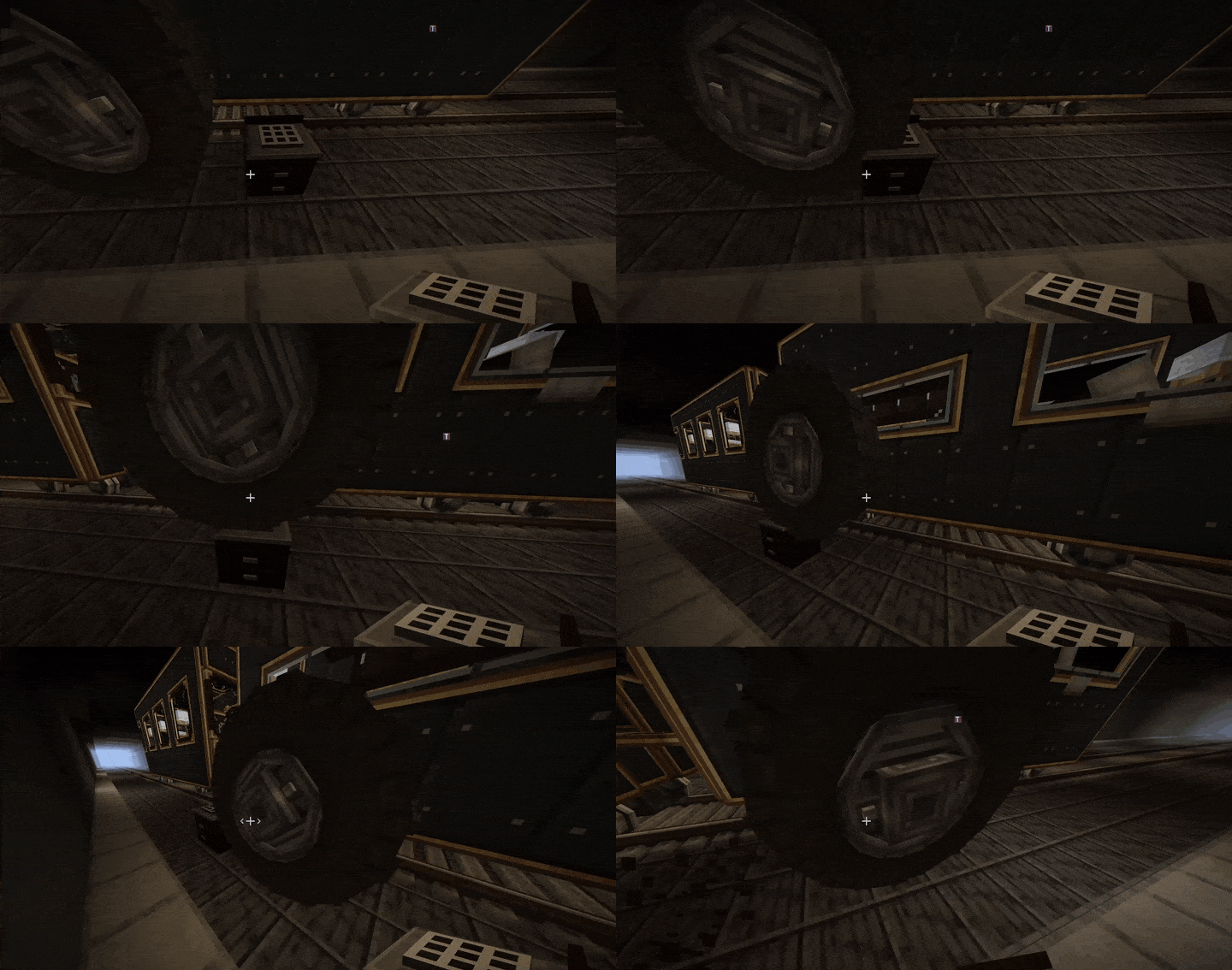 train_wheel.gif train_wheel.gif
 -
 train_redstone_lever.gif train_redstone_lever.gif
 -
 train_tv_screen_1.gif train_tv_screen_1.gif
 -
 train_waystones.gif train_waystones.gif
 -
 2026-10-03_13.01.15.png 2026-10-03_13.01.15.png
 -
 2026-10-03_13.04.10.png 2026-10-03_13.04.10.png
 -
 2026-10-03_13.03.58.png 2026-10-03_13.03.58.png
 -
 2026-10-03_13.00.42.png 2026-10-03_13.00.42.png
 -
 train_kitchen.gif train_kitchen.gif
 -
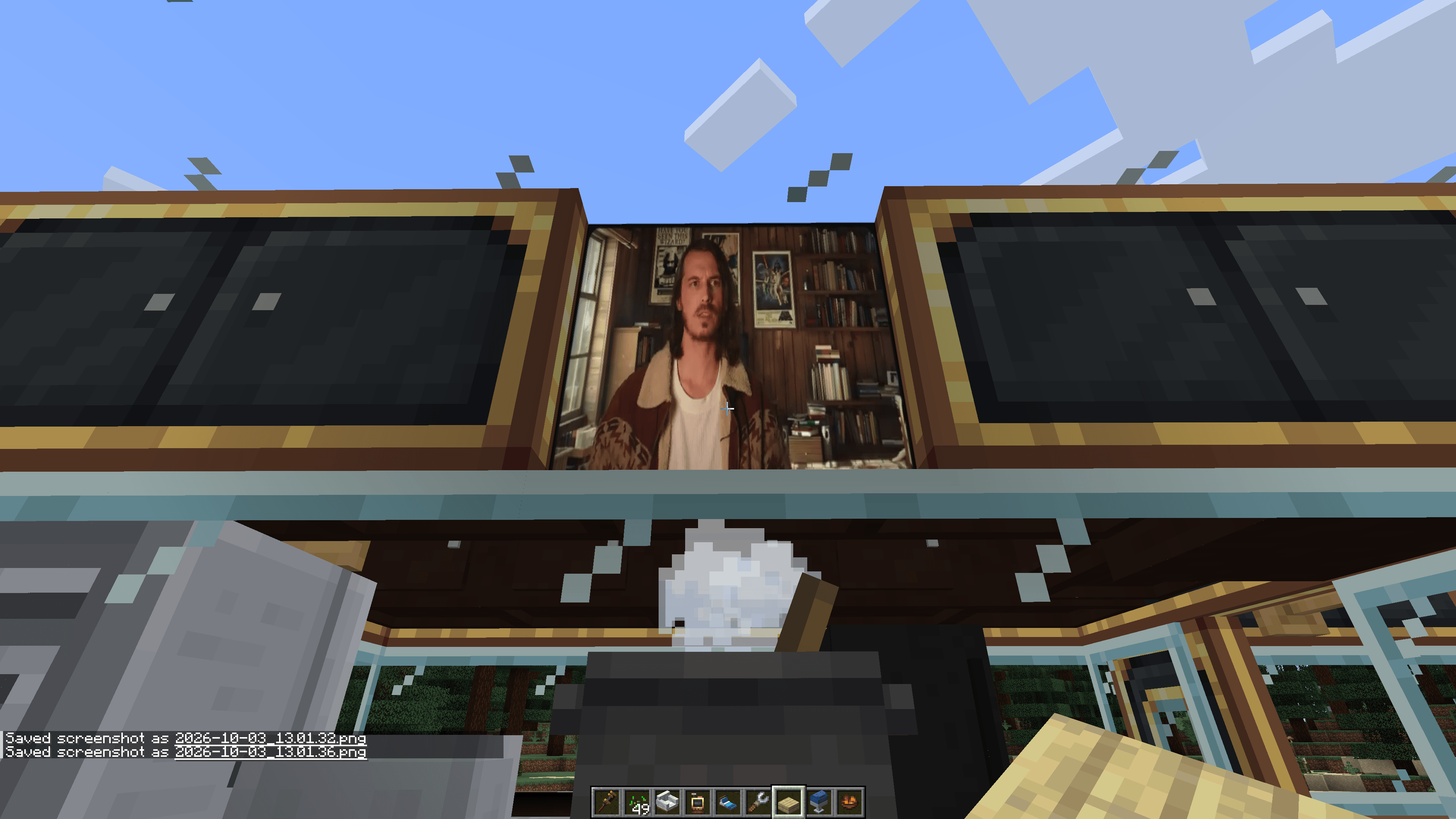 2026-10-03_13.01.40.png 2026-10-03_13.01.40.png
Versions
Files
Relations
Project Relations
More like this
Similar Mods
Suggestions use data such as tags, dependencies, dependents, descriptions, titles, and more to rank how much they overlap with this mod.
On ModDex
Community snapshot
By the numbers
Statistics

Get it on
Available Platforms
On ModDex
Community snapshot
By the numbers
Statistics
Resources