
Ctrl-Shift
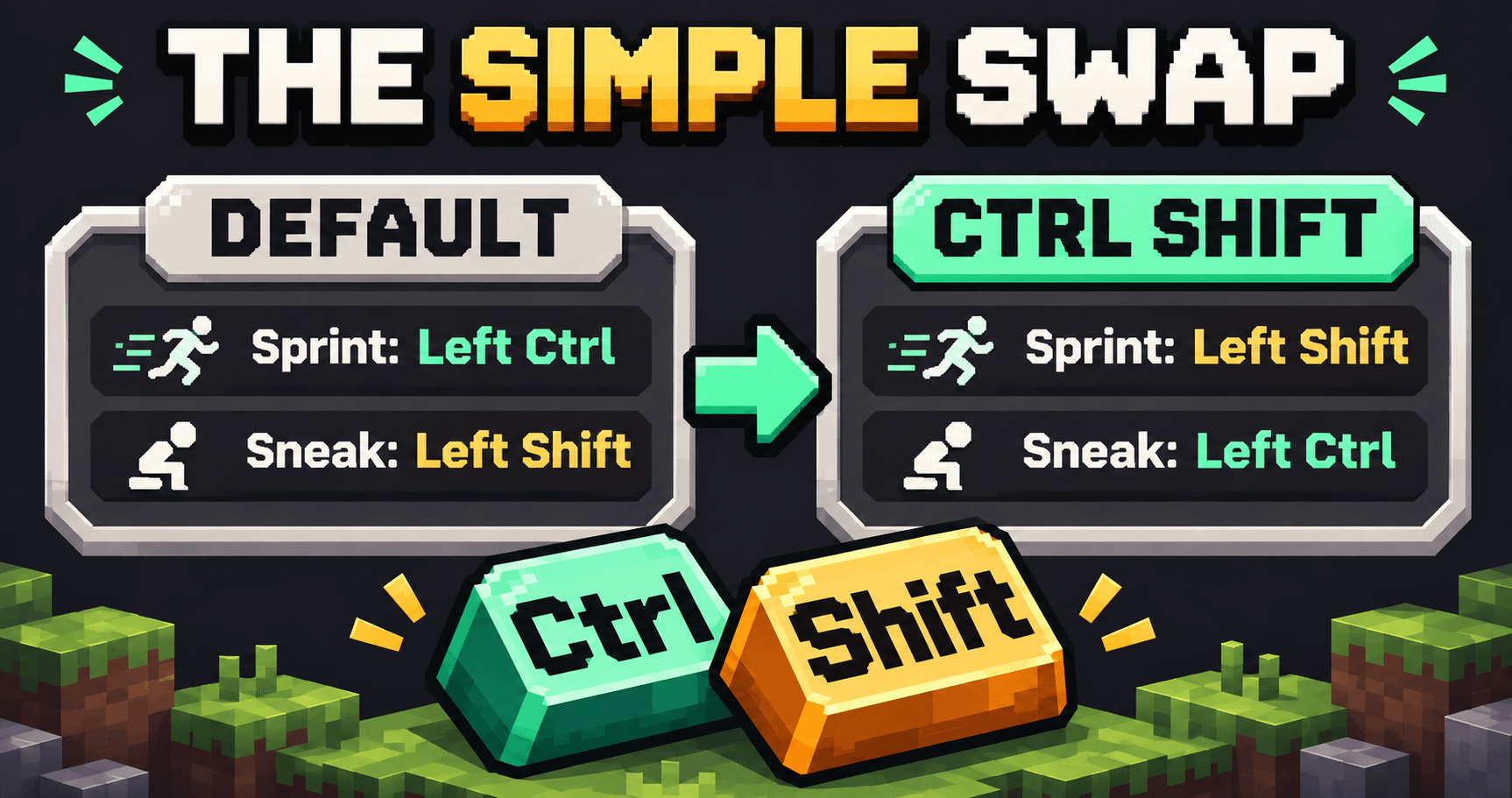
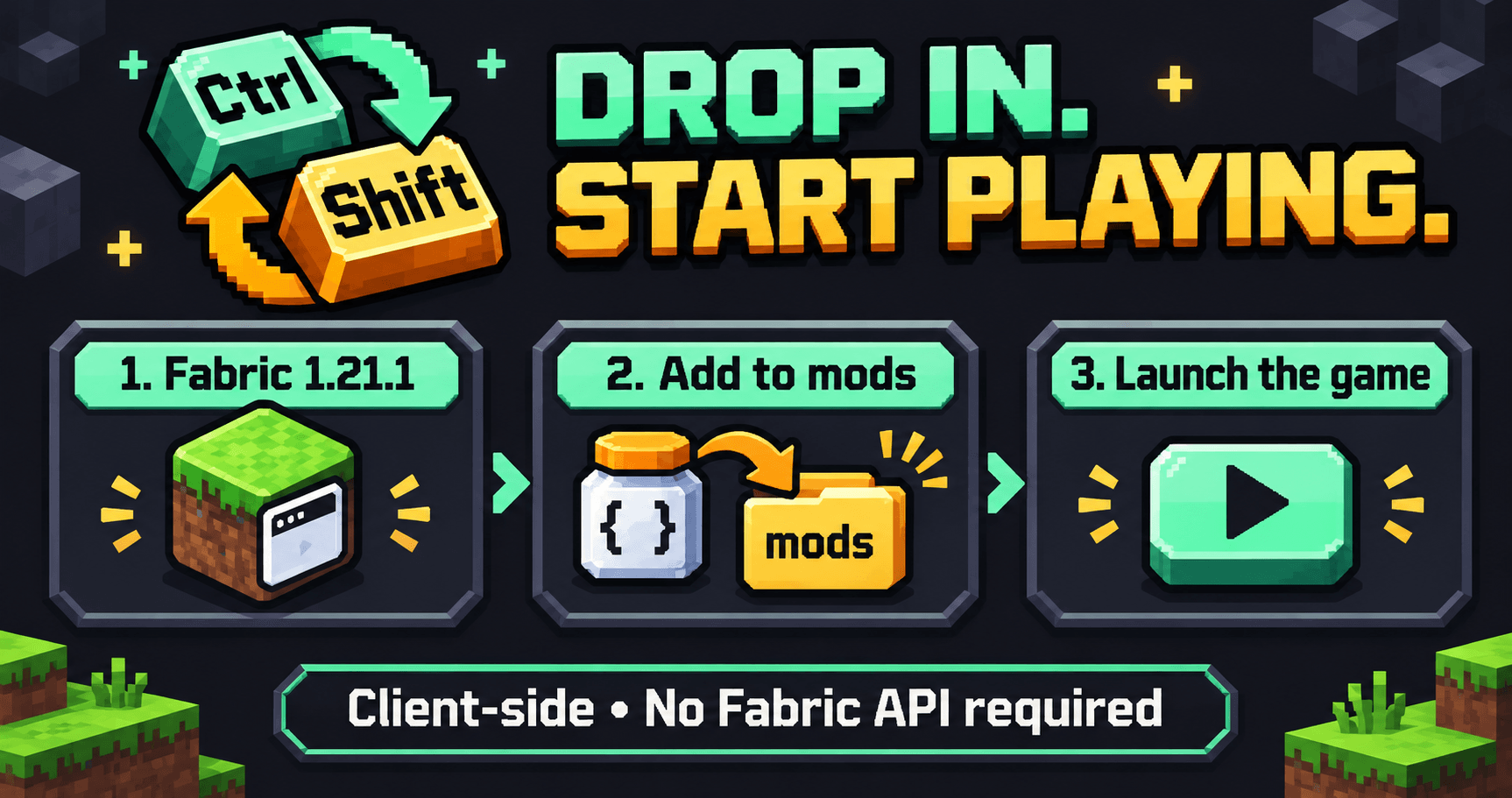
Ctrl Shift automatically sets sprint to Left Shift and sneak to Left Ctrl every time Minecraft starts. A simple client-side Fabric mod for Minecraft 1.21.1. Just drop it into your mods folder and play. No Fabric API needed, no menus, and no setup required.
No ratings yet
Be the first to rate it.
Community listing page
Community listing page, reviews may not be monitored by the author.

Community voices
Reviews
No reviews yet. Be the first to review this project!
Get it on
Available Platforms
About
Project Details
For authors
Embed Badge
If you're the author of this project, you can embed a live badge anywhere that supports HTML or Markdown. It updates automatically whenever ratings change.
Use HTML for any page that supports it, or Markdown for README files and Markdown-based descriptions.
Identifiers
Platform IDs
About
Description
# Ctrl Shift
**Shift to sprint. Ctrl to sneak.**
Ctrl Shift is a small client-side Fabric mod for **Minecraft 1.21.1** that automatically applies your preferred movement keys whenever the game starts.
| Action | Key |
| --- | --- |
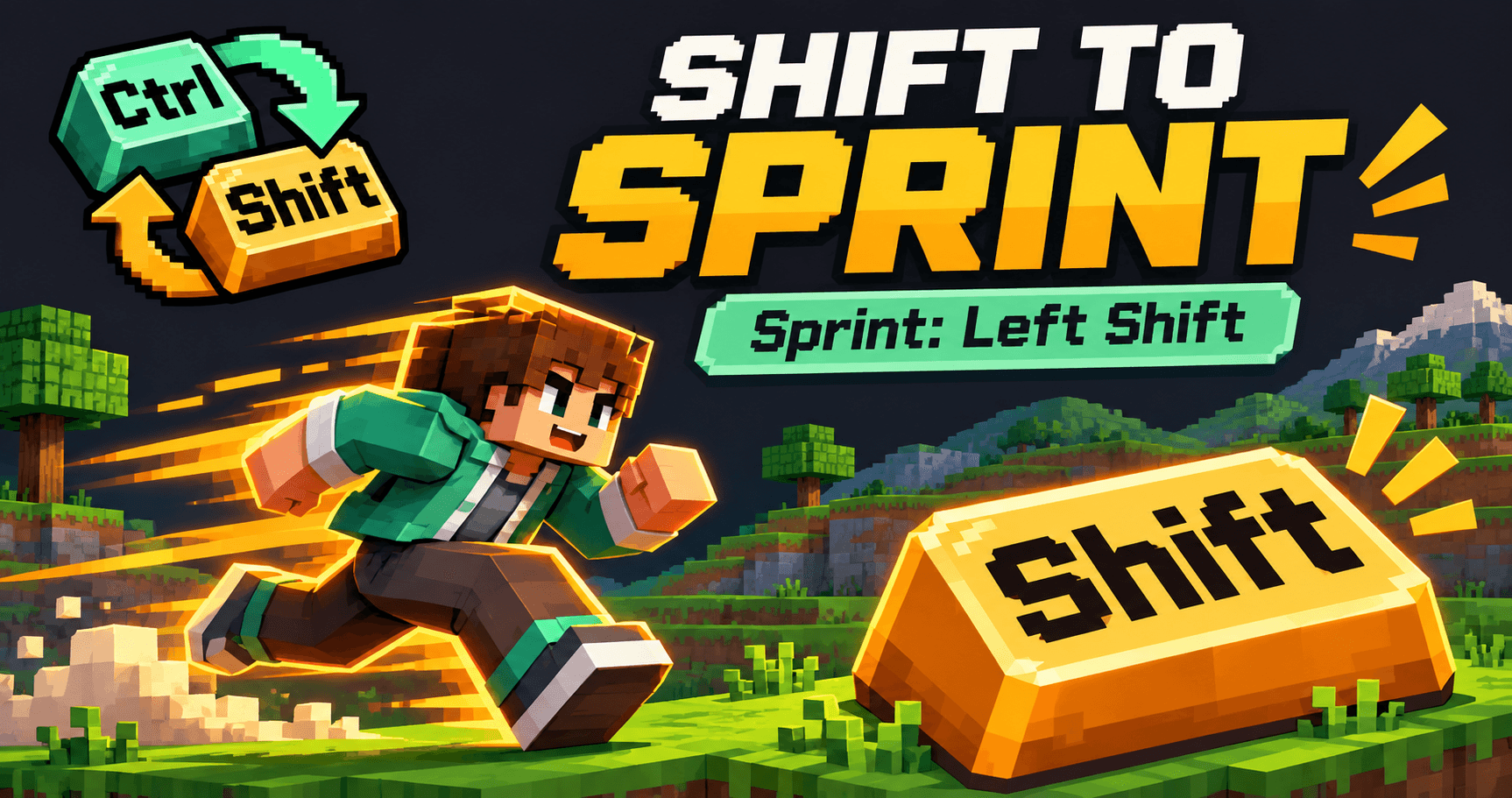
| Sprint | Left Shift |
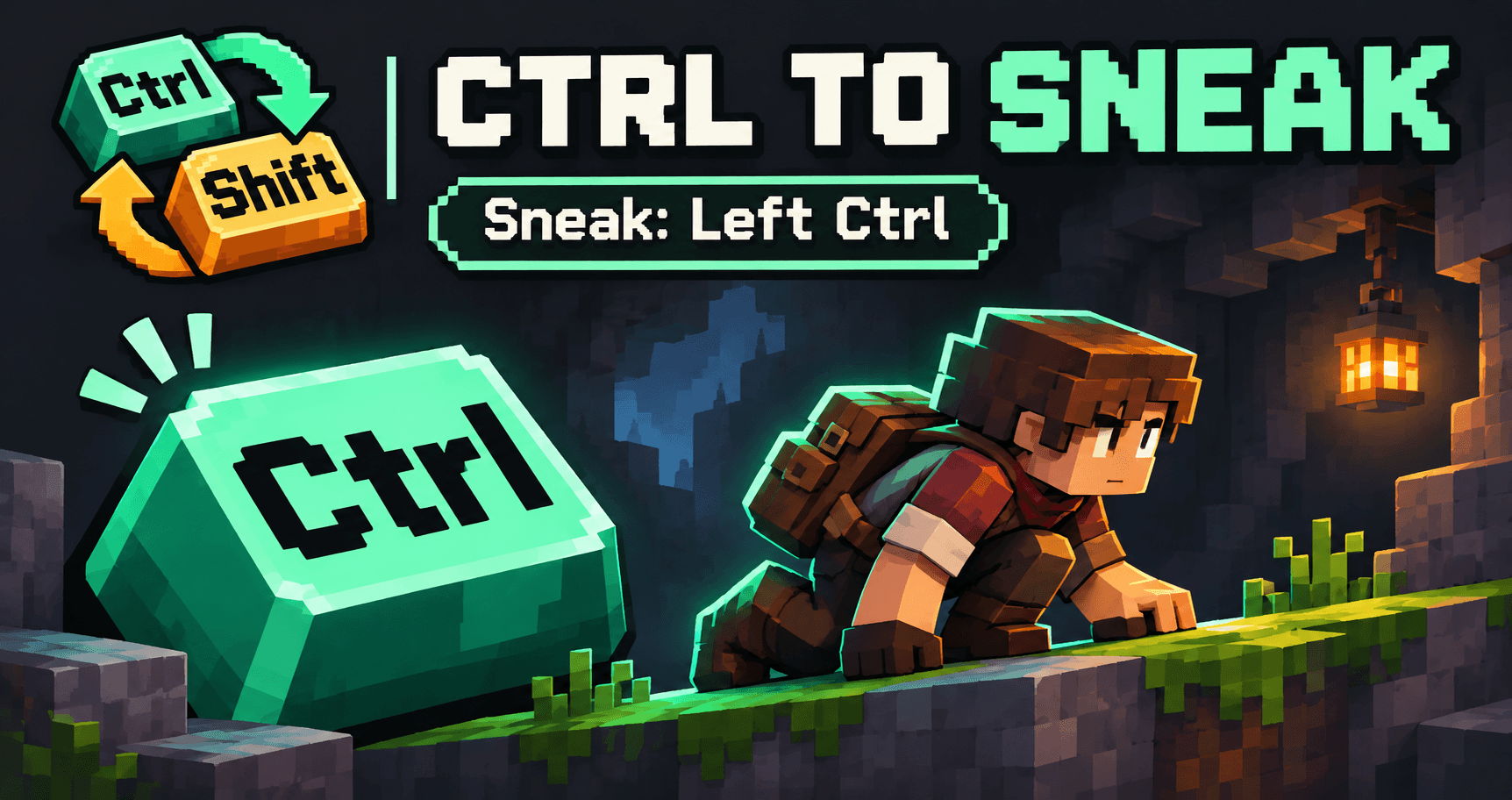
| Sneak | Left Ctrl |
## Features
- Automatically sets both bindings at startup.
- Saves the bindings to Minecraft's control settings.
- Works on the client; no server installation needed.
- Does not require Fabric API.
- No configuration menu or extra setup.
## Installation
1. Install **Fabric Loader 0.16.10 or newer** for Minecraft **1.21.1**.
2. Put `ctrl-shift-1.0.0.jar` in your game profile's `mods` folder.
3. Launch Minecraft with the Fabric profile.
Requires **Java 21 or newer**.
You can change the bindings while playing. The mod reapplies Left Shift for sprint and Left Ctrl for sneak on the next launch. Removing the mod leaves the saved bindings in place; you can change them in Minecraft's Controls menu.
Gallery images are promotional illustrations.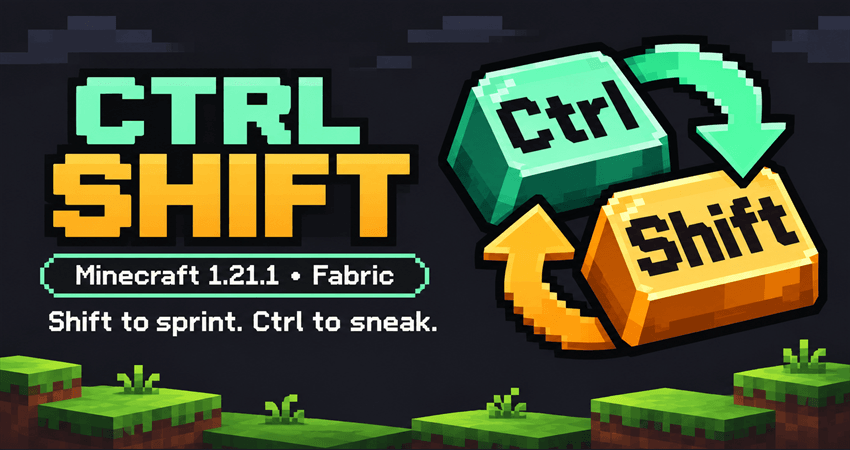
# Ctrl Shift
**Shift ile koş. Ctrl ile eğil.**
Ctrl Shift, **Minecraft 1.21.1** için hazırlanmış küçük bir Fabric modudur. Oyun her açıldığında koşma ve eğilme tuşlarını otomatik olarak ayarlar.
| Eylem | Tuş |
| --- | --- |
| Koşma | Sol Shift |
| Eğilme | Sol Ctrl |
## Özellikler
- Her açılışta iki tuş atamasını otomatik uygular.
- Atamaları Minecraft'ın kontrol ayarlarına kaydeder.
- Yalnızca istemcide çalışır; sunucuya kurulması gerekmez.
- Fabric API gerektirmez.
- Yapılandırma menüsü veya ek ayar gerektirmez.
## Kurulum
1. Minecraft **1.21.1** için **Fabric Loader 0.16.10 veya daha yeni bir sürümünü** kur.
2. `ctrl-shift-1.0.0.jar` dosyasını oyun profilinin `mods` klasörüne koy.
3. Minecraft'ı Fabric profiliyle başlat.
**Java 21 veya üzeri** gerekir.
Oyun sırasında tuşları değiştirebilirsin. Mod, bir sonraki açılışta koşmayı tekrar Sol Shift'e ve eğilmeyi Sol Ctrl'ye atar. Modu kaldırdığında kayıtlı atamalar korunur; Minecraft'ın Kontroller menüsünden değiştirebilirsin.
Galeri görselleri tanıtım amaçlı illüstrasyonlardır.
Screenshots
Gallery
-
 gallery-02-sprint.png gallery-02-sprint.png
-
 gallery-03-sneak.png gallery-03-sneak.png
-
 gallery-01-controls.png gallery-01-controls.png
-
 gallery-04-install.png gallery-04-install.png
Versions
Files
Relations
Project Relations
More like this
Similar Mods
Suggestions use data such as tags, dependencies, dependents, descriptions, titles, and more to rank how much they overlap with this mod.
Stats
- Downloads
- <1,000
- Used in
- 0 modpacks
- Followers
- 0
- In stacks
- 0
- Created
- Last synced
-
Nov 8, 2026 5:01 PM UTC
New file updates sync automatically.
When ModDex last fully re-synced this project from CurseForge or Modrinth. A new file release triggers a resync usually within minutes, and every project is also re-synced on a schedule. Edits that don't ship a file, such as a new description or screenshots, are checked every few hours and can appear before this date changes.
How syncing works
External Links

Stats
- Downloads
- <1,000
- Used in
- 0 modpacks
- Followers
- 0
- In stacks
- 0
- Created
- Last synced
-
Nov 8, 2026 5:01 PM UTC
New file updates sync automatically.
When ModDex last fully re-synced this project from CurseForge or Modrinth. A new file release triggers a resync usually within minutes, and every project is also re-synced on a schedule. Edits that don't ship a file, such as a new description or screenshots, are checked every few hours and can appear before this date changes.
How syncing works