
Community listing page, reviews may not be monitored by the author.


Community voices
Reviews
No reviews yet. Be the first to review this project!
Get it on
Available Platforms
Compatibility
Supported Environments
Runs entirely on the client. Works on vanilla servers.
About
Project Details
For authors
Embed Badge
If you're the author of this project, you can embed a live badge anywhere that supports HTML or Markdown. It updates automatically whenever ratings change.
Use HTML for any page that supports it, or Markdown for README files and Markdown-based descriptions.
Identifiers
Platform IDs
About
Description
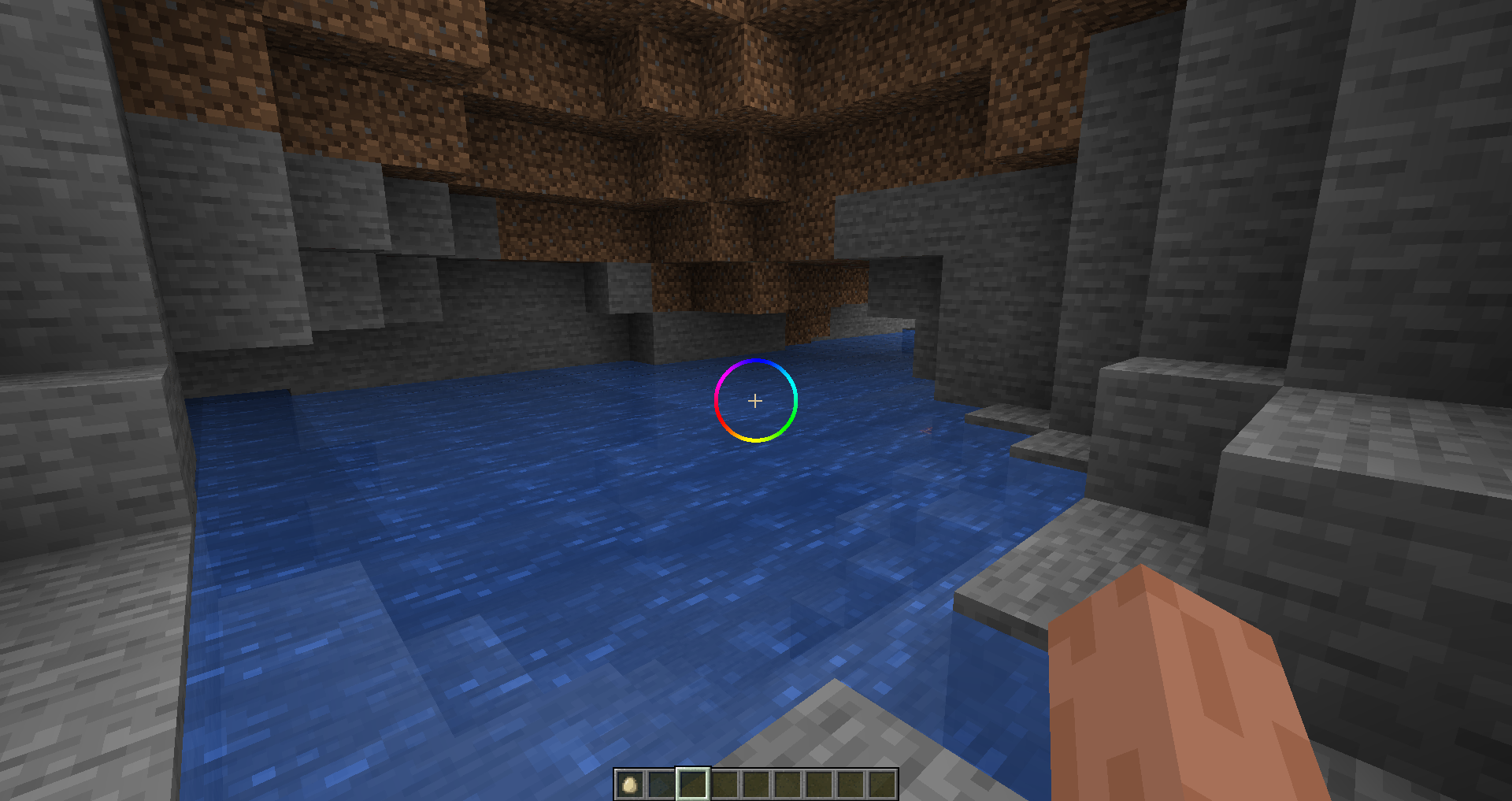
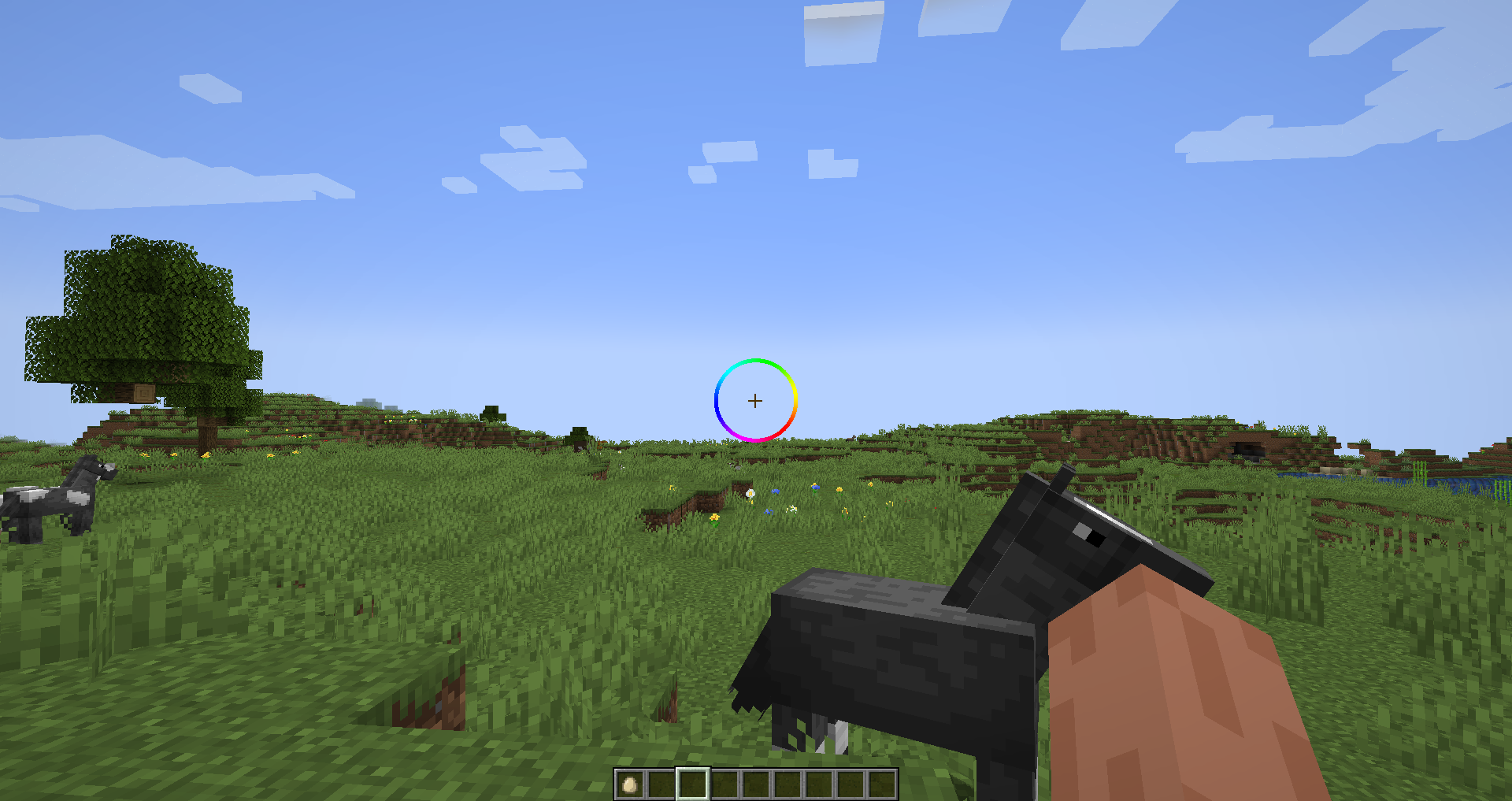
Cube's Crosshairs
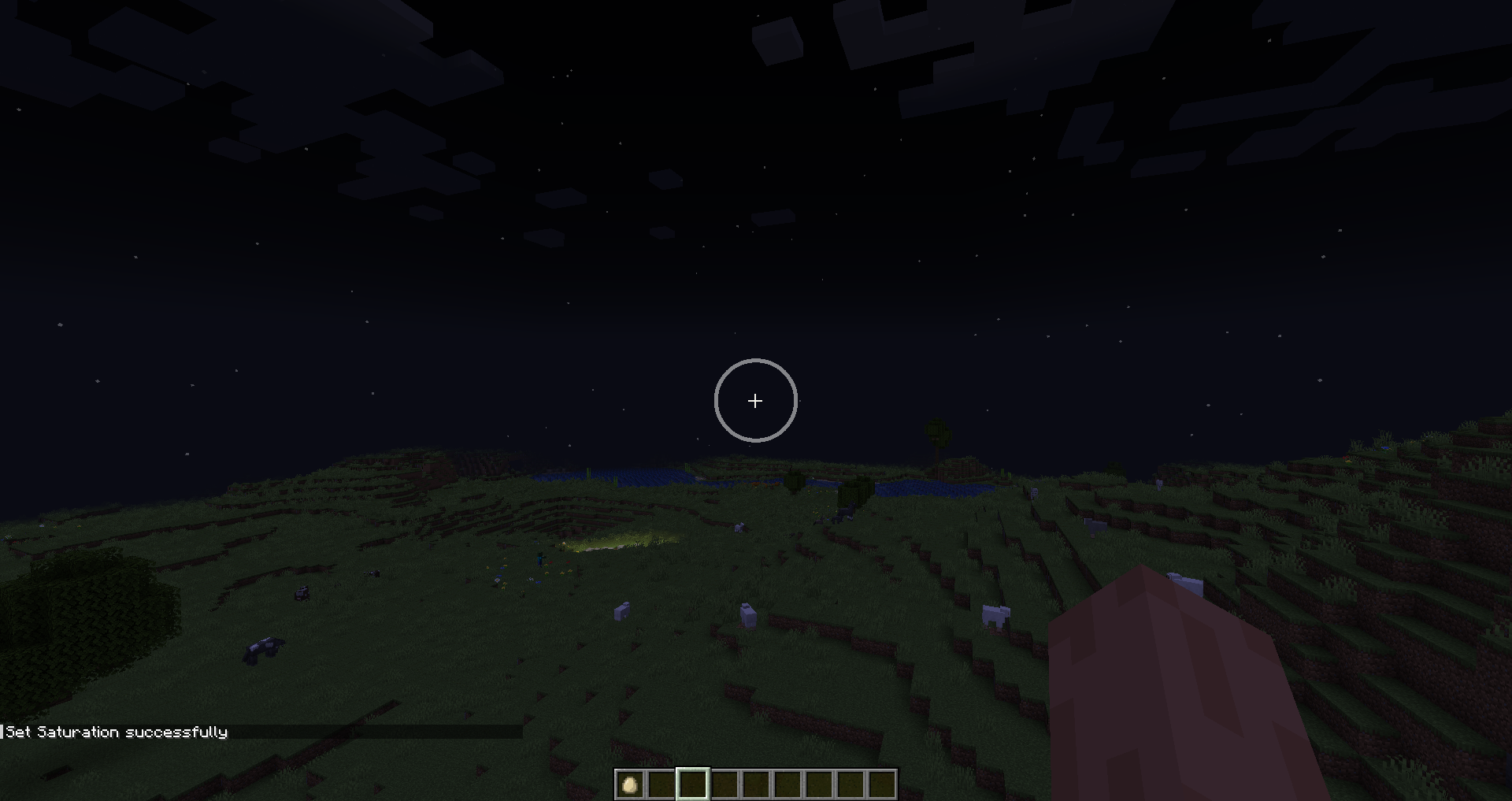
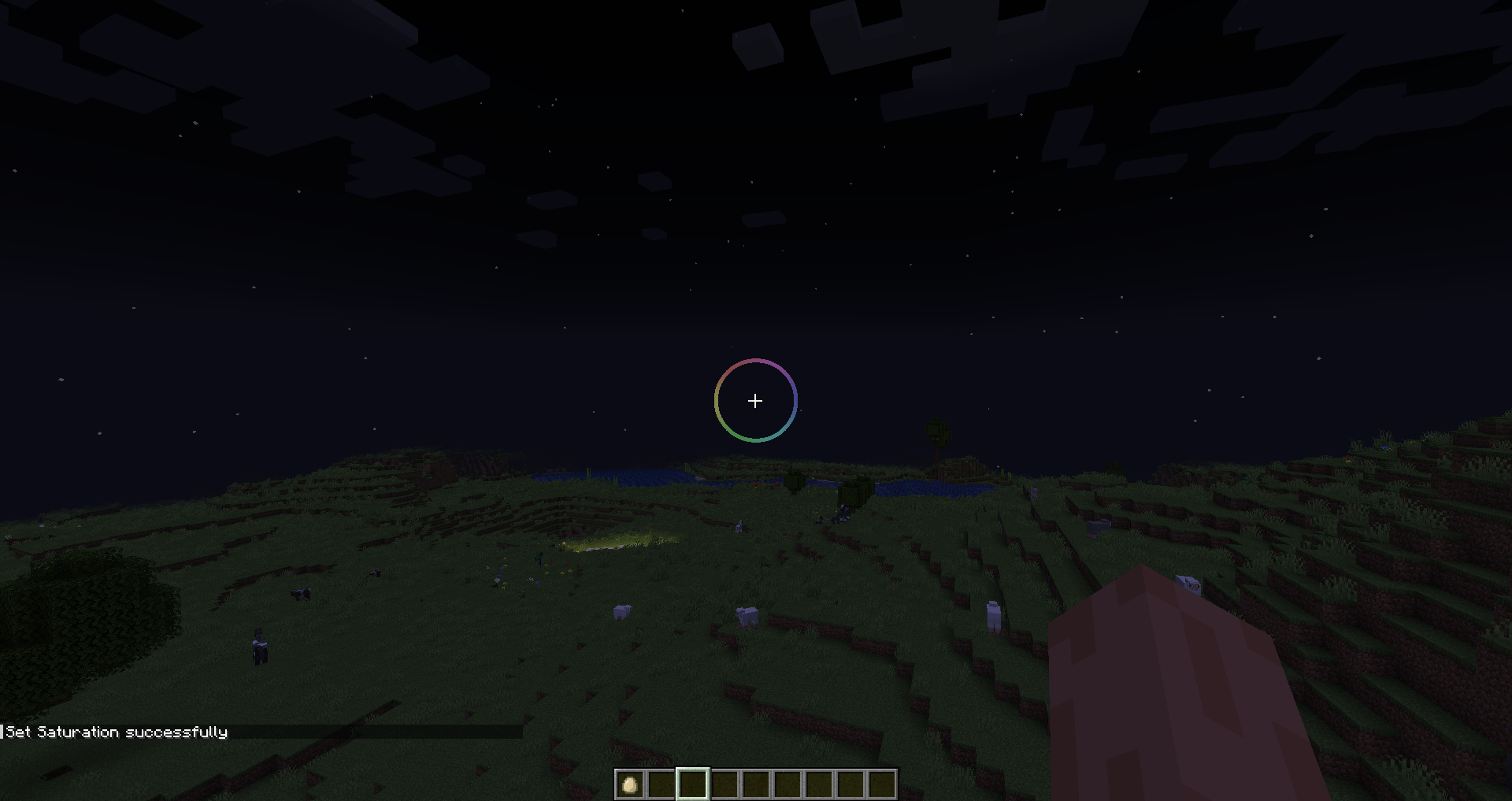
Customizable Crosshair Mod for Minecraft
supports 1.20-1.20.6 and 1.21
Current Features
- Crosshair has customizable options via command line (see Options section below)
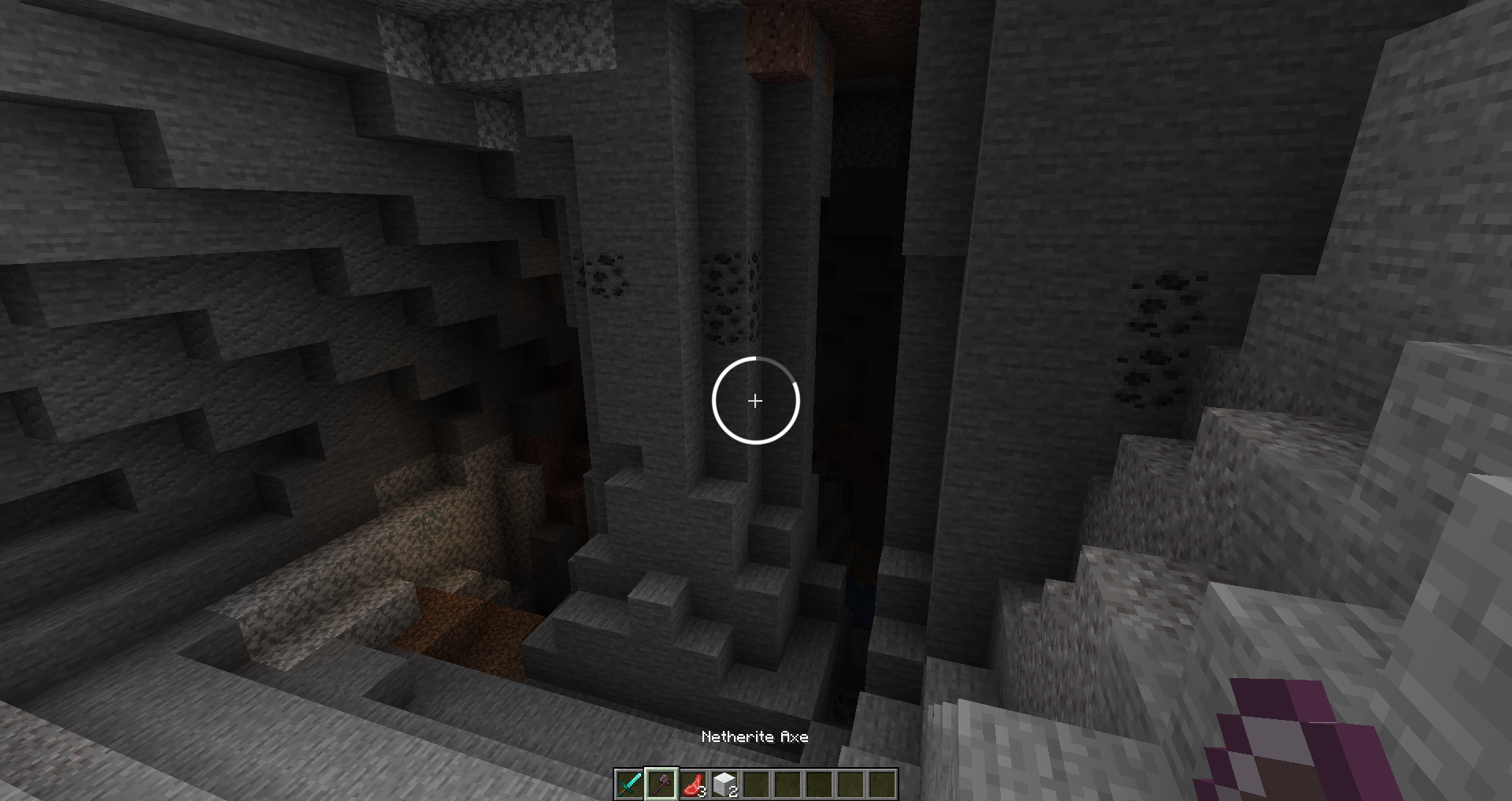
- Crosshair indicated attack cooldown
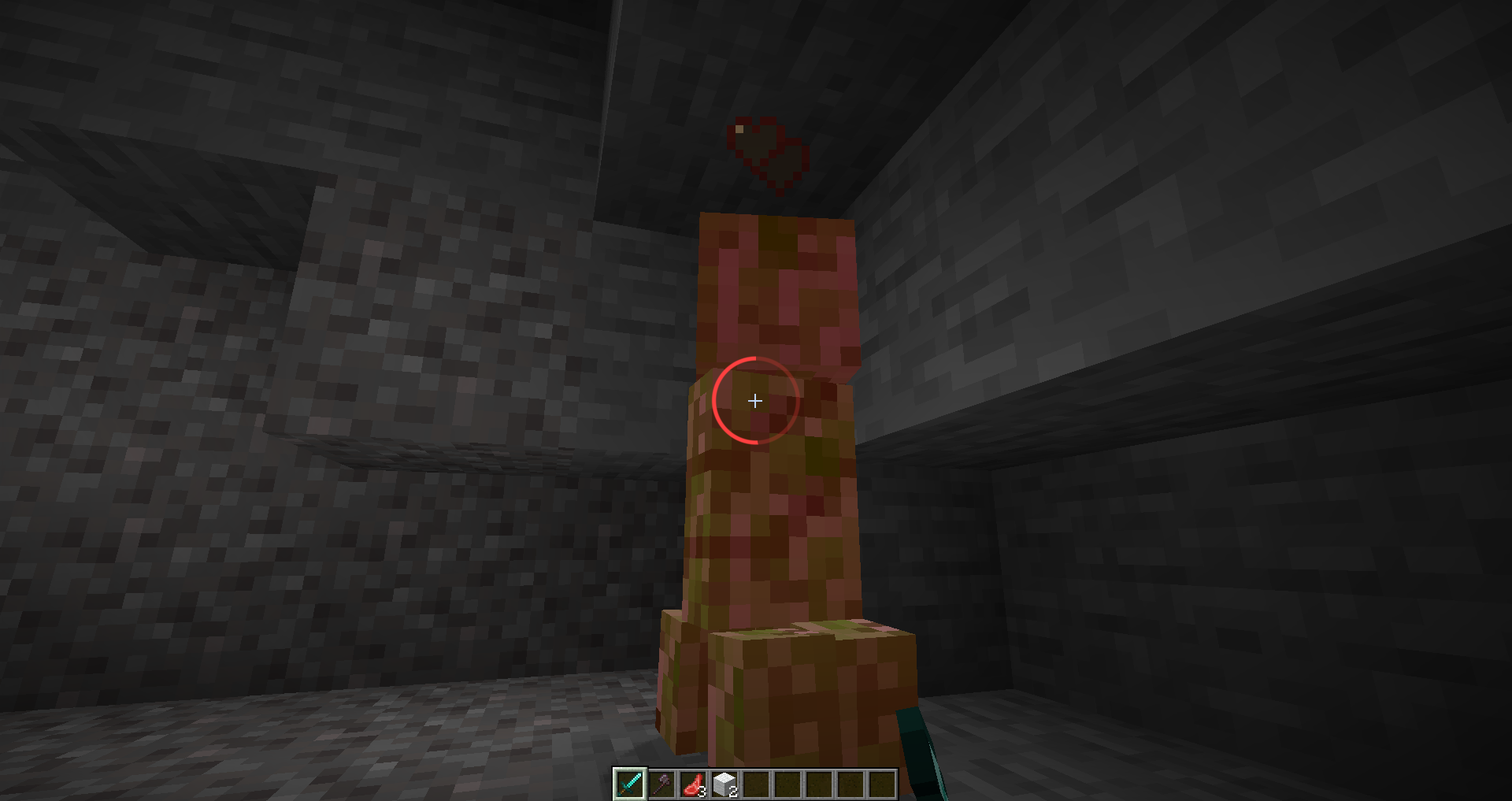
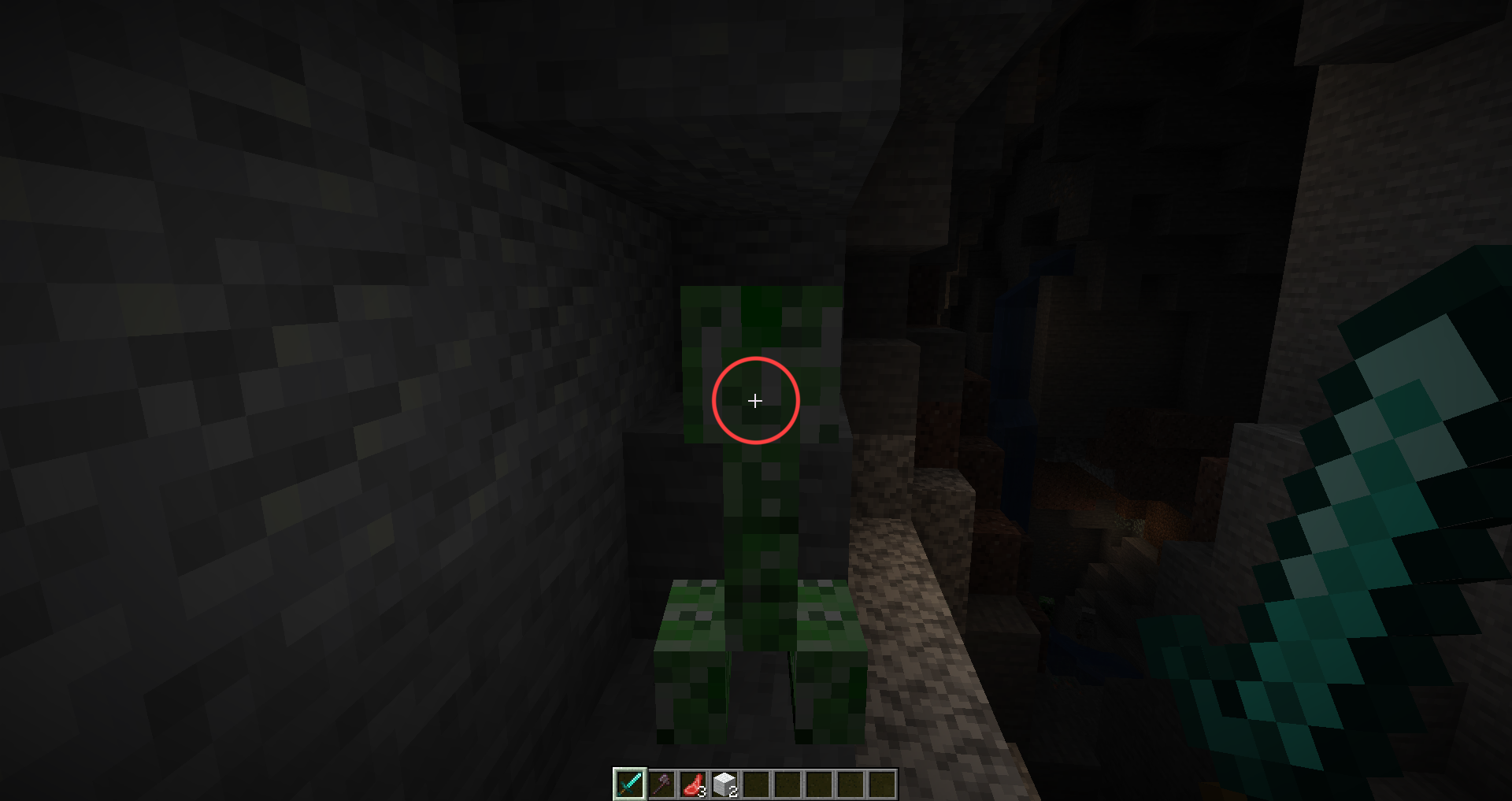
- Crosshair changes to a red color when targeting an entity
Planned Features
- Crosshair indicates block breaking progress
- More customizable options
- Configuration will save
Options
| Name | Command | Description |
|---|---|---|
| Velocity Modifier | cube:set_vel_mod | How quick the crosshair recenters. Higher = Faster |
| Delta Scale | cube:set_delta_scale | How much the crosshair moves. Negative means it follows, Positive means it leads, Zero = No movement |
| Spin Speed | cube:set_spin_speed | Spin speed of crosshair |
| Cooldown Offset | cube:set_cooldown_offset | Where the cooldown bar starts. 0 = Left, 0.5 = Top, etc |
| Radius | cube:set_radius | Crosshair radius relative to screen size. Default is .05 |
| Thickness | cube:set_thickness | Crosshair thickness relative to screen size. Default is 0.005 |
| Hue | cube:set_hue | Crosshair hue. |
| Saturation | cube:set_saturation | Crosshair saturation. 0.0 = White |
| Brightness | cube:set_brightness | Crosshair brightness. 0.0 = Black |
| Alpha | cube:set_alpha | Crosshair alpha value. 0.0 = Transparent, 1.0 = Opaque |
| Feather | cube:set_feather | How much to blend the edge of the crosshair. Default is 0.001 |
| Disabled Alpha | cube:set_disabled_alpha | Alpha value for disabled portion of crosshair (only visible with progress bar) |
Screenshots
Gallery
Versions
Files
Relations
Project Relations
More like this
Similar Mods
Suggestions use data such as tags, dependencies, dependents, descriptions, titles, and more to rank how much they overlap with this mod.
On ModDex
Community snapshot
By the numbers
Statistics


Get it on
Available Platforms
On ModDex
Community snapshot
By the numbers