Community listing page, reviews here may not be monitored by the author.
Colorful UI


No reviews yet
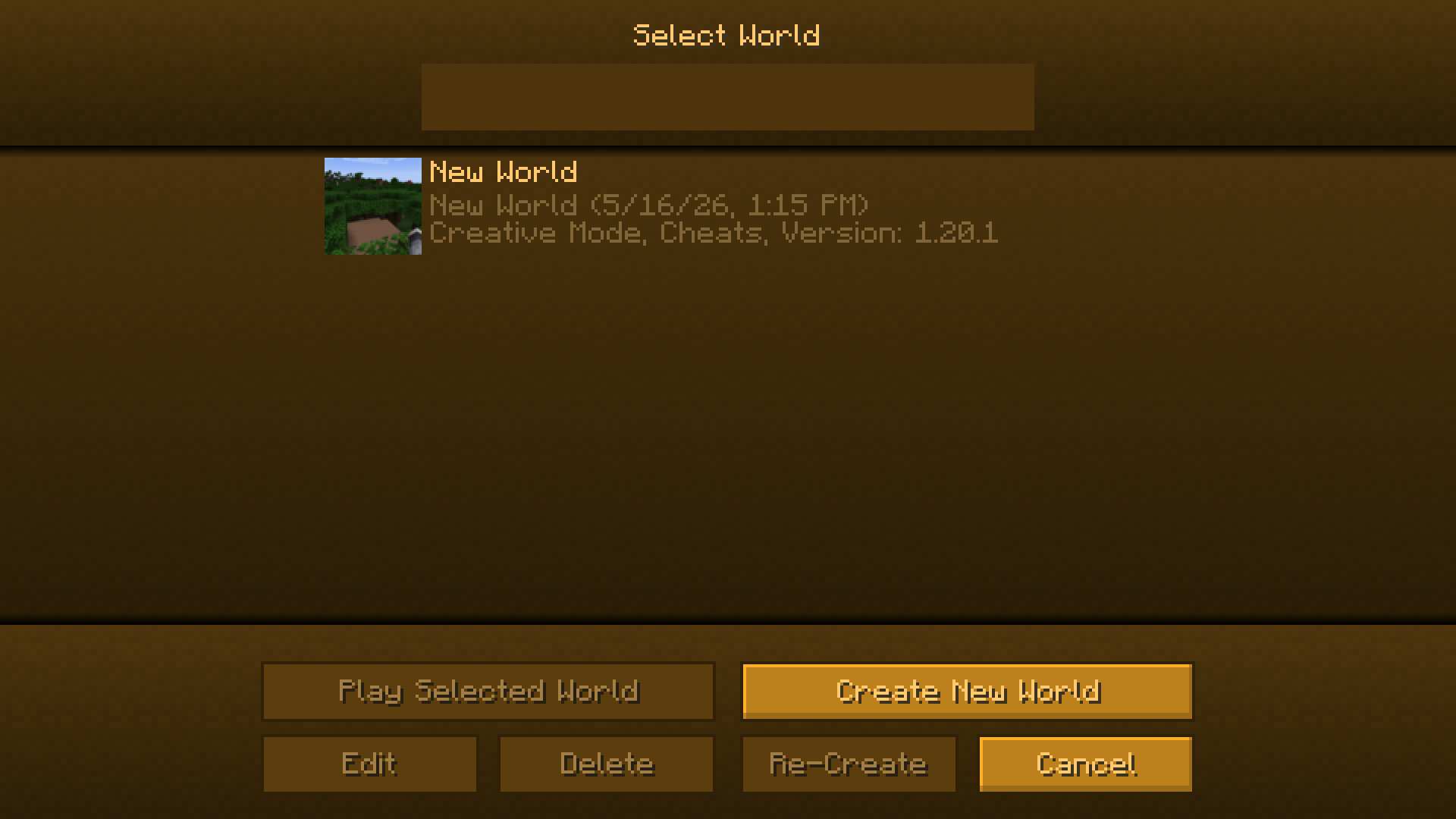
Color you hud in any color you want
Community voices
Reviews
No reviews yet. Be the first to review this project!
Get it on
Available Platforms
Compatibility
Supported Environments
Runs entirely on the client. Works on vanilla servers.
About
Project Details
For authors
Embed Badge
If you're the author of this project, you can embed a live badge anywhere that supports HTML or Markdown. It updates automatically whenever ratings change.
Use HTML for any page that supports it, or Markdown for README files and Markdown-based descriptions.
Identifiers
Platform IDs
About
Description

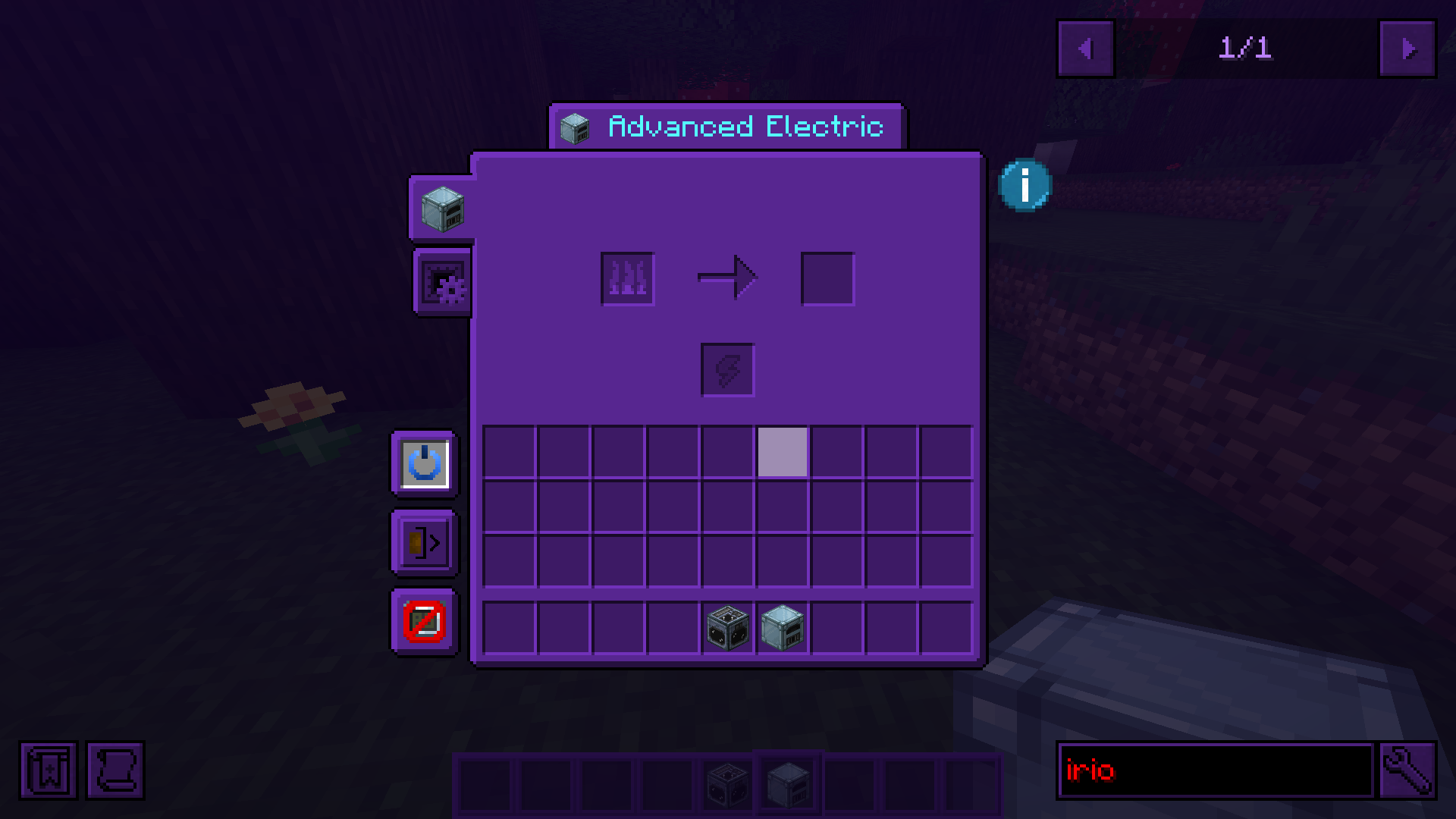
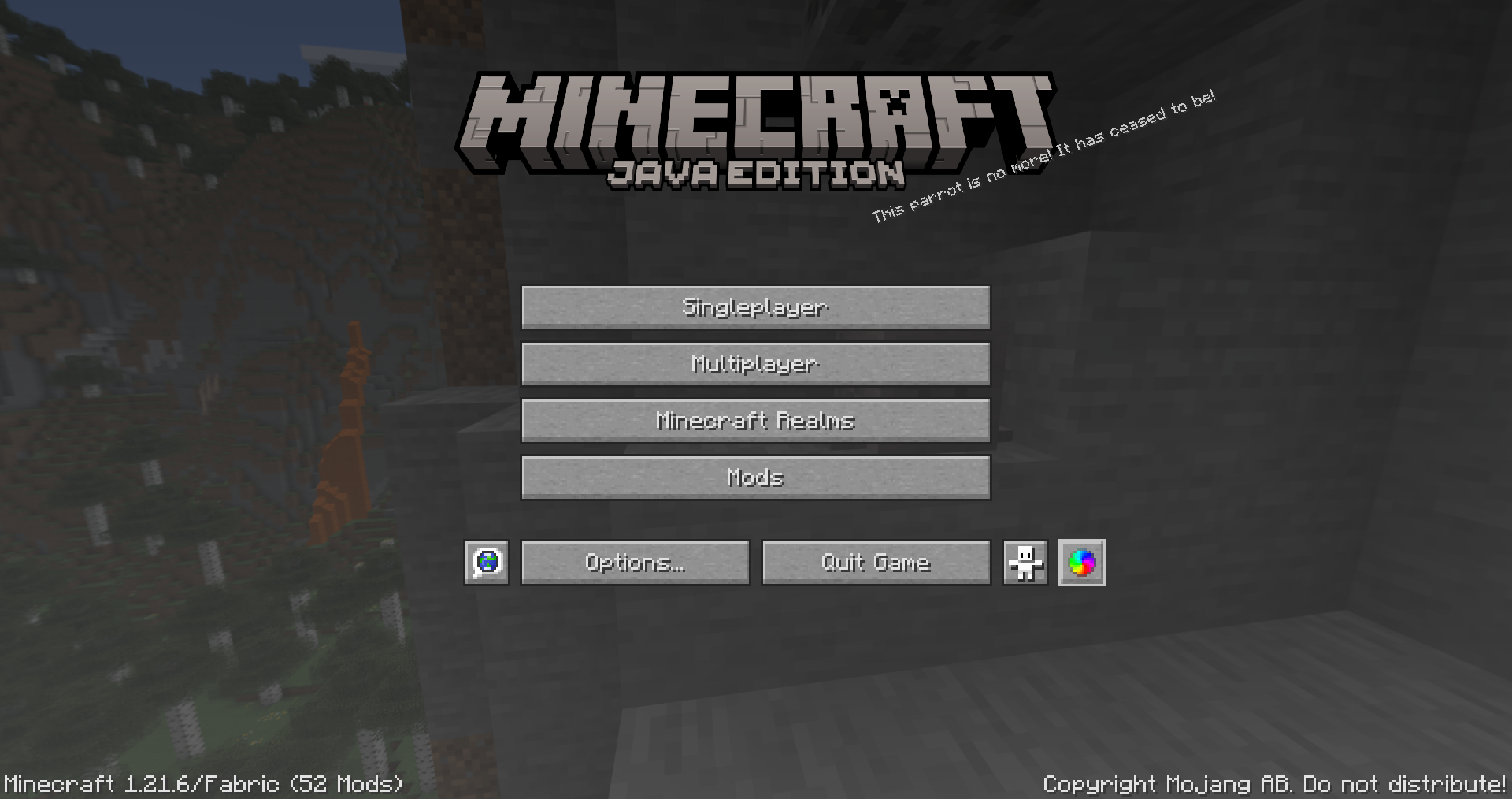
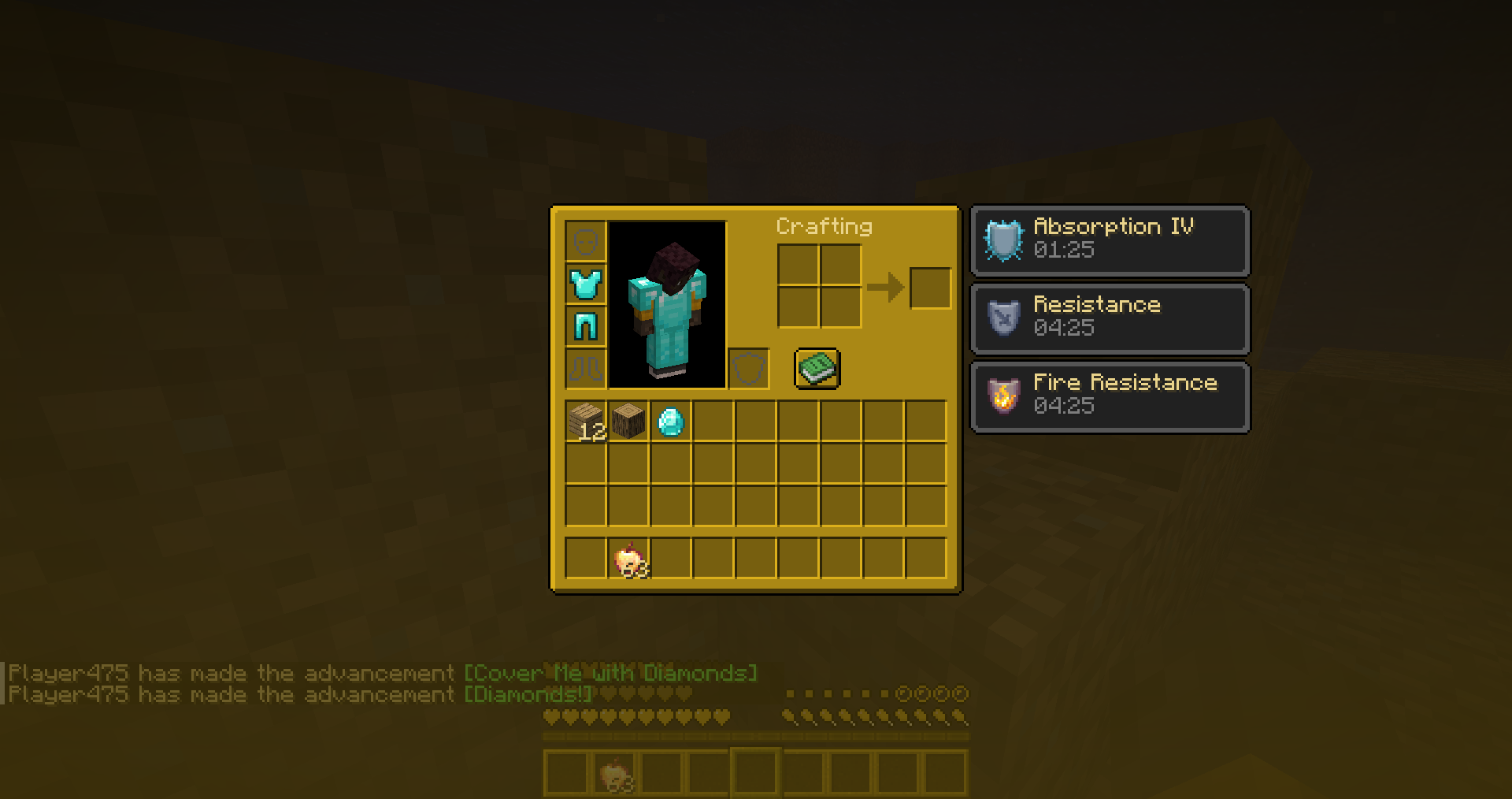
CUI gives you full control over Minecraft’s UI colors.
Menus, HUD elements, inventories, buttons, hotbars, hearts, text, and even interfaces added by other mods can all be recolored in real time. Because apparently every mod author on earth independently decided that dark gray buttons on slightly darker gray backgrounds are peak design.


Universal Texture Support
CUI is not limited to vanilla textures.
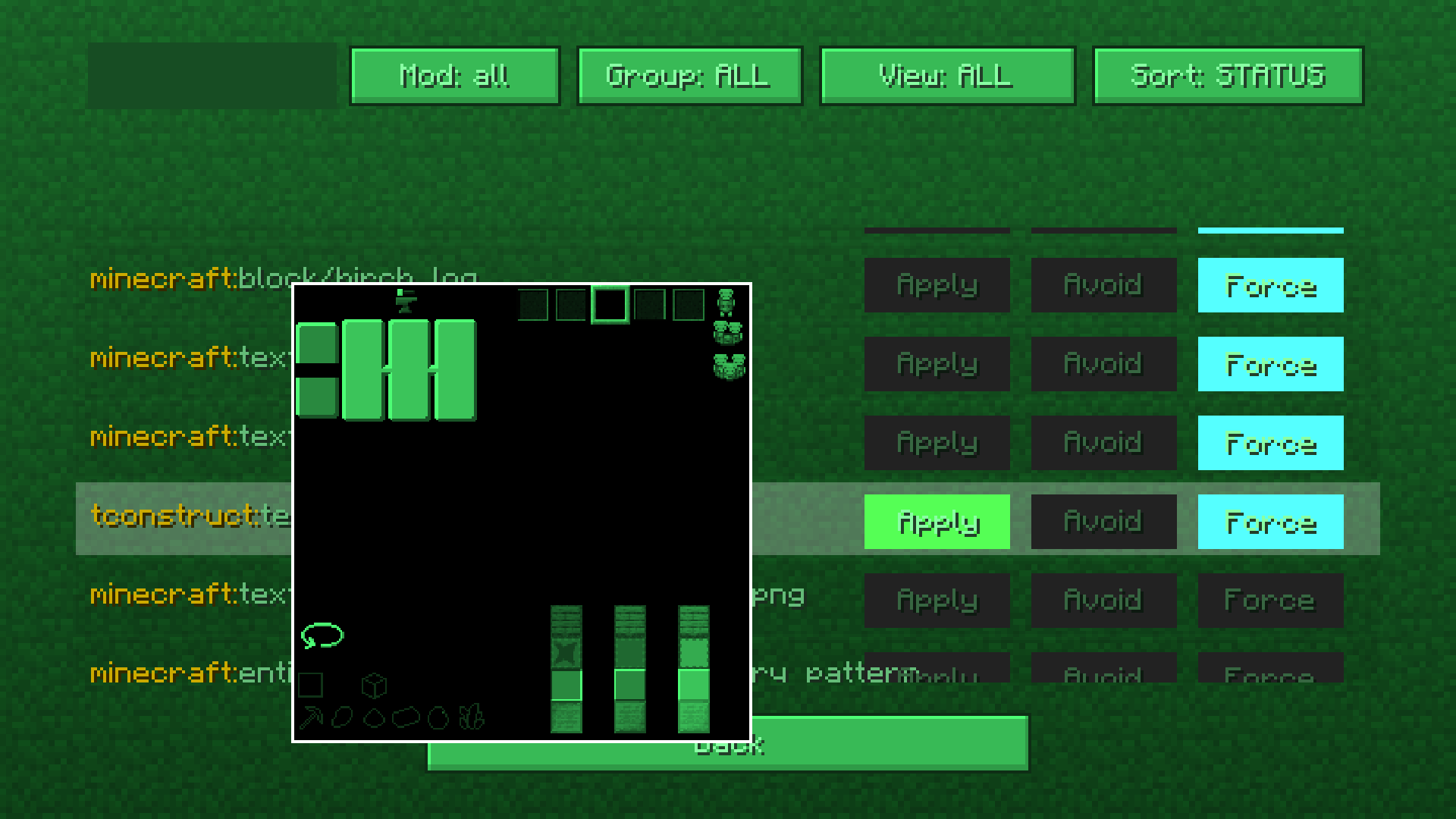
The mod includes a built-in texture management screen that lets you manually control how textures are processed and recolored.
You can:
- recolor virtually any GUI texture in the game
- prevent textures from being modified
- create compatibility with unsupported mods
This system works with practically any mod interface and textures.
You can even force CUI to recolor block textures if you really want to. Which is an amount of power humanity historically does not handle responsibly.
Built-in Color Editor
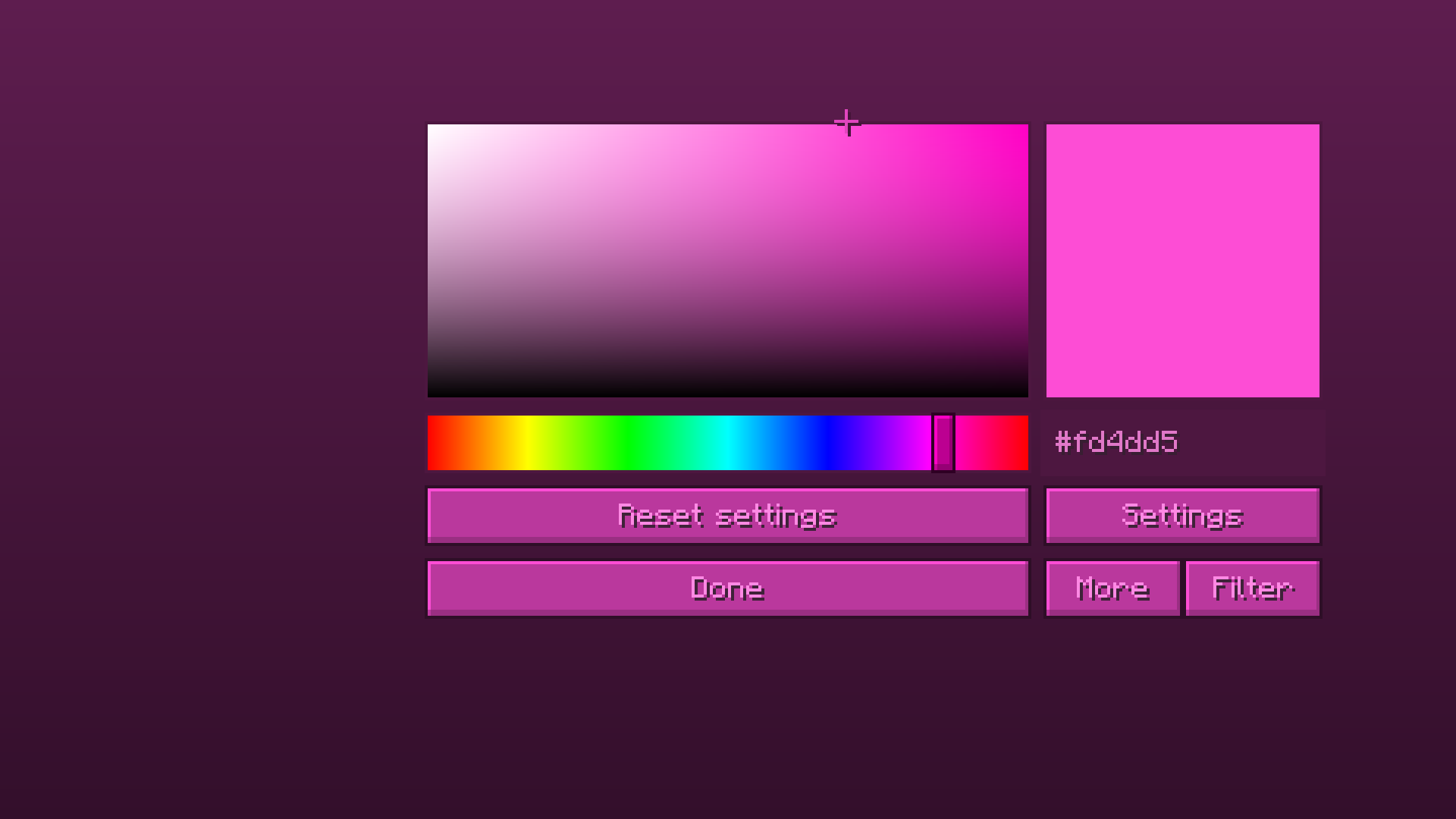
CUI comes with a full color editor featuring:
- HSV color picker
- live preview
- filters
- advanced settings
- almost instant updates without restarting the game
Everything updates in real time, so tweaking colors does not feel like performing dark rituals through JSON files anymore.
Features
- Recolor vanilla UI elements
- Recolor modded interfaces
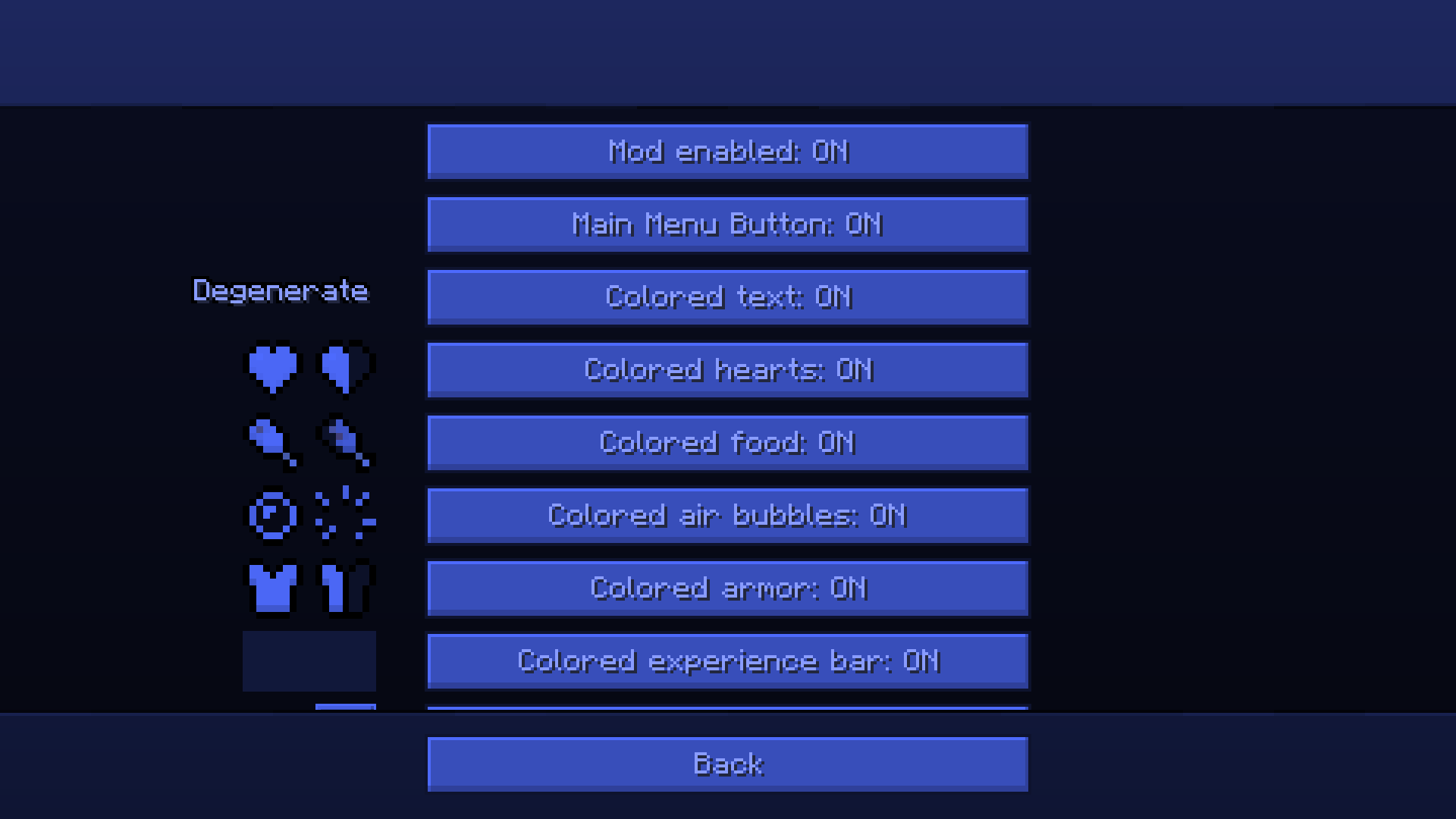
- Colored hearts, armor, hunger, XP bar, bubbles, and hotbar
- Colored text support
- Real-time color updates
- Advanced texture filtering system
- Force/Avoid texture processing
- Lightweight and configurable
- Works without resource packs
Usage
Open the mod settings through Mod Menu or directly from the title screen.
Pick a color, tweak filters if needed, and changes apply instantly.
For advanced customization, open the texture management screen and configure exactly which textures should or should not be recolored.
Out of box mods support
As I already said cui supports modded uis.
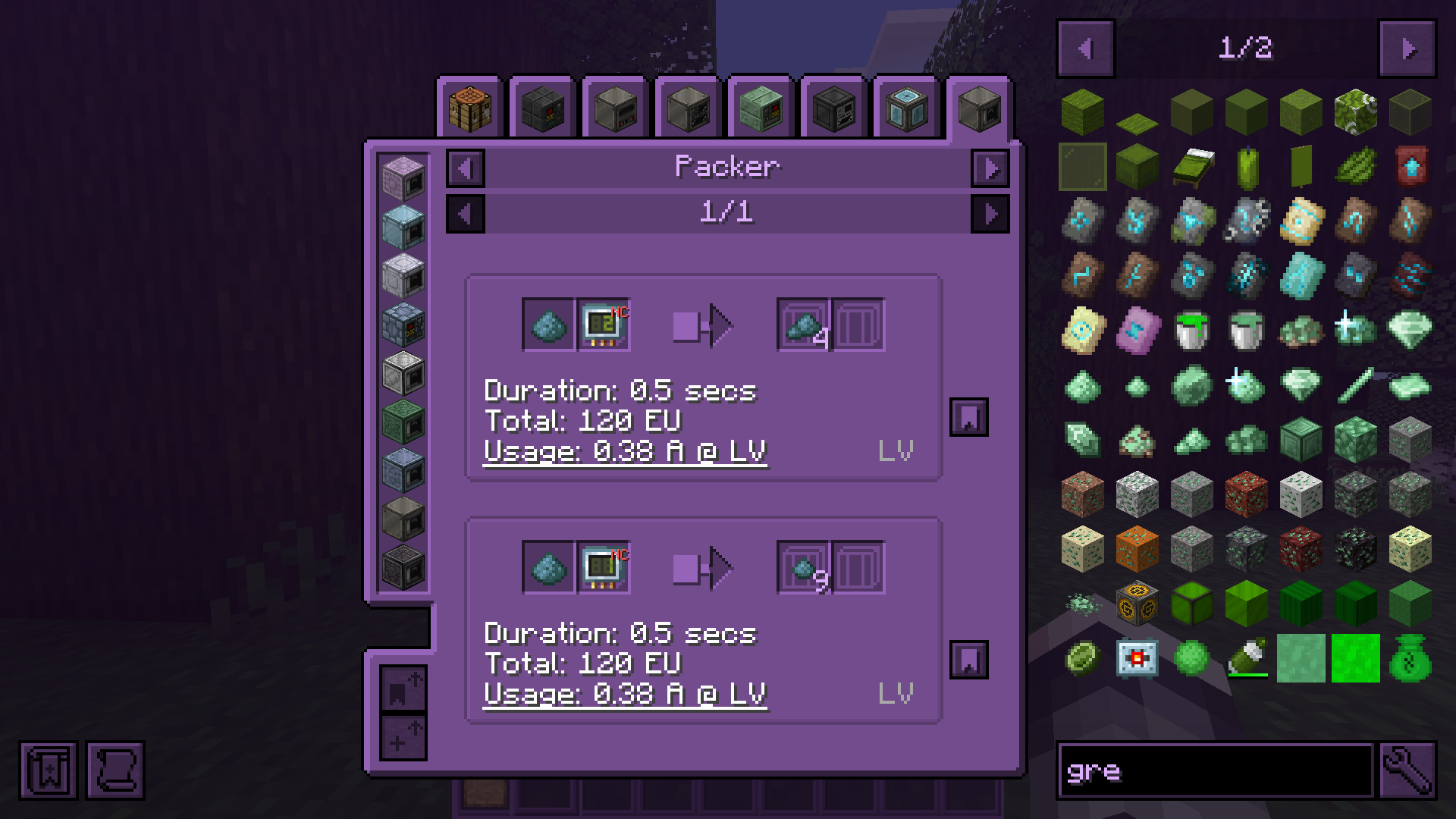
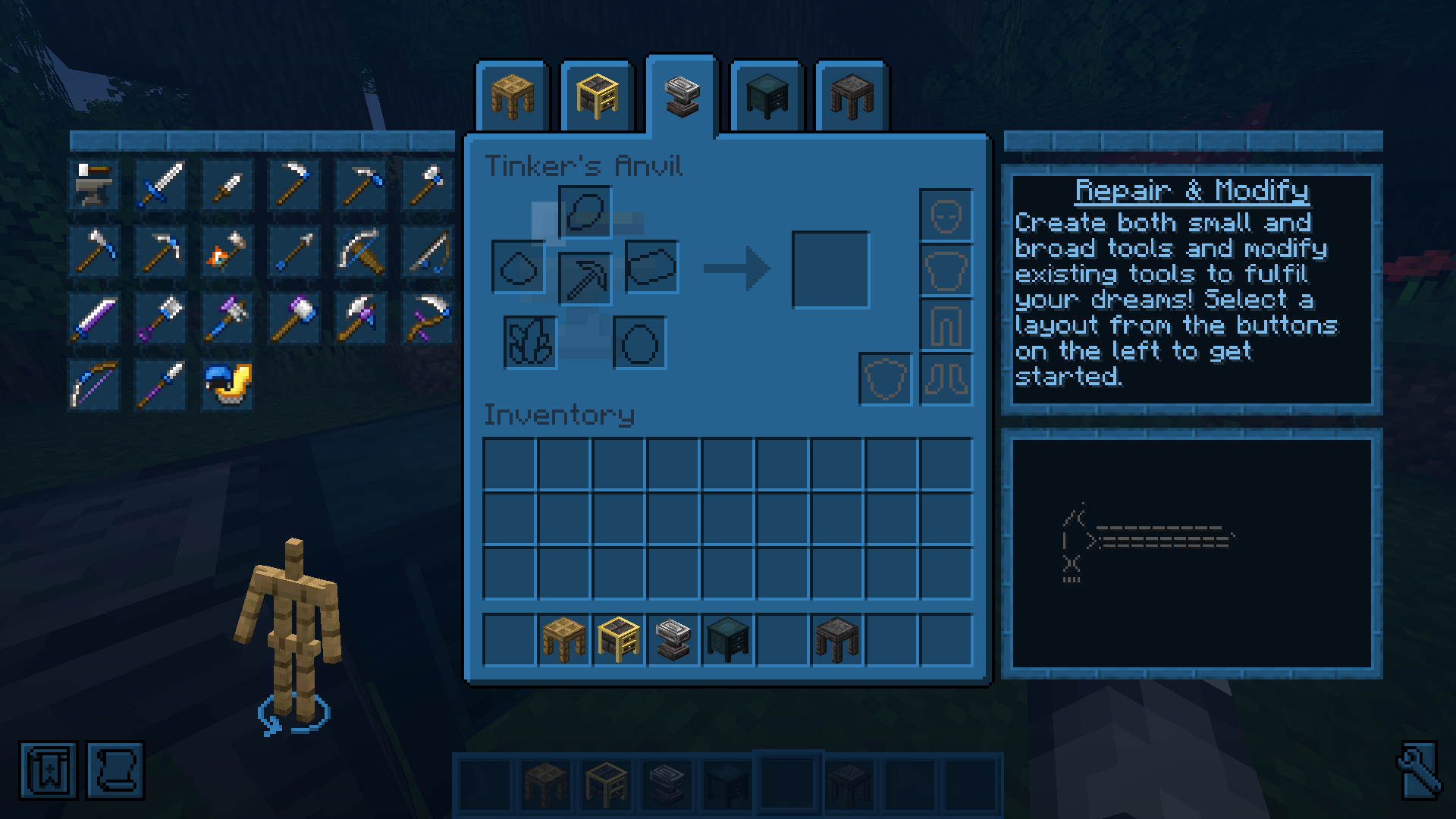
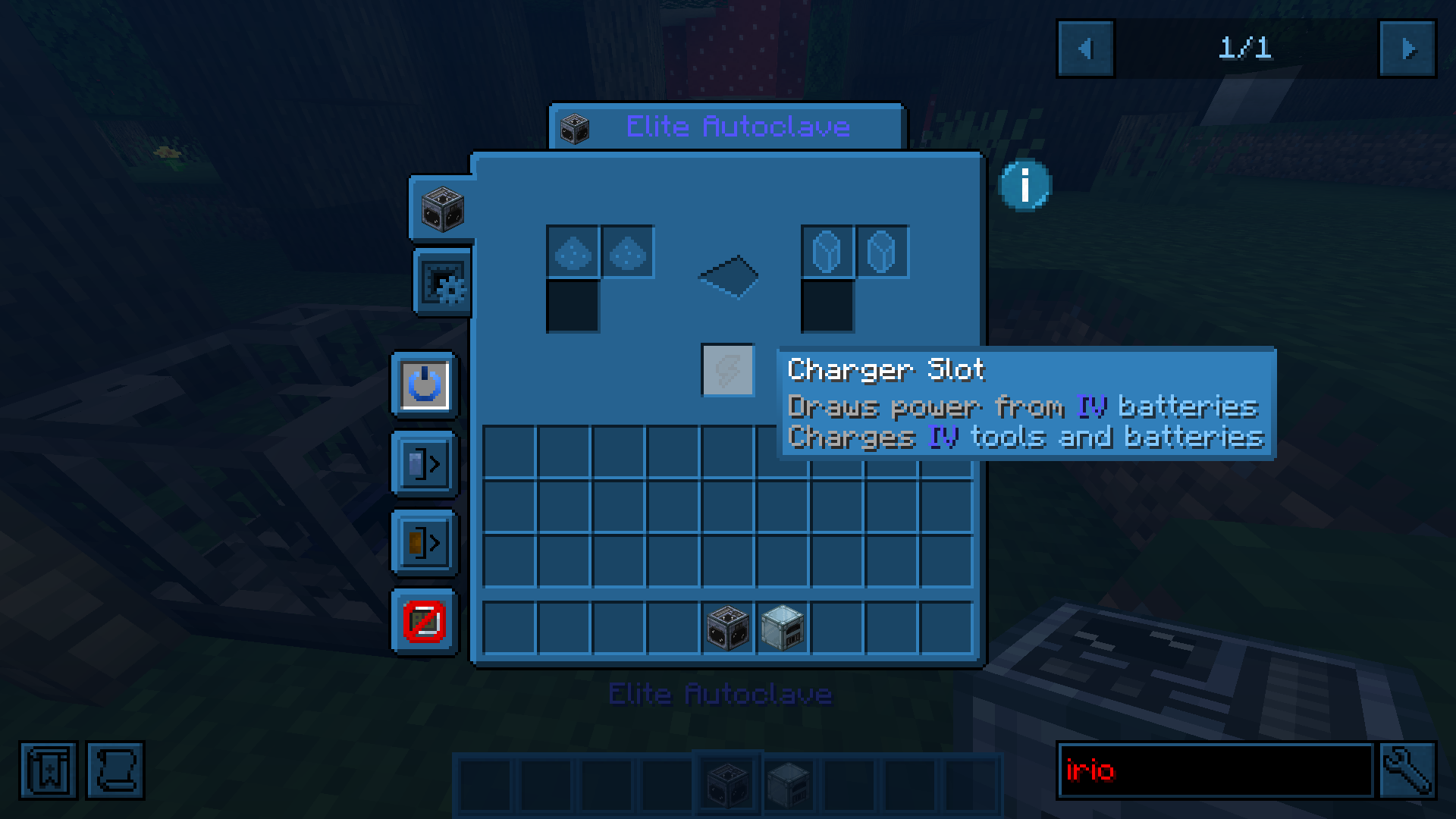
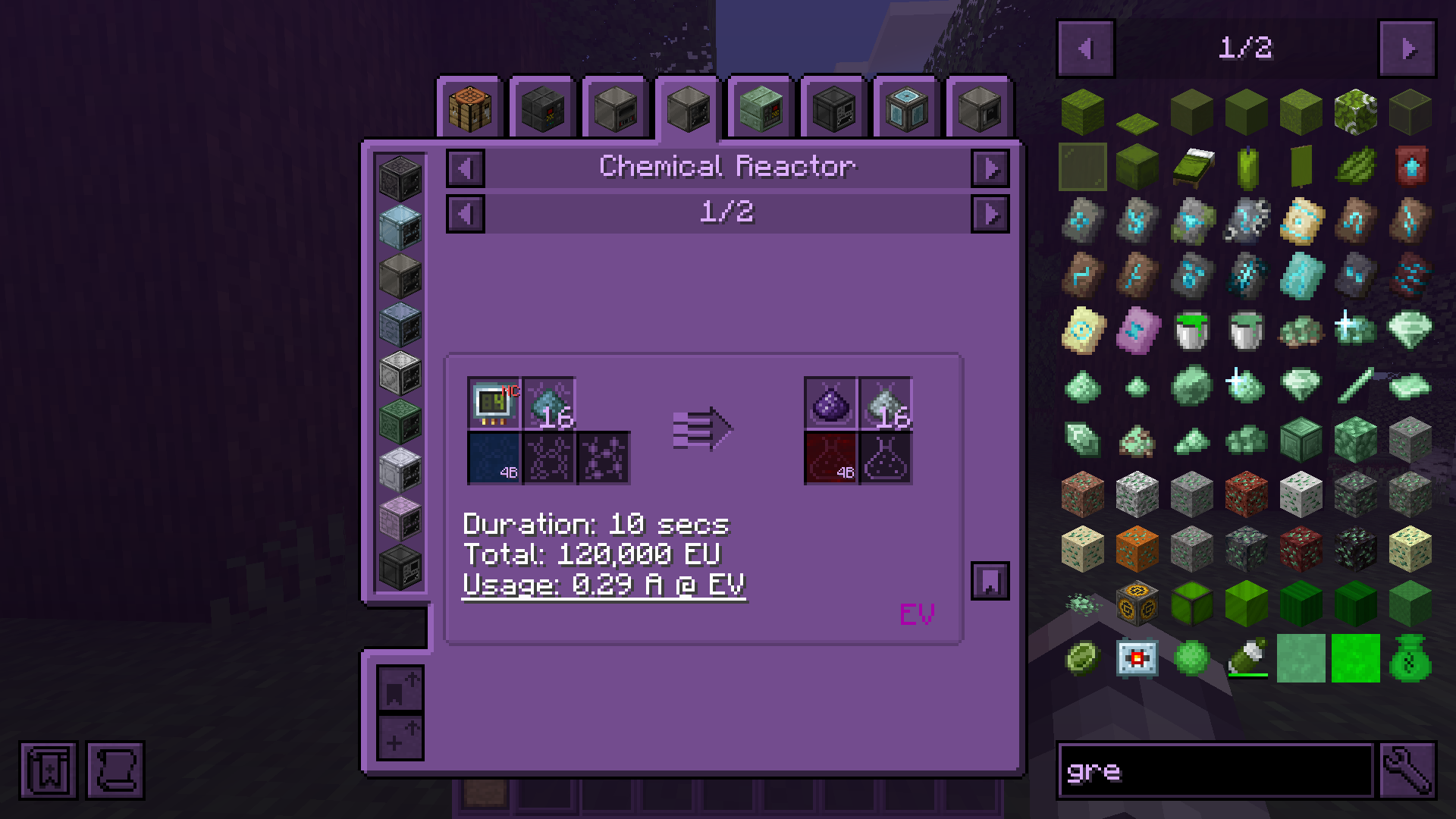
CUI gives you full control over Minecraft’s UI colors.
Menus, HUD elements, inventories, buttons, hotbars, hearts, text, and even interfaces added by other mods can all be recolored in real time. Because apparently every mod author on earth independently decided that dark gray buttons on slightly darker gray backgrounds are peak design.
Universal Texture Support
CUI is not limited to vanilla textures.
The mod includes a built-in texture management screen that lets you manually control how textures are processed and recolored.
You can:
- recolor virtually any GUI texture in the game
- prevent textures from being modified
- create compatibility with unsupported mods
This system works with practically any mod interface and textures.
You can even force CUI to recolor block textures if you really want to. Which is an amount of power humanity historically does not handle responsibly.
Built-in Color Editor
CUI comes with a full color editor featuring:
- HSV color picker
- live preview
- filters
- advanced settings
- almost instant updates without restarting the game
Everything updates in real time, so tweaking colors does not feel like performing dark rituals through JSON files anymore.
Features
- Recolor vanilla UI elements
- Recolor modded interfaces
- Colored hearts, armor, hunger, XP bar, bubbles, and hotbar
- Colored text support
- Real-time color updates
- Advanced texture filtering system
- Force/Avoid texture processing
- Lightweight and configurable
- Works without resource packs
Usage
Open the mod settings through Mod Menu or directly from the title screen.
Pick a color, tweak filters if needed, and changes apply instantly.
For advanced customization, open the texture management screen and configure exactly which textures should or should not be recolored.
Out of box mods support
As I already said cui supports modded uis.
Screenshots
Gallery
-
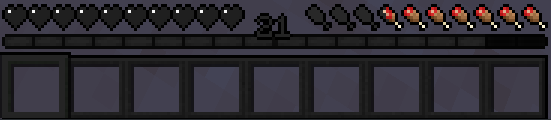 2024-07-03_14-44.png 2024-07-03_14-44.png
 -
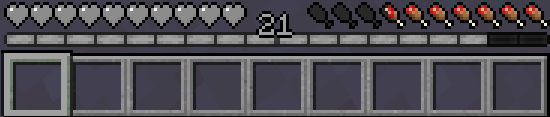 2024-07-03_14-43.png 2024-07-03_14-43.png
 -
 2024-07-03_14-42_1.png 2024-07-03_14-42_1.png
 -
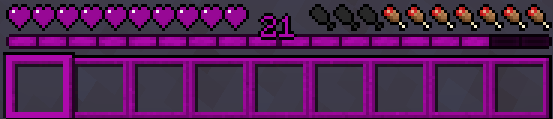 2024-07-03_14-41.png 2024-07-03_14-41.png
 -
 2024-07-03_14-38_1.png 2024-07-03_14-38_1.png
 -
 2024-07-03_14-38.png 2024-07-03_14-38.png
-
showcase3
-
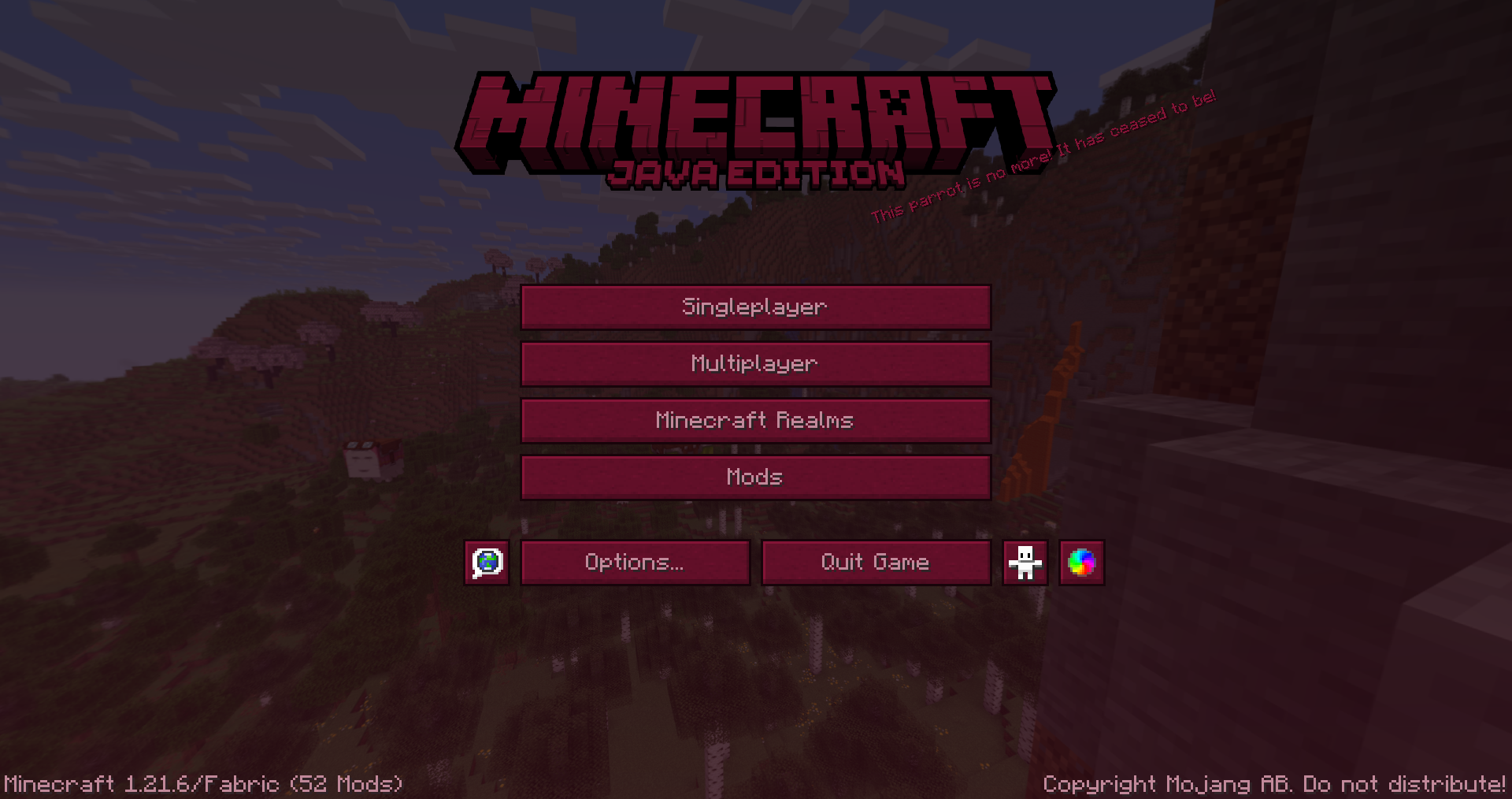 main menu showcase
 -
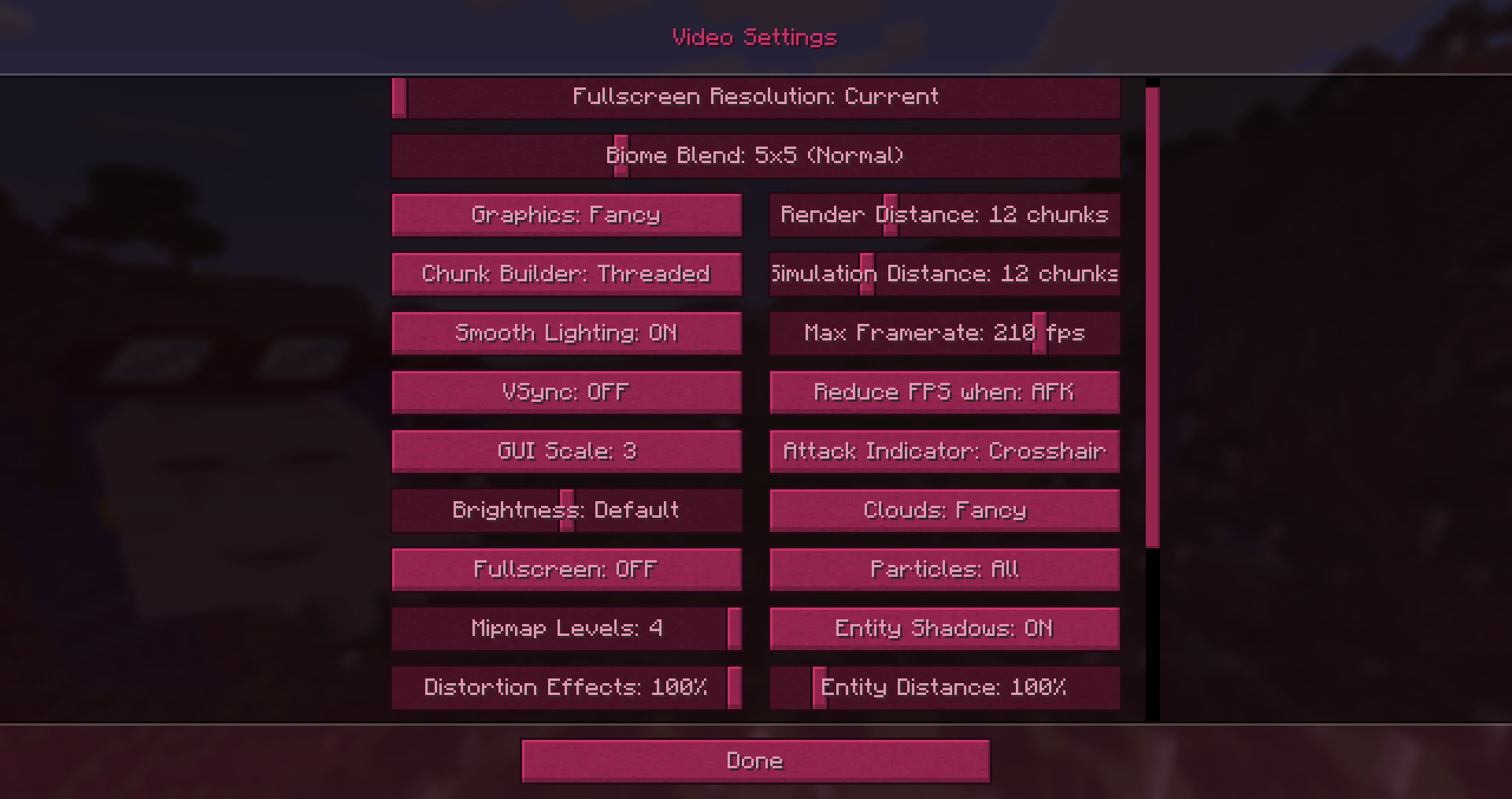 game settings showcase
 -
-
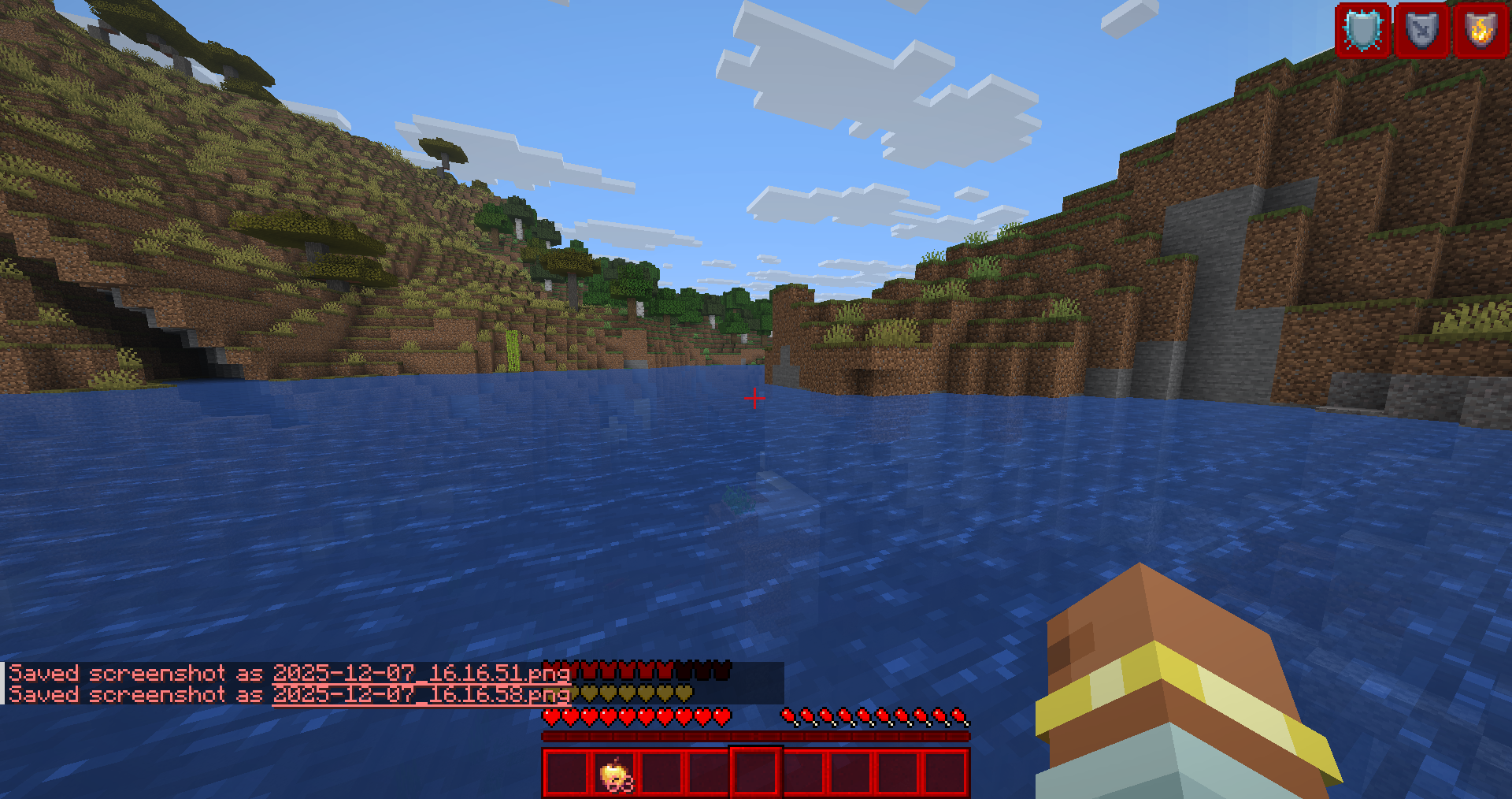 hud showcase
 -
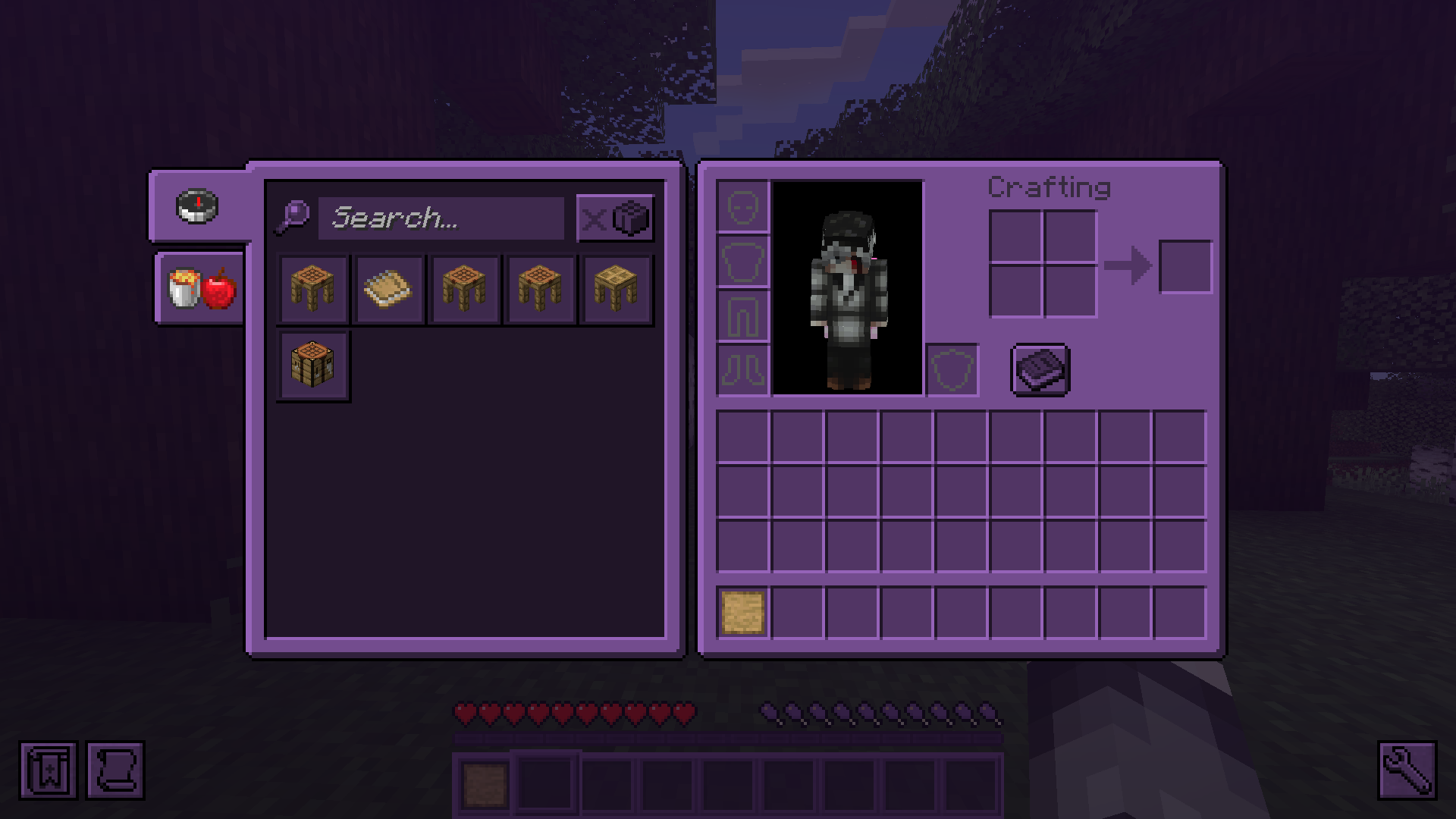
-
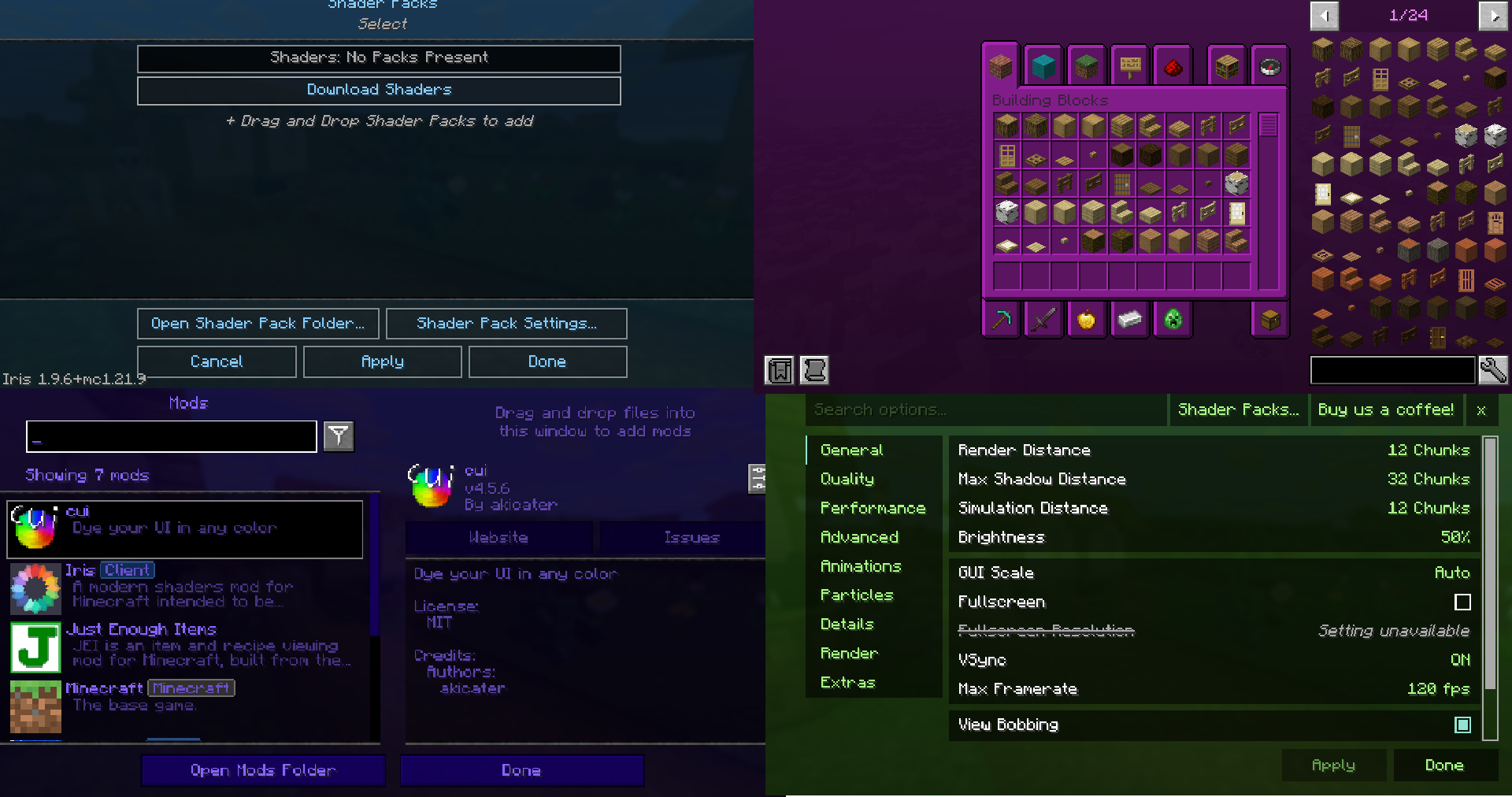 showcase6
 -
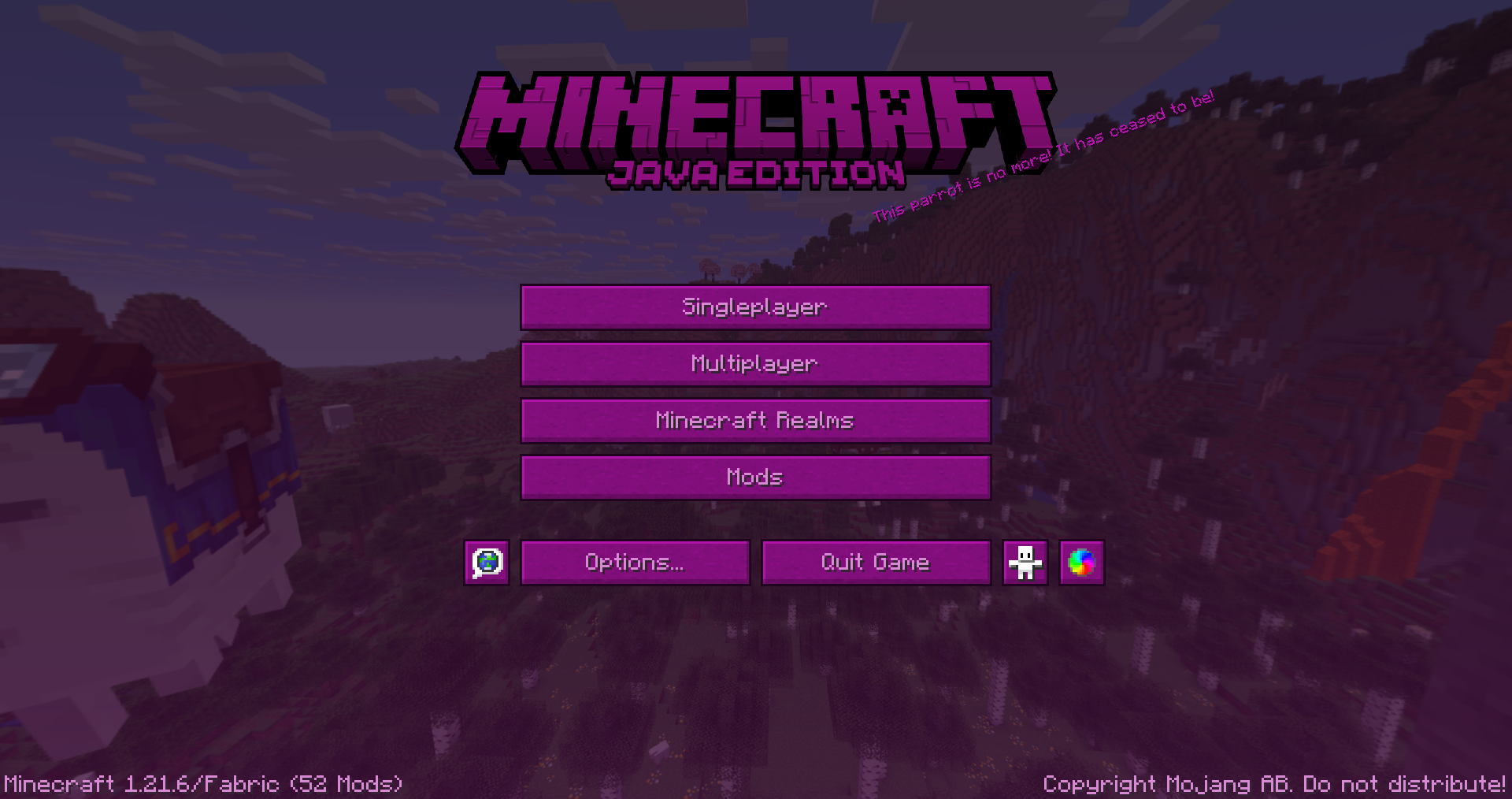 main menu showcase
 -
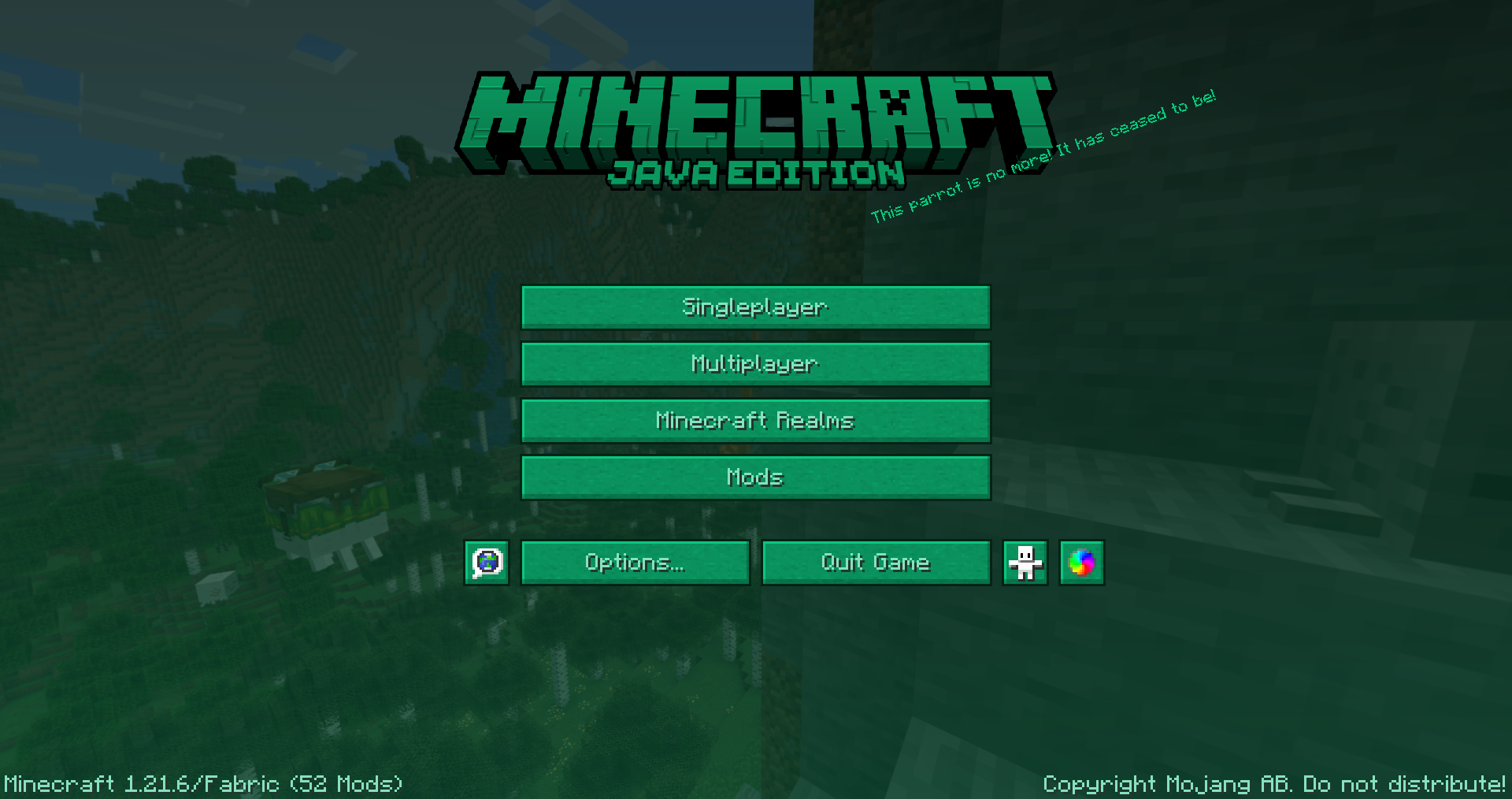 main menu showcase
 -
 hud showcase
 -
-
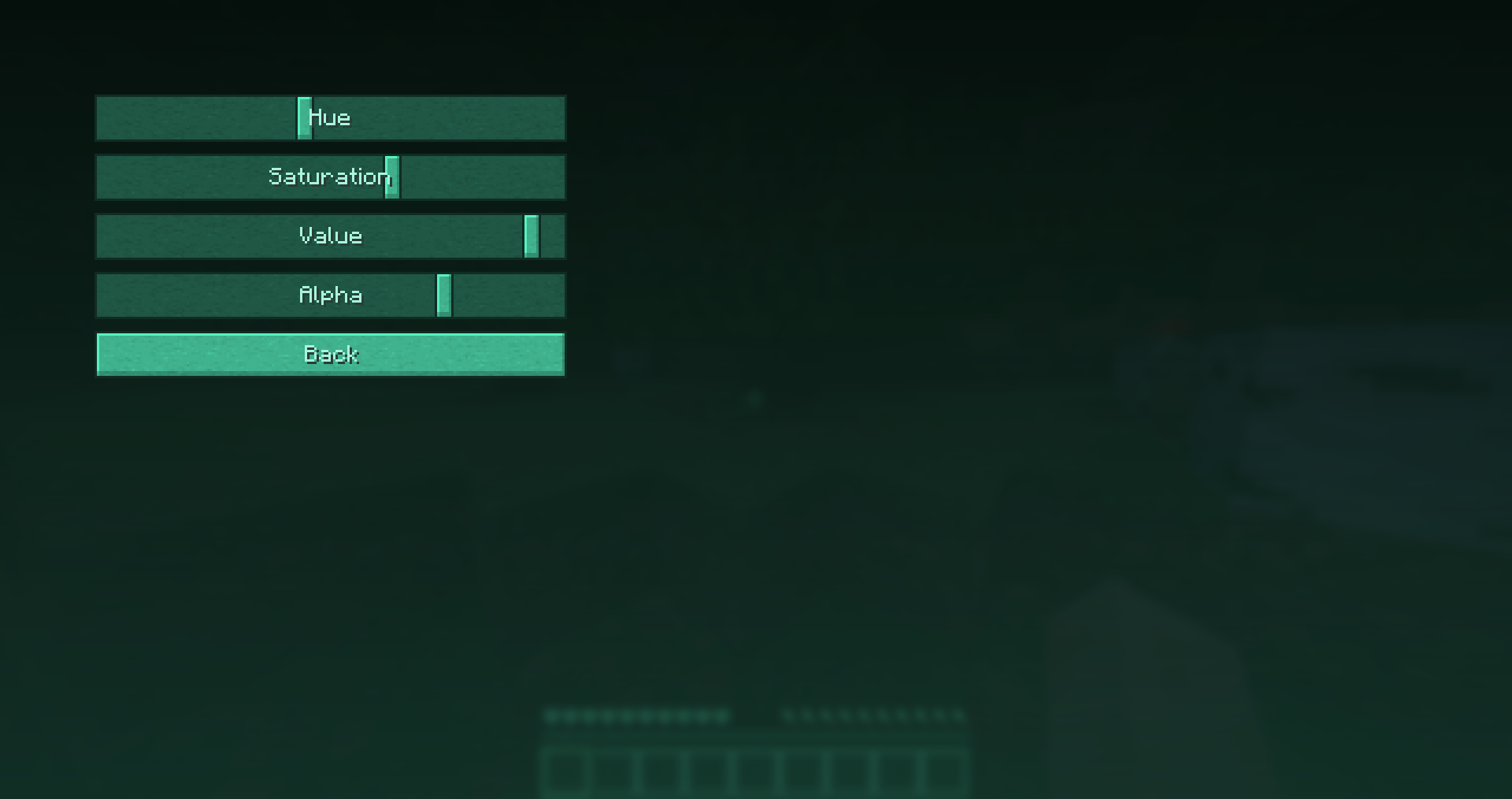 mod settings
 -
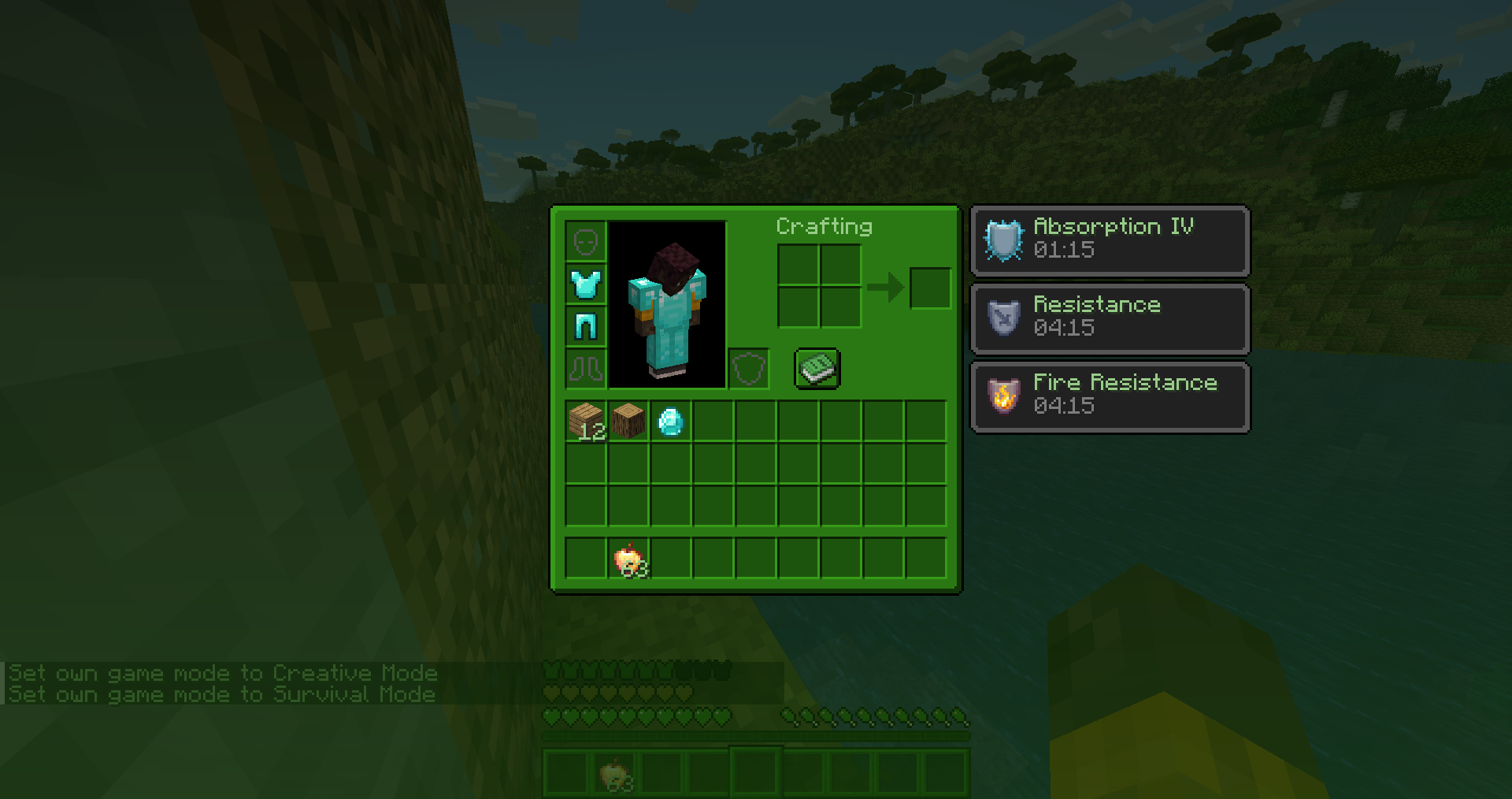 inventory showcase
 -
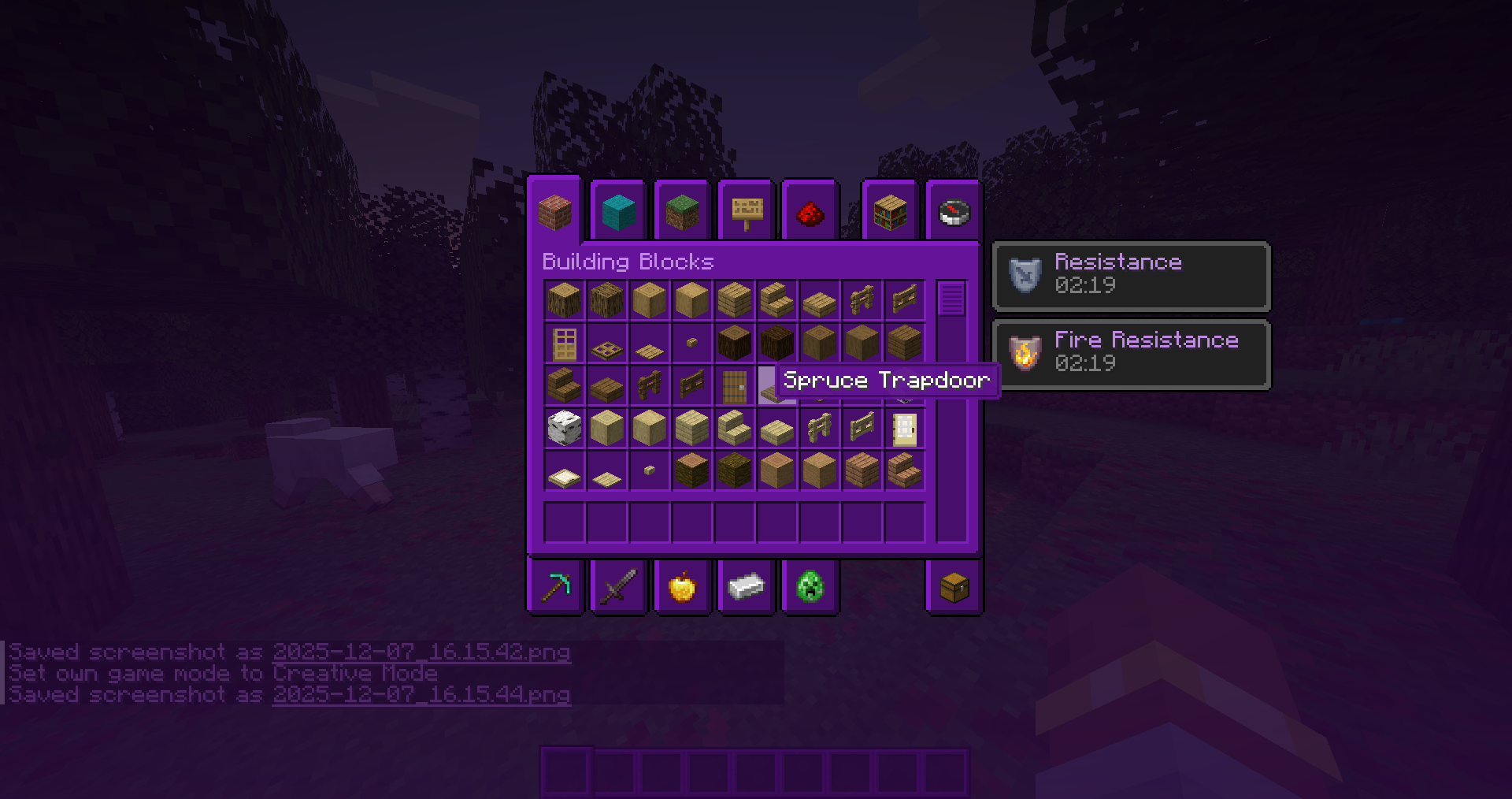 creative inventory showcase
 -
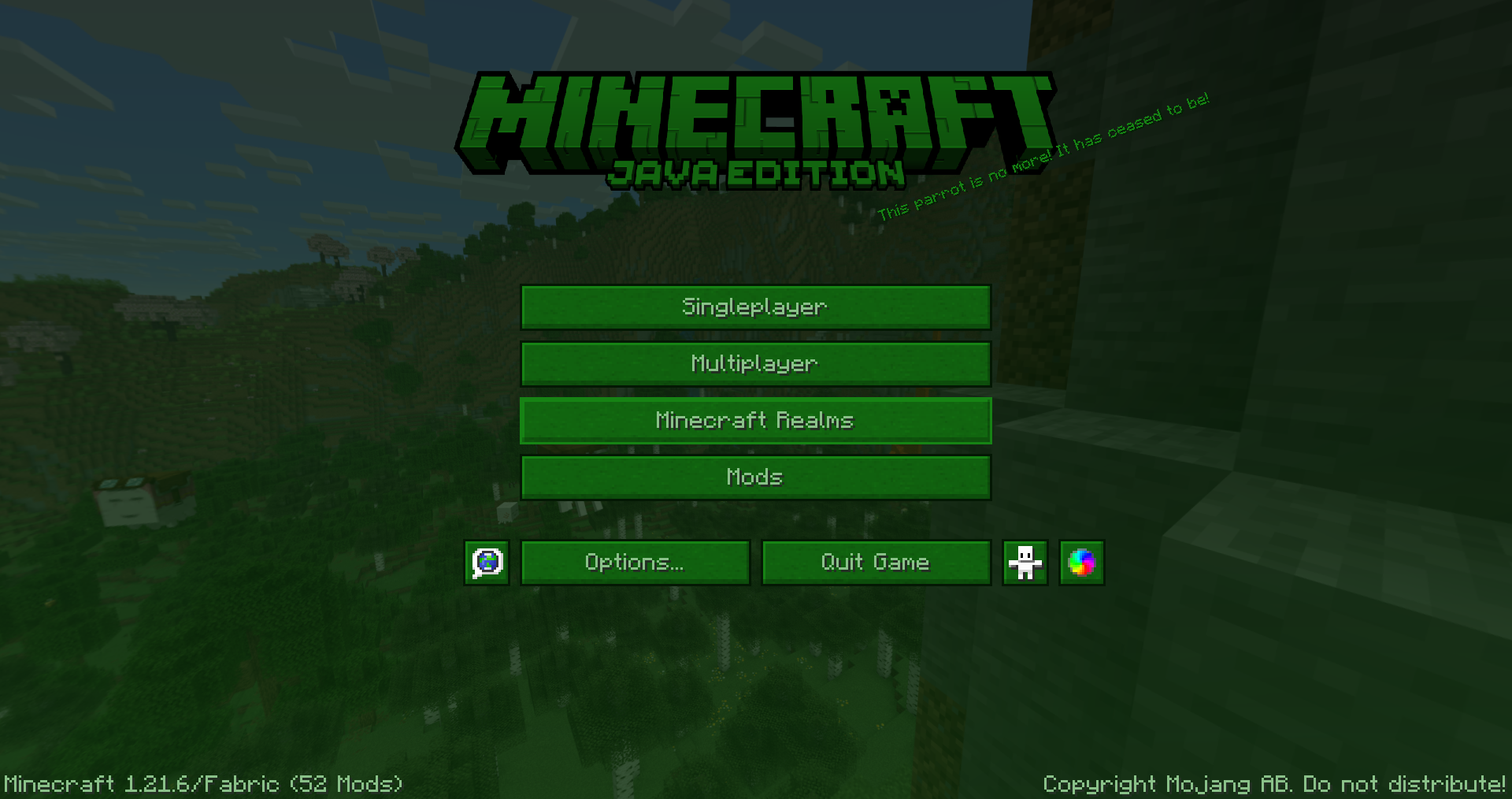 main menu showcase
 -
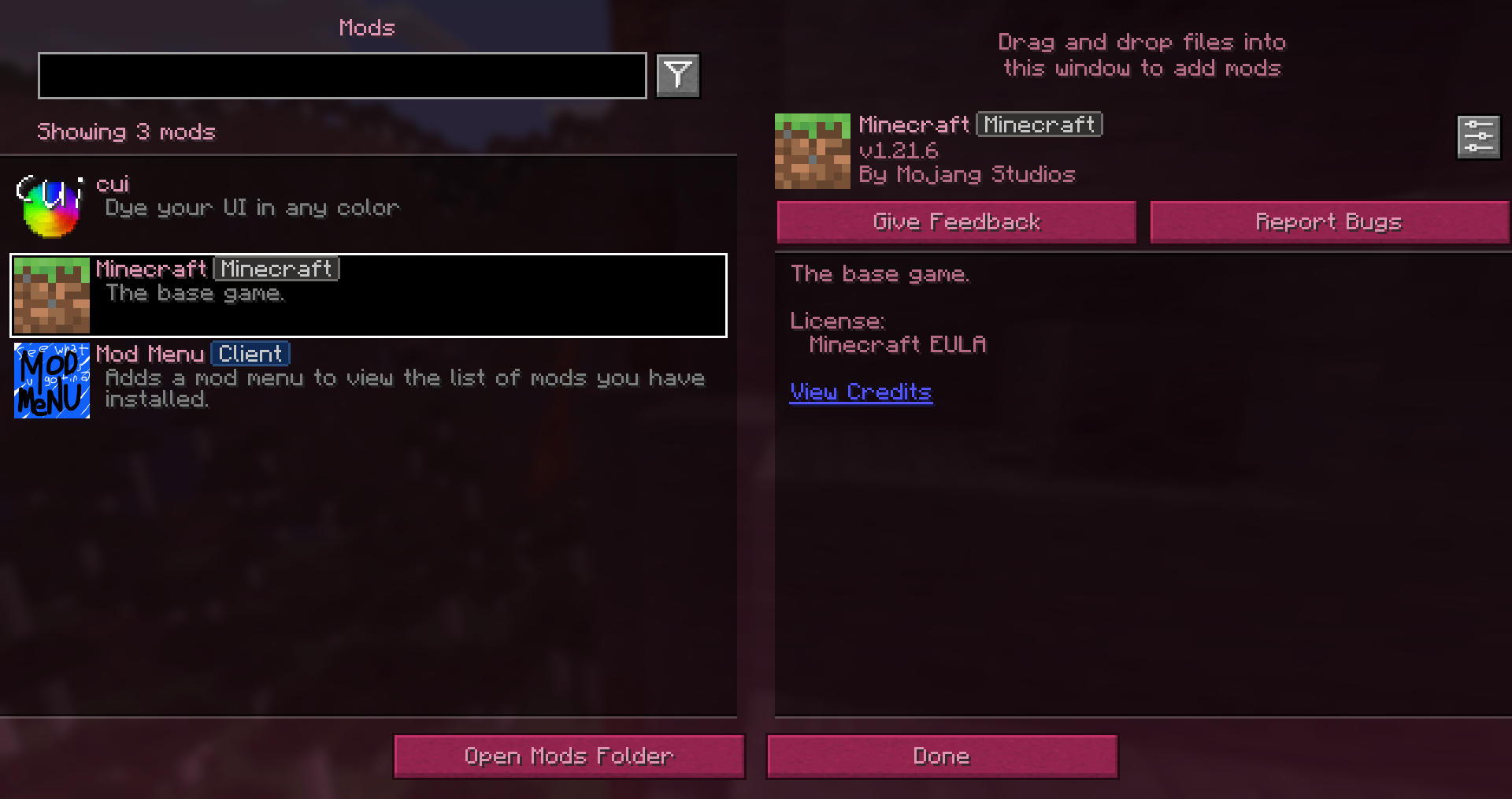 mod compatability showcase
 -
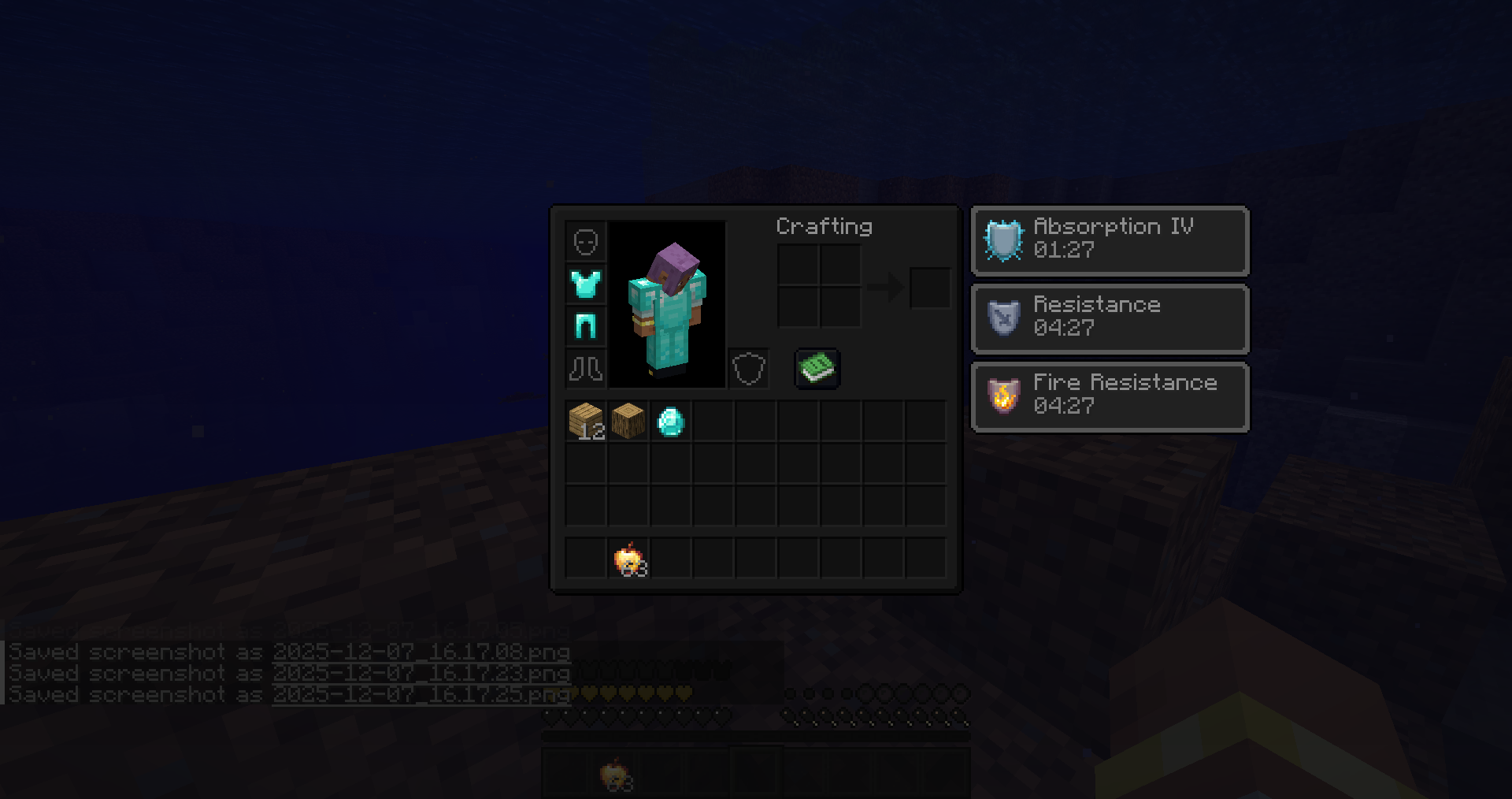 inventory showcase
 -
hotbar
-
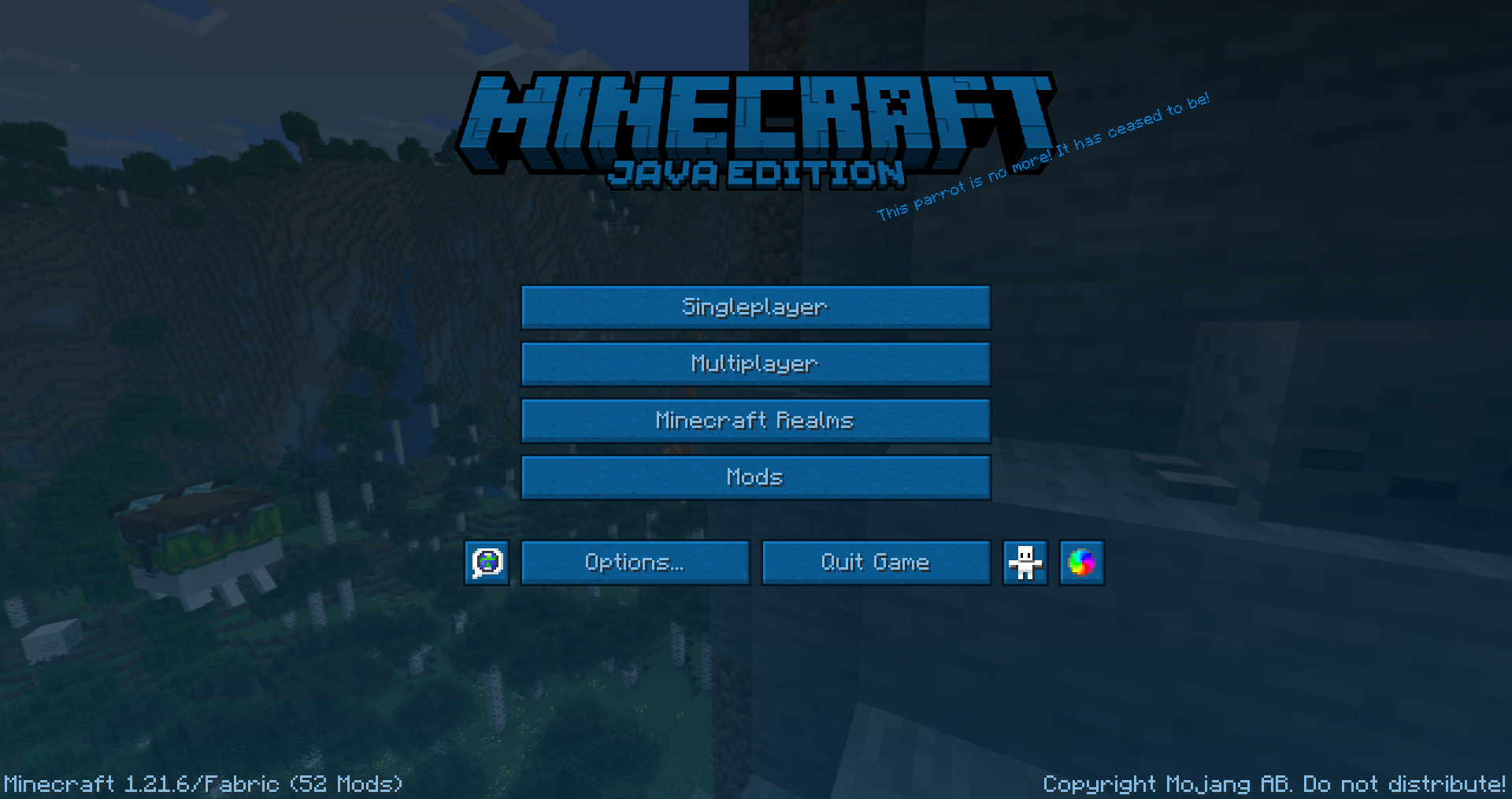 main menu showcase
 -
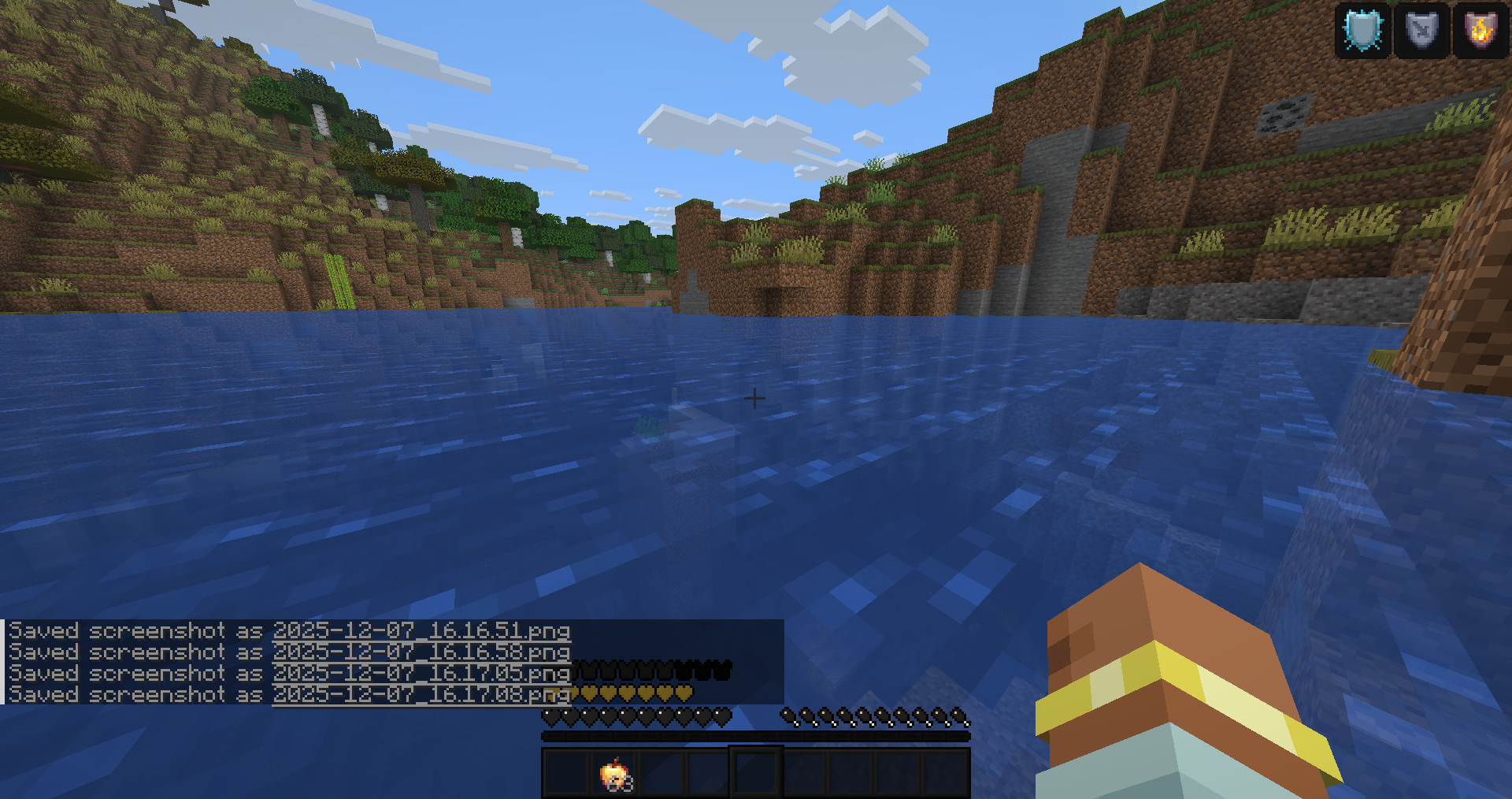 hud showcase
 -
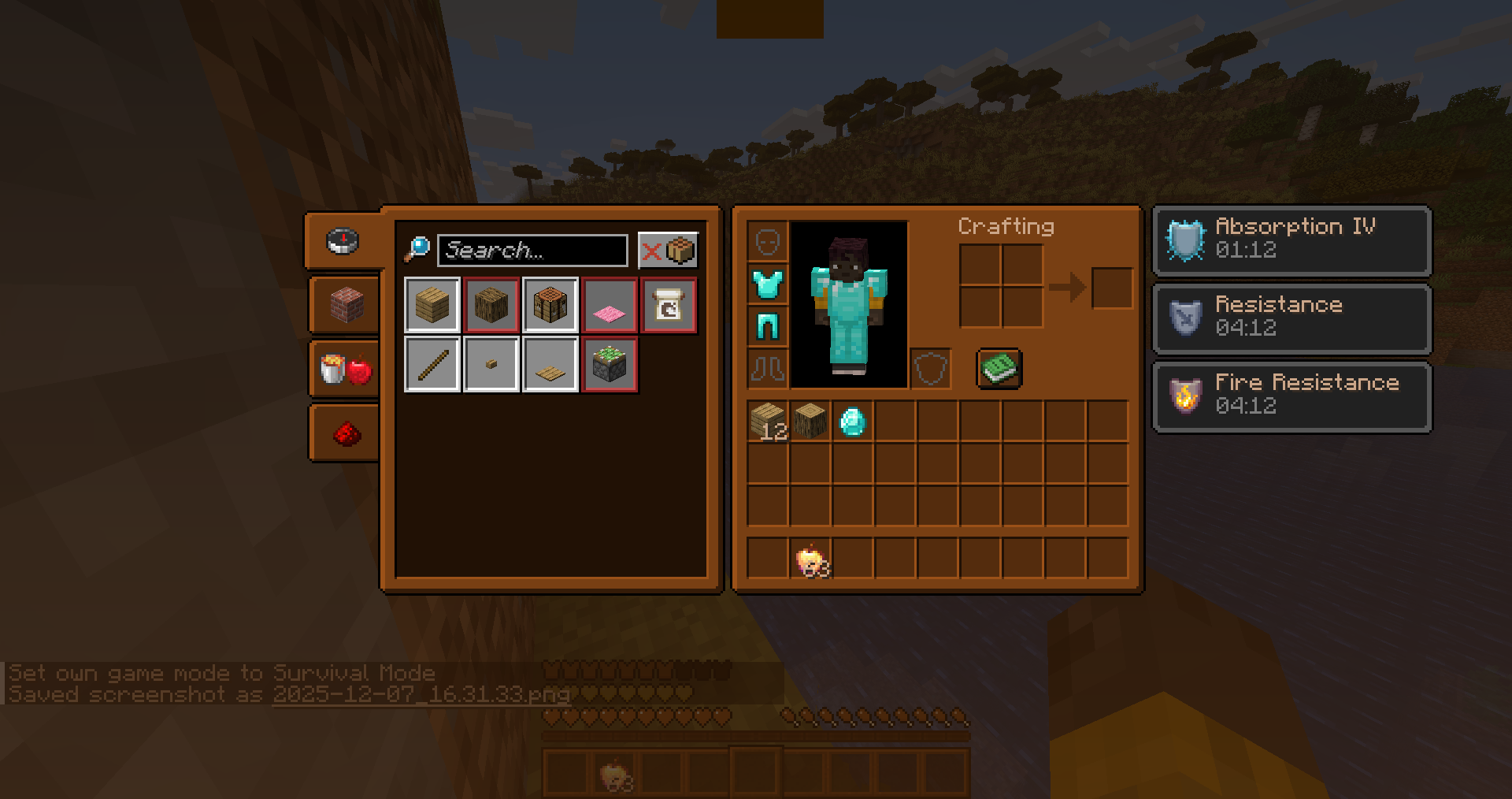 inventory showcase
 -
-
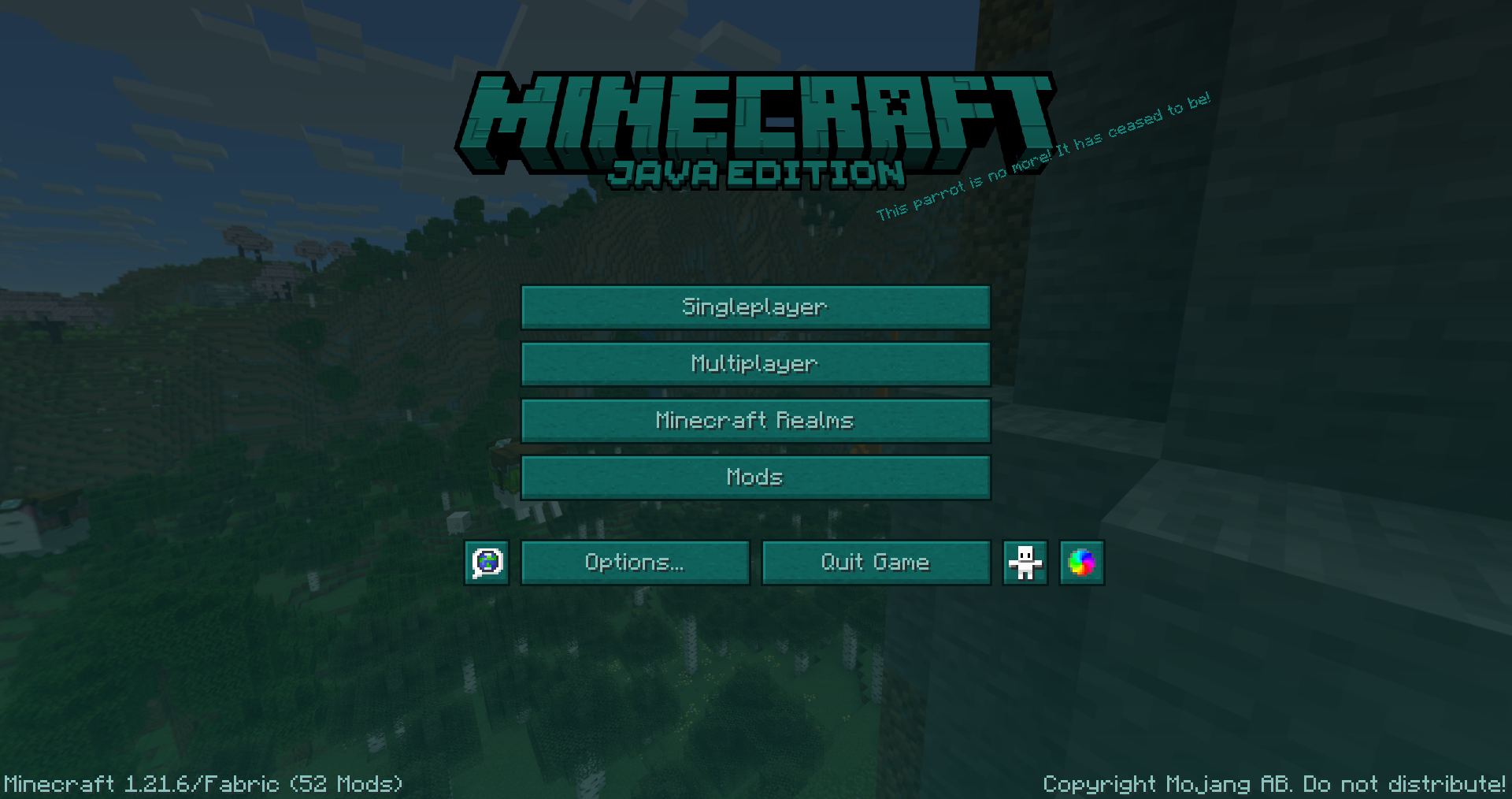 main menu showcase
 -
-
 hud showcase
 -
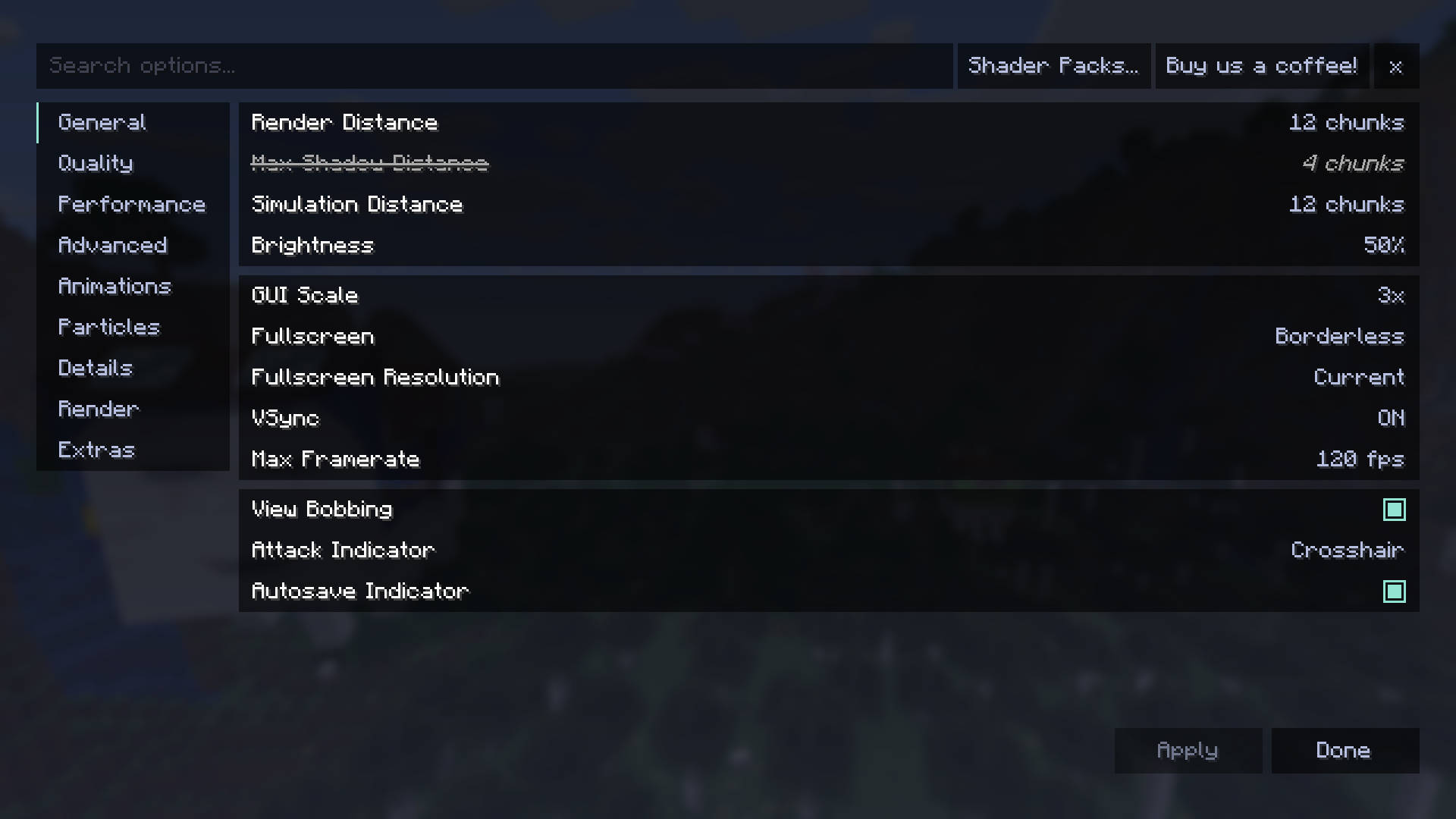 sodium showcase
 -
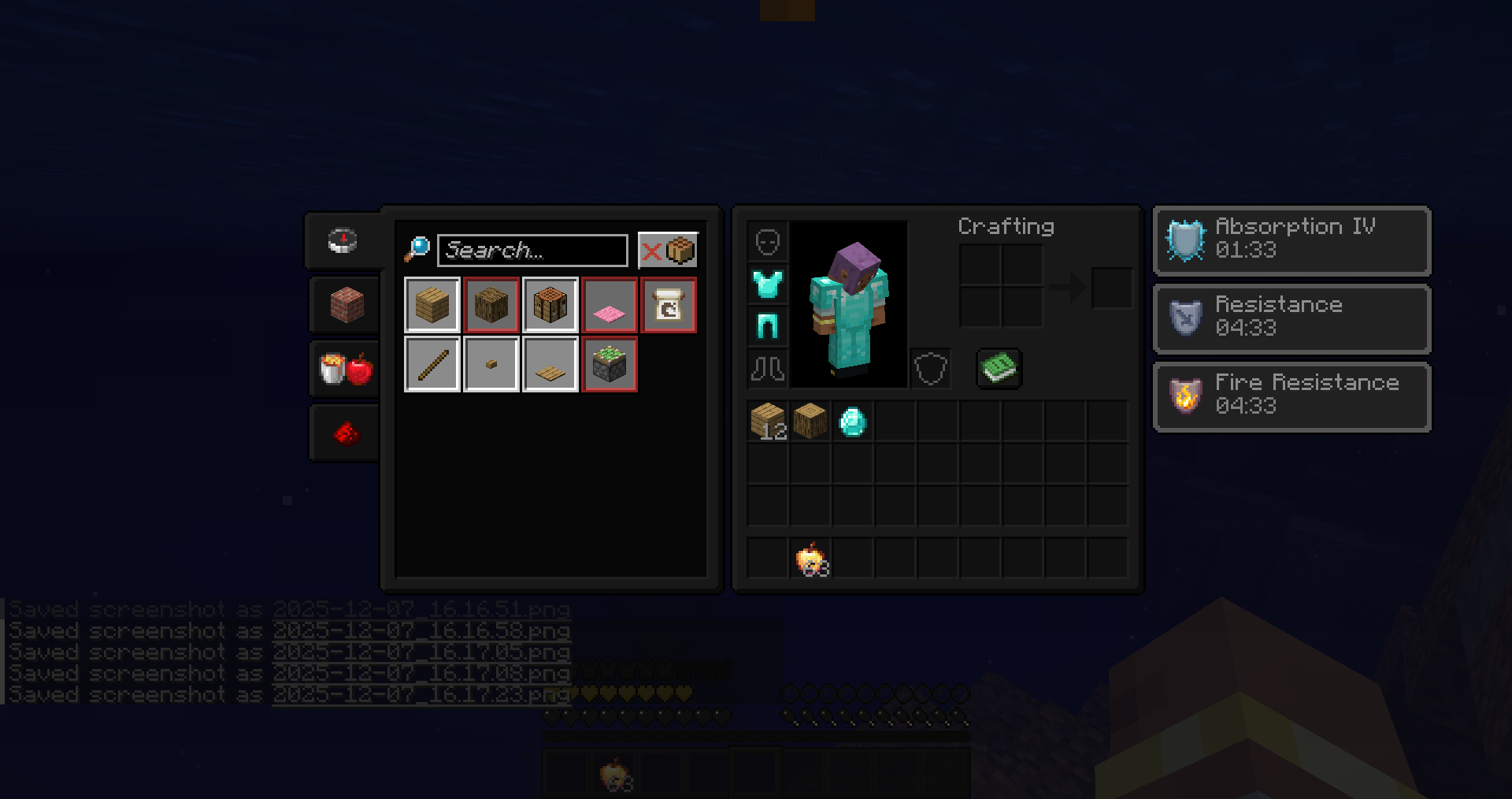 inventory showcase
 -
 showcase5
 -
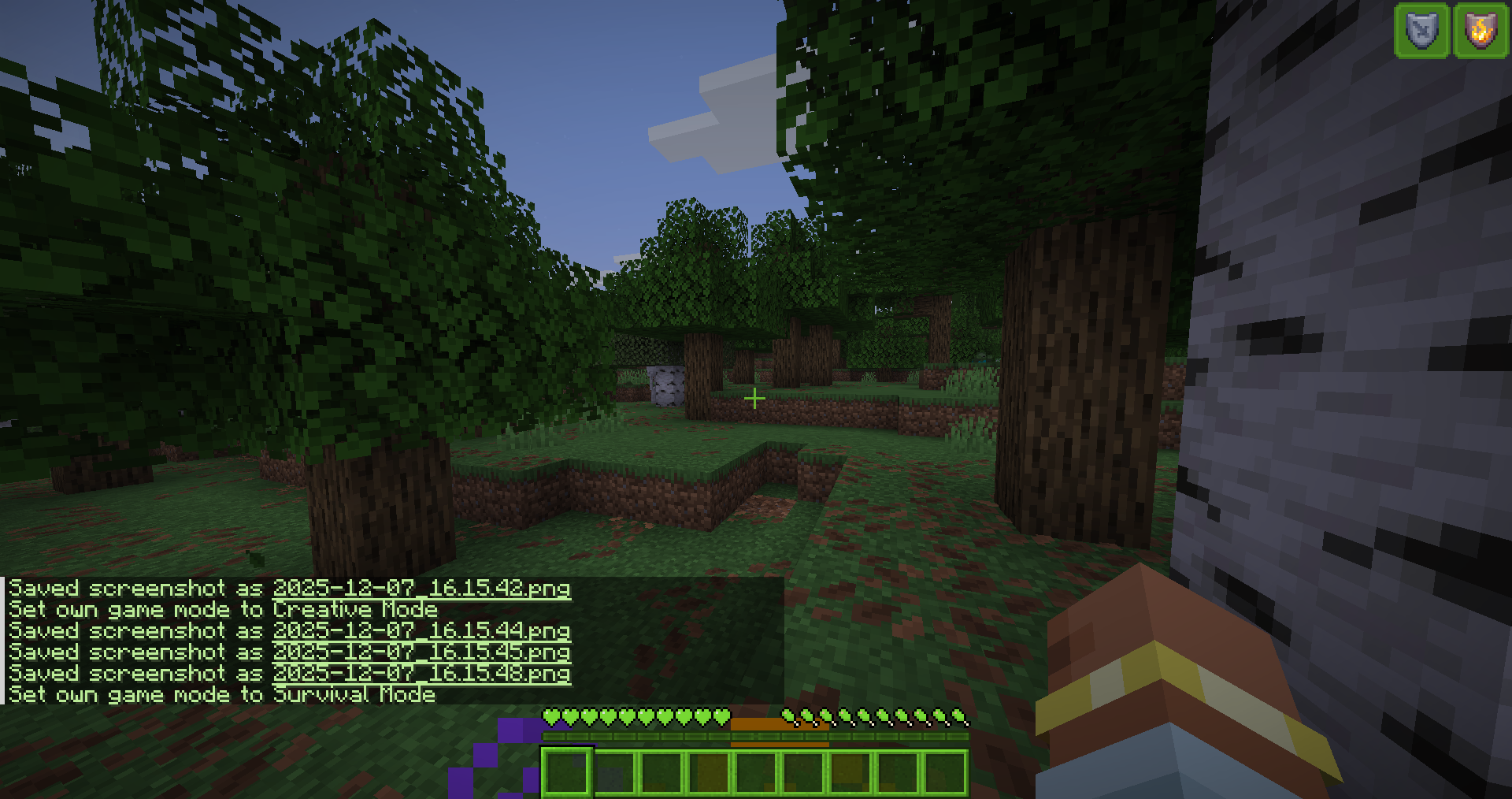 hud showcase
 -
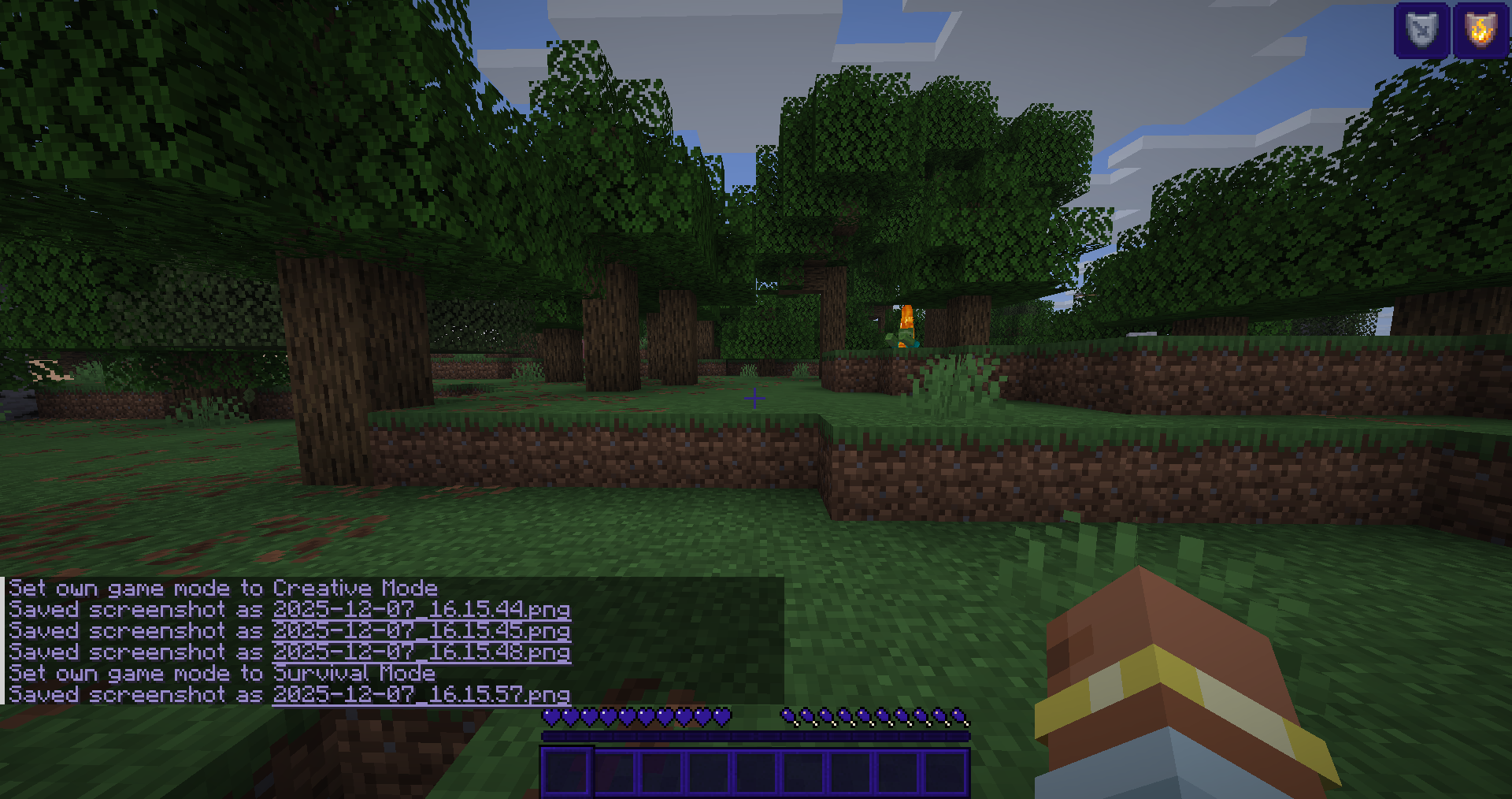 hud showcase
 -
 banner
 -
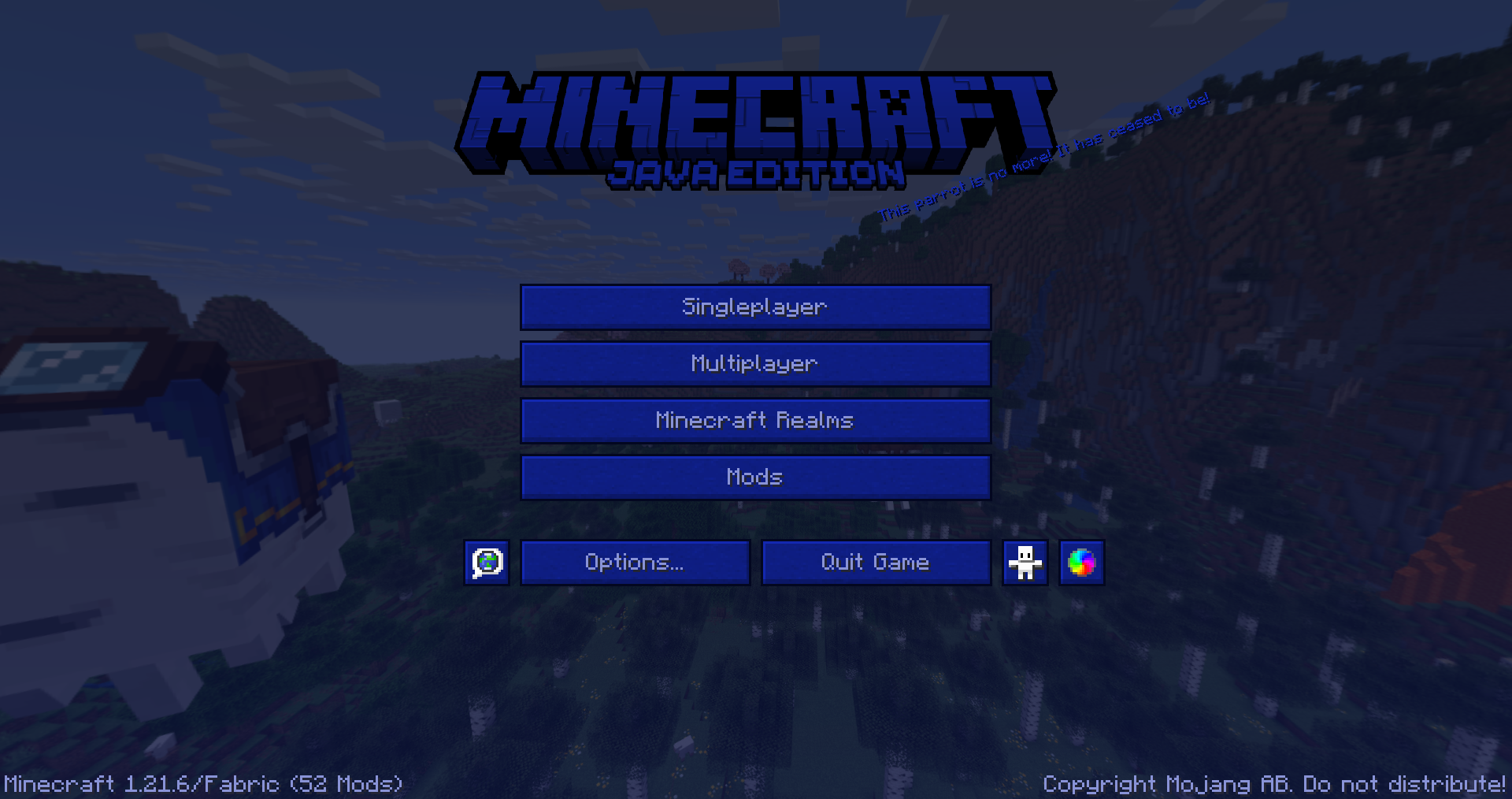 main menu showcase
 -
 showcase1
 -
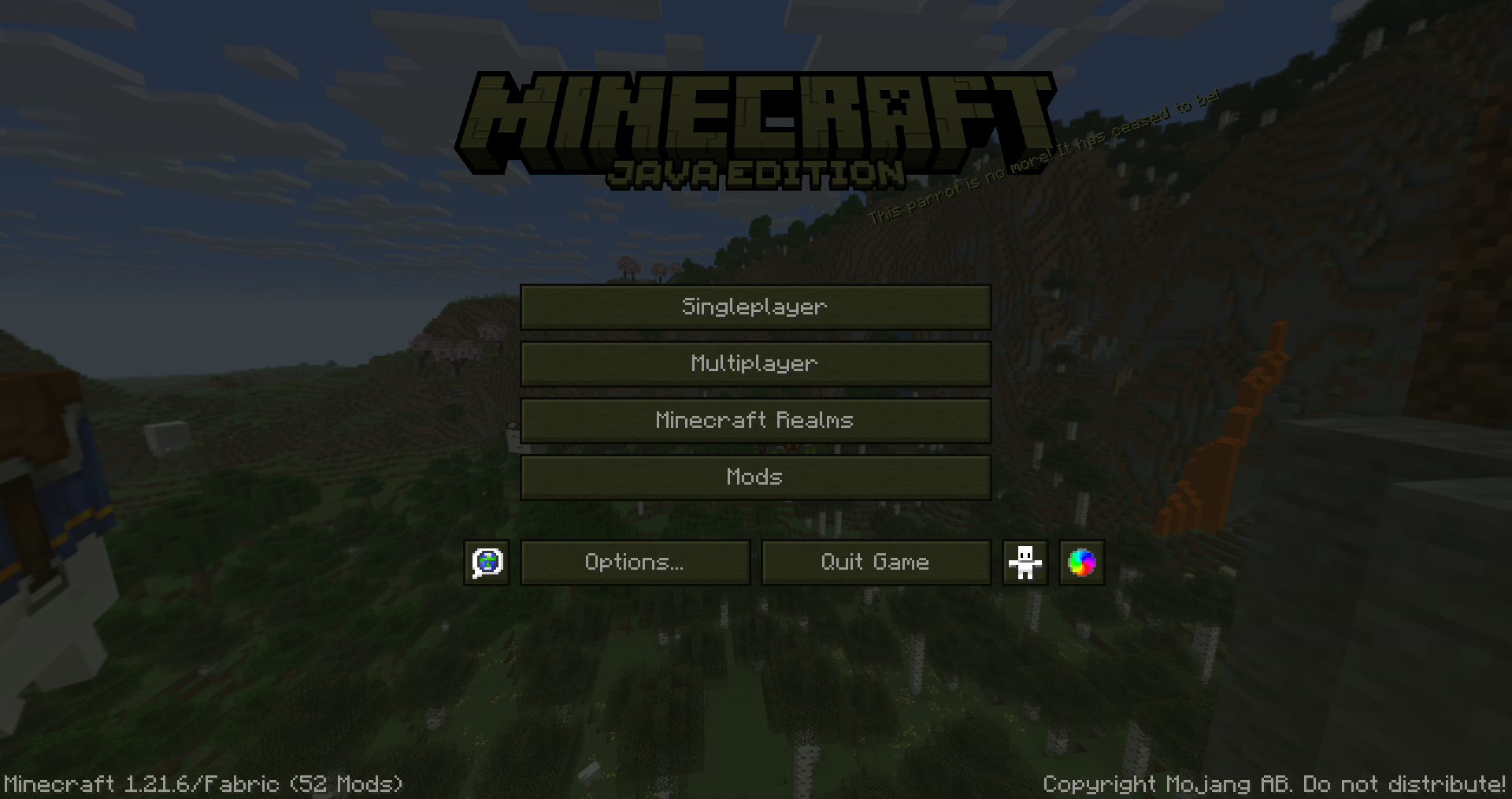 main menu showcase
 -
-
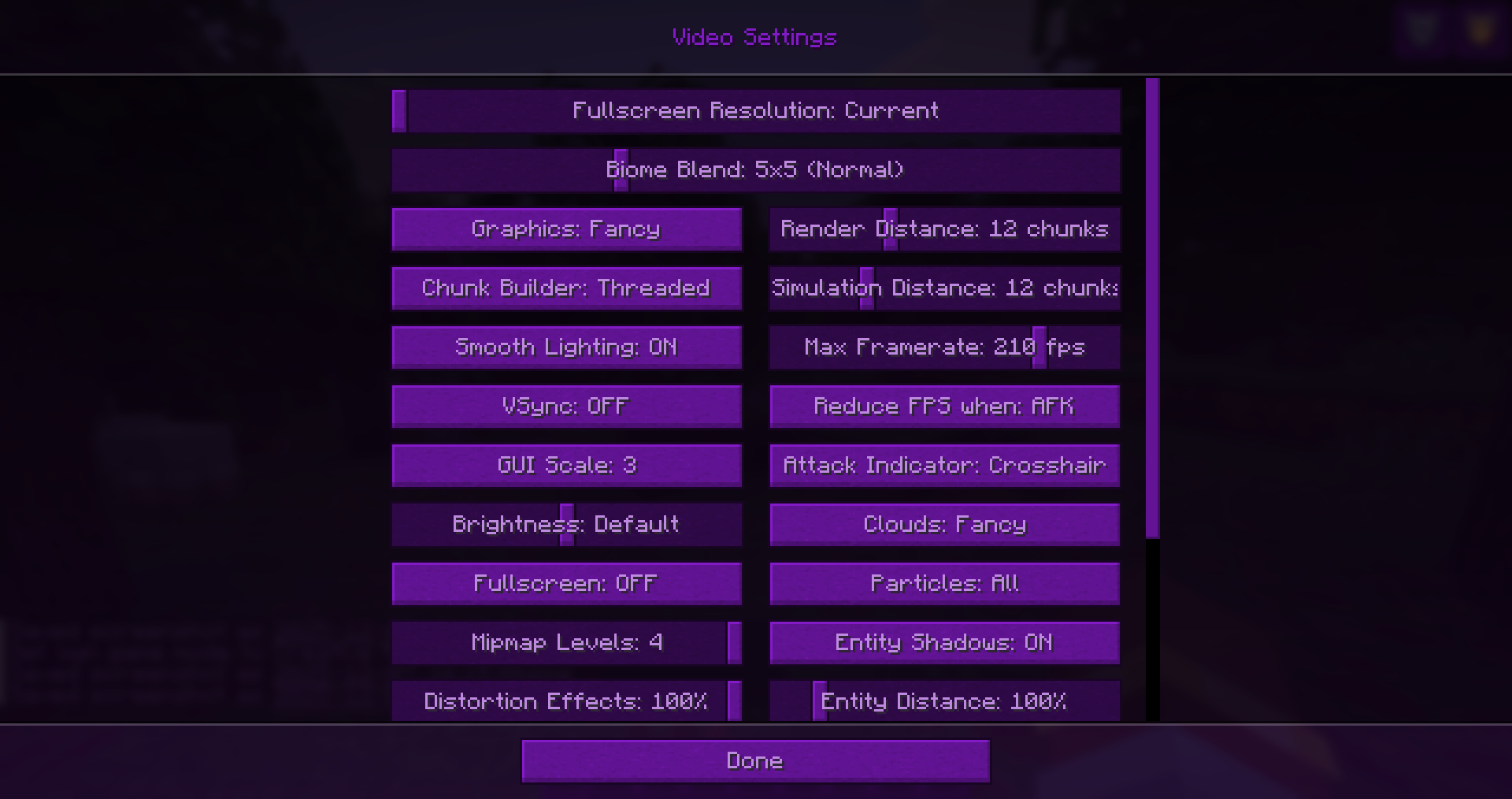 game settings showcase
 -
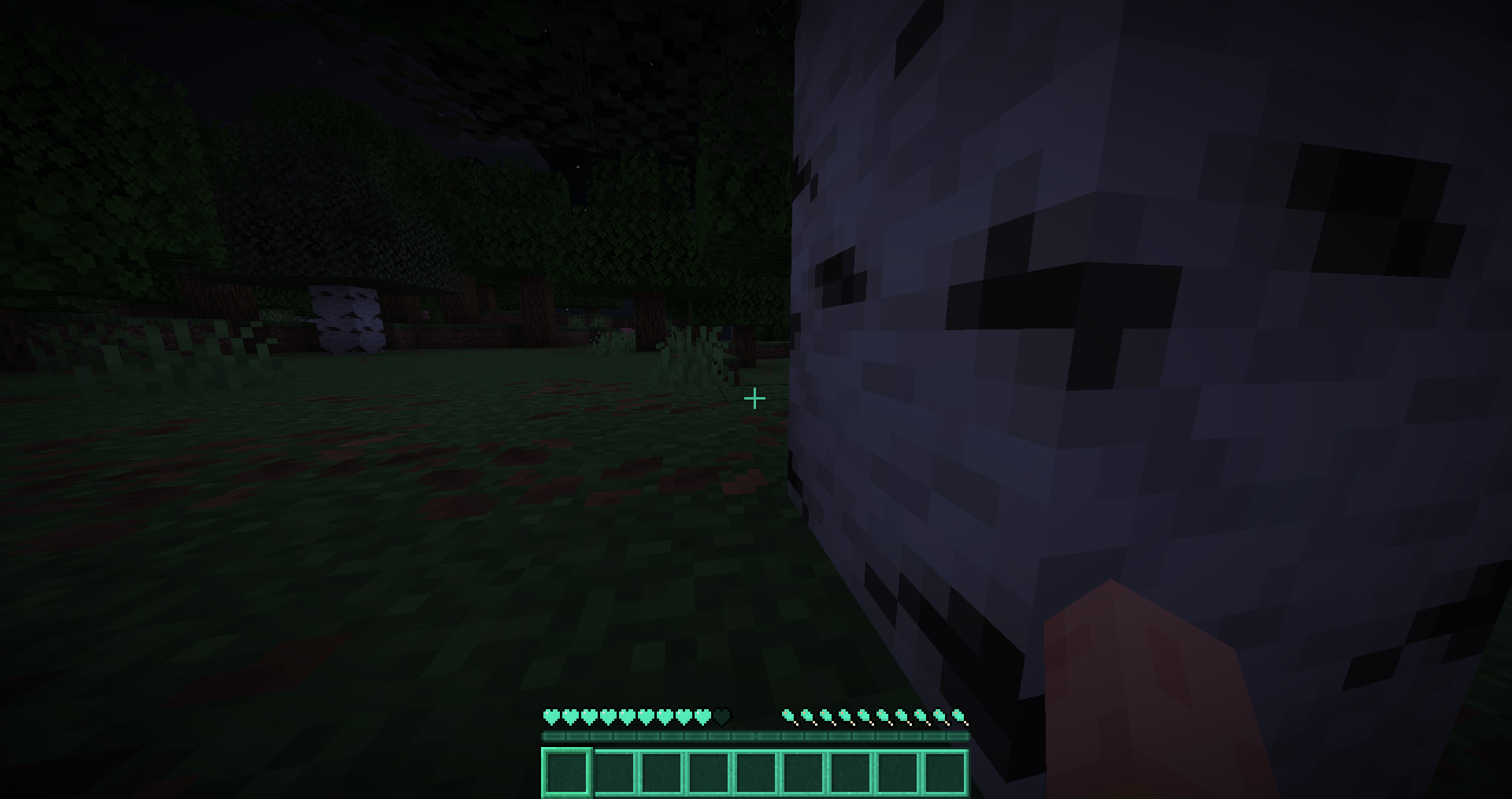 hud showcase
 -
-
-
 showcase2
 -
-
 main menu showcase
 -
-
 inventory showcase
 -
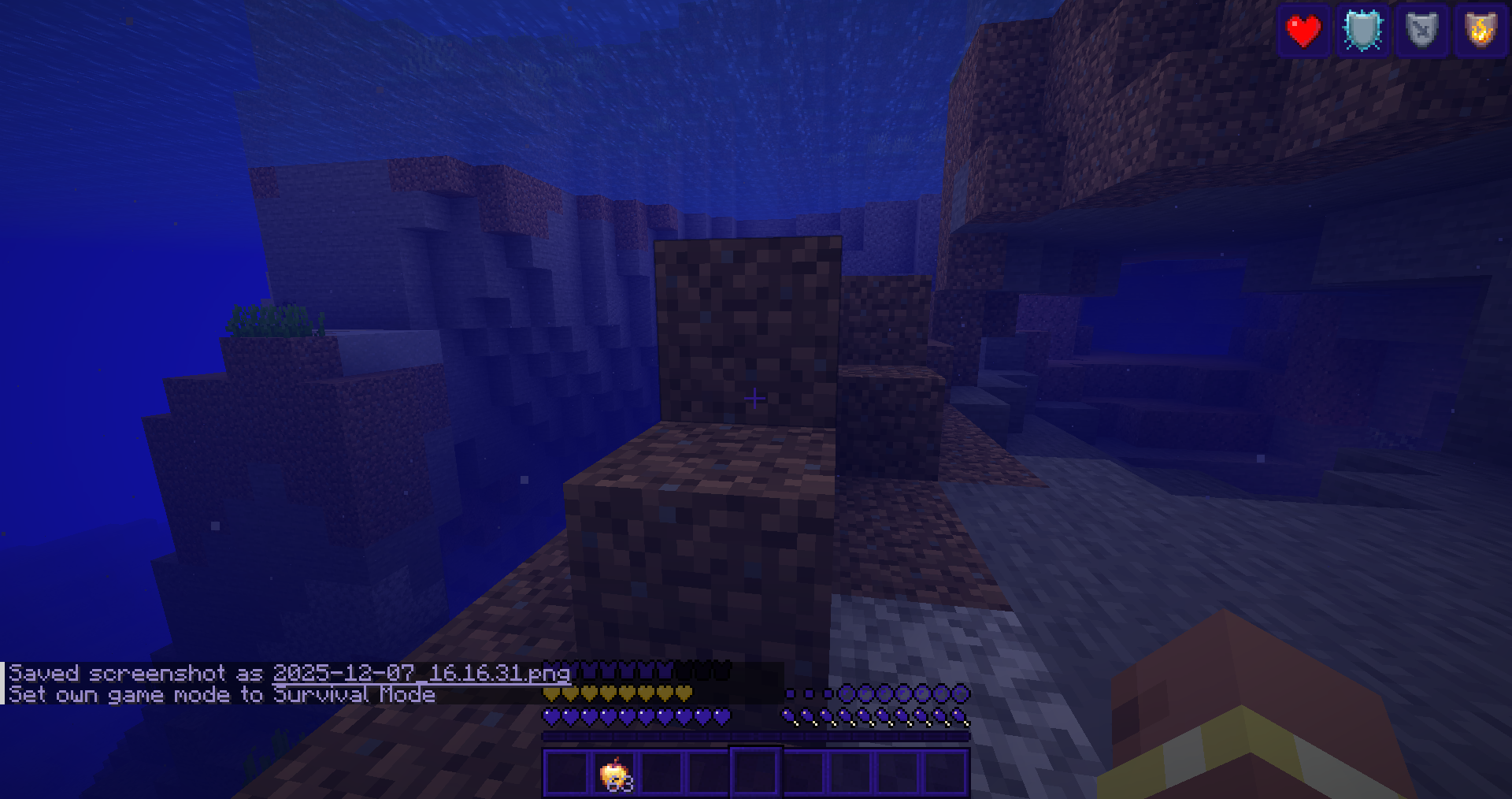 hud showcase
 -
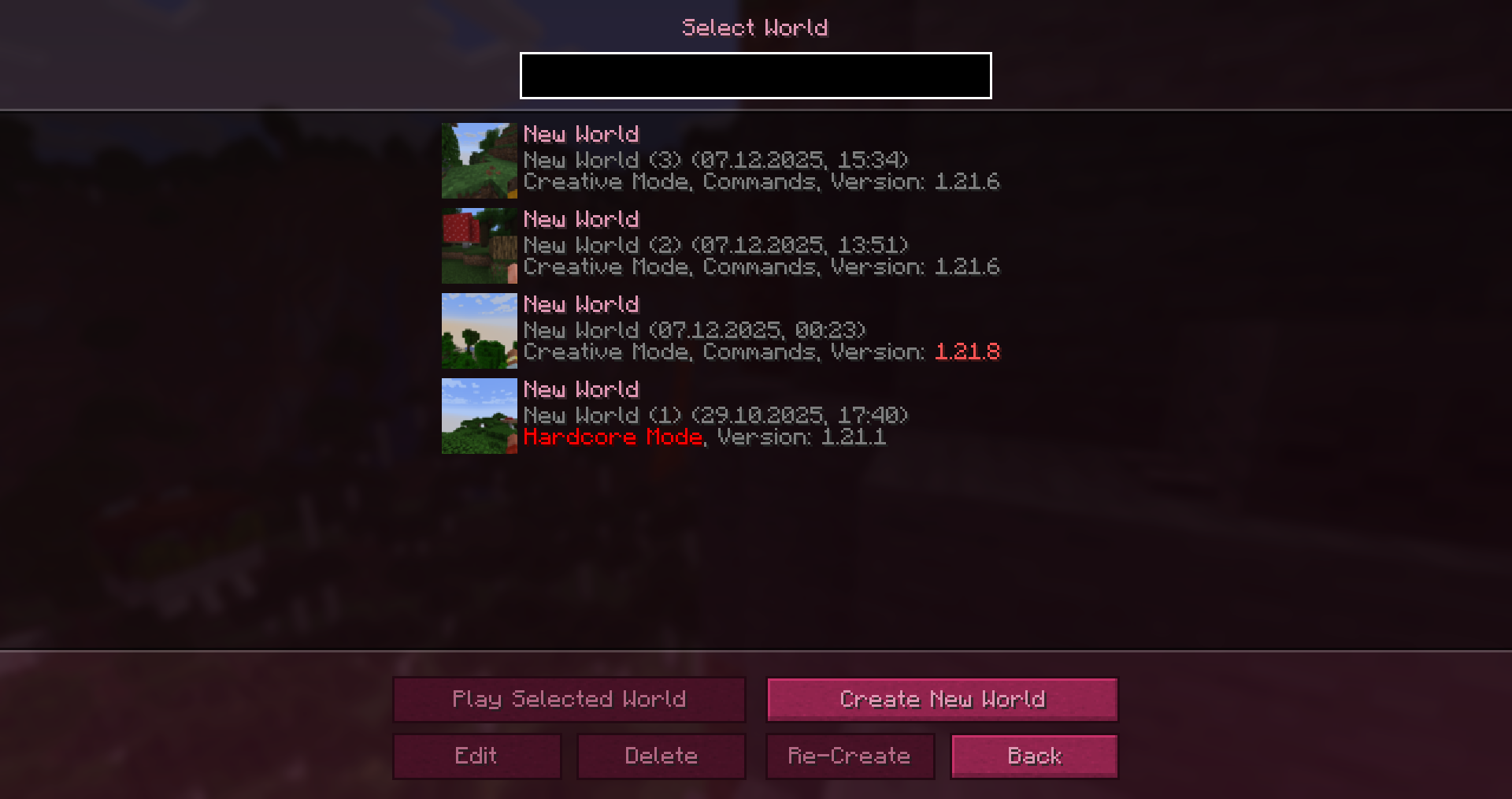 world menu showcase
 -
logo2
-
showcase4
-
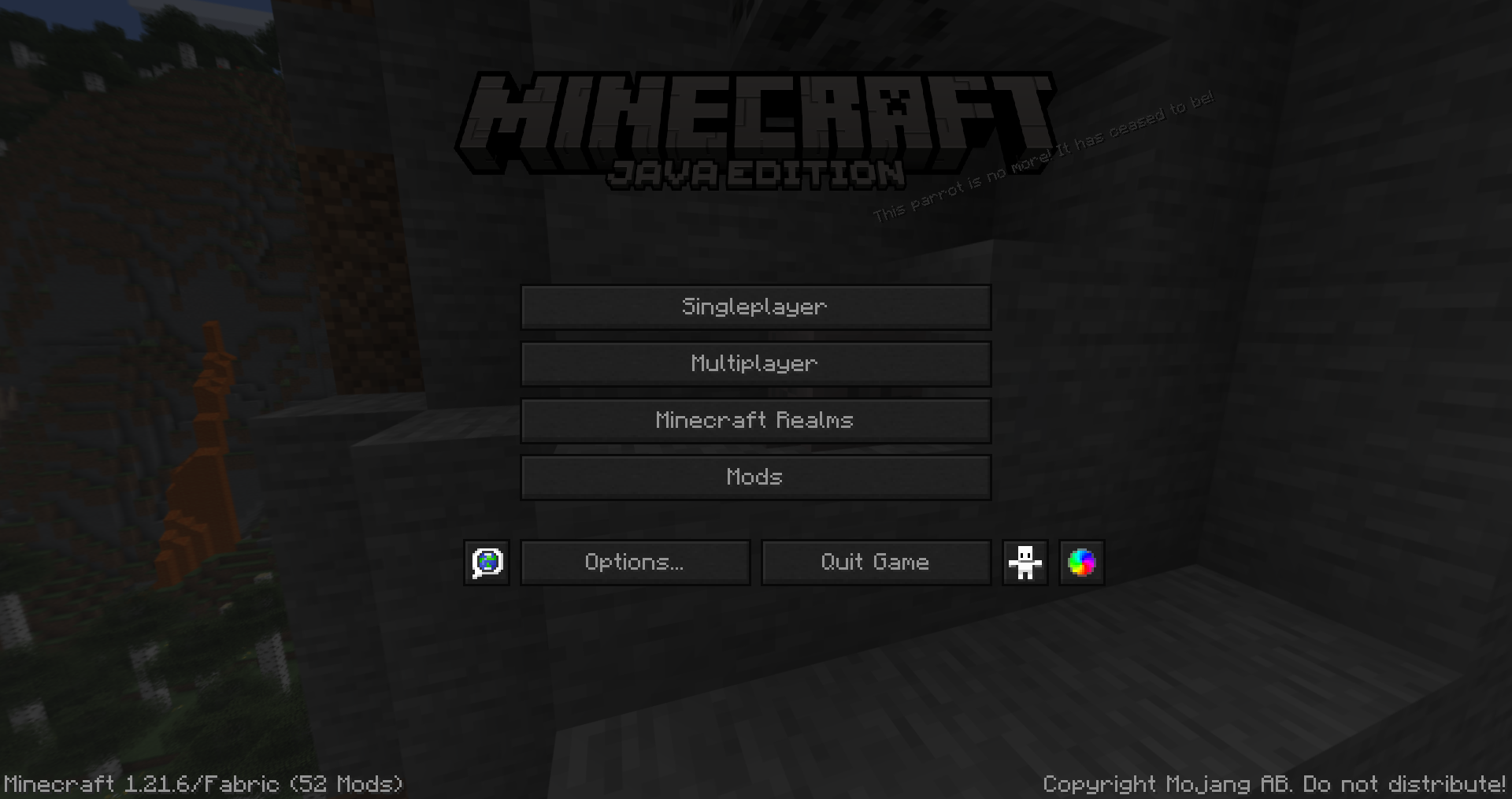 main menu showcase
 -
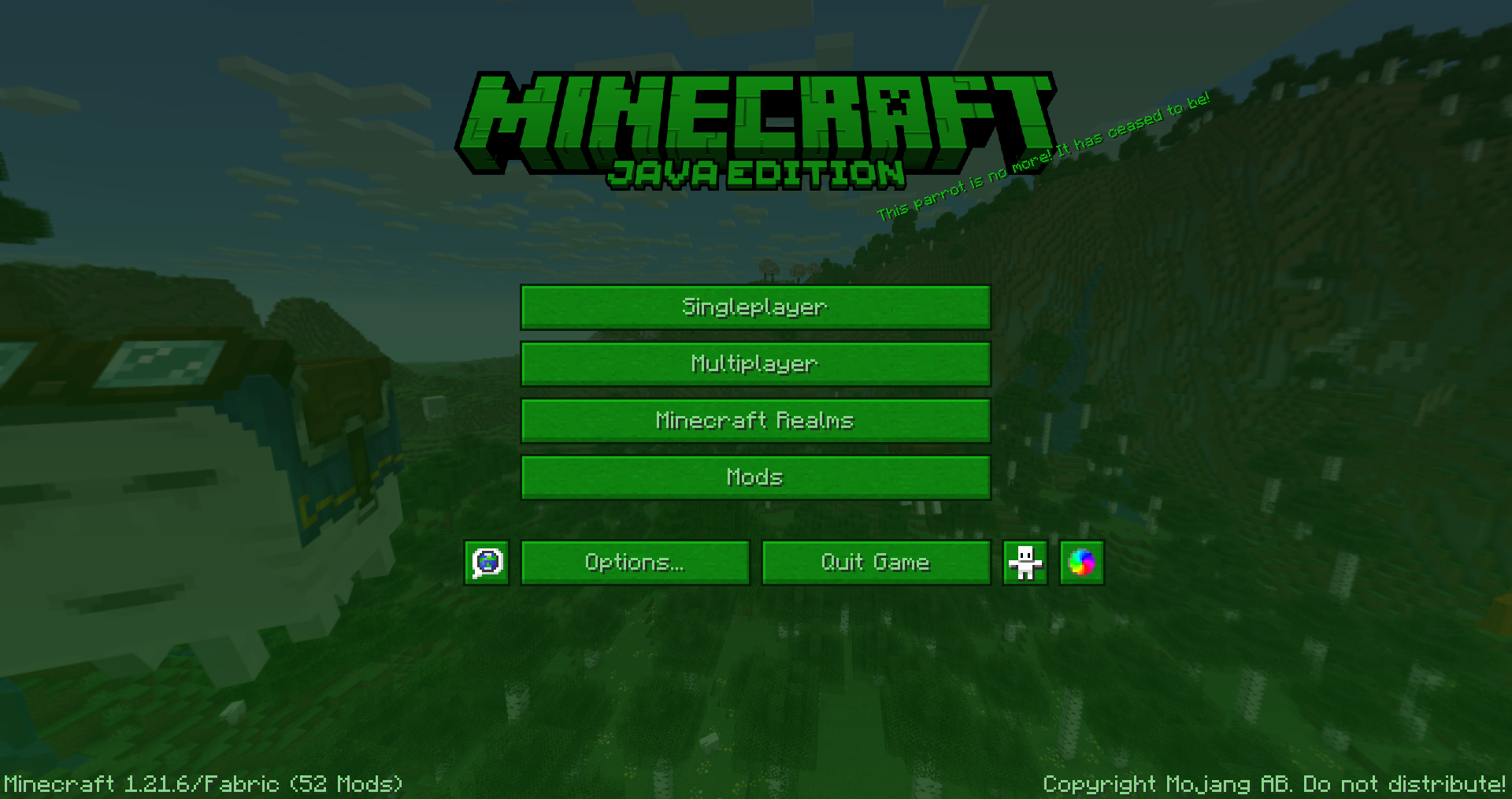 main menu showcase
Versions
Files
Relations
Project Relations
More like this
Similar Mods
Suggestions use data such as tags, dependencies, dependents, descriptions, titles, and more to rank how much they overlap with this mod.
On ModDex
Community snapshot
By the numbers
Statistics
Want to reach Minecraft players?
We're looking for a server hosting partner to feature here and other parts of the site. Interested? Send us a message!
Get in touchGet it on
Available Platforms
On ModDex
Community snapshot
By the numbers