Community listing page, reviews here may not be monitored by the author.
Curse Of Abyss

No reviews yet
This mod is inspired by the anime Made in Abyss, focusing on replicating the "Abyss Curse" mechanics,As well as two unique items: Cartridge and Star Compass,

Community voices
Reviews
No reviews yet. Be the first to review this project!
Get it on
Available Platforms
About
Project Details
For authors
Embed Badge
If you're the author of this project, you can embed a live badge anywhere that supports HTML or Markdown. It updates automatically whenever ratings change.
Use HTML for any page that supports it, or Markdown for README files and Markdown-based descriptions.
Identifiers
Platform IDs
Resources
External Links
About
Description
The inspiration for creating this mod comes from the anime "Made in Abyss". The default configuration simulates the curses of the 6-layer Abyss from the anime.
Players can freely configure the curses for various Abyss layers within the settings:
1. Select dimension
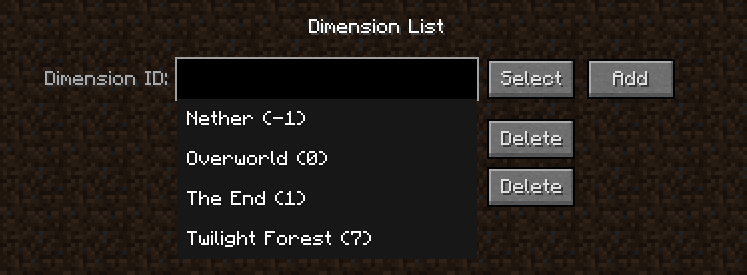
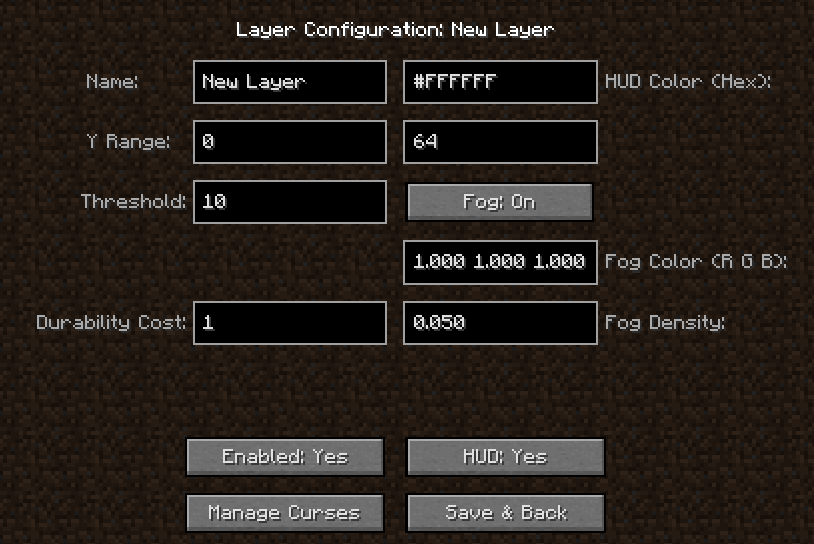
2. Select the layer to add. Note: A positive threshold value is considered an ascending curse; a negative value is considered a descending curse; a value of 0 is considered an interval-based curse, requiring additional input for the curse trigger interval. (Naturally, if the curse duration exceeds the trigger interval, it becomes a continuous curse.)
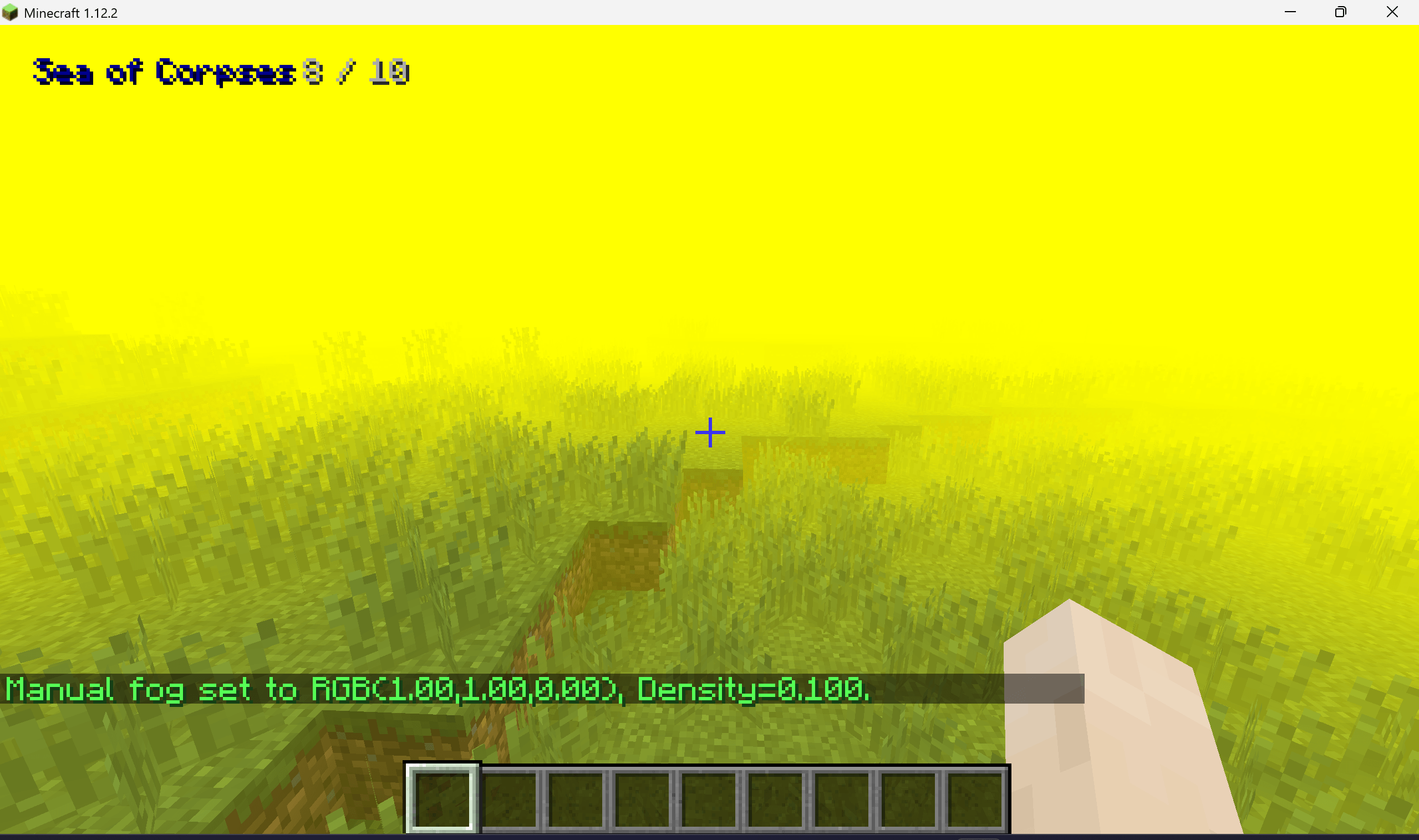
Additionally, fog can be added, and this effect will be covered by shadows.
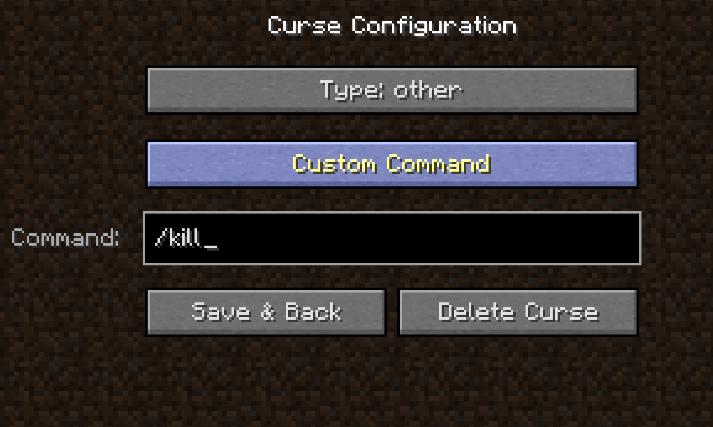
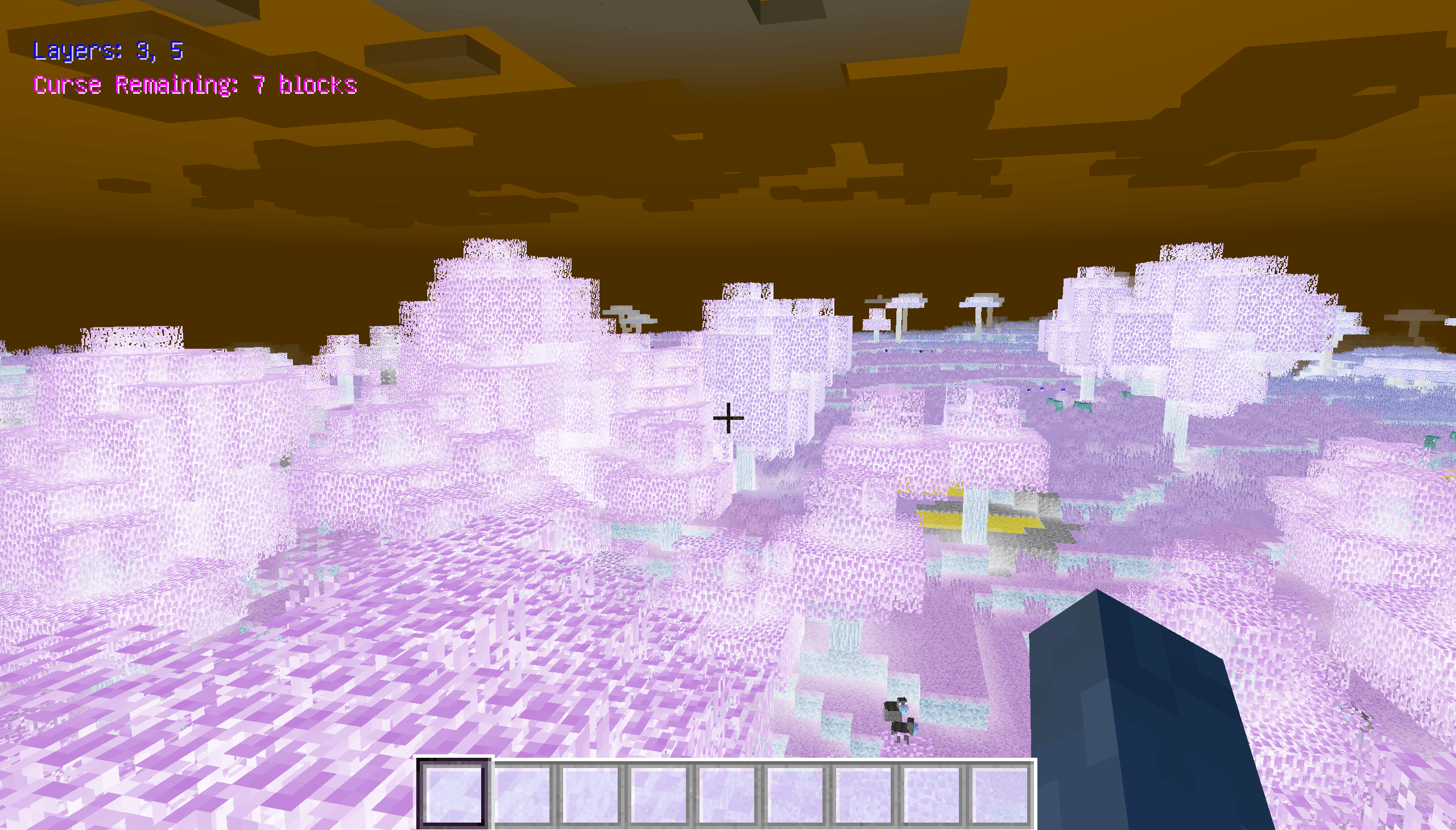
3. Select the curse(s) within the layer. There are multiple types of curses, including the visual filters from the ancient "Super Secret Settings",and players can even input custom commands (e.g., /kill). These curses will trigger when the player ascends within the layer or after a certain period of time has elapsed.
Inspiration for the 2D entities comes from https://www.curseforge.com/minecraft/mc-mods/flat-entities
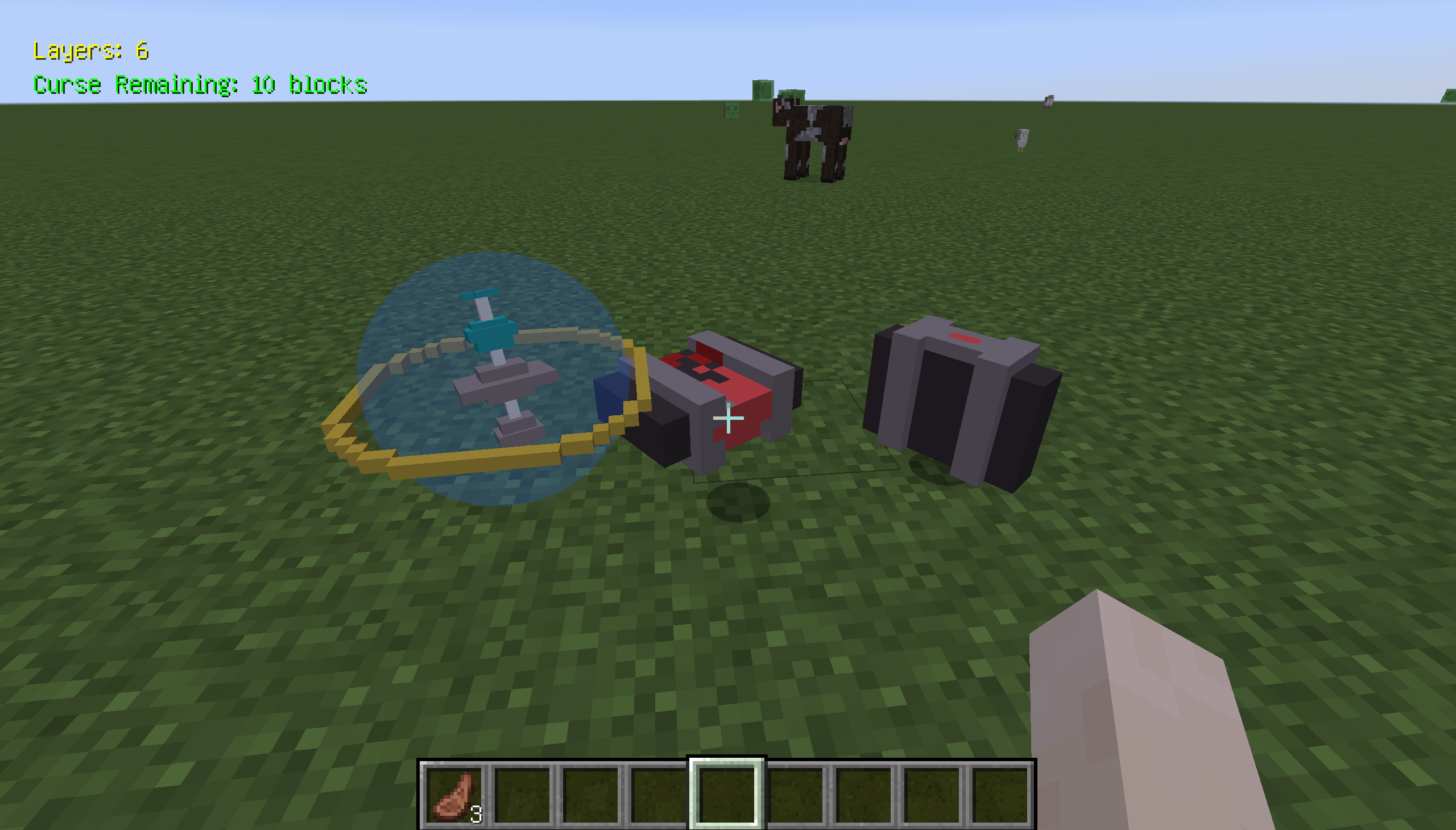
The mod also adds two items: the Star Compass (used for navigation) and the Scapegoat (used to counteract curses).
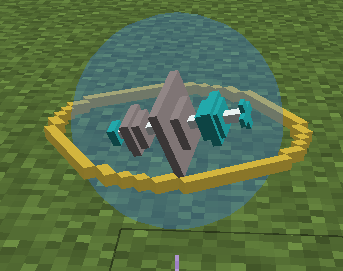
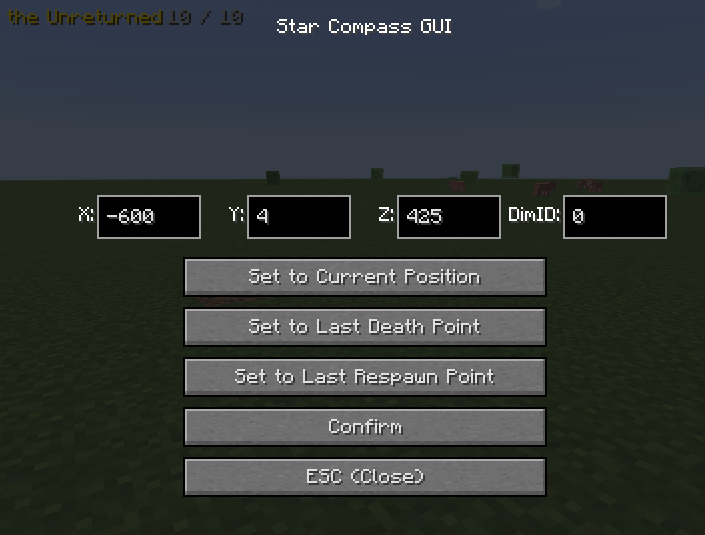
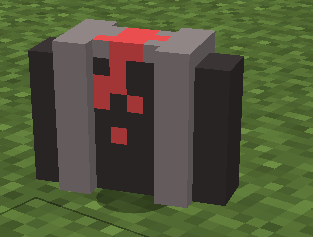
Players can create custom compasses and custom scapegoats in the configuration, which will grant arbitrary items functionality within specific dimensions.
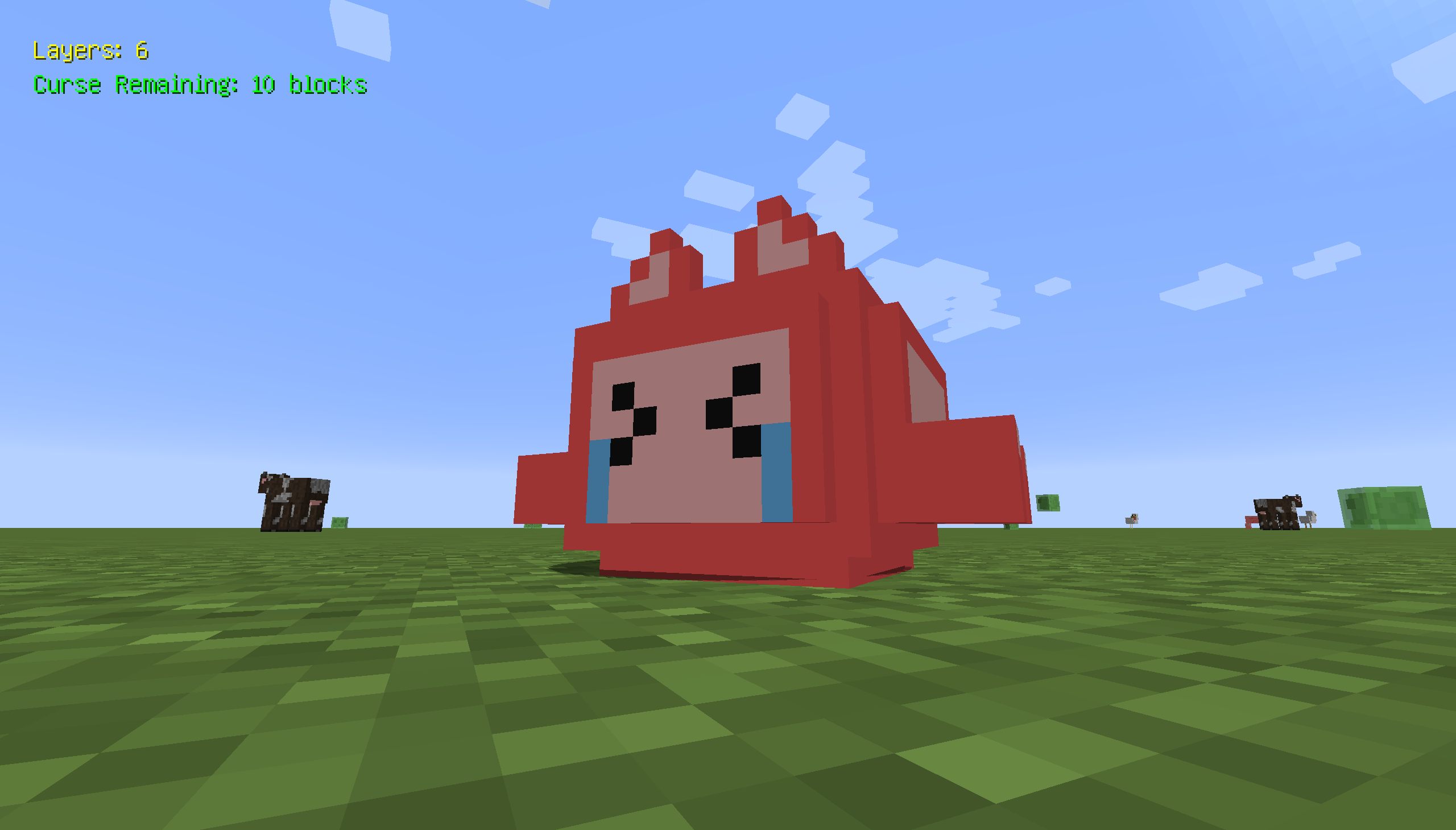
Hold right-click with the White Whistle to grant the player combat buffs and summon an additional Hollow.
A HUD (Heads-Up Display) is shown on the game screen (can be disabled).

The mod supports applying curses via commands. The format is:
/applycurse <player> <type> <name> [duration_seconds] [amplifier] [boolean_value]
[duration_seconds] represents the duration in seconds.
<type> can be one of three types: filter, other, super_secret_setting
For filter, <name> options include inverted, overlappingblur, and red; both overlappingblur and red have an optional [boolean_value] parameter to control fade.
For super_secret_setting, <name> can be one of "antialias", "art", "bits", "blobs", "blobs2", "blur", "bumpy", "color_convolve", "creeper", "deconverge", "desaturate", "flip", "fxaa", "green", "invert", "notch", "ntsc", "outline", "pencil", "phosphor", "scan_pincushion", "sobel", "spider", "wobble".
For other, <name> options are hollow, confusion, bleeding, 2dentities;
hollow has an optional [boolean_value] parameter to enable bleeding particle effects (not the jump effect),
and bleeding has an [amplifier] parameter representing bleeding intensity (1-5).
For example:
/applycurse @s other hollow
/applycurse @s other hollow 10
/applycurse @s other hollow 120 0 true
Mod also has command that allows players to control the fog settings within the game.
/fogcontrol manual exp2 <red> <green> <blue> <density>
/fogcontrol manual linear <red> <green> <blue> <start> <end>
/fogcontrol off
/fogcontrol config (Sets fog effects based on the configuration file.)
The original armor HUD will be an independent mod
"The mod icon was made by Bread With Glasses. You are free to use this mod and all its features in your own modpack, but please provide proper credit when doing so - thank you!"
Screenshots
Gallery
-
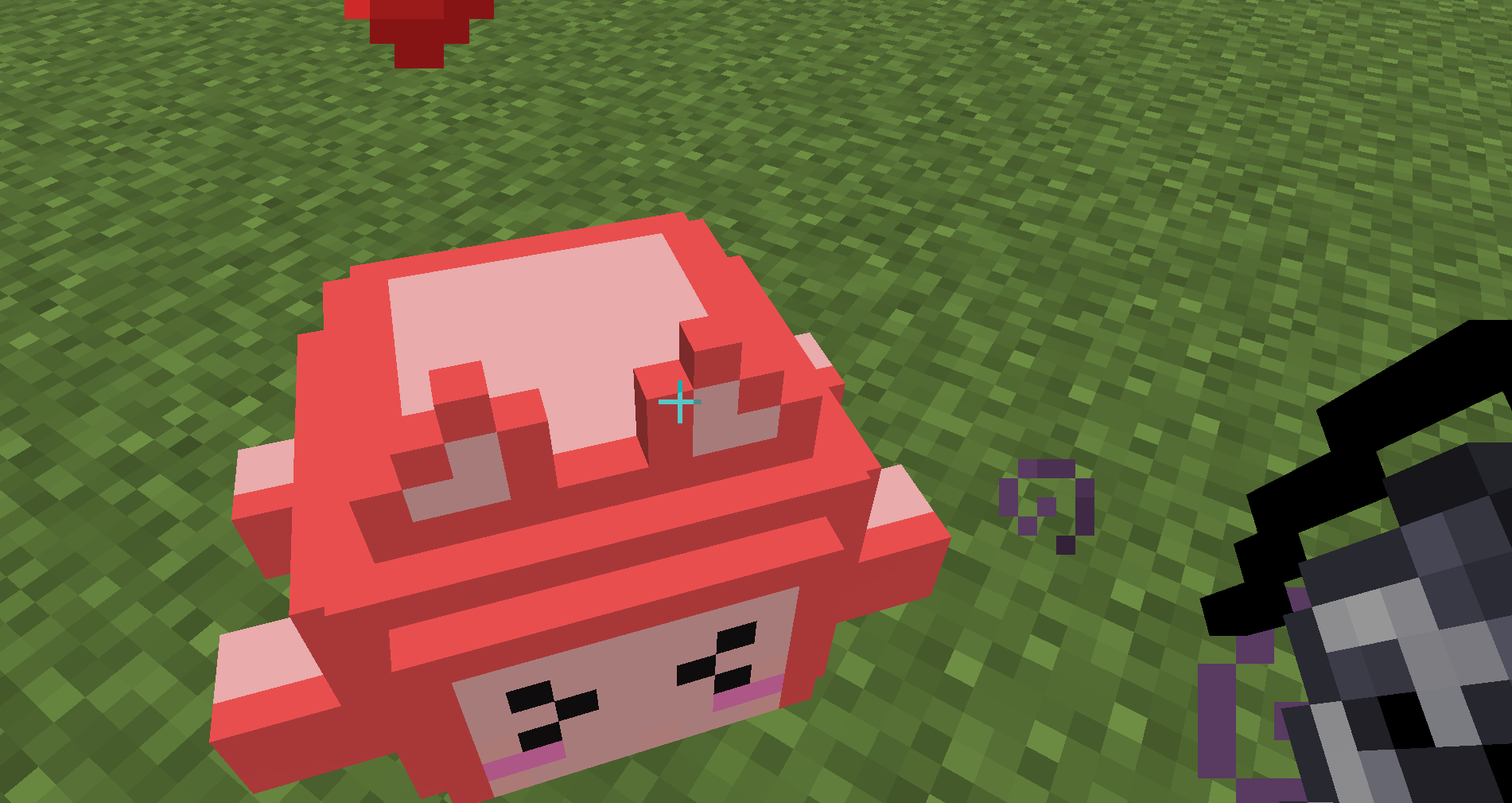 White Whistle.png White Whistle.png
 -
 9b26bd6097a225ded032245acef7cc27.png 9b26bd6097a225ded032245acef7cc27.png
 -
 2025-05-09_23.41.47.png 2025-05-09_23.41.47.png
 -
 2025-05-09_23.40.24.png 2025-05-09_23.40.24.png
 -
 2025-05-09_23.39.56.png 2025-05-09_23.39.56.png
Versions
Files
Relations
Project Relations
More like this
Similar Mods
Suggestions use data such as tags, dependencies, dependents, descriptions, titles, and more to rank how much they overlap with this mod.
- Curse of the Abyss: The Mystery of the Depths
- Curse of the Abyss
- Curse Of The Warden
- Curse of Disintegration
- Curse of Curses
- Curse of Vanishing Fix - Keep Inventory
- Curse of Immutability
- Curse of Chicken: Crossover madness(Outdate)
- Curse of The Gambler
- Curse of Aros mod (made by SuraLdin)
- Curse Of Darkness
- Curse of the Void
On ModDex
Community snapshot
By the numbers
Statistics
 (opens in a new tab)
Get it on
Available Platforms
On ModDex
Community snapshot
By the numbers
Statistics
Resources