Community listing page, reviews may not be monitored by the author.
Custom-chat


No reviews yet
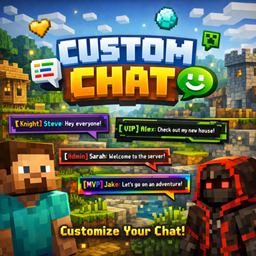
Customizable centered chat with player heads, custom nicknames, colored names, message history and F7 settings GUI

Community voices
Reviews
No reviews yet. Be the first to review this project!
Get it on
Available Platforms
Compatibility
Supported Environments
Runs entirely on the client. Works on vanilla servers.
About
Project Details
For authors
Embed Badge
If you're the author of this project, you can embed a live badge anywhere that supports HTML or Markdown. It updates automatically whenever ratings change.
Use HTML for any page that supports it, or Markdown for README files and Markdown-based descriptions.
Identifiers
Platform IDs
Resources
External Links
About
Description
# Custom Chat Mod A fully customizable chat mod that displays messages in the center of your screen with player heads and colored nicknames. ---
✨ Features
💬 Centered Chat Messages appear in the center of your screen instead of the corner. Clean and easy to read!
🖼️ Player Heads Shows player and NPC heads next to each message for better visibility.
✏️ Custom Nicknames Change your display name in chat without changing your actual username. - `/chatname YourName` - Set custom nickname - `/chatname reset` - Reset to default
🎨 Colored Names Customize your nickname color with 14 available colors. - `/chatcolor gold` - Change to gold - `/chatcolor aqua` - Change to aqua
🎛️ Settings GUI (F7) Press **F7** to open settings: - Drag and drop chat position anywhere on screen - Toggle player heads on/off - Set message display duration - Reset to defaults
⌨️ Message History Use **↑** and **↓** arrow keys to recall previously sent messages, just like vanilla Minecraft!
📝 TAB Completion Press **TAB** to auto-complete commands. Works exactly like vanilla!
📁 Config Files All settings are saved in `.minecraft/custom-chat-mod/` - `config.json` - Main settings - `heads.json` - Custom NPC heads --- ## 🎮 Commands | Command | Description | |---------|-------------| | `/chatname ` | Set custom nickname | | `/chatname reset` | Reset nickname | | `/chatcolor ` | Change name color | | `/clearchat` | Clear chat history | ---
🎨 Available Colors `red` `dark_red` `blue` `aqua` `green` `dark_green` `yellow` `gold` `purple` `light_purple` `gray` `dark_gray` `white` `black` ---
⌨️ Keybinds | Key | Action | |-----|--------| | **T** | Open chat | | **F7** | Open settings (customizable) | | **↑ / ↓** | Message history | | **TAB** | Command completion | | **Enter** | Send message | | **Esc** | Close chat | ---
🖼️ NPC Heads Configure custom heads for NPCs in `heads.json`: ```json { "Trader": "MHF_Villager", "Guard": "MHF_Steve", "System": "MHF_Question" }
Custom Chat Mod
A clean and customizable chat mod that displays messages in the center of your screen with player heads and colored nicknames.
✨ Features
💬 Centered Chat
Messages appear in the center of your screen instead of the bottom-left corner. Clean, modern and easy to read!
🖼️ Player Heads
Shows player heads next to each message for better visibility and a nicer look.
✏️ Custom Nicknames
Change your display name in chat without changing your actual username.
🎨 Colored Names
Customize your nickname color with 14 available colors to stand out in chat.
📐 Dynamic Width
Chat box automatically adjusts its width based on message length.
🎮 Commands
| Command | Description |
|---|---|
/chatname <name> |
Set your custom nickname |
/chatname reset |
Reset to default nickname |
/chatcolor <color> |
Change your name color |
/clearchat |
Clear chat history |
🎨 Available Colors
- Red:
red,dark_red - Blue:
blue,aqua - Green:
green,dark_green - Yellow:
yellow,gold - Purple:
purple,light_purple - Gray:
gray,dark_gray - Other:
white,black
💡 Perfect For
- Roleplay servers - Custom NPC names and colors
- Story maps - Clean centered dialogue
- Streamers - Better chat visibility for viewers
- Everyone - Cleaner chat experience
📦 Installation
- Install Forge 1.19.2
- Download the mod
- Place the
.jarfile in your.minecraft/mods/folder - Launch the game and enjoy!
🔗 Links
- Source Code: GitHub
- Issues: Report a Bug
Author: GidexPlayYT
Screenshots
Gallery
-
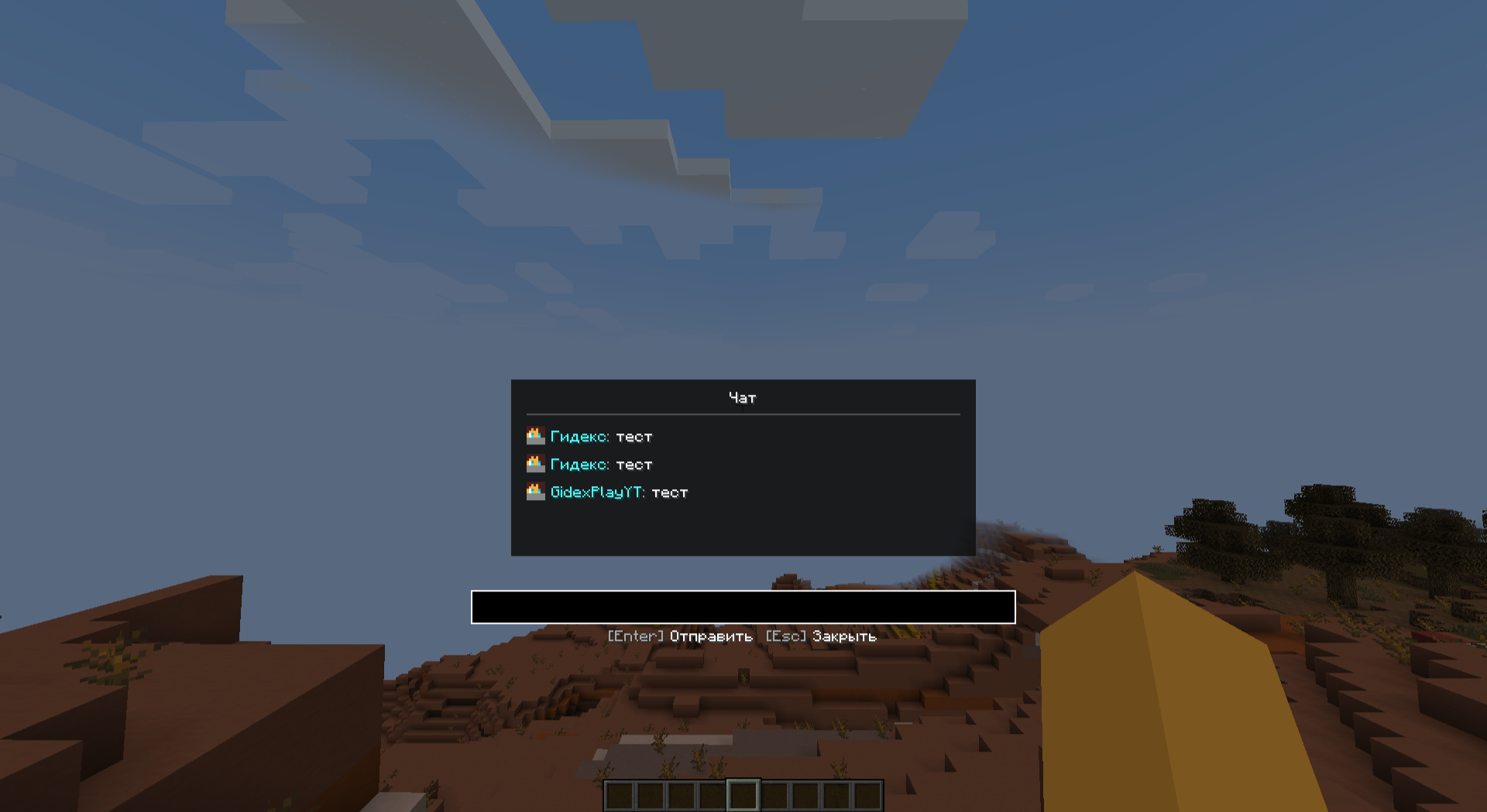 custom_nickname
 -
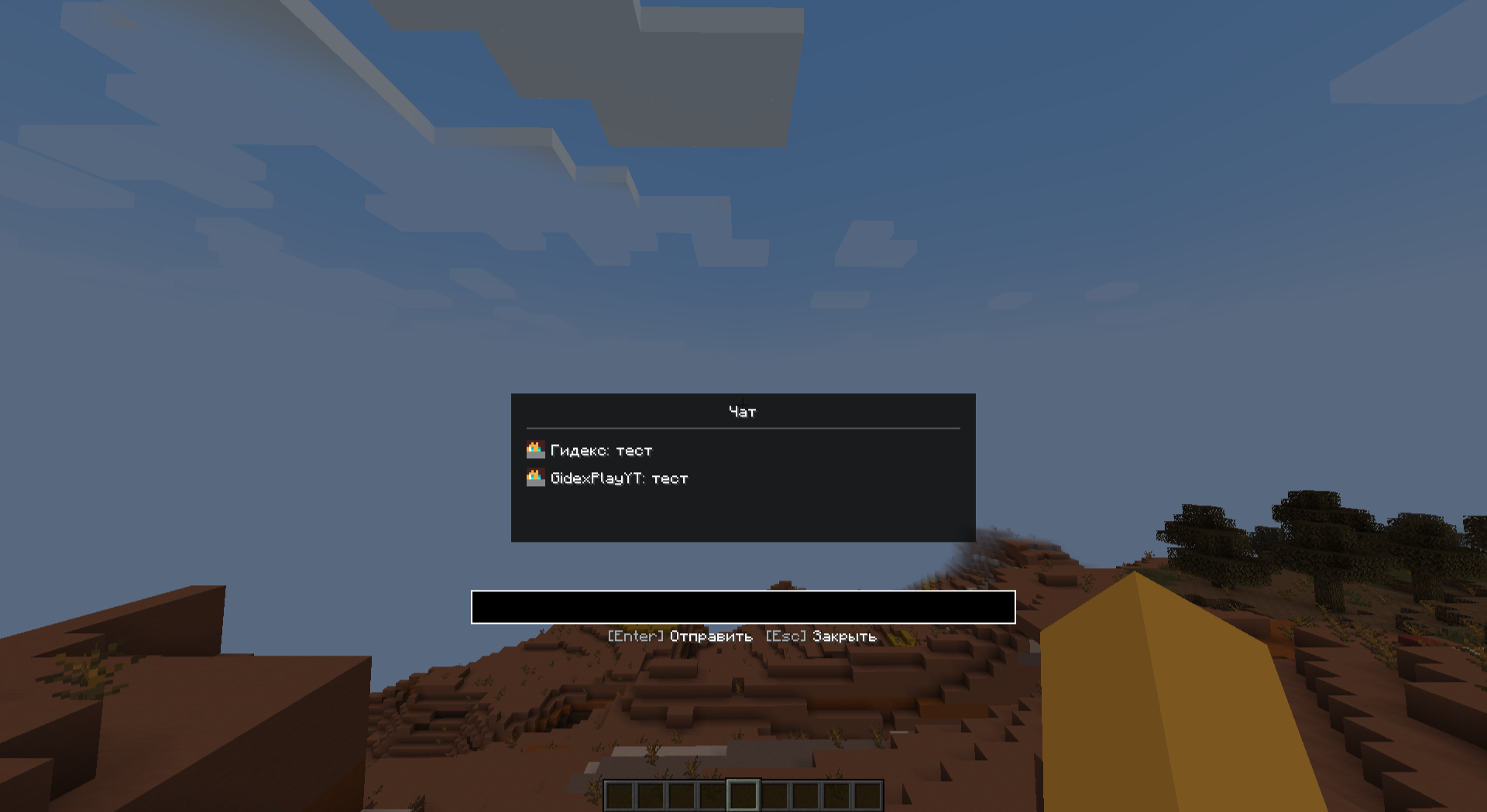 chat_window
 -
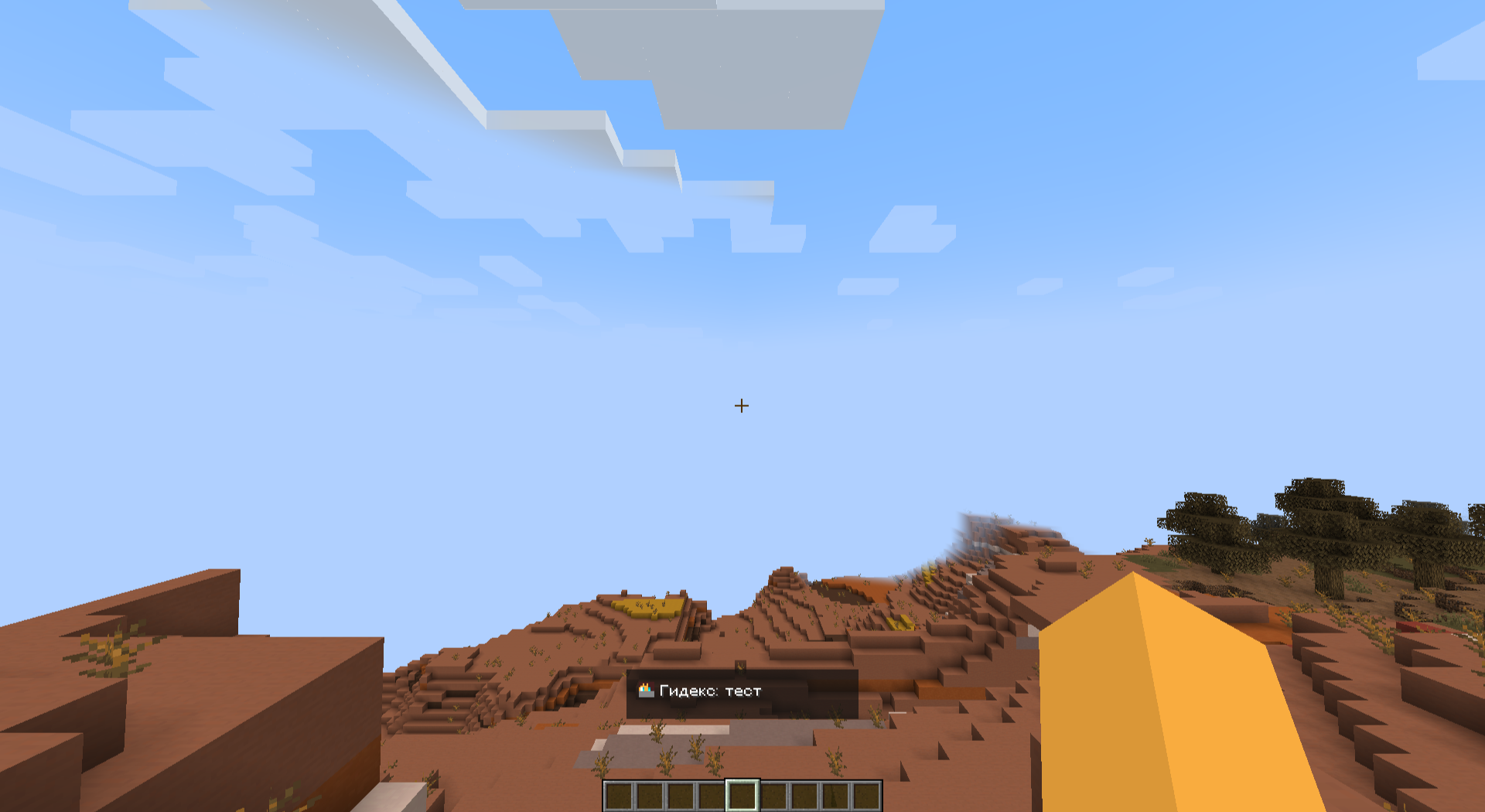 chat_overlay
Versions
Files
Relations
Project Relations
More like this
Similar Mods
Suggestions use data such as tags, dependencies, dependents, descriptions, titles, and more to rank how much they overlap with this mod.
On ModDex
Community snapshot
By the numbers
Statistics

Get it on
Available Platforms
On ModDex
Community snapshot
By the numbers
Statistics
Resources