Community listing page, reviews here may not be monitored by the author.
Custom Chest Name


No reviews yet
Allows you to rename chest

Community voices
Reviews
No reviews yet. Be the first to review this project!
Get it on
Available Platforms
Compatibility
Supported Environments
Required on the client. Installing it on the server adds functionality.
About
Project Details
For authors
Embed Badge
If you're the author of this project, you can embed a live badge anywhere that supports HTML or Markdown. It updates automatically whenever ratings change.
Use HTML for any page that supports it, or Markdown for README files and Markdown-based descriptions.
Identifiers
Platform IDs
About
Description
Custom Chest Name
Still getting frustrated because you can't find things due to too many chests? Custom Chest Name offers you a solution to this problem: by simply naming your chests, you can quickly find sorted items.
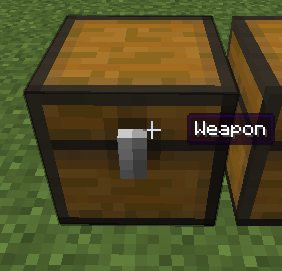
How to rename
You only need to open the chest and click on the chest's name to start renaming. You can also rename it by sneaking and right-clicking the chest with a renamed name tag in hand (and it won't be consumed).
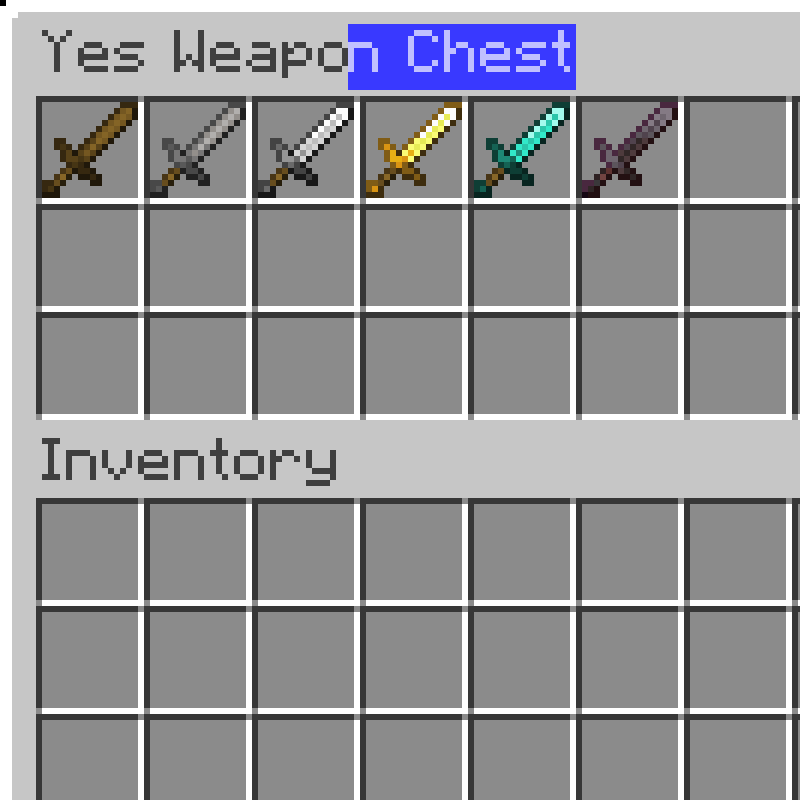
Compat
When the Jade mod is installed and Tooltips are enabled, Custom Chest Name will automatically disable the Tooltip to the right of the crosshair.
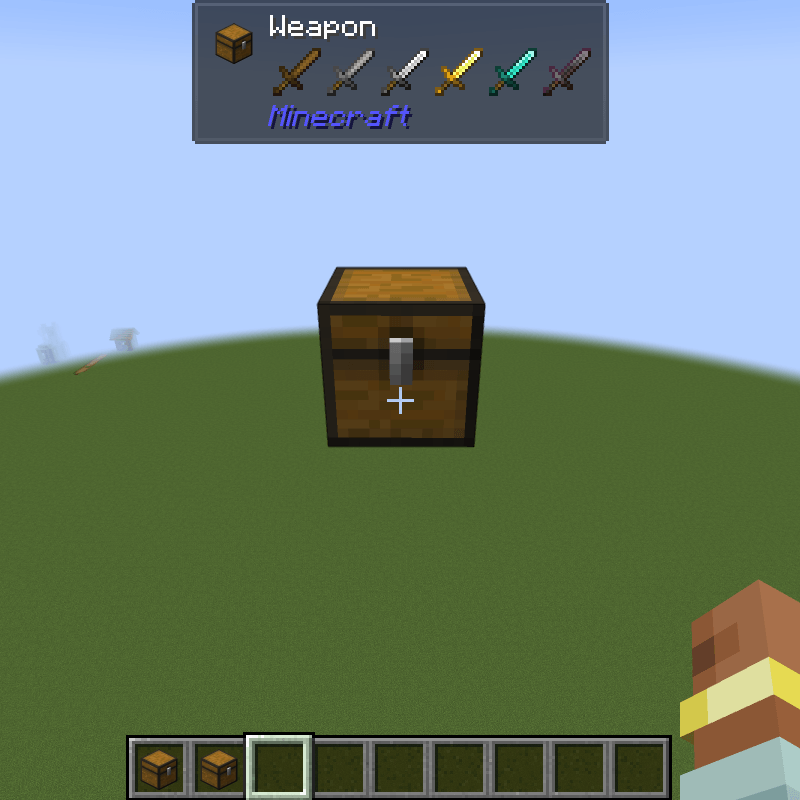
Config
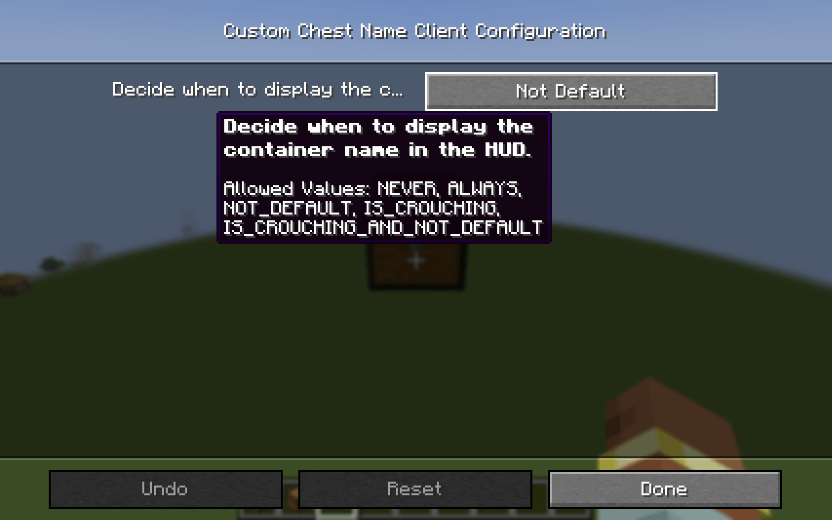
You can change the display mode to one of the following options in the configuration:
- Never
- Always
- Not Default
- Is Crouching
- Is Crouching And Not Default
Neoforge Configuration Screen(The Forge version can only modify the config file)
Custom Chest Name
Still getting frustrated because you can't find things due to too many chests? Custom Chest Name offers you a solution to this problem: by simply naming your chests, you can quickly find sorted items.

How to rename
You only need to open the chest and click on the chest's name to start renaming. You can also rename it by sneaking and right-clicking the chest with a renamed name tag in hand (and it won't be consumed).

Compat
When the Jade mod is installed and Tooltips are enabled, Custom Chest Name will automatically disable the Tooltip to the right of the crosshair.

Config
You can change the display mode to one of the following options in the configuration:
- Never
- Always
- Not Default
- Is Crouching
- Is Crouching And Not Default
Neoforge Configuration Screen(The Forge version can only modify the config file)

Screenshots
Gallery
Versions
Files
Relations
Project Relations
More like this
Similar Mods
Suggestions use data such as tags, dependencies, dependents, descriptions, titles, and more to rank how much they overlap with this mod.
On ModDex
Community snapshot
By the numbers
Statistics
 (opens in a new tab)
Get it on
Available Platforms
On ModDex
Community snapshot
By the numbers