Community listing page, reviews may not be monitored by the author.
CUSTOM CRAFT in game

No reviews yet
Create shaped and shapeless crafting recipes in-game with a simple editor.

Community voices
Reviews
No reviews yet. Be the first to review this project!
Get it on
Available Platforms
About
Project Details
For authors
Embed Badge
If you're the author of this project, you can embed a live badge anywhere that supports HTML or Markdown. It updates automatically whenever ratings change.
Use HTML for any page that supports it, or Markdown for README files and Markdown-based descriptions.
Identifiers
Platform IDs
Resources
External Links
About
Description
CraftScribe lets you create your own crafting recipes without writing a datapack or a single line of JSON. Press K in game, fill in a small form, and your recipe is ready a moment later.
How it works
Open the editor with the K key (rebindable in Controls). Type item IDs into the 3×3 grid, enter the result and its quantity, choose a mode, and click Save. The game reloads on its own and the recipe appears in the crafting table.
Two recipe modes
- Shaped: ingredients must follow a precise pattern, like tools or armor. Small recipes also work in the 2×2 inventory grid.
- Shapeless: ingredients can go in any slot, like dyes or simple mixtures.
One world, one set of recipes
Recipes are saved inside the world you are playing in, so every world can have its own crafting rules. Nothing leaks from one save to another.
Works with other mods
Any item added by another mod can be used if you know its ID, for example modid:item_name.
Singleplayer and servers
CraftScribe must be installed on both the client and the server. In singleplayer, the world owner can use the editor. On a server, only operators can create recipes.
Early version
This is the first release. You can create recipes, but there is no in-game list to edit or delete them yet. For now, you can remove a recipe by deleting its file in the world's datapacks/craftscribe_recipes folder. Item IDs are typed by hand.
Planned
A recipe list with edit and delete, item search by name, and the ability to disable existing recipes.
Screenshots
Gallery
-
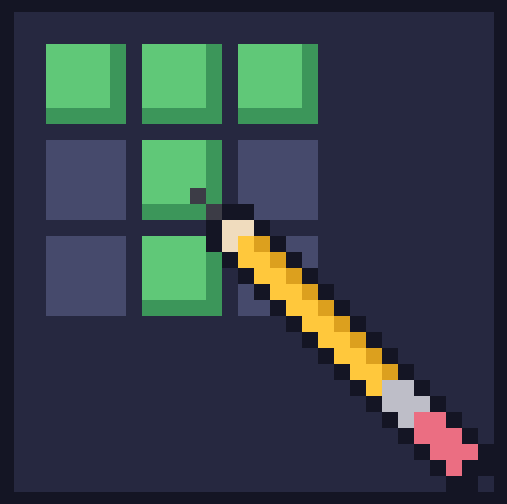 Capture d'écran 2026-10-03 170923.png Capture d'écran 2026-10-03 170923.png
Versions
Files
Relations
Project Relations
More like this
Similar Mods
Suggestions use data such as tags, dependencies, dependents, descriptions, titles, and more to rank how much they overlap with this mod.
On ModDex
Community snapshot
By the numbers
Statistics

Get it on
Available Platforms
On ModDex
Community snapshot
By the numbers
Statistics
Resources