
custom portal forge
No reviews yet
this mod adds custom portals to empty dimensions you can customize!
Fabric is a mod loader for versions 1.14+ of Minecraft, particularly popular for client side and optimization mods.
Community voices
Reviews
Click once to include, again to exclude, again to clear
No reviews yet. Be the first to review this project!
Get it on
Available Platforms
 Modrinth
Compatibility
Supported Environments
About
Project Details
For authors
Embed Badge
If you're the author of this project, you can embed a live badge anywhere that supports HTML or Markdown. It updates automatically whenever ratings change.
Use HTML for any page that supports it, or Markdown for README files and Markdown-based descriptions.
Identifiers
Platform IDs
Resources
External Links
About
Description
Custom Portal Forge
Custom Portal Forge is a Minecraft mod that lets you create and manage custom portal-based dimensions. Build a portal frame, activate it with the Dimension Igniter, and create unique portal-linked dimensions with colors that can be changed using dyes.
Main Features
- Create custom dimensions through portal frames.
- Activate portals using the Dimension Igniter.
- Change portal colors by throwing dyes into the portal.
- Portals keep their current frame material while changing only the portal color.
- Includes glowing animated portal visuals.
- Includes admin commands for managing custom dimensions.
- Works in singleplayer and multiplayer when installed correctly.
How to Use
- Build a valid portal frame.
- Use the Dimension Igniter on the frame to activate the portal.
- Enter the portal to travel to the linked custom dimension.
- Throw dye into the portal to change the portal color.
- Use admin commands to manage, rename, delete, or give access to custom dimensions.
What Happens When You Enter a Portal
When a custom portal is entered, it sends the player to that portal’s linked custom dimension.
Newly created dimensions start with a simple blank template:
- A 5x5 dirt starter island
- Surrounded by the void
- Designed as a blank starting point for building your own dimension
Commands
Create
Creates a new custom dimension.
Command:
/dimension create <name>
Use this to create a new blank custom dimension with the default 5x5 dirt starter island surrounded by the void.
Delete
Deletes an existing custom dimension.
Command:
/dimension delete <name>
Use this carefully. Deleting a dimension removes that custom dimension from the mod.
Give Igniter
Gives a Dimension Igniter for a specific dimension.
Command:
/dimension give igniter <player> <dimension>
Use this to give yourself or another player a Dimension Igniter linked to a specific custom dimension.
Rename
Renames an existing custom dimension.
Command:
/dimension rename <old_name> <new_name>
After using this command, the portal may take a few moments to update.
Crafting
The Dimension Igniter can be crafted using this recipe:
Torch | Empty | Empty
Diamond Block | Soul Soil | Empty
Flint and Steel | Amethyst Block | Torch
Installation
This mod is required on both the client and server.
For singleplayer, install it in your local mods folder.
For multiplayer, install it on the server and make sure every player also has the mod installed.
Notes
This mod is designed for custom portal travel, dimension experimentation, and building unique worlds from a blank void-island starting point.
Screenshots
Gallery
-
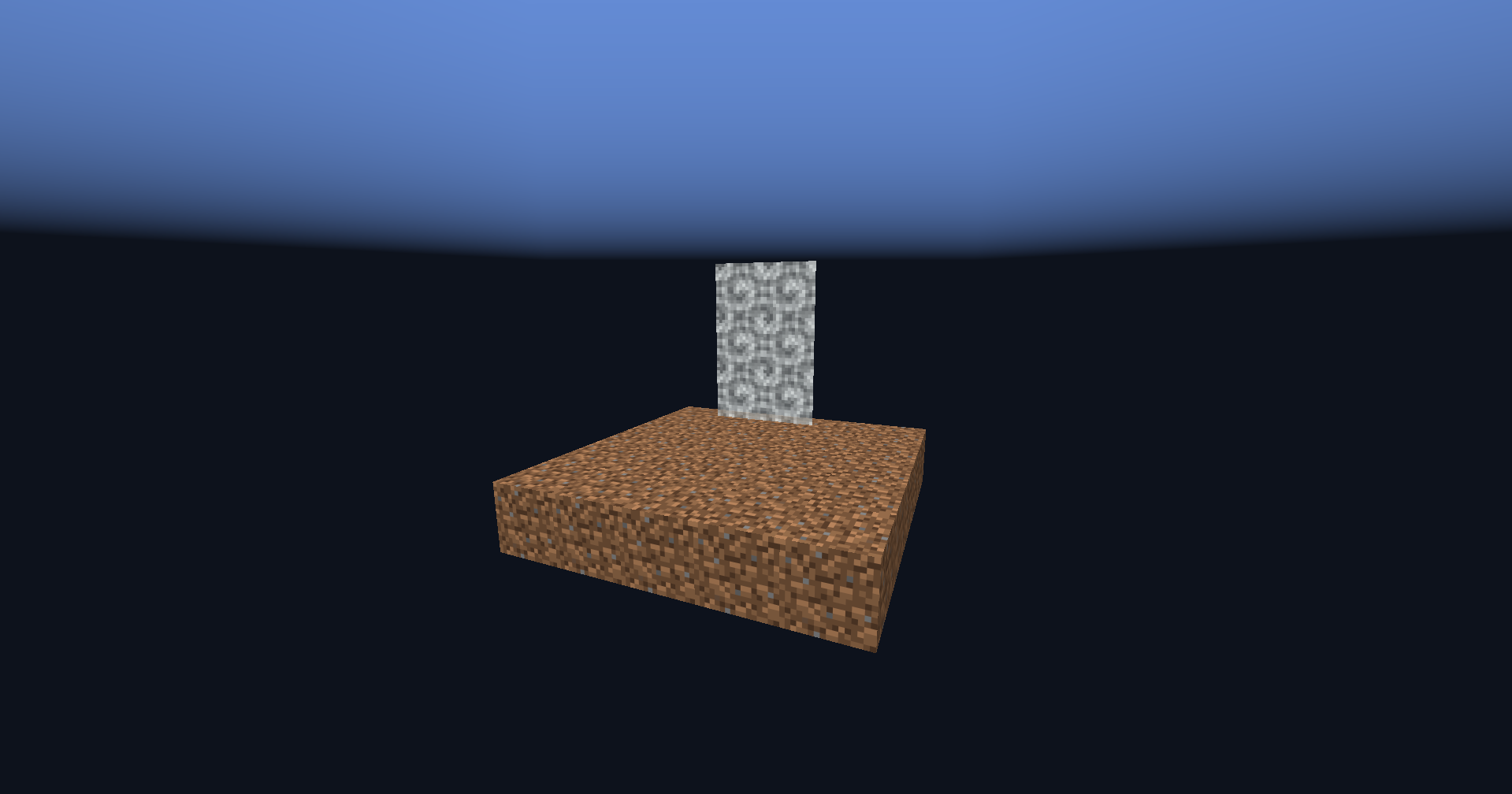 empty starter dimension
 -
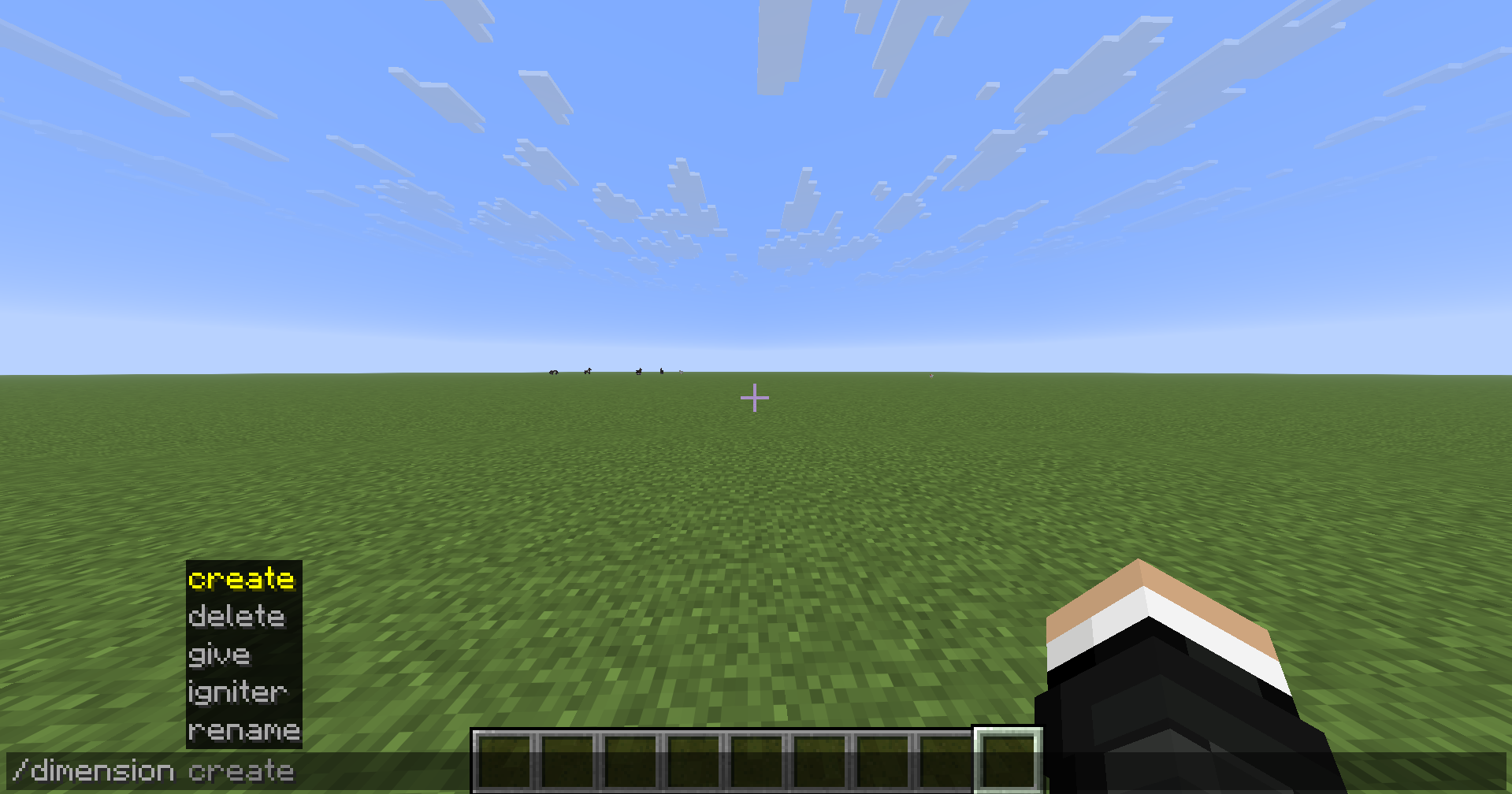 commands to create and edit your dimensions
 -
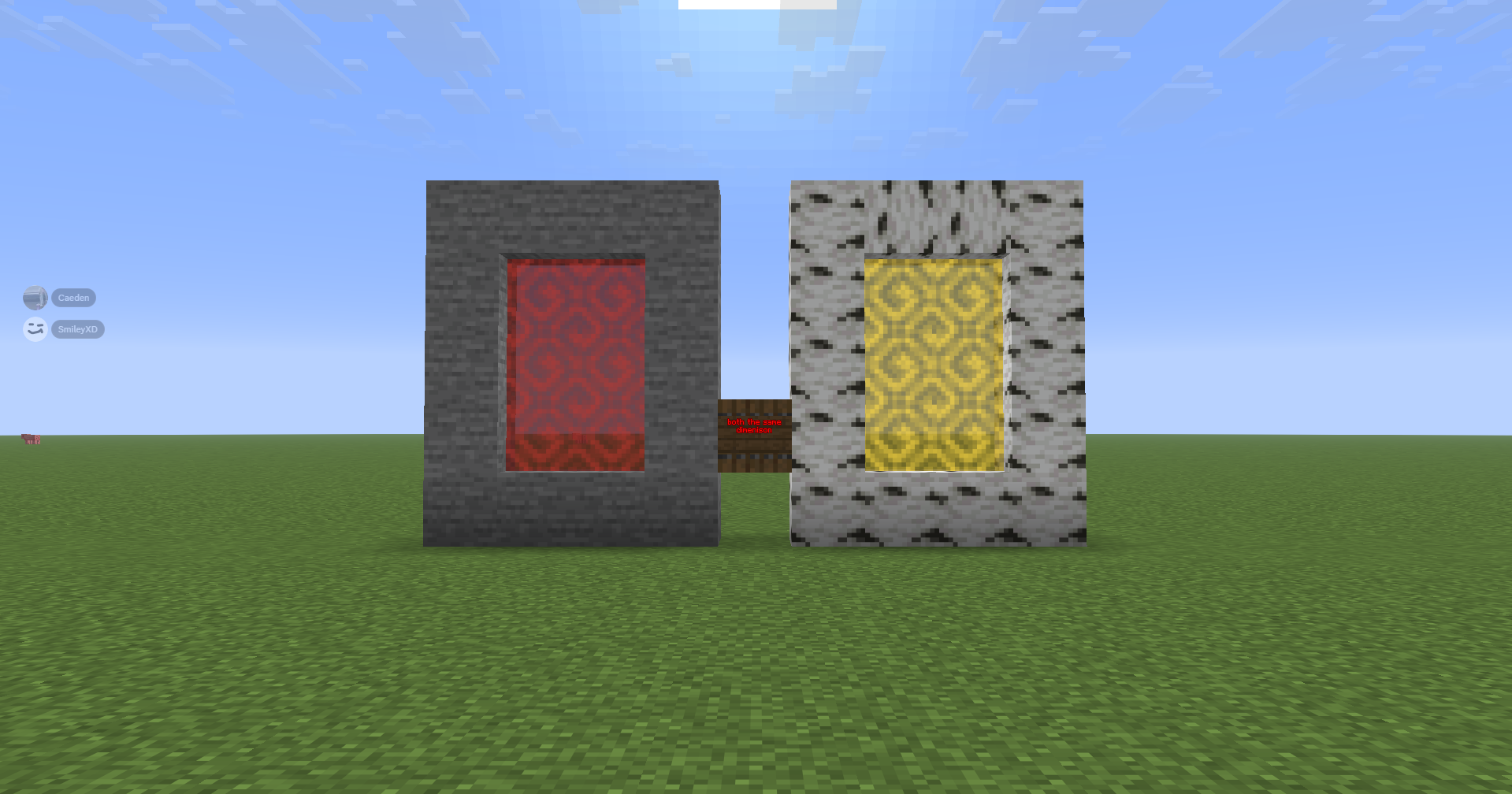 same dimensions with different blocks and colors you can link the same dimensions with completely different looking portals
 -
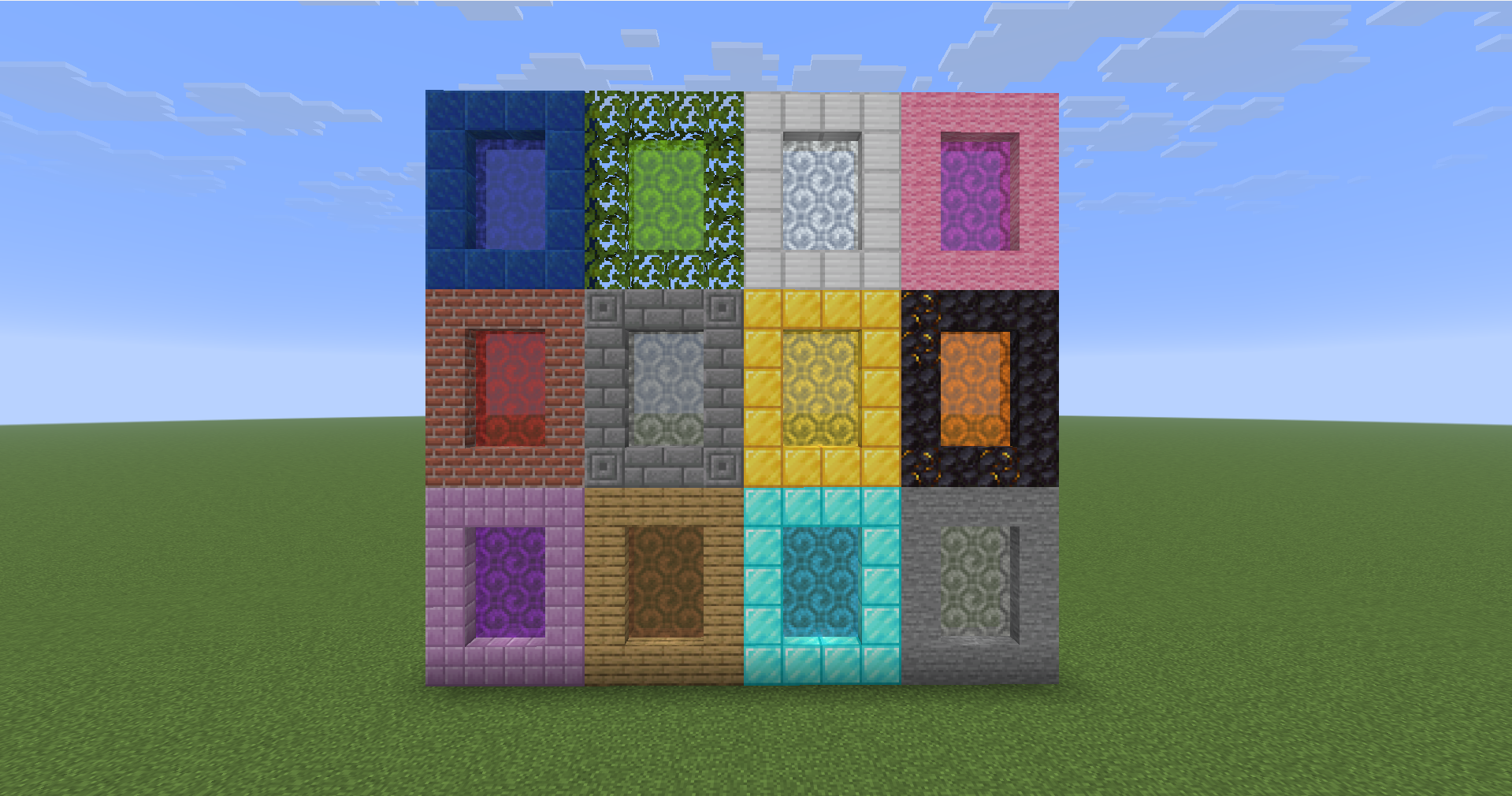 endless portal combinations with any block in the game
Versions
Files
Relations
Project Relations
More like this
Similar Mods
Suggestions use data such as tags, dependencies, dependents, descriptions, titles, and more to rank how much they overlap with this mod.
On ModDex
Community snapshot
By the numbers
Statistics

Want to reach Minecraft players?
We're looking for a server hosting partner to feature here and other parts of the site. Interested? Send us a message!
Get in touchGet it on
Available Platforms
On ModDex
Community snapshot
By the numbers
Statistics
Resources