Community listing page, reviews may not be monitored by the author.
custom_knight

No reviews yet
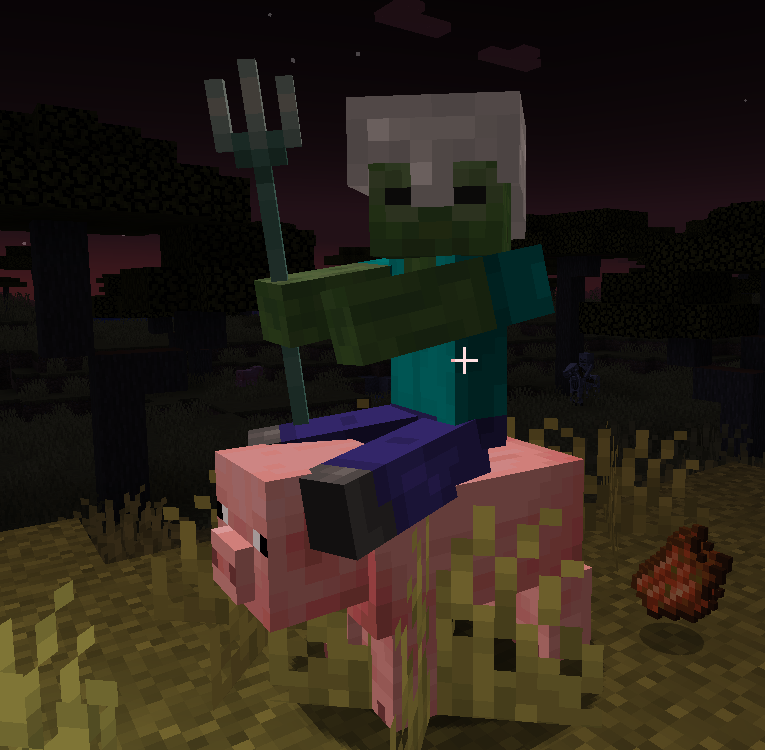
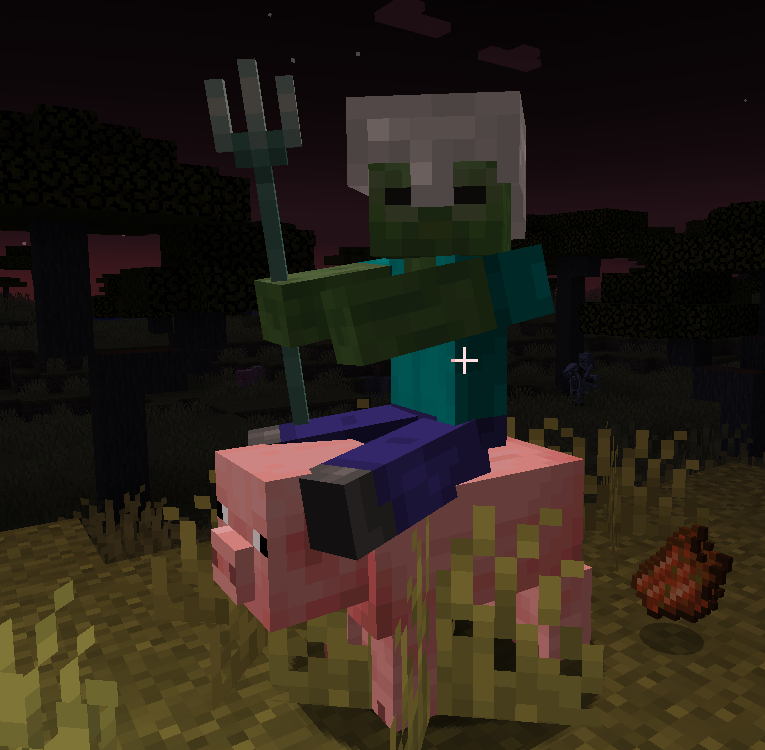
You can make creatures ride other creatures and take up weapons

Community voices
Reviews
No reviews yet. Be the first to review this project!
Get it on
Available Platforms
Compatibility
Supported Environments
Works in singleplayer only; does not function in multiplayer.
About
Project Details
For authors
Embed Badge
If you're the author of this project, you can embed a live badge anywhere that supports HTML or Markdown. It updates automatically whenever ratings change.
Use HTML for any page that supports it, or Markdown for README files and Markdown-based descriptions.
Identifiers
Platform IDs
Resources
External Links
About
Description
costom knight
Mod Introduction
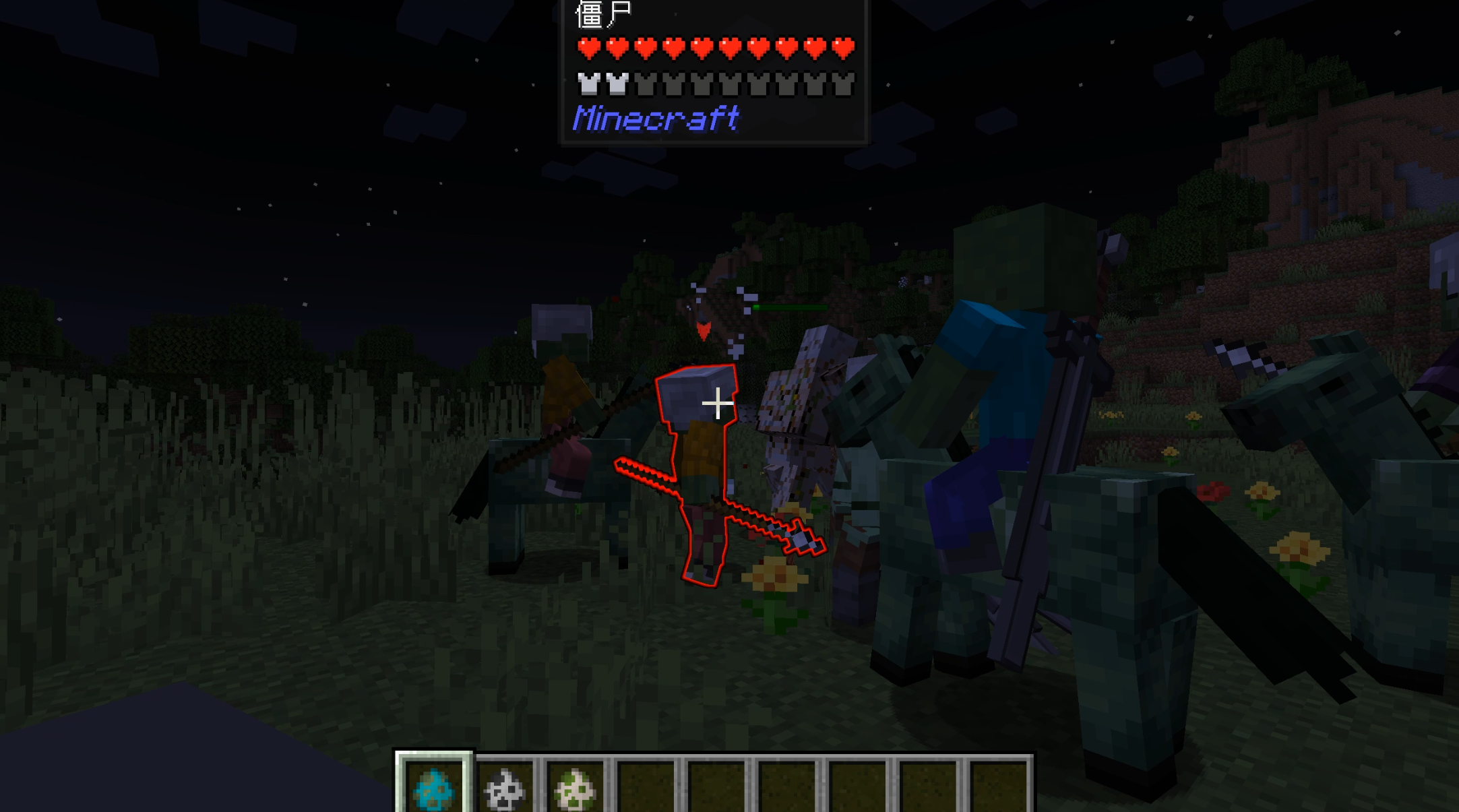
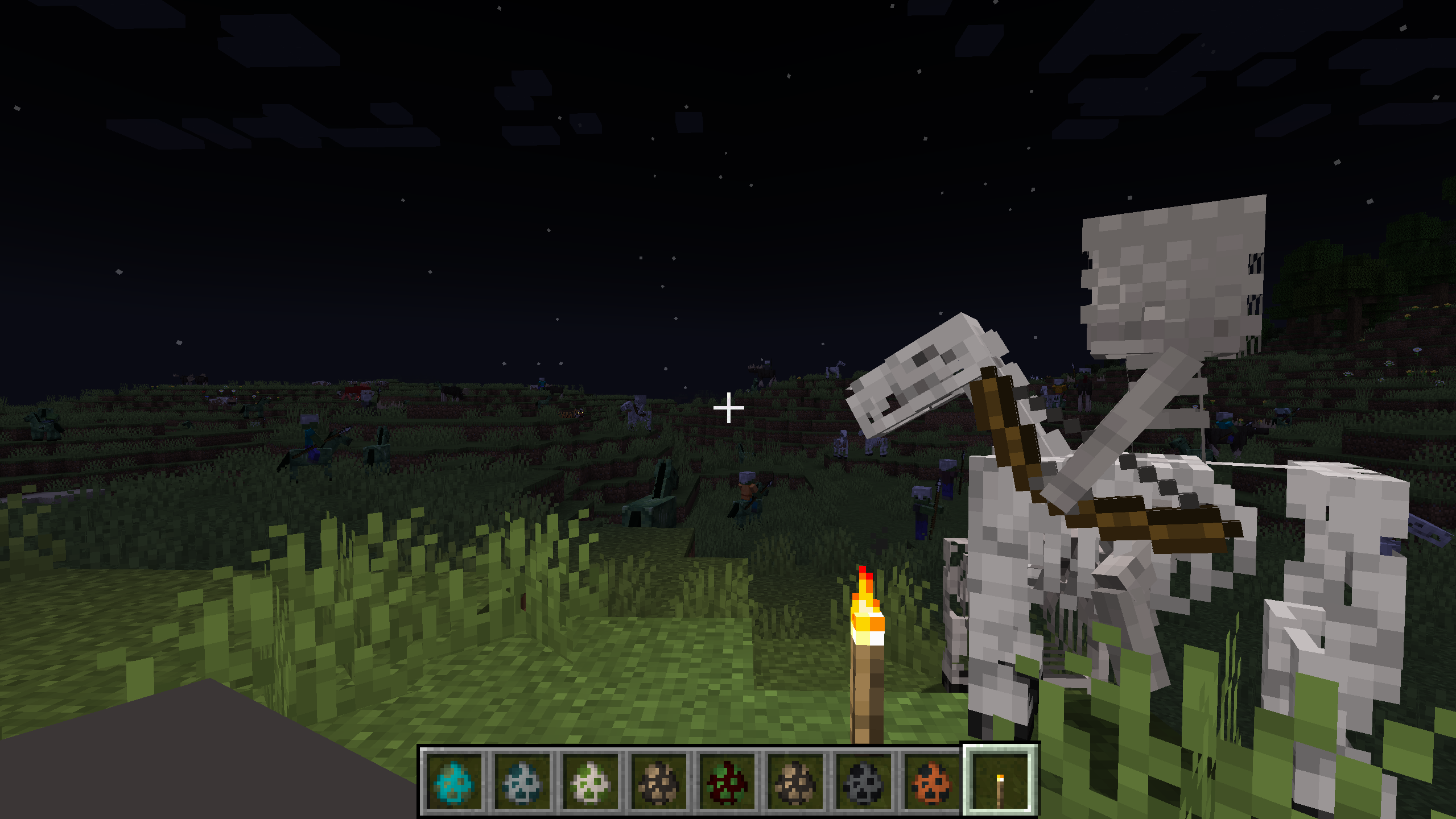
Creative Knight Config is a Minecraft 1.20.1 Forge mod that allows players to configure knight behaviors, mounts, and weapons for various mobs in-game.
Features
1. In-Game Configuration
- Intuitive configuration interface accessible through the in-game mod configuration button
- Supports Chinese interface with simple and easy-to-understand operations
2. Mob Configuration
- Spawn Chance: Adjust the probability of various mobs becoming knights, who can wield weapons and ride mounts
- Weapon Configuration: Set default weapons for each type of mob knight
- Mount Configuration: Set default mounts for each type of mob
- Mount System: Enable/disable mount system and adjust mount spawn probability
3. Supported Mobs
- Zombie
- Skeleton
- Pillager
- Piglin
- Witch
- Zombie Villager
- Zombified Piglin
- Wither Skeleton
- Vindicator
- Evoker
- Husk
- Piglin Brute
- Custom mobs added through configuration files
4. No Faction Restrictions
- Removed mount faction restrictions, any knight can ride any type of mount (preferably configure same factions, as I don't know what might happen with random combinations)
- Supports more free mount combinations
5. ID Copy Function
- Hover over an item and press the shortcut key (default I key) to copy the item's English ID to clipboard
- Can customize the copy key through the game's built-in key binding function
Usage
Configuration Interface
- After entering the game, click the "Mods" button in the main menu
- Find the "custom knight" mod and click the "Config" button
- In the configuration interface, you can:
- Adjust various mobs' knight spawn probability in the "Spawn Chance" tab
- Enable/disable mount system and adjust mount spawn probability in the "Mount System" tab
- Set default weapons for each mob in the "Weapon Settings" tab
- Set default mounts for each mob in the "Mount Settings" tab
Or enter the command
/creativeknight config
Adding Custom Mobs
(Actually, I haven't tried this)
Find the configuration file:
The configuration file is located in the config folder of the game directory, named knightmod-common.toml.
-
Modify the configuration file: After opening the configuration file, find the following two configuration items:
-
customCreatures: Custom mob list -
customCreaturesConfig: Custom mob configuration -
Add custom mobs:
-
Format example:
# Custom mob list, format: modid:entity1,modid:entity2,... customCreatures = "minecraft:stray, example:custom_creature" # Custom mob configuration, format: modid:entity1:spawnChance:weapon:mountFaction, modid:entity2:spawnChance:weapon:mountFaction,... customCreaturesConfig = "minecraft:stray:0.2:minecraft:bow:undead, example:custom_creature:0.3:example:custom_sword:undead" -
Configuration item description:
modid:entity: Full mob ID, e.g.,minecraft:strayspawnChance: Knight spawn probability, range 0-1weapon: Weapon ID, e.g.,minecraft:bowmountFaction: Mount faction, optional values:undead(undead),illager(illager),piglin(piglin),witch(witch)
-
Save the configuration file: After modification, save the configuration file and restart the game to take effect.
Example Configuration
# Custom mob list
customCreatures = "minecraft:stray,example:custom_creature"

# Custom mob configuration
customCreaturesConfig = "minecraft:stray:0.2:minecraft:bow:undead,example:custom_creature:0.3:example:custom_sword:undead"
Technical Features
- Dynamic Configuration: Configuration changes take effect immediately without restarting the game
- Compatibility: Compatible with most mods
- Performance Optimization: Efficient event handling with minimal impact on game performance
- Extensibility: Supports adding custom mobs through configuration files
Installation
- Make sure your Minecraft has Forge 1.20.1 installed
- Download the JAR file of this mod
- Put the JAR file into the
modsfolder of your game directory - Start the game and enjoy the fun of custom knights!
Author
Baolong Zhanshen Tiezhu
Contact
Bilibili Personal Homepage GitHub
Version History
- v1.0: Initial version, implemented basic features
License
All Rights Reserved
Screenshots
Gallery
Versions
Files
Relations
Project Relations
More like this
Similar Mods
Suggestions use data such as tags, dependencies, dependents, descriptions, titles, and more to rank how much they overlap with this mod.
On ModDex
Community snapshot
By the numbers
Statistics


Get it on
Available Platforms
On ModDex
Community snapshot
By the numbers
Statistics
Resources