Community listing page, reviews here may not be monitored by the author.
Custom Main Menu

No reviews yet
Allows you to modify the main menu using a simple json file

Community voices
Reviews
No reviews yet. Be the first to review this project!
Get it on
Available Platforms
About
Project Details
For authors
Embed Badge
If you're the author of this project, you can embed a live badge anywhere that supports HTML or Markdown. It updates automatically whenever ratings change.
Use HTML for any page that supports it, or Markdown for README files and Markdown-based descriptions.
Identifiers
Platform IDs
About
Description
Description
This mod allows you to modify the main menu using a json file, you can modify the content / position of pretty much everything the vanilla menu contains. In addition you can also add new stuff to your menu like a slideshow, web links or completely new sub menus.
Usage
After your first run with this mod the only difference you should notice is that there is an additional button added in your main menu. If you look in the config/CustomMainMenu folder you will notice a file called menu.json. In there you will see all elements the vanilla main menu has, modifying the content and pressing the refresh button ingame will allow you to instantly see what changes you made (You can remove the refresh button once you are happy with your result). Everything in there should be fairly self explanatory if you have ever worked with json files. See the Pages for more Information about the different stuff you can add to your menu.
All cursive properties allow a random value. Example: "text" : ["Text1","Text2","Text3","Text4"]. One of the values will be selected randomly every minecraft run.
For the texture / image / text property it takes a resource location (or (for images) if you use web as your resource domain an url to an image online). You can add your own resources ones using either a resource pack or Resource Loader (easier).
Examples
If you don't wanna go through all the links you can also go to the images tab to see some of the results.
- Config / Result
- Config / Result
- Config / Result
Config/ Result (Custom button text colors & textures)- Config / Result
- Config / Result
- Config / Result
- Config / Result
- Config / Result
- Config / Result
- Config / Result
- Config / Result <- Slideshow example
- Config / Result <- New Action stuff
- Config / Result
- Config / Result
- Config / Result
- Config / Result
- Config / Result
- Config / Result
- Config (1) (2) / Result
- Coming Soon (Also if you have made something nice feel free to post the config & an image of it)
Some of these examples might not work / look properly with the latest CMM version due to changes in the format, they will still provide insight on how the stuff displayed in the example was done though. Also some of these examples might require custom images, these will therefore also look a bit weird when you use them yourself.
Useful Tools
- Textcraft: Websites to generate "logo" type text stuff.
- Minotar: Simple way to get a players skin / head / whatever through an url. Can for example be used together with "web:" to get the avatar of the user as an image.
Reporting Issues
Before creating an issue on github make sure that:
- Your json file is actually valid json (Run it through an online json checker)
- All your resource locations (For example paths to images) are completely lower case (In the json file and your file system)
- You aren't missing any properties / sections that aren't optional.
- That your property names are 100% correct
- If you get missing textures create a folder called debug in your resources folder. That will cause Resource Loader to print a line to the debug log whenever it can't find a file minecraft requested. (Debug log can be found in fml-client-latest.log). Make sure the file path is 100% correct (On Windows you can try to "run" it using Win + R)
Contact
If you have suggestions on what you want modifiable or wanna report a bug you found please do that on my github issue tracker and not on curseforge :).
Feel free to use this mod in any modpack :). You don't have to send me anything.
Screenshots
Gallery
-
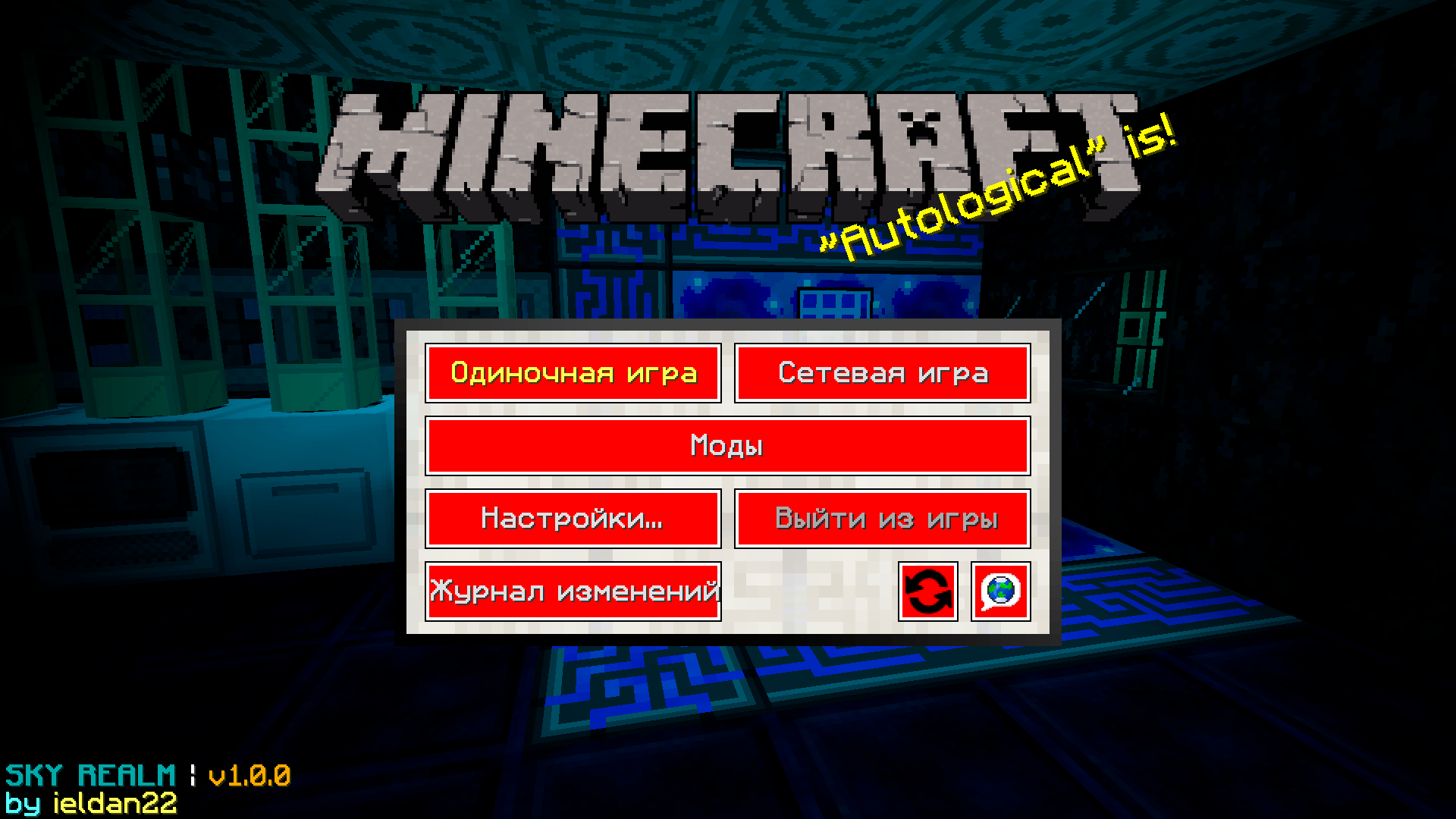 Sky Realm
 -
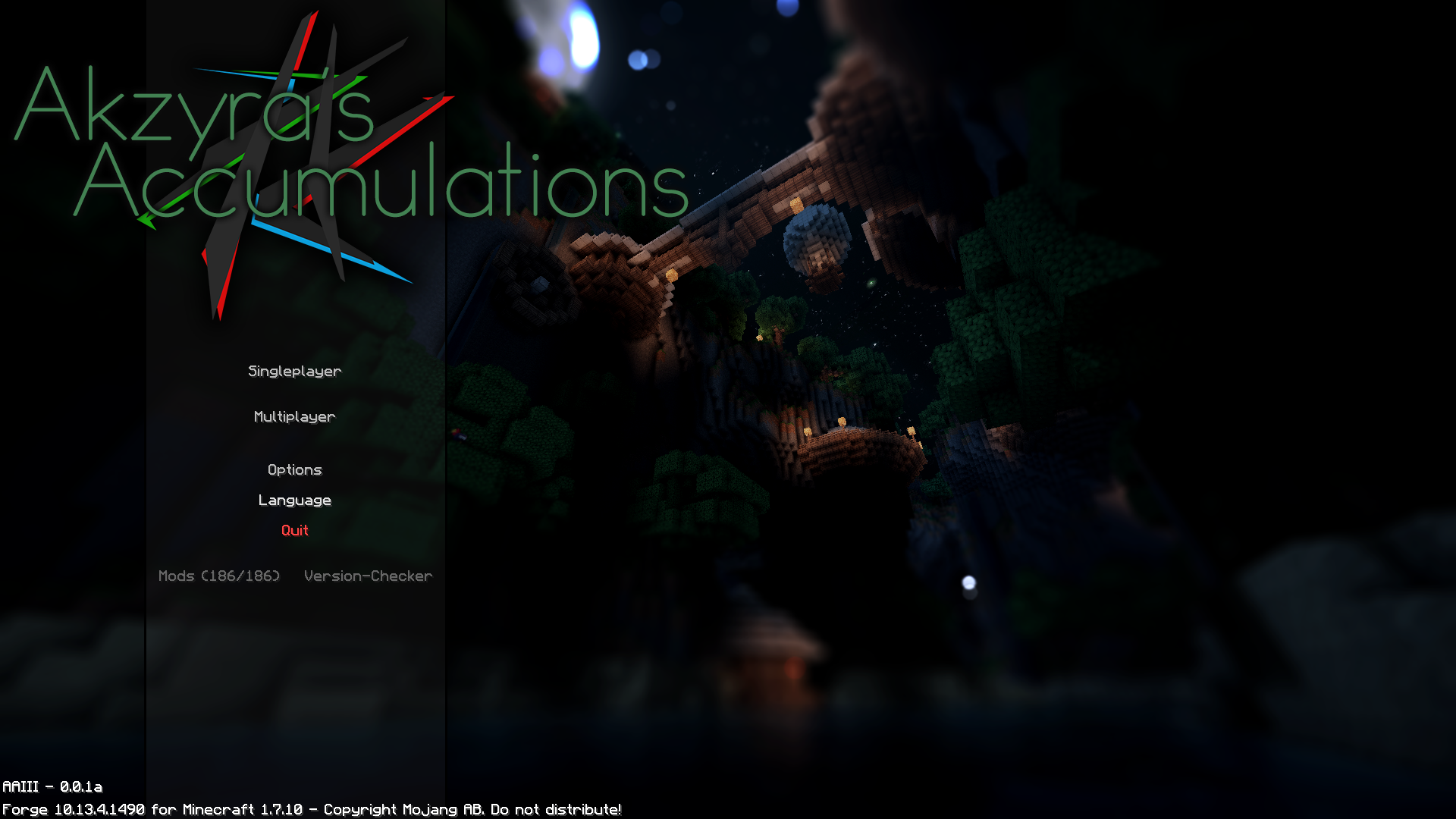 Akzyras Accumulations
 -
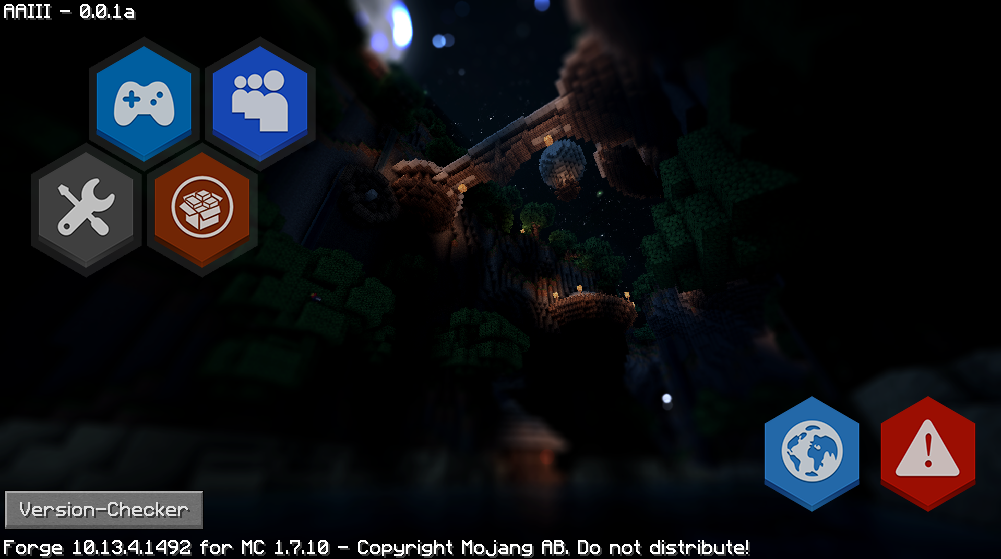 Hex
Hex -
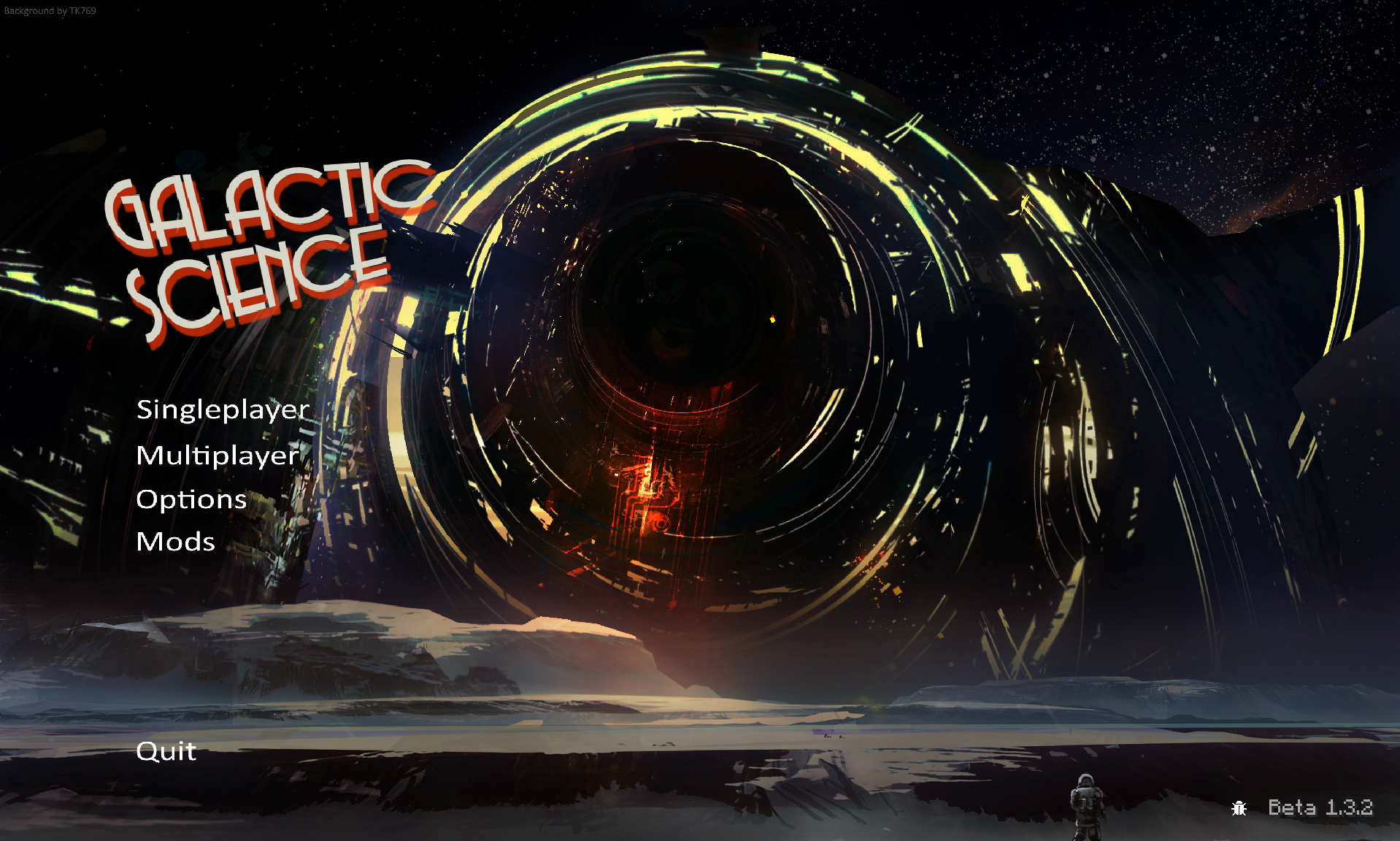 Galactic Science
 -
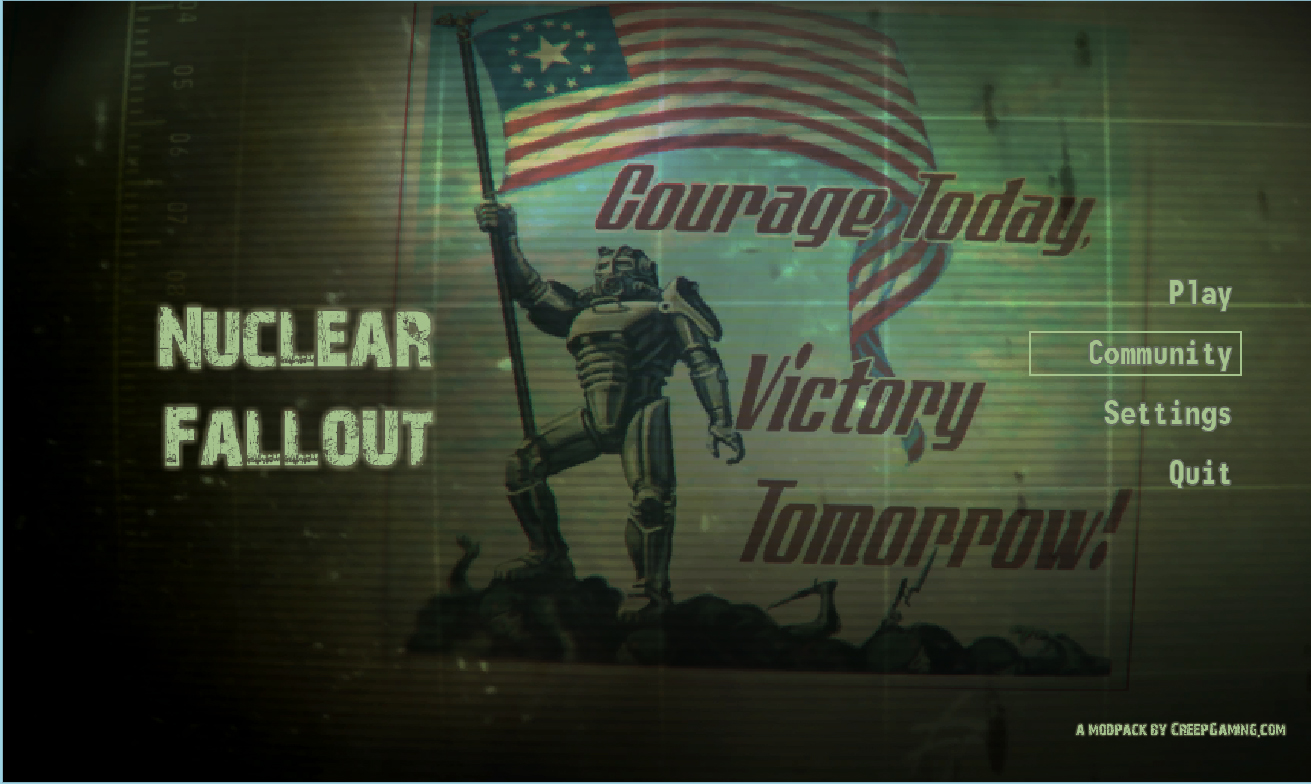 Nuclear Fallout
 -
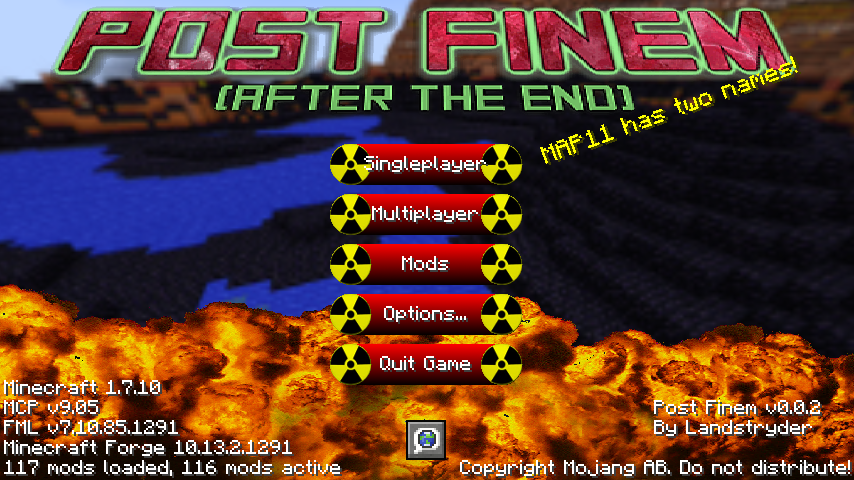 Post Finem
 -
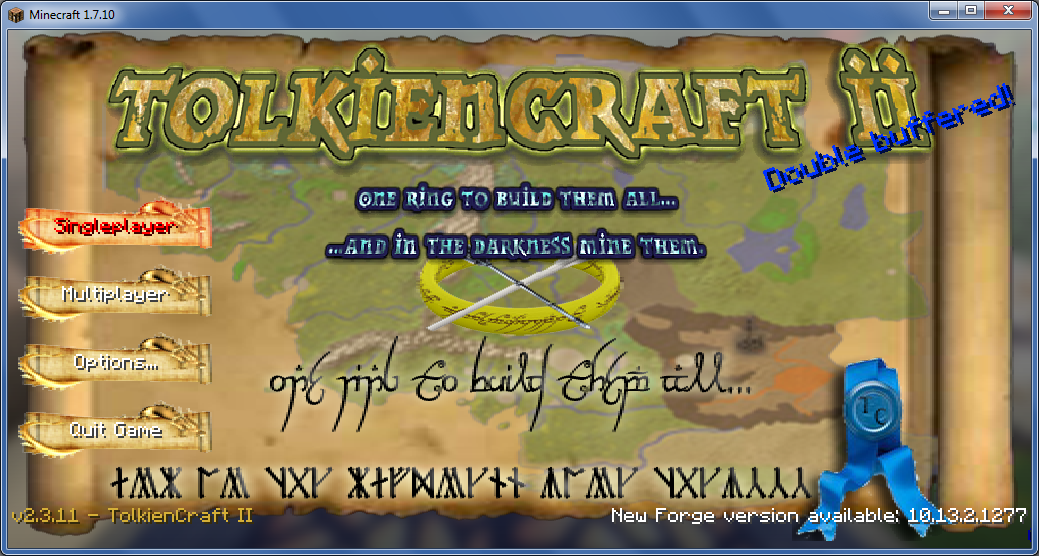 TolkienCraft
 -
 The Rising World
 -
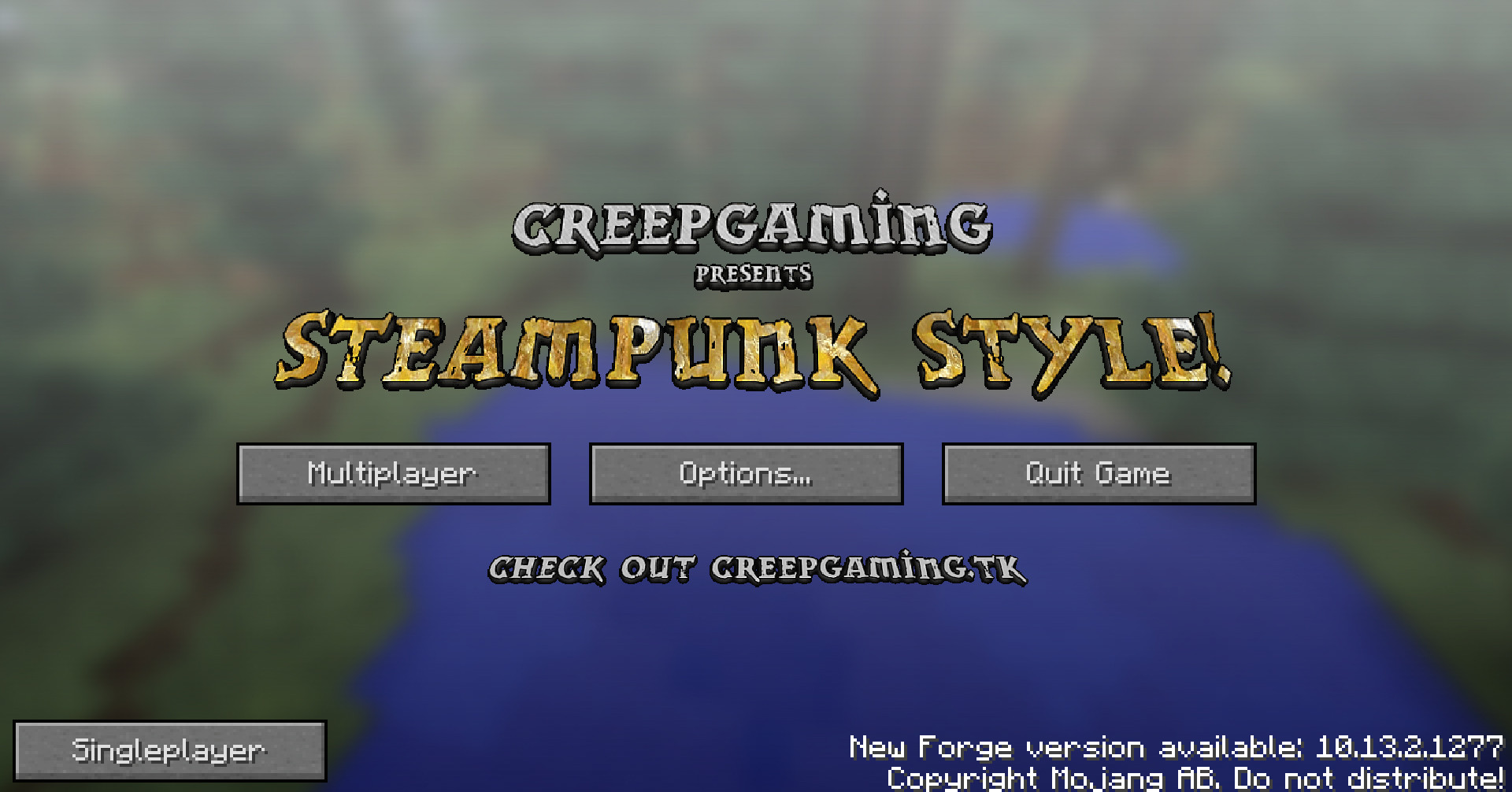 SteamPunk
 -
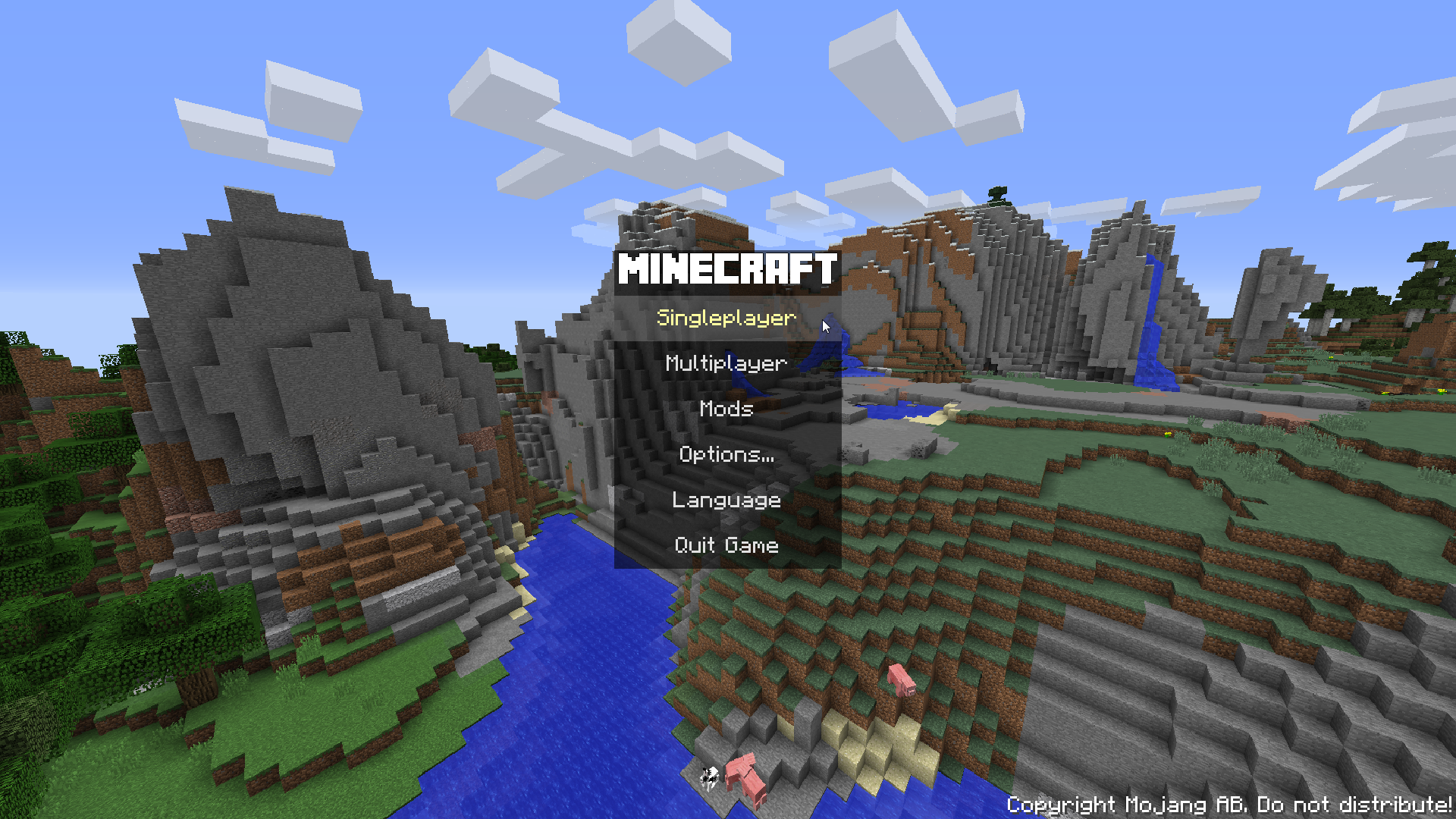 Hills
Hills -
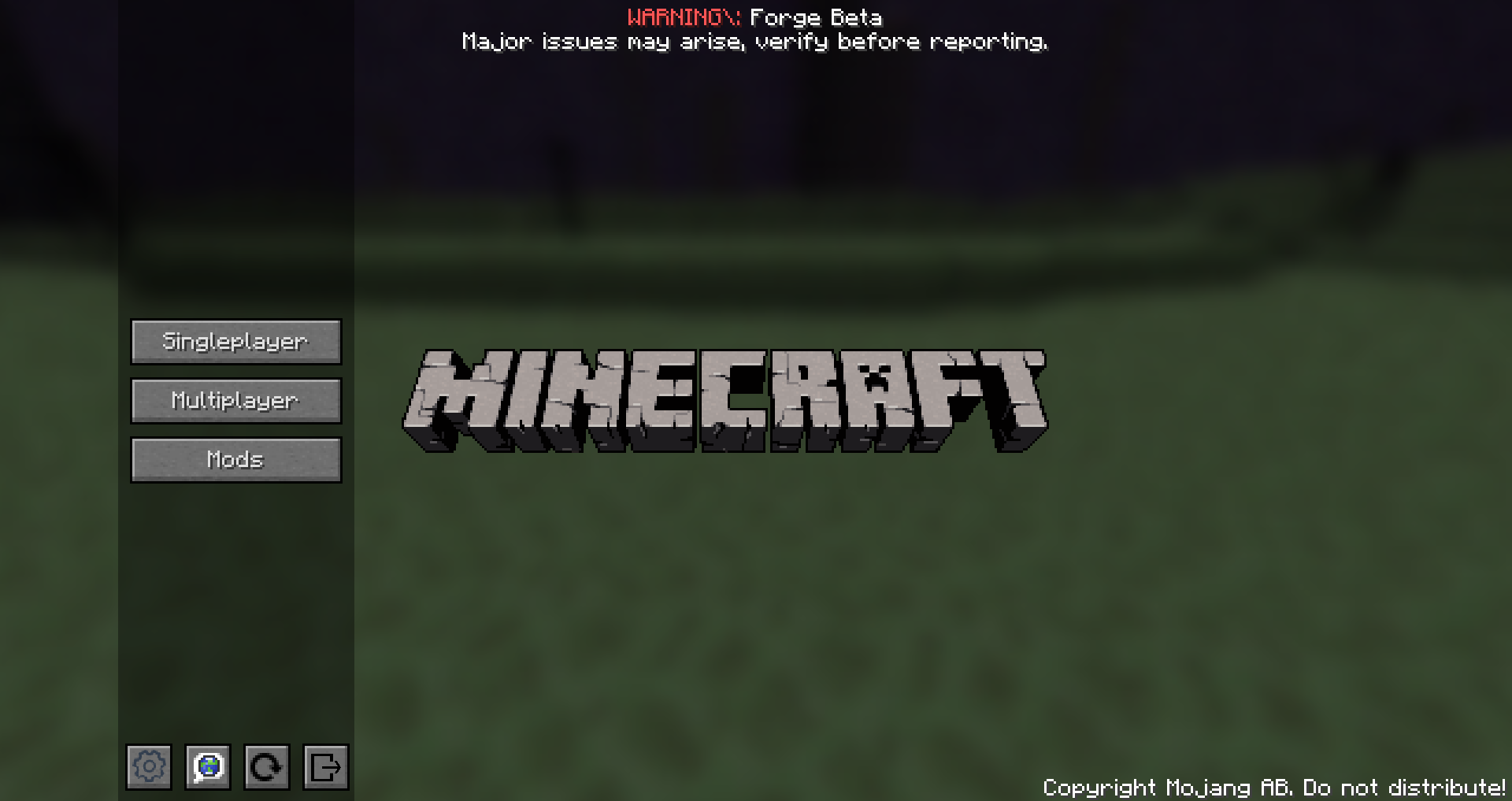 End Sidebar
 -
 Dark
Dark -
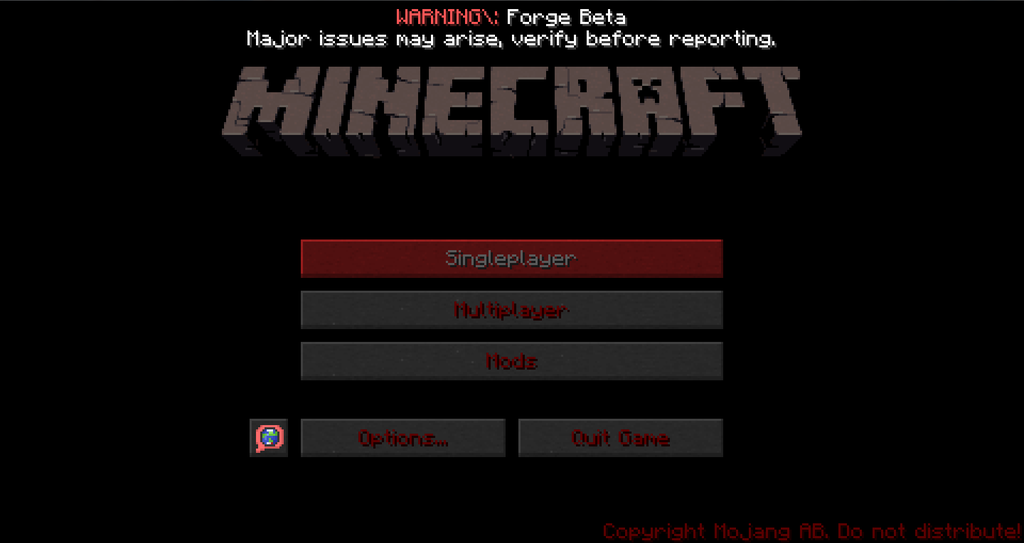 Dark Red
 -
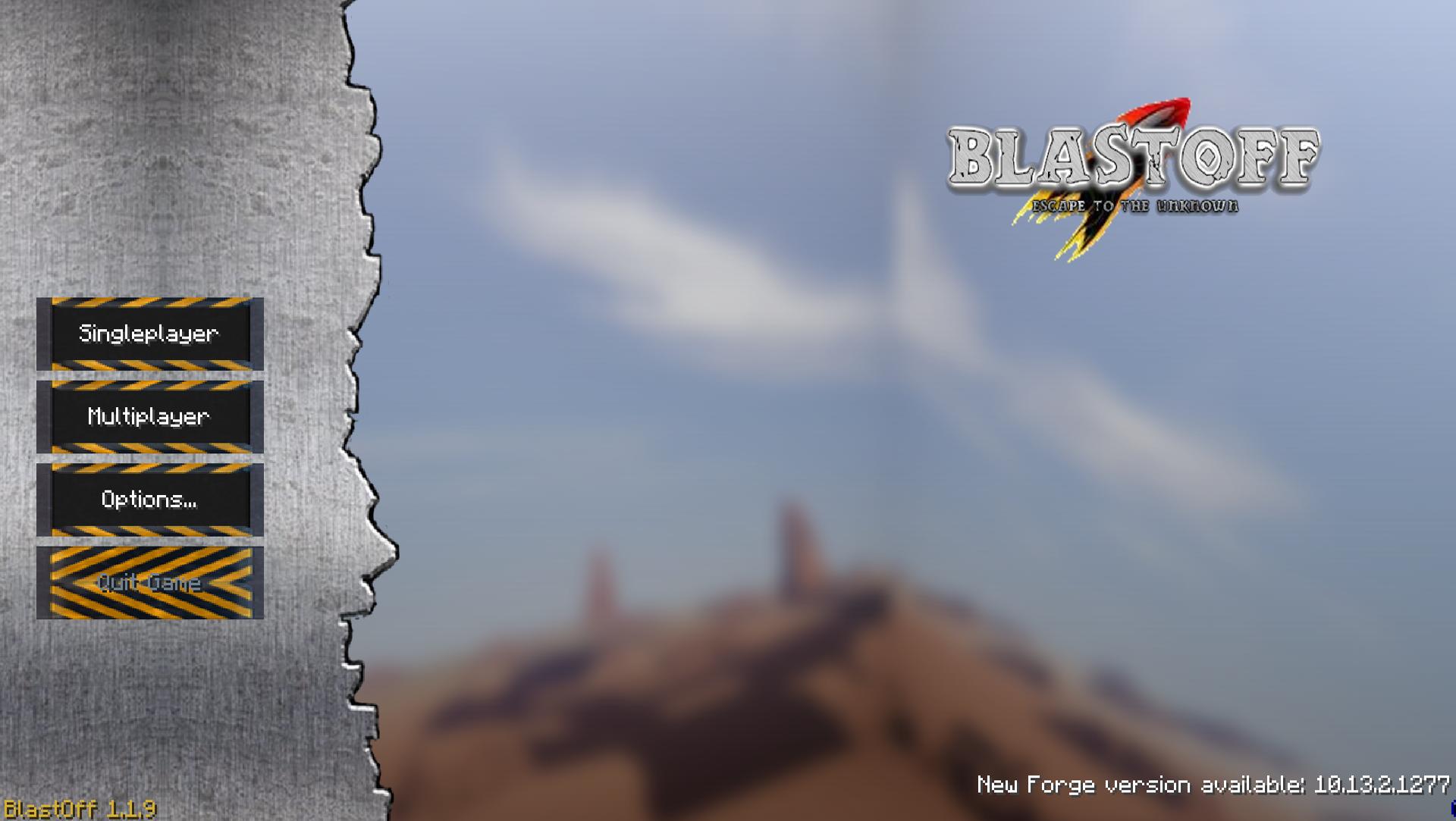 Blast Off
 -
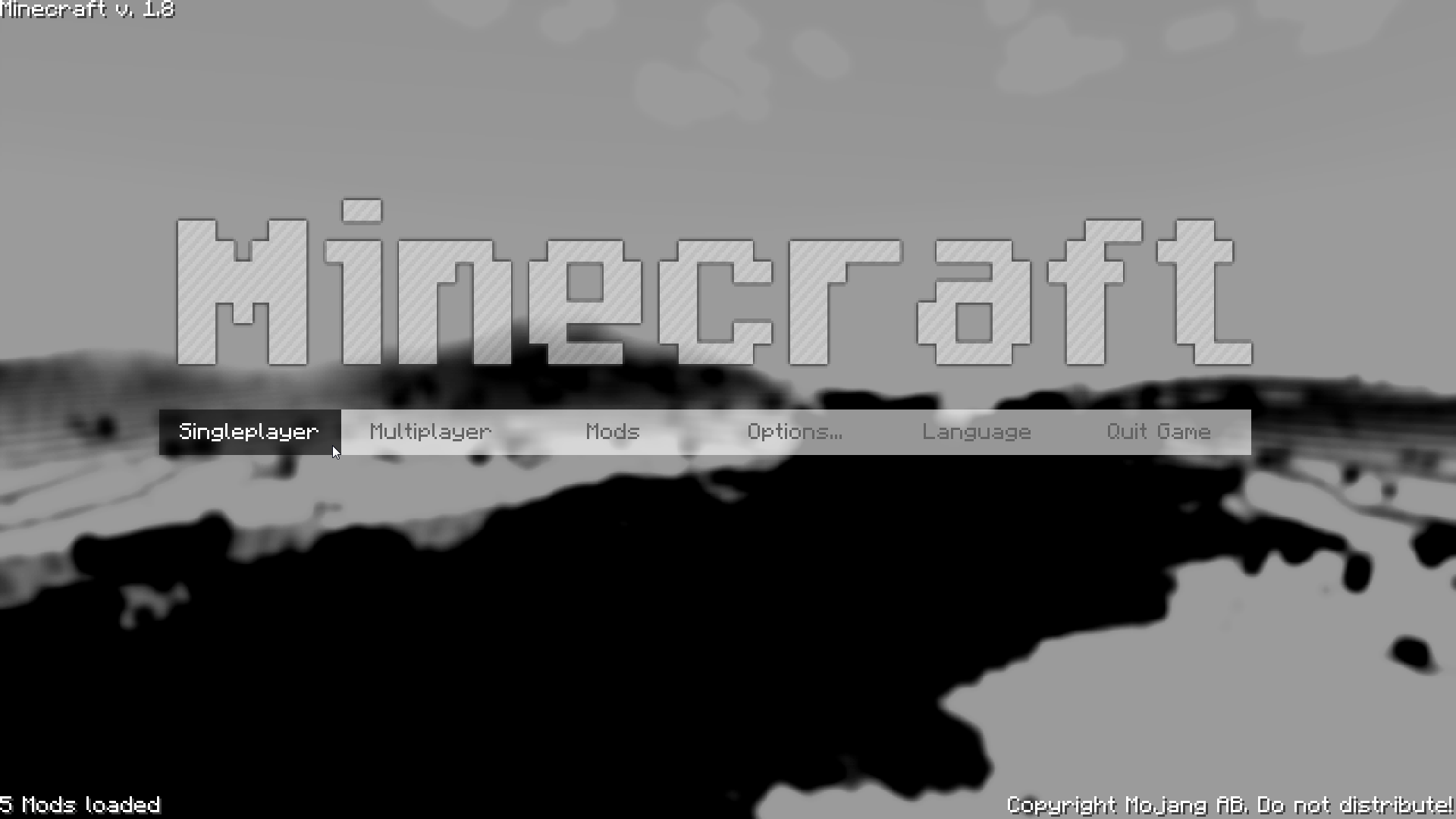
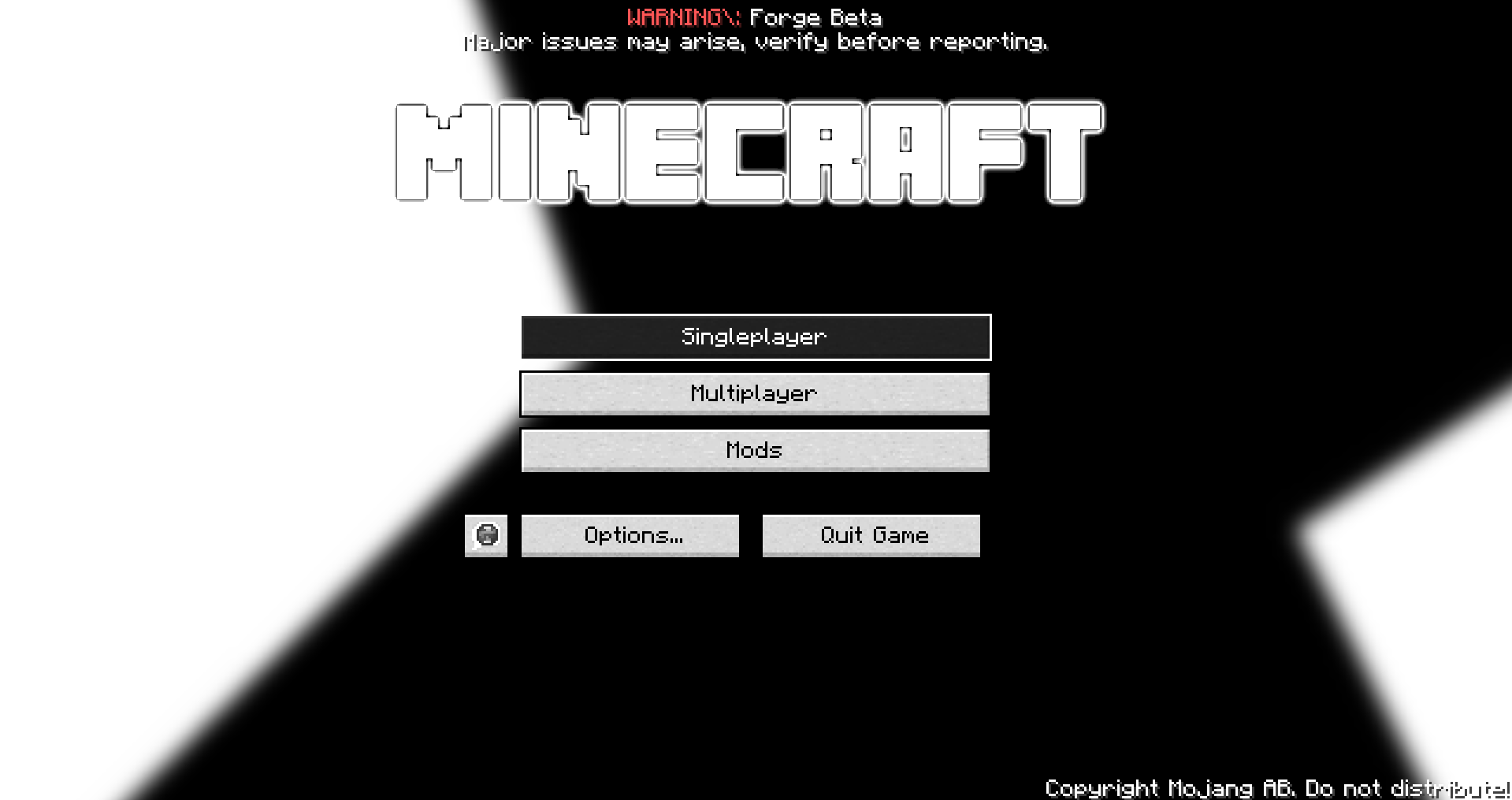 Black and White
Versions
Files
Relations
Project Relations
More like this
Similar Mods
Suggestions use data such as tags, dependencies, dependents, descriptions, titles, and more to rank how much they overlap with this mod.
On ModDex
Community snapshot
By the numbers
Statistics
 (opens in a new tab)
Get it on
Available Platforms
On ModDex
Community snapshot
By the numbers