Community listing page, reviews here may not be monitored by the author.
CustomSkyboxes


No reviews yet
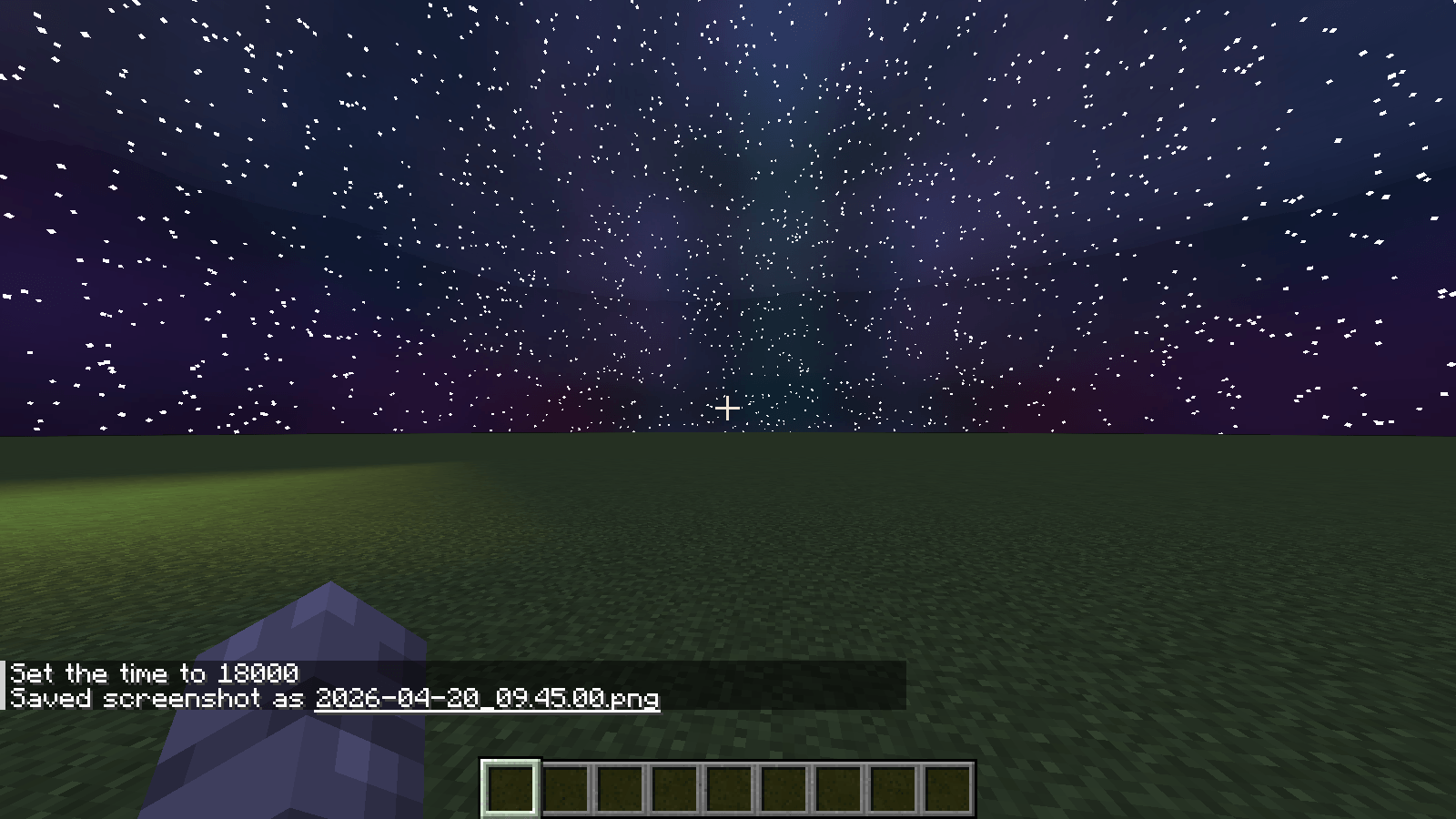
Custom Skyboxes is a mod that allows you to change the sky, clouds, sun, moon, rain, snow, and stars in real time with a texture or GIF with Commands!
Community voices
Reviews
No reviews yet. Be the first to review this project!
Get it on
Available Platforms
Compatibility
Supported Environments
Runs entirely on the client. Works on vanilla servers.
Required on the client. Installing it on the server adds functionality.
Varies by version.
About
Project Details
For authors
Embed Badge
If you're the author of this project, you can embed a live badge anywhere that supports HTML or Markdown. It updates automatically whenever ratings change.
Use HTML for any page that supports it, or Markdown for README files and Markdown-based descriptions.
Identifiers
Platform IDs
Resources
External Links
About
Description
# CustomSkyboxes
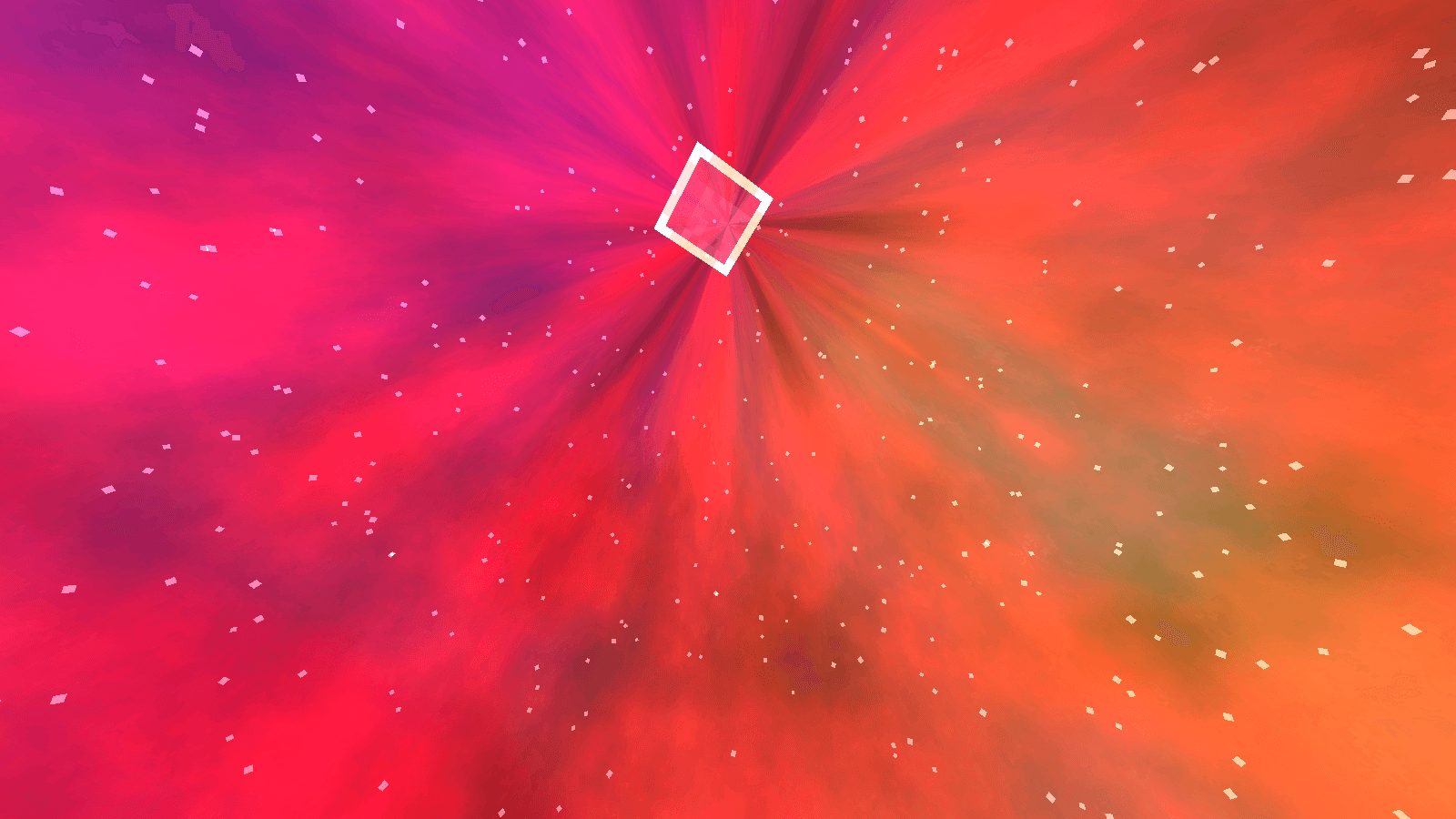
Fully customize the Minecraft sky in real time using textures or animated GIFs from a resource pack.
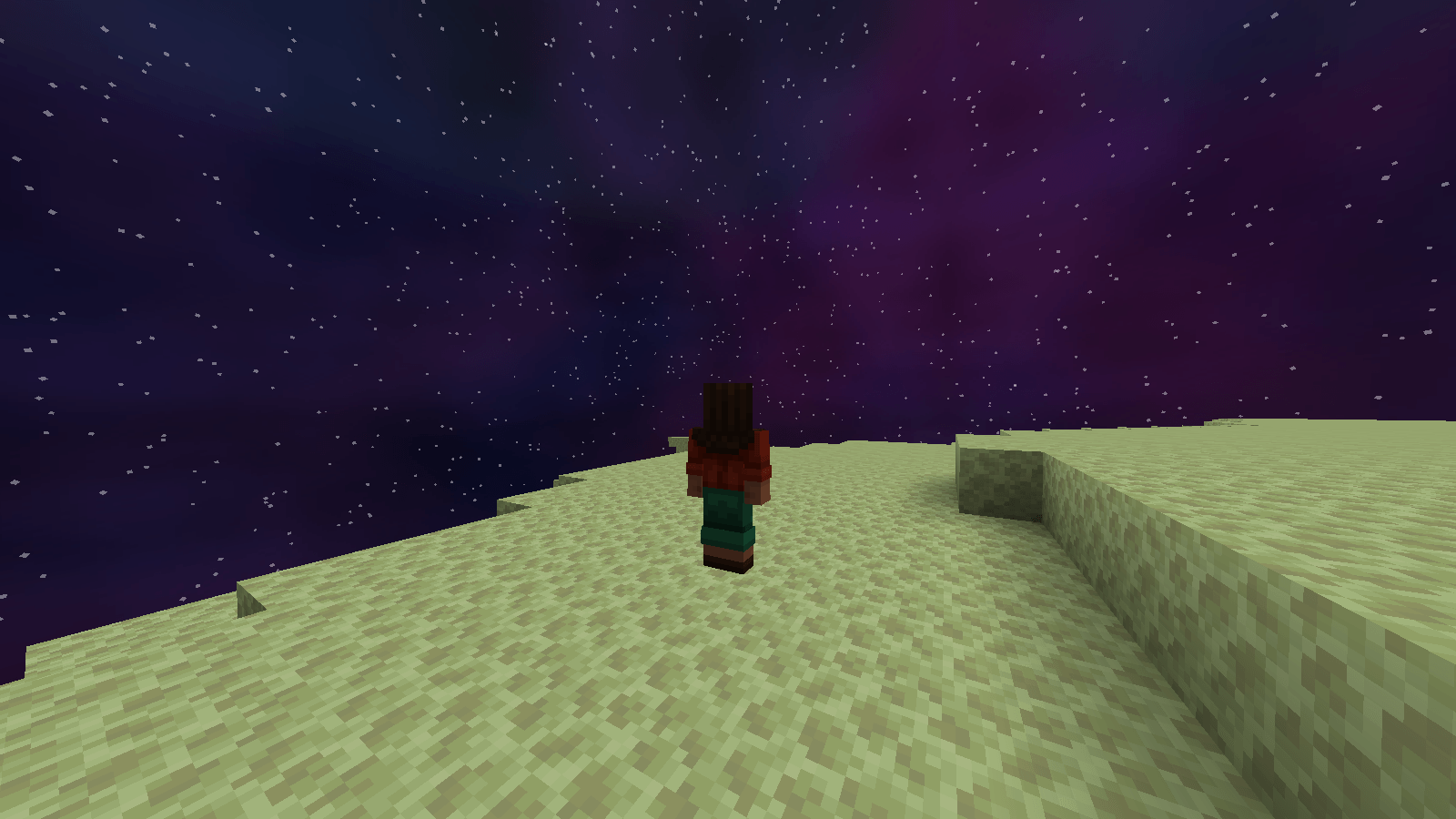
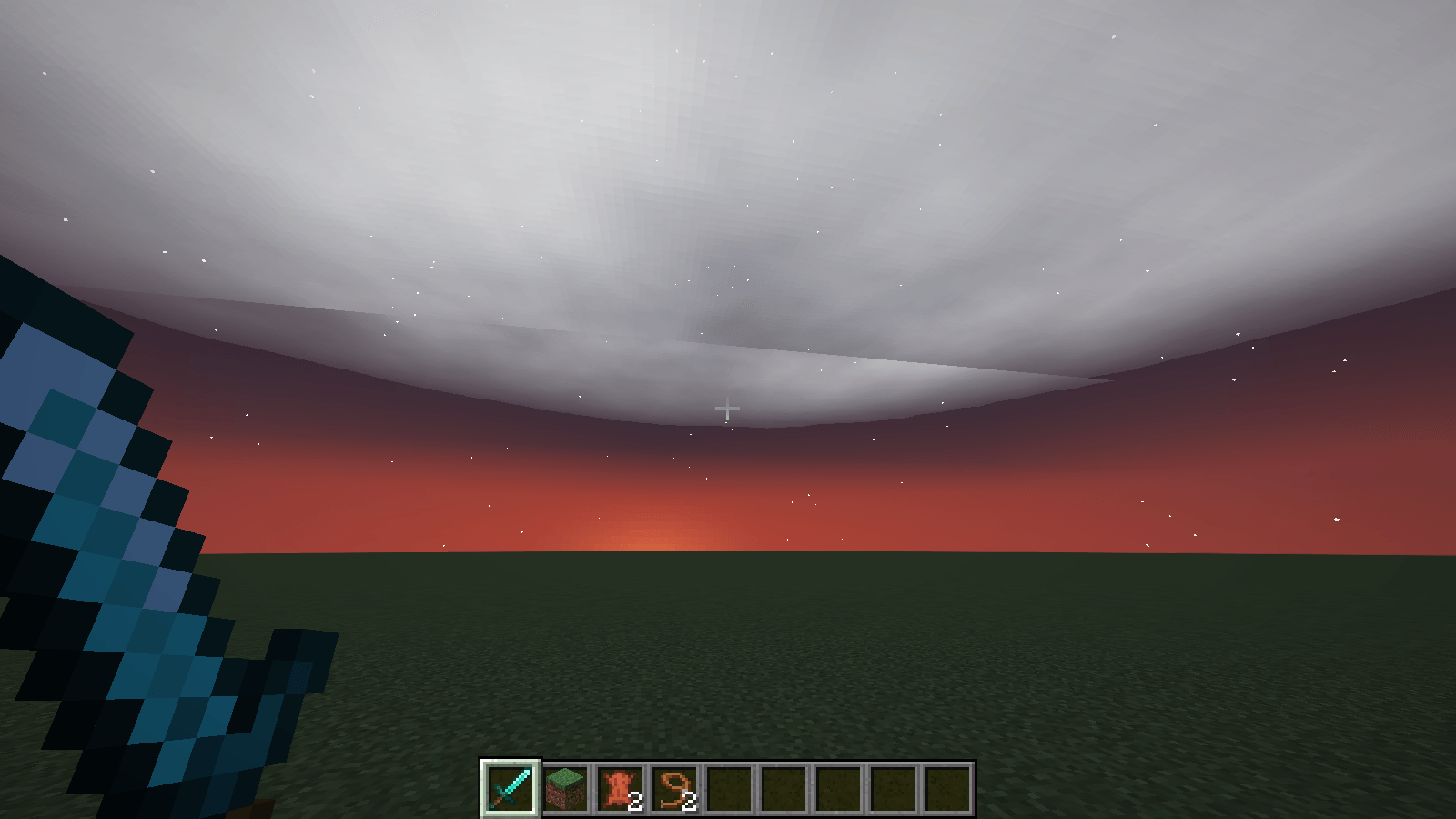
Replace the sky, sun, moon, stars, clouds, rain and snow individually, globally or per biome, in the Overworld, the Nether and the End.
**Client-side mod.** No server installation needed.
---
## Supported Versions
| Loader | Minecraft |
| --- | --- |
| **Fabric** | 1.20.1 · 1.20.4 · 1.21.1 · 1.21.4 · 1.21.5 · 1.21.8 · 1.21.11 · 26.2 |
| **NeoForge** | 1.20.1 · 1.20.4 · 1.21.1 · 1.21.4 · 1.21.5 · 1.21.8 · 1.21.11 · 26.2 |
| **Forge** | 1.20.1 · 1.20.4 |
Fabric versions require [Fabric API]
---
## Base Command
`/customskyboxes <set/biome/reload/clear>`
```txt
/customskyboxes set   <type> <texture|color> [args...]
/customskyboxes clear <type|all>
/customskyboxes reload
/customskyboxes biome set   <biome> <type> <texture|color> [args...]
/customskyboxes biome list
/customskyboxes biome clear <biome> <type|all>
```
### Types and arguments
| Type | Arguments after the texture/color |
| --- | --- |
| `sky`, `day_sky`, `night_sky` | `[opacity] [fadein] [fadeout] [speed] [rotation]` |
| `rain`, `snow` | `[opacity] [fadein] [fadeout] [speed]` |
| `sun`, `moon` | `[scale] [opacity] [fadein] [fadeout] [speed]` (texture can be `vanilla`) |
| `clouds` | `[skycolor] [opacity] [fadein] [fadeout] [speed]` |
| `stars` | `<color> [scale] [amount] [dayCycle] [opacity] [fadein] [fadeout]` |
* **opacity**: 0 to 1
* **fadein / fadeout**: transition time in ticks (0 = instant)
* **speed**: GIF playback speed (`1` = normal, `2` = twice as fast, `0.5` = half speed)
* **rotation**: turns the sky texture horizontally, in degrees
* **skycolor**: tints the clouds with the time of day
* **dayCycle**: stars only show at night
### Examples
```txt
/customskyboxes set night_sky galaxy.png
/customskyboxes set sky aurora.gif 1 40 20 2
/customskyboxes set day_sky panorama.png 1 0 0 1 90
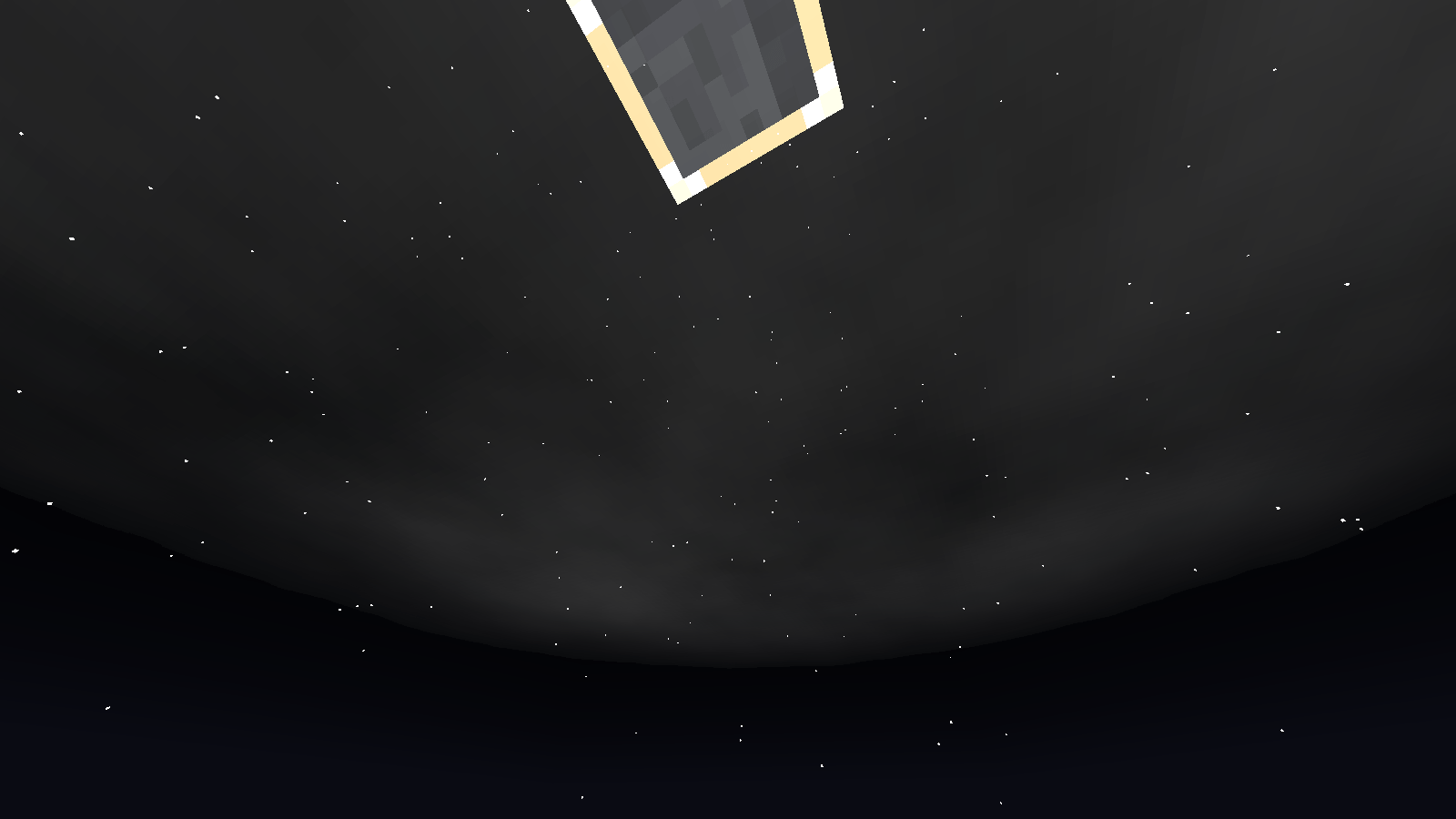
/customskyboxes set moon eclipse.png 1.5
/customskyboxes set stars CYAN 1.2 3
/customskyboxes biome set minecraft:desert sun big_red_sun.png
/customskyboxes clear all
```
Your skyboxes are saved automatically and restored when you restart the game.
---
## Sky Domes
* `sky` is always visible, `day_sky` fades in during the day and `night_sky` at night.
* Works in the **Nether** and the **End**, including during the **Ender Dragon fight**.
* Textures are mapped as a 360° panorama (**2:1 images look best**): the top of the image is the zenith and the middle is the horizon.
* The left and right edges of the image blend smoothly where they meet. Use `rotation` to move that spot, for example behind mountains.
---
## Resource Pack Folder Structure
```txt
assets/customskyboxes

customskyboxes/
├── sun
├── moon
├── night_sky
├── day_sky
├── sky
├── clouds
├── rain
└── snow
```
![folders]
Supports `.png` and animated `.gif` files. After adding textures, run `/customskyboxes reload` or press F3+T.
---
## Multiplayer
To apply CustomSkyboxes effects to other players, use:
[Client Execution Mod]
Or use the **CustomSkyboxesPlugin** (Paper/Spigot 1.20.1+) to control the skies of `@a` or any player from the server:
```txt
/customskyboxesplugin set <@a|player> <type> <texture|color> [args...]
/customskyboxesplugin clear <@a|player> <type|all>
/customskyboxesplugin biome set <@a|player> <biome> <type> <texture|color> [args...]
/customskyboxesplugin reload <@a|player>
```
Players need the mod installed and the textures in their resource pack.
---
# Why Use CustomSkyboxes?
CustomSkyboxes is perfect for Minecraft map makers, server developers, and content creators who want to create immersive environments and cinematic effects.
With real-time sky customization, you can:
* Create dynamic weather and atmosphere
* Add animated skies using GIFs
* Build unique biomes and dimensions
* Improve storytelling and immersion
* Make maps feel more alive and professional
* Instantly change visuals during gameplay
Whether you're making an adventure map, horror experience, RPG server, or cinematic project, CustomSkyboxes gives you full creative control over the Minecraft sky.
---
## What's New in 1.0.2
* **NeoForge support**: 1.20.1, 1.20.4, 1.21.1, 1.21.4, 1.21.5, 1.21.8, 1.21.11 and 26.2
* **Forge support**: 1.20.1 and 1.20.4
* **New Fabric versions**: 1.20.1, 1.20.4, 1.21.8, 1.21.11 and 26.2
* **Fixed** custom skyboxes not showing in the End on 1.21.5 (also fixed on 1.21.11 and 26.2)
* **Fixed** sky textures stretching toward the center of the sky; they now map as a proper 360° panorama
* **Fixed** custom skies disappearing during the Ender Dragon fight
* **New** `speed` argument to control GIF playback speed
* **New** `rotation` argument to rotate sky textures horizontally
* **New** smooth blending where the left and right edges of the sky texture meet
* **New** server plugin to control skyboxes of other players
CustomSkyboxes
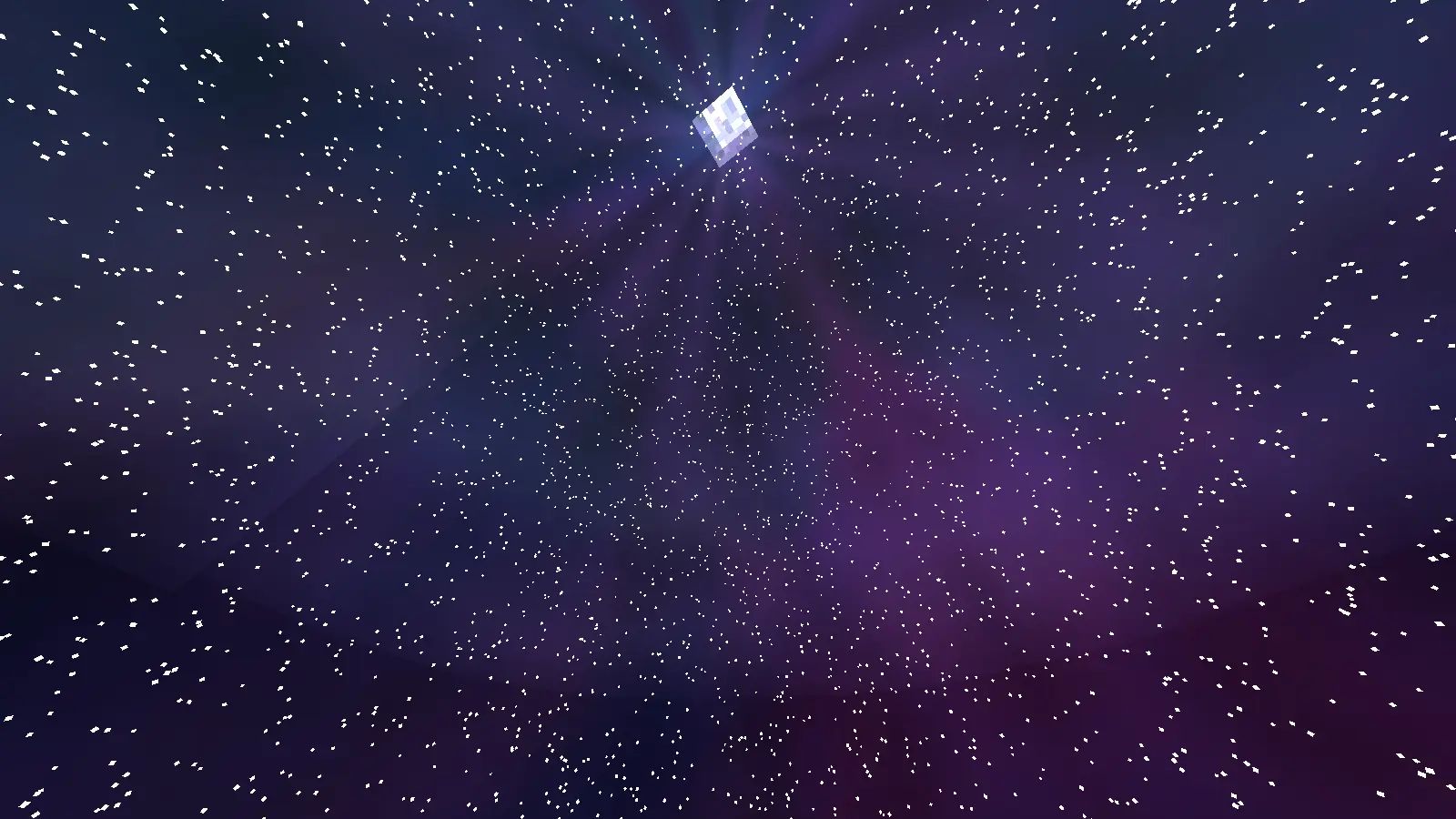
Fully customize the Minecraft sky in real time using textures or animated GIFs from a resource pack. Replace the sky, sun, moon, stars, clouds, rain and snow individually, globally or per biome, in the Overworld, the Nether and the End.
Client-side mod. No server installation needed.
Supported Versions
| Loader | Minecraft |
|---|---|
| Fabric | 1.20.1 · 1.20.4 · 1.21.1 · 1.21.4 · 1.21.5 · 1.21.8 · 1.21.11 · 26.2 |
| NeoForge | 1.20.1 · 1.20.4 · 1.21.1 · 1.21.4 · 1.21.5 · 1.21.8 · 1.21.11 · 26.2 |
| Forge | 1.20.1 · 1.20.4 |
Fabric versions require Fabric API.
Base Command
/customskyboxes <set/biome/reload/clear>
/customskyboxes set <type> <texture|color> [args...]
/customskyboxes clear <type|all>
/customskyboxes reload
/customskyboxes biome set <biome> <type> <texture|color> [args...]
/customskyboxes biome list
/customskyboxes biome clear <biome> <type|all>
Types and arguments
| Type | Arguments after the texture/color |
|---|---|
sky, day_sky, night_sky |
[opacity] [fadein] [fadeout] [speed] [rotation] |
rain, snow |
[opacity] [fadein] [fadeout] [speed] |
sun, moon |
[scale] [opacity] [fadein] [fadeout] [speed] (texture can be vanilla) |
clouds |
[skycolor] [opacity] [fadein] [fadeout] [speed] |
stars |
<color> [scale] [amount] [dayCycle] [opacity] [fadein] [fadeout] |
- opacity: 0 to 1
- fadein / fadeout: transition time in ticks (0 = instant)
- speed: GIF playback speed (
1= normal,2= twice as fast,0.5= half speed) - rotation: turns the sky texture horizontally, in degrees
- skycolor: tints the clouds with the time of day
- dayCycle: stars only show at night
Examples
/customskyboxes set night_sky galaxy.png
/customskyboxes set sky aurora.gif 1 40 20 2
/customskyboxes set day_sky panorama.png 1 0 0 1 90
/customskyboxes set moon eclipse.png 1.5
/customskyboxes set stars CYAN 1.2 3
/customskyboxes biome set minecraft:desert sun big_red_sun.png
/customskyboxes clear all
Your skyboxes are saved automatically and restored when you restart the game.
Sky Domes
skyis always visible,day_skyfades in during the day andnight_skyat night.- Works in the Nether and the End, including during the Ender Dragon fight.
- Textures are mapped as a 360° panorama (2:1 images look best): the top of the image is the zenith and the middle is the horizon.
- The left and right edges of the image blend smoothly where they meet. Use
rotationto move that spot, for example behind mountains.
Resource Pack Folder Structure
assets/customskyboxes
customskyboxes/
├── sun
├── moon
├── night_sky
├── day_sky
├── sky
├── clouds
├── rain
└── snow
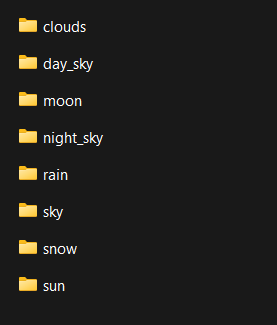
Supports .png and animated .gif files. After adding textures, run /customskyboxes reload or press F3+T.
Multiplayer
To apply CustomSkyboxes effects to other players, use: Client Execution Mod
Or use the CustomSkyboxesPlugin (Paper/Spigot 1.20.1+) to control the skies of @a or any player from the server:
/customskyboxesplugin set <@a|player> <type> <texture|color> [args...]
/customskyboxesplugin clear <@a|player> <type|all>
/customskyboxesplugin biome set <@a|player> <biome> <type> <texture|color> [args...]
/customskyboxesplugin reload <@a|player>
Players need the mod installed and the textures in their resource pack.
Why Use CustomSkyboxes?
CustomSkyboxes is perfect for Minecraft map makers, server developers, and content creators who want to create immersive environments and cinematic effects.
With real-time sky customization, you can:
- Create dynamic weather and atmosphere
- Add animated skies using GIFs
- Build unique biomes and dimensions
- Improve storytelling and immersion
- Make maps feel more alive and professional
- Instantly change visuals during gameplay
Whether you're making an adventure map, horror experience, RPG server, or cinematic project, CustomSkyboxes gives you full creative control over the Minecraft sky.
What's New in 1.0.2
- NeoForge support: 1.20.1, 1.20.4, 1.21.1, 1.21.4, 1.21.5, 1.21.8, 1.21.11 and 26.2
- Forge support: 1.20.1 and 1.20.4
- New Fabric versions: 1.20.1, 1.20.4, 1.21.8, 1.21.11 and 26.2
- Fixed custom skyboxes not showing in the End on 1.21.5 (also fixed on 1.21.11 and 26.2)
- Fixed sky textures stretching toward the center of the sky; they now map as a proper 360° panorama
- Fixed custom skies disappearing during the Ender Dragon fight
- New
speedargument to control GIF playback speed - New
rotationargument to rotate sky textures horizontally - New smooth blending where the left and right edges of the sky texture meet
- New server plugin to control skyboxes of other players
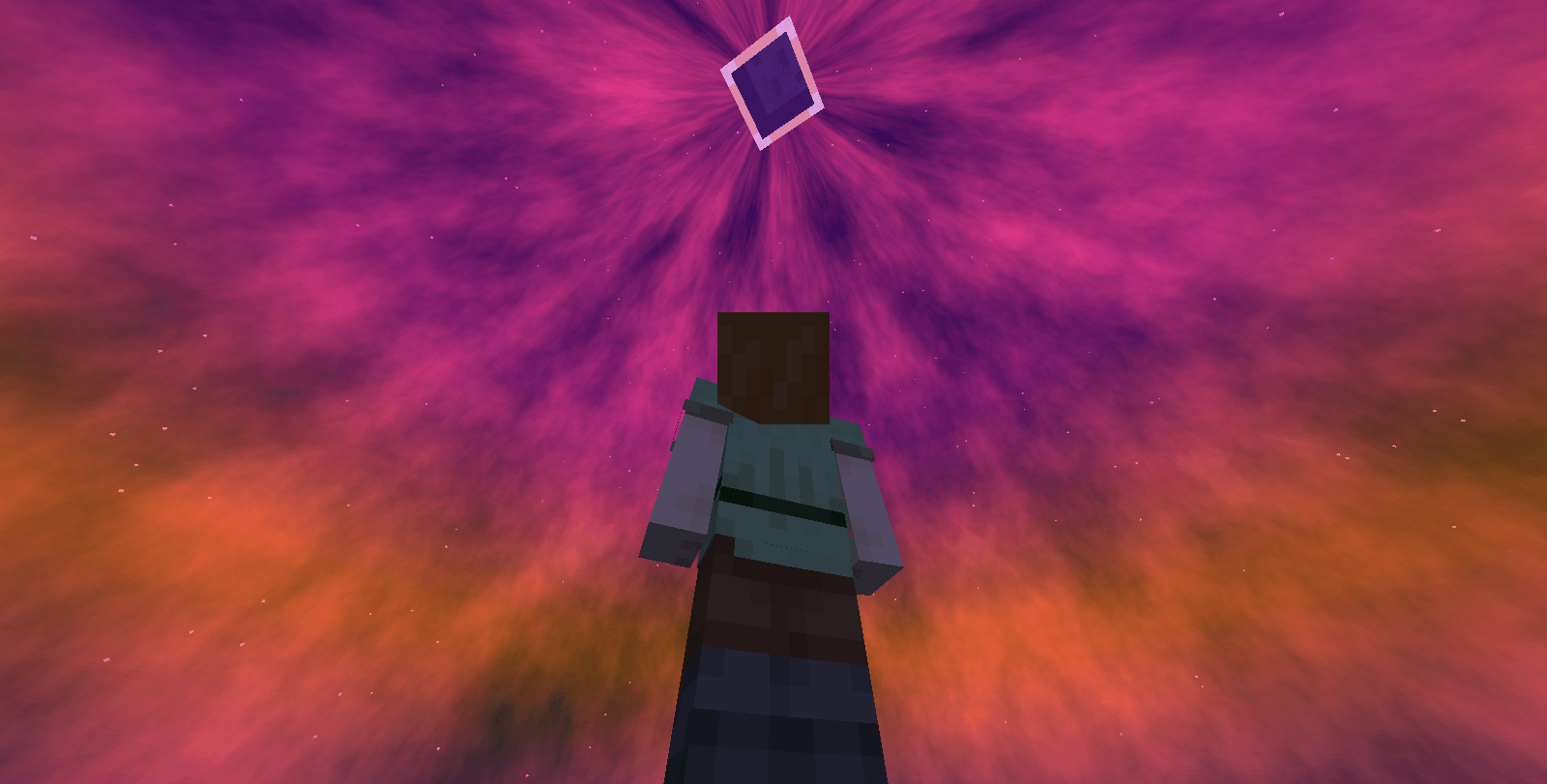
Screenshots
Gallery
-
 1a19d9daff24ce87090b7a1ac0bd67071e995f44.png 1a19d9daff24ce87090b7a1ac0bd67071e995f44.png
 -
 456f6cc242309098602456421c62a7e929d7cf49.png 456f6cc242309098602456421c62a7e929d7cf49.png
 -
 62794856970261beeef99efc0efda7c223f9d937.png 62794856970261beeef99efc0efda7c223f9d937.png
 -
 68dddf198a2f8f4fecc2606d2b812dfdbf7d68c4.png 68dddf198a2f8f4fecc2606d2b812dfdbf7d68c4.png
 -
 6f0a15af0b87495401dfa1e5b44379d9fba928ff.png 6f0a15af0b87495401dfa1e5b44379d9fba928ff.png
 -
 8d79d2c7dd8f68ec0fca58a83f04f11a6c4fa6a0.png 8d79d2c7dd8f68ec0fca58a83f04f11a6c4fa6a0.png
 -
 aaad13ab37474f96d2623ed47e64c7249cdc0b73.png aaad13ab37474f96d2623ed47e64c7249cdc0b73.png
 -
 e27d131e8b36ae7b6167ddf237bde358d6550402.png e27d131e8b36ae7b6167ddf237bde358d6550402.png
-
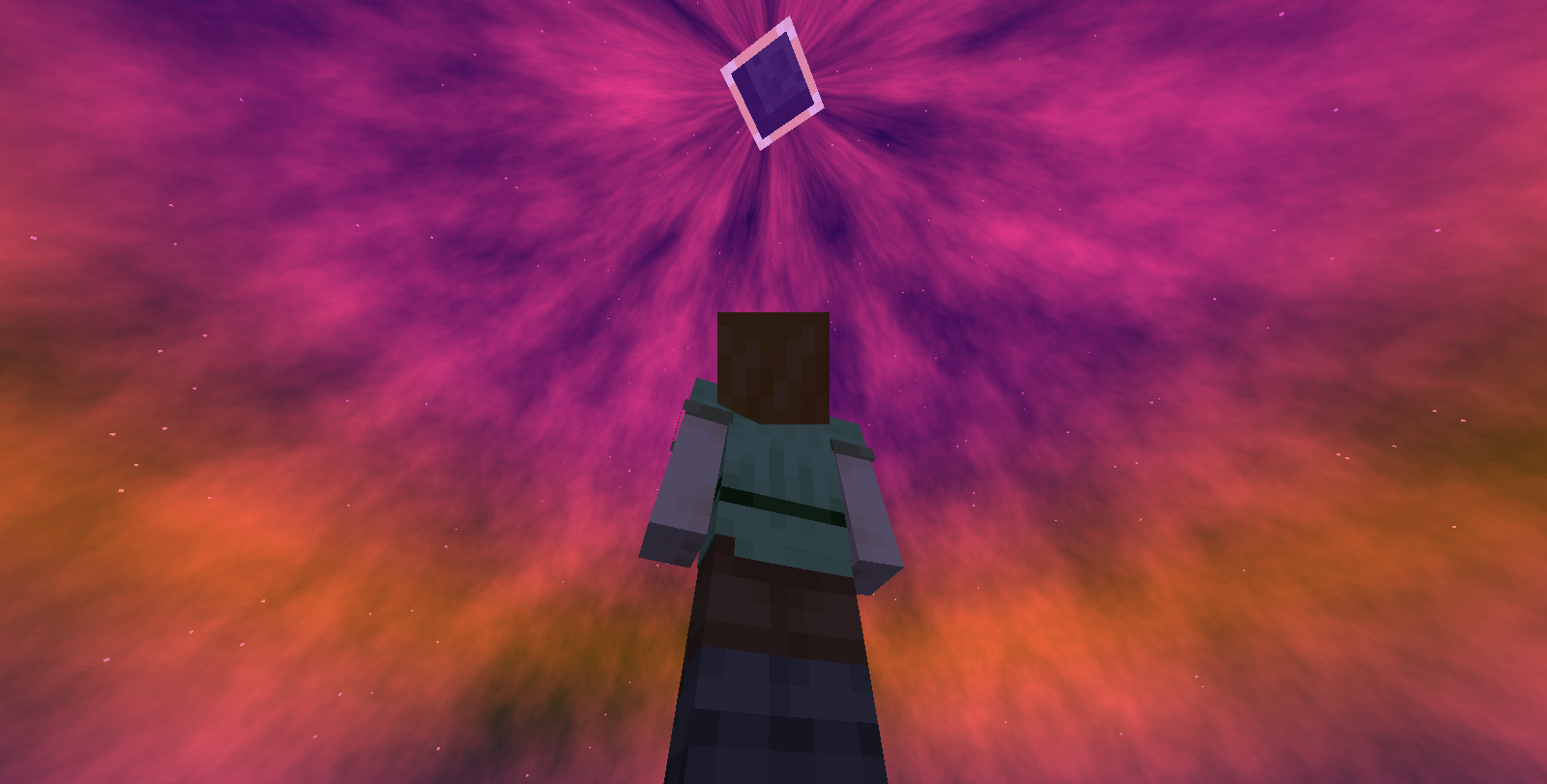 Custom Sky Gif
 -
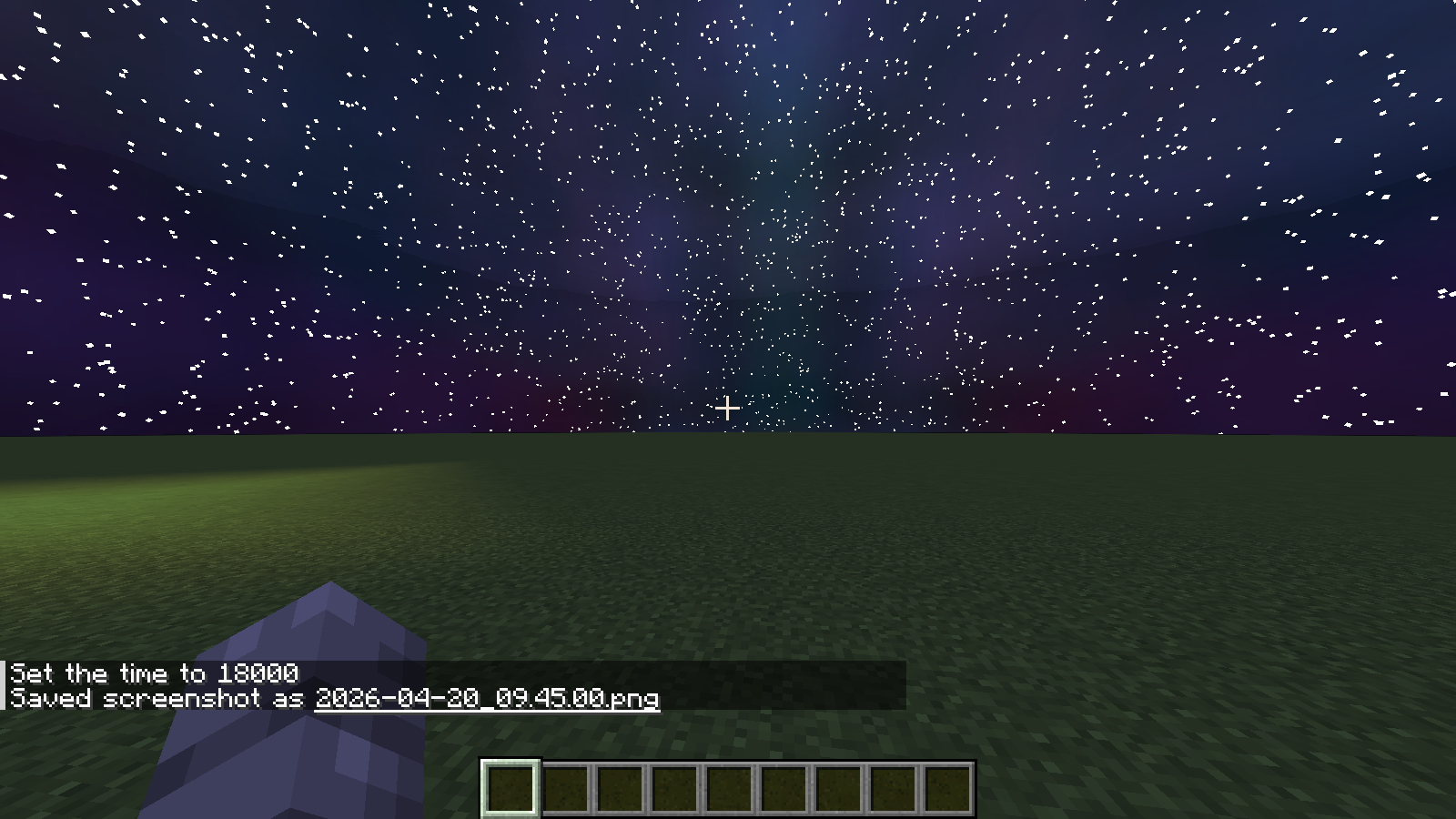
-
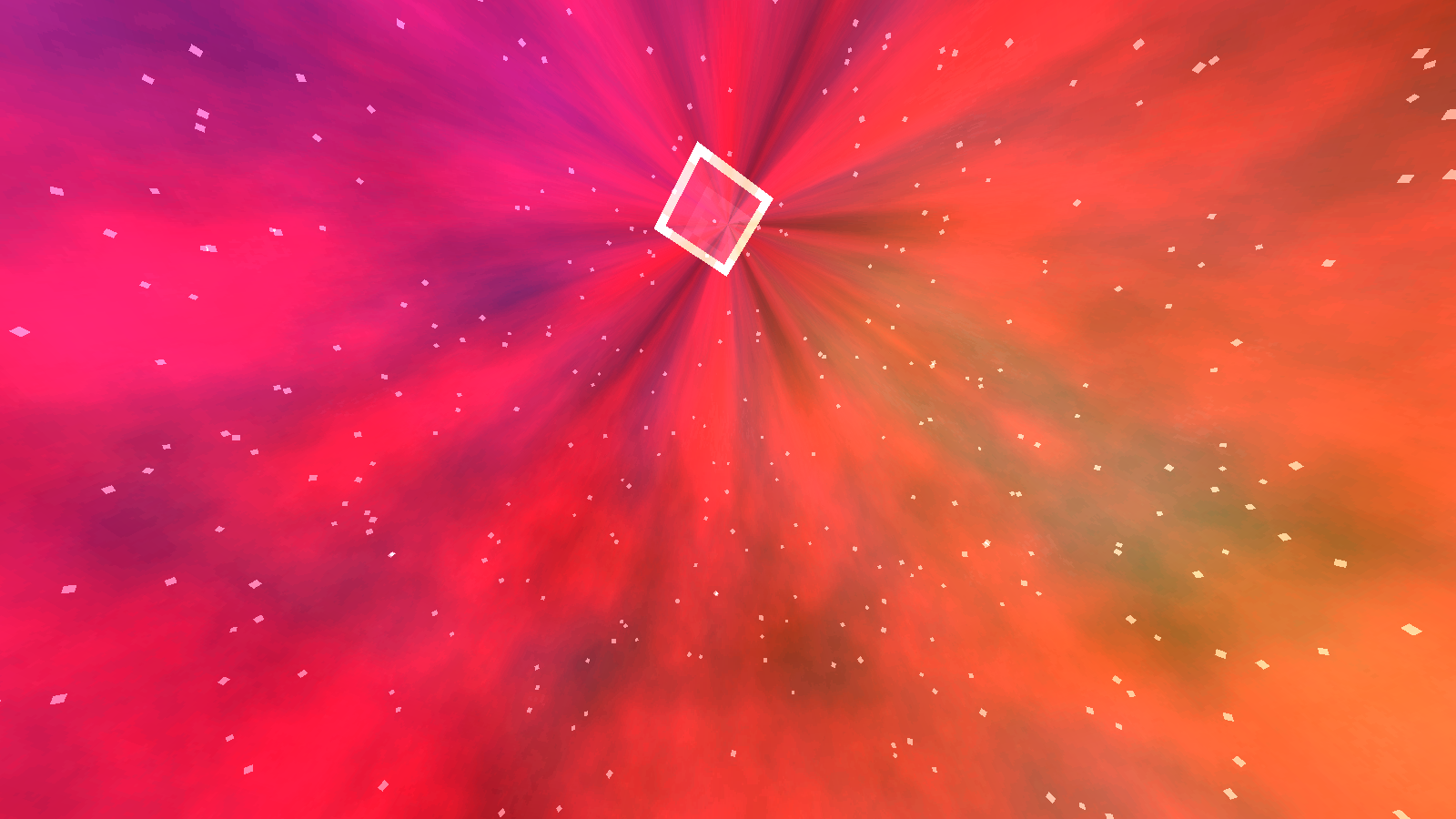
-
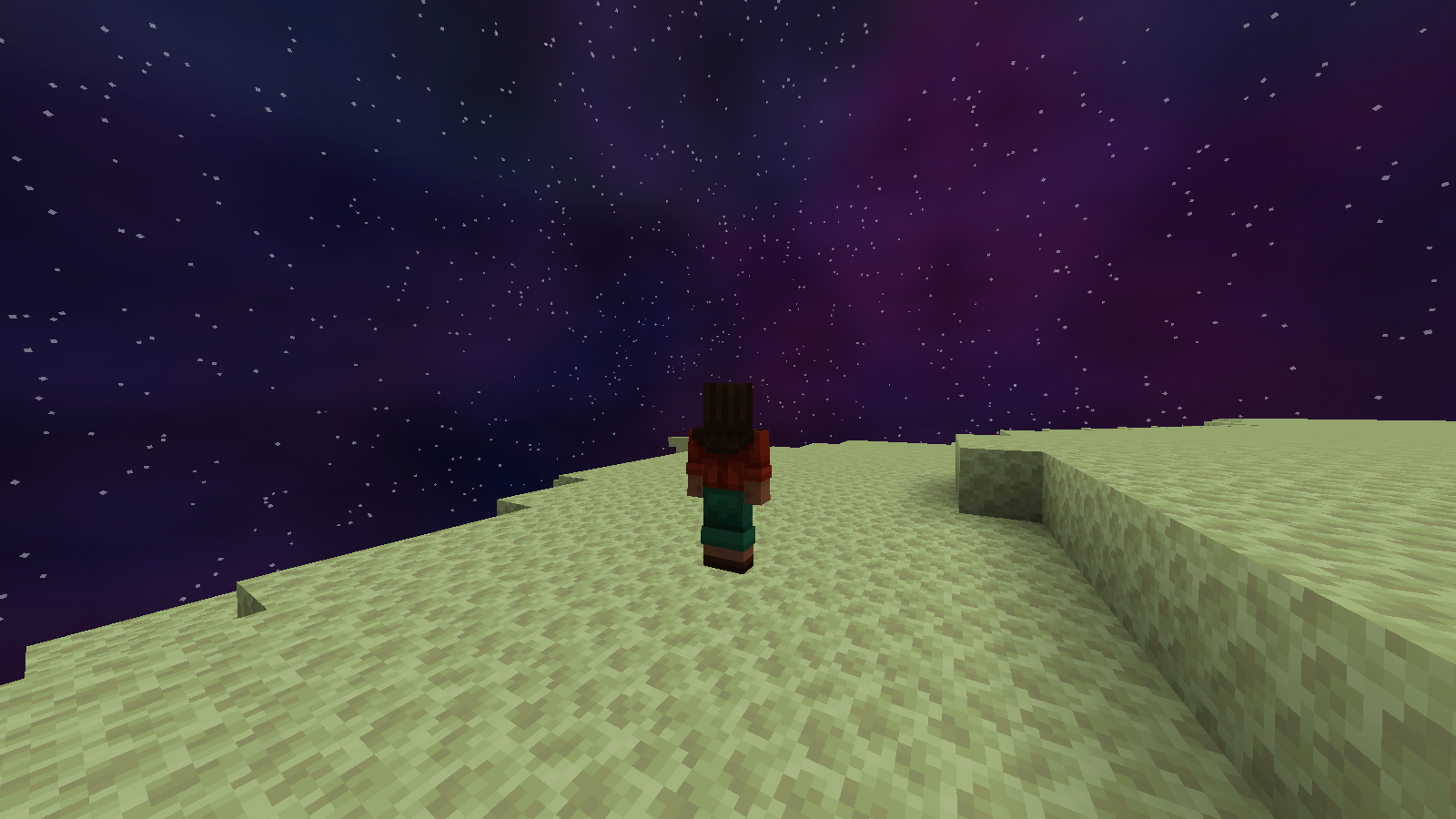 Custom End Sky
 -
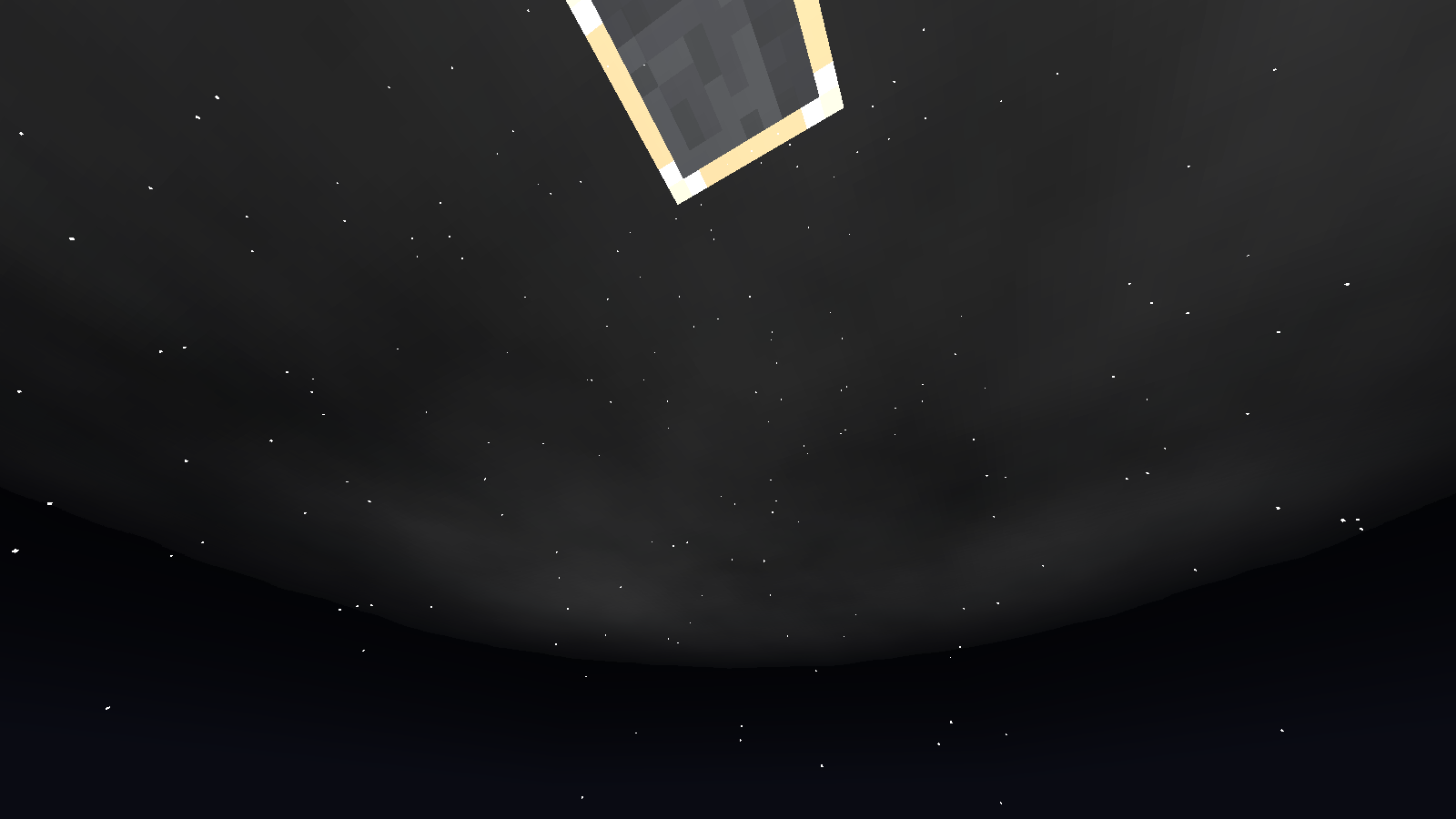
-
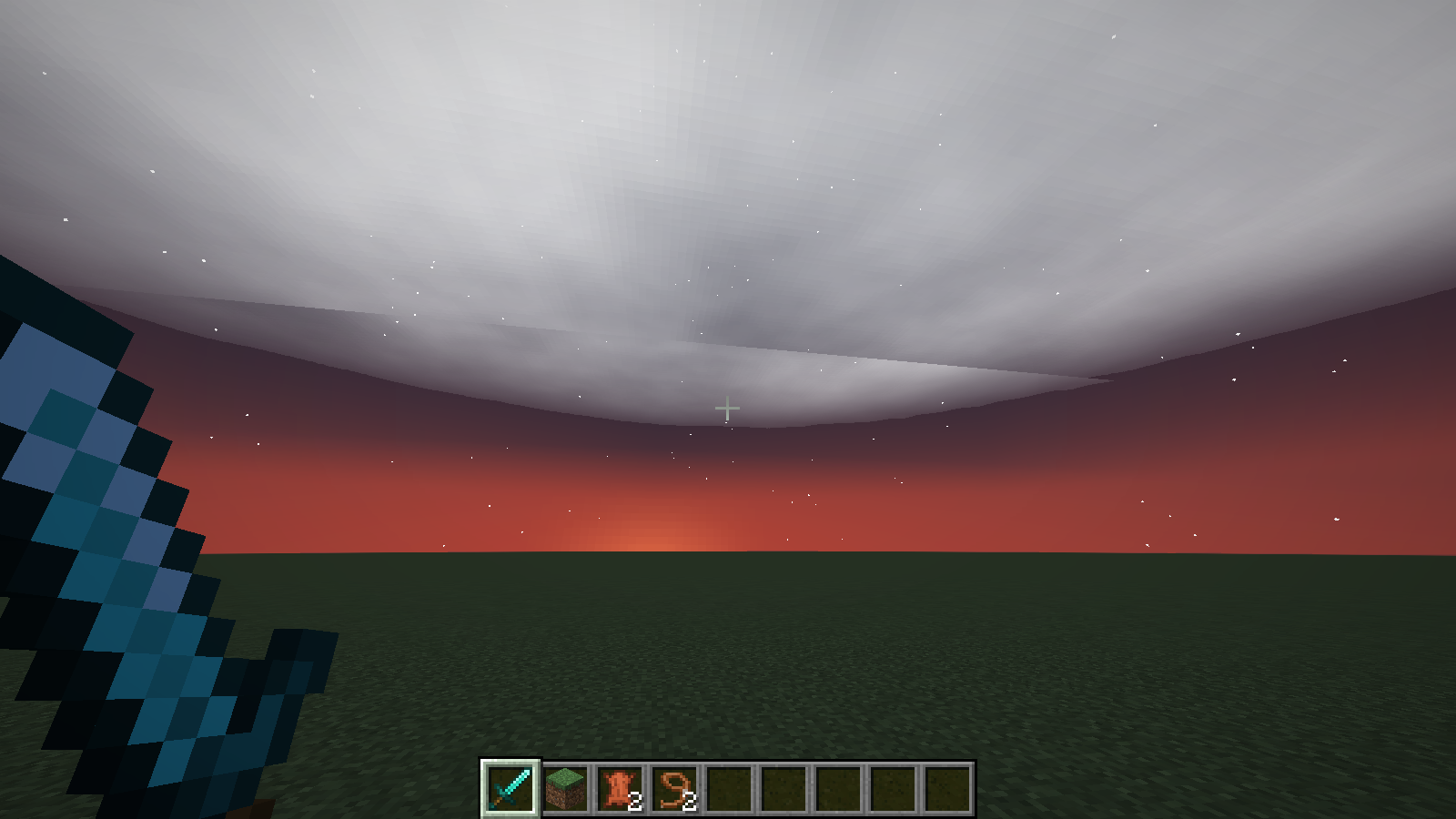 Custom Clouds
 -
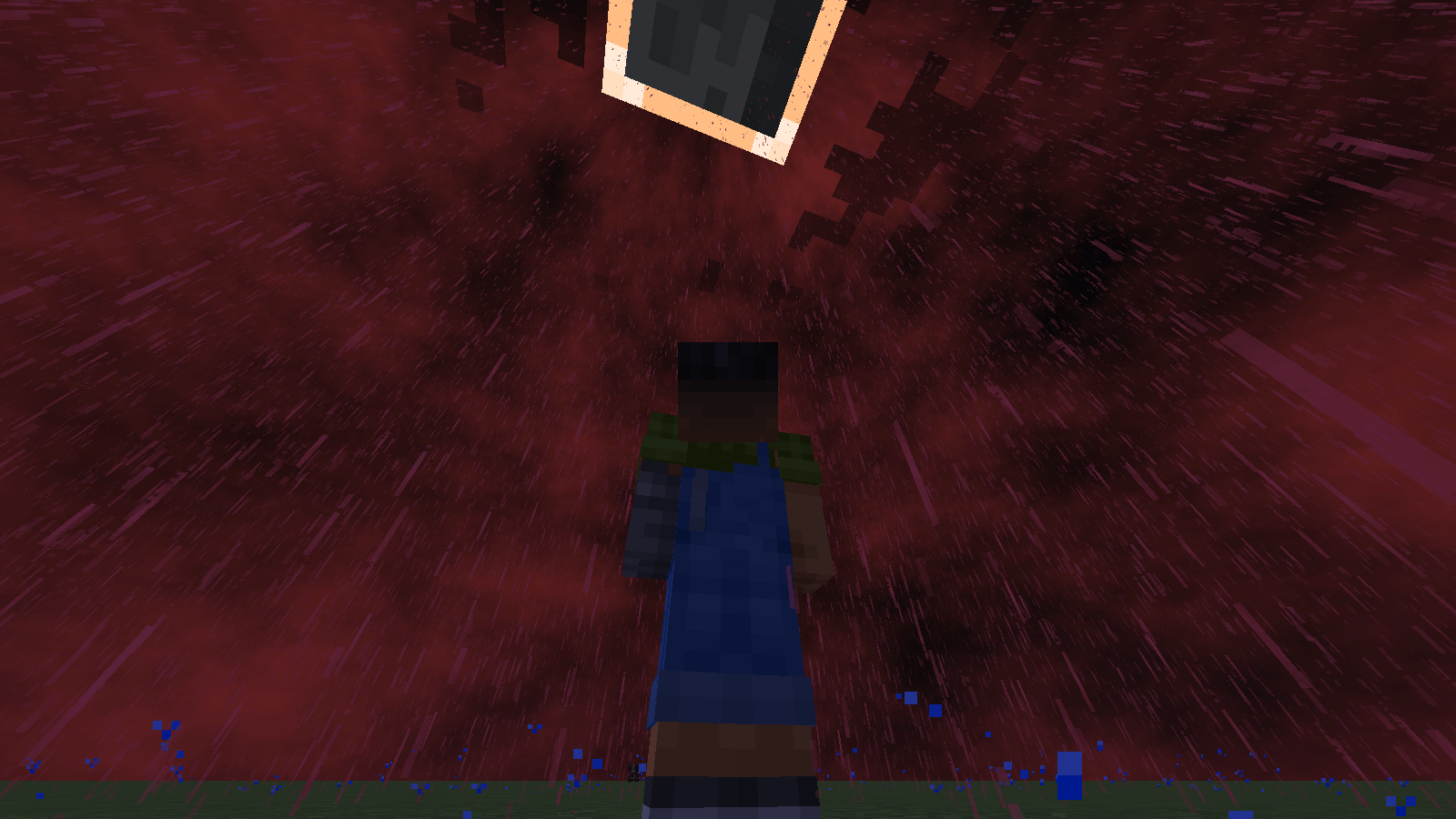
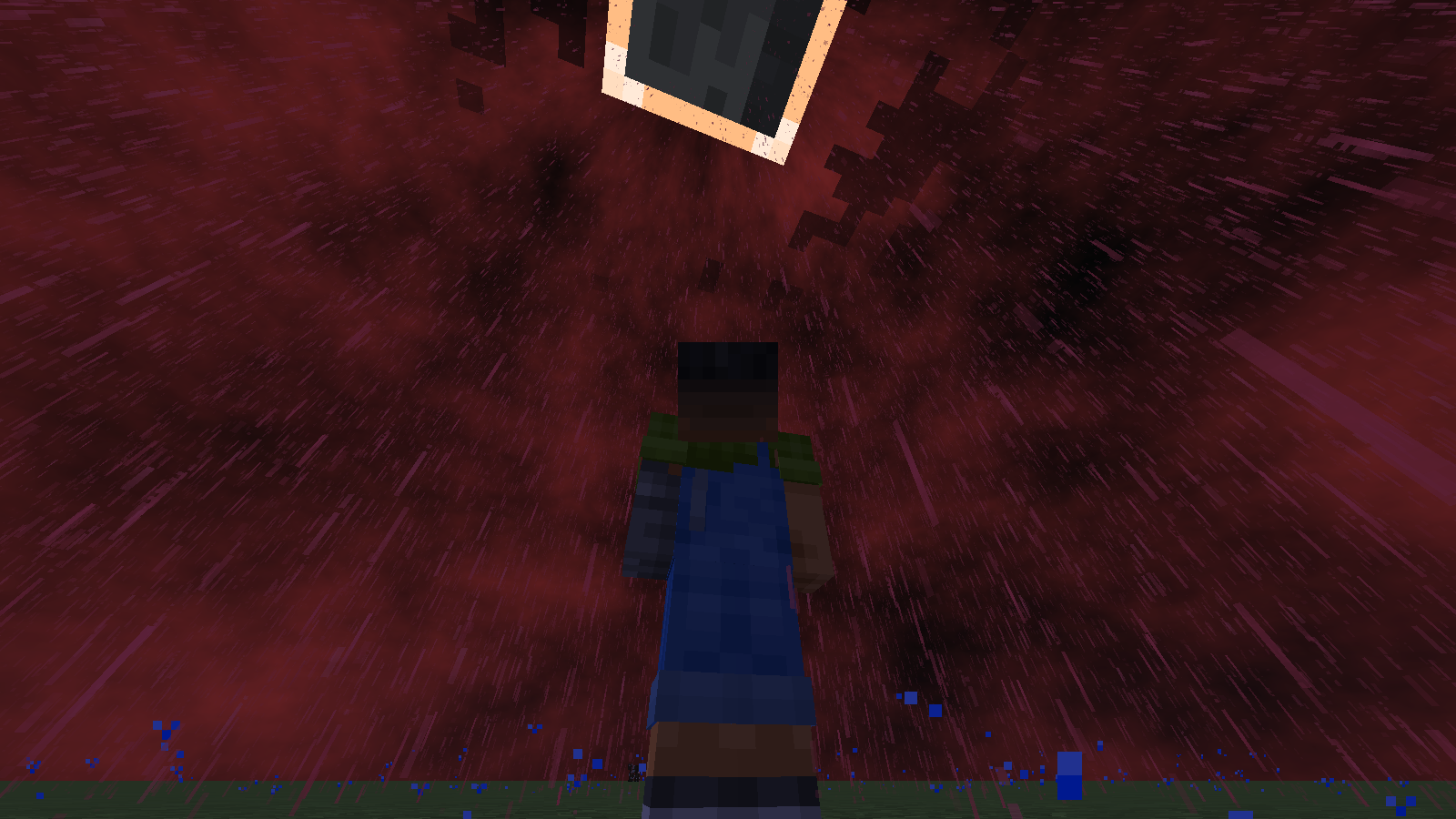 Custom Sky With Red Rain and Custom Moon
 -
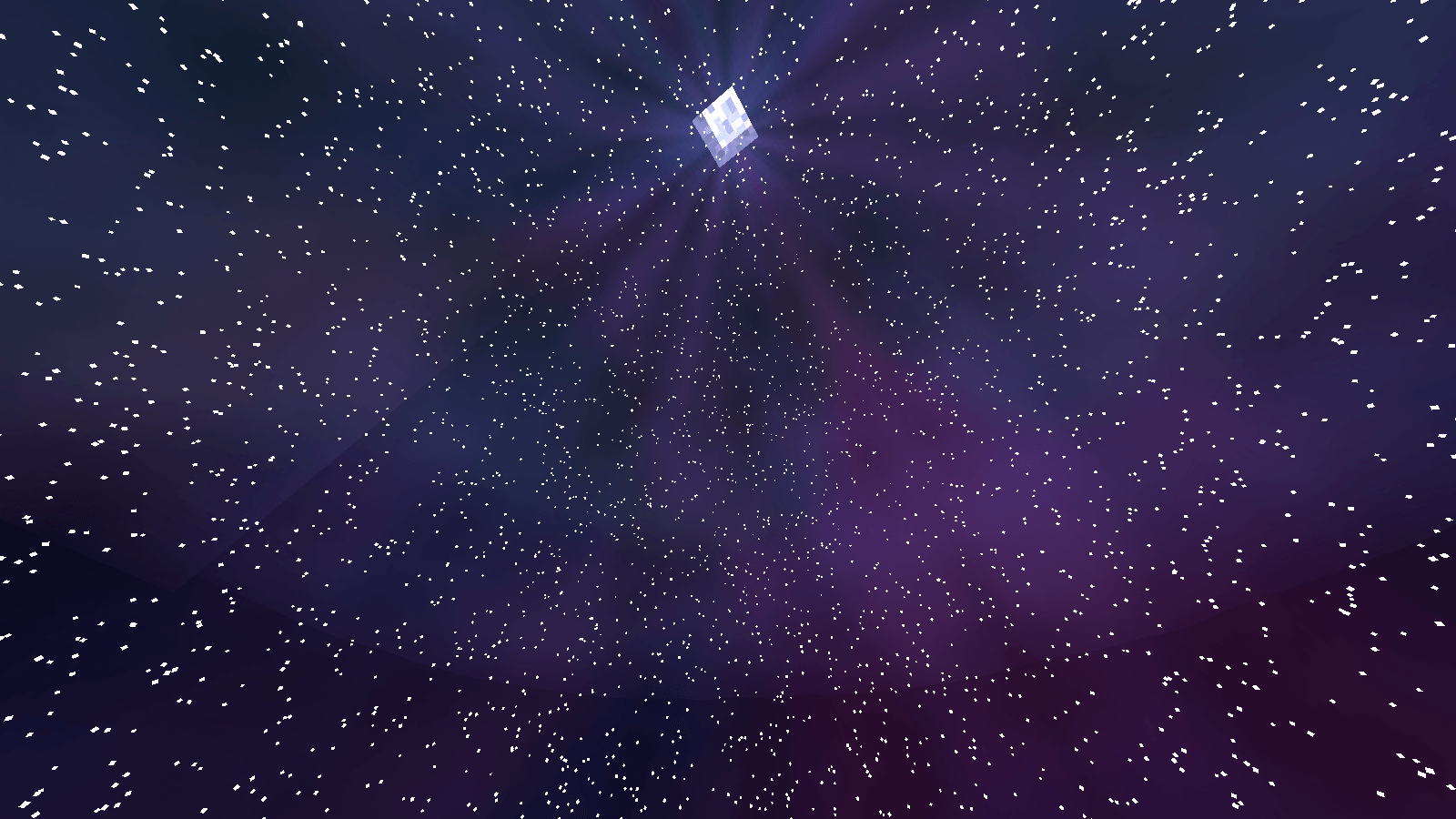
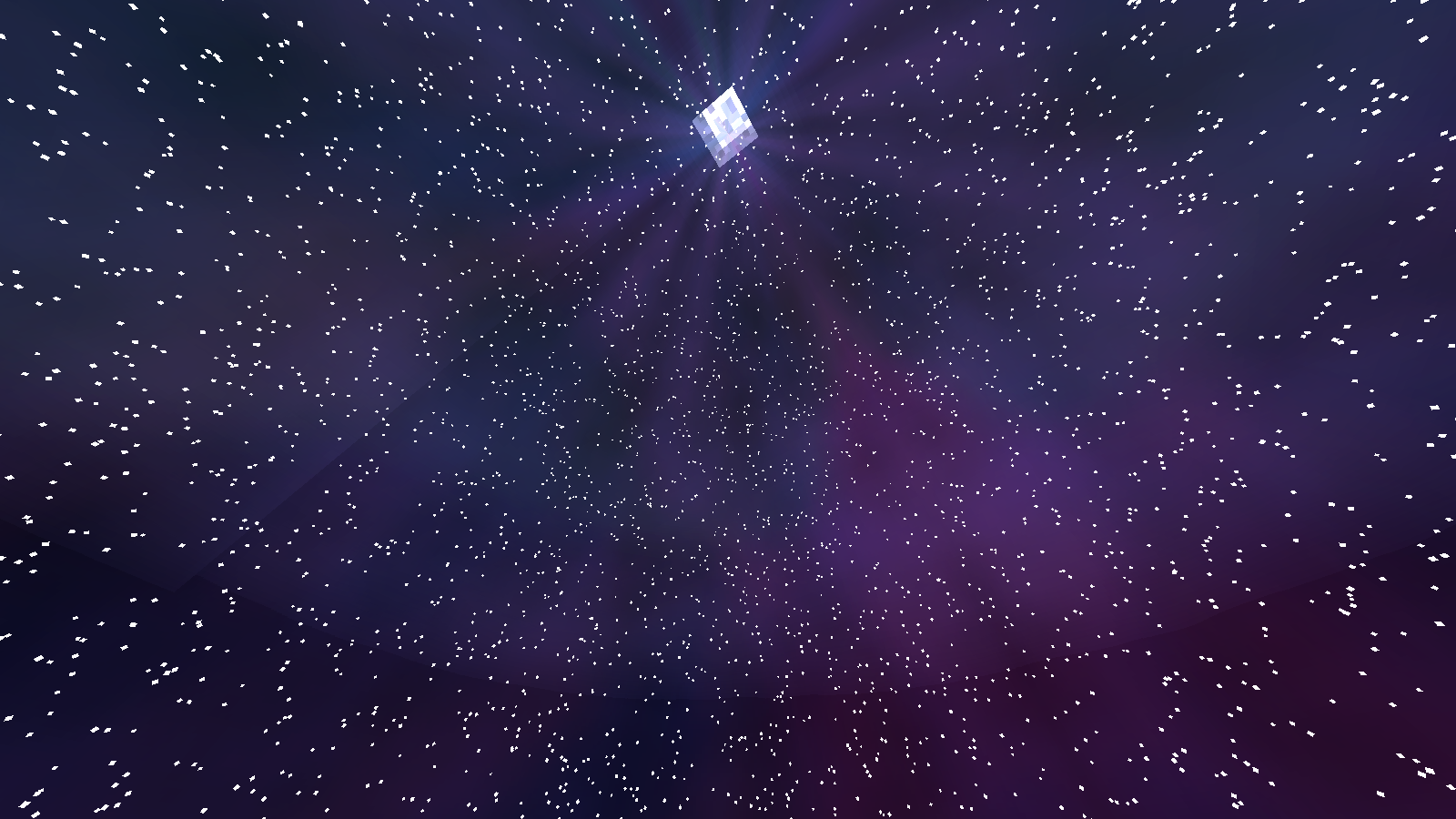 Custom Sky With Large Stars Amount
Versions
Files
Relations
Project Relations
More like this
Similar Mods
Suggestions use data such as tags, dependencies, dependents, descriptions, titles, and more to rank how much they overlap with this mod.
On ModDex
Community snapshot
By the numbers
Statistics
Want to reach Minecraft players?
We're looking for a server hosting partner to feature here and other parts of the site. Interested? Send us a message!
Get in touchGet it on
Available Platforms
On ModDex
Community snapshot
By the numbers
Statistics
Resources