
Community listing page, reviews here may not be monitored by the author.
Client Web Displays


No reviews yet
Client-side in-world Chromium displays
Community voices
Reviews
No reviews yet. Be the first to review this project!
Get it on
Available Platforms
Compatibility
Supported Environments
Required on the client. Installing it on the server adds functionality.
About
Project Details
For authors
Embed Badge
If you're the author of this project, you can embed a live badge anywhere that supports HTML or Markdown. It updates automatically whenever ratings change.
Use HTML for any page that supports it, or Markdown for README files and Markdown-based descriptions.
Identifiers
Platform IDs
About
Description
Client Web Displays
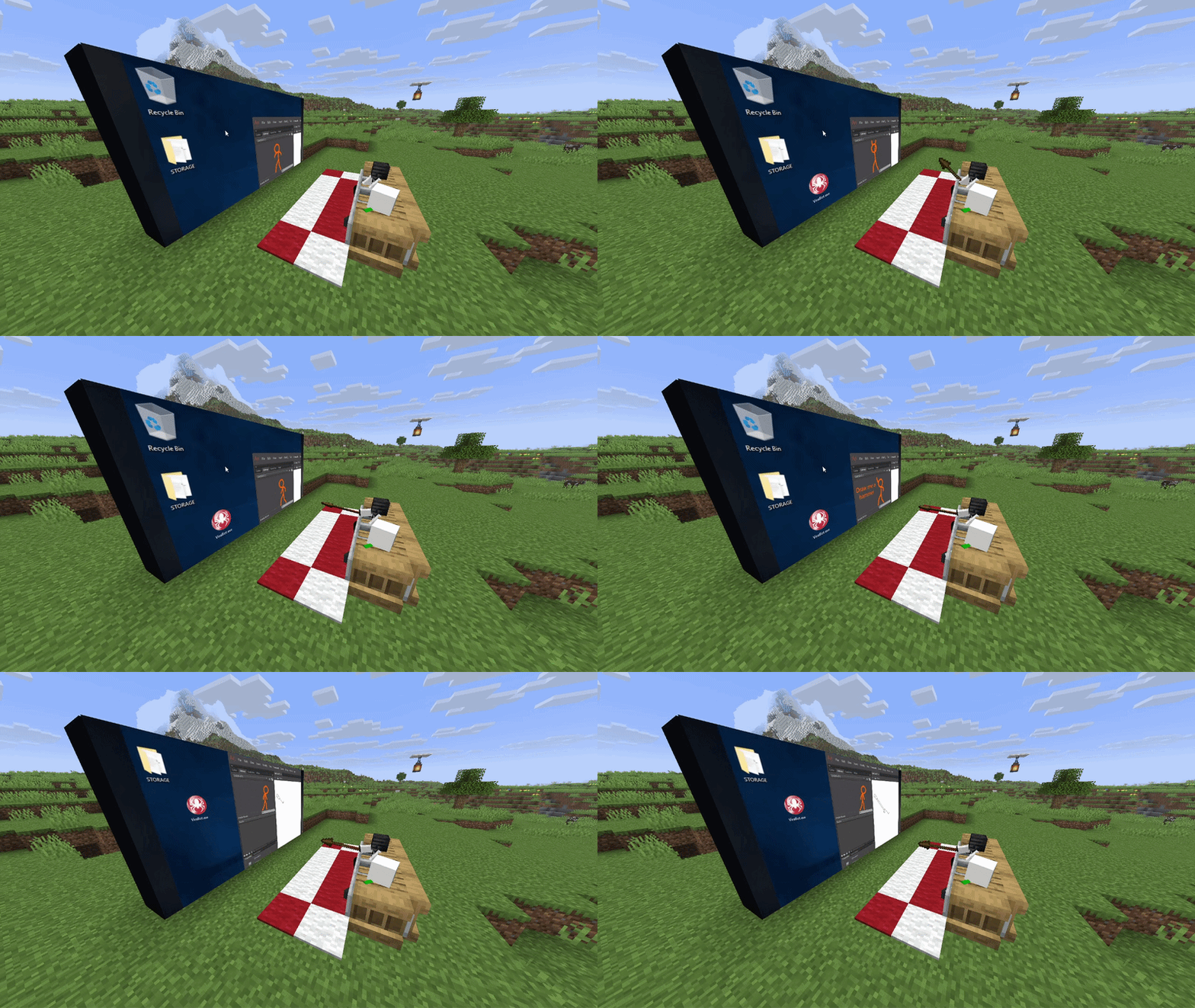
Features:
- Client-side: you can use it on any server!
- Rich window configuration
- Spatial audio
- Browser actions / YouTube media sync (if installed on host/server)
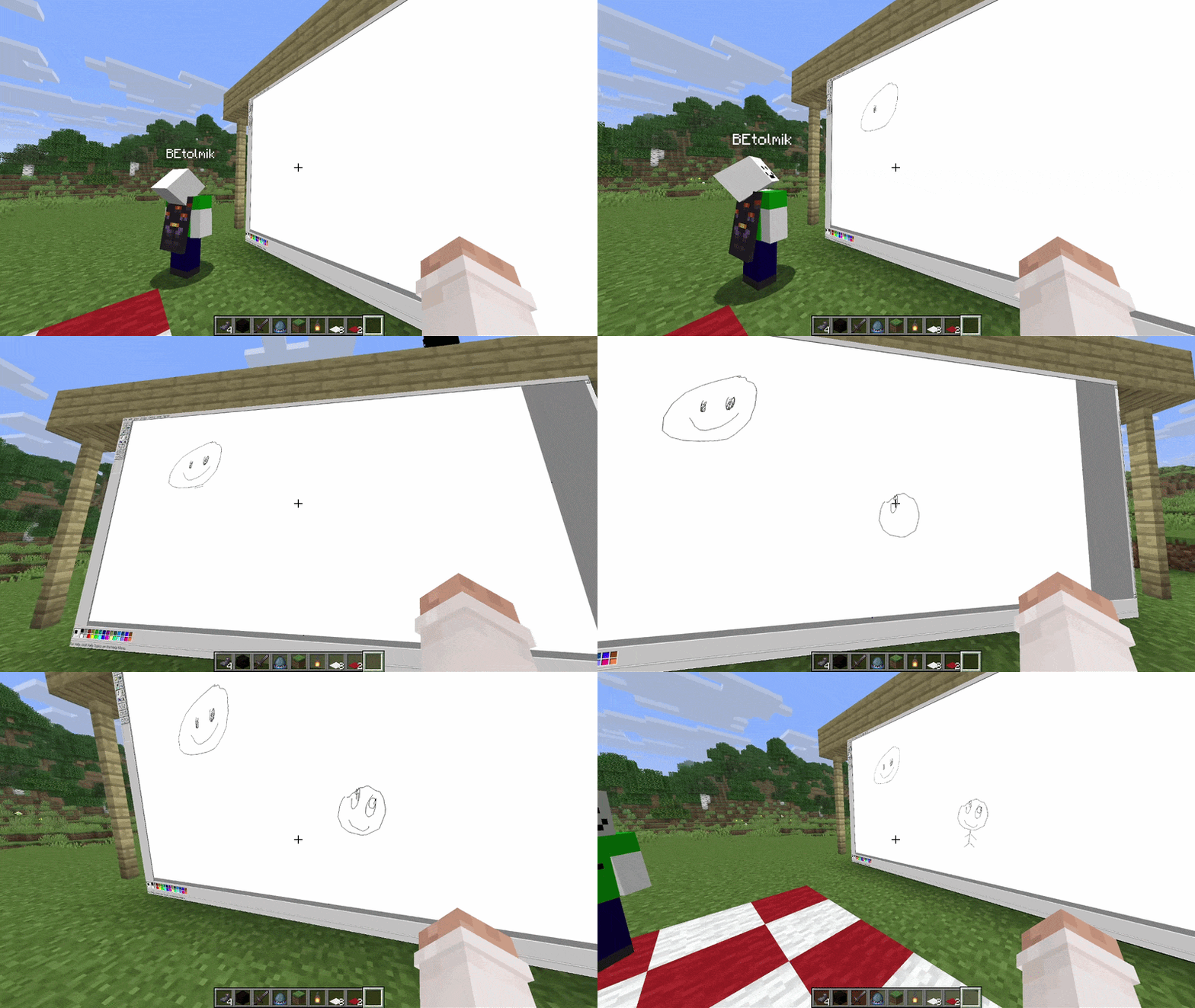
Usage
- to create window type
/cwd create <access>command - aim to window and press ALT (by default) to enter in edit window mode
- or press ENTER (by default) to enter in input mode to type something
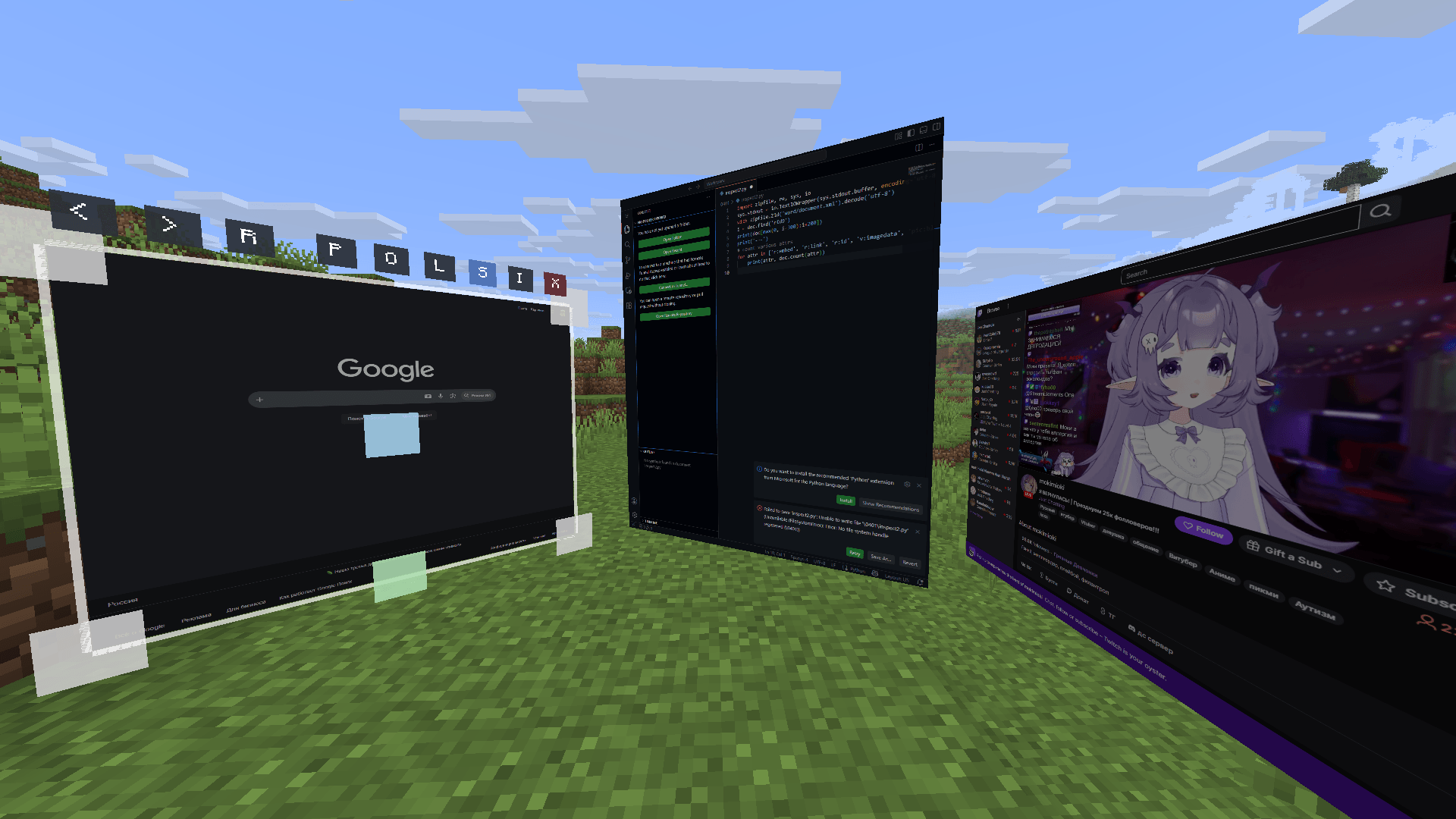
Buttons in edit mode:
R- reload pageP- pin window to player positionO- render window on top of world and entitiesL- light window (ignore world's light)S- spatial audio (by default its turn ON)I- lock input mode
Other usefull commands:
/cwd url <url>- change a URL of the display/cwd acces grant/revoke <target> <access-type>- give/take an acces to your display
Compatibility
render on-top of world and ignore light are not works with Iris shaders =(
Client Web Displays
Features:
- Client-side: you can use it on any server!
- Rich window configuration
- Spatial audio
- Browser actions / YouTube media sync (if installed on host/server)
Usage
- to create window type
/cwd create <access>command - aim to window and press ALT (by default) to enter in edit window mode
- or press ENTER (by default) to enter in input mode to type something
Buttons in edit mode:
R- reload pageP- pin window to player positionO- render window on top of world and entitiesL- light window (ignore world's light)S- spatial audio (by default its turn ON)I- lock input mode
Other usefull commands:
/cwd url <url>- change a URL of the display/cwd acces grant/revoke <target> <access-type>- give/take an acces to your display
Compatibility
render on-top of world and ignore light are not works with Iris shaders =(
Screenshots
Gallery
-
 2026-06-02_21.00.14.png 2026-06-02_21.00.14.png
-
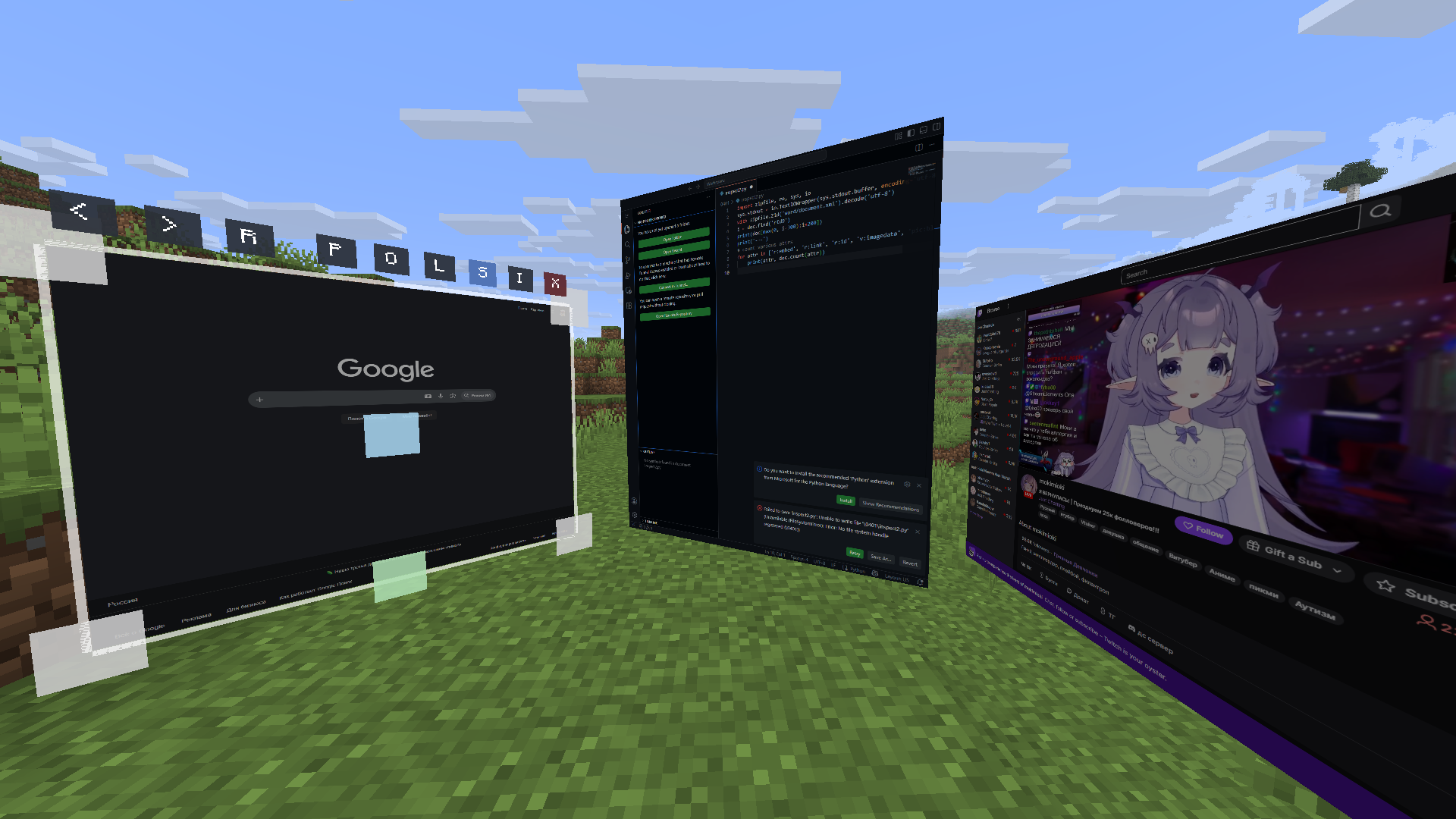 Some displays
Versions
Files
Relations
Project Relations
More like this
Similar Mods
Suggestions use data such as tags, dependencies, dependents, descriptions, titles, and more to rank how much they overlap with this mod.
On ModDex
Community snapshot
By the numbers
Statistics
Want to reach Minecraft players?
We're looking for a server hosting partner to feature here and other parts of the site. Interested? Send us a message!
Get in touchGet it on
Available Platforms
On ModDex
Community snapshot
By the numbers