
Community listing page, reviews may not be monitored by the author.
Daisychain

No reviews yet
Simple pipes for items, fluids and energy that don't cost you TPS. Made for big modpacks and busy servers. NeoForge 1.21.1 and Forge 1.20.1.

Community voices
Reviews
No reviews yet. Be the first to review this project!
Get it on
Available Platforms
About
Project Details
For authors
Embed Badge
If you're the author of this project, you can embed a live badge anywhere that supports HTML or Markdown. It updates automatically whenever ratings change.
Use HTML for any page that supports it, or Markdown for README files and Markdown-based descriptions.
Identifiers
Platform IDs
Resources
External Links
About
Description
Simple pipes that don't cost you TPS. Daisychain moves items, fluids and energy, and it's made for big modpacks and busy servers: quick to set up, light on the server, and measured to prove it.
Light on the server
- Pipes never tick. Each connected network does its work in one place, and only the sides that pull things do any work at all.
- Idle sides sleep. A side with nothing to move waits at no cost until something changes next to it.
- A work budget per dimension. If a huge base asks for more than its share in one tick, it slows down a little instead of lagging the whole server.
- See why something isn't moving. Every pull side shows a status dot (Moving, Waiting, Nothing to pull, Off by redstone…). Hover it for the reason. With Jade, the status shows when you look at the pipe.
Measured, not claimed
Tested on a laptop with every network moving things nonstop. For scale, one tick has 50 ms to spare.
- 1,700 busy networks (items, fluids and universal): about 2.2 to 2.9 ms per tick, on both NeoForge 1.21.1 and Forge 1.20.1.
- 1,000 top-tier energy networks: about 0.35 to 0.5 ms per tick.
- 1,000 idle networks: about 0.34 ms per tick.
- A world with 54,000 pipes: 2.0 to 2.5 ms per tick.
Server owners can check their own world any time with /daisychain stats.
Easy to use
- One-click setup: sneak and right-click a side with the Bloom Wrench to make it pull. Every other inventory on the network is a place things can go.
- Simple view by default: 9 filter slots and the keys you'll reach for most. Everything else waits in Advanced view until you want it.
- See what you're changing: while you sneak with the wrench, a see-through hologram shows the side your click will change. Wrenches from other mods work too.
- In-game guide: hold G over any Daisychain item.
When you want more
- Four pipes: Item, Fluid, Energy, and a Universal Pipe that carries all three at once.
- Filters: 54 ghost slots per side, matching by item, item + data, tag or whole mod, as a whitelist or blacklist. JEI drag-and-drop works.
- Where things go: Near, Far or Robin (an even split), plus a priority on every destination.
- Stock control: Batch, Keep (leave some in the source), Fill to and Max stock, for a whole side or per filter entry.
- Redstone control on pull and insert sides.
- Five upgrades, iron to nether star: from 8 items per second up to 81,920.
- Six energy pipe tiers that mix in one network. Sneak and right-click a slower energy pipe with a faster one to swap it in place.
- Settings Copier: copy a side's setup and paste it onto one side or a whole network, with undo.
- Pack-maker friendly: every speed and limit is in the server config and changes live, no restart.
Compatibility
Daisychain talks to other mods only through the loader's standard item, fluid and energy capabilities, so any chest, tank, machine or battery that uses them works.
- Versions: Minecraft 1.21.1 with NeoForge 21.1.49 or newer, and Minecraft 1.20.1 with Forge 47.2.0 or newer.
- Requires: GuideME (for the in-game guide). Install on both the server and every client.
- Optional: JEI, for dragging items and fluids into filters. Jade, for pipe status and route info when you look at a pipe. FTB Ultimine, to swap a whole line of energy pipes in one click.
Credits
Made by zerobit. MIT license, all code original. Source code and bug reports: GitHub.
The code, the textures (drawn by scripts) and the guide and page text were written with Claude, an AI assistant, under zerobit's direction. zerobit decided the features and design and tested every step in game.
Screenshots
Gallery
-
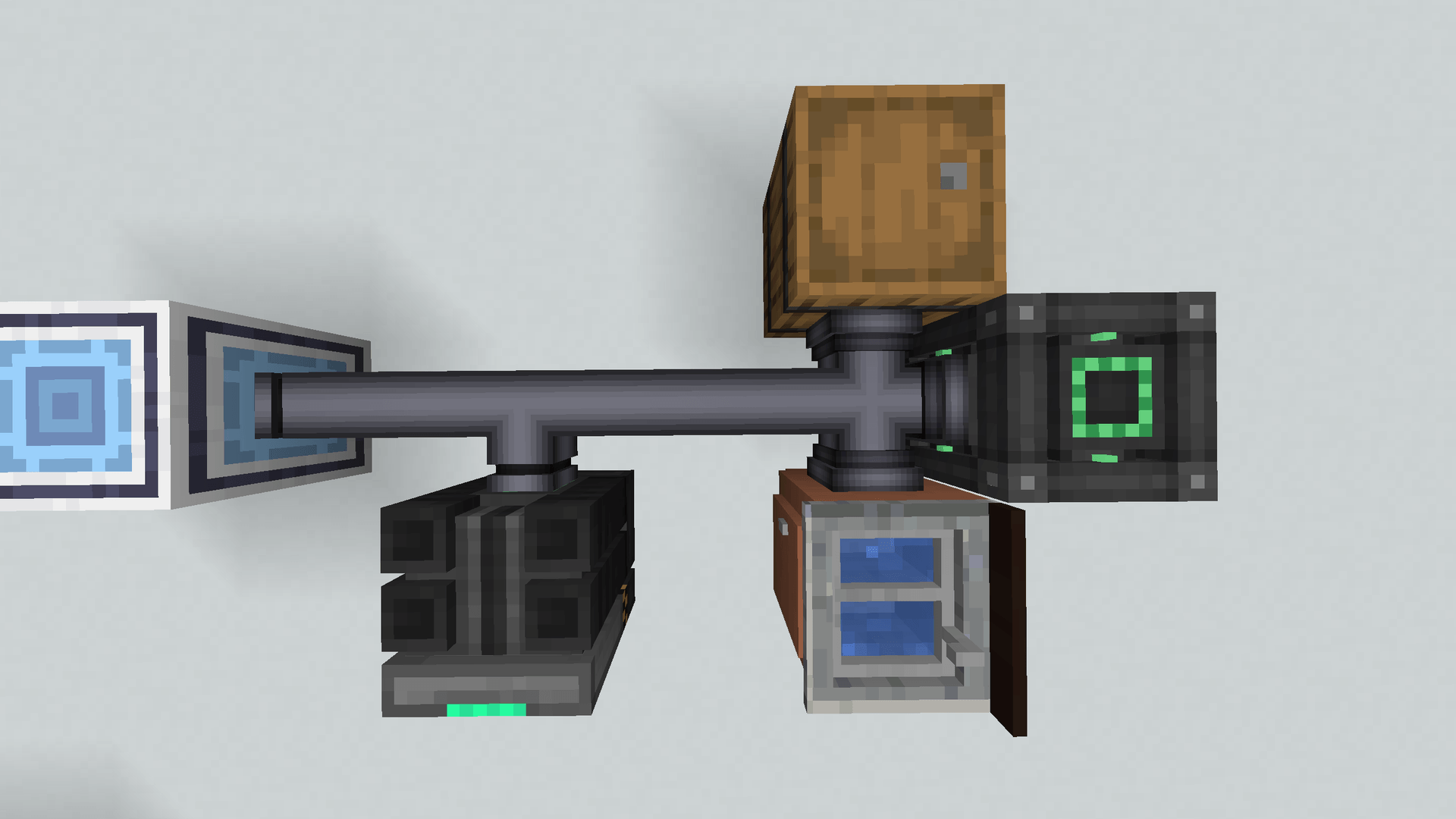 01-main-setup.png 01-main-setup.png
-
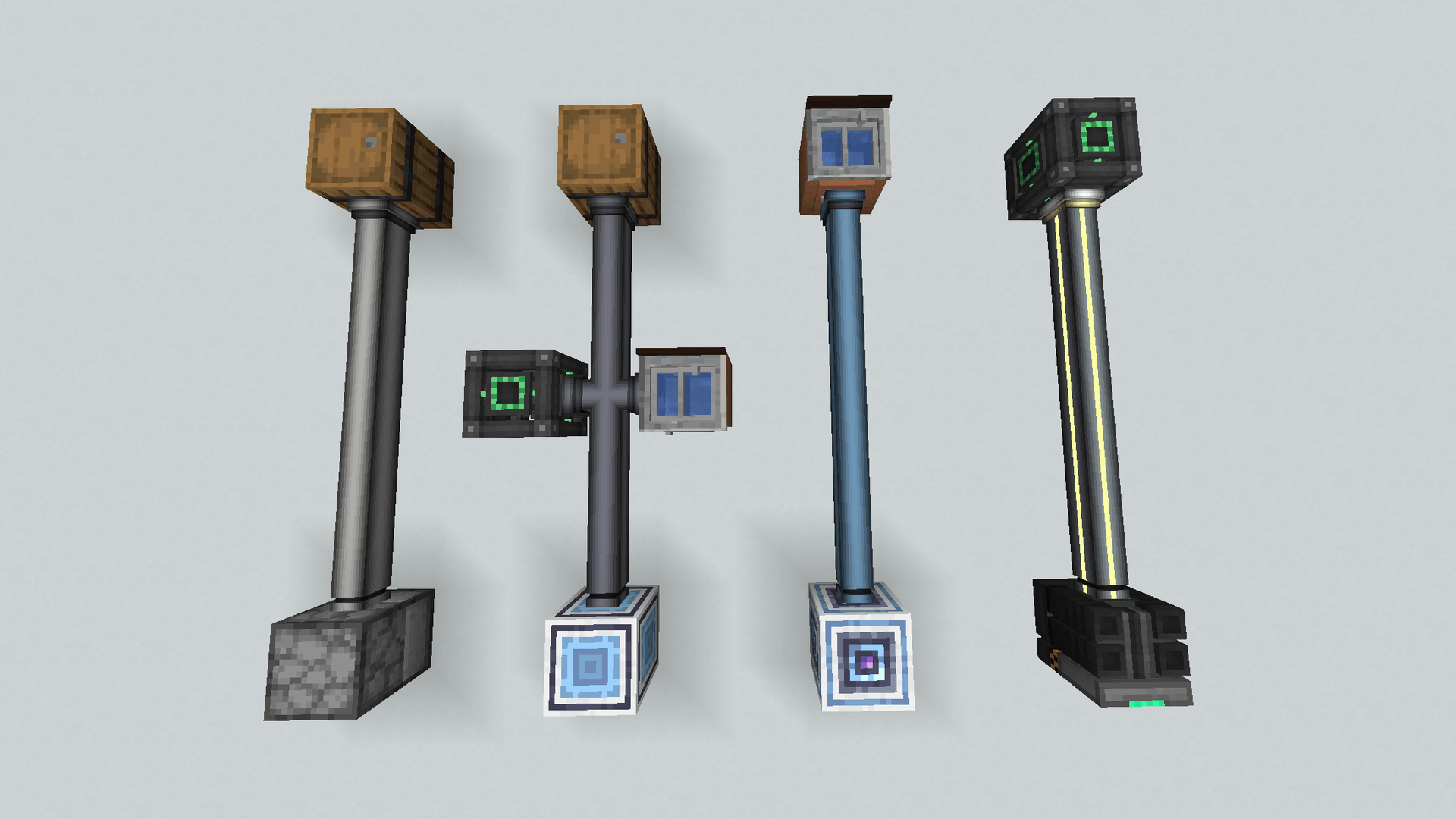 02-four-pipes.png 02-four-pipes.png
-
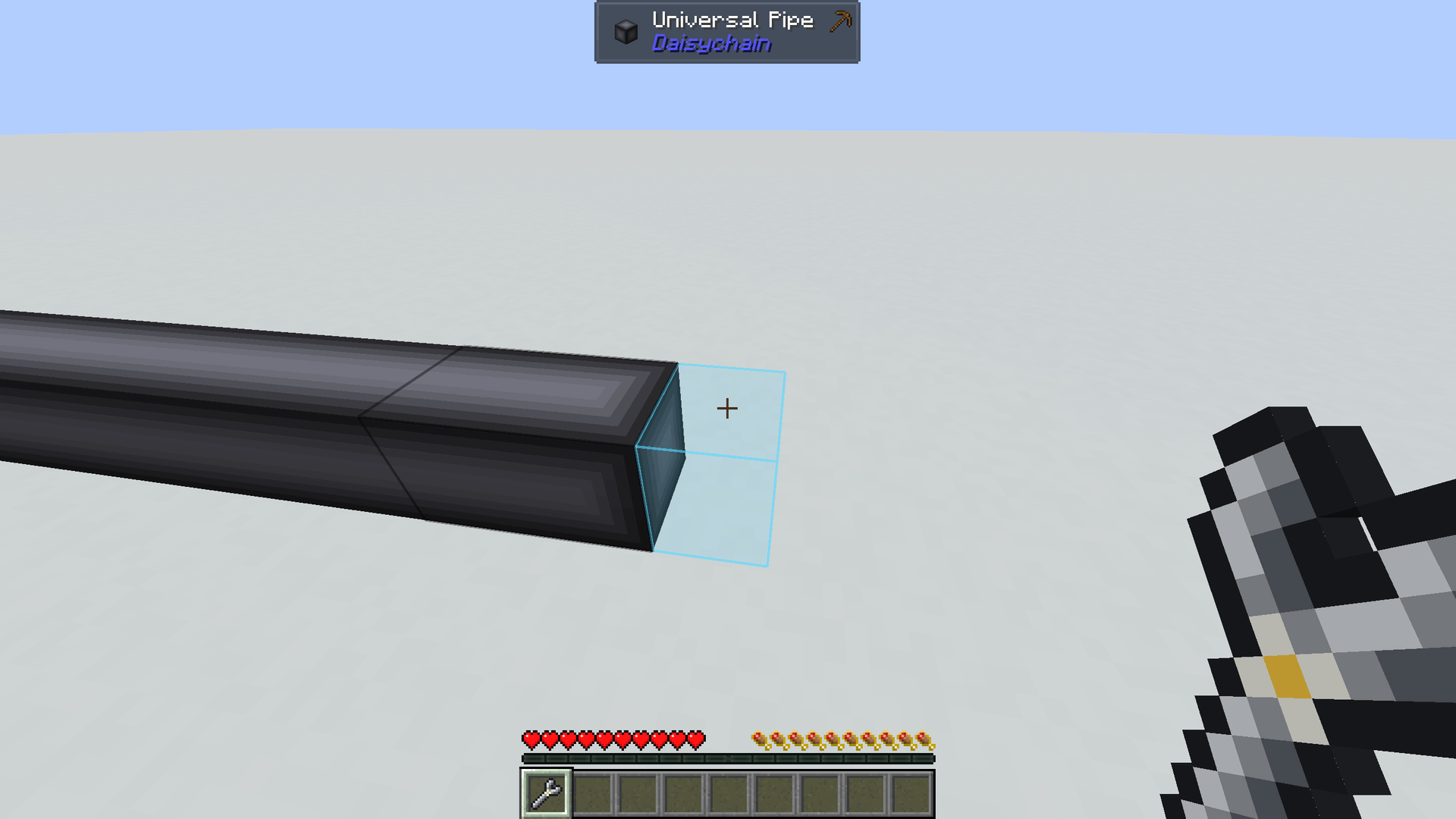 03-wrench-hologram.png 03-wrench-hologram.png
-
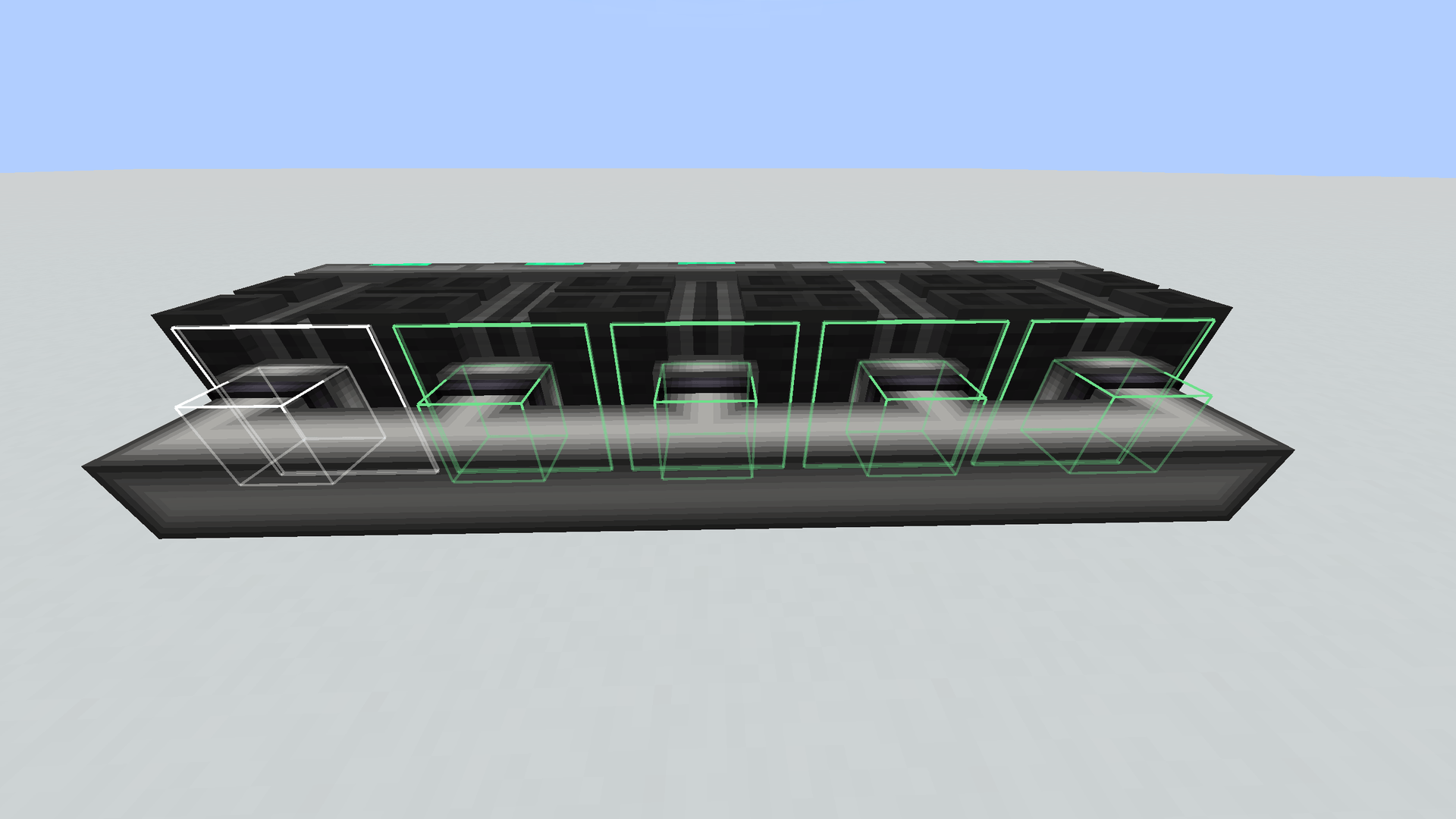 04-settings-copier.png 04-settings-copier.png
-
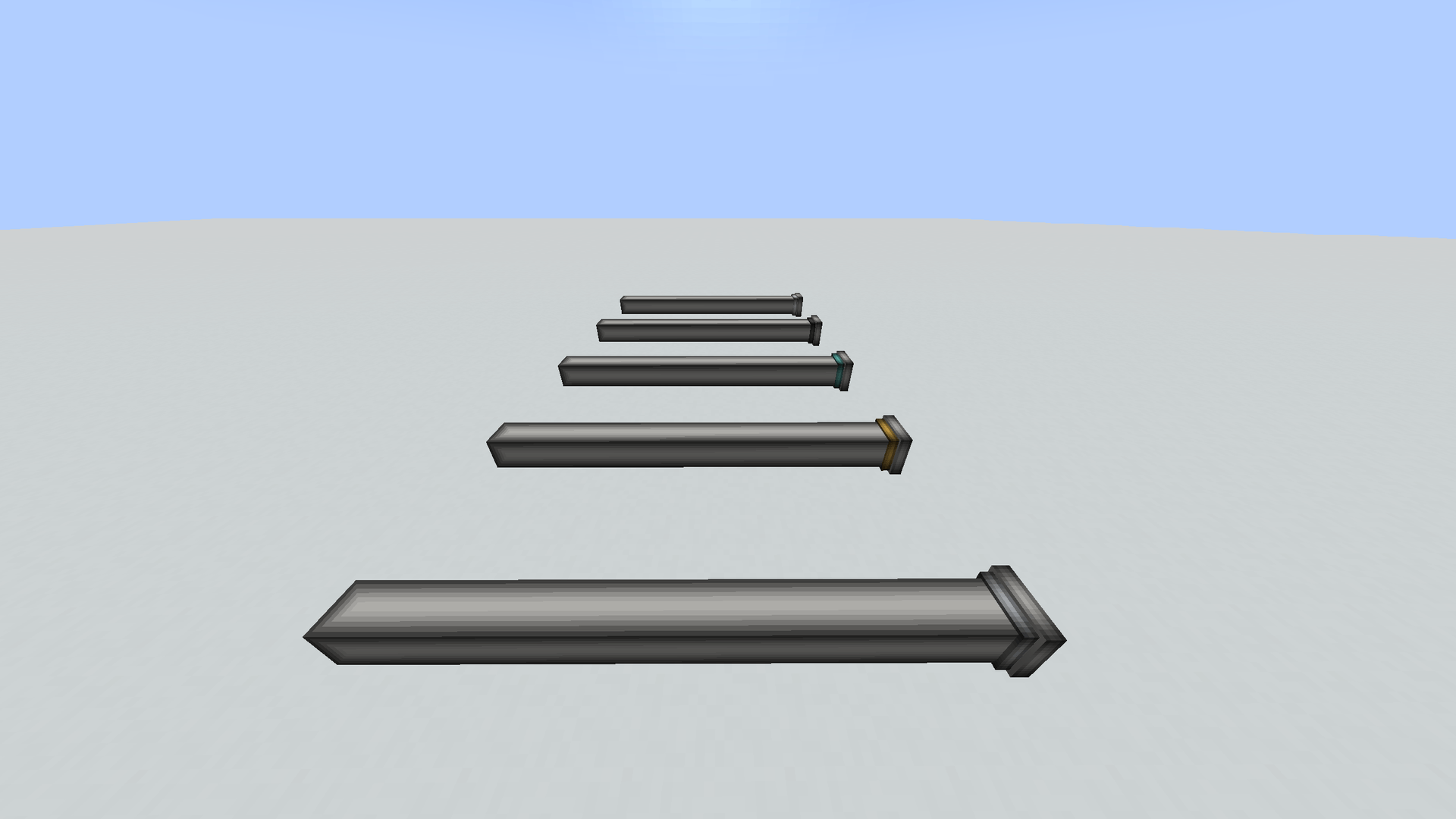 05-upgrade-rings.png 05-upgrade-rings.png
-
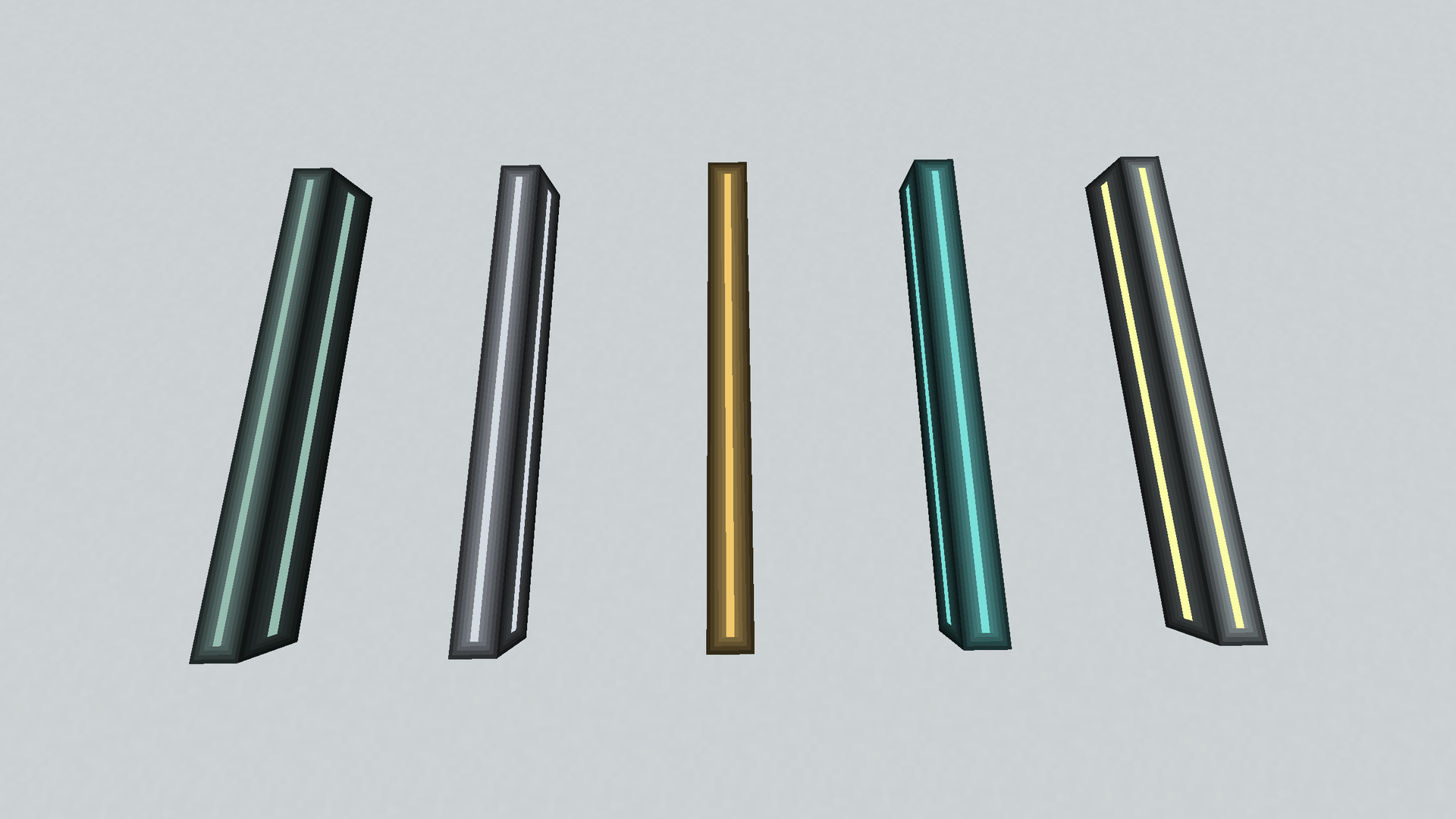 06-energy-tiers.png 06-energy-tiers.png
-
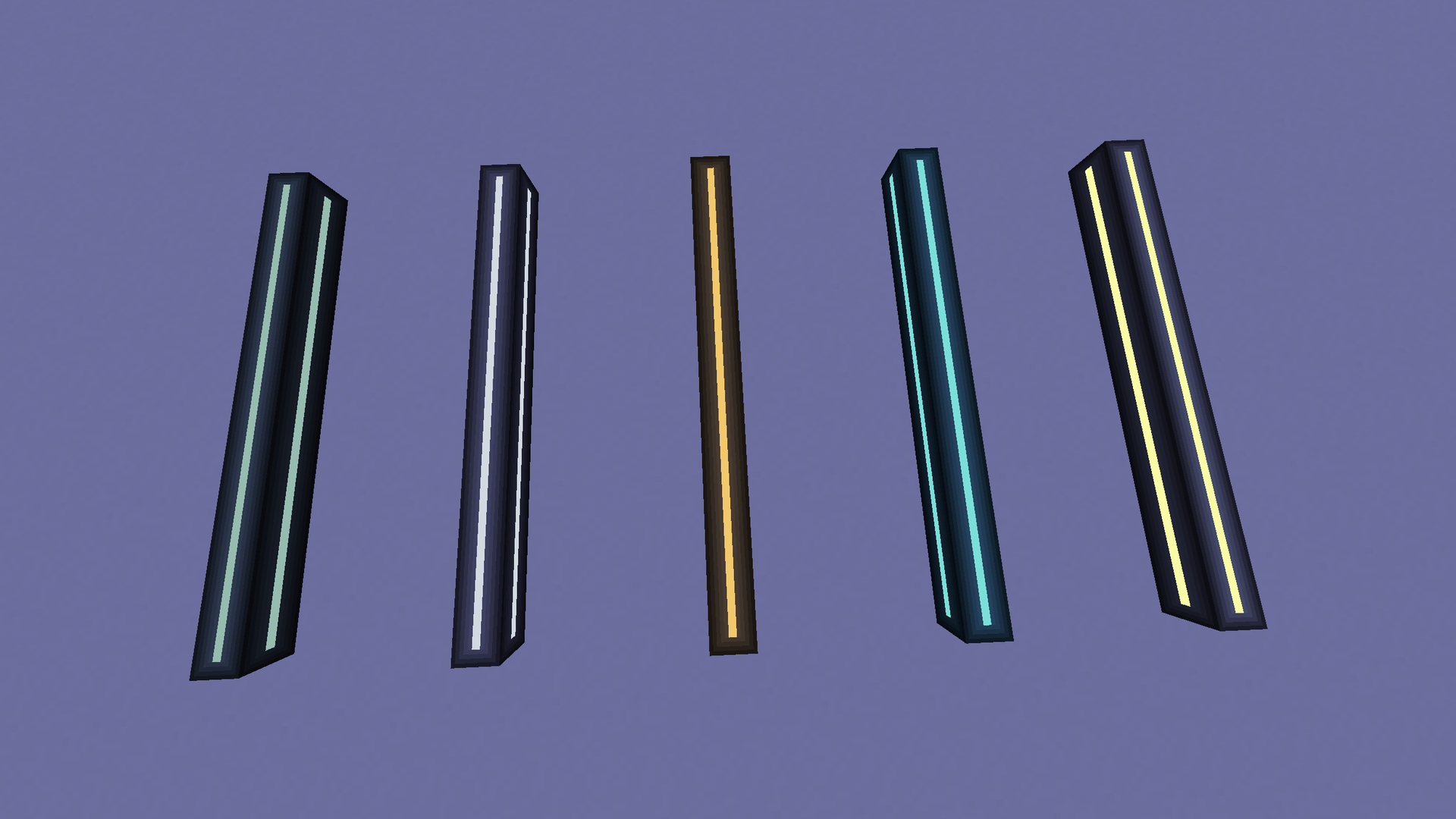 07-energy-glow-night.png 07-energy-glow-night.png
-
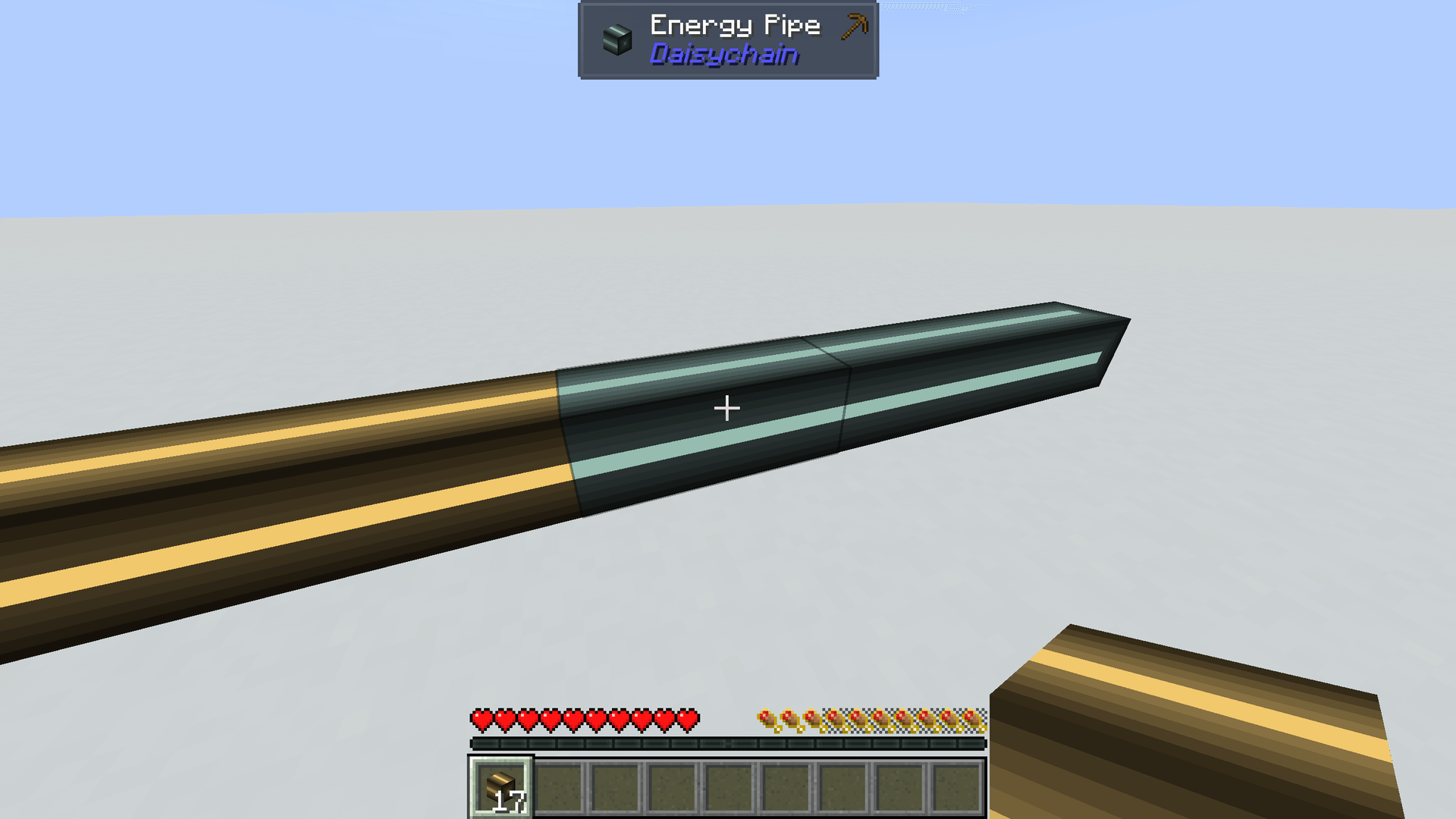 08-tier-swap.png 08-tier-swap.png
-
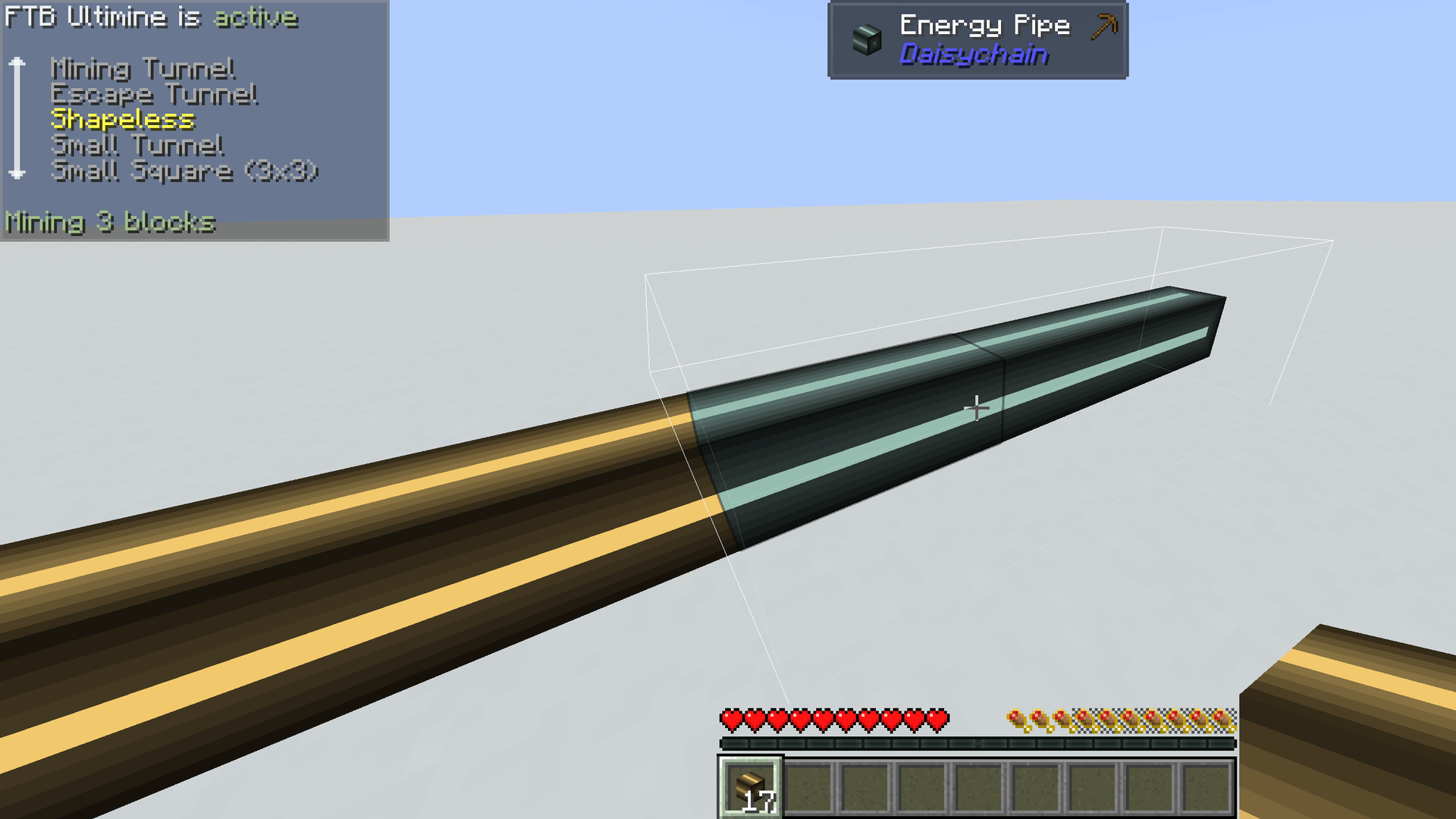 09-ultimine.png 09-ultimine.png
-
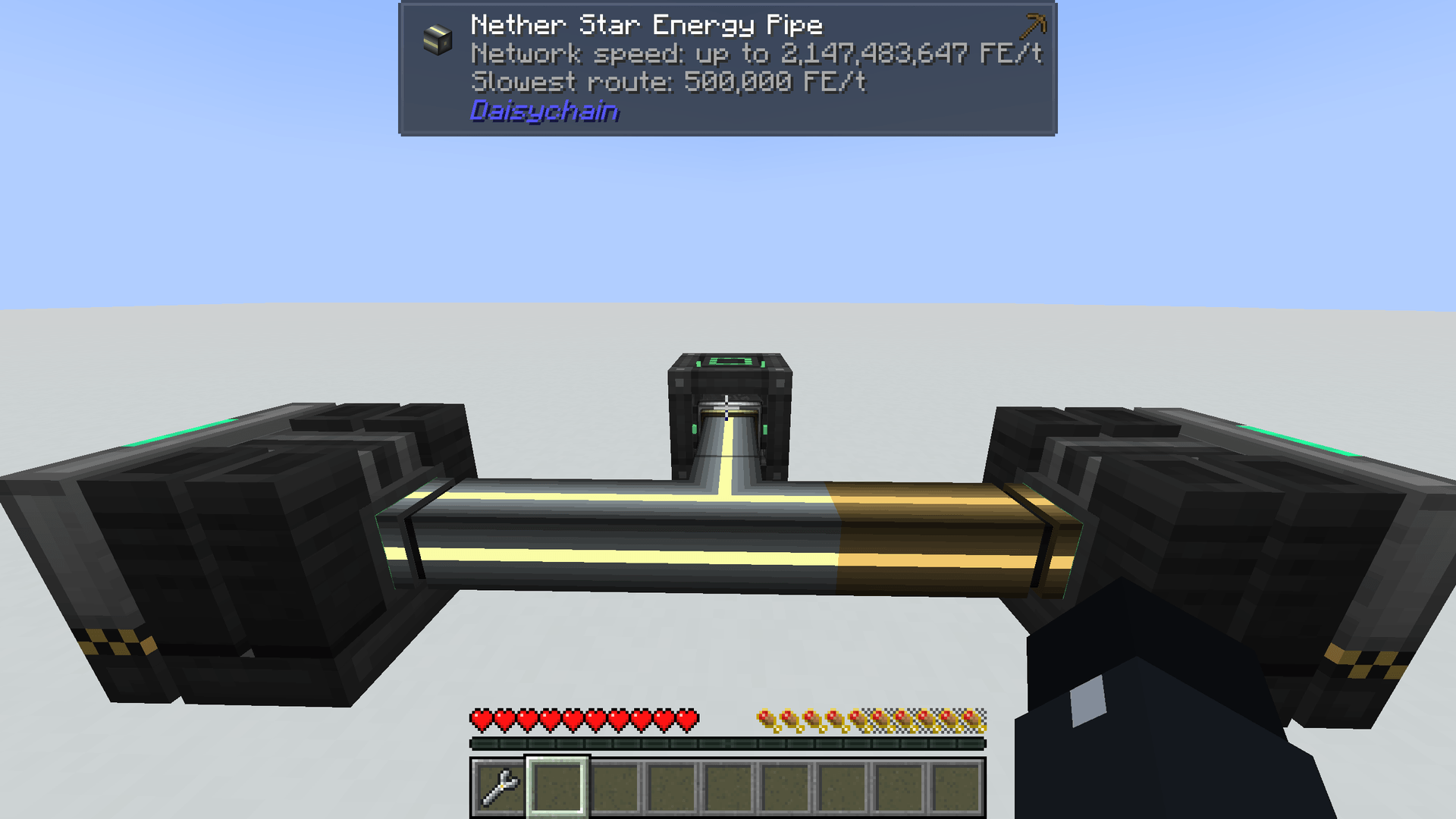 10-jade-route-speed.png 10-jade-route-speed.png
-
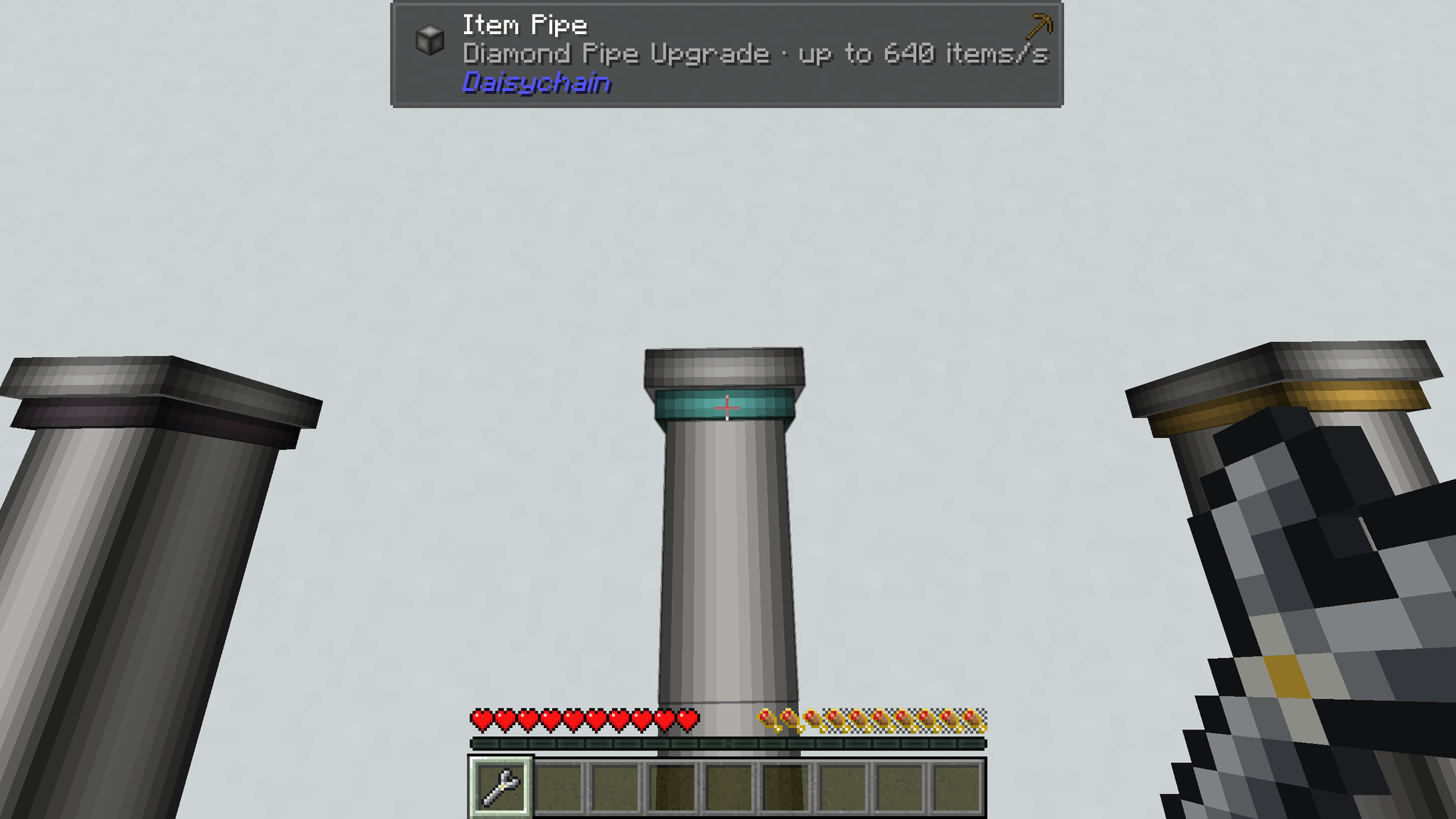 11-jade-upgrade.png 11-jade-upgrade.png
-
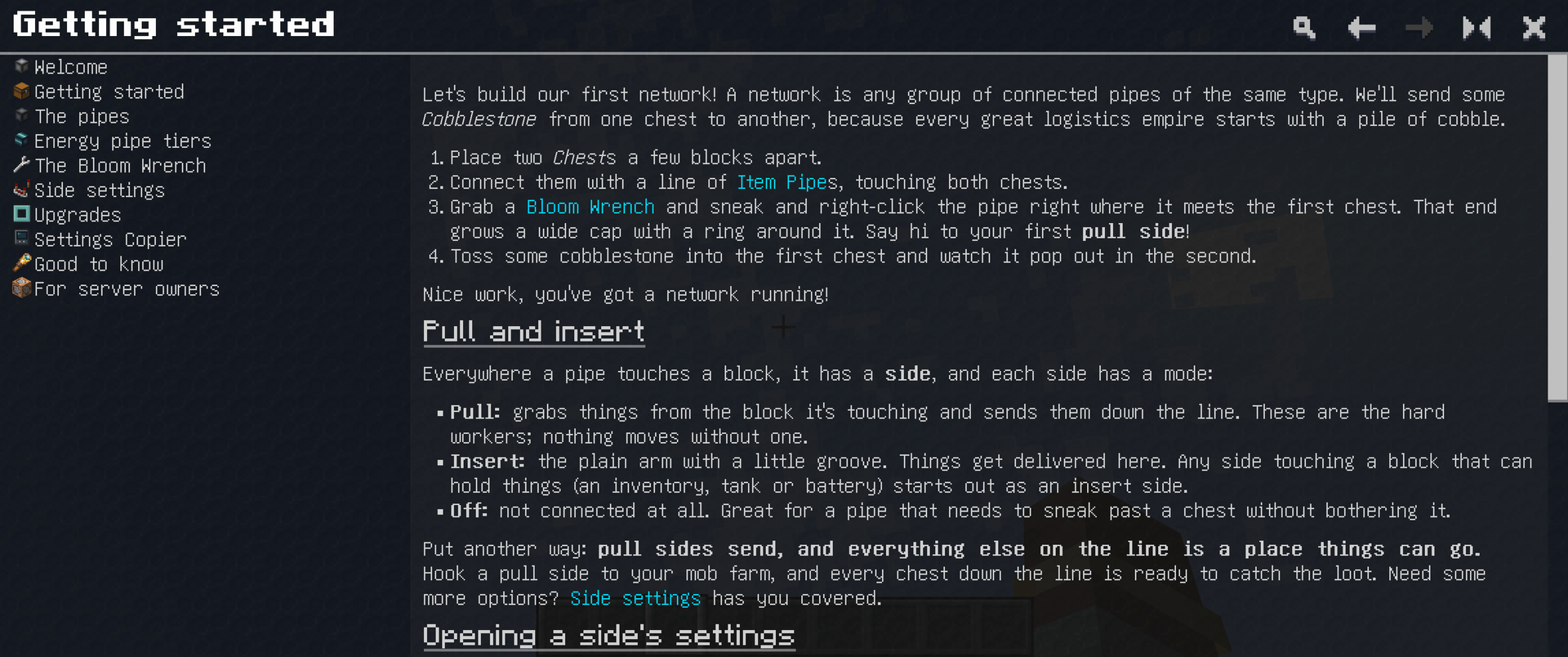 12-guide.png 12-guide.png
-
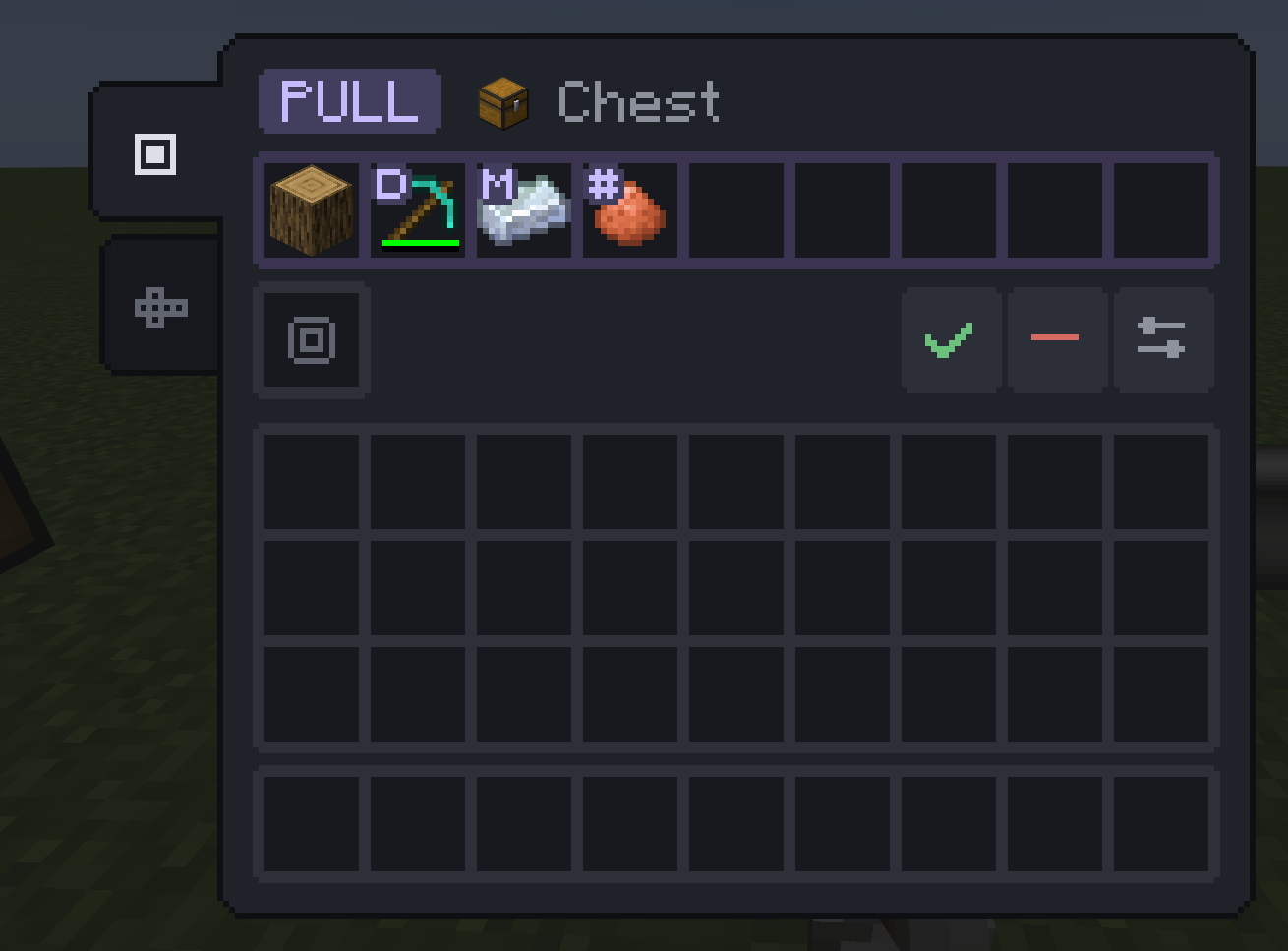 13-menu-simple.png 13-menu-simple.png
-
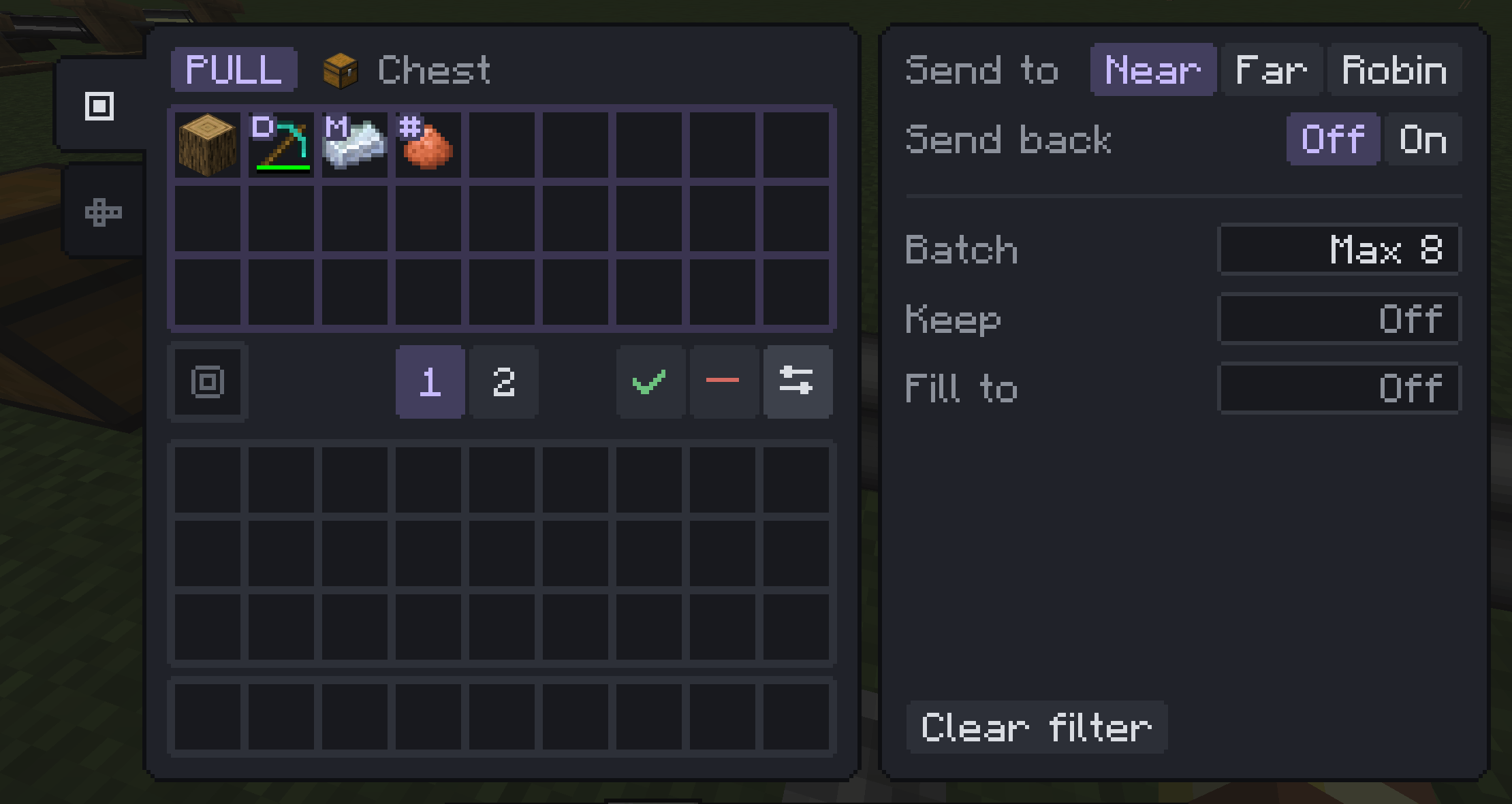 14-menu-advanced.png 14-menu-advanced.png
Versions
Files
Relations
Project Relations
More like this
Similar Mods
Suggestions use data such as tags, dependencies, dependents, descriptions, titles, and more to rank how much they overlap with this mod.
On ModDex
Community snapshot
By the numbers
Statistics

Get it on
Available Platforms
On ModDex
Community snapshot
By the numbers
Statistics
Resources