Community listing page, reviews here may not be monitored by the author.
Dark early loading

No reviews yet
Change the neo-forge loading screen darker
Community voices
Reviews
No reviews yet. Be the first to review this project!
Get it on
Available Platforms
About
Project Details
For authors
Embed Badge
If you're the author of this project, you can embed a live badge anywhere that supports HTML or Markdown. It updates automatically whenever ratings change.
Use HTML for any page that supports it, or Markdown for README files and Markdown-based descriptions.
Identifiers
Platform IDs
Resources
External Links
About
Description
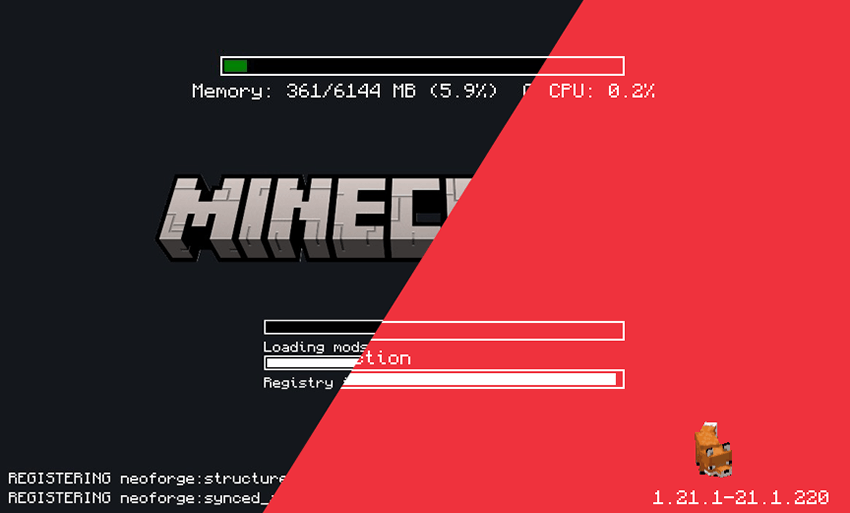
All code authorship belongs to Lukáš Kaňka; I was not involved in any way in the development of this mod.
My participation is limited to modifying the compiled JAR file to alter visual aspects to my liking. If there are any problems with the programming, performance, or errors, I recommend going to the original author's website, from where I obtained the file I'm sharing here.
https://www.curseforge.com/minecraft/mc-mods/simple-custom-early-loading
Since my contribution was visual, I can alter only what the config file and my graphics files allow.

This mod allows the customization of Neoforge's early loading screen.
As the original mod allows all the options mentioned by its author.
Features:
- add and position custom images (see supported image formats)
- toggle and change the position of the progress bar
- toggle performance bar
- toggle NeoForge's fox
- toggle bottom left log
- toggle NeoForge's version (bottom right)

Installation
- Just leave it in to the mods folder.
- when you run minecraft, you'll see an alert windows said something like "you didn't change manually the config file. do you wanna make it automatically?" press yes, and run minecraft again.
- now you can see loading screen darker.
If you wish to make the modifications manually, follow the author's steps.
- place the jar in the mods folder
- modify the
config/fml.tomlfile
# Early window provider
earlyWindowProvider = "SimpleCustomEarlyLoading"
# ... Other options ...
# Optionally set the window to be maximized
earlyWindowMaximized = true
Some options that I left
If you want to change something, like background, or logo, maybe hiding things in the corners…
- Go to the config folder.
- Look for
simple-custom-early-loading(here you can change everything that appears on screen). - If you want the simple logo, look for the line that says
"image": "logoplain.png"
- logoplain.png - is simple
- logof.png - is the game's most recent logo
- loading.apng - is an animation of the word "loading"
If you want to change the background, look for the line "image": "plaindark.png"
- plaindark.png - is the default dark version
- plaindark2.png - is a version with decorative corners
- stellarview.png - is a screenshot of the Minecraft sky using a mod the author used
If you want to use custom images, you can create a folder inside the config/simple-custom-early-loading ,put yours images there, and go to modify the simple-custom-early-loading.json file.
Screenshots
Gallery
-
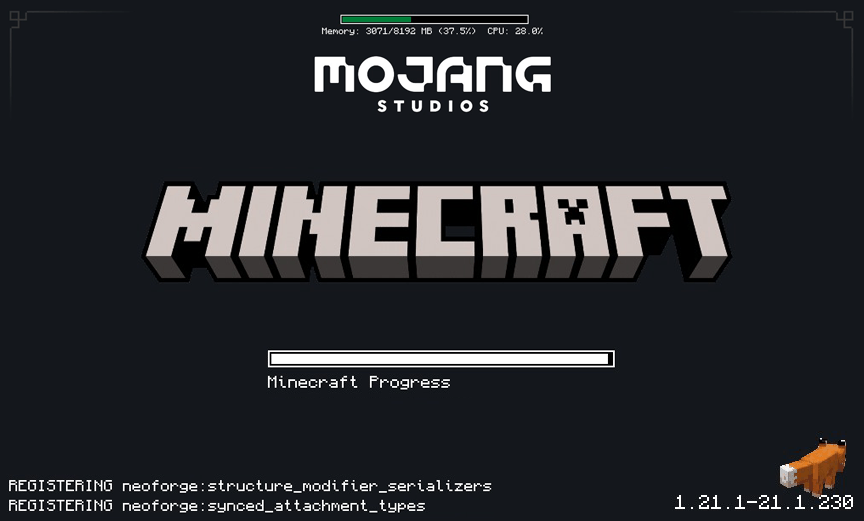 corners plaindark2.png
 -
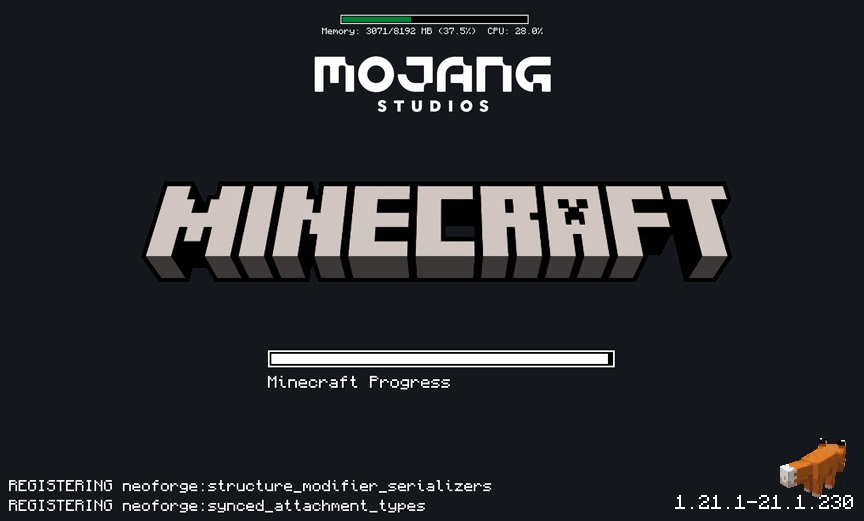 Loading logoplain default
 -
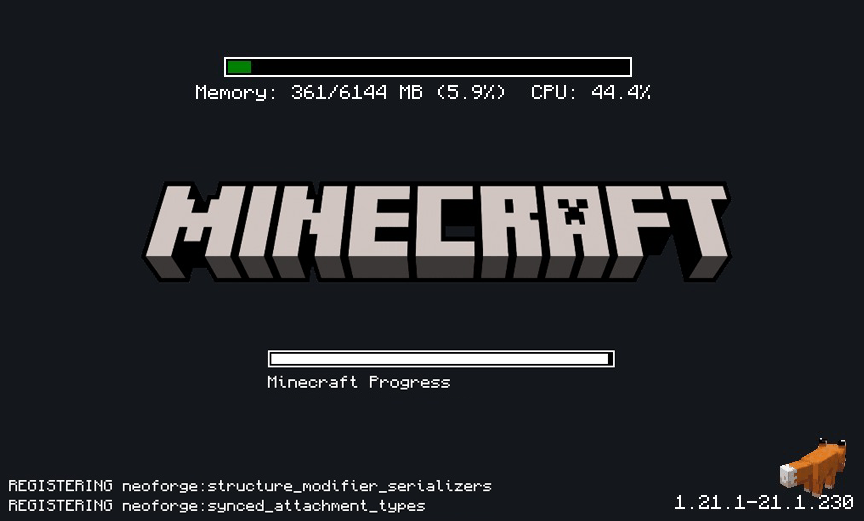 kj0x96oruhwg1 copia3.png logoplain.png
 -
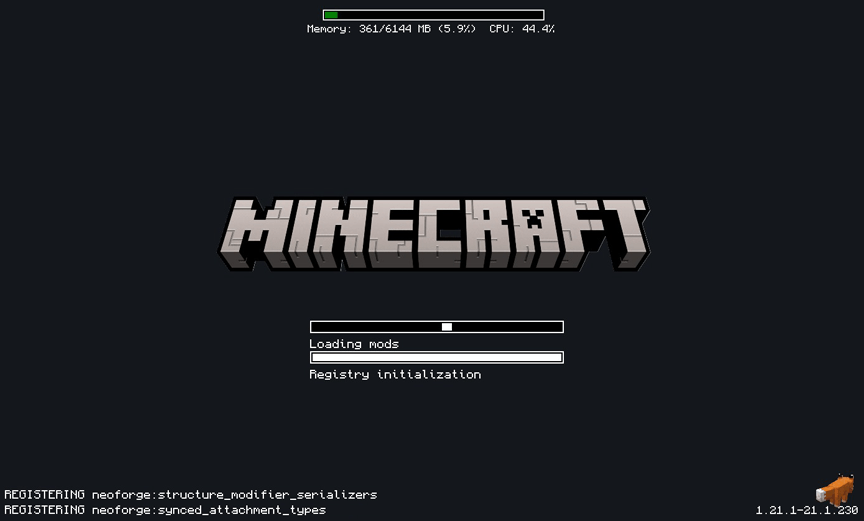 Dark copy
 -
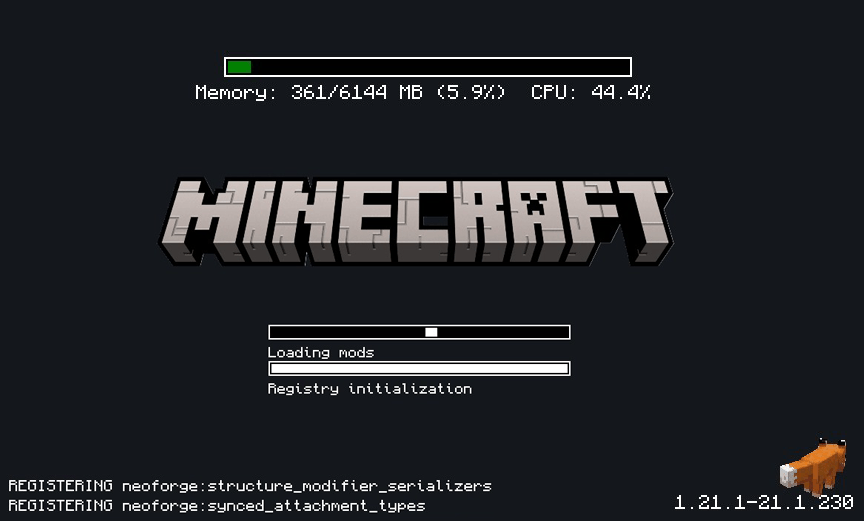 dark logof.png
 -
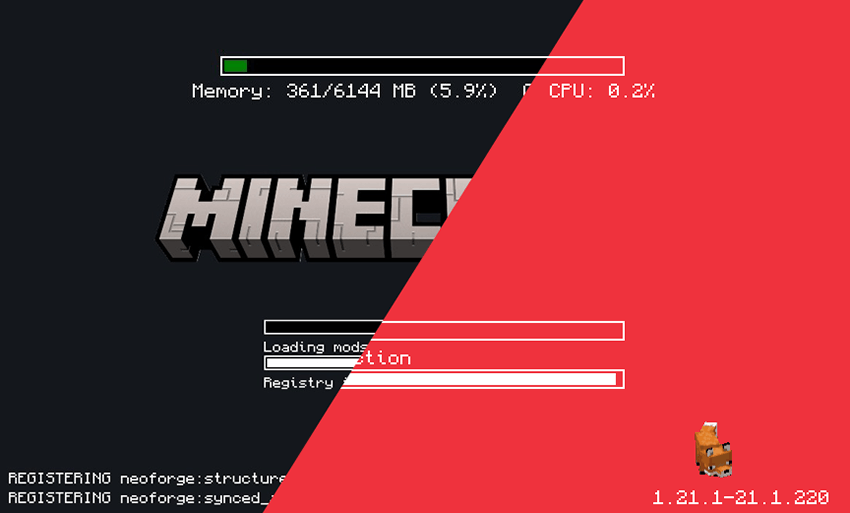 DIFF compare
Versions
Files
Relations
Project Relations
More like this
Similar Mods
Suggestions use data such as tags, dependencies, dependents, descriptions, titles, and more to rank how much they overlap with this mod.
On ModDex
Community snapshot
By the numbers
Statistics
Want to reach Minecraft players?
We're looking for a server hosting partner to feature here and other parts of the site. Interested? Send us a message!
Get in touchGet it on
Available Platforms
On ModDex
Community snapshot
By the numbers
Statistics
Resources