
Community listing page, reviews may not be monitored by the author.
DarkFinder

No reviews yet
Find low-light mob-spawnable surfaces around you—even through walls—with customizable highlights and progressive scanning.

Community voices
Reviews
No reviews yet. Be the first to review this project!
Get it on
Available Platforms
About
Project Details
For authors
Embed Badge
If you're the author of this project, you can embed a live badge anywhere that supports HTML or Markdown. It updates automatically whenever ratings change.
Use HTML for any page that supports it, or Markdown for README files and Markdown-based descriptions.
Identifiers
Platform IDs
Resources
External Links
About
Description

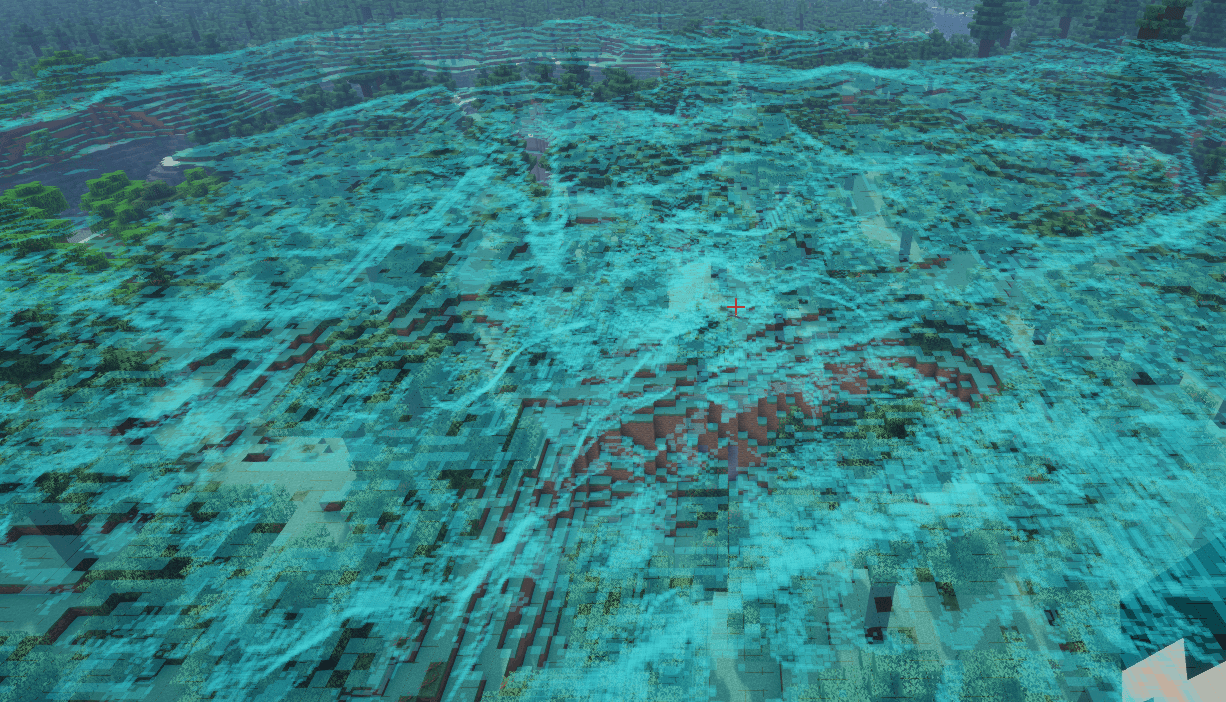
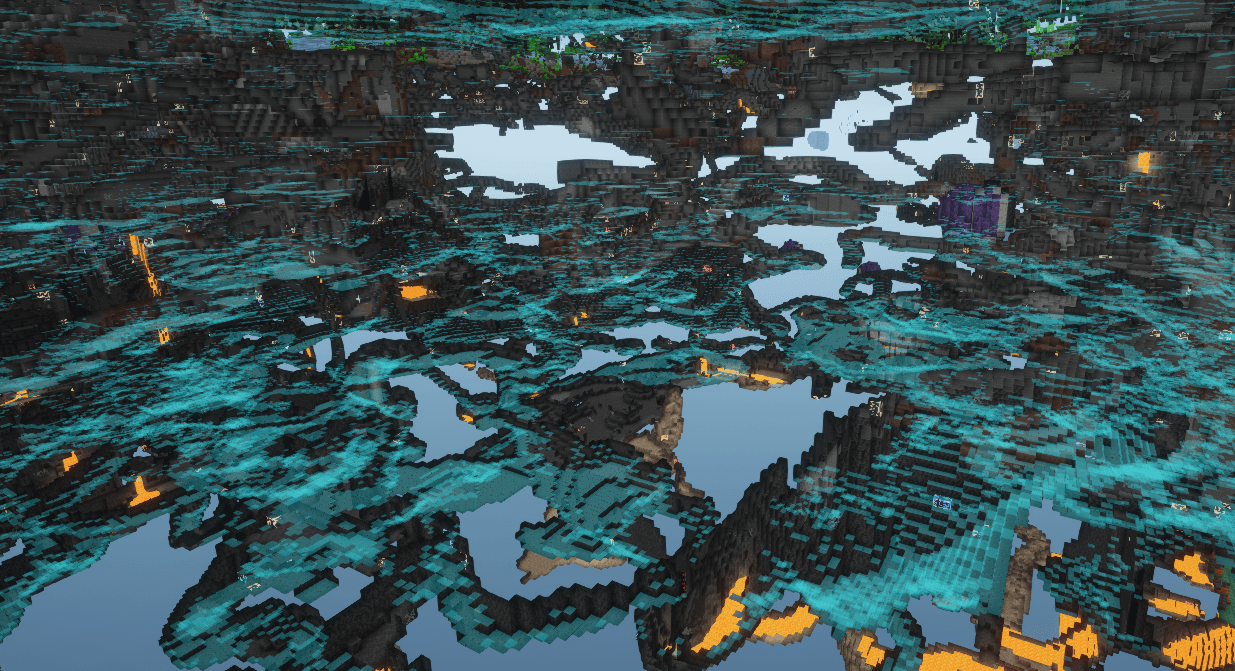
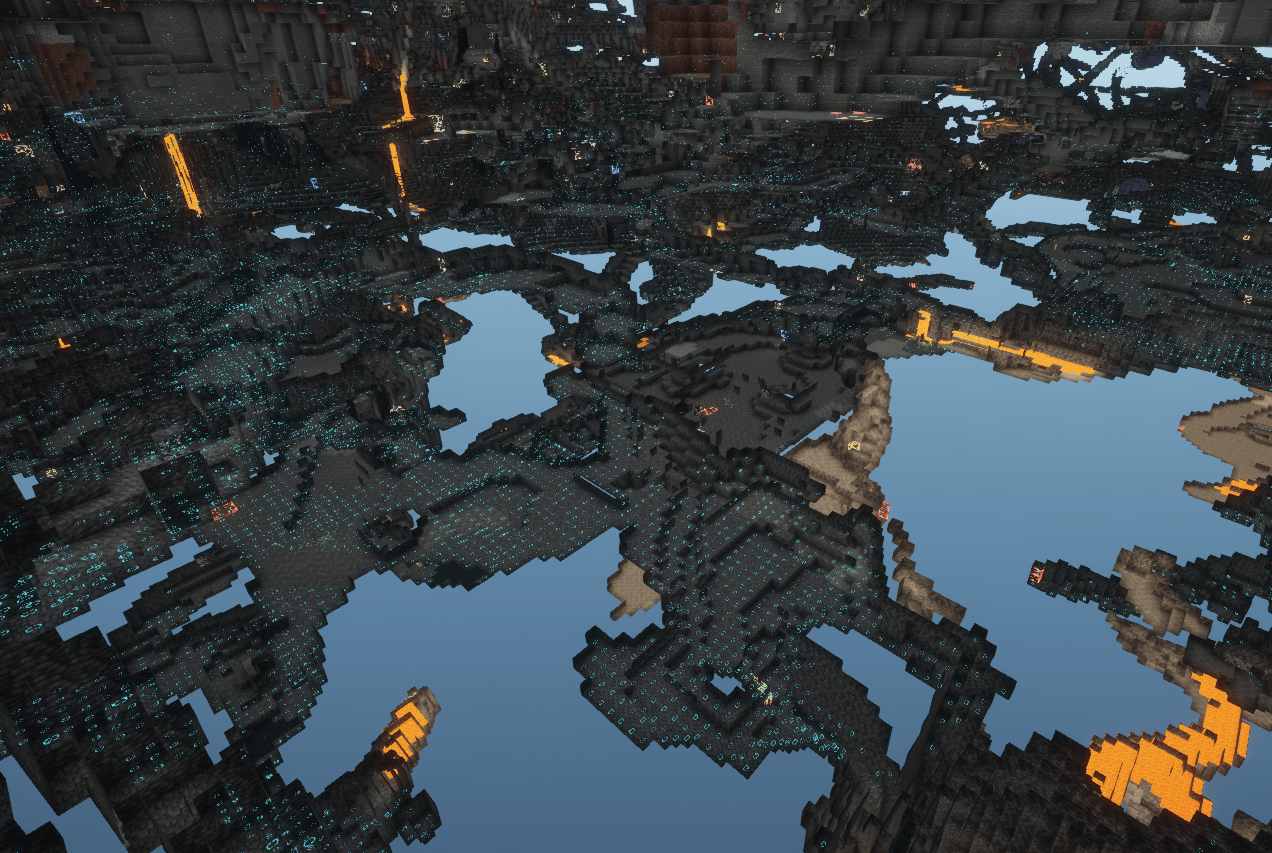
DarkFinder helps you find dark surfaces where ground-spawning hostile mobs can fit. It scans nearby loaded chunks over multiple frames, prioritizes areas closest to you, and highlights qualifying surfaces through walls.
Features
- Three highlight styles: block outlines, a carpet-like surface overlay, and light-level numbers.
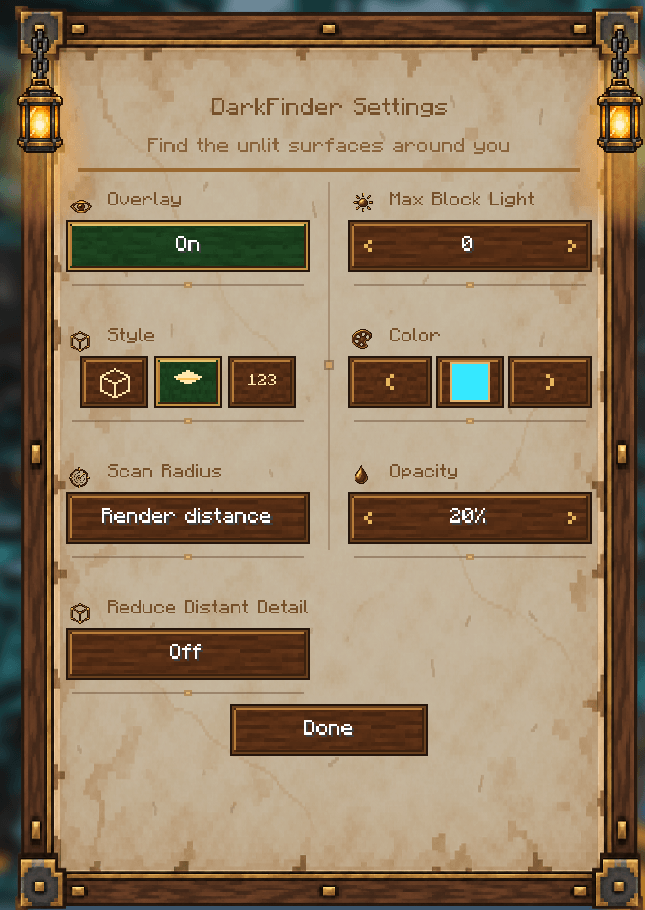
- Configurable block-light threshold from 0 to 15.
- A choice of 16 standard Minecraft chat colors.
- Scan ranges of 8, 16, 24, or 32 blocks, or an option to follow your render distance.
- Optional smaller highlights at a distance to reduce rendering work.
- Progressive scanning of loaded chunks, starting with the nearest.
- Settings available with F8 or through Mod Menu when installed.
- Crash recovery that disables the overlay and uses a safer scan range after an unclean exit.
Requirements
- 26.1.2 jar: Minecraft 26.1.2, Fabric API for 26.1.2, Mod Menu 18.0.2+ (optional).
- 26.2 jar: Minecraft 26.2, Fabric API for 26.2, Mod Menu 20.0.3+ (optional).
- 26.3 jar: Minecraft 26.3, Fabric API for 26.3, Fabric Loader 0.19.5+, Mod Menu 21.0.0+ (optional).
DarkFinder is client-side. It reads blocks and block-light levels from chunks already loaded by Minecraft. It does not change blocks or send additional requests to a server. It highlights surfaces that meet the configured light threshold and have a valid support block and enough clear space for at least one registered ground-spawning hostile mob. Biome-specific spawn rules and random natural-spawn attempts are not simulated.
New installations start with the overlay off and a 24-block scan range. Press F8 to open settings and enable it. You can change the key in Minecraft’s Controls menu.
Screenshots
Gallery
-
 Screenshot 2026-11-05 012019.png Screenshot 2026-11-05 012019.png
-
 Screenshot 2026-06-30 120319.png Screenshot 2026-06-30 120319.png
-
 Screenshot 2026-11-05 012143.png Screenshot 2026-11-05 012143.png
-
 Screenshot 2026-11-05 012249.png Screenshot 2026-11-05 012249.png
-
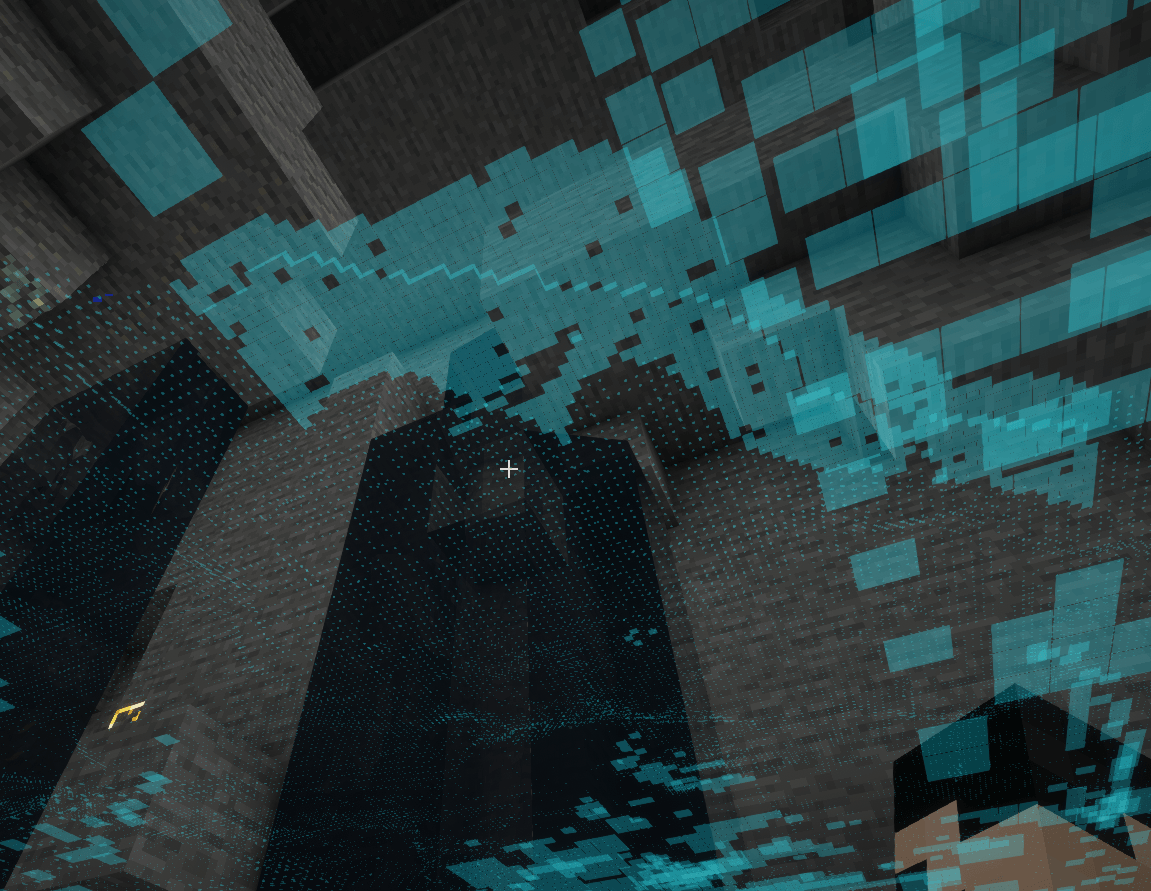 Screenshot 2026-11-05 012409.png Screenshot 2026-11-05 012409.png
Versions
Files
Relations
Project Relations
More like this
Similar Mods
Suggestions use data such as tags, dependencies, dependents, descriptions, titles, and more to rank how much they overlap with this mod.
On ModDex
Community snapshot
By the numbers
Statistics

Get it on
Available Platforms
On ModDex
Community snapshot
By the numbers
Statistics
Resources