Community listing page, reviews here may not be monitored by the author.
Day_C0unter


No reviews yet
Tiny top-right HUD showing Day N — how many in-game days you've survived in the current world.
Community voices
Reviews
No reviews yet. Be the first to review this project!
Get it on
Available Platforms
Compatibility
Supported Environments
Runs entirely on the client. Works on vanilla servers.
About
Project Details
For authors
Embed Badge
If you're the author of this project, you can embed a live badge anywhere that supports HTML or Markdown. It updates automatically whenever ratings change.
Use HTML for any page that supports it, or Markdown for README files and Markdown-based descriptions.
Identifiers
Platform IDs
Resources
External Links
About
Description
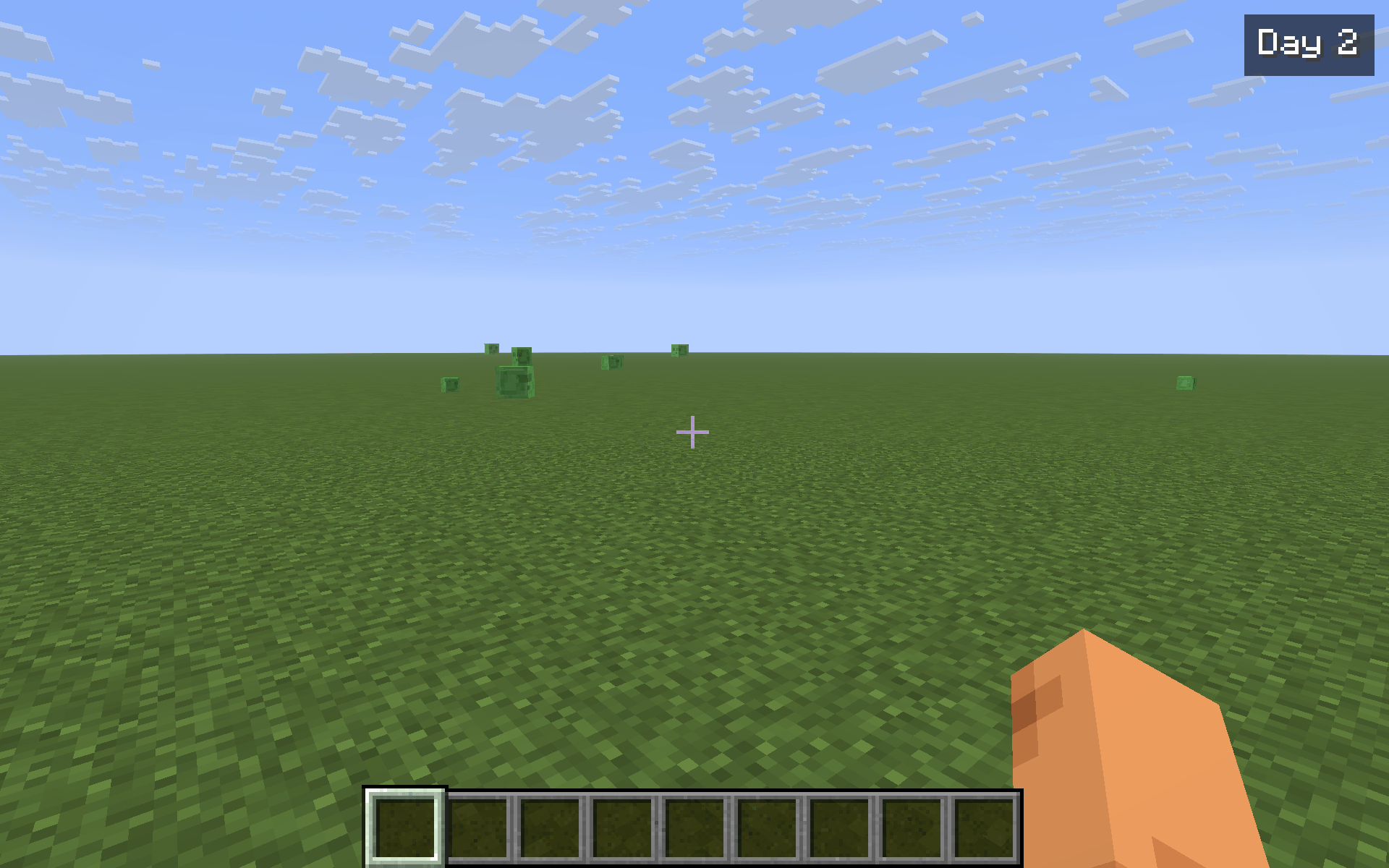
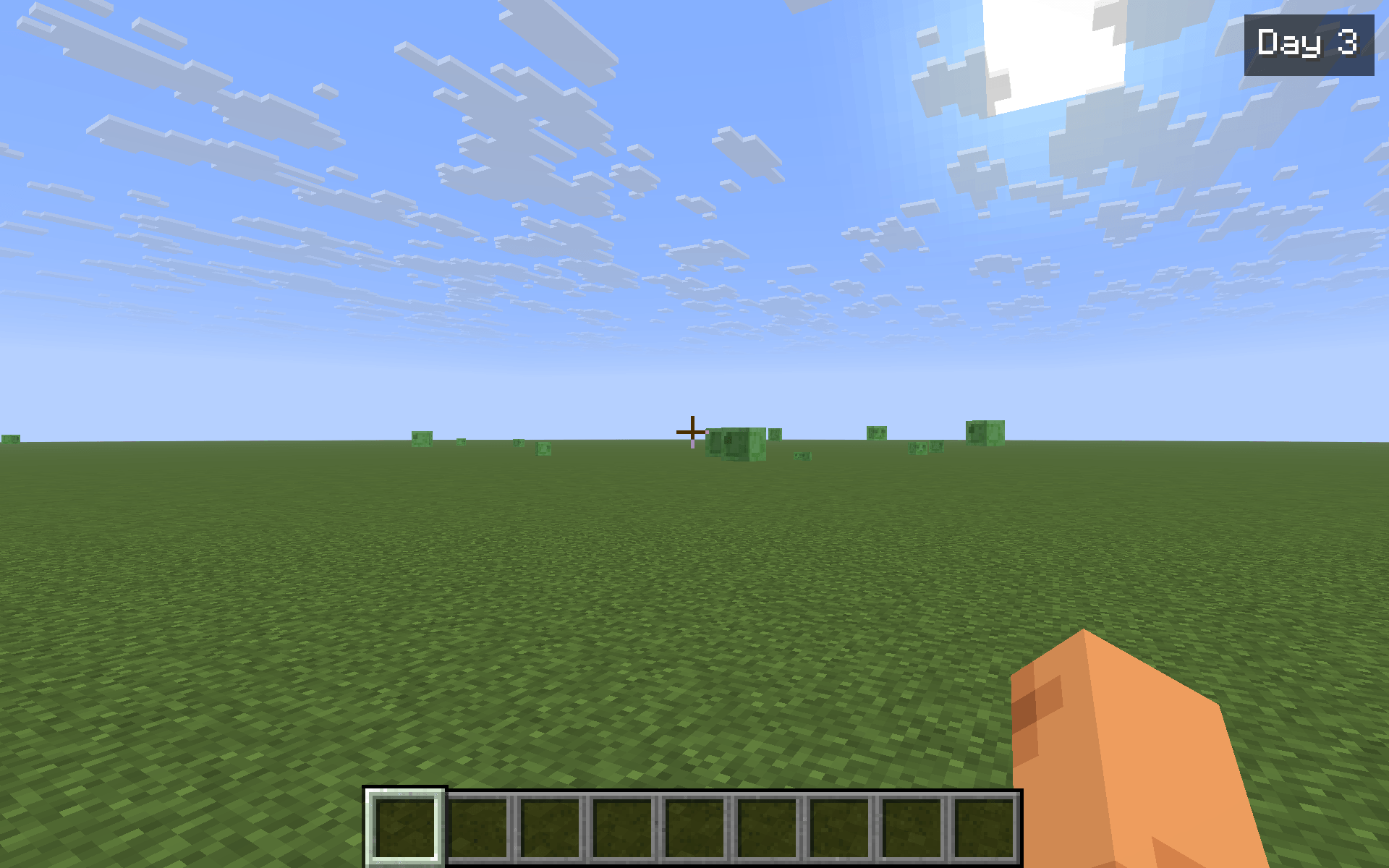
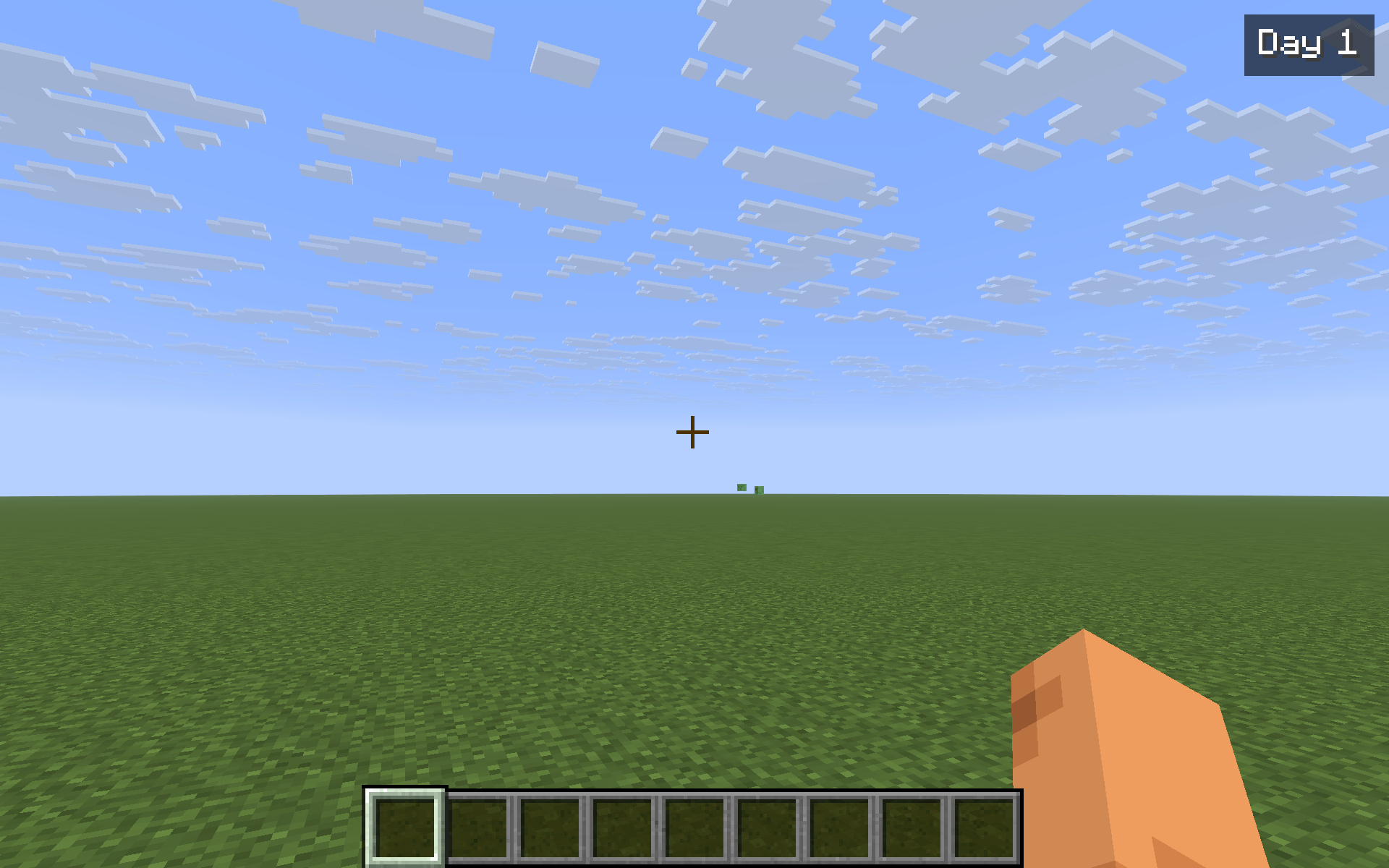
DayCounter is the smallest possible "how long have I been here" HUD. A single badge in the top-right of your screen reads Day 1, Day 2, … and climbs once per in-game day cycle. Vanilla tracks dayTime internally but only surfaces it deep inside F3 — DayCounter pulls that number into your normal field of view, where it actually informs how you play.
What it does
- Reads
world.getTimeOfDay() / 24000and renders the result as Day N in the top-right HUD. - Each in-game world keeps its own baseline day. The first time you enter a save (or join a server), the current world day becomes Day 1 for that world. From then on, the badge counts the days you've spent there, not the world's absolute age.
- Baselines are persisted to
config/daycounter.jsonkeyed by the singleplayer save name or server address. Switching worlds picks up the right counter automatically. - When the day flips from
NtoN+1, the badge briefly pulses yellow so you actually notice the milestone — useful as a passive "another night survived" feedback.
Commands & controls
/daycounter— show the current day in chat (with the world key the mod is tracking against)./daycounter reset— set the current world's baseline to today. The badge reads Day 1 again from now on.- Y — toggle the HUD on/off. The badge also respects F1 (hide HUD) and stays hidden in menus.
Notes
- Pure client-side — install on your client only. Works on any Fabric server, fully vanilla compatible.
- Per-world isolation: each save / each server address has its own baseline.
- The badge updates every client tick — there is no observable performance cost.
- ~200 lines of code, no mixins, no extra dependencies beyond Fabric API.
Compatibility
Minecraft 1.21.8, 1.21.9, 1.21.10, 1.21.11 — Fabric Loader 0.16+. One JAR covers all four. Drop into your mods/ folder alongside Fabric API.
DayCounter is the smallest possible "how long have I been here" HUD. A single badge in the top-right of your screen reads Day 1, Day 2, … and climbs once per in-game day cycle. Vanilla tracks dayTime internally but only surfaces it deep inside F3 — DayCounter pulls that number into your normal field of view, where it actually informs how you play.
What it does
- Reads
world.getTimeOfDay() / 24000and renders the result as Day N in the top-right HUD. - Each in-game world keeps its own baseline day. The first time you enter a save (or join a server), the current world day becomes Day 1 for that world. From then on, the badge counts the days you've spent there, not the world's absolute age.
- Baselines are persisted to
config/daycounter.jsonkeyed by the singleplayer save name or server address. Switching worlds picks up the right counter automatically. - When the day flips from
NtoN+1, the badge briefly pulses yellow so you actually notice the milestone — useful as a passive "another night survived" feedback.
Commands & controls
/daycounter— show the current day in chat (with the world key the mod is tracking against)./daycounter reset— set the current world's baseline to today. The badge reads Day 1 again from now on.- Y — toggle the HUD on/off. The badge also respects F1 (hide HUD) and stays hidden in menus.
Notes
- Pure client-side — install on your client only. Works on any Fabric server, fully vanilla compatible.
- Per-world isolation: each save / each server address has its own baseline.
- The badge updates every client tick — there is no observable performance cost.
- ~200 lines of code, no mixins, no extra dependencies beyond Fabric API.
Compatibility
Minecraft 1.21.8, 1.21.9, 1.21.10, 1.21.11 — Fabric Loader 0.16+. One JAR covers all four. Drop into your mods/ folder alongside Fabric API.
Screenshots
Gallery
-
 shot2.png shot2.png
 -
 shot3.png shot3.png
 -
 shot4.png shot4.png
-
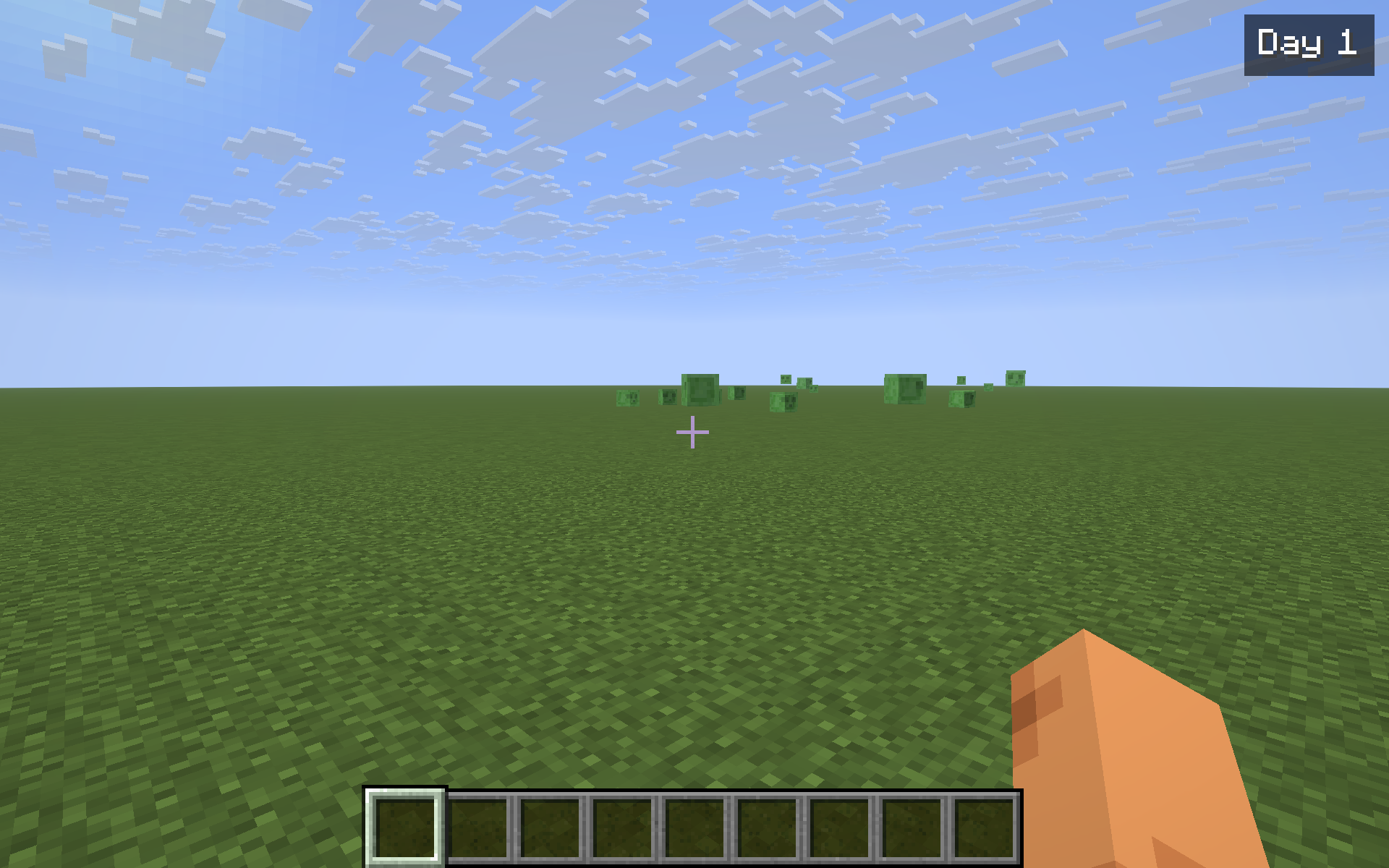 Day badge in top-right HUD
 -
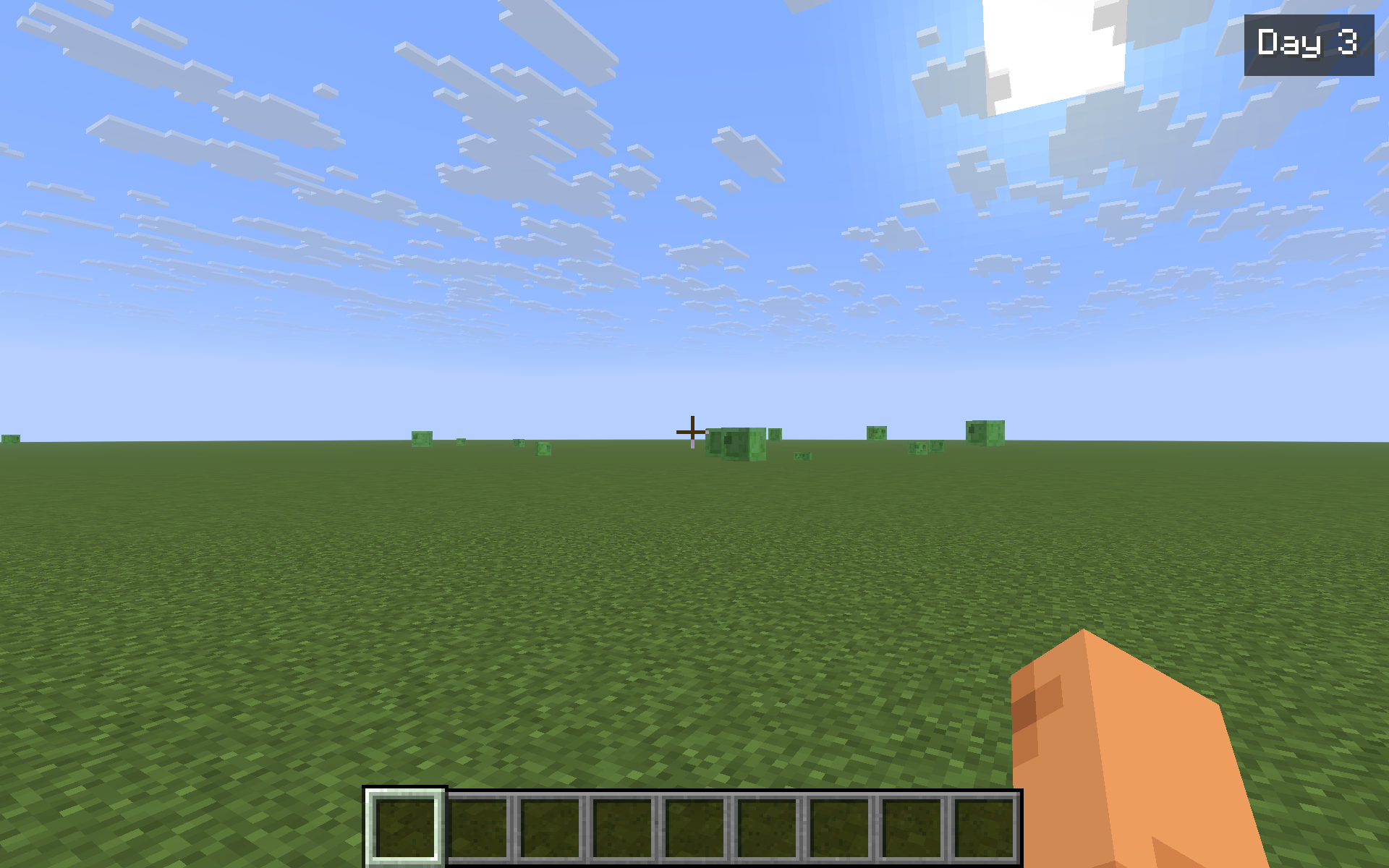 DayCounter HUD
 -
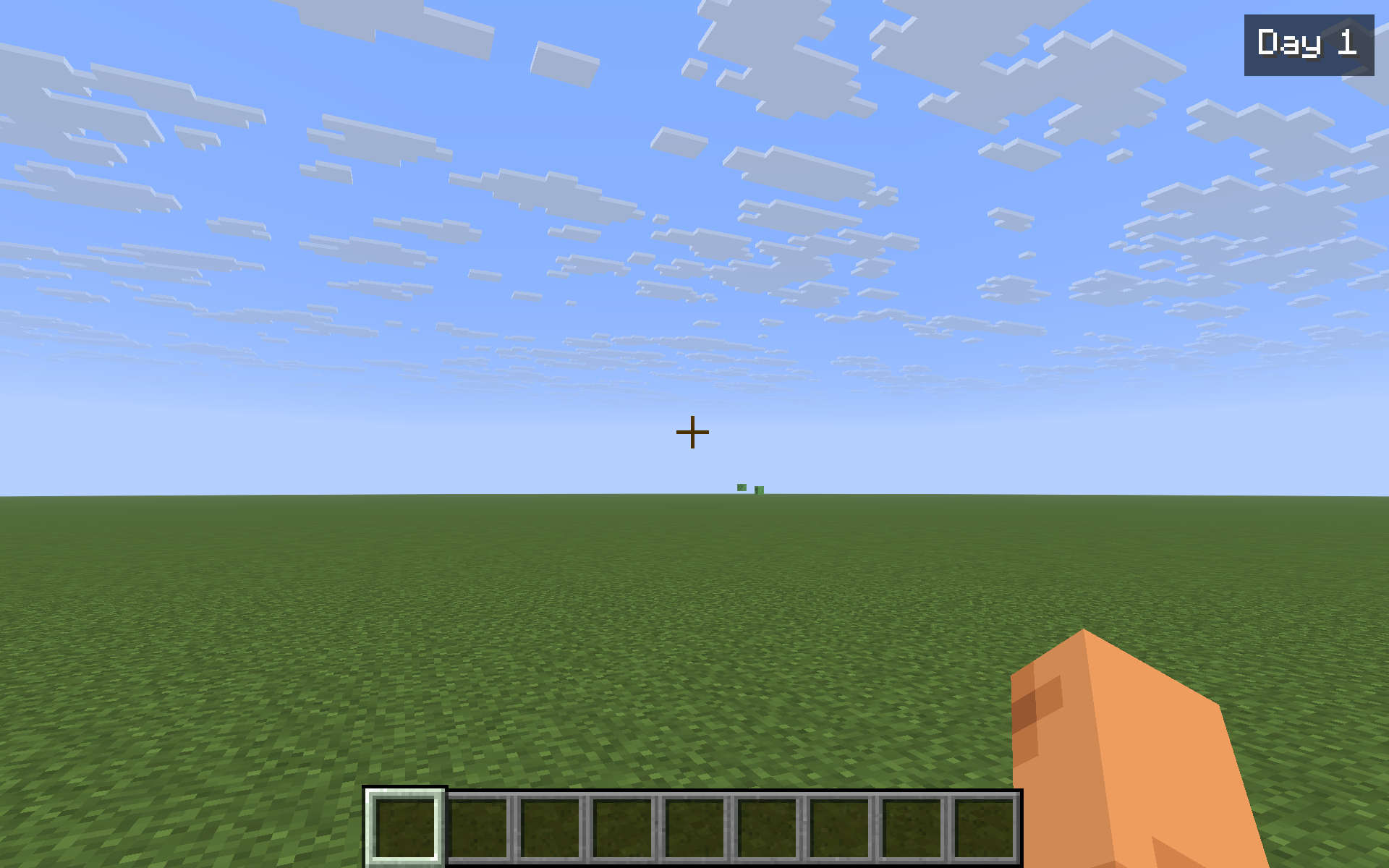 DayCounter HUD
 -
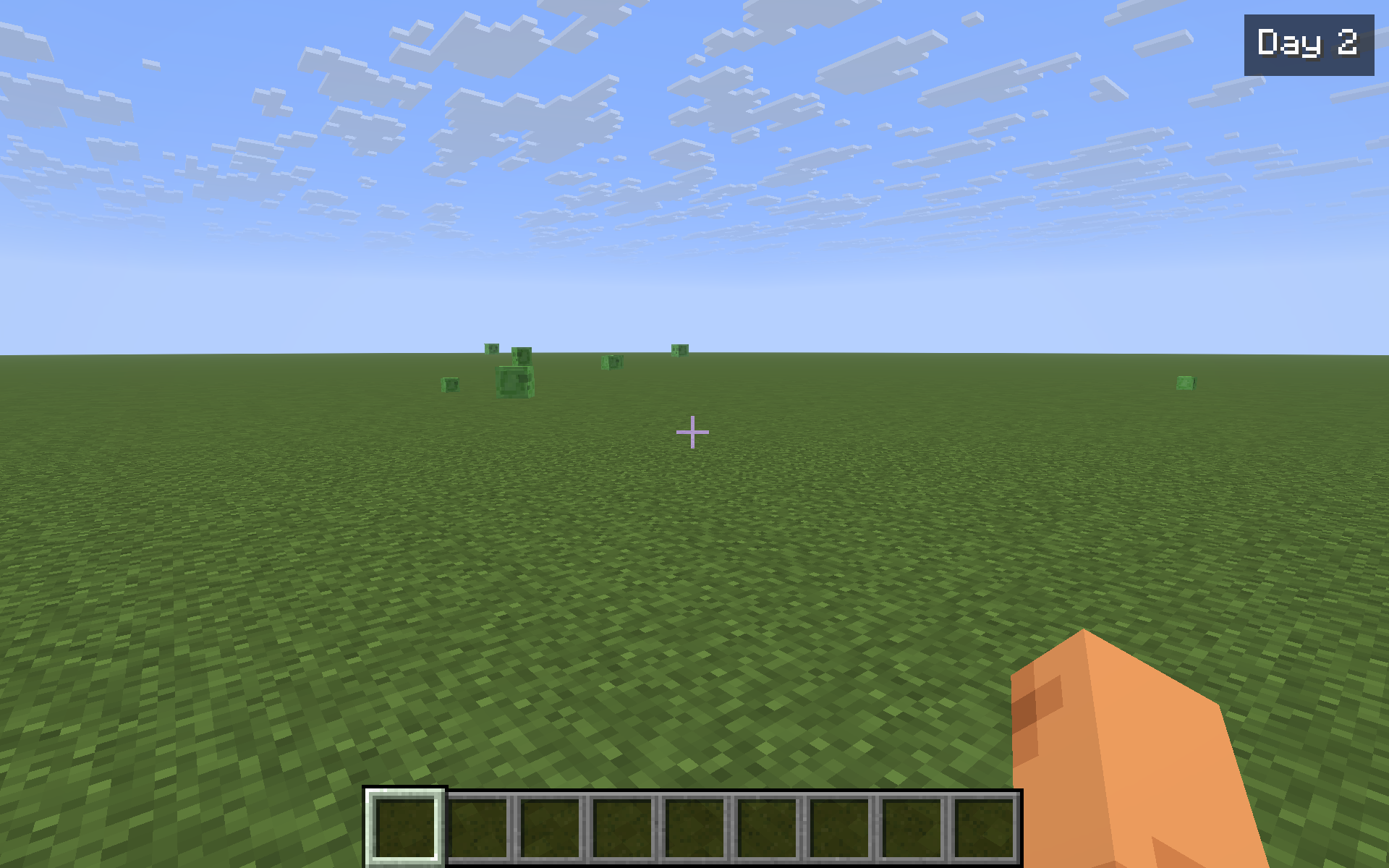 Day counter at a later day
Versions
Files
Relations
Project Relations
More like this
Similar Mods
Suggestions use data such as tags, dependencies, dependents, descriptions, titles, and more to rank how much they overlap with this mod.
On ModDex
Community snapshot
By the numbers
Statistics
Want to reach Minecraft players?
We're looking for a server hosting partner to feature here and other parts of the site. Interested? Send us a message!
Get in touchGet it on
Available Platforms
On ModDex
Community snapshot
By the numbers
Statistics
Resources