
Community listing page, reviews may not be monitored by the author.
Day/Night Control


No reviews yet
Customize day length, night length, sleep behavior, and HUD clock

Community voices
Reviews
No reviews yet. Be the first to review this project!
Get it on
Available Platforms
Compatibility
Supported Environments
Required on the server. Installing it on the client adds functionality.
Must be installed on both the client and the server.
Varies by version.
About
Project Details
For authors
Embed Badge
If you're the author of this project, you can embed a live badge anywhere that supports HTML or Markdown. It updates automatically whenever ratings change.
Use HTML for any page that supports it, or Markdown for README files and Markdown-based descriptions.
Identifiers
Platform IDs
Resources
External Links
About
Description
DayNight Control
DayNight Control gives you complete control over Minecraft's day and night cycle.
Customize day length, night length, sleep behavior, and HUD clock settings while keeping everything synchronized in both singleplayer and multiplayer worlds.
Configure day and night durations
Set custom day and night lengths in real-world minutes.

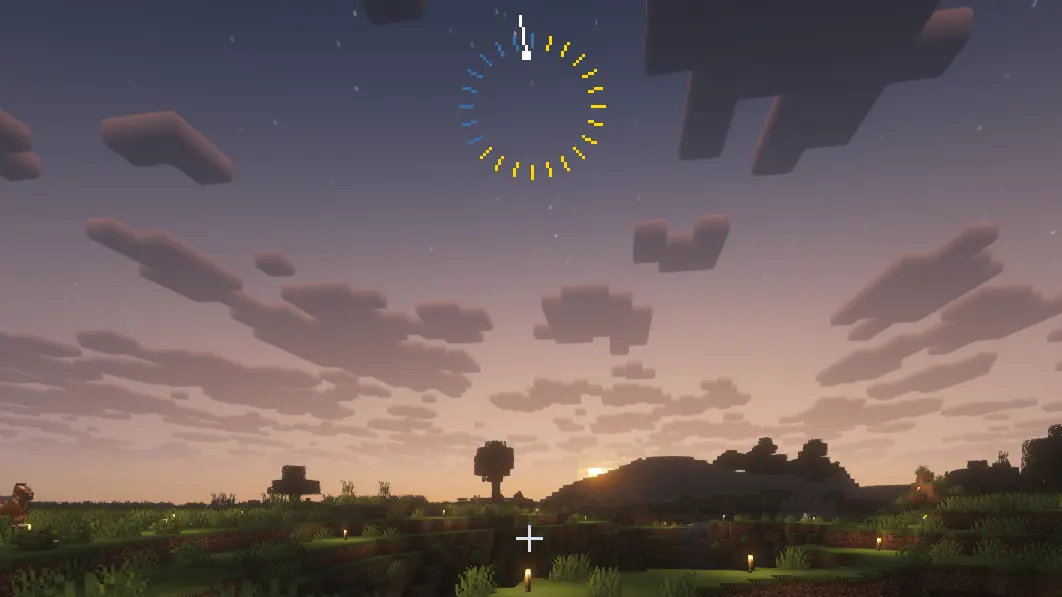
Clock HUD
Visual day/night ring showing the proportion of day and night lengths.
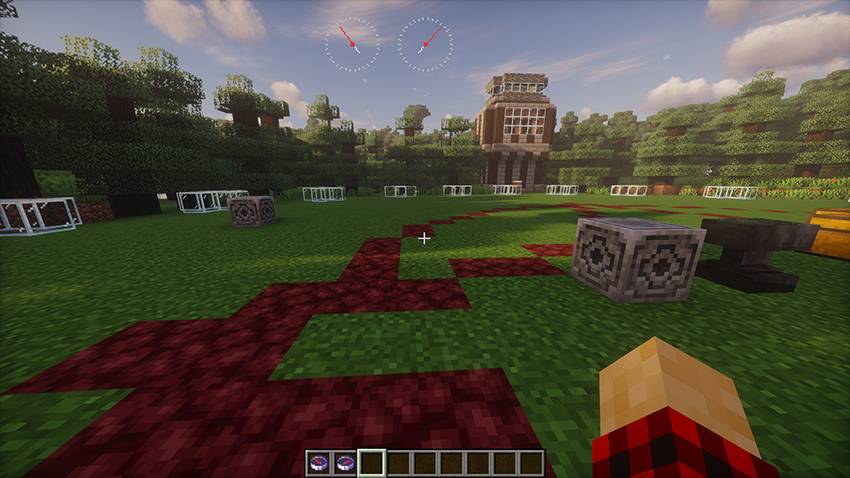
Compass HUD
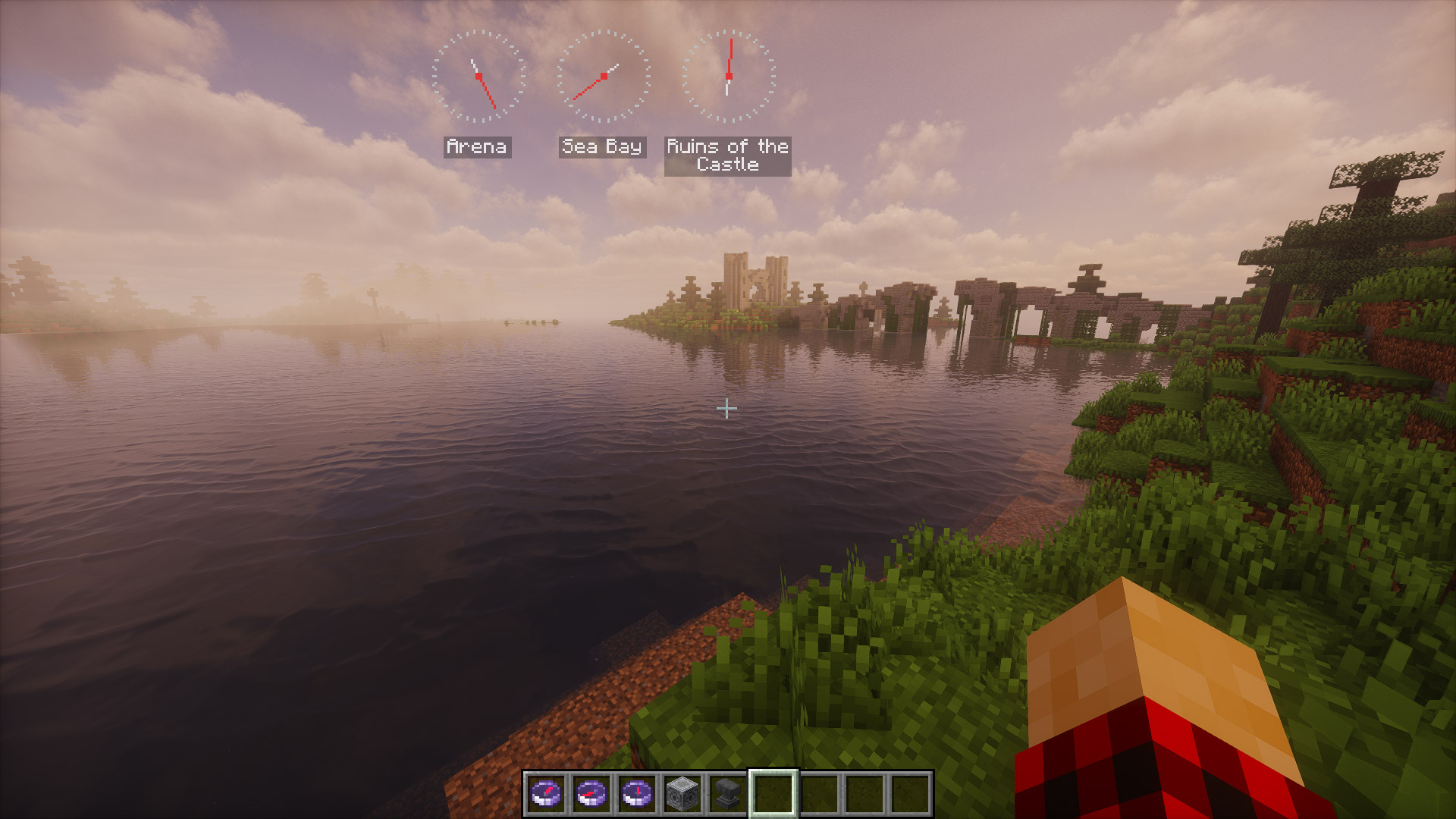
When the player has a compass in their inventory, its HUD is displayed on the screen.
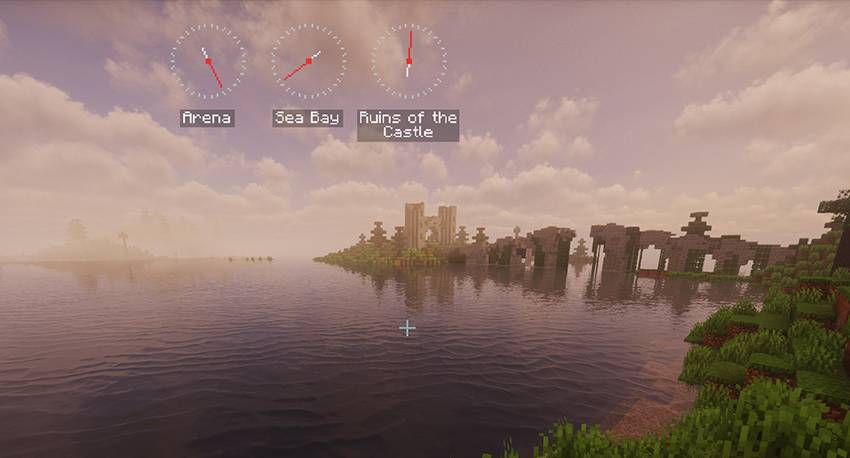
Compasses can be renamed in an anvil, which will cause their name to appear in the HUD.
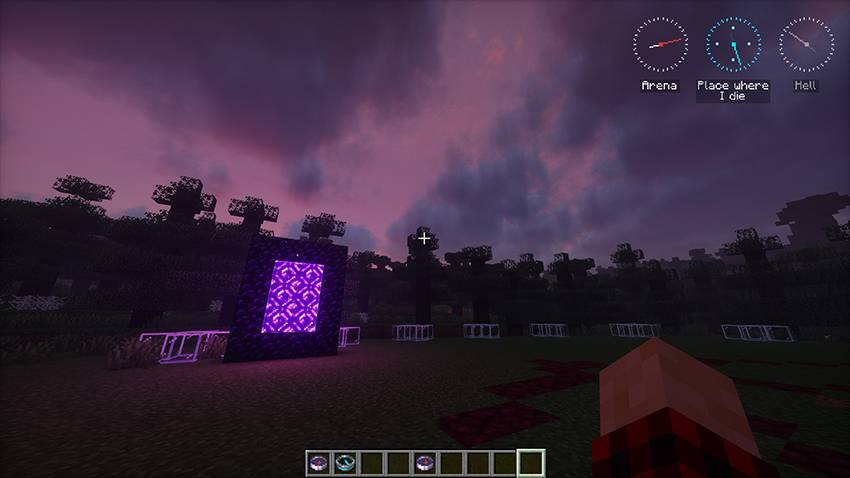
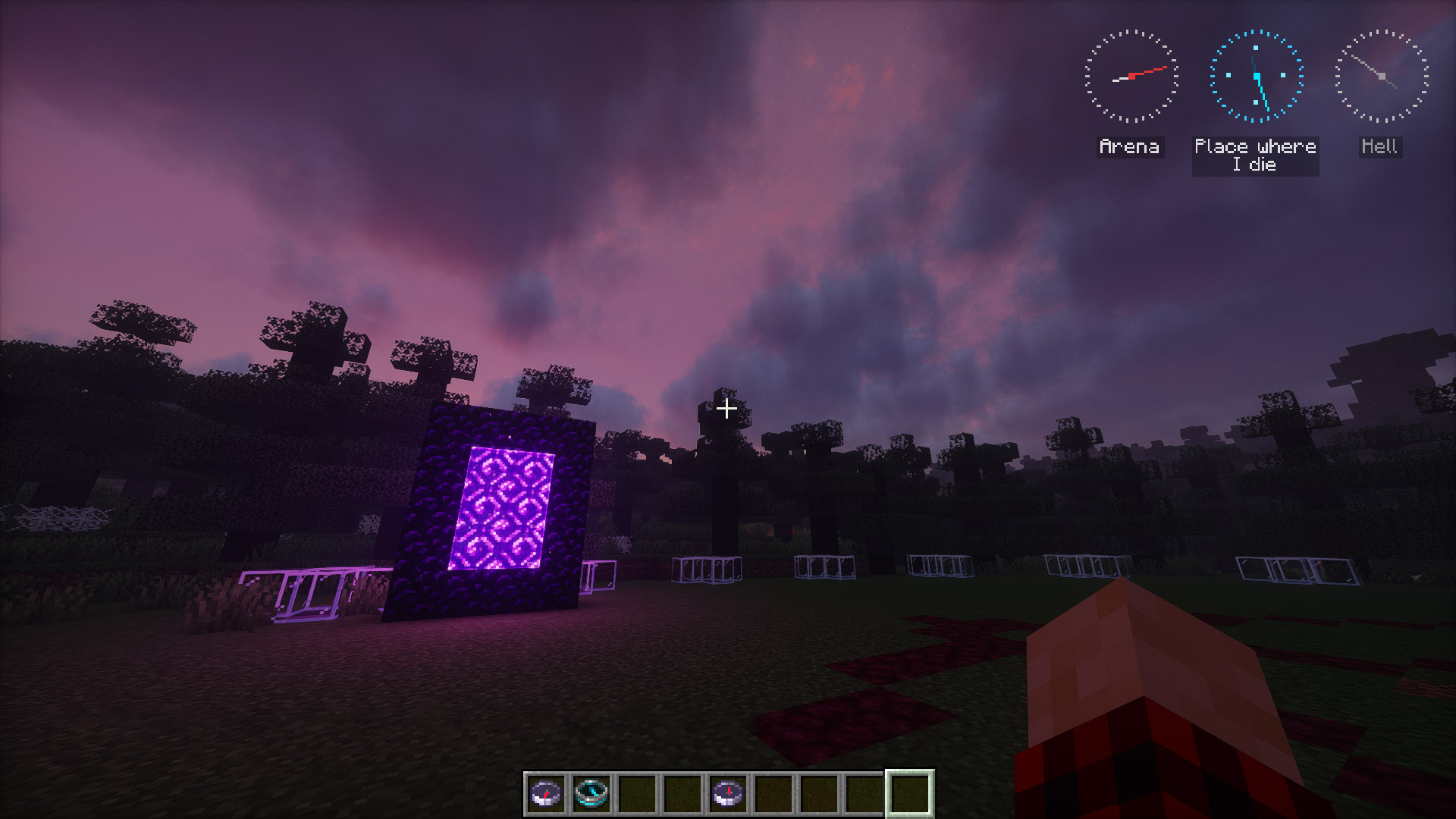
If the compass is anchored in another dimension, it turns gray and starts spinning.
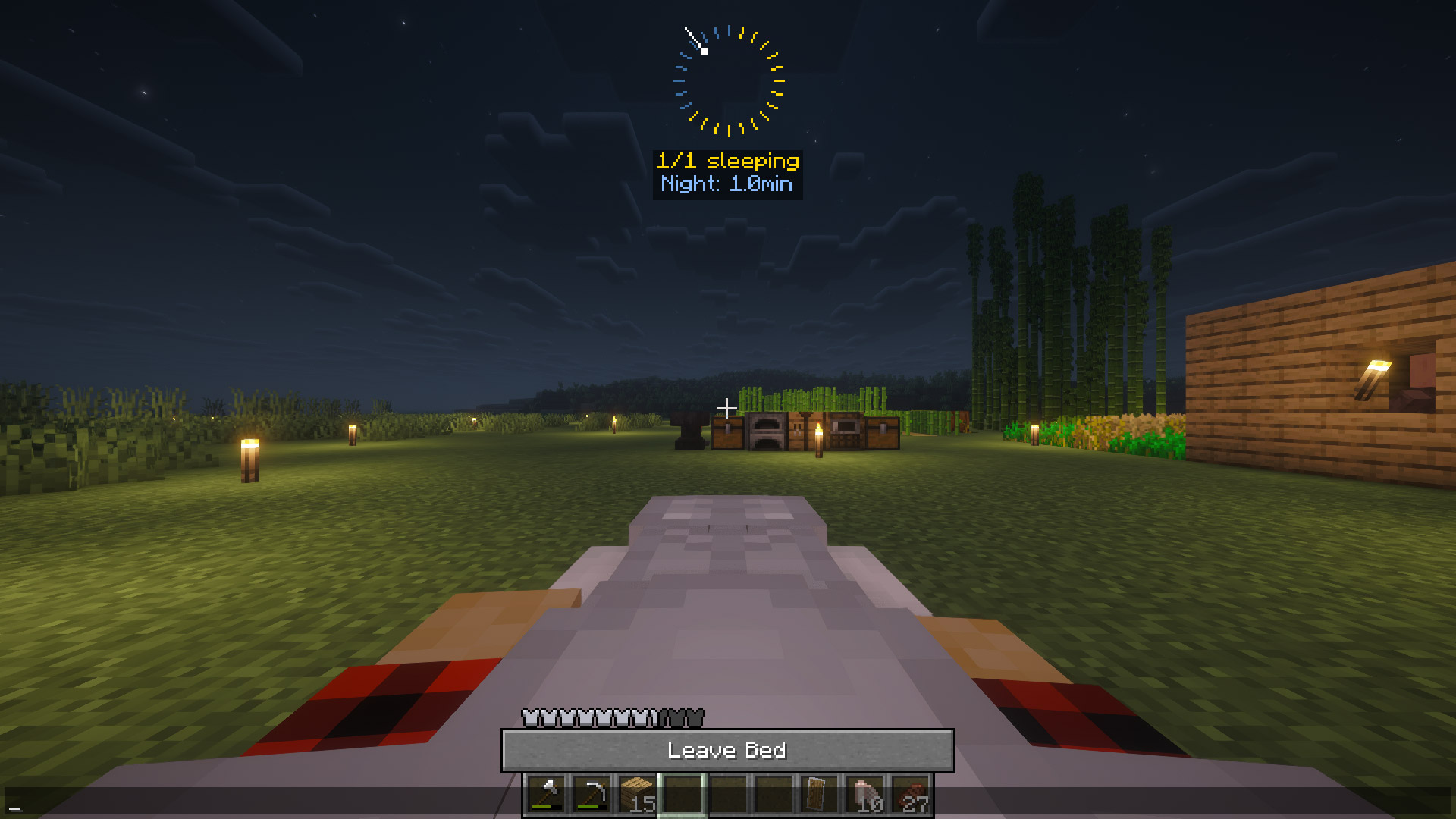
Fast nights while sleeping
Sleep acceleration scales dynamically with the percentage of players sleeping.
Easy Configuration
Fully configurable through in-game menu (Keybind: K).
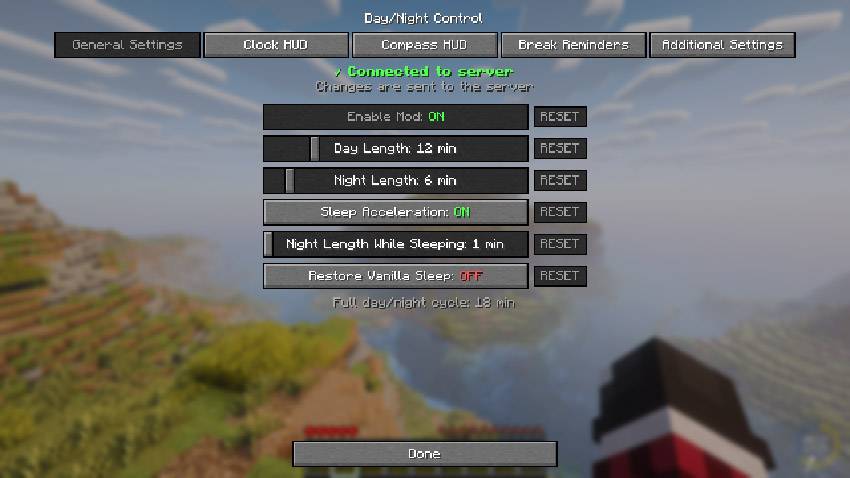
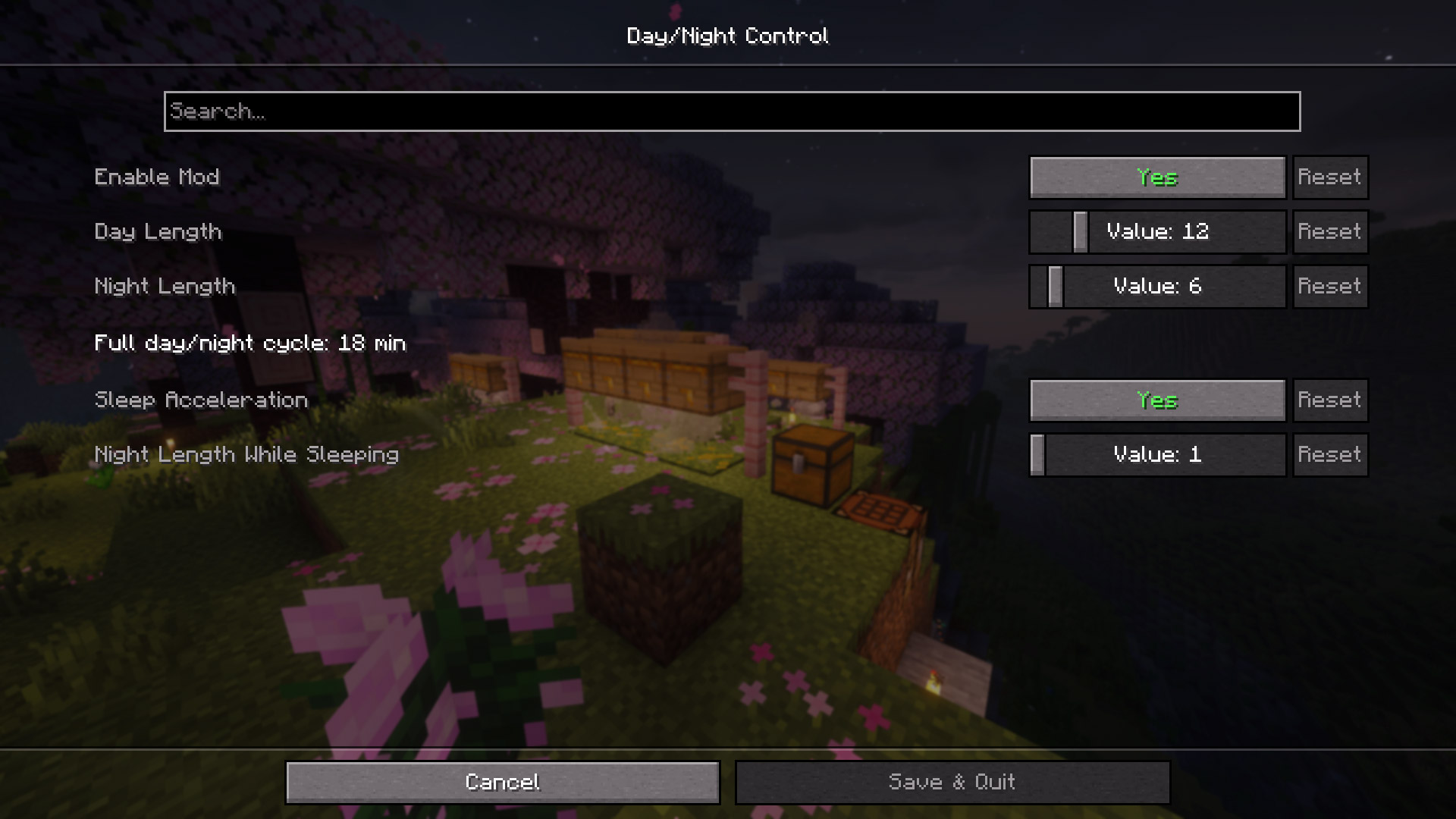
Also can be adjust from Mod Menu GUI.

And also from in-game console.

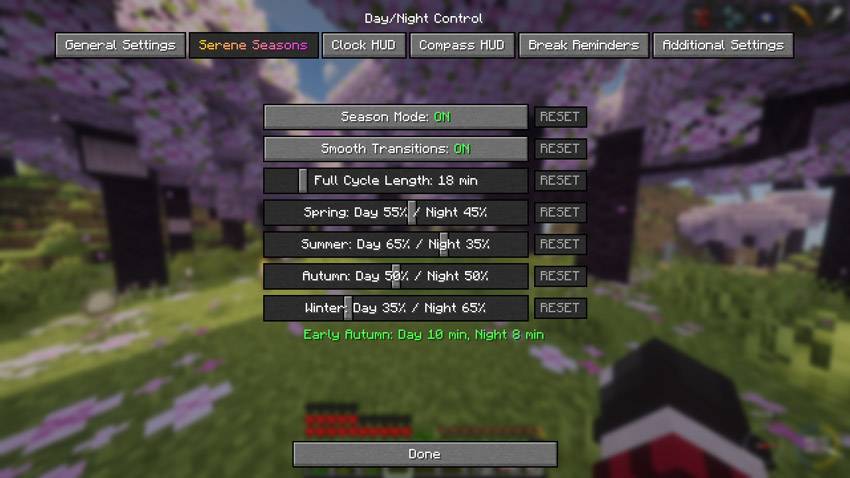
Compatible with Serene Seasons
With the Serene Seasons mod installed, a new tab will appear in the mod menu, allowing you to adjust the Day/Night Ratio for different seasons.
Multiplayer Ready
Server admins control the settings, clients automatically sync. Changes apply immediately without server restart.

Suggested Presets
(no pressure)
| Type | Day | Night | Description |
|---|---|---|---|
| Vanilla | 10 min | 10 min | Standard Minecraft |
| Better Balance | 12 min | 6 min | Perfect for Heart Mod and ordinary gameplay |
| Builder Friendly | 30 min | 2 min | Maximum building time |
| Hardcore Survival | 8 min | 15 min | Challenging nights |
| Speed Run | 2 min | 1 min | Fast-paced gameplay |
| Realistic | 20 min | 10 min | 2:1 day/night ratio |
| Casual | 15 min | 5 min | Beginner friendly |
DayNight Control
DayNight Control gives you complete control over Minecraft's day and night cycle.
Customize day length, night length, sleep behavior, and HUD clock settings while keeping everything synchronized in both singleplayer and multiplayer worlds.
Configure day and night durations
Set custom day and night lengths in real-world minutes.

Clock HUD
Visual day/night ring showing the proportion of day and night lengths.
Compass HUD
When the player has a compass in their inventory, its HUD is displayed on the screen.
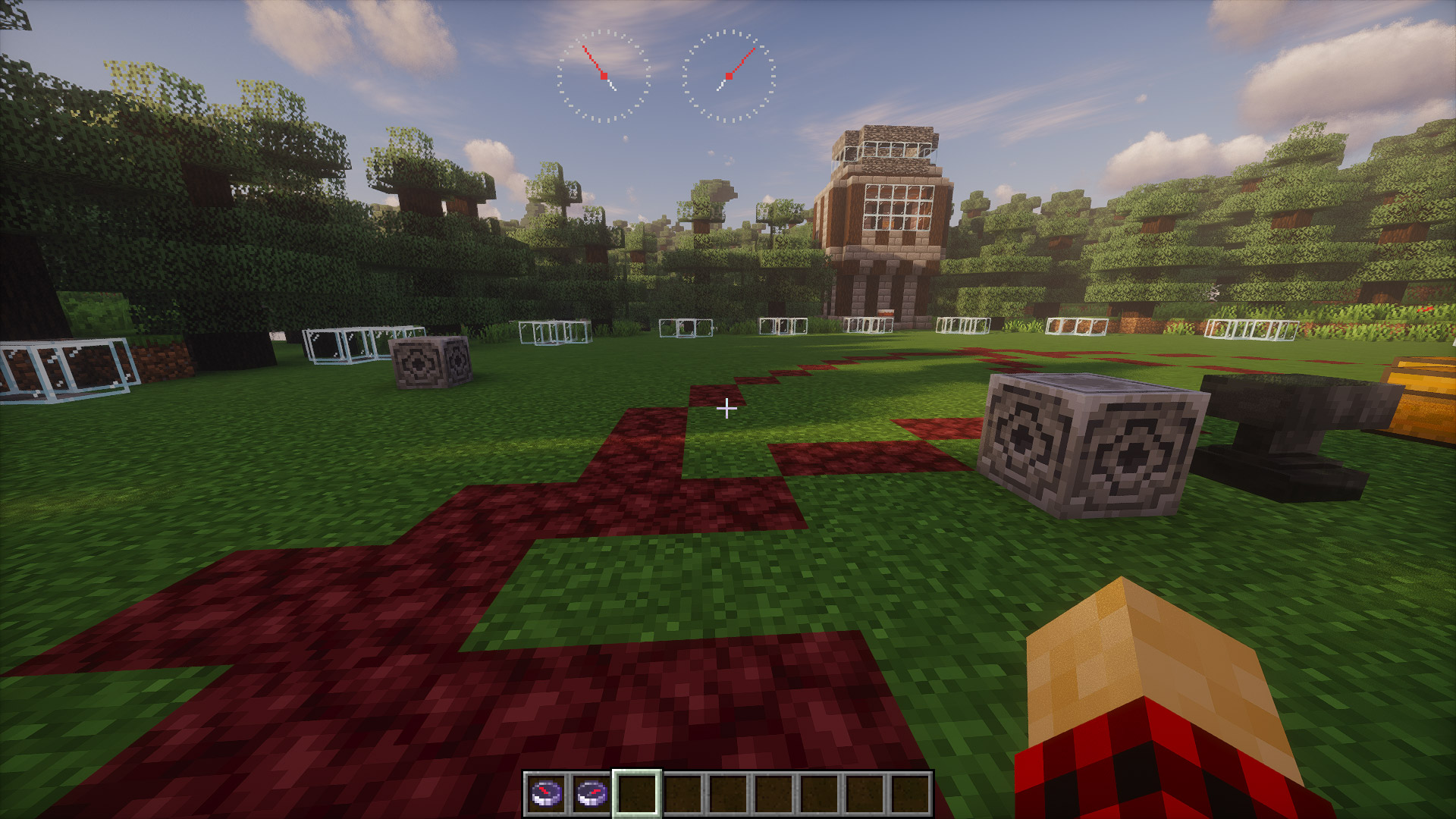
Compasses can be renamed in an anvil, which will cause their name to appear in the HUD.
If the compass is anchored in another dimension, it turns gray and starts spinning.
Fast nights while sleeping
Sleep acceleration scales dynamically with the percentage of players sleeping.
Easy Configuration
Fully configurable through in-game menu (Keybind: K).
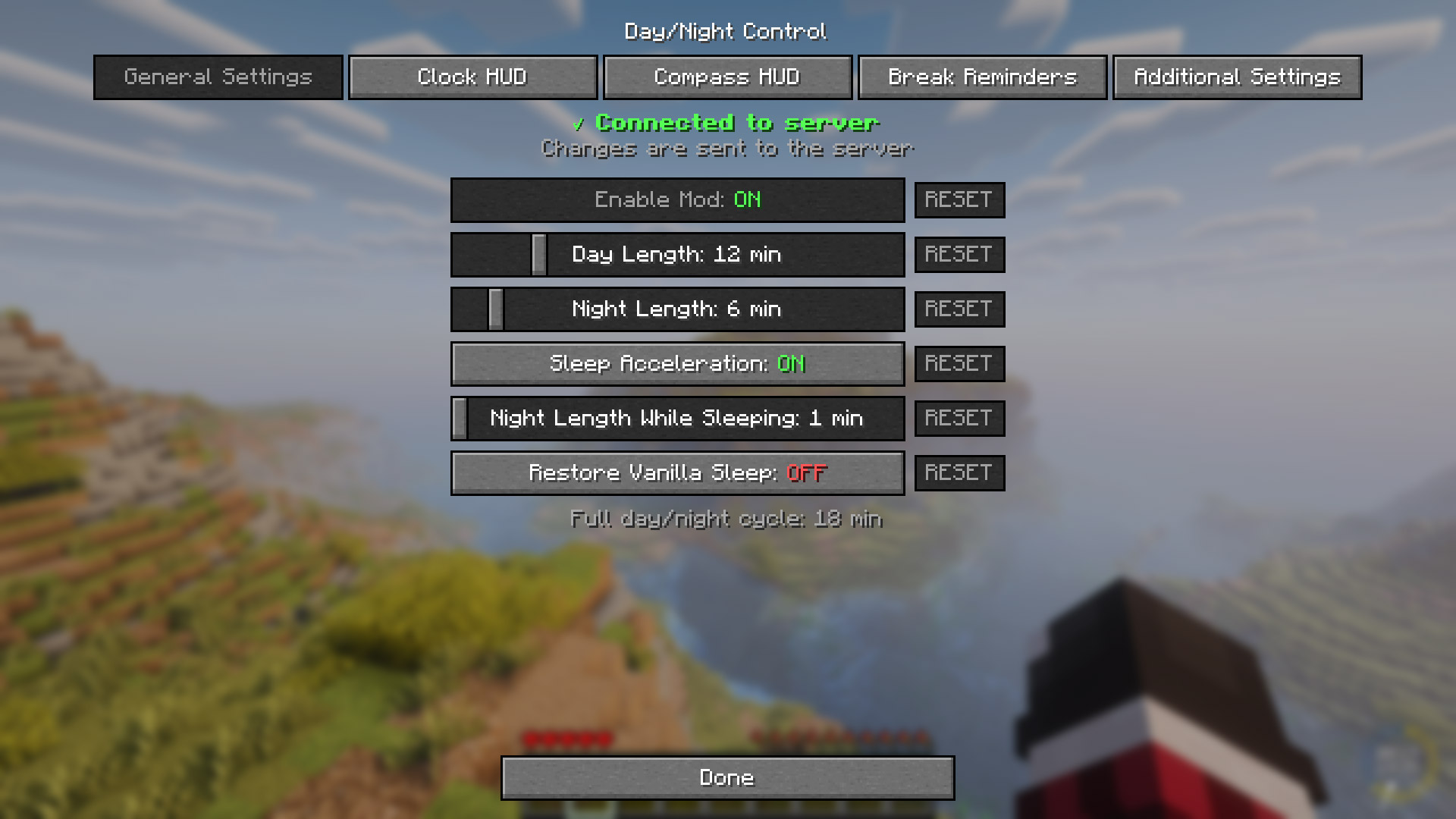
Also can be adjust from Mod Menu GUI.
And also from in-game console.
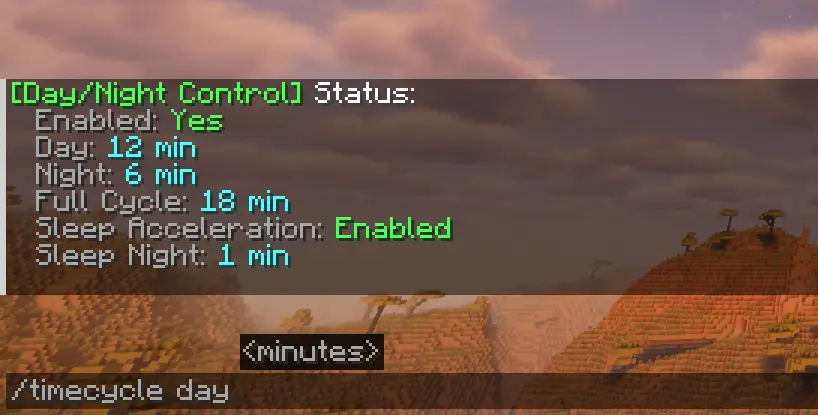
Compatible with Serene Seasons
With the Serene Seasons mod installed, a new tab will appear in the mod menu, allowing you to adjust the Day/Night Ratio for different seasons.

Multiplayer Ready
Server admins control the settings, clients automatically sync. Changes apply immediately without server restart.

Suggested Presets
| Type | Day | Night | Description |
|---|---|---|---|
| Vanilla | 10 min | 10 min | Standard Minecraft |
| Better Balance | 12 min | 6 min | Perfect for Heart Mod and ordinary gameplay |
| Builder Friendly | 30 min | 2 min | Maximum building time |
| Hardcore Survival | 8 min | 15 min | Challenging nights |
| Speed Run | 2 min | 1 min | Fast-paced gameplay |
| Realistic | 20 min | 10 min | 2:1 day/night ratio |
| Casual | 15 min | 5 min | Beginner friendly |
Screenshots
Gallery
-
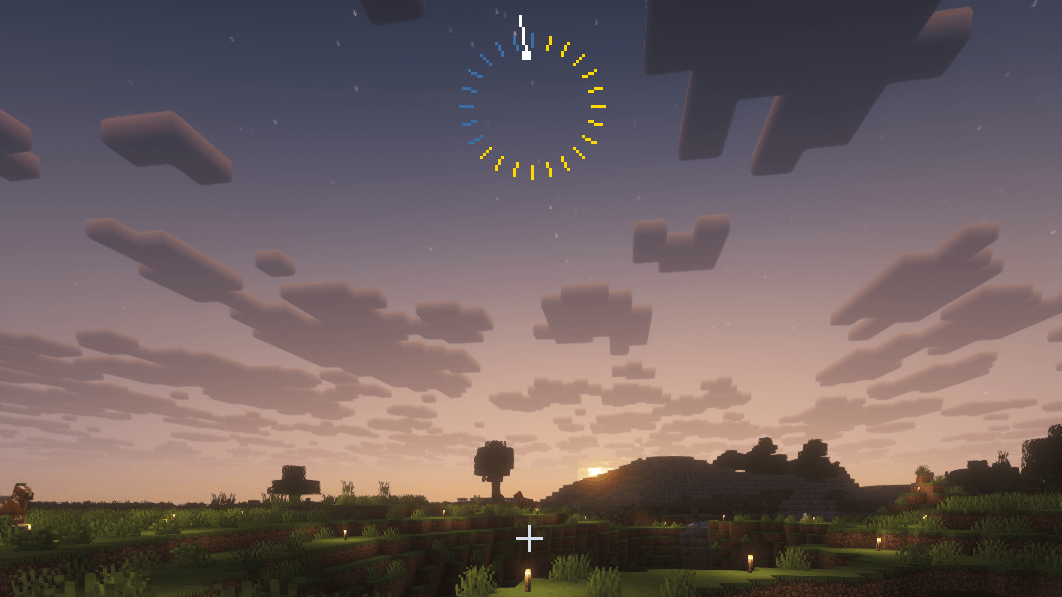 Clock HUD Clock HUD
-
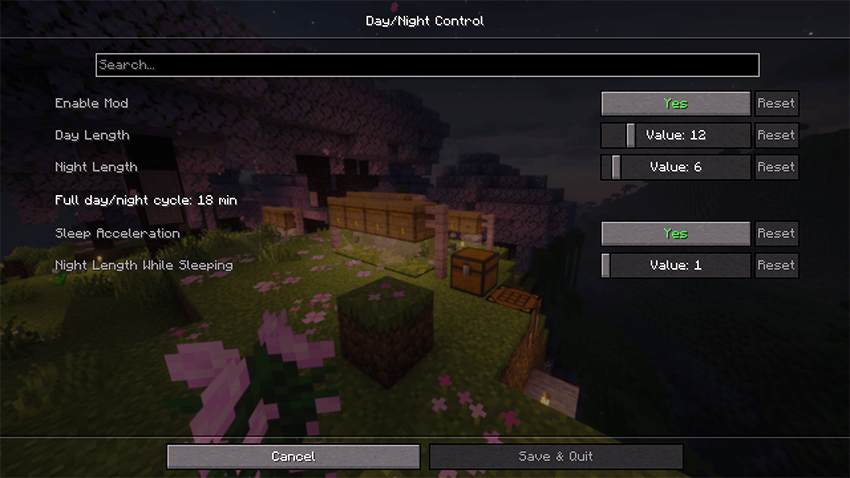 Mod Menu Mod Menu
-
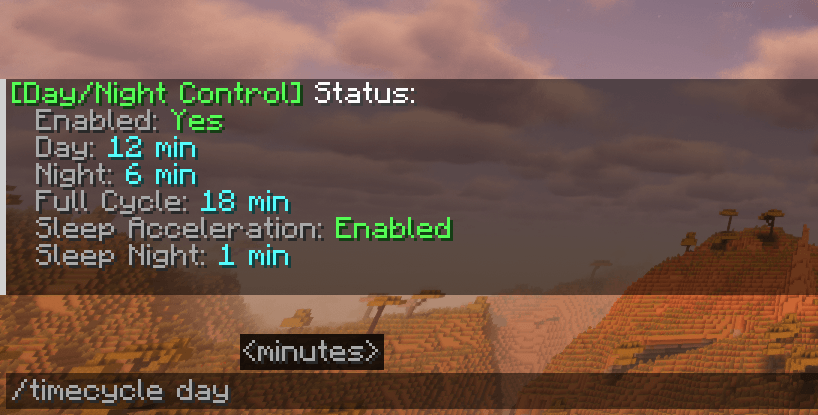 Commands Commands
-
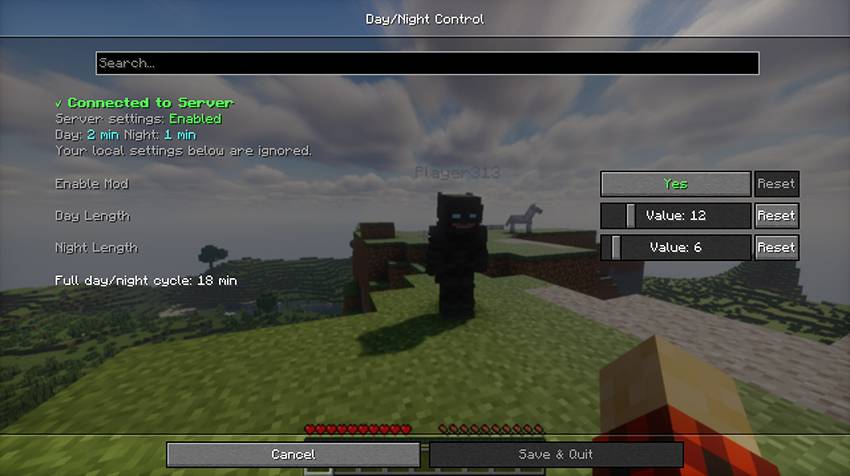 Server Server
-
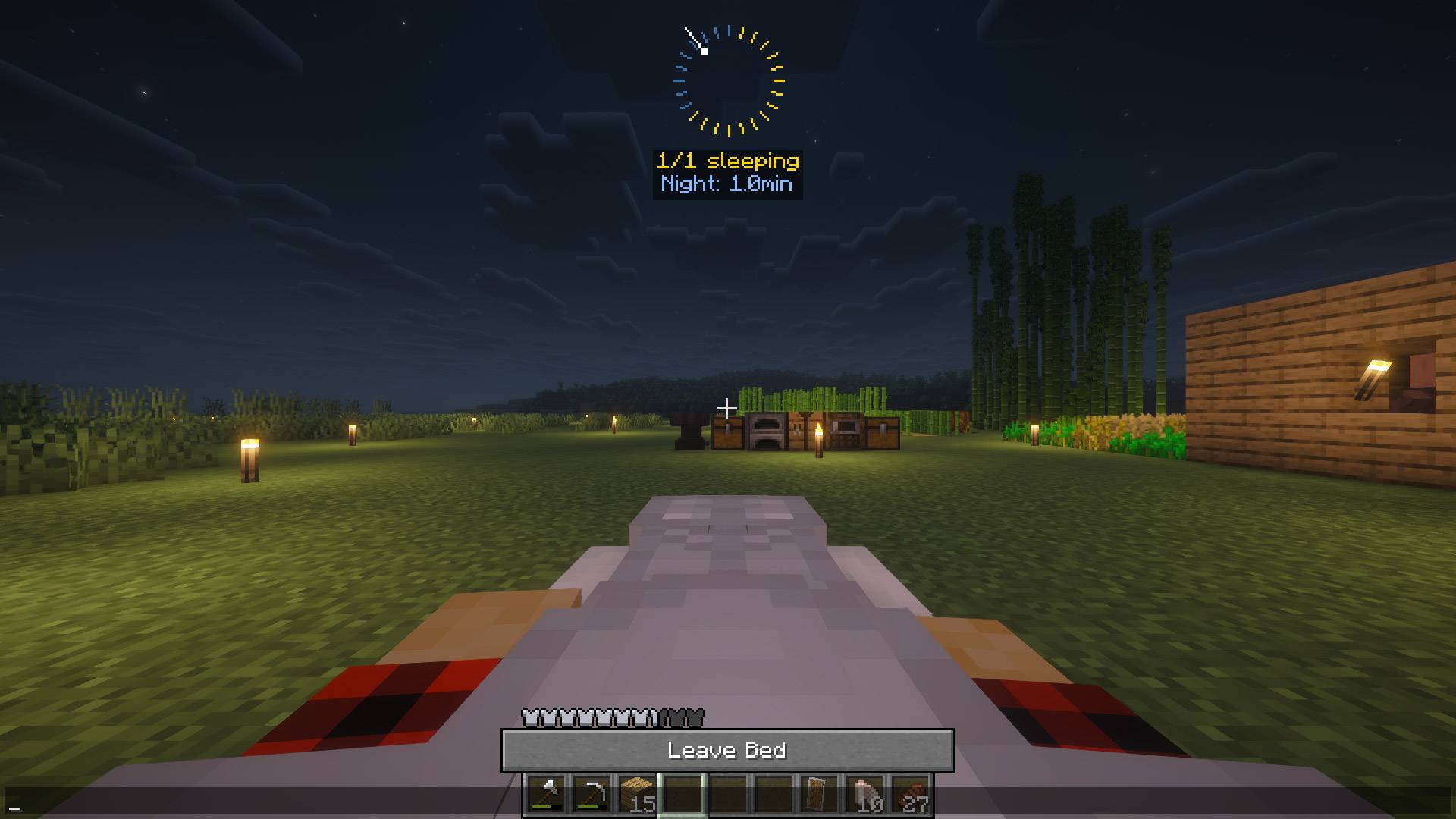 Night Skip Night Skip
-
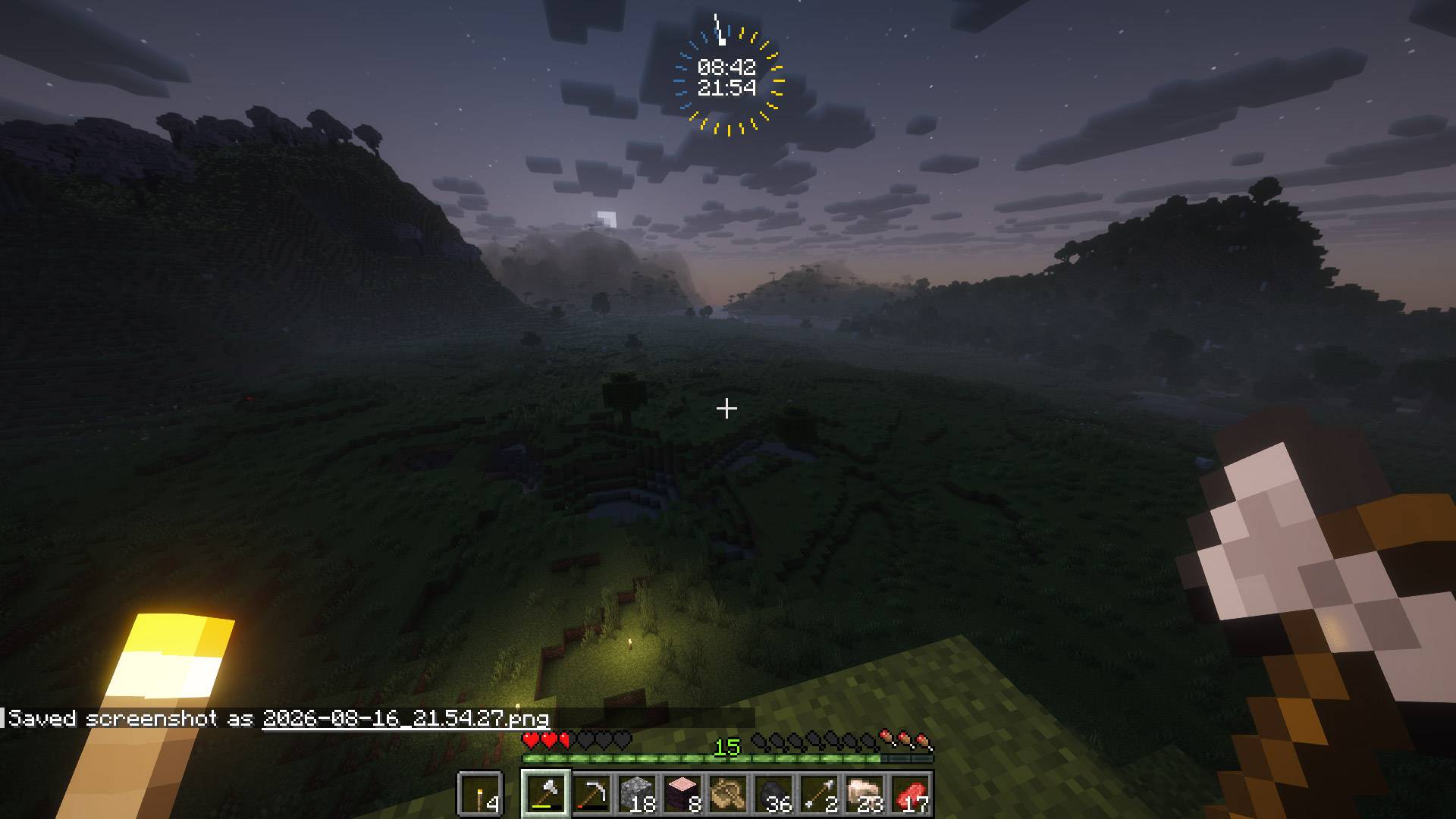 Clock with Time Clock with Time
-
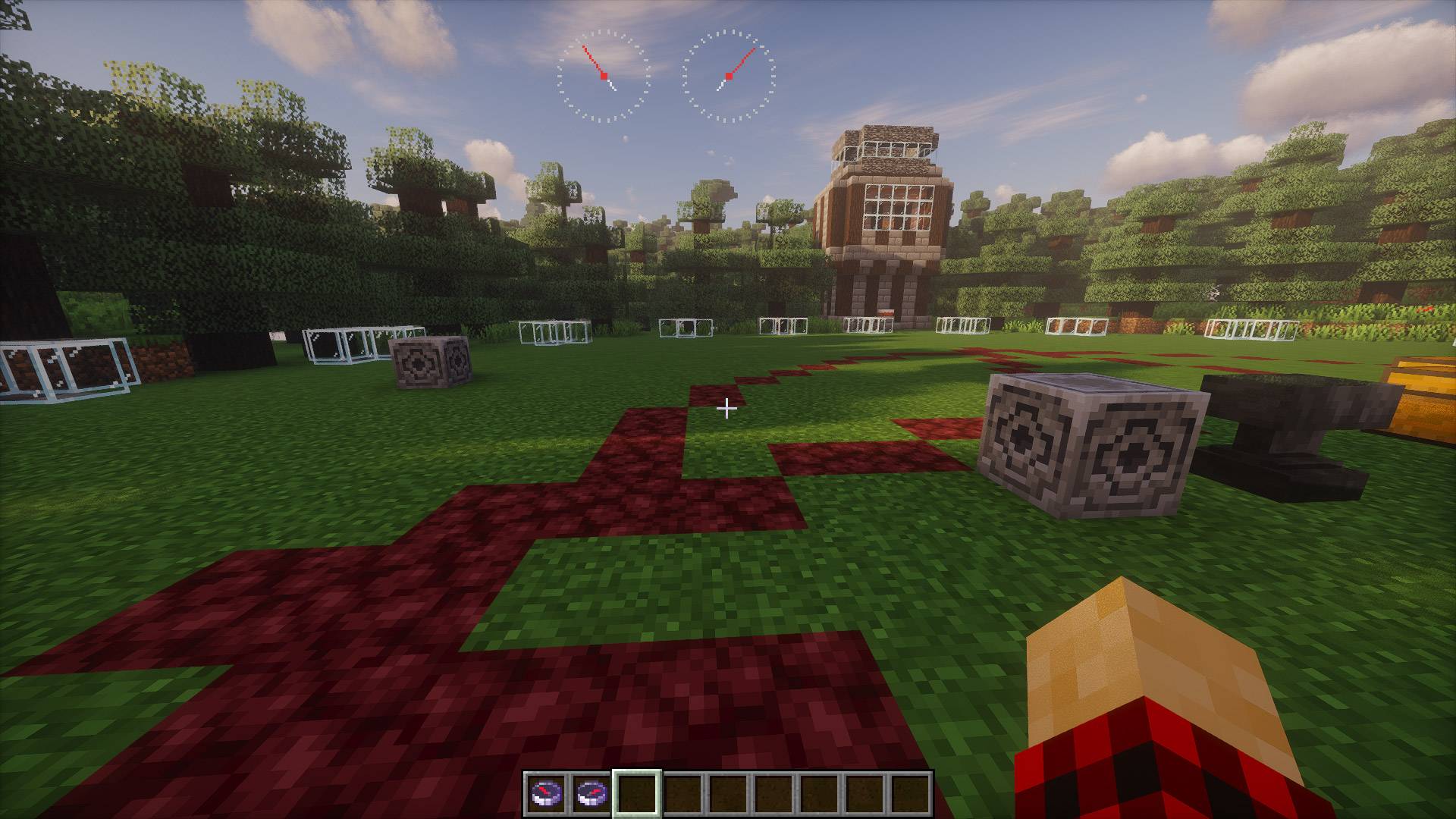 Two Compasses
-
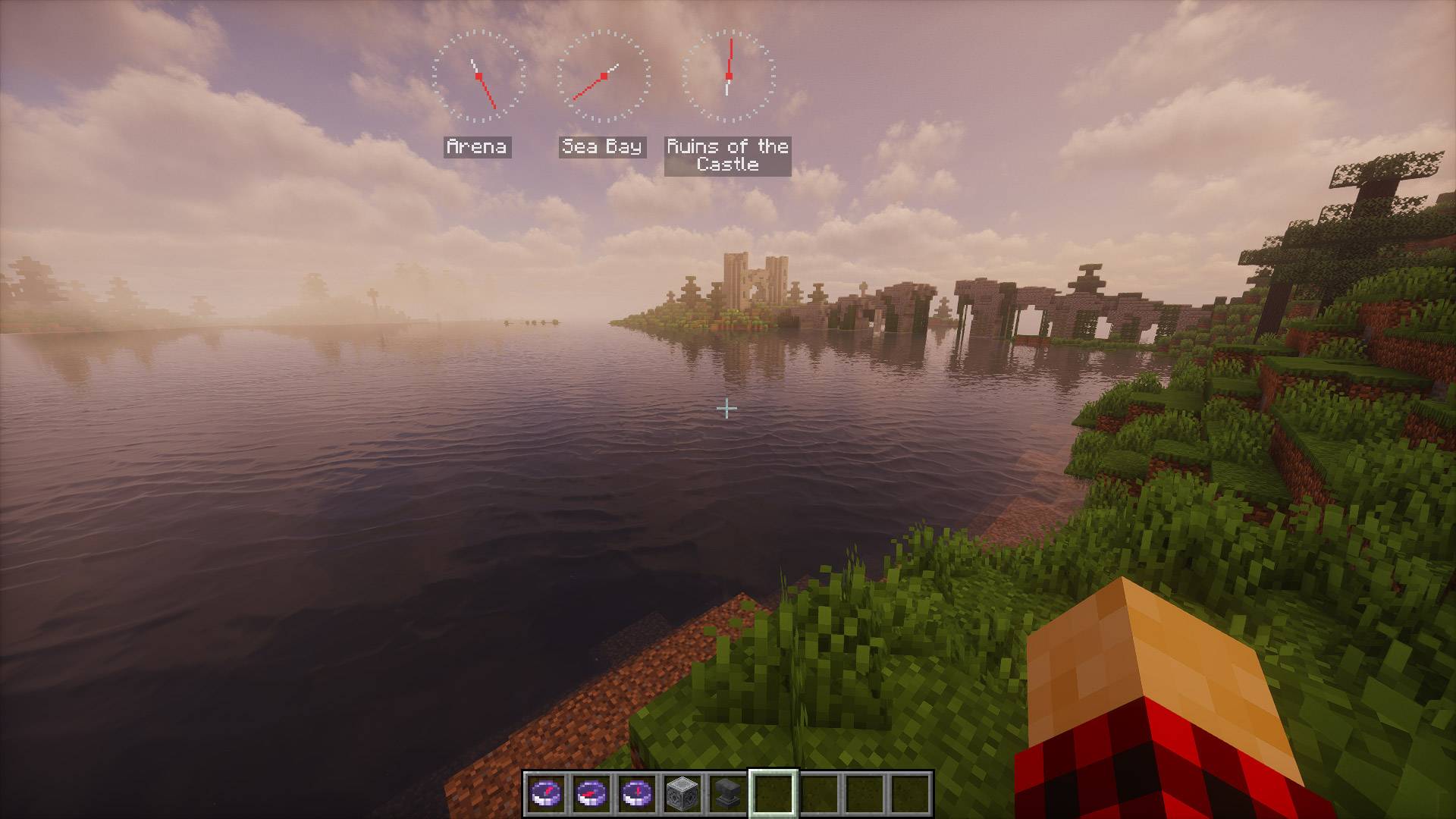 Named Compasses
-
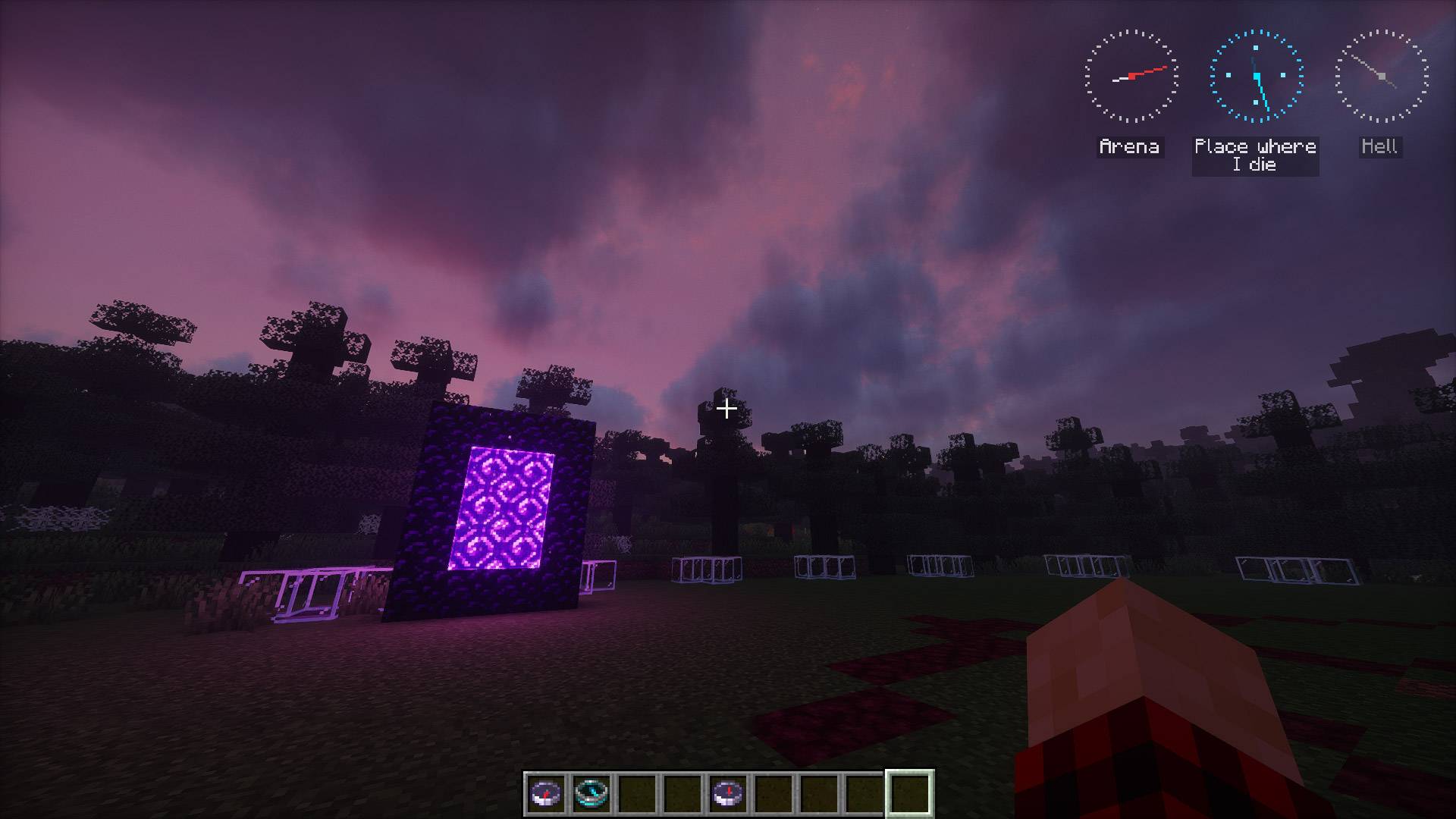 Compass anchored in another dimension
-
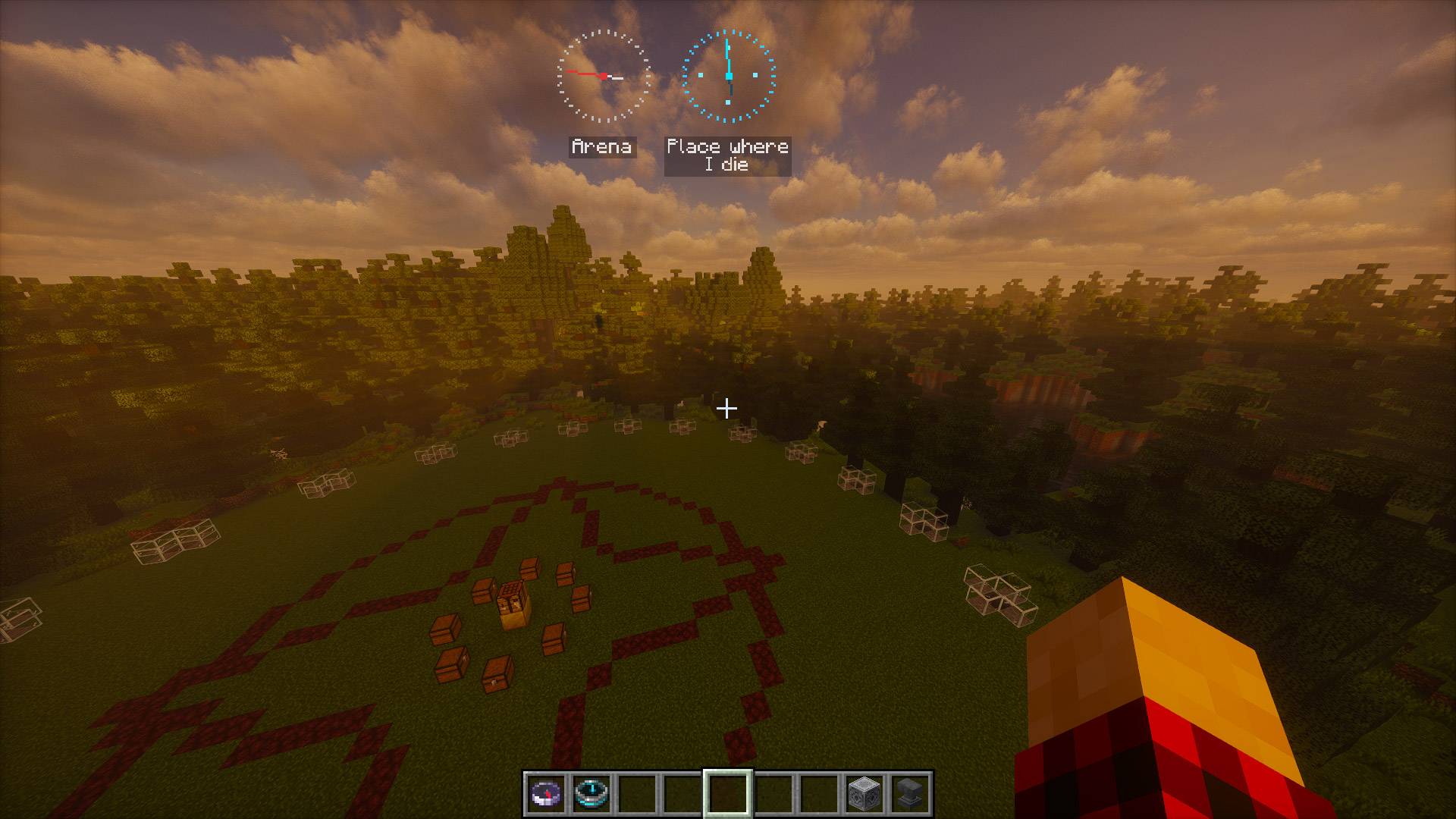 Recovery Compass
-
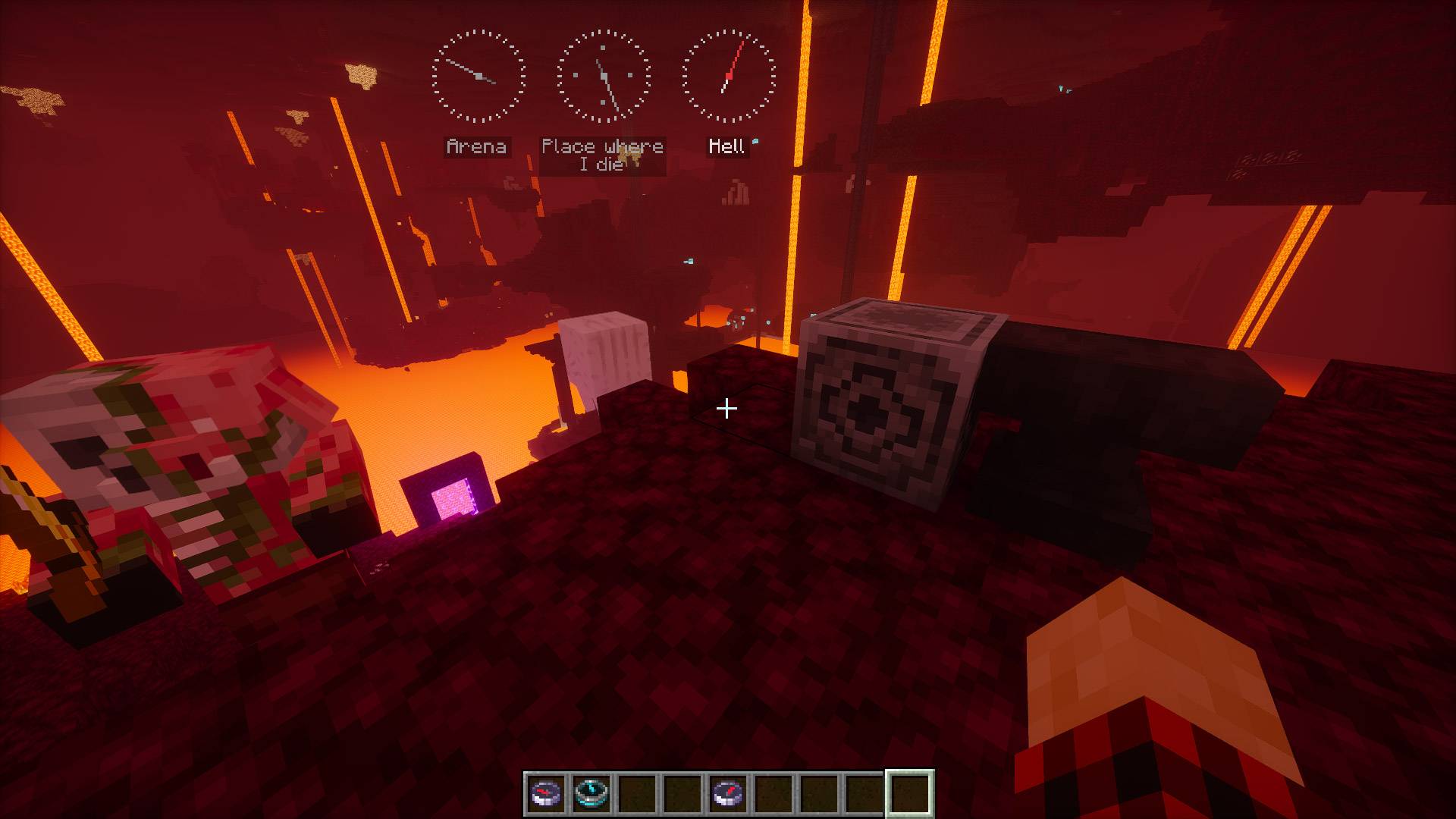 Compass anchored in Nether
-
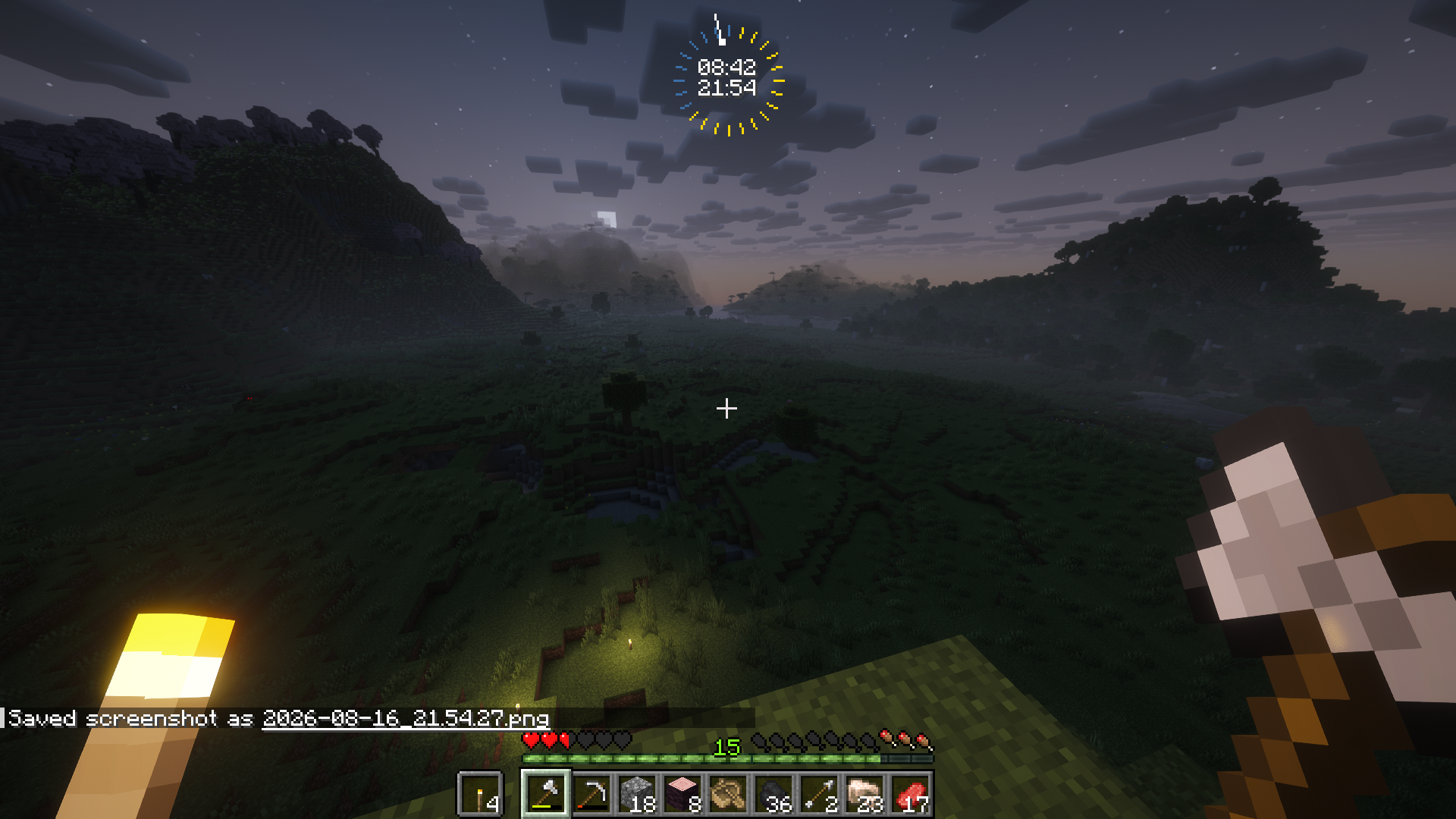 Clock with Time New time indicator. On top in-game, on bottom IRL time.
-
 Day speedup in-game
-
 Mod Menu on Modded Server
-
 Mod Menu
-
 Mod Menu on Unmodded Server
Versions
Files
Relations
Project Relations
More like this
Similar Mods
Suggestions use data such as tags, dependencies, dependents, descriptions, titles, and more to rank how much they overlap with this mod.
On ModDex
Community snapshot
By the numbers
Statistics

Get it on
Available Platforms
On ModDex
Community snapshot
By the numbers
Statistics
Resources