
Community listing page, reviews here may not be monitored by the author.
Death Recap

No reviews yet
See where you died, track lost items, and find your way back with a recovery compass. Client-side — works on any server.
Community voices
Reviews
No reviews yet. Be the first to review this project!
Get it on
Available Platforms
Compatibility
Supported Environments
Runs entirely on the client. Works on vanilla servers.
About
Project Details
For authors
Embed Badge
If you're the author of this project, you can embed a live badge anywhere that supports HTML or Markdown. It updates automatically whenever ratings change.
Use HTML for any page that supports it, or Markdown for README files and Markdown-based descriptions.
Identifiers
Platform IDs
Resources
External Links
About
Description
Death Recap
Never lose your items again. When you die, Death Recap shows you exactly where it happened and guides you back.
Features
Death Screen Overlay
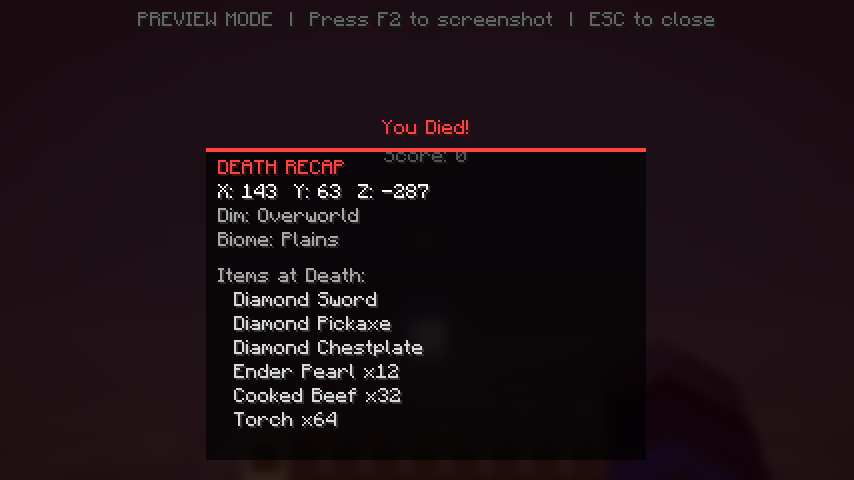
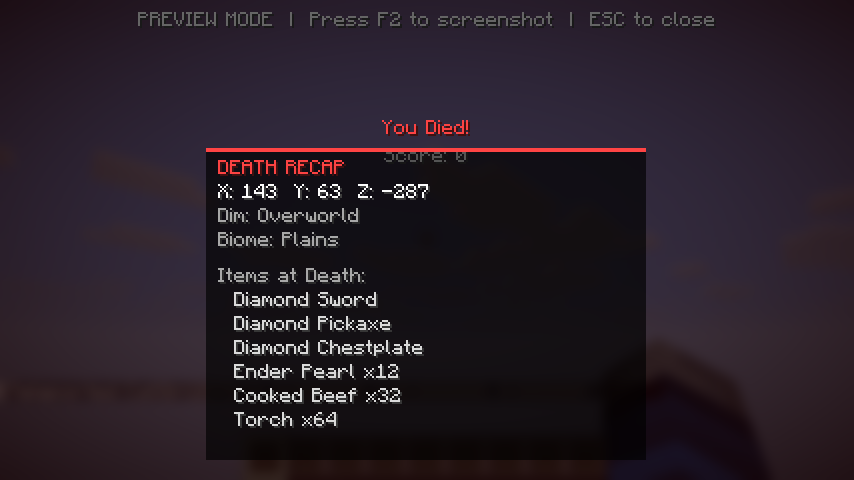
When you die, an info panel appears showing:
- Exact coordinates (X, Y, Z)
- Dimension (Overworld / Nether / End)
- Biome
- Items you had at the time of death
Recovery Compass HUD
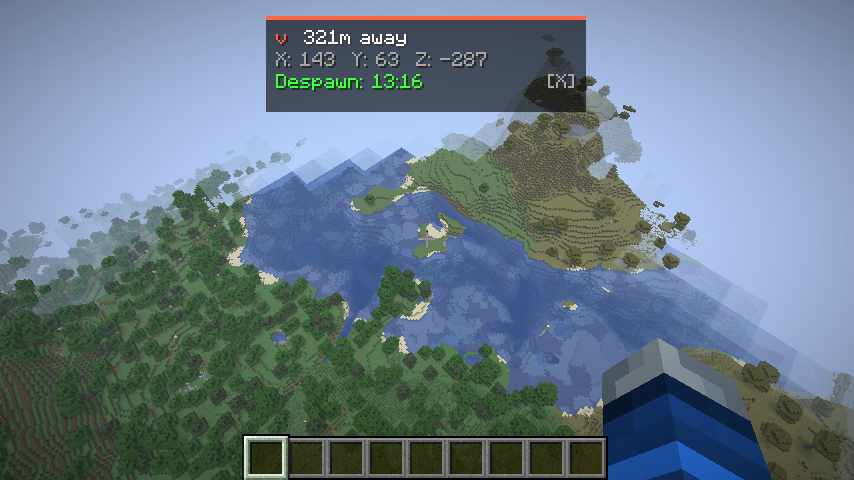
After respawning, a compact HUD appears at the top of your screen:
- Directional arrow pointing toward your death location
- Distance in blocks
- Despawn countdown timer (5:00 → 0:00)
- Auto-dismisses when you arrive within 5 blocks
Death History Log
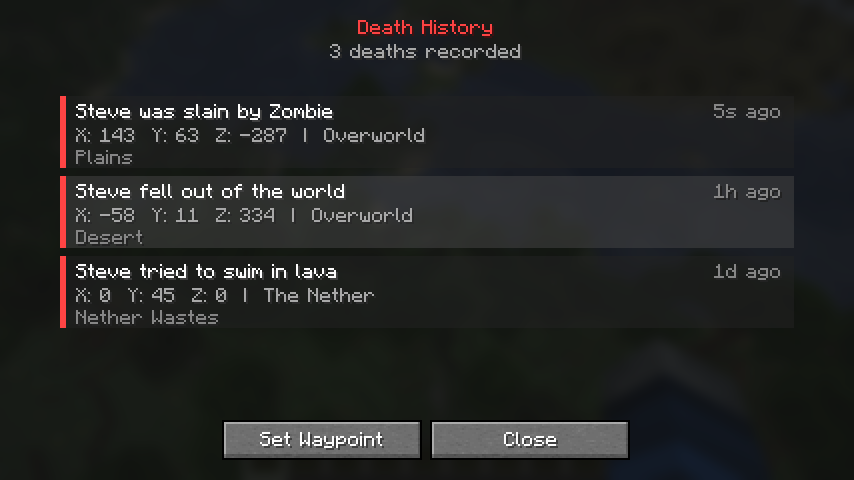
Press H to open a full history of your past deaths:
- Scrollable list of up to 50 deaths per world
- Shows cause, coordinates, dimension, biome, and time
- Click any entry and set it as a compass waypoint
- Saved between sessions
Controls
| Key | Action |
|---|---|
| H | Open Death History |
| X | Dismiss Recovery Compass |
Both keys are rebindable in Controls → Miscellaneous.
Configuration
All features can be toggled individually in config/deathrecap.json:
- Death screen overlay (coordinates, dimension, biome, inventory preview)
- Recovery compass (despawn timer, distance, auto-hide distance)
- Max history entries
Why Death Recap?
- Client-side only — install it and join any server, no server setup needed
- Lightweight — no custom blocks, items, or entities
- Modpack-friendly — works alongside grave mods, minimaps, and other utility mods
- Zero configuration — works out of the box
Screenshots
Gallery
Versions
Files
Relations
Project Relations
More like this
Similar Mods
Suggestions use data such as tags, dependencies, dependents, descriptions, titles, and more to rank how much they overlap with this mod.
On ModDex
Community snapshot
By the numbers
Statistics

Want to reach Minecraft players?
We're looking for a server hosting partner to feature here and other parts of the site. Interested? Send us a message!
Get in touchGet it on
Available Platforms
On ModDex
Community snapshot
By the numbers
Statistics
Resources