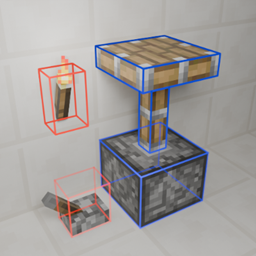
Community listing page, reviews here may not be monitored by the author.
Debug Block Collision Overlay Reloaded


No reviews yet
A client-side mod that adds a new F3 debug overlay showing you exact block collisions, for 1.12.2.
Community voices
Reviews
No reviews yet. Be the first to review this project!
Get it on
Available Platforms
Compatibility
Supported Environments
Runs entirely on the client. Works on vanilla servers.
About
Project Details
For authors
Embed Badge
If you're the author of this project, you can embed a live badge anywhere that supports HTML or Markdown. It updates automatically whenever ratings change.
Use HTML for any page that supports it, or Markdown for README files and Markdown-based descriptions.
Identifiers
Platform IDs
About
Description
Debug Block Collision Overlay Reloaded
A client-side mod that adds a new F3 debug overlay showing you exact block collisions.
About
Original Mod's Github - Original Mod's Curseforge
Features
- Toggleable overlay, default keybind
F3 + O. - Multiple overlay modes, default keybind
F3 + I. - Config file which allows you to set the overlay mode, the level of chat feedback and line rendering settings.
- In-game configuration through Forge that is dynamicly reloaded.
- Has been tested with Cleanroom Loader (0.4.2-alpha) and Celeritas.
Usage
The main way to interact with this mods is by using the F3 + KEY keybinds which by default are F3 + O to toggle the overlay on/off and F3 + I to change the overlay mode.
There is also a config file which is dynamicly reloaded and can be edited in game or on the main menu.
Why
Well working on ProjectE-Charms I had to create some custom collision for a block but was having trouble visualizing the boxes so I looked on curseforge for mod that would help me do that, I ended up on Debug Block Collision's Curseforge so I downloaded it. After I had used it for a little bit on the Cleanroom Mod Loader I noticed a few main issues:
- The keybind handling had broken debouce (actually a Cleanroom issue with modifier keys).
- Toggling modes was clunky since there was only one keybind.
- And the text and formatting could do with some improvement.
All of this inspired me to improve this mod by adding a second keybind, improving Cleanroom compatibility and rewriting the lang file; so I did.
Modpacks
You don't need to ask permission or anything to use this in your modpack.
Issues
If you notice an issue and want to make me aware please report them on the project's Github issues tab.
Debug Block Collision Overlay Reloaded

A client-side mod that adds a new F3 debug overlay showing you exact block collisions.
About
Original Mod's Github - Original Mod's Curseforge
Features
- Toggleable overlay, default keybind
F3 + O. - Multiple overlay modes, default keybind
F3 + I. - Config file which allows you to set the overlay mode, the level of chat feedback and line rendering settings.
- In-game configuration through Forge that is dynamicly reloaded.
- Has been tested with Cleanroom Loader (0.4.2-alpha) and Celeritas.
Usage
The main way to interact with this mods is by using the F3 + KEY keybinds which by default are F3 + O to toggle the overlay on/off and F3 + I to change the overlay mode.
There is also a config file which is dynamicly reloaded and can be edited in game or on the main menu.
Why
Well working on ProjectE-Charms I had to create some custom collision for a block but was having trouble visualizing the boxes so I looked on curseforge for mod that would help me do that, I ended up on Debug Block Collision's Curseforge so I downloaded it. After I had used it for a little bit on the Cleanroom Mod Loader I noticed a few main issues:
- The keybind handling had broken debouce (actually a Cleanroom issue with modifier keys).
- Toggling modes was clunky since there was only one keybind.
- And the text and formatting could do with some improvement.
All of this inspired me to improve this mod by adding a second keybind, improving Cleanroom compatibility and rewriting the lang file; so I did.
Modpacks
You don't need to ask permission or anything to use this in your modpack.
Issues
If you notice an issue and want to make me aware please report them on the project's Github issues tab.
Screenshots
Gallery
-
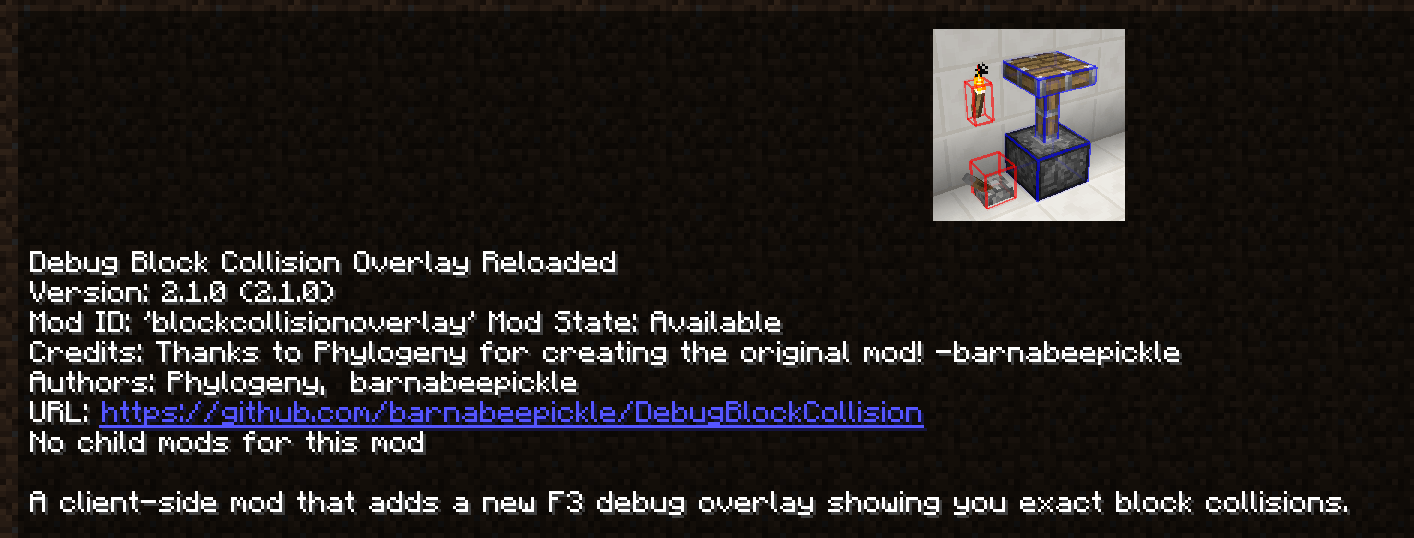 Mod List Screenshot A screenshot of the mod's entry in the mod list.
 -
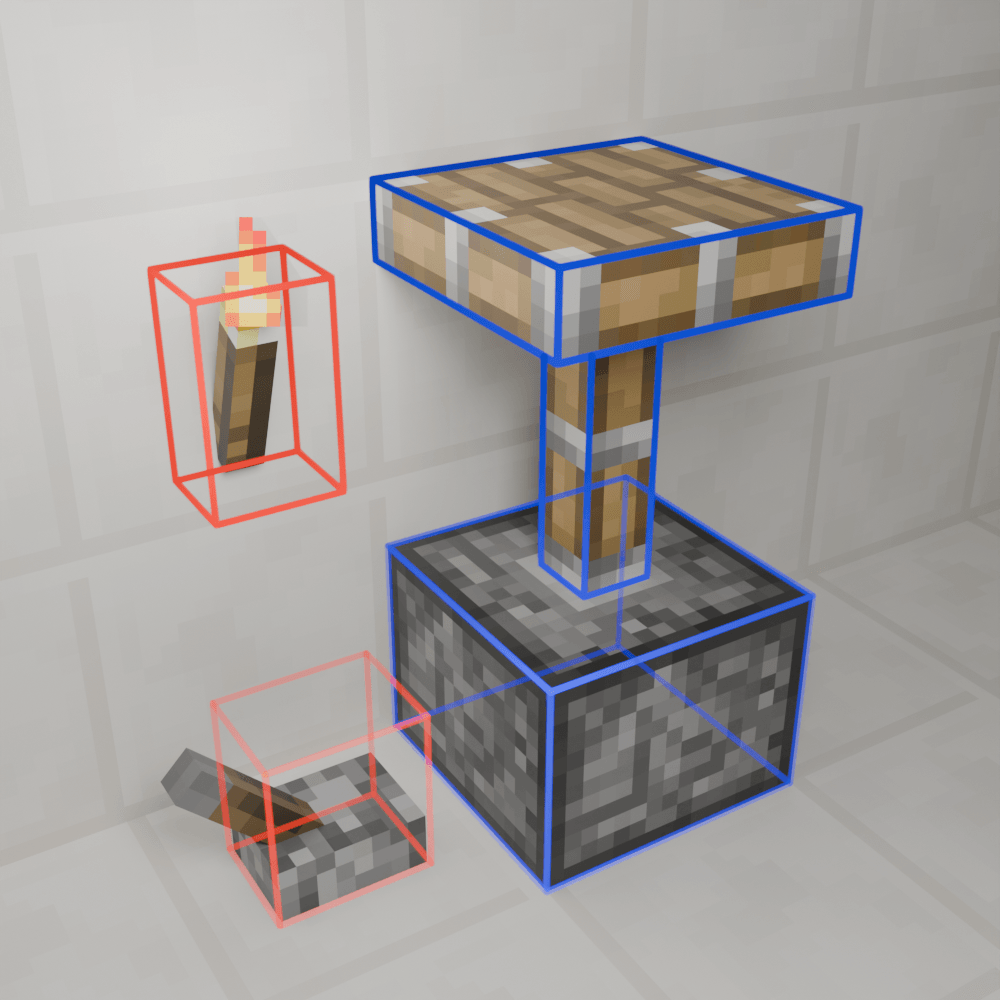 Current Logo Render The mod's current logo, created with Blender
 -
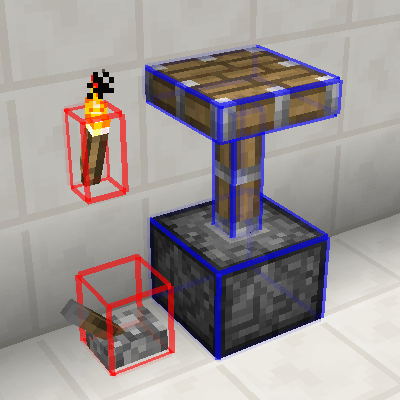 Original Mod Logo The original mod's logo which as far as I can tell is a lightly edited screenshot.
 -
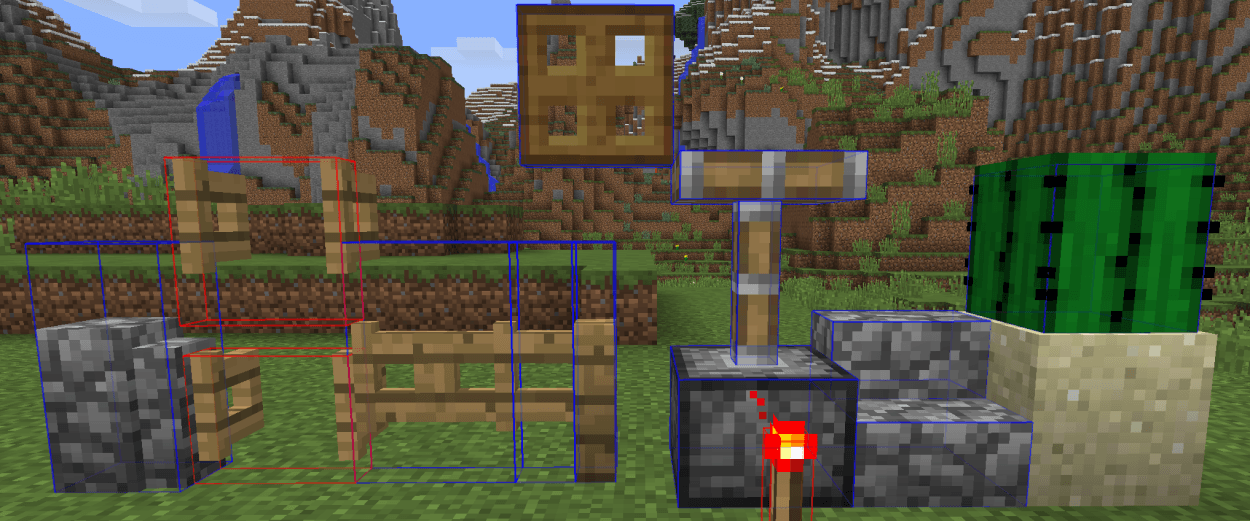 Overlay Vanilla Blocks Screenshot A screenshot of a few different vanilla blocks using the radius mode of the overlay.
-
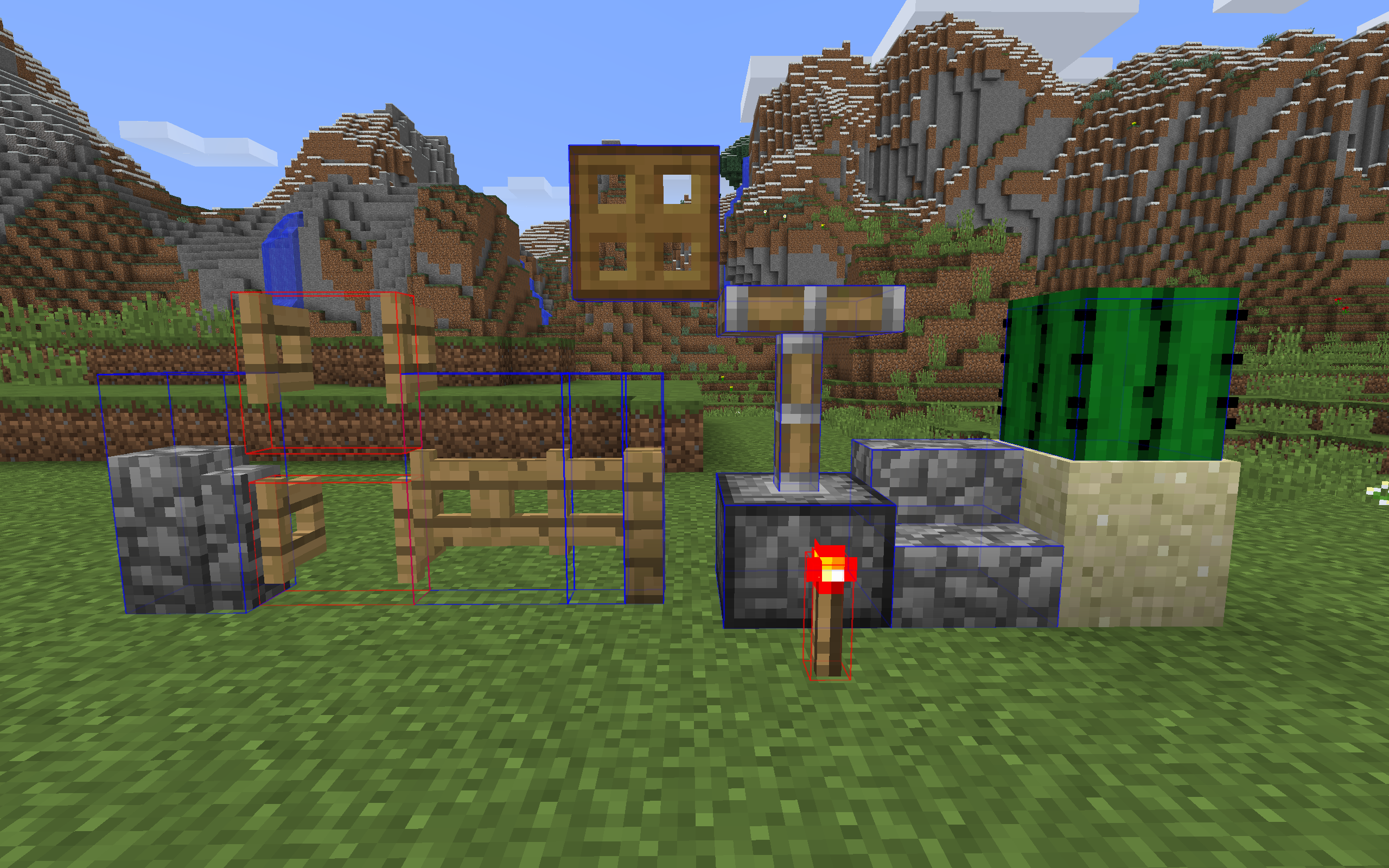 Overlay Vanilla Blocks Screenshot A screenshot of a few different vanilla blocks using the radius mode of the overlay
 -
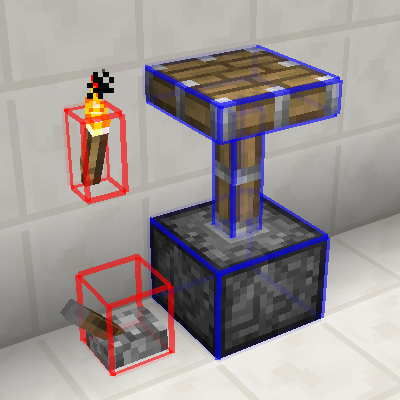 Original Mod Logo The original mod's logo which as far as I can tell is a lightly edited screenshot
 -
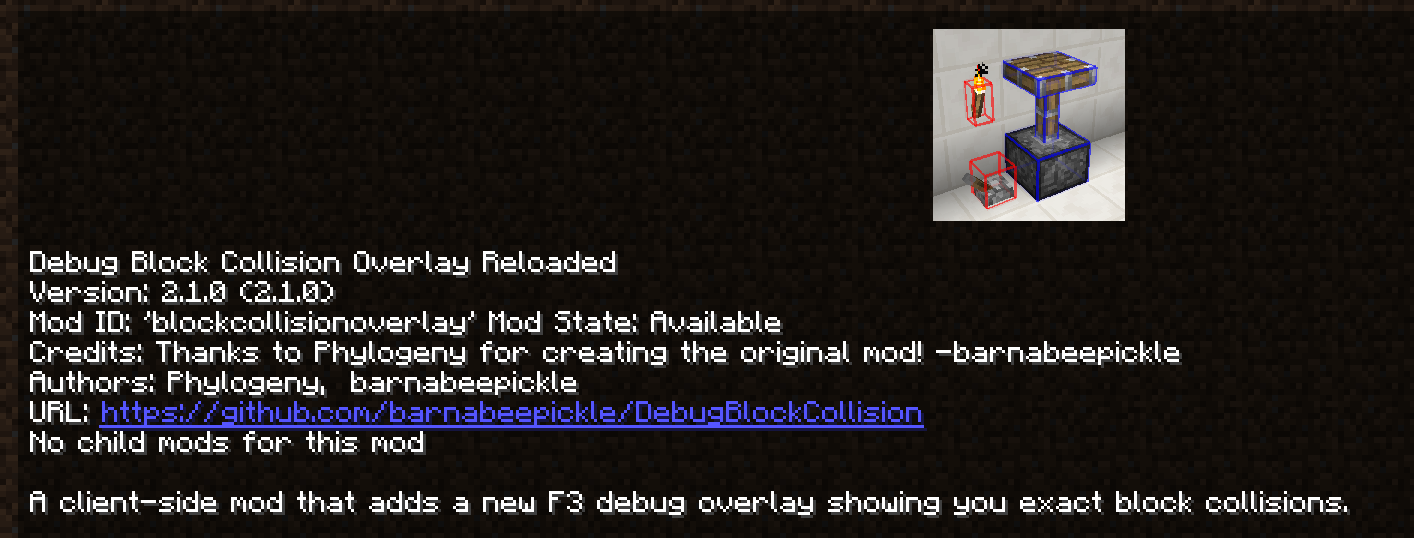 Mod List Screenshot A screenshot of the mod's entry in the mod list
 -
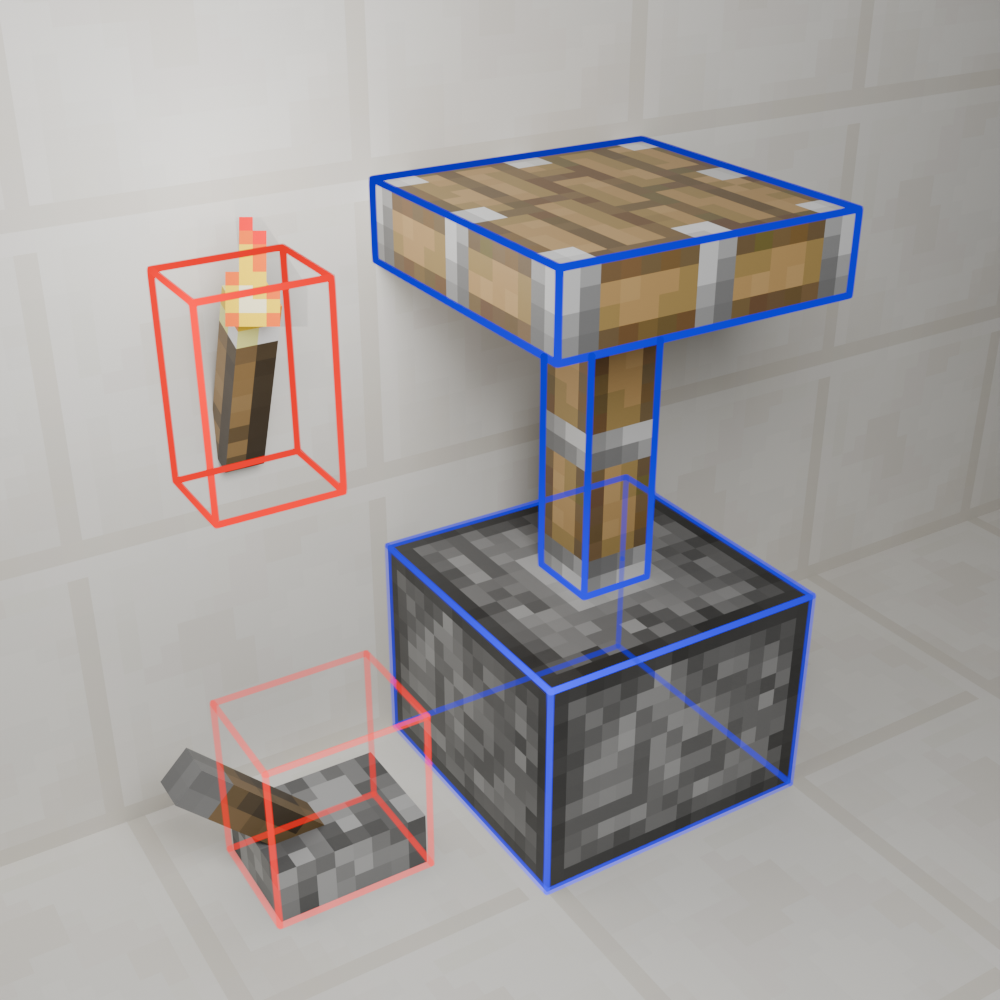 Current Logo Render The mod's current logo, created with Blender
Versions
Files
Relations
Project Relations
More like this
Similar Mods
Suggestions use data such as tags, dependencies, dependents, descriptions, titles, and more to rank how much they overlap with this mod.
On ModDex
Community snapshot
By the numbers
Statistics
Want to reach Minecraft players?
We're looking for a server hosting partner to feature here and other parts of the site. Interested? Send us a message!
Get in touchGet it on
Available Platforms
On ModDex
Community snapshot
By the numbers