Community listing page, reviews here may not be monitored by the author.
Diagonalization


No reviews yet
Building tool that places blocks at diagonals, on edges, and on vertices - no fuss; no scaffolding!

Community voices
Reviews
No reviews yet. Be the first to review this project!
Get it on
Available Platforms
Compatibility
Supported Environments
Must be installed on both the client and the server.
About
Project Details
For authors
Embed Badge
If you're the author of this project, you can embed a live badge anywhere that supports HTML or Markdown. It updates automatically whenever ratings change.
Use HTML for any page that supports it, or Markdown for README files and Markdown-based descriptions.
Identifiers
Platform IDs
About
Description
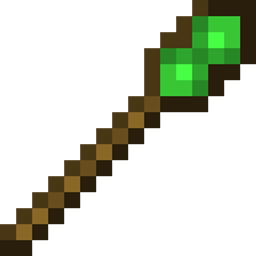
This mod is a small QoL mod in the spirit of Construction Wands, that adds two types of wands, allowing the player to easily place blocks at corners and diagonals without the use of troublesome scaffolding.
The Diagonalization Wand comes with three settings:
- Vertical Edges - places blocks along any of the 4 vertical edges of the targeted block
- Horizontal Edges - places blocks along any of the 8 (upper and lower) horizontal edges of the targeted block
- Vertices - places blocks on any of the 8 corners of the targeted block
These settings can be cycled by looking at empty space and shift-rightclicking.
The wand will automatically look for blocks in your inventory to place. By default, the wand will try to place down the same block type as the targeted block.
If you wish to place a different block, hold it in your offhand.
The diagonalization wand can be upgraded to an Infinity Diagonalization Wand by combining it with a nether star in a smithing table.
The infinity wand is unbreakable, and can place up to 20 blocks at once. The range can be adjusted by holding shift + scrolling.
If there are recipe conflicts with other mods, do try installing polymorph
Crafting:


Offhand mode:

Infinity Wand:

This mod is a small QoL mod in the spirit of Construction Wand, that adds two types of wands, allowing the player to easily place blocks at corners and diagonals without the use of troublesome scaffolding.
The Diagonalization Wand comes with three settings:
• Vertical Edges - places blocks along any of the 4 vertical edges of the targeted block
• Horizontal Edges - places blocks along any of the 8 (upper and lower) horizontal edges of the targeted block
• Vertices - places blocks on any of the 8 corners of the targeted block
These settings can be cycled by looking at empty space and shift-rightclicking.
The wand will automatically look for blocks in your inventory to place. By default, the wand will try to place down the same block type as the targeted block.
If you wish to place a different block, hold it in your offhand.
The diagonalization wand can be upgraded to an Infinity Diagonalization Wand by combining it with a nether star in a smithing table. The infinity wand is unbreakable, and can place up to 20 blocks at once. The range can be adjusted by holding shift + scrolling.
If there are recipe conflicts with other mods, do try installing polymorph
Crafting:


Images:


Screenshots
Gallery
-
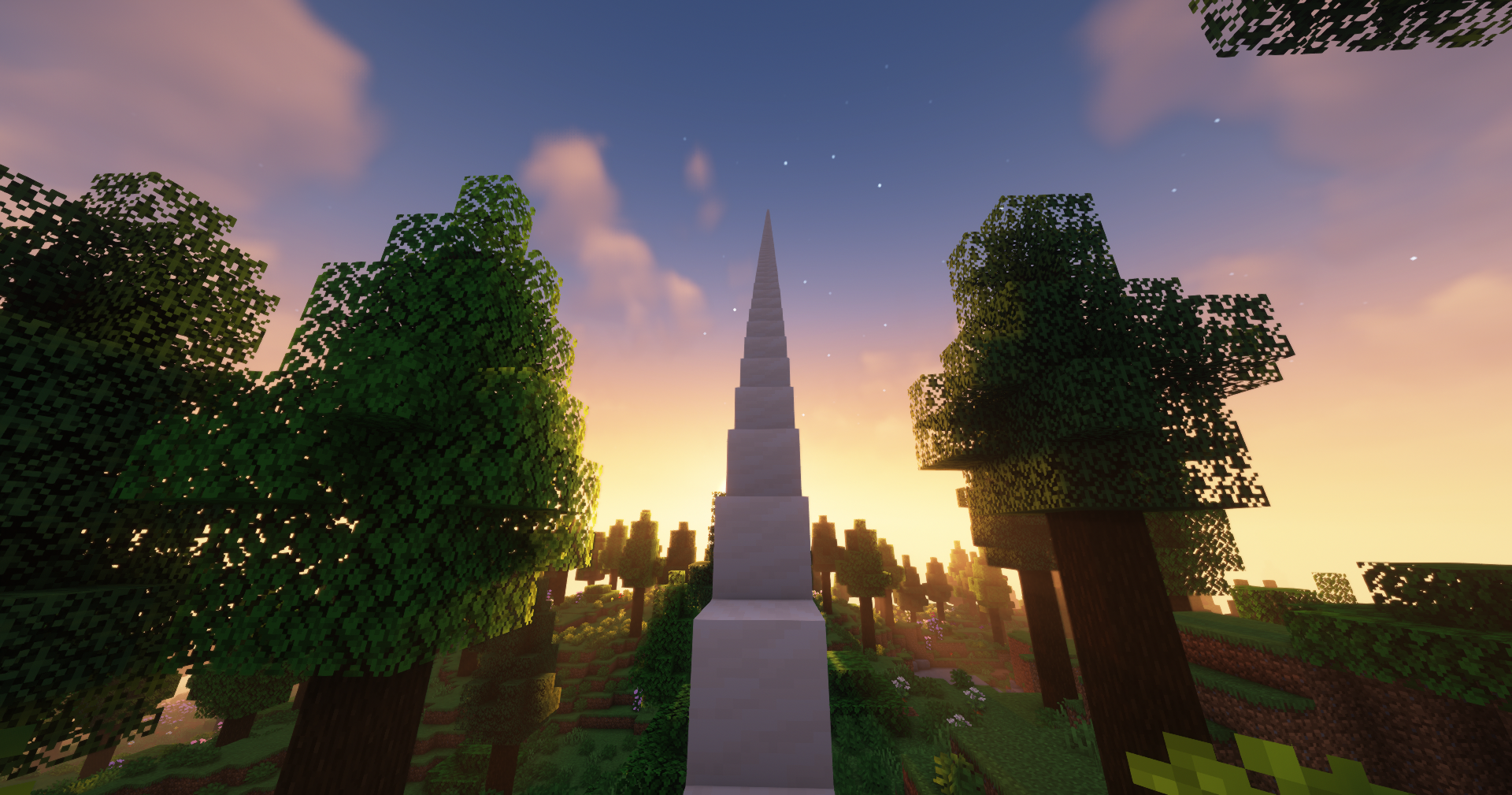 Stairway to Heaven Instantly build staircases! Terrain: BoP, Visuals: Complementary Shaders
Versions
Files
Relations
Project Relations
More like this
Similar Mods
Suggestions use data such as tags, dependencies, dependents, descriptions, titles, and more to rank how much they overlap with this mod.
On ModDex
Community snapshot
By the numbers
Statistics
 (opens in a new tab)
Get it on
Available Platforms
On ModDex
Community snapshot
By the numbers