
Community listing page, reviews here may not be monitored by the author.
Doom Block


No reviews yet
A deadly block that instantly kills any player stepping on it, turning a single step into a lethal trap.
Community voices
Reviews
No reviews yet. Be the first to review this project!
Get it on
Available Platforms
Compatibility
Supported Environments
Must be installed on both the client and the server.
About
Project Details
For authors
Embed Badge
If you're the author of this project, you can embed a live badge anywhere that supports HTML or Markdown. It updates automatically whenever ratings change.
Use HTML for any page that supports it, or Markdown for README files and Markdown-based descriptions.
Identifiers
Platform IDs
Resources
External Links
About
Description
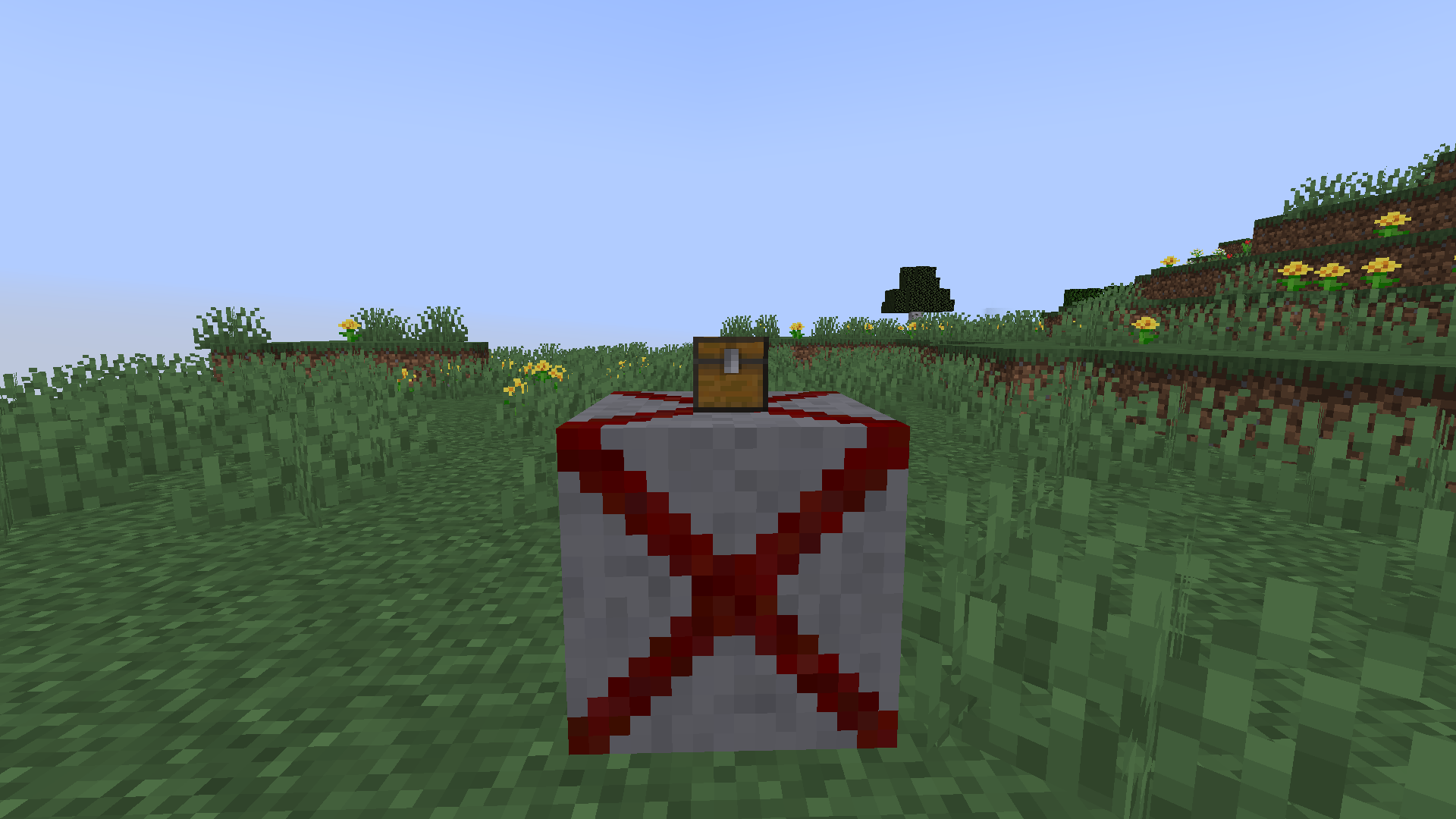
Doom Block — A Deadly Trap in the Style of a Cult Shooter 💥
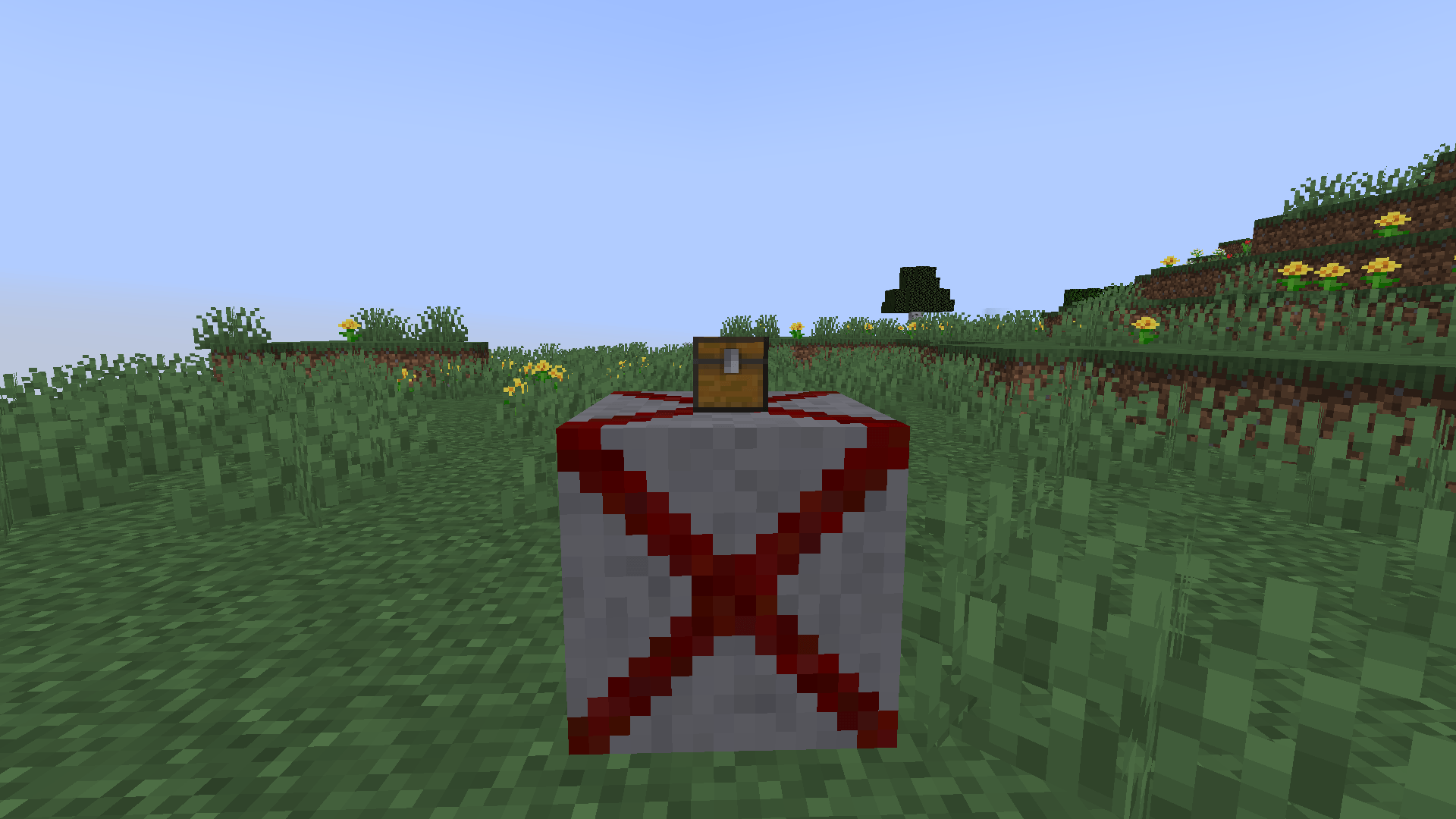
Tired of traps that players can bypass with armor or potions? Doom Block ignores armor and most protection effects, dealing 500 damage on contact — one wrong step is the end. Turn your Minecraft world into a brutal survival arena inspired by cult shooters.
How to Activate the Trap
Choose your method:
- Redstone signal. Connect a lever, button, or sensor — perfect for custom automatic systems.
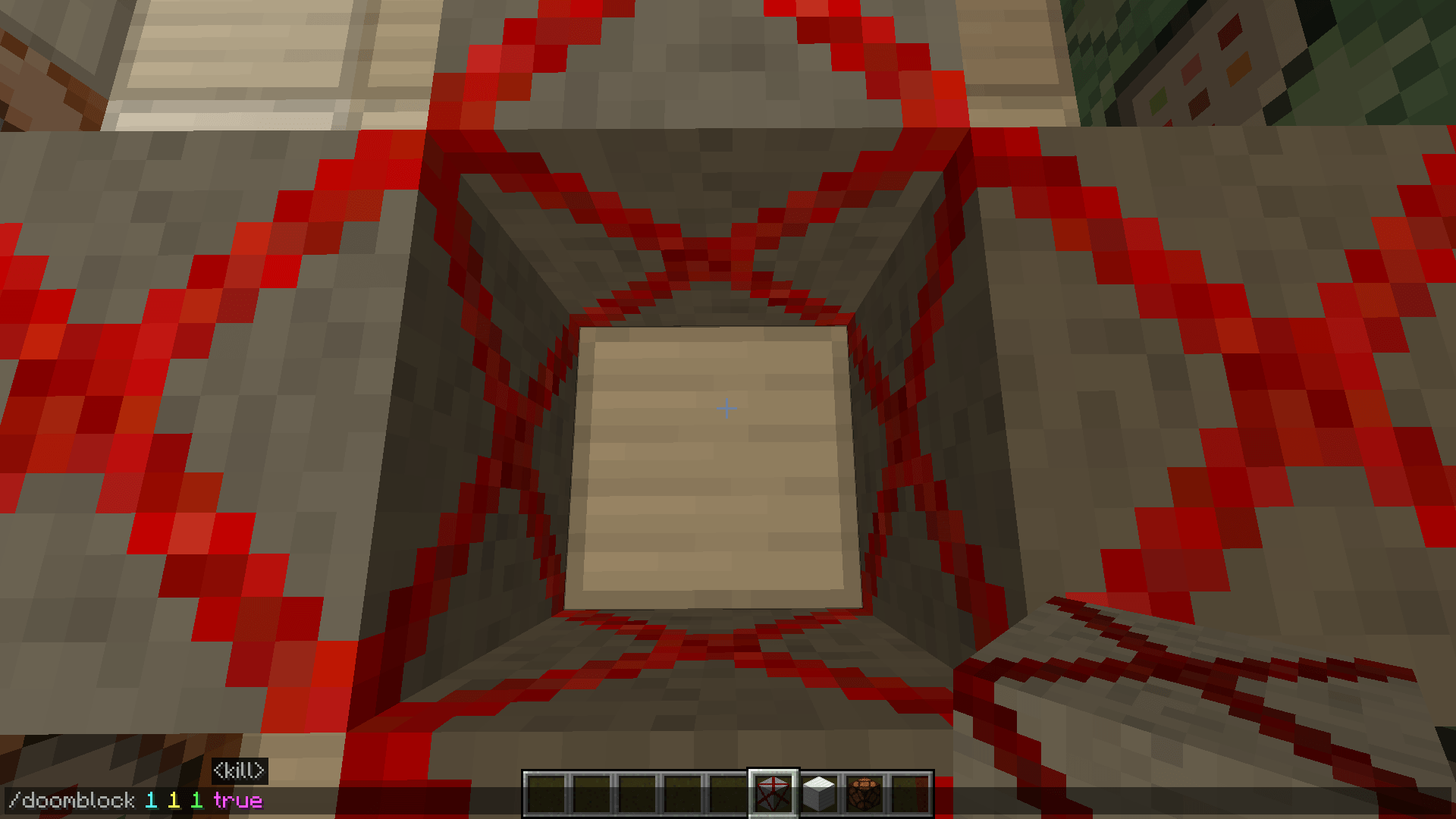
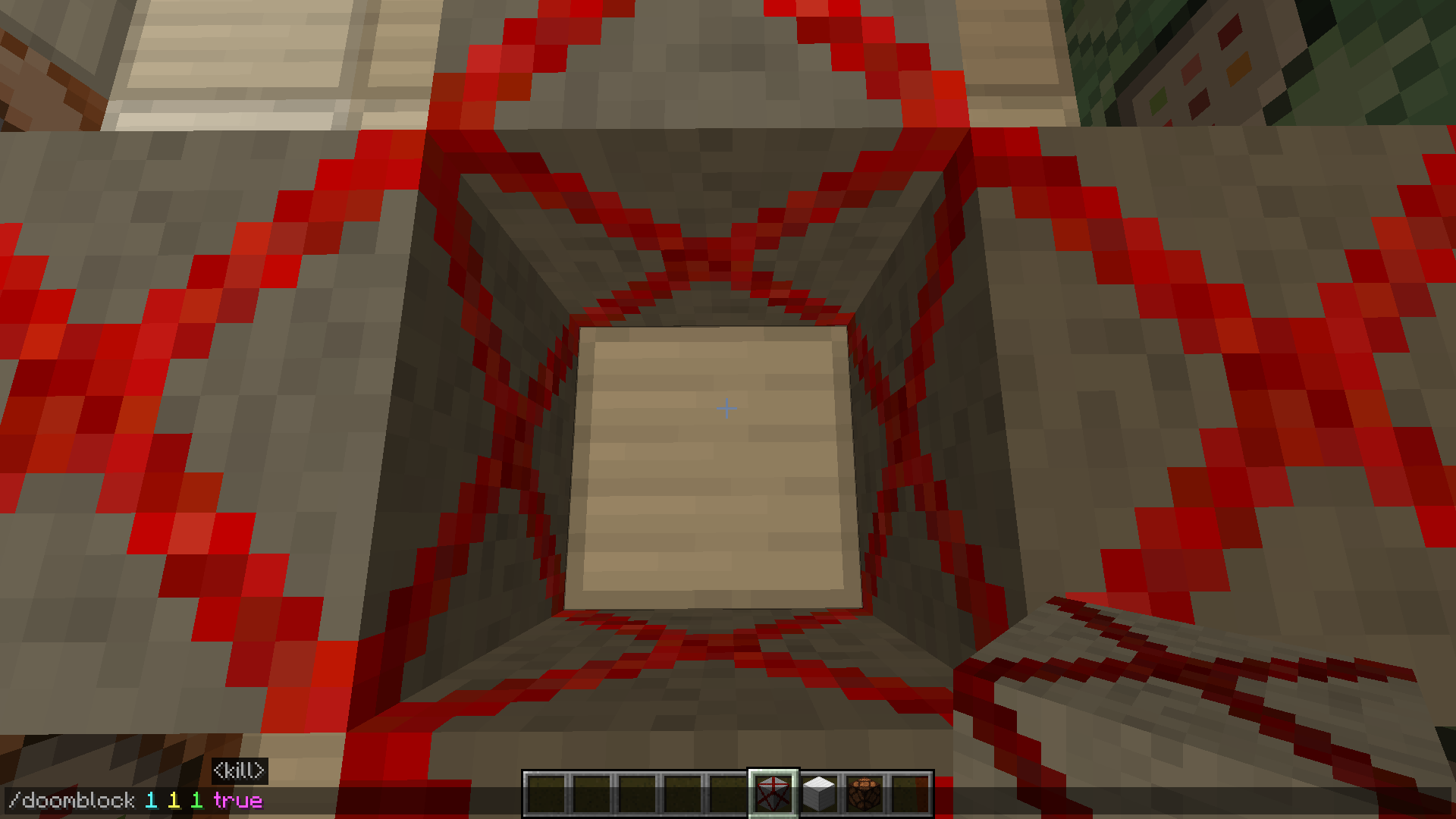
/doomblockcommand. Place blocks or entire zones instantly without building circuits. Example:/doomblock 1 1 1 trueinstantly activates a deadly zone.
Perfect For
- Challenge Maps. Build deadly corridors and rooms where survival depends on a single correct step.
- Parkour. Add real tension: players won't just be jumping — they'll be terrified to touch an extra block.
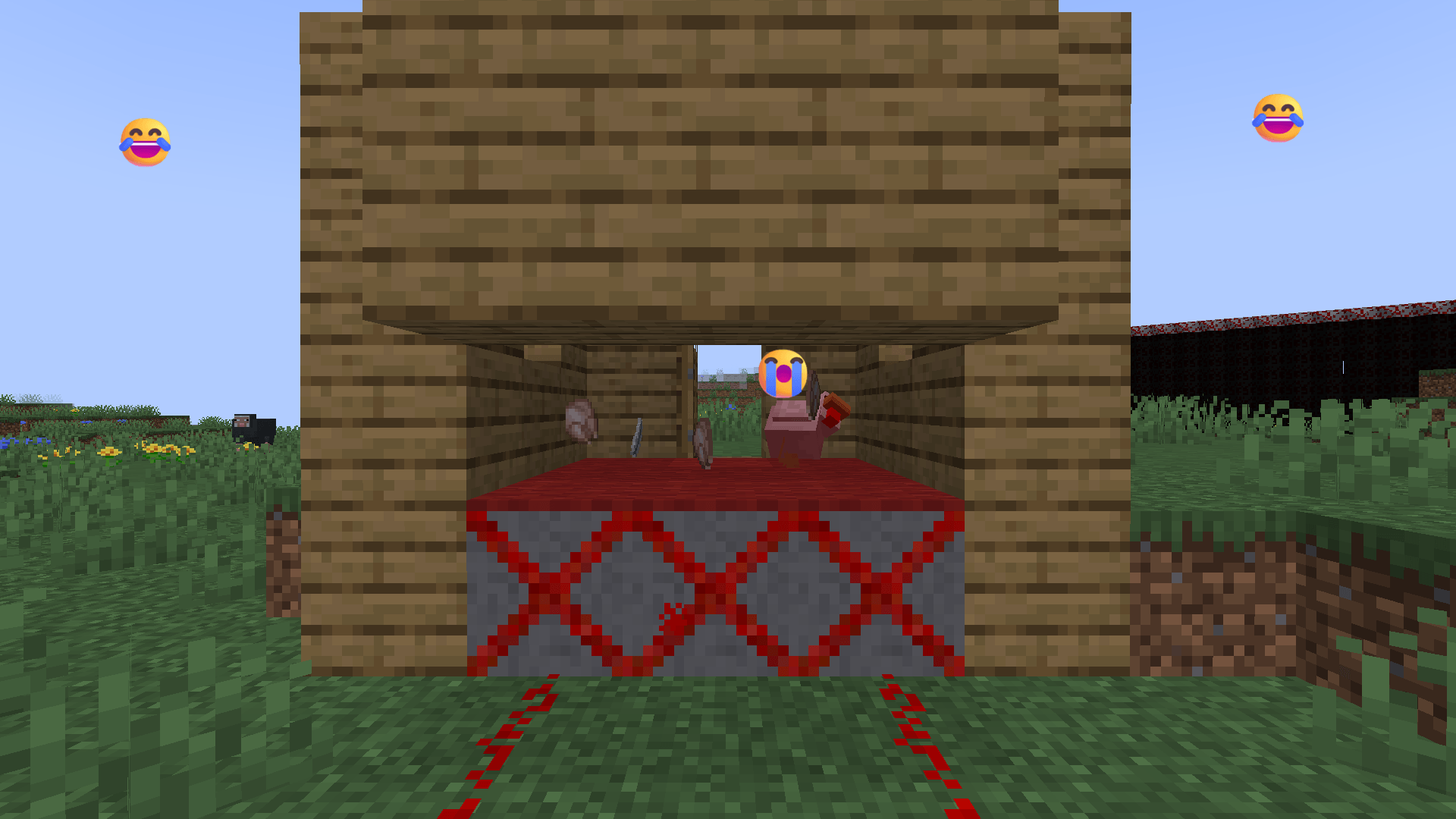
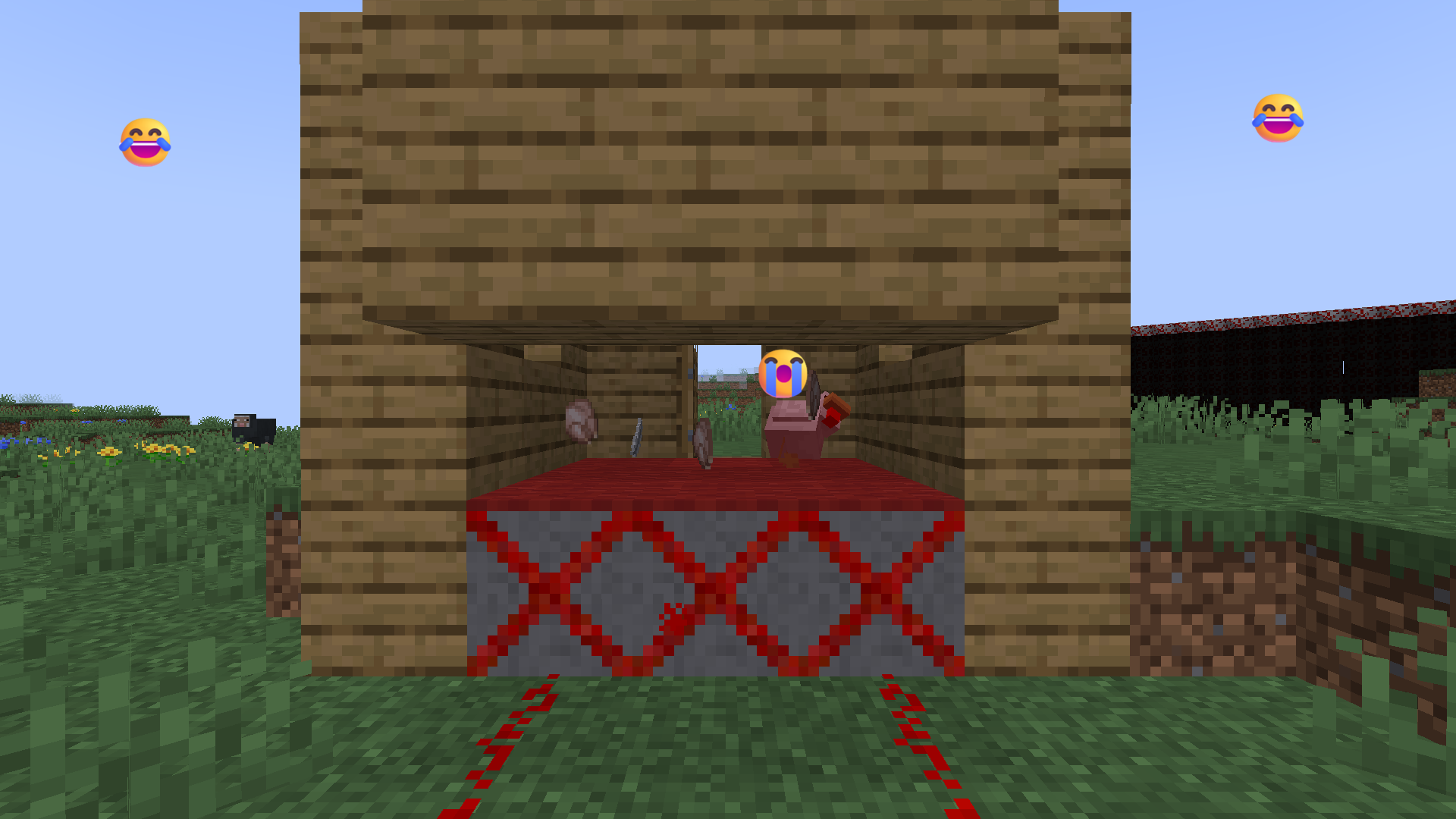
- Trolling Friends. Set up ambushes in the most innocent places: under a rug, inside a chest, or as a fake button. 😈
Core Mechanics
- Instant lethality. 500 damage on contact, ignores armor and most protective effects.
- Flexible placement. Use redstone or the
/doomblockcommand for precise trap zones. - Configurable danger. Toggle the block's lethality with the
blockKillsEntitiesgame rule — ideal for safe testing.
New in Version 1.0.9
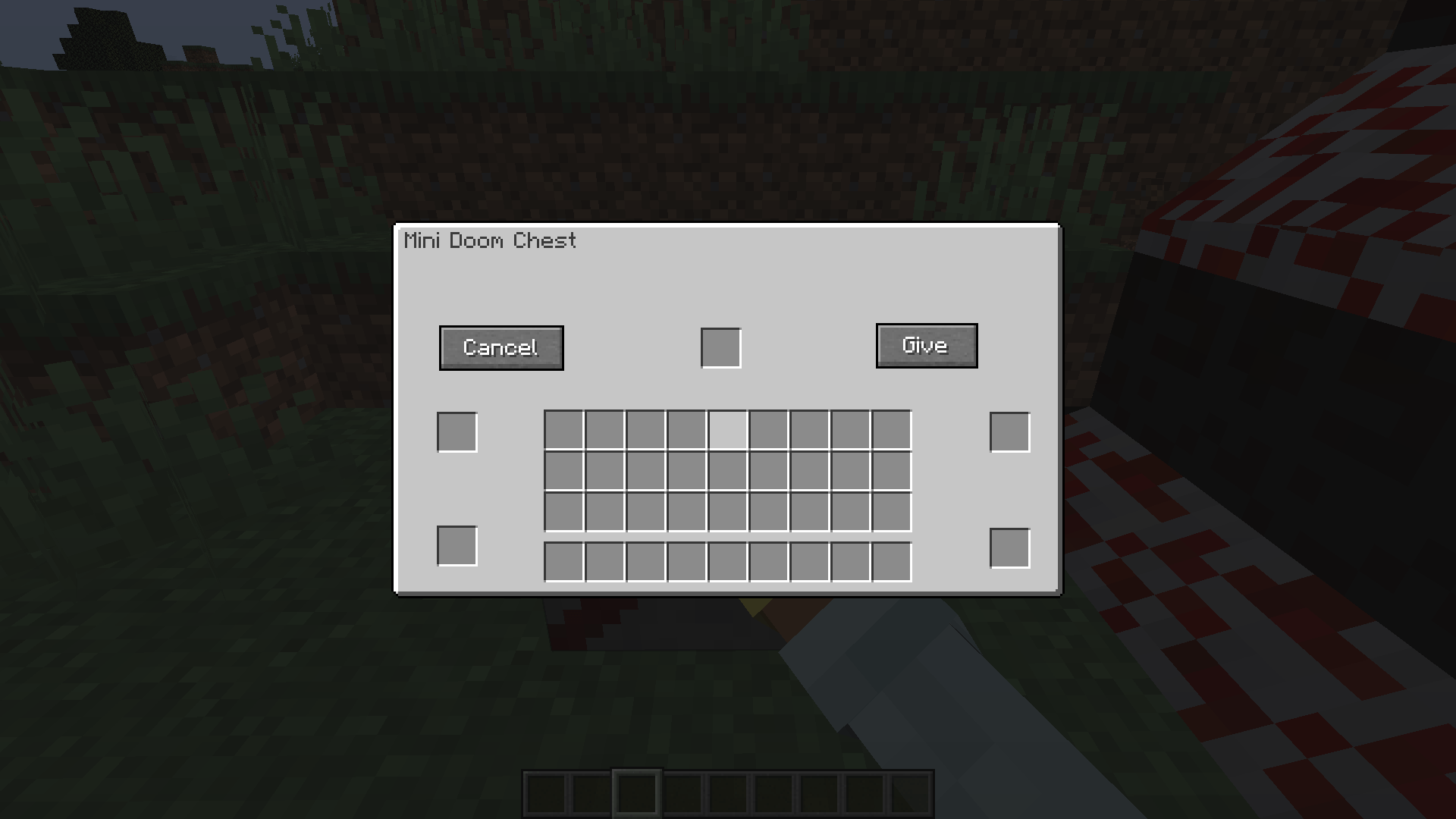
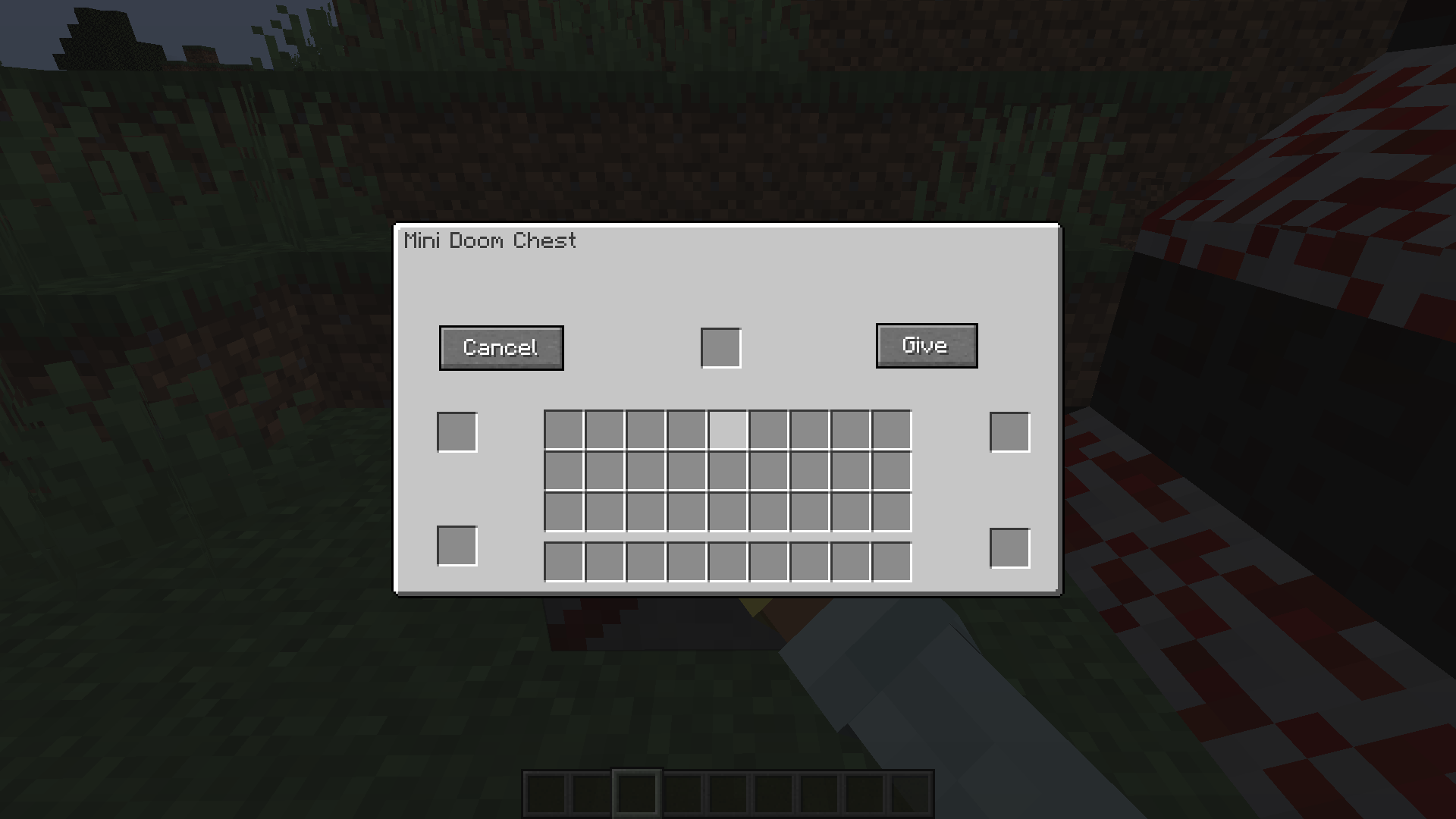
- Chest activation & risk‑reward. Right‑click the Doom Block to open a 5‑slot chest menu. Place redstone and dripstone to activate the trap with a 95 % chance — or get a rare special bucket (5 % chance).
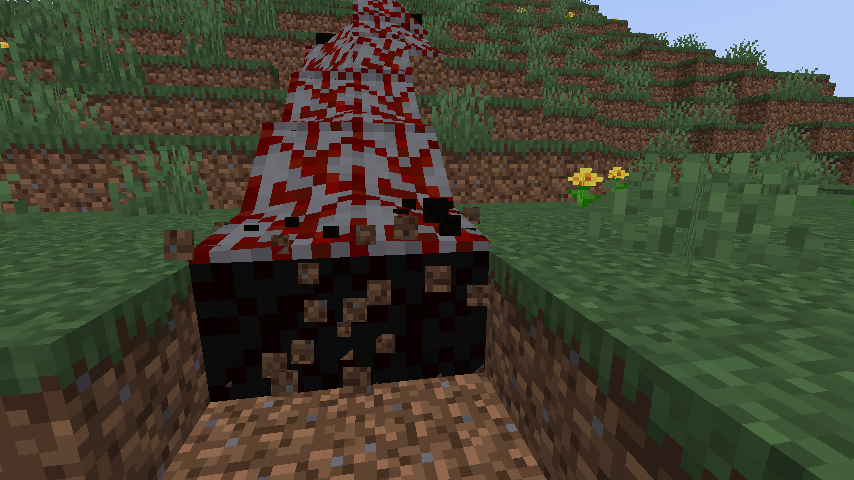
- Doom Flart — dangerous liquid. A new liquid that instantly kills any entity and breaks blocks beneath it (except extremely hard blocks), creating cascading destruction.
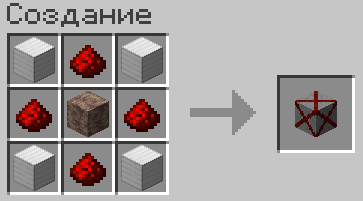
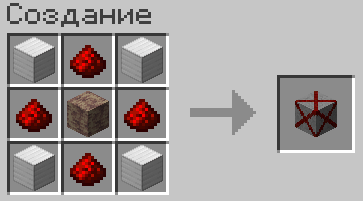
- Craftable Doom Block. Craft the block with a special recipe: 4 redstone dust (corners), 4 iron blocks (edges), and 1 dripstone block (center).
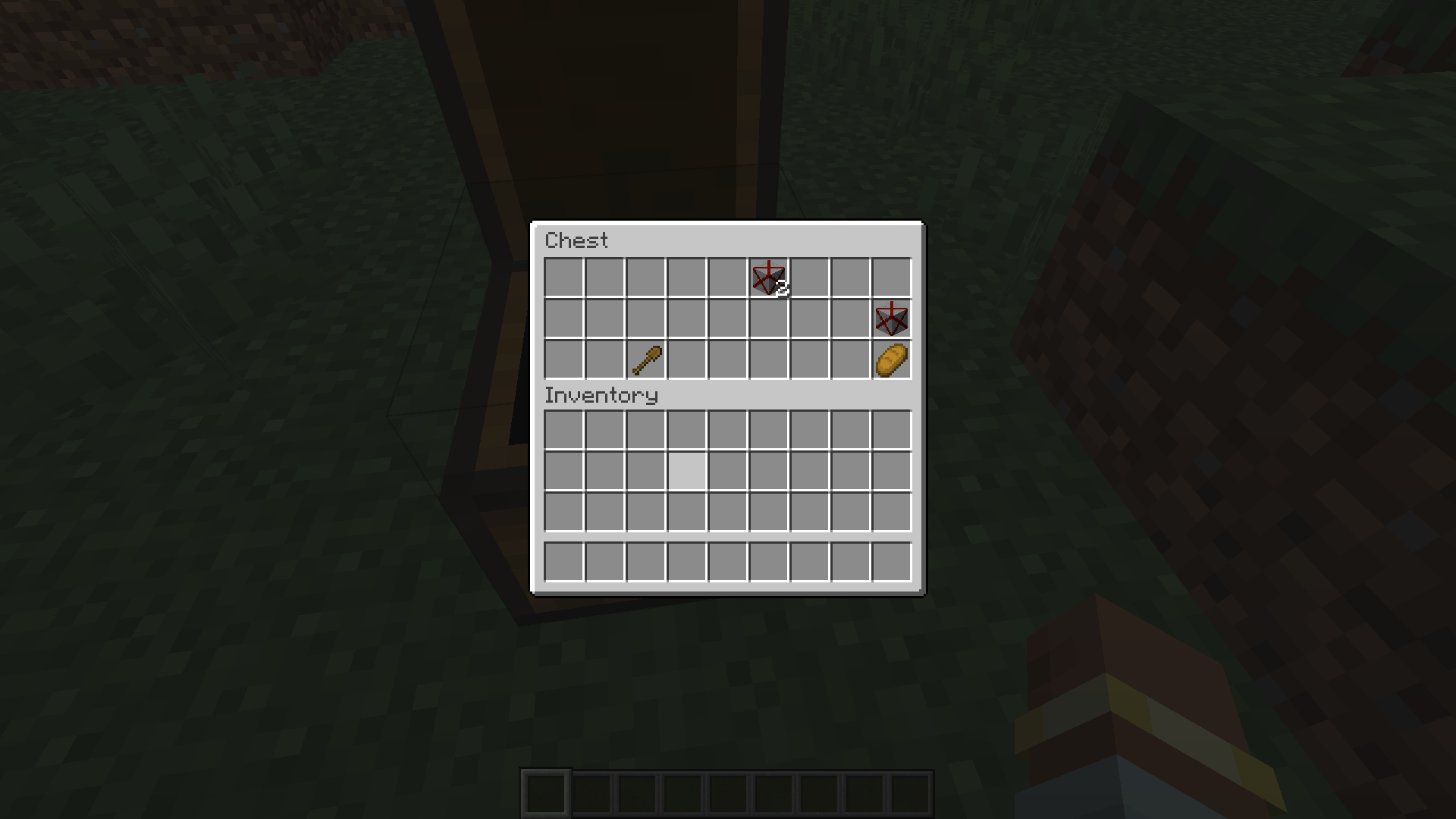
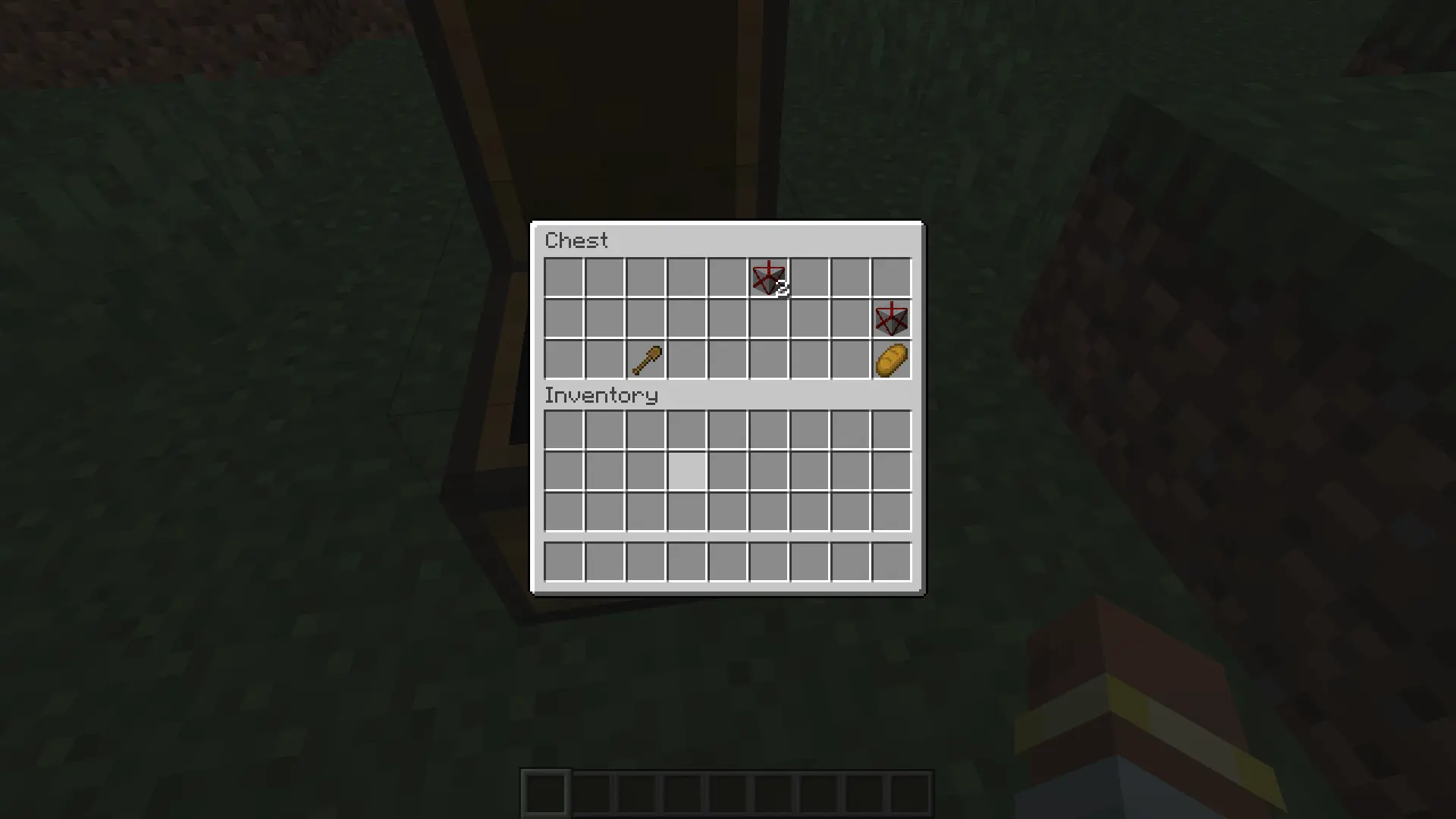
- Loot chests & achievement. Find Doom Block chests in Plains, Desert, Forest, and River biomes. Unlock the high‑tier achievement "The Doom Block Is Disabled" for a true hardcore test.
Pro Tips from the Dev
- Precise control. The
/doomblockcommand supports individual X, Y, Z values — create perfect trap shapes like long corridors or narrow passages. - Safety first. Keep
blockKillsEntities = falsewhile testing. It'll save you tons of time and frustration. Switch totrueonly when everything's perfect. - Performance note. Some events (like the apocalypse sequence) create heavy particle and explosion loads. Always test in a separate world first.
- Lag protection. A built‑in limit of 32 blocks prevents accidental lags from huge radius values.
Technical Details
- Platform: Minecraft NeoForge: 1.21.1, 1.21.4 and 1.21.8.
- Loader: NeoForge only (not compatible with Forge or Fabric).
- Localization: English and Russian.
🎬 Need help setting up complex mechanisms without breaking the server? Check out the detailed tutorial on YouTube: https://youtube.com/shorts/KceCdkydwd0
In the world of Doom Block, it is forbidden to change the game rules. The world will not give instructions, will not warn and will not forgive mistakes. But if you're crazy enough to try it, somewhere between the skulk sensors and the diamond structure, something awaits you that is not described in any guide. If you survive.
Doom Block — A Deadly Trap in the Style of a Cult Shooter 💥
Want to add a real threat to your world that even the best armor can’t protect you from? Doom Block is a block that instantly kills any mob or player on contact, dealing a whopping 500 damage points. Inspired by the mechanics of cult shooters, this mod turns the ordinary Minecraft world into a survival arena.
📸 Gallery Placeholders
📸 Gallery Placeholders
How to Activate the Trap?
How to Activate the Trap?
You have two ways to set this death machine in motion:
- Redstone signal. Connect a lever, button, or complex sensor — and the trap is ready to go. Ideal for creating automatic systems.
- /doomblock command. Quickly place blocks or entire zones directly in the game without having to build cumbersome circuits.
What Is This Mod Suitable For?
What Is This Mod Suitable For?
- Challenge Maps. Create deadly corridors, rooms with traps, and survival challenges where one wrong step means the end.
- Parkour. Add an element of risk and tension. Make players not just jump, but be afraid to touch an extra block.
- Trolling Friends. Set up an ambush where it’s least expected — for example, under the rug by the door or in a chest. 😈
Key Features
Key Features
- Instant lethality. The Doom Block deals 500 damage on contact, ignoring armor and most protective effects.
- Flexible placement. Use redstone or the
/doomblockcommand to set traps exactly where you need them. - Configurable danger. The
blockKillsEntitiesgame rule lets you toggle the block’s lethality on and off for testing or custom gameplay.
New in Version 1.0.9
New in Version 1.0.9
- Chest activation. Right‑clicking a Doom Block toggles the chest property to
true. When active, a small chest appears next to the block, opening a special 5‑slot menu. - Limited storage & risk reward. The chest menu has 5 slots: 4 for redstone and 1 for a dripstone block. Clicking Give gives a 95 % chance to set
killing_with_a_touchtotrueon the Doom Block. There’s a 5 % chance for a special bucket to spawn in the activating player’s inventory. - Doom Flart — dangerous liquid. This bucket contains Doom Flart: a liquid that instantly kills any entity on contact. When flowing, Doom Flart can break blocks beneath it (except extremely hard blocks), creating cascading destruction.
- Craftable Doom Block. You can now craft the block using a special recipe: 4 redstone dust (corners), 4 iron blocks (edges), and 1 dripstone block (center).
- High‑tier achievement. Unlock “The Doom Block Is Disabled” by meeting strict construction, inventory, and prerequisite conditions — a true test for hardcore players.
- Loot chests. Doom Block chests spawn in Plains, Desert, Forest, and River biomes and contain useful items: Doom Blocks, dripstone blocks, wooden and stone tools, redstone components, food, and a decorative flower.
Notable Mechanics & Tips
- Asymmetric radius control. The
/doomblockcommand supports individual values for X, Y, and Z axes, letting you create precise trap zones (e.g., long corridors or narrow passages). - Safety cap. A built‑in limit of 32 blocks prevents accidental lags from huge radius values.
- Smart validation. The command checks your arguments and gives clear error messages if something’s missing.
Pro tip: When designing or testing Doom Block setups, keep blockKillsEntities = false. This will save you tons of time and frustration. Once everything’s perfect, switch it to true to unleash the real challenge.
Warning: Some events (like the apocalypse sequence) generate intense particle and explosion loads. Always test in a separate world first.
Technical Details
- Platform: Minecraft NeoForge: 1.21.1, 1.21.4 and 1.21.8.
- Loader: NeoForge only (Forge and Fabric are not supported).
- Localization: Full English and Russian localization included.
🎬 Want to learn how to set up complex mechanisms without breaking the server? Check out the detailed tutorial on YouTube: https://youtube.com/shorts/KceCdkydwd0
Screenshots
Gallery
-
 2026-08-24_10.16.11.png 2026-08-24_10.16.11.png
 -
image-attachment_acefbddf-0d69-4ec9-9ca9-742851fd0e69.png Fixed the /doomblock command radius. Now the radius actually works based on the values you enter (e.g., X: 1, Y: 1, Z: 1). Previously, it was stuck at 3 blocks. Added a safety limit of 32 blocks to prevent the game from lagging.
-
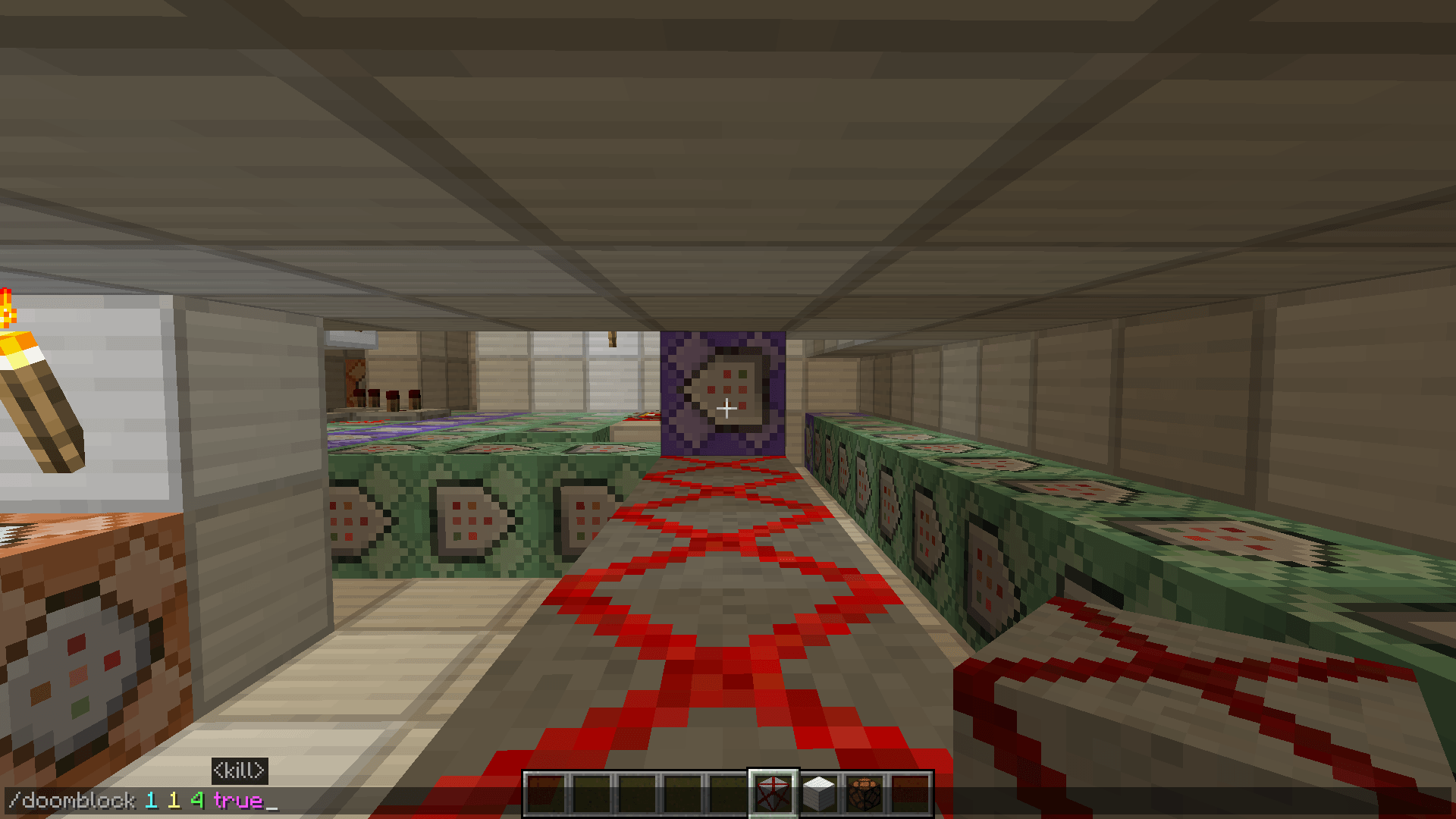 image-attachment_7d9ca569-be6b-4349-81d2-83051bb5eae8.png Check out the new flexible radius system for the /doomblock command! Now you’re not stuck with a boring square area — you can shape the effect exactly how you want. Set different values for each axis: X for width, Y for height, and Z for length. For exam
 -
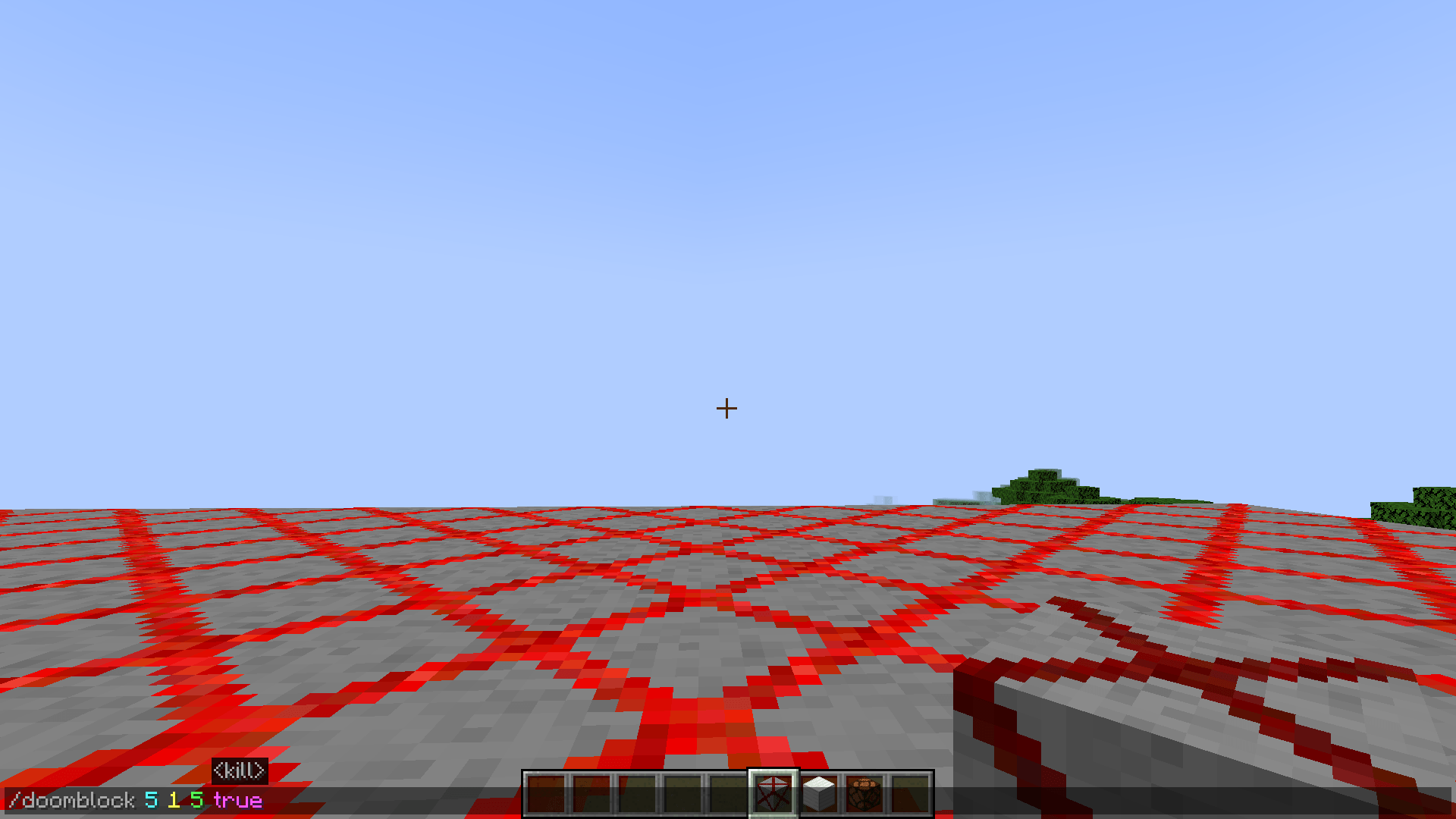 image-attachment_fb6e8bab-10e5-4672-b5a1-8d6dd3eb68ef.png Check out the new radius system in action! The red grid lines show the exact area affected by the /doomblock command. Now you can set different values for each axis to shape the effect however you like: X (Width): Left and right spread. Y (Height): Up a
 -
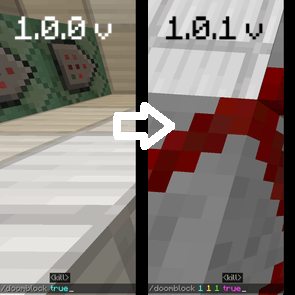 image-attachment_158d1a73-fc20-49ca-95e5-3de31f06abcf.png Comparison of the /doomblock command from versions 1.0.0 and 1.0.1 of my Doom Block mod.
 -
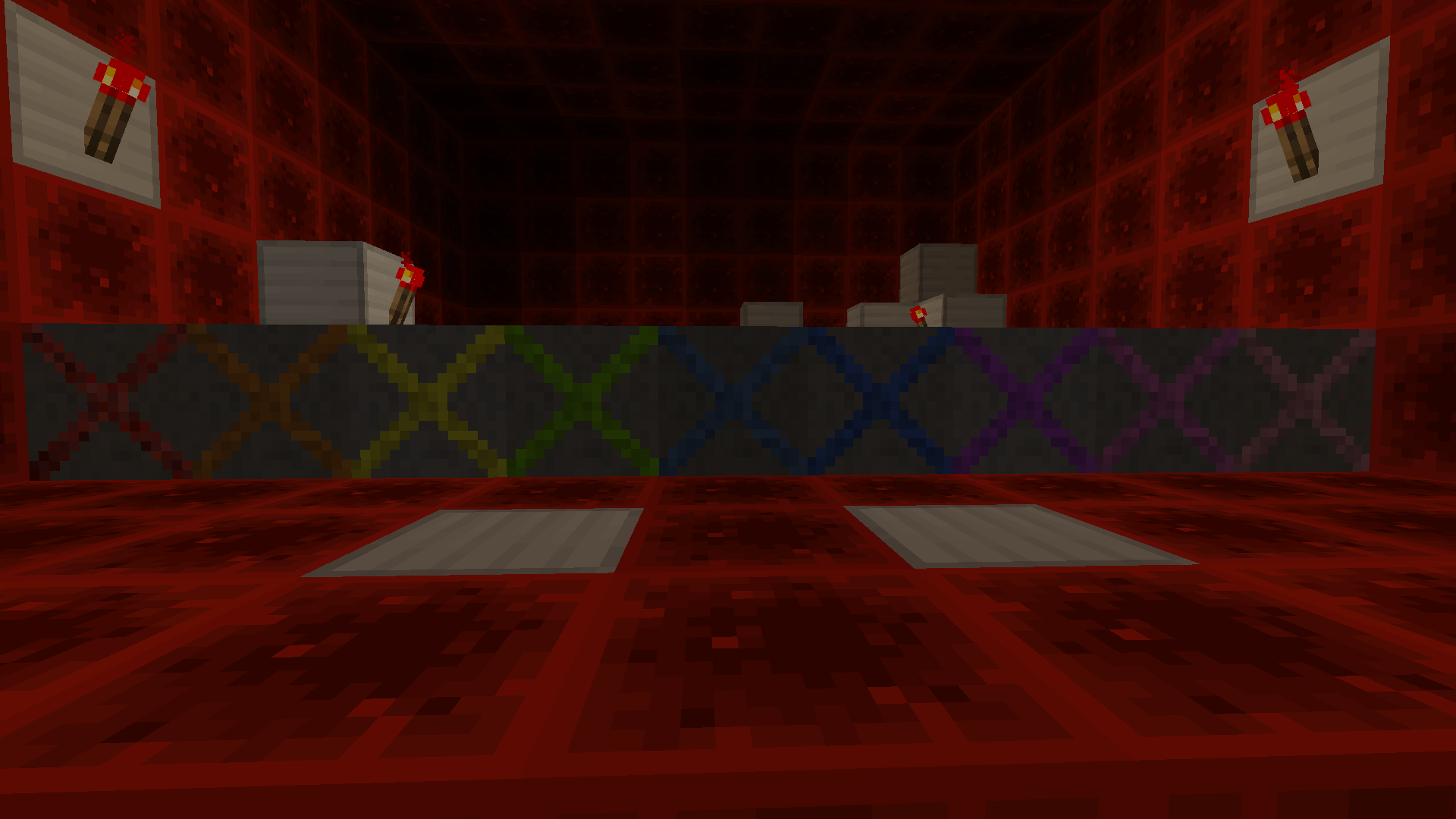 image-attachment_3458e229-28b2-44a6-8a3c-0a7e9152e9de.png Each of the colorful blocks in Doom — red, orange, yellow, light green, blue, turquoise, light blue, purple, magenta, pink, and white — has its own effect. If you want to find out which color is responsible for what, check the “Change version” section.
 -
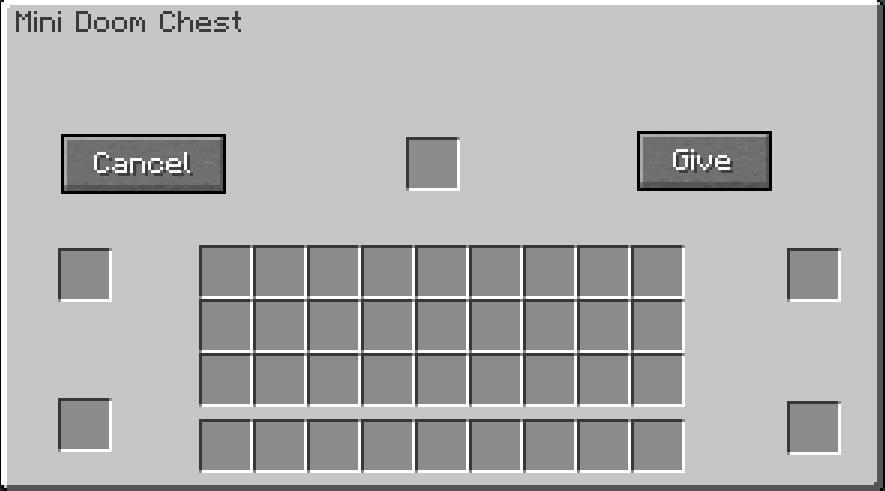 Menu After clicking on the Doom block with the chest, you will have this menu
 -
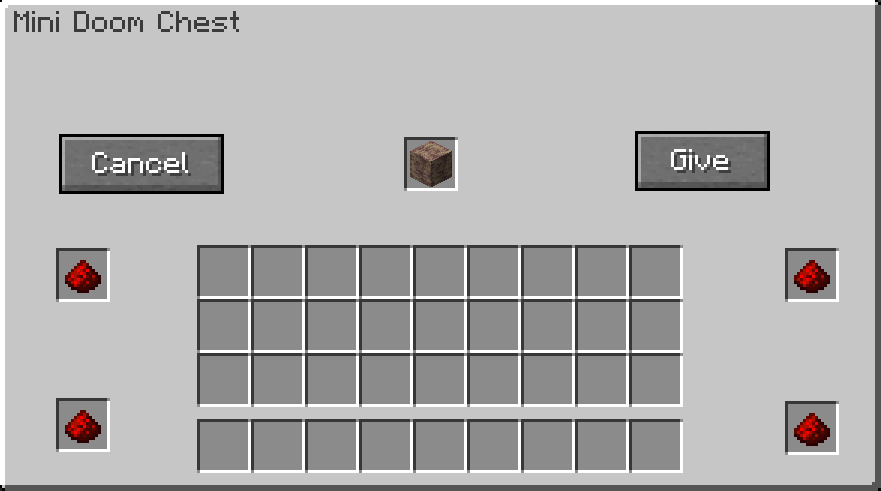 Fill in the cells Fill in the cells to make it work
 -
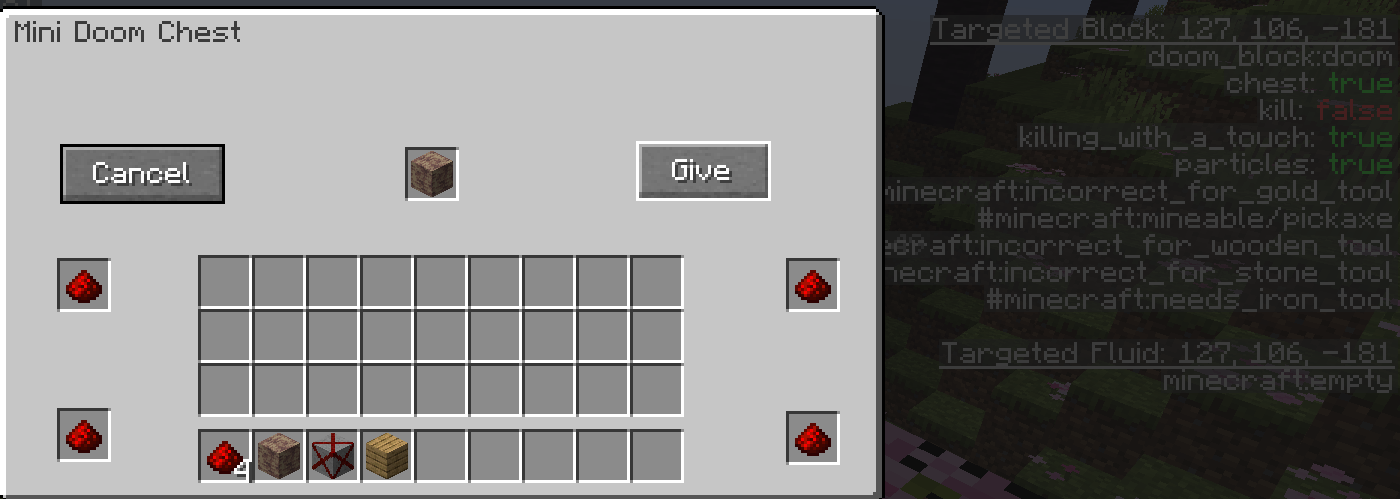 Changing the block status Changing the state of the block when touching the entity immediately dies
 -
2026-09-13_12.46.20.png 2026-09-13_12.46.20.png
-
 2026-09-13_12.48.51.png 2026-09-13_12.48.51.png
 -
2026-09-13_13.19.47.png 2026-09-13_13.19.47.png
-
2026-09-13_13.23.42.png 2026-09-13_13.23.42.png
-
2026-09-13_13.30.22.png 2026-09-13_13.30.22.png
-
Recipe Doom Block New Recipe🤯 - Doom Block
-
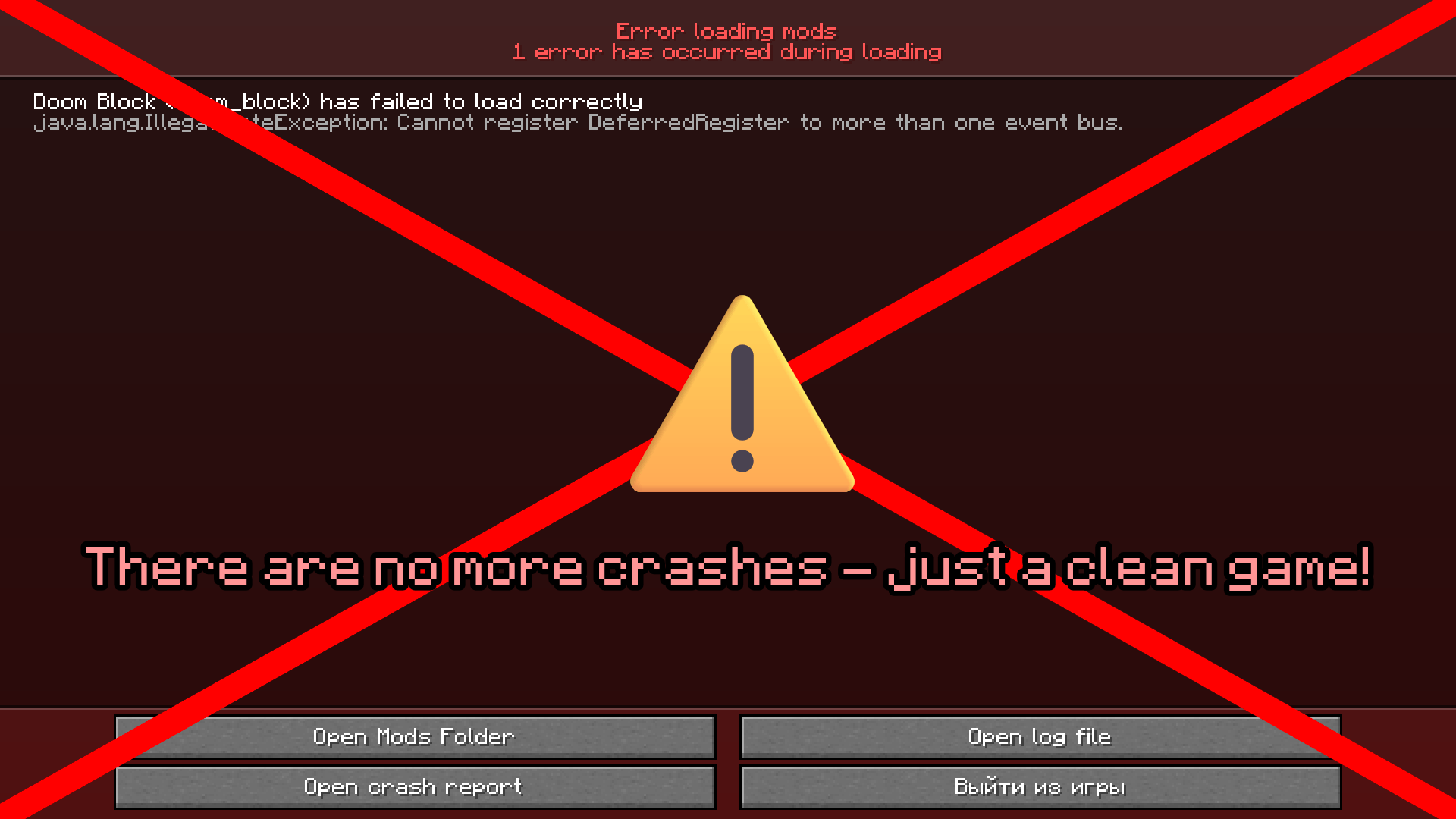 There are no more crashes — just a clean game! There are no more crashes — just a clean game!
 -
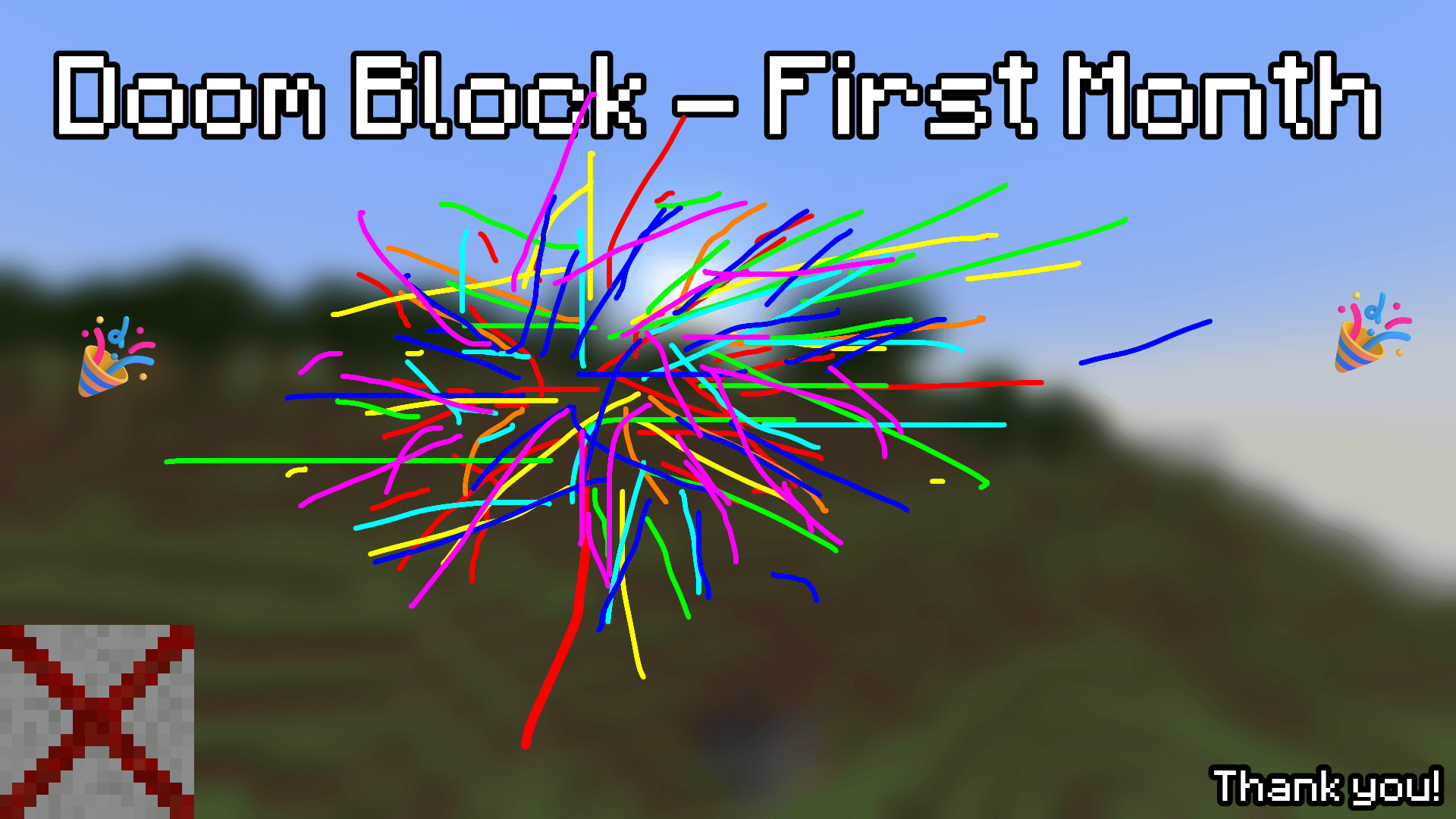
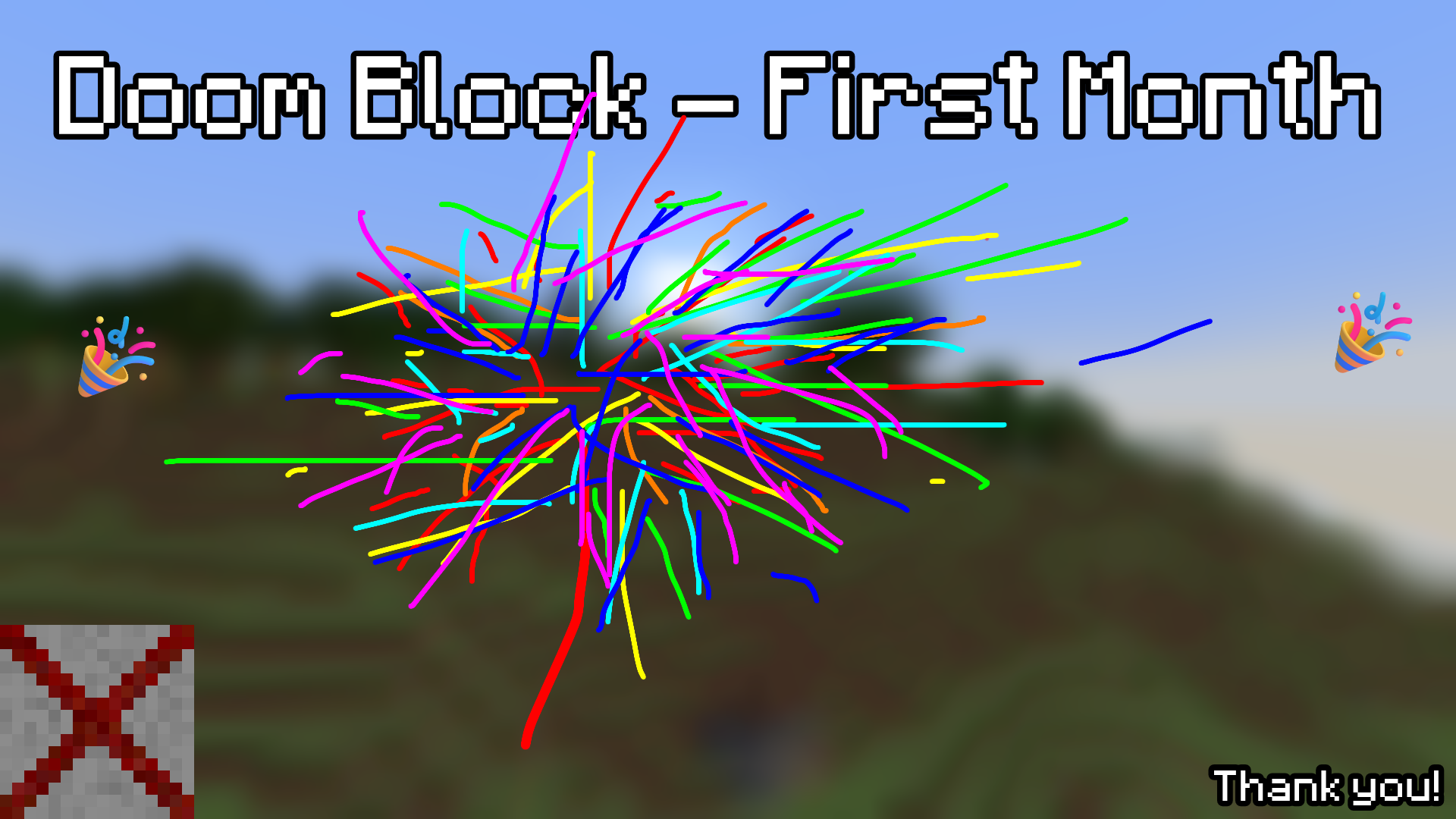
Doom Block - First Month! Thank You! Downloads!
-
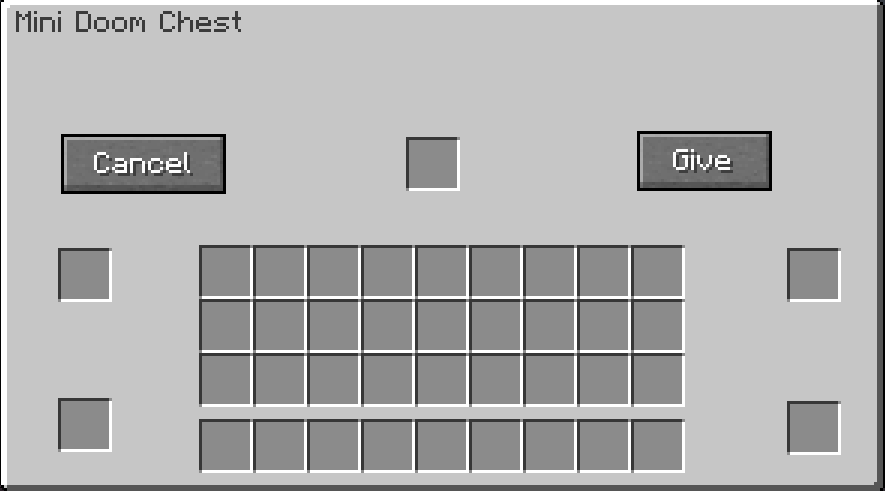 Menu After clicking on the Doom block with the chest, you will have this menu
 -
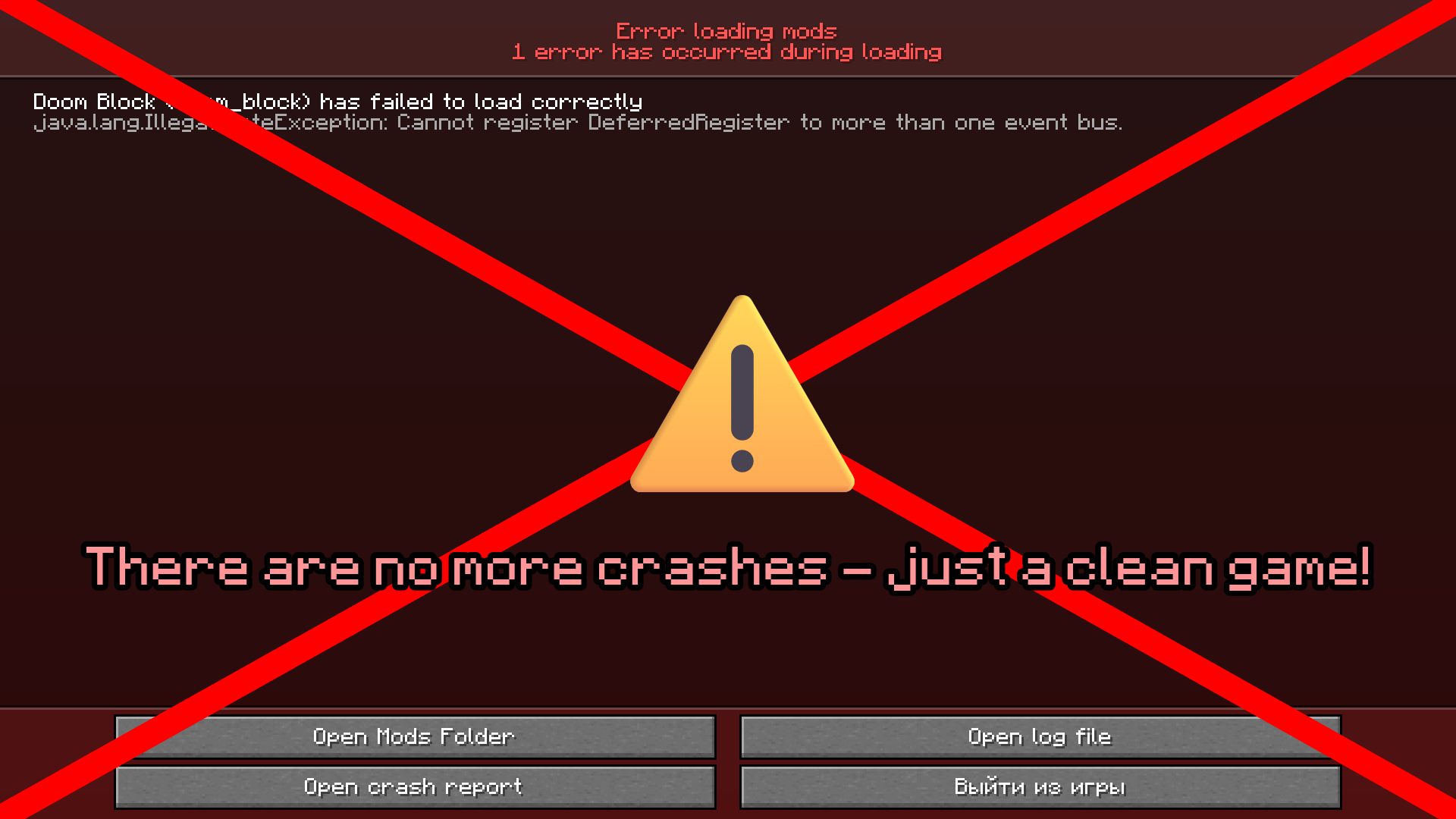 There are no more crashes — just a clean game! There are no more crashes — just a clean game!
 -
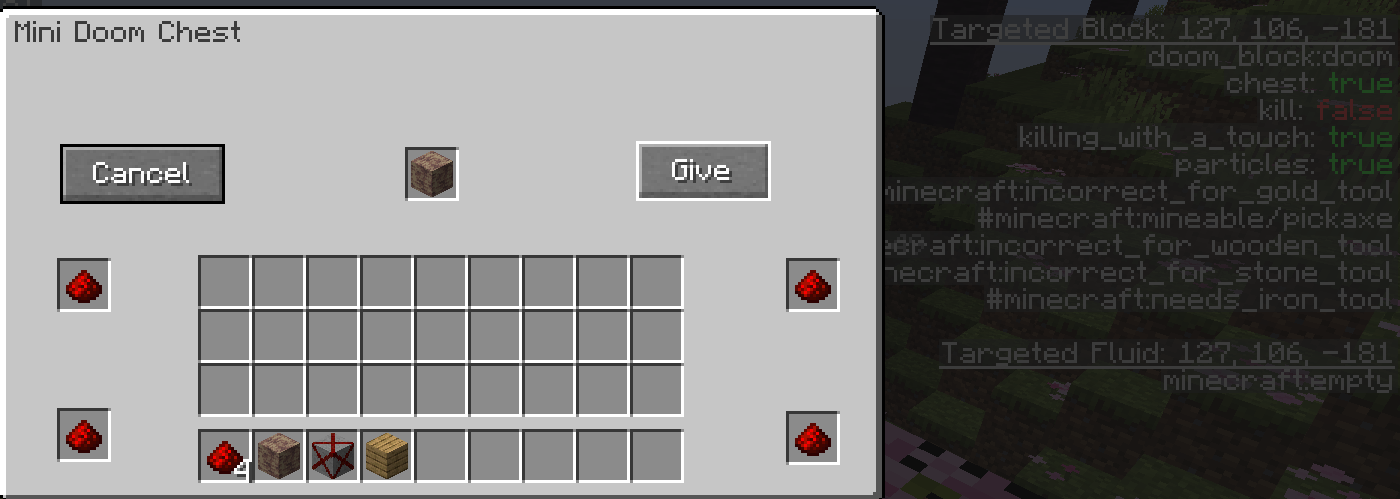 Changing the block status Changing the state of the block when touching the entity immediately dies
 -
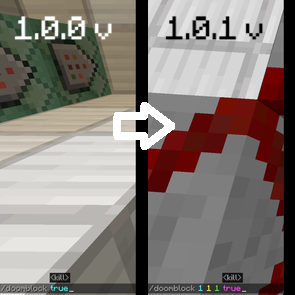 Command In Doom Block Comparison of the /doomblock command from versions 1.0.0 and 1.0.1 of my Doom Block mod.
 -
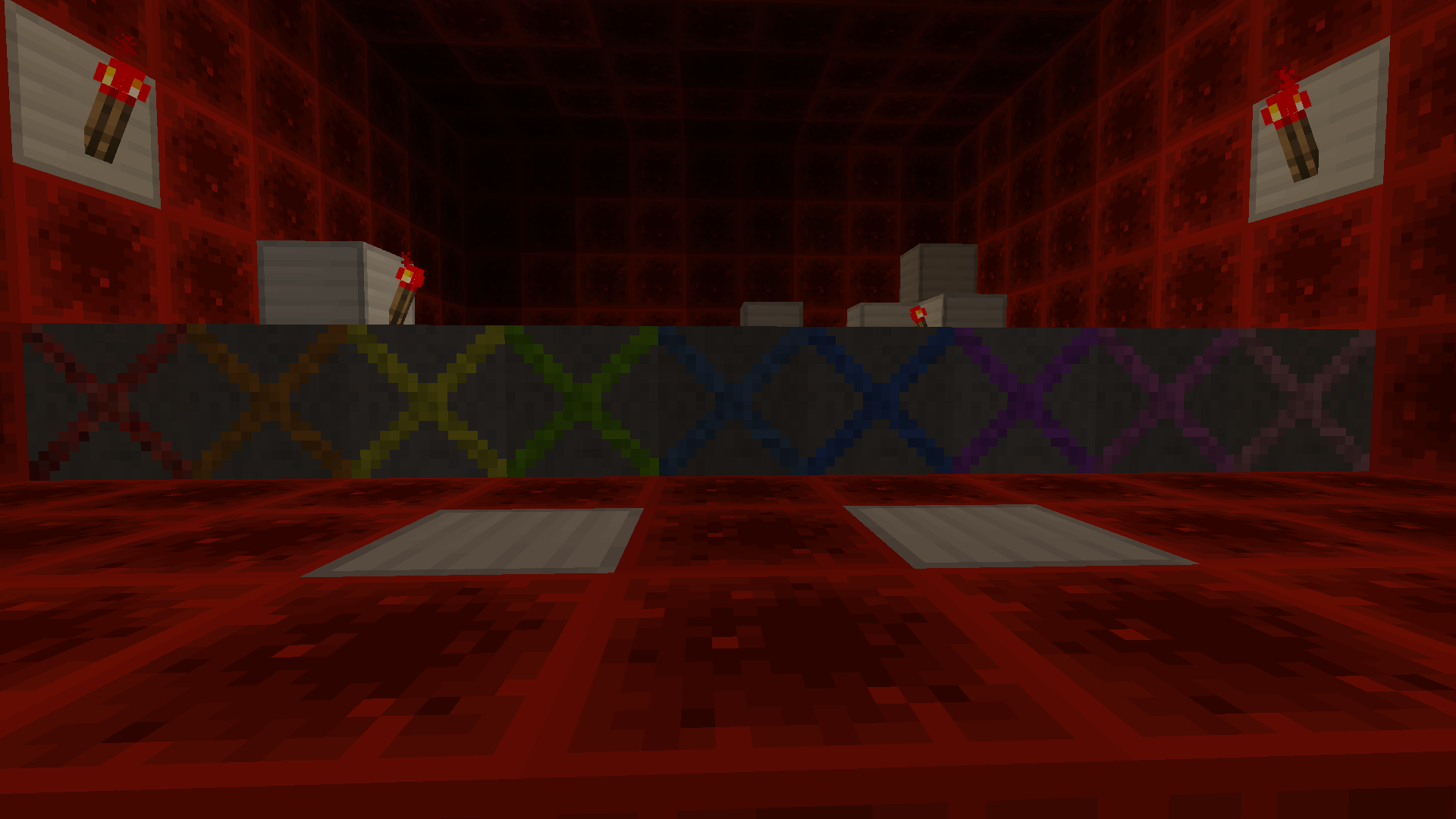 Multicolored Doom Blocks Each of the colorful blocks in Doom — red, orange, yellow, light green, blue, turquoise, light blue, purple, magenta, pink, and white — has its own effect. If you want to find out which color is responsible for what, check the “Change version” section.
 -
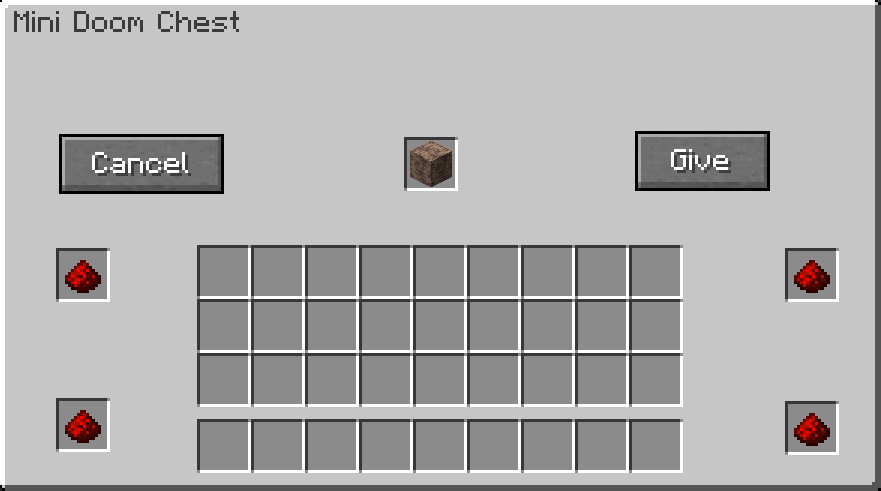 Fill in the cells Fill in the cells to make it work
 -
 Doom Block - First Month! Thank You! Downloads and views!
 -
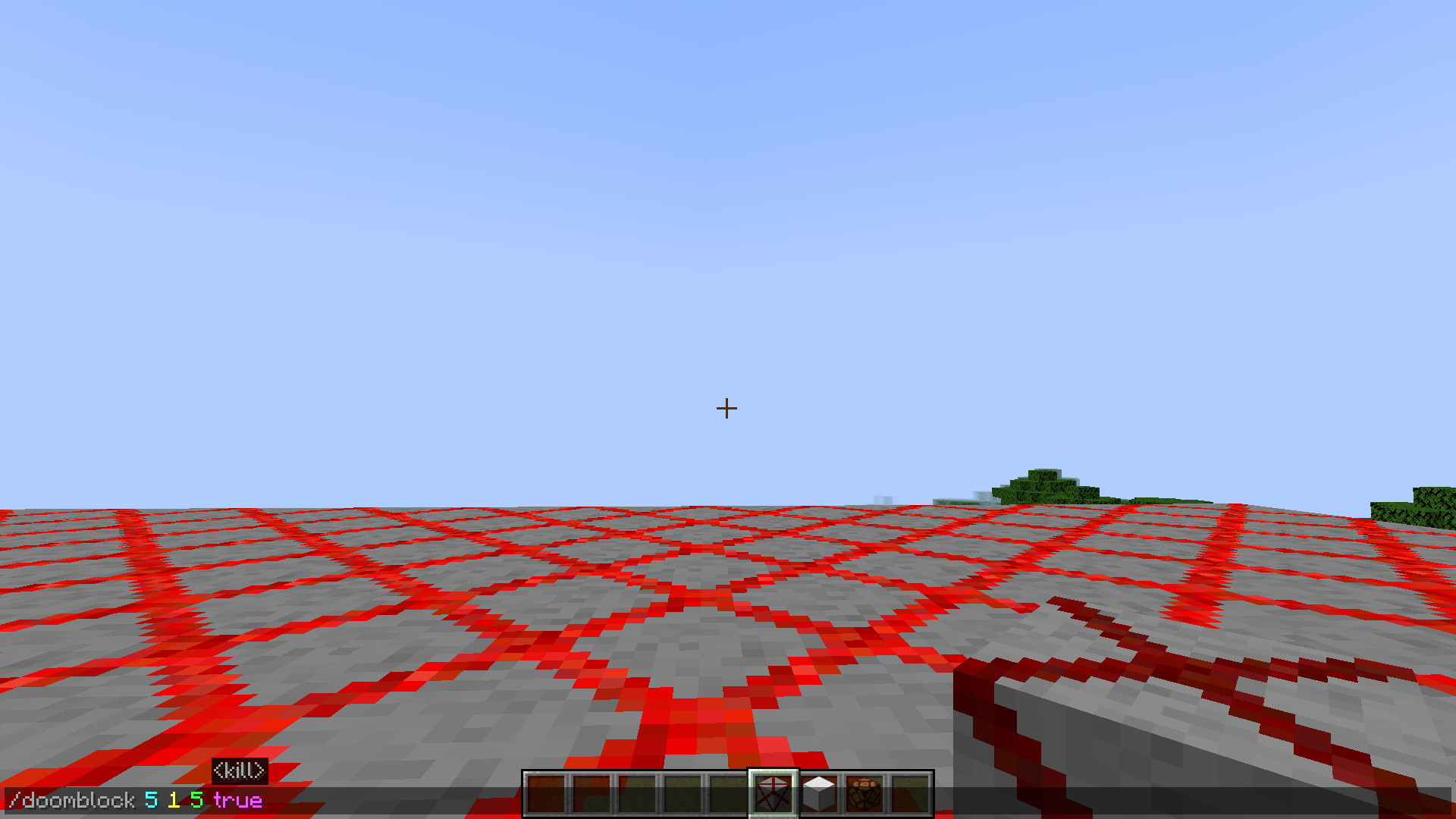 Flexible radius: activate rectangles, not just cubes! Check out the new radius system in action! The red grid lines show the exact area affected by the /doomblock command. Now you can set different values for each axis to shape the effect however you like: X (Width): Left and right spread. Y (Height): Up a
 -
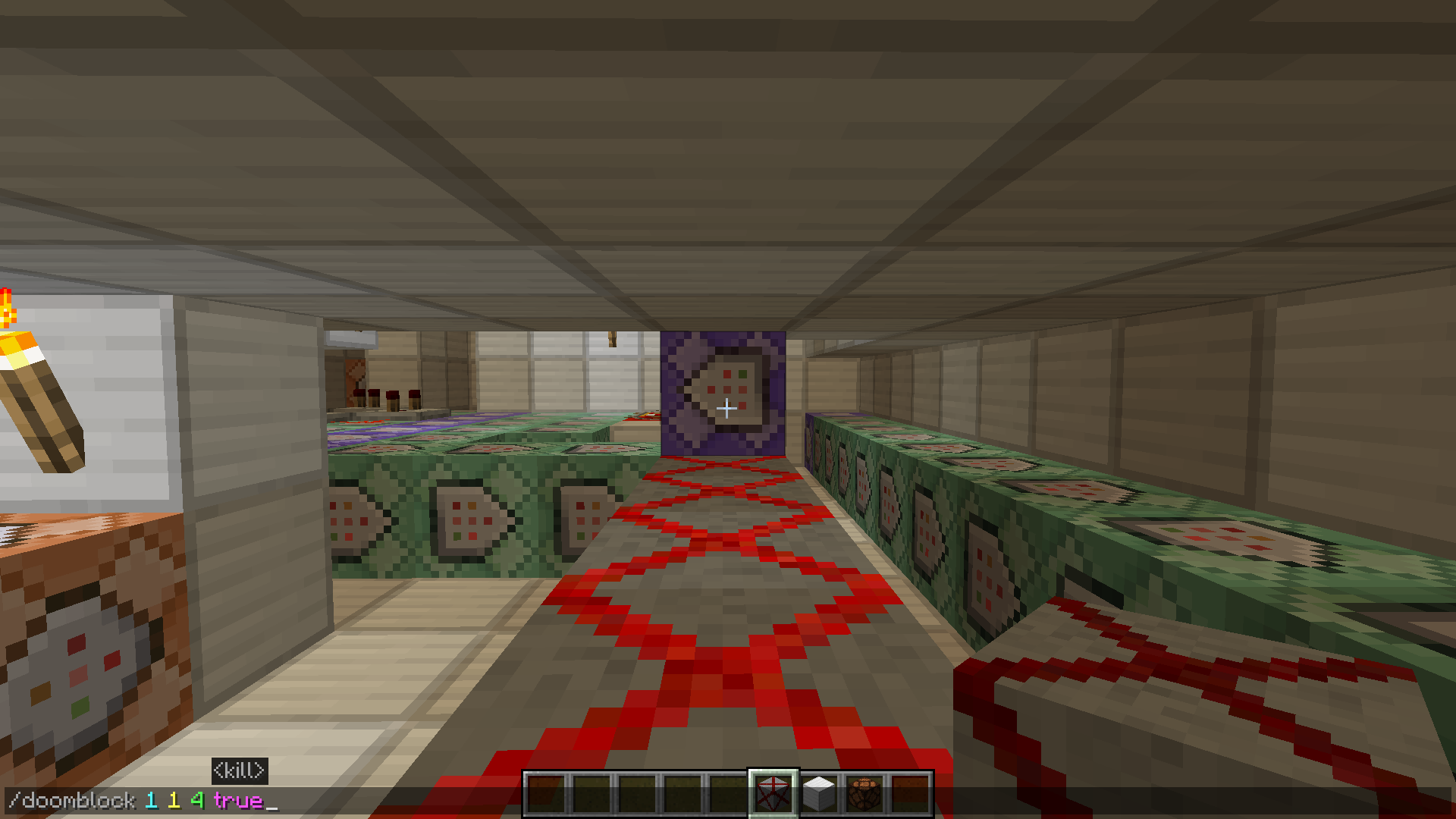 The radius of the /doomblock command added. Example: straightfor Check out the new flexible radius system for the /doomblock command! Now you’re not stuck with a boring square area — you can shape the effect exactly how you want. Set different values for each axis: X for width, Y for height, and Z for length. For exam
 -
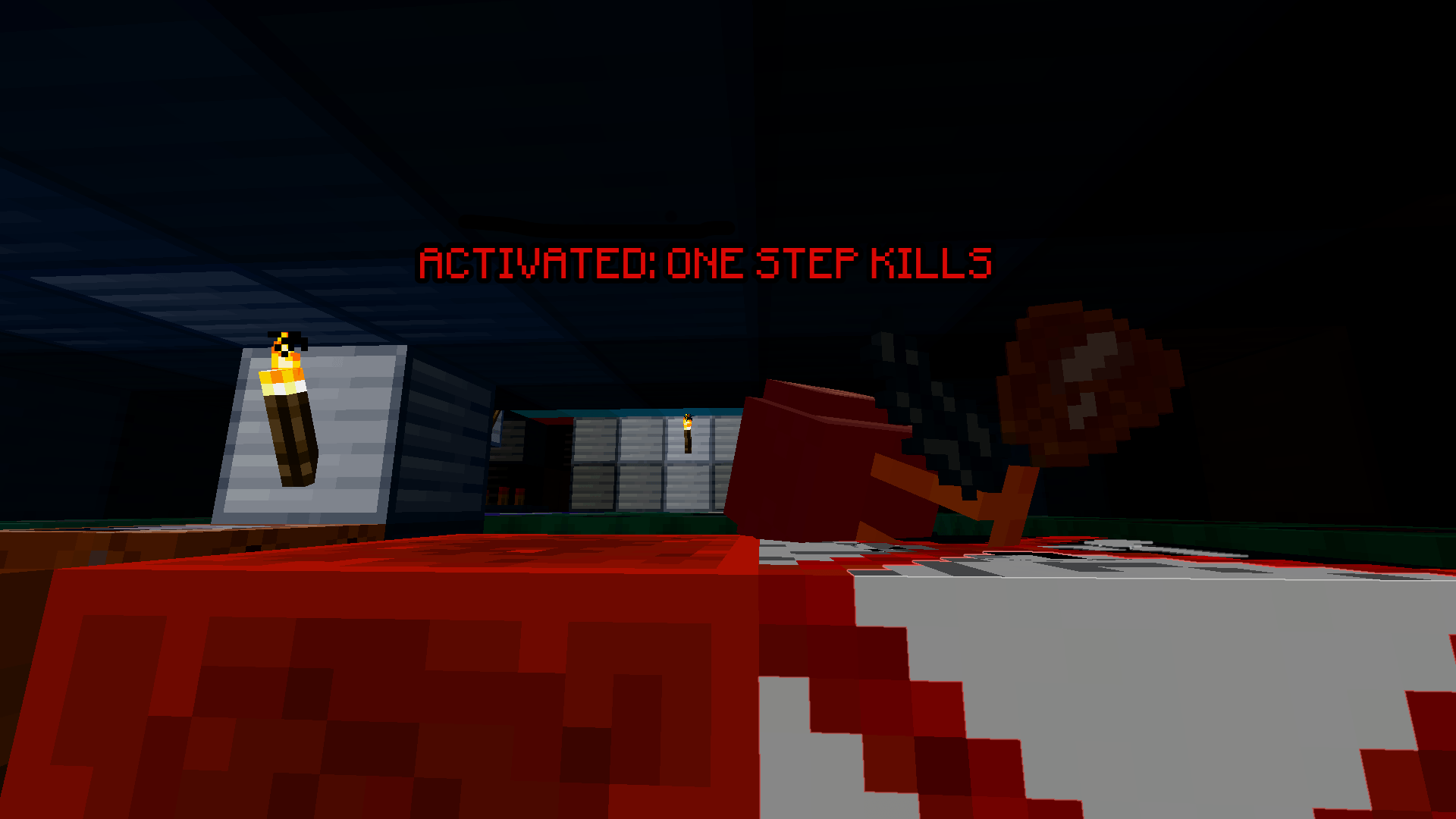
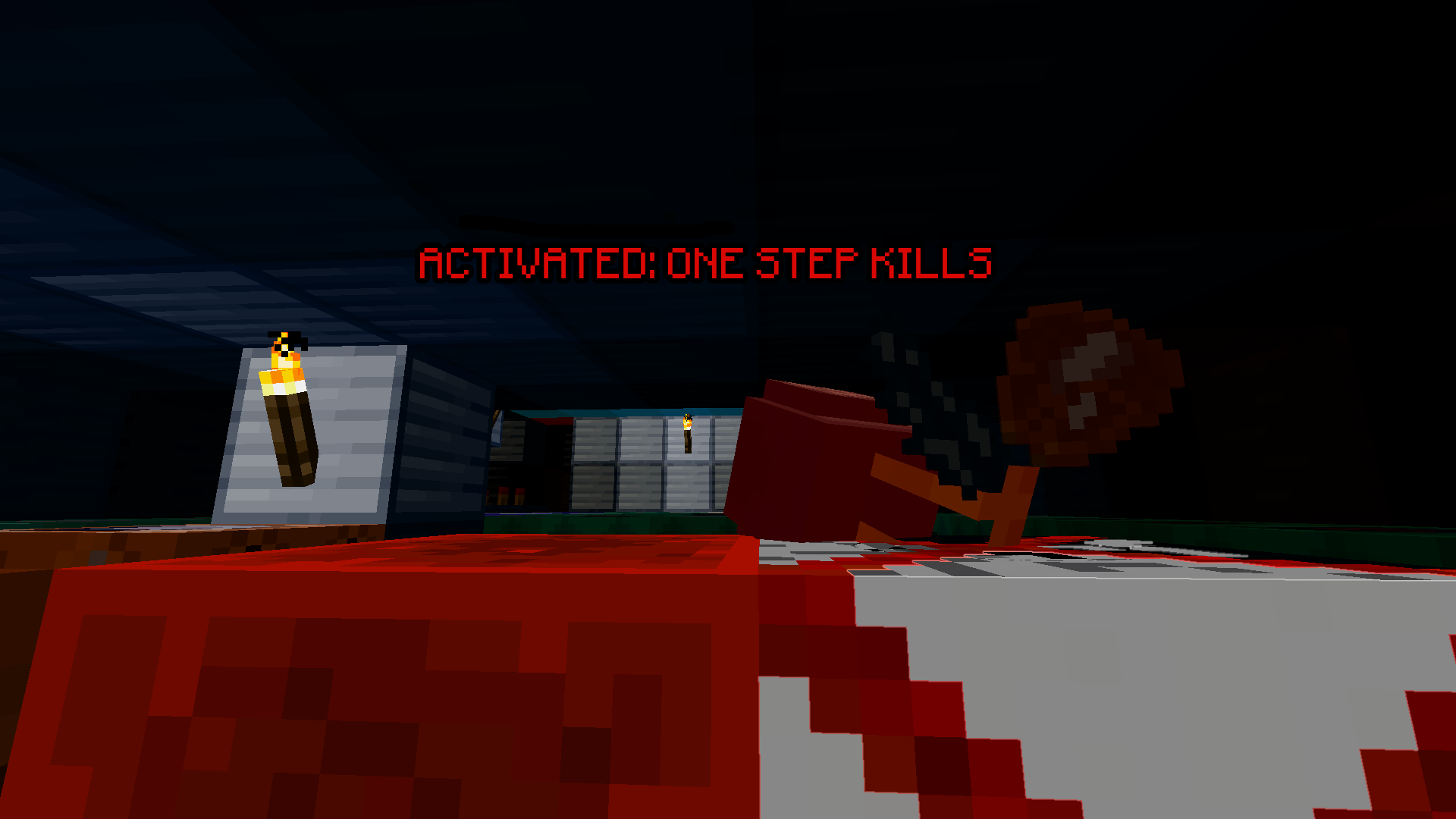 Doom Block in action: instant kill The frame shows the activation of Doom Block and instant damage dealt to the mob.
 -
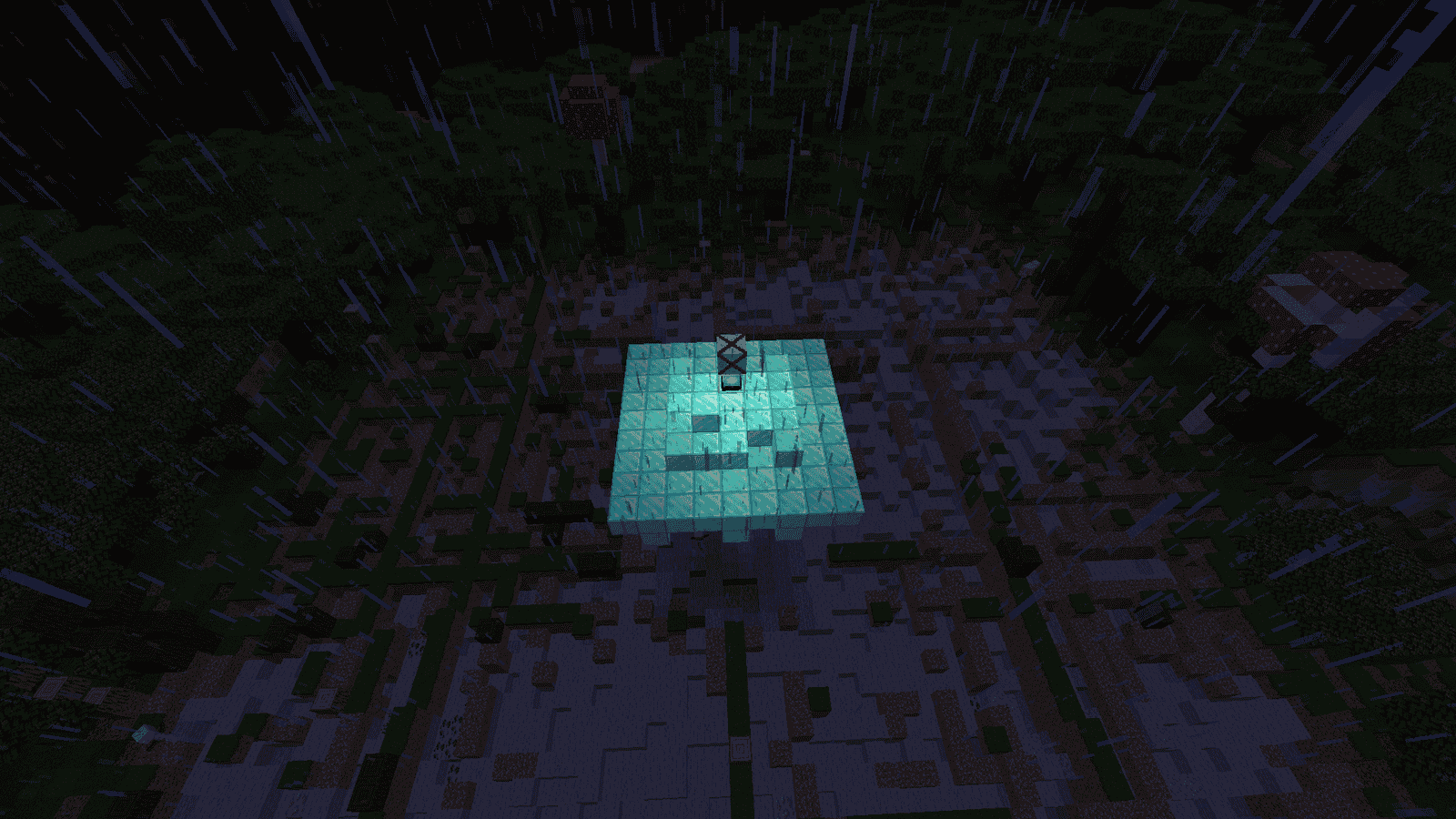 During the siren During the siren, the explosions, and you have a few minutes to use the Doom Block while it’s disabled!
 -
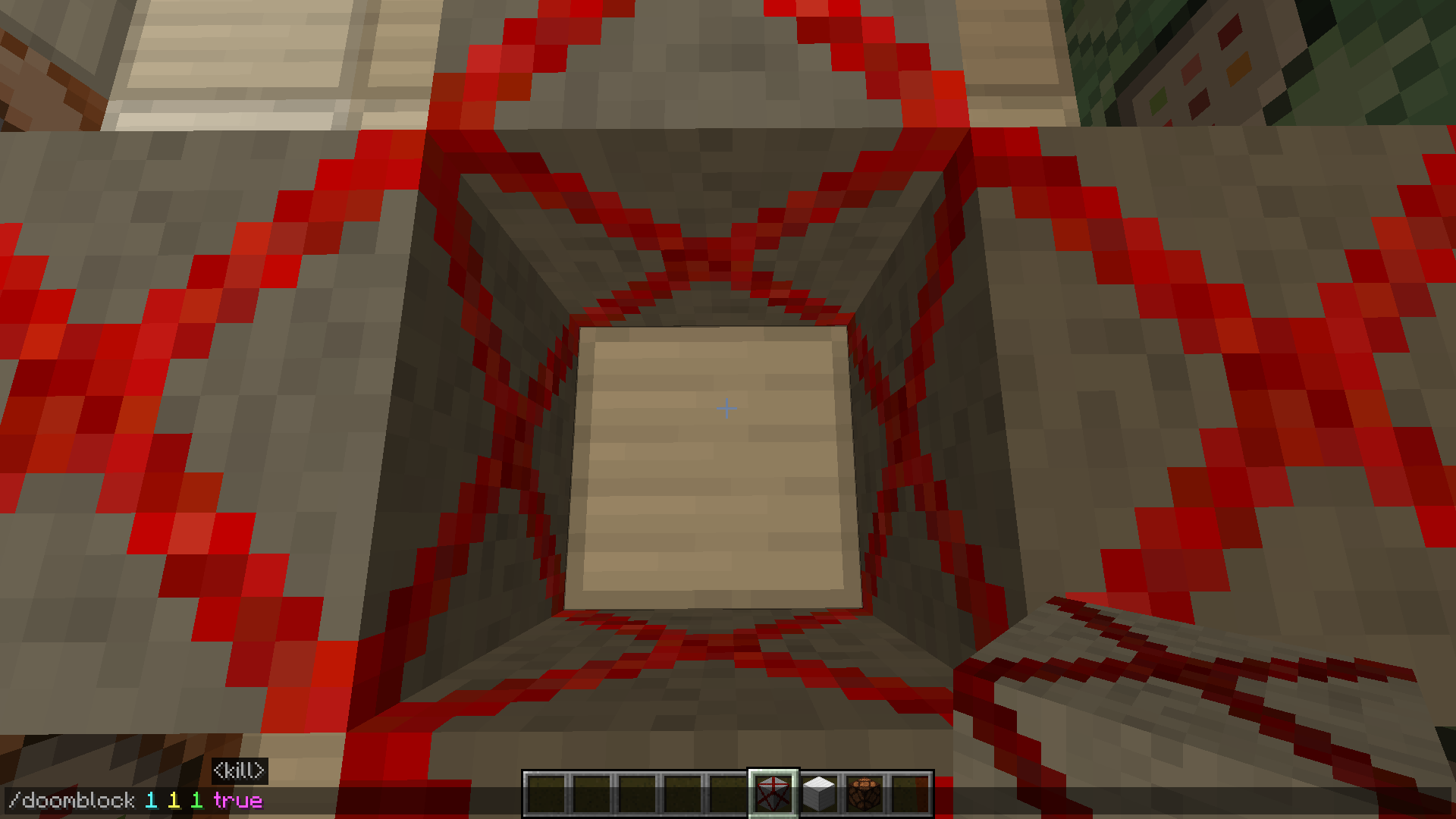 The radius of the /doomblock command added. Fixed the /doomblock command radius. Now the radius actually works based on the values you enter (e.g., X: 1, Y: 1, Z: 1). Previously, it was stuck at 3 blocks. Added a safety limit of 32 blocks to prevent the game from lagging.
Versions
Files
Relations
Project Relations
More like this
Similar Mods
Suggestions use data such as tags, dependencies, dependents, descriptions, titles, and more to rank how much they overlap with this mod.
On ModDex
Community snapshot
By the numbers
Statistics
Want to reach Minecraft players?
We're looking for a server hosting partner to feature here and other parts of the site. Interested? Send us a message!
Get in touchGet it on
Available Platforms
On ModDex
Community snapshot
By the numbers
Statistics
Resources