Community listing page, reviews here may not be monitored by the author.
Dragon brssding

No reviews yet
An addon for Dragon Survival: bond to lay eggs, hatch them and raise AI hatchlings that follow you, grow up and inherit traits, each with its own gender, skills, poses and flight behaviour.
Community voices
Reviews
No reviews yet. Be the first to review this project!
Get it on
Available Platforms
About
Project Details
For authors
Embed Badge
If you're the author of this project, you can embed a live badge anywhere that supports HTML or Markdown. It updates automatically whenever ratings change.
Use HTML for any page that supports it, or Markdown for README files and Markdown-based descriptions.
Identifiers
Platform IDs
Resources
External Links
About
Description
A breeding addon for Dragon Survival: two bonded dragons can start a family — pick a gender, court a partner, breed, brood and lay eggs, hatch them together, and raise an AI hatchling that follows you, grows up, inherits your traits and fights by your side.
The moment you become a dragon, the screen asks for your gender (male / female) — it decides who you can breed with.
- Can be set to random in the config instead of asking.
- You will be asked again when you change species (configurable).
1. Becoming partners
Two dragons can only breed with each other, so become partners first:
- Hold the bond key (default: Left Ctrl) and right-click another dragon to open the radial selector.
- Choose "Become partners" — the other player must choose it too (both must agree). You must be of opposite genders.
- Once you are partners, you can check your affection from the same selector at any time.
Partnership also brings affection:
- Affection only rises from interactions: hugs, gifts, fighting side by side, fishing together, sleeping together and successful breeding. Simply standing next to each other does nothing.
- It decays when your partner is far away (past the configured radius), in another dimension or offline, and after long periods without interaction.
- There are four tiers: Stranger, Familiar, Close and Beloved. Higher tiers mean stronger offspring — higher starting growth and attribute genes leaning toward the better parent.
- Higher affection shortens the breeding cooldown and the gestation time.
- Partners below 35% affection cannot breed — pressing the bond key tells you exactly how much is missing.
2. Gifts
- From the selector you can give the item in your main hand to another dragon; they can accept or decline it.
- Common gifts such as diamonds, emeralds, netherite and golden apples all add affection — each item's value is configurable.
- The same item can only be given to the same player once. Unaccepted gifts are returned automatically, and so are declined ones, or when either player logs out or the server stops.
3. Breeding
Both dragons must be:
- adults (growth 40+),
- the same species,
- of opposite genders,
- partners (configurable),
- not brooding and not on cooldown.
Then: hold Left Ctrl and right-click your partner → choose "Bond", stay close (within 3 blocks by default) and both hold the bond key.
- A progress bar appears above the hotbar (white for the male, pink for the female — colour, size and position are all configurable).
- Each side has its own random rate: 5 seconds at best, 12 seconds at worst. Letting go or walking away makes it decay.
- A bond sound plays while bonding (configurable).
4. Brooding and laying the egg
When the bar fills, the female gets a brooding effect and a timer starts (2 minutes by default, shorter with higher affection). When it ends, a laying window opens (5 minutes by default):
- Press Left Alt + Left Shift to lay the egg where you are looking (up to 16 blocks away), or
- do nothing and the egg drops at your feet when the window ends.
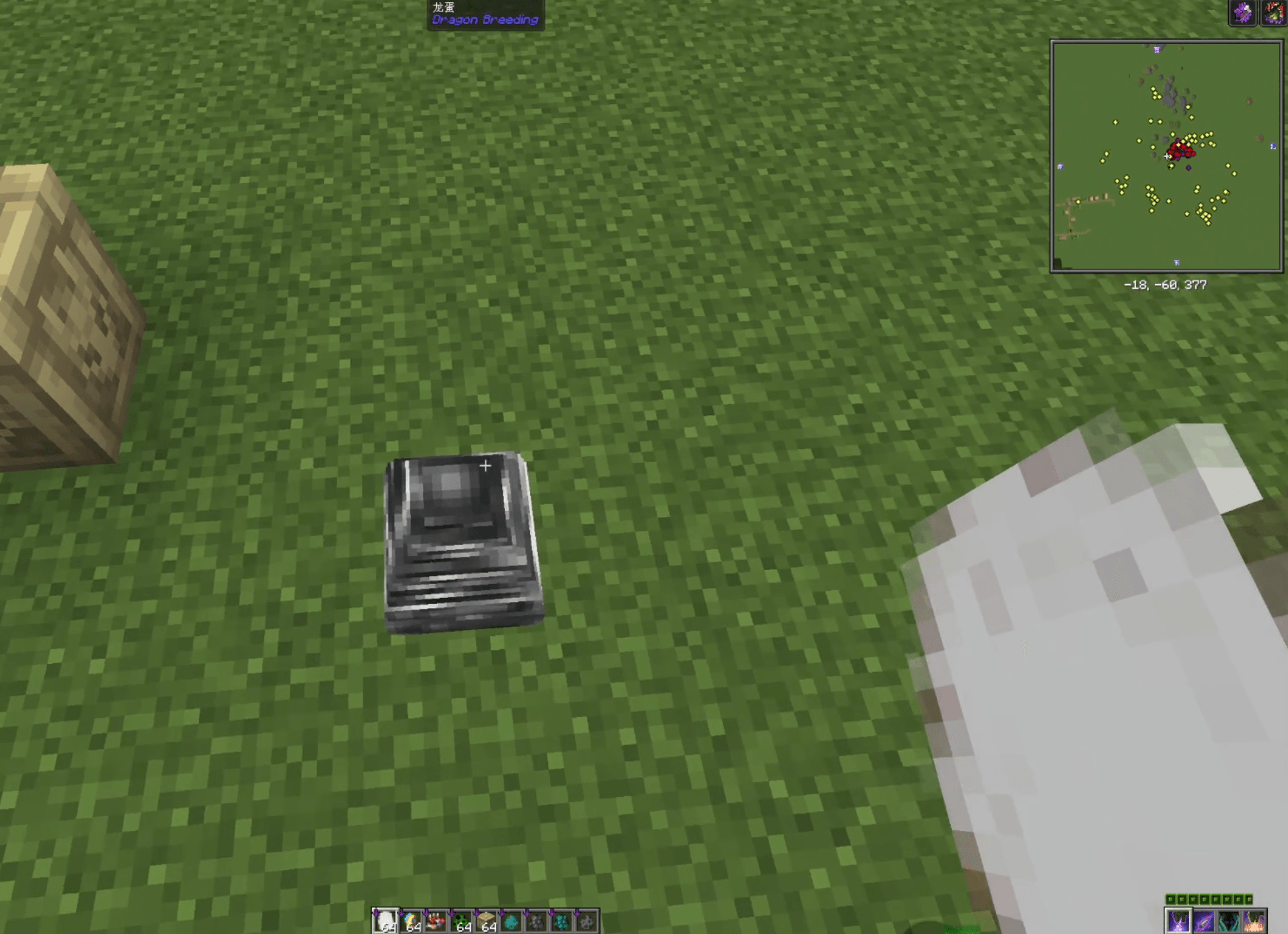
Eggs are real entities: you can push them, they block movement, and they can be attacked and destroyed. Their health is 5 to 15 — eggs with better genes are tougher. If an egg is destroyed, both parents are notified.
Every egg is named and coloured after its species (colours come from Dragon Survival's data packs), so each species has its own egg look.
Wild dragon eggs also spawn in the world, guarded by two wild dragons (the female lies by the egg, the male patrols around). Take one in front of them and they will hunt you down together.
5. Hatching
- An adult dragon of the same species must stand within 1 block of the egg and hold the configured hatching emote (default: lie left / lie right — can also be left empty).
- Progress rises while you hatch it, and everyone nearby sees the progress.
- Parents hatch their own egg twice as fast (1 hour by default → about 30 minutes).
6. Raising the hatchling
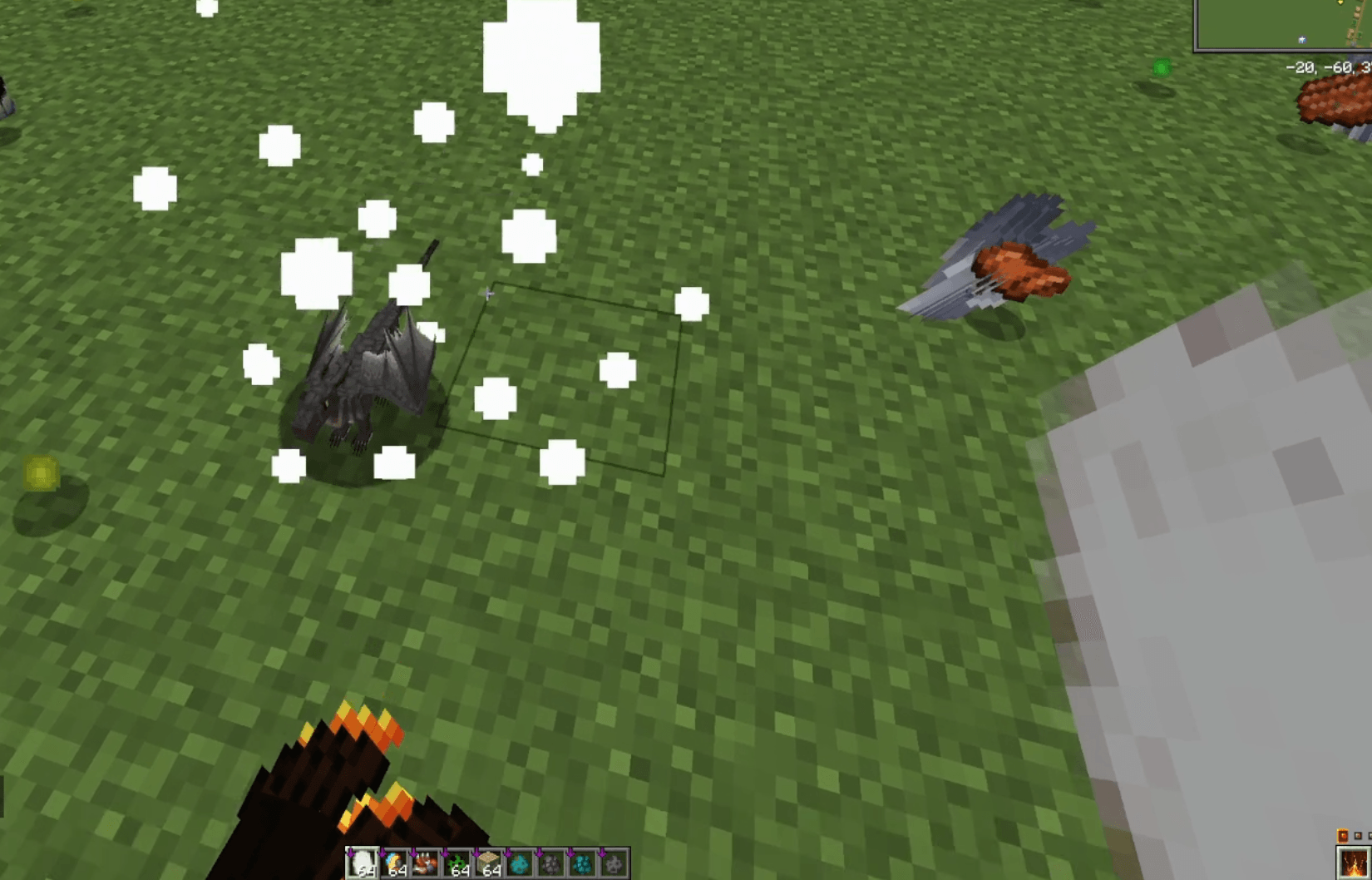
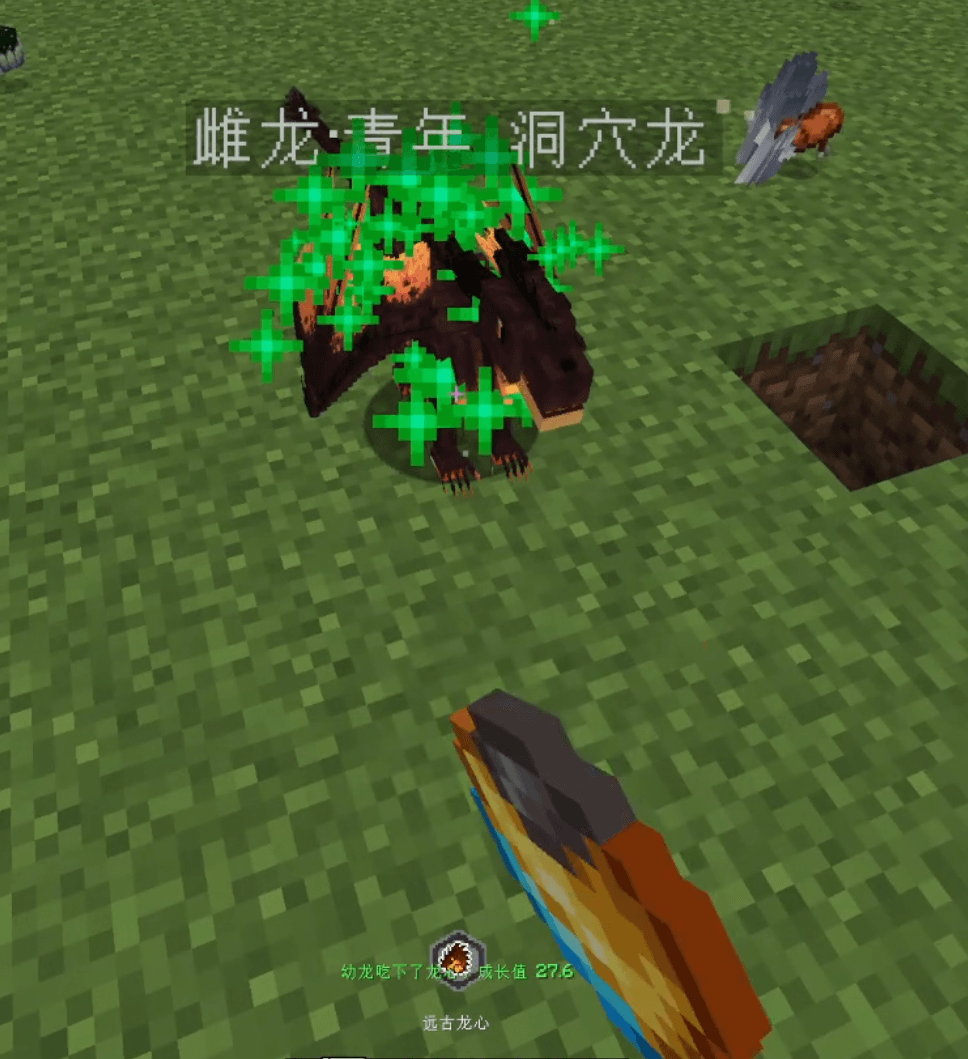
When the egg hatches, an AI hatchling is born on the spot:
- It follows its parents and grows over time (about 2 growth per minute by default; adult at 60, up to 300 = ancient stage), and its size, health and damage scale with its growth.
- Feed it Dragon Survival growth items (the stage-appropriate dragon hearts and so on — exactly the same values as for players) to speed up growth, or feed it its species' food to heal it.
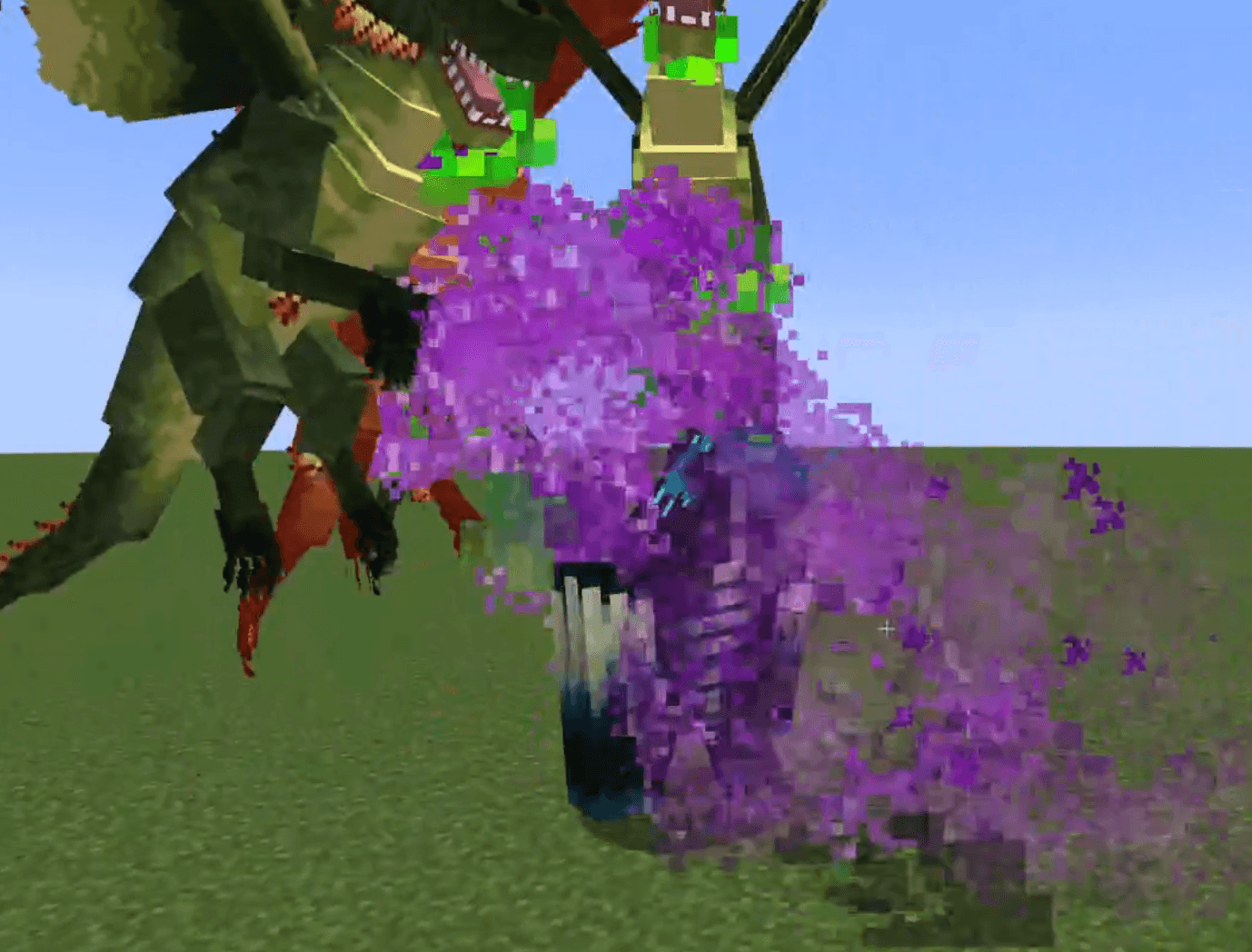
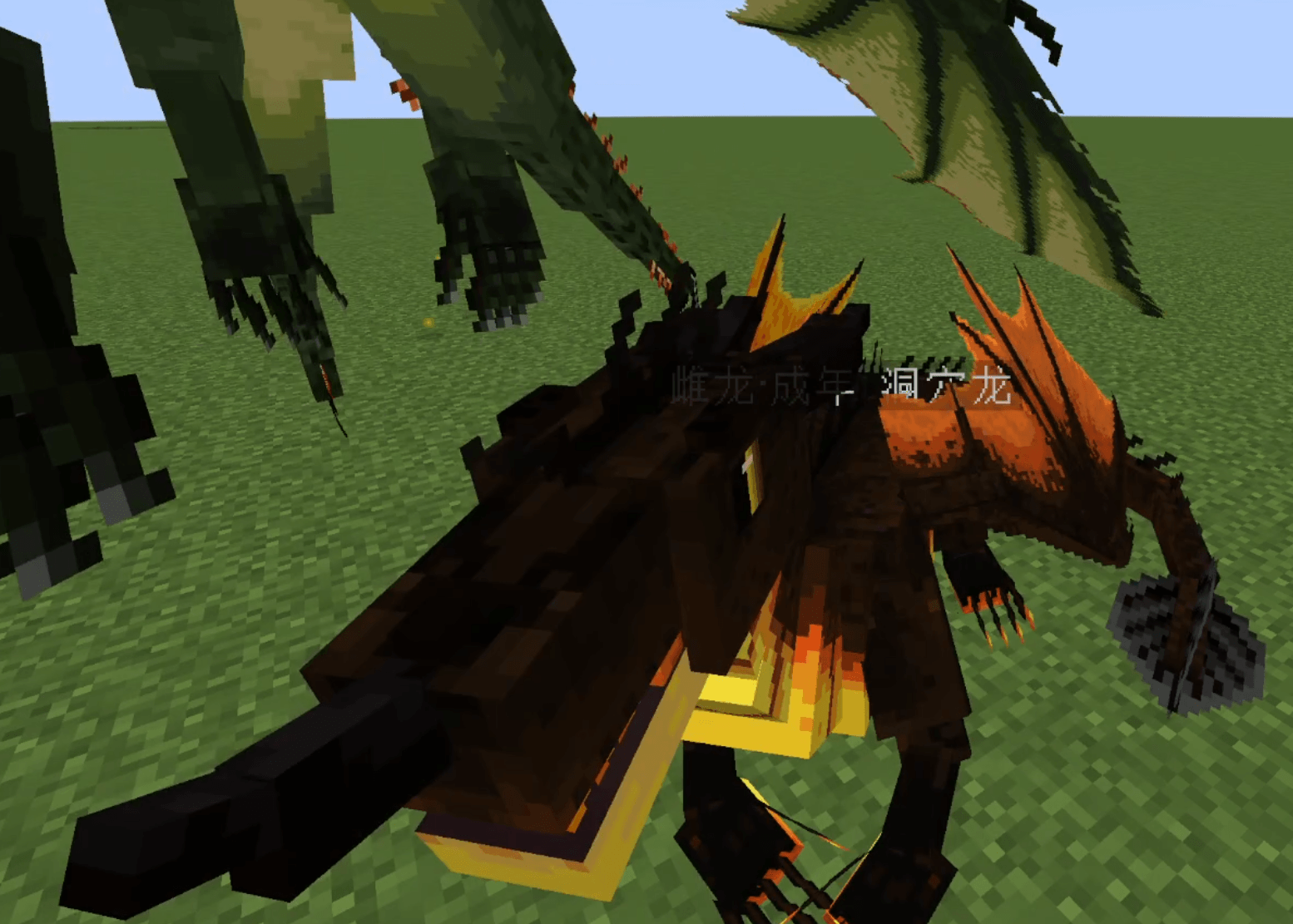
- It can fly, walk, sit, sleep and emote, and it fights for you with its own species' abilities and breath — every skill comes from Dragon Survival's data packs and resolves at the hatchling's growth level.
- It can wear armor
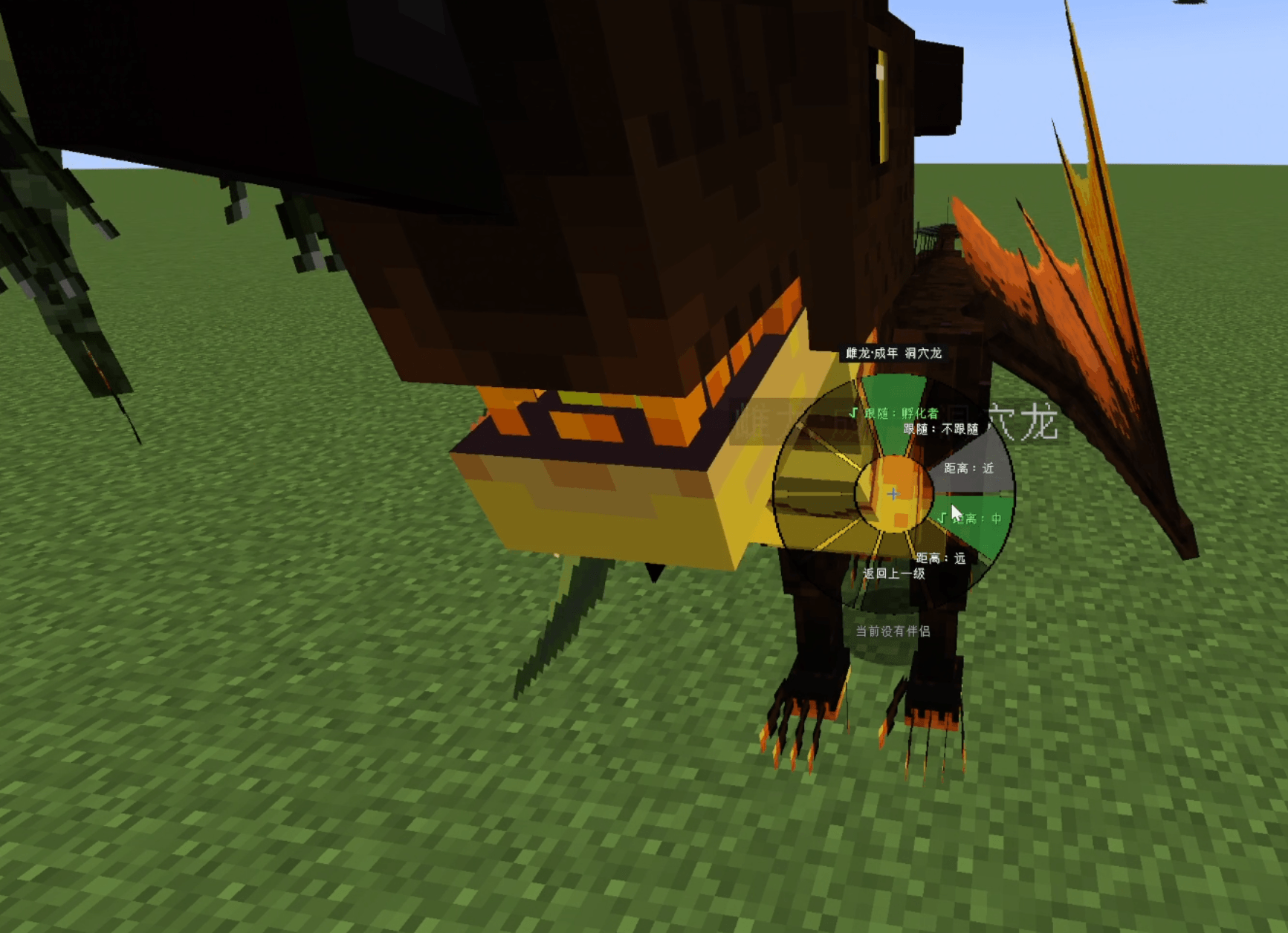
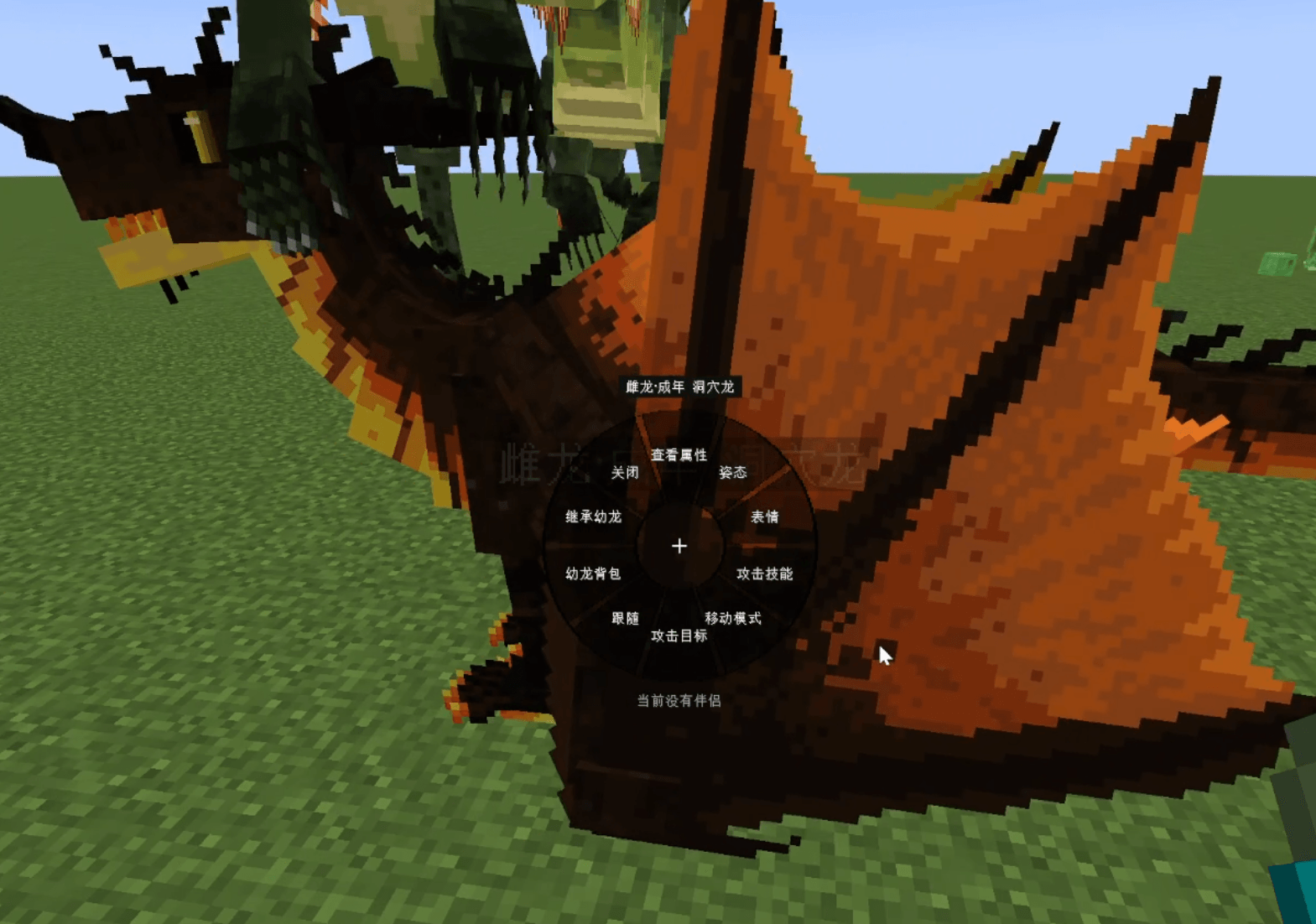
Control it with the radial selector (hold Left Ctrl and right-click the hatchling; only parents can open it, or the hatcher for hand-placed eggs):
- View stats (species, gender, stage, growth, health, parents, inherited genes, size and armor)
- Sit / stand; poses: standing, sitting, sleeping, lying down
- Emotes: close eyes, yawn, sad, chirp, angry, shake and more
- Follow target (parents / mother only / father only / nobody) and follow distance (near / mid / far)
- Attack targets: hostile / neutral / friendly mobs (multi-select, or nothing at all) — players are never attacked by default
- Movement mode: auto, always fly, always walk
- Attack skills: pick from that species' abilities (it also uses utility skills such as crop growth, smelting and support buffs on its own)
- Hatchling inventory: give it items and equipment
- Claim the hatchling (see below)
7. Claiming a hatchling
A player who is not a dragon yet can right-click a hatchling to claim it: you take over the hatchling's body — species, gender, genes and current growth included.
- The mother must approve: she gets a clickable accept / deny message in chat (can be disabled in the config).
- Configurable restrictions: parents only (off by default), and players who already have a partner cannot claim (on by default).
- Everything the hatchling carries is handed to you; anything that does not fit is dropped at your feet.
Genetics
Siblings are not clones:
- Growth is the average of both parents with a small random variance, plus a 5% chance of mutation (naturally bigger).
- Every hatchling rolls four attribute genes — attack damage, armor, jump strength and movement speed — each roughly -7.5% to +15% around the parents' average, with a 5% chance of a single-gene mutation.
- So one sibling can grow into a heavy-hitting bruiser while another becomes a fast flyer.
- Use /dragonbreeding geneinfo to inspect the genes you inherited.
At the Close / Beloved affection tiers the offspring leans further toward the better parent and starts with more growth.
Configuration
Two config files are generated:
- config/dragonbreeding-common.toml — every value and rule (brooding and laying, hatching time, growth speed, affection, gifts, egg friction and health, hatchling AI, wild egg spawning, and more)
- config/dragonbreeding-client.toml — client-side visuals only (progress bar colours, size and position)
Key binds
- Bond key: Left Ctrl by default, rebindable in Options → Controls. Hold it and right-click a dragon to open the selector; both partners must hold it while bonding.
- Laying the egg: fixed Left Alt + Left Shift combo (not rebindable).
Screenshots
Gallery
-
 Snipaste_2026-09-16_17-03-27.png Snipaste_2026-09-16_17-03-27.png
 -
 207850aff83f3321156efa3eabb4ed4f.png 207850aff83f3321156efa3eabb4ed4f.png
 -
 Snipaste_2026-09-16_17-04-38.png Snipaste_2026-09-16_17-04-38.png
 -
 Snipaste_2026-09-16_17-06-01.png Snipaste_2026-09-16_17-06-01.png
 -
 Snipaste_2026-09-16_17-07-08.png Snipaste_2026-09-16_17-07-08.png
 -
 Snipaste_2026-09-16_17-07-34.png Snipaste_2026-09-16_17-07-34.png
 -
 Snipaste_2026-09-16_17-08-08.png Snipaste_2026-09-16_17-08-08.png
Versions
Files
Relations
Project Relations
More like this
Similar Mods
Suggestions use data such as tags, dependencies, dependents, descriptions, titles, and more to rank how much they overlap with this mod.
On ModDex
Community snapshot
By the numbers
Statistics
Want to reach Minecraft players?
We're looking for a server hosting partner to feature here and other parts of the site. Interested? Send us a message!
Get in touchGet it on
Available Platforms
On ModDex
Community snapshot
By the numbers
Statistics
Resources