
Community listing page, reviews may not be monitored by the author.


Community voices
Reviews
No reviews yet. Be the first to review this project!
Get it on
Available Platforms
About
Project Details
For authors
Embed Badge
If you're the author of this project, you can embed a live badge anywhere that supports HTML or Markdown. It updates automatically whenever ratings change.
Use HTML for any page that supports it, or Markdown for README files and Markdown-based descriptions.
Identifiers
Platform IDs
About
Description
Dungeons Controls
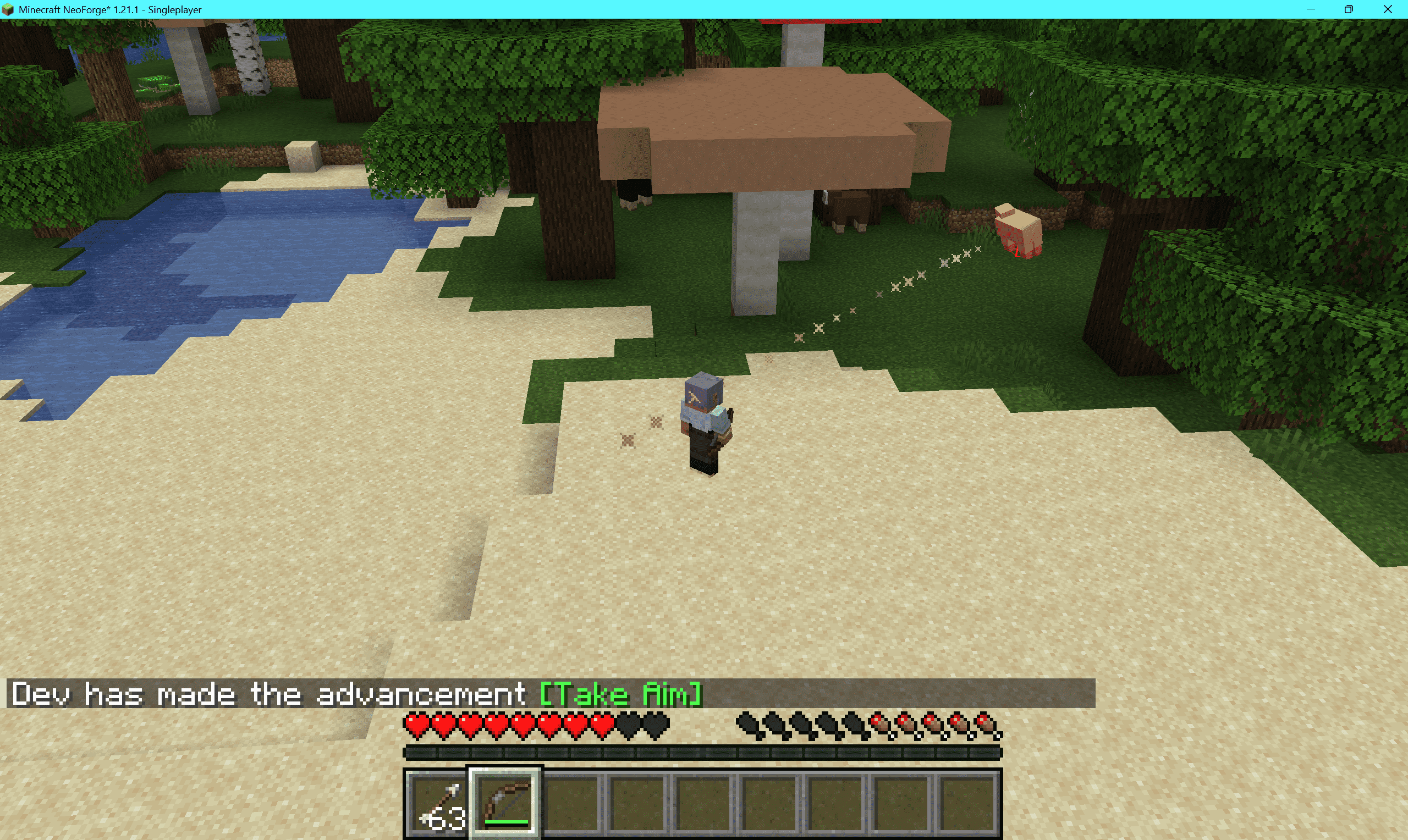
Dungeons Controls is a client-side-only mod that replaces the vanilla first-person view with a Minecraft Dungeons-style isometric top-down camera, letting you directly command your character to move, attack, and interact using the mouse cursor.
All actions use vanilla packets, so it can be played normally on servers without the mod installed, but it may be considered cheating on servers.
✨ Features
Click to Move
- Left-click the ground to make the player face and move toward the target. Hold left-click on a distant point to keep moving.
- Hold sneak (Shift) to stop moving.
Click to Interact
- Left-click an enemy → attack if in range.
- Left-click a dropped item → move to the target position and pick it up.
- Hold left-click → mine if in range.
Aim Assist
- Automatically calculates ballistic elevation for bows, tridents, ender pearls, etc., to assist aiming.
Isometric Camera
- Smooth isometric third-person camera (default yaw 45°, pitch 50°, distance 12 blocks).
- Hold middle mouse button + move mouse → orbit the camera.
- Mouse wheel → zoom distance (4–24 blocks).
Homekey → snap to the nearest isometric angle (45°/135°/225°/315°).
Occlusion Fade
- Walls between the camera and the character fade into semi-transparent ghost blocks.
- Transparency, maximum faded blocks, and chunk rebuild speed are configurable.
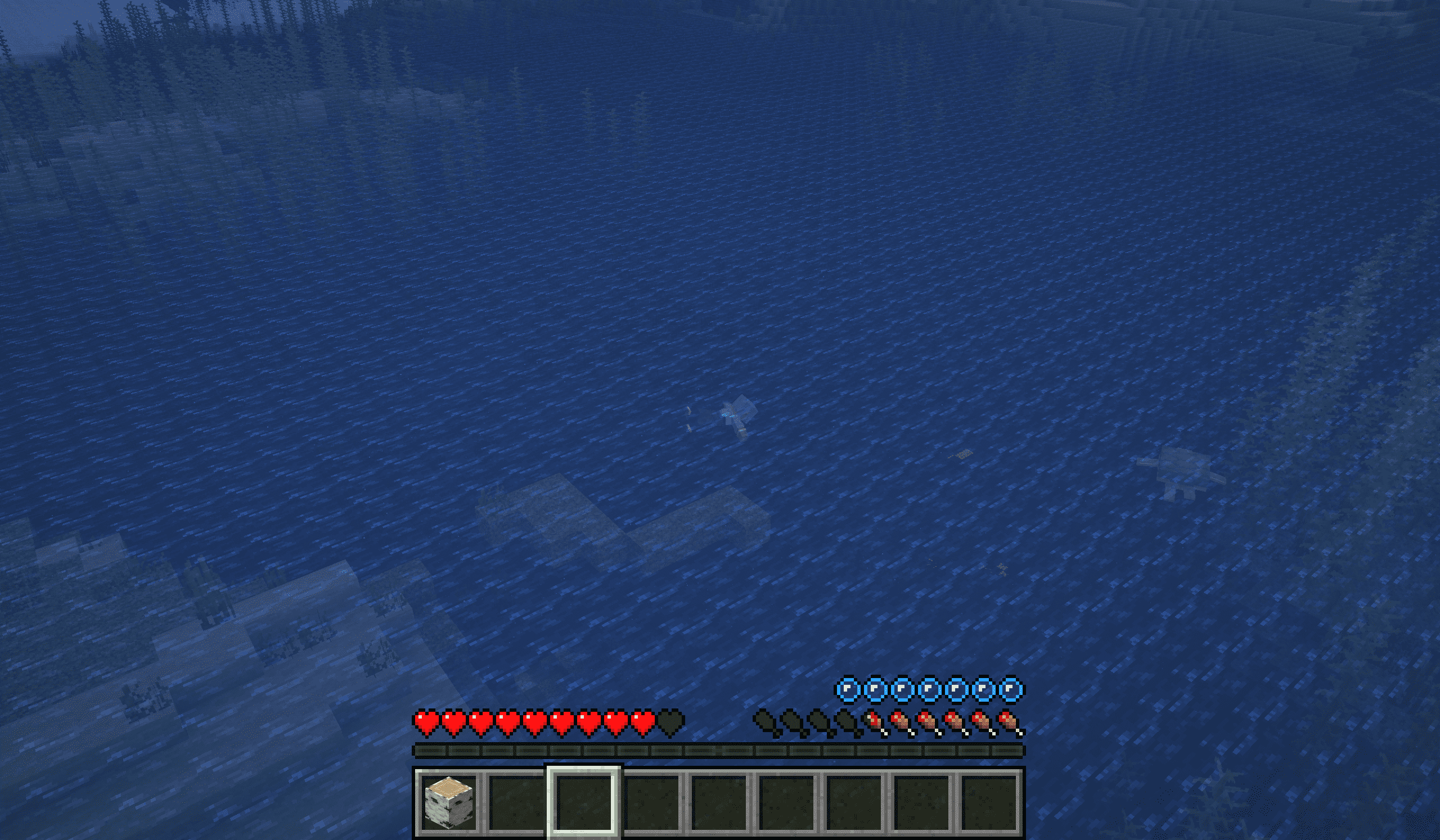
Swim Mode
- Press
Hto toggle horizontal swim depth lock: swim at a fixed height without bobbing up and down.
Key Bindings
| Key | Function |
|---|---|
| F4 | Toggle Dungeons mode |
| Home | Snap isometric view |
| H | Toggle swim mode |
| Left Click | Move / Attack / Mine (hold) |
| Shift | Stop moving |
| Middle Mouse / Pick Block + Move Mouse | Orbit camera |
| Mouse Wheel | Zoom camera distance |
🛠 Configuration
All settings are saved in config/dungeons_controls.json (generated automatically on first launch).
| Option | Default | Description |
|---|---|---|
| enableOnWorldJoin | true | Automatically enable the mode when joining a world |
| replaceWasd | true | Replace WASD with click-to-move when enabled |
| cameraRelativeWasd | true | When the mode is disabled, WASD is relative to camera yaw |
| autoSprint | true | Automatically sprint when walking long distances |
| cameraPitch / cameraYaw / cameraDistance | 50 / 45 / 12 | Initial camera orientation |
| minDistance / maxDistance | 4 / 24 | Camera zoom range |
| cameraFov | 50 | Fixed FOV when the mode is enabled |
| cameraSmooth | 0.28 | Camera focus smoothing factor |
| orbitSensitivity | 0.22 | Orbit sensitivity |
| orbitInvertX / orbitInvertY | false | Invert orbit axes |
| fadeOccluders | true | Enable occlusion fade |
| ghostAlpha | 0.10 | Ghost block transparency (0.08–0.85) |
| ghostMaxBlocks | 160 | Maximum number of faded blocks |
| occlusionHoldTicks | 4 | Fade hold time (ticks) |
| sectionsPerTick | 8 | Chunk sections rebuilt per tick |
| hideCrosshair | true | Hide crosshair when the mode is enabled |
| showGroundMarker | true | Show ground target marker |
Screenshots
Gallery
-
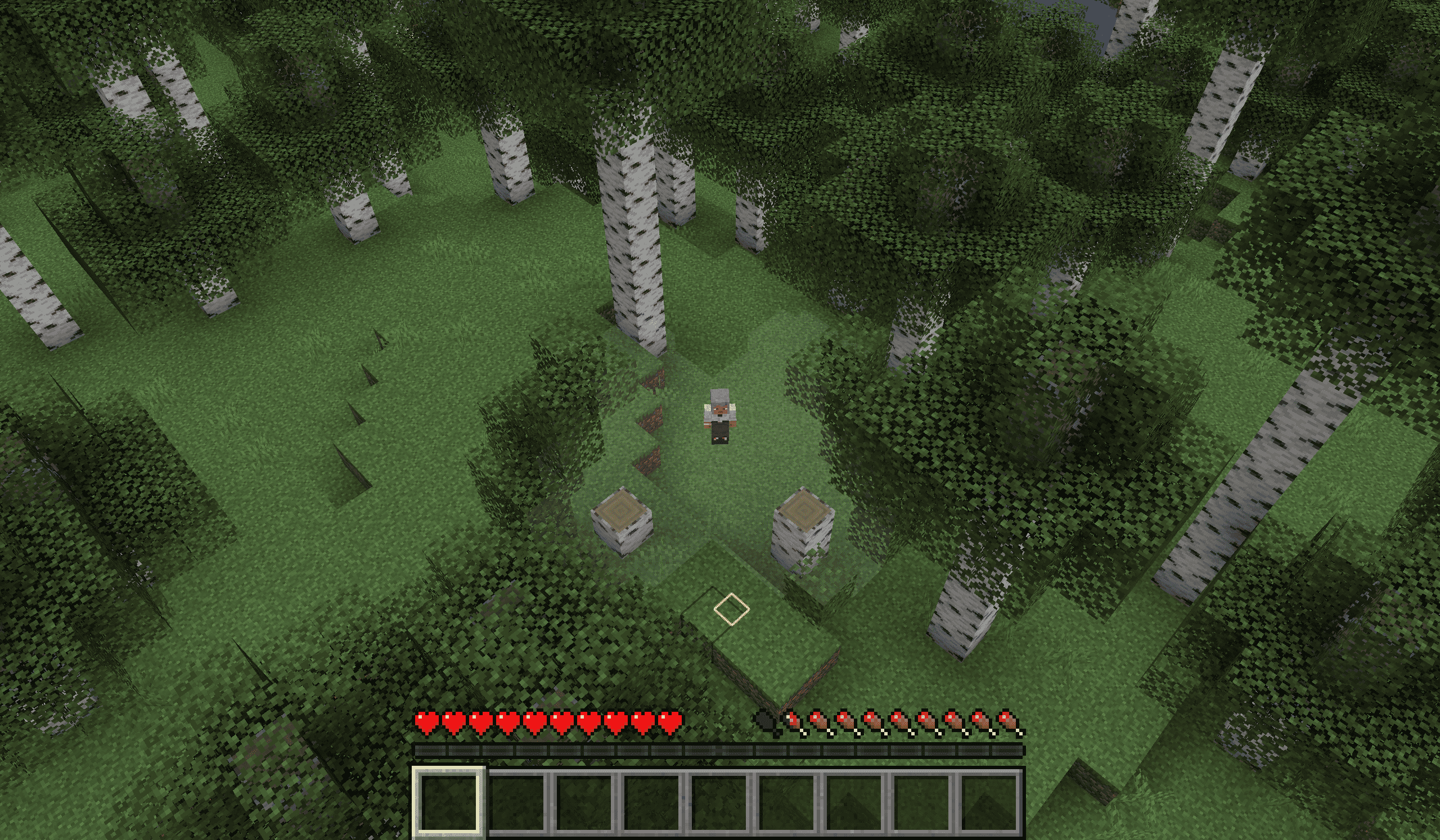 2026-09-27_21.55.37.png 2026-09-27_21.55.37.png
 -
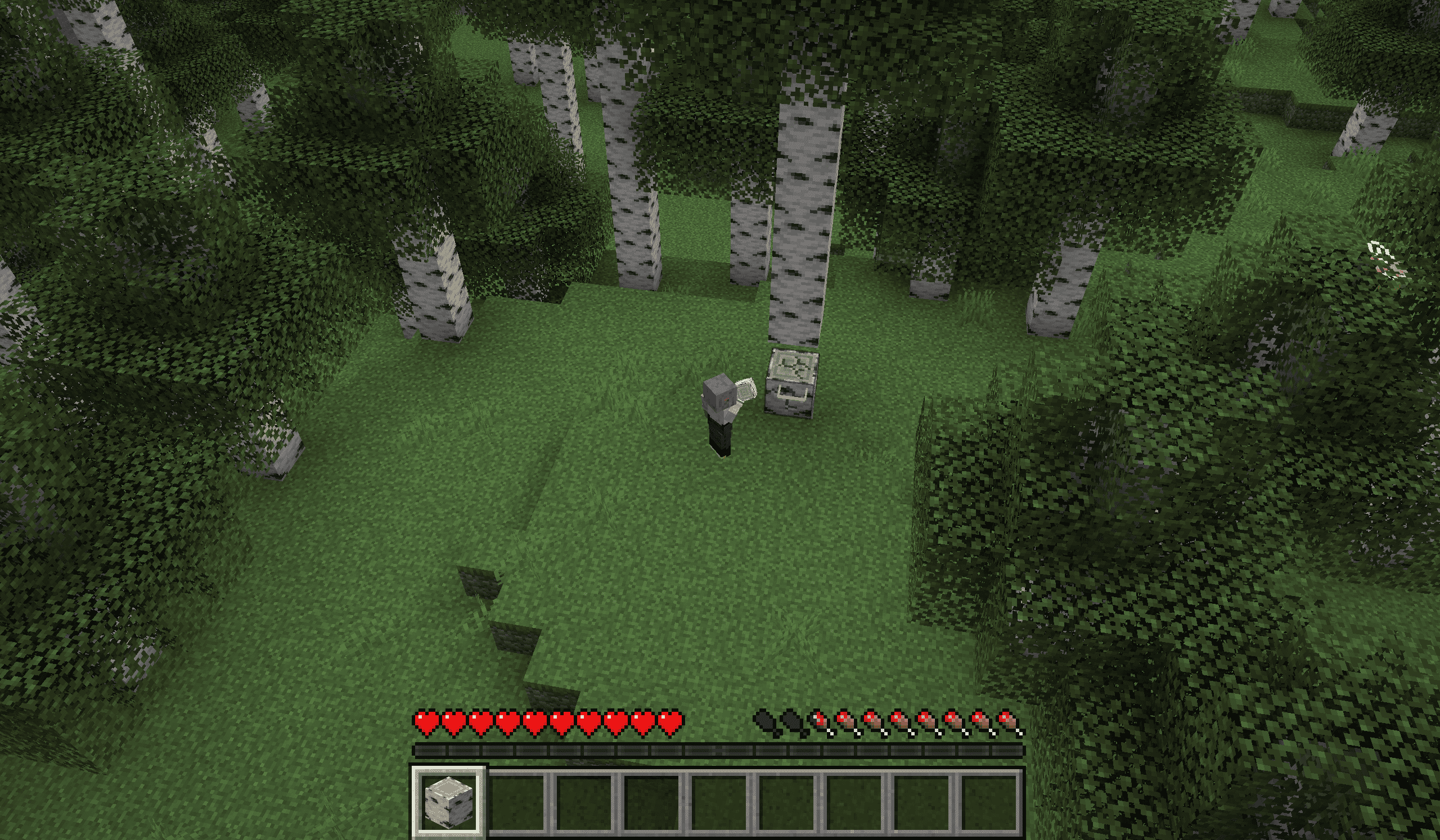 2026-09-27_21.57.02.png 2026-09-27_21.57.02.png
 -
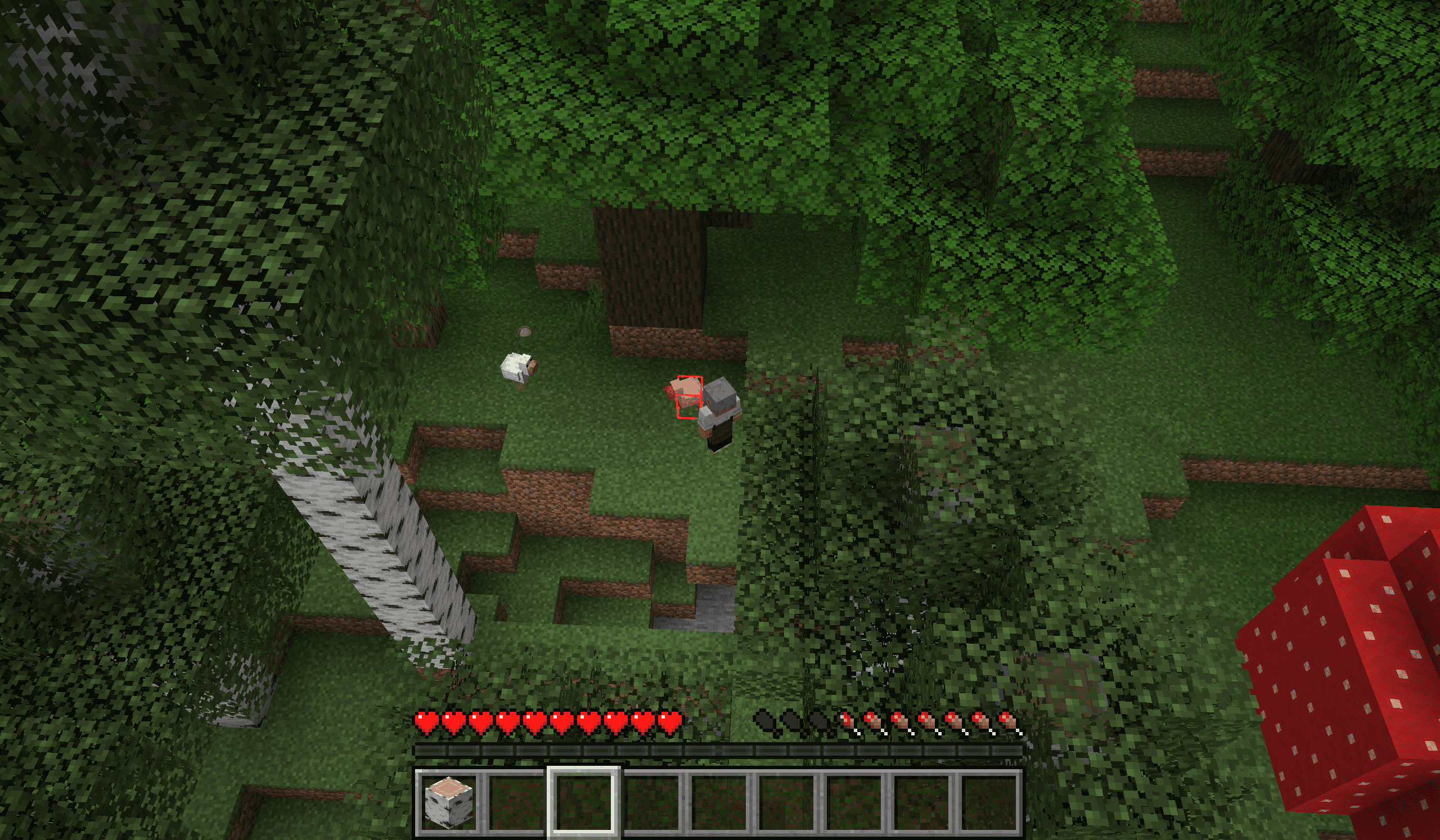 2026-09-27_21.57.50.png 2026-09-27_21.57.50.png
 -
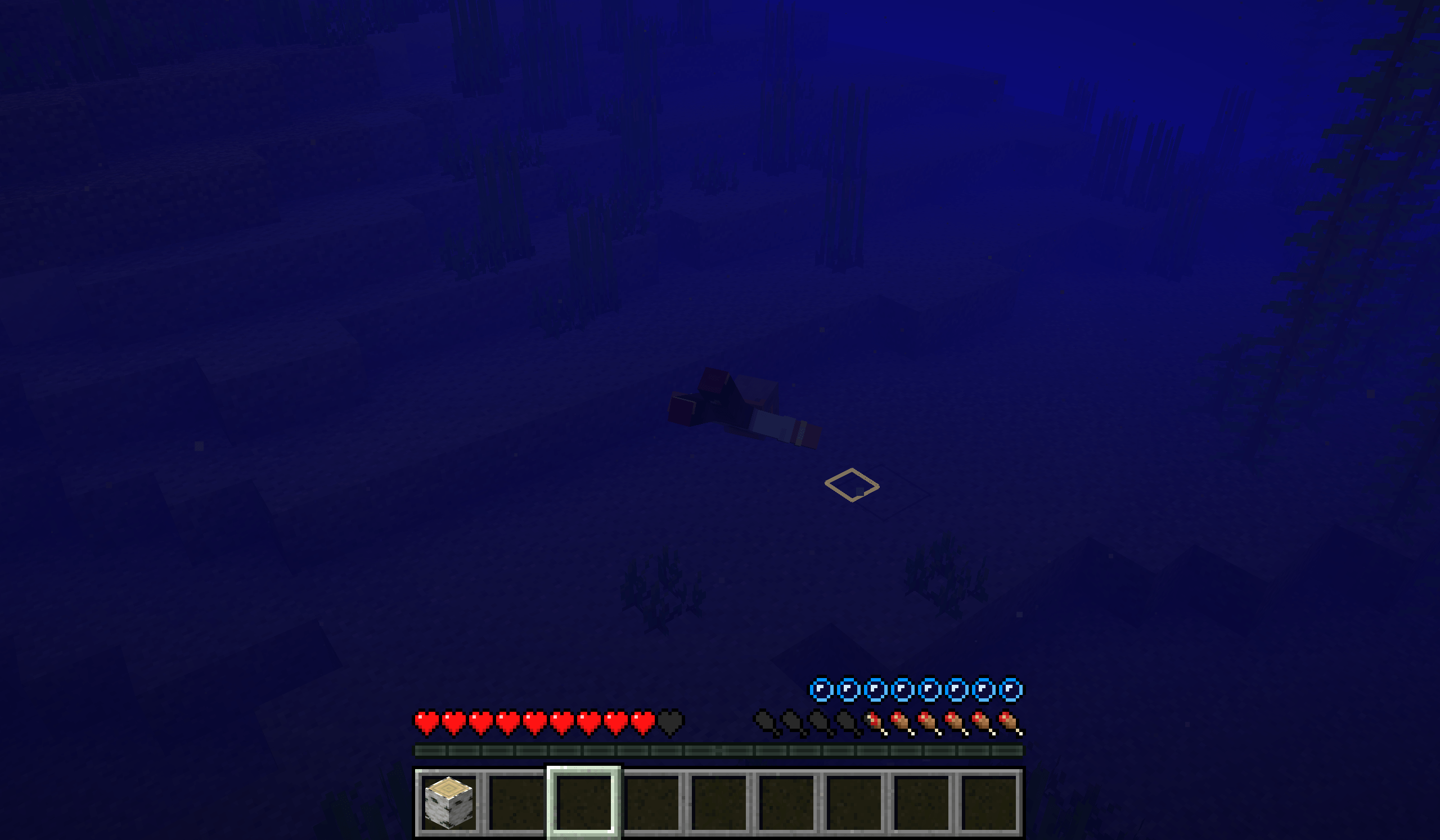 2026-09-27_22.01.46.png 2026-09-27_22.01.46.png
 -
 2026-09-27_22.02.35.png 2026-09-27_22.02.35.png
 -
 c0f15156-5dc6-4375-92c9-60c46eda4b94.png c0f15156-5dc6-4375-92c9-60c46eda4b94.png
Versions
Files
Relations
Project Relations
More like this
Similar Mods
Suggestions use data such as tags, dependencies, dependents, descriptions, titles, and more to rank how much they overlap with this mod.
On ModDex
Community snapshot
By the numbers
Statistics

Get it on
Available Platforms
On ModDex
Community snapshot
By the numbers