
Community listing page, reviews here may not be monitored by the author.
Durability Hud

No reviews yet
Displays durability of Tools, Weapons, and Armor.
Community voices
Reviews
No reviews yet. Be the first to review this project!
Get it on
Available Platforms
About
Project Details
For authors
Embed Badge
If you're the author of this project, you can embed a live badge anywhere that supports HTML or Markdown. It updates automatically whenever ratings change.
Use HTML for any page that supports it, or Markdown for README files and Markdown-based descriptions.
Identifiers
Platform IDs
Resources
External Links
About
Description
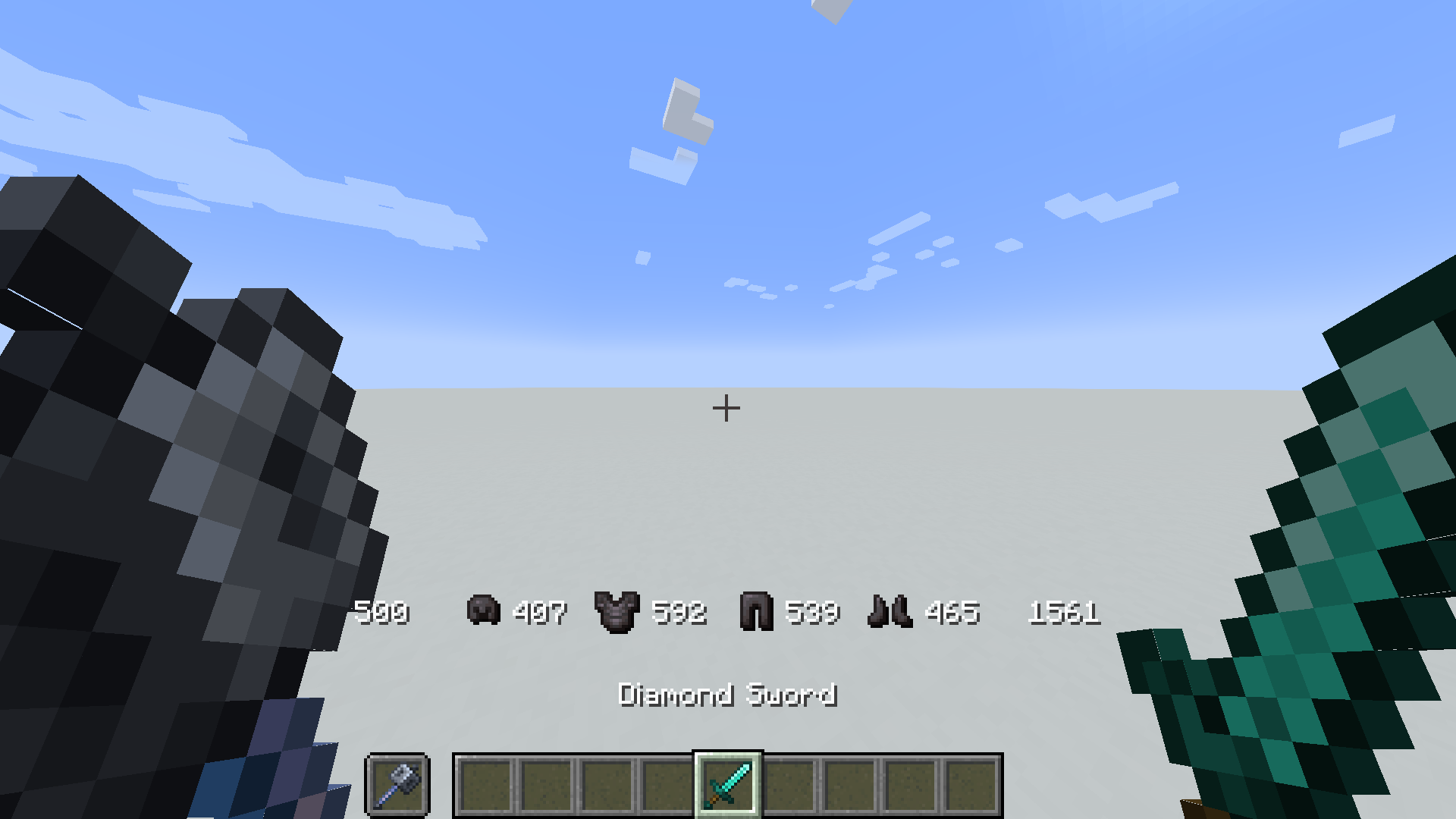
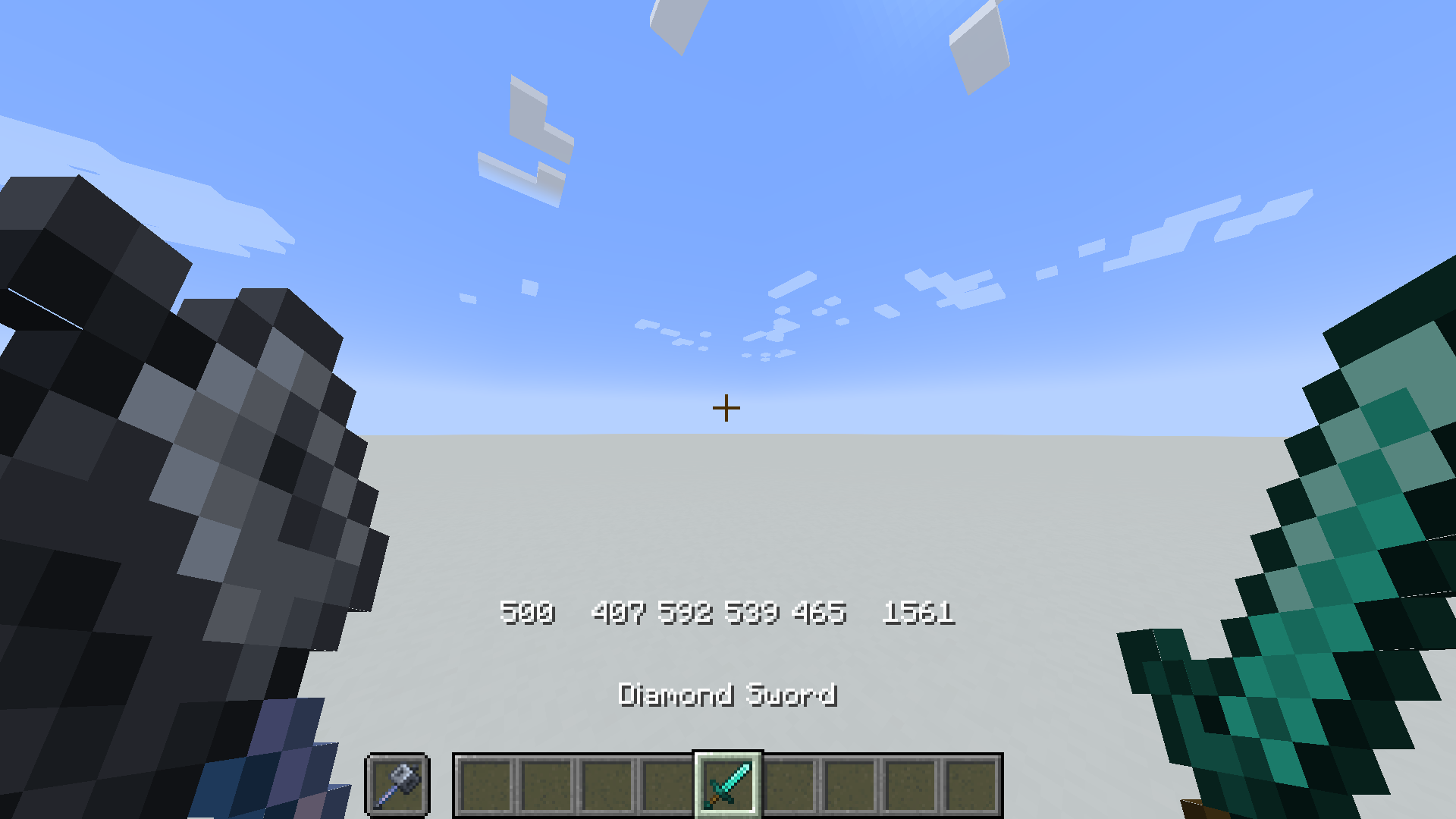
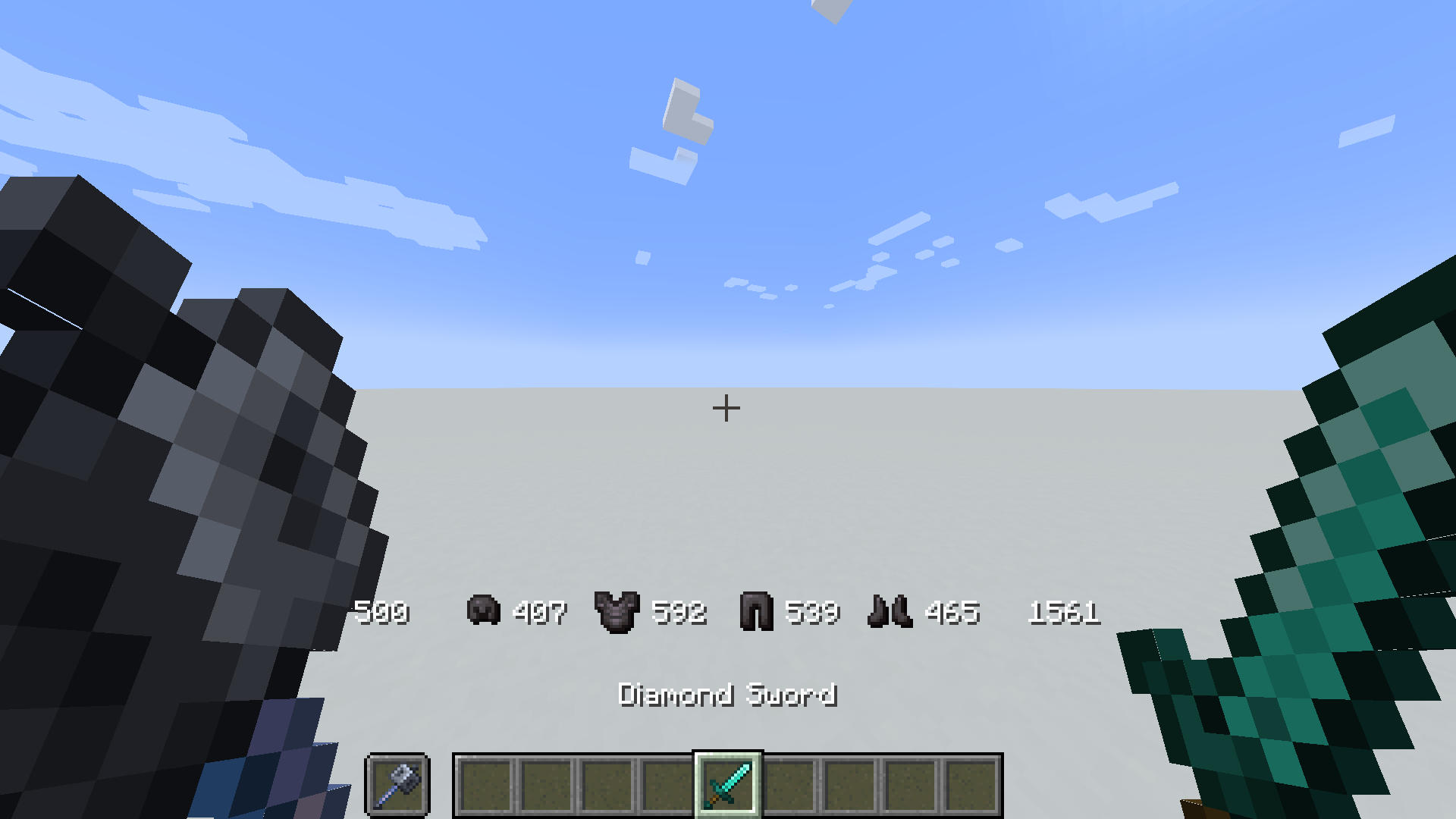
Displays current durability of Tools and Armor!
How to Install
Insall in Pre-existing world
- Download the datapack
- Put the zip file in the
/datapackfolder of your world-save%appdata%/.minecraft/saves - Full path should be something like
C:\Users\[USERNAME]\AppData\Roaming\.minecraft\saves\[WORLDNAME]\datapacks - run
/reloadin game
Insall in a New world
- Download the datapack
- Start creating a new world
- Click the More Tab
- Click the Datapacks Button
- Click Open Pack Folder, put the downloaded zip file in the explorer window
- run
/reloadin game
Enable Icons (optional)
- Install the actual datapack
- Download the resource pack
- Install and enable the resource pack
- run the command
/trigger DurabilityHud.resourcepack - Enjoy
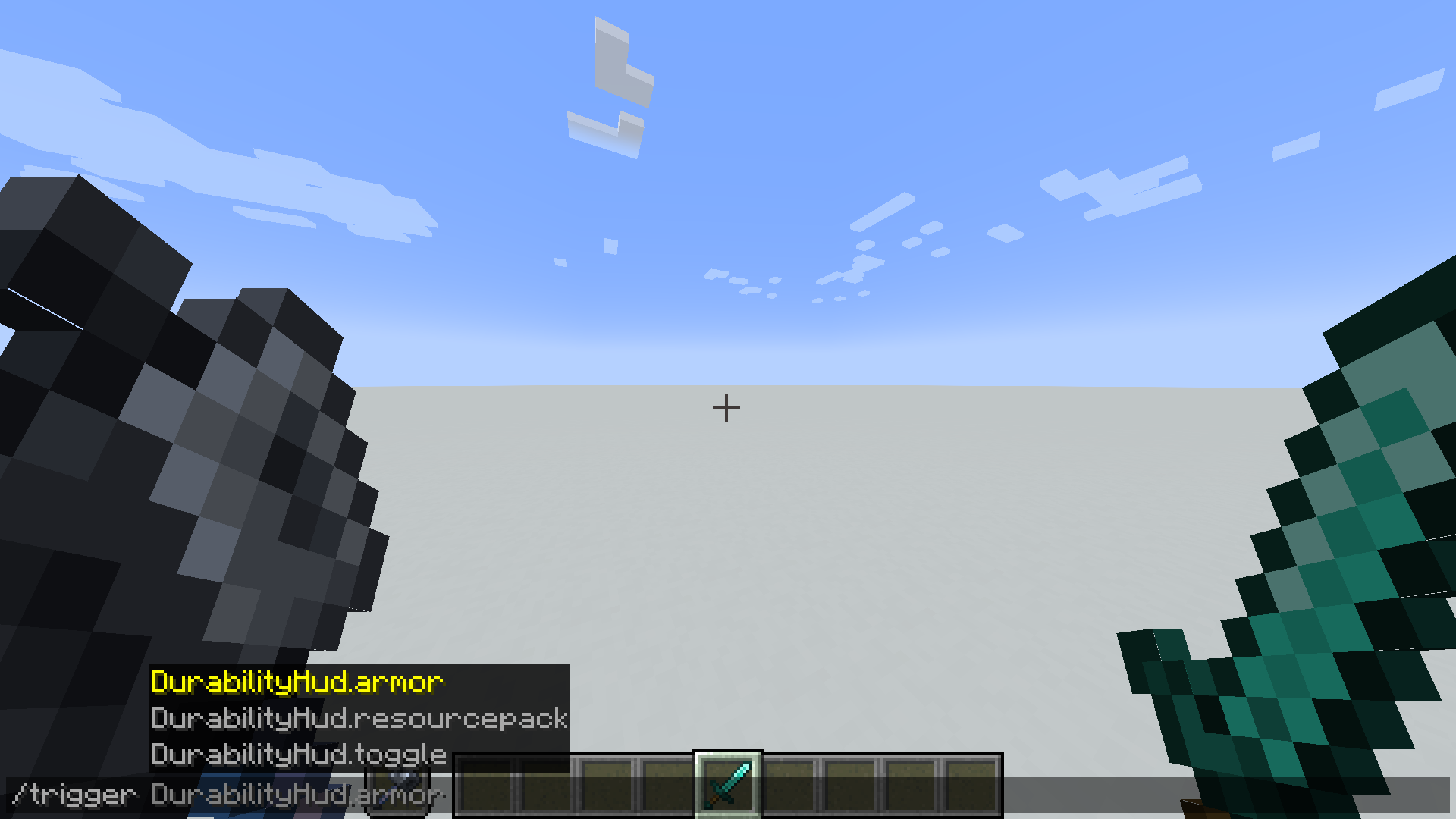
Included Commands
- Enable icons (requires resourcepack)
/trigger DurabilityHud.resourcepack - Toggle Durability Hud per player
/trigger DurabilityHud.toggle - Show/Hide armor durability
/trigger DurabilityHud.armor
For Developers (how to get items to work with this pack)
As long as a item has the component max_damage it should display correctly. But as of 1.21.3 plain items from minecraft (and plain modded ones) dont come with the max_damage component by default. Therefore we hardcode these values, but as long as max_damage exists you should be fine.
If adding max_damage is not a option then it is possible to modify/override the get.max.[Slot].default.mcfunction to return custom max damage values for custom item types. Or add custom items to the existing durability.max.[maxdurability].json tag files under tags/item/....
items that are unable to get max damage will display negative values.
Screenshots
Gallery
-

-
 Commands
 -
 Without Resource Pack
 -
 With Resource Pack
Versions
Files
Relations
Project Relations
More like this
Similar Mods
Suggestions use data such as tags, dependencies, dependents, descriptions, titles, and more to rank how much they overlap with this mod.
On ModDex
Community snapshot
By the numbers
Statistics

Want to reach Minecraft players?
We're looking for a server hosting partner to feature here and other parts of the site. Interested? Send us a message!
Get in touchGet it on
Available Platforms
On ModDex
Community snapshot
By the numbers
Statistics
Resources