Community listing page, reviews may not be monitored by the author.
EasyChat

No reviews yet
EasyChat completely modernizes the Minecraft chat experience, replacing the traditional scrolling text box with a sleek, modern chat-bubble interface inspired by popular messaging apps like iMessage and WhatsApp.

Community voices
Reviews
No reviews yet. Be the first to review this project!
Get it on
Available Platforms
About
Project Details
For authors
Embed Badge
If you're the author of this project, you can embed a live badge anywhere that supports HTML or Markdown. It updates automatically whenever ratings change.
Use HTML for any page that supports it, or Markdown for README files and Markdown-based descriptions.
Identifiers
Platform IDs
Resources
External Links
About
Description
EasyChat Beta Release!
About EasyChat
EasyChat completely modernizes the Minecraft chat experience, replacing the traditional scrolling text box with a sleek, modern chat-bubble interface inspired by popular messaging apps like iMessage and WhatsApp. Enjoy a cleaner, more organized, and visually stunning way to communicate with friends and servers.
Two unique chat style
Choose the look that fits your playstyle with two built-in chat styles:
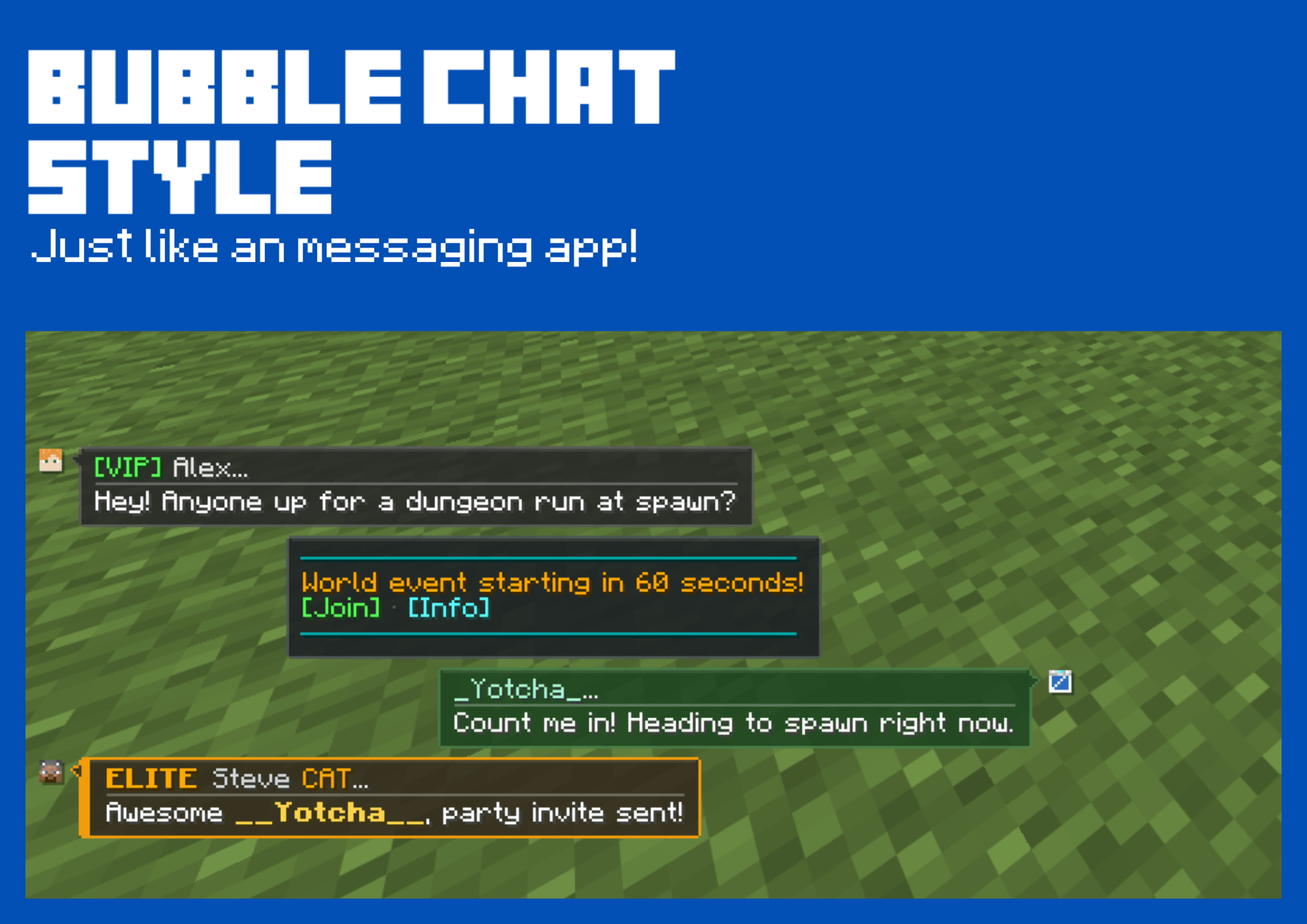
- Modern Bubbles: Transforms your chat into a sleek messaging-app interface (inspired by iMessage and WhatsApp) with clean chat bubbles for a fresh, modern aesthetic.
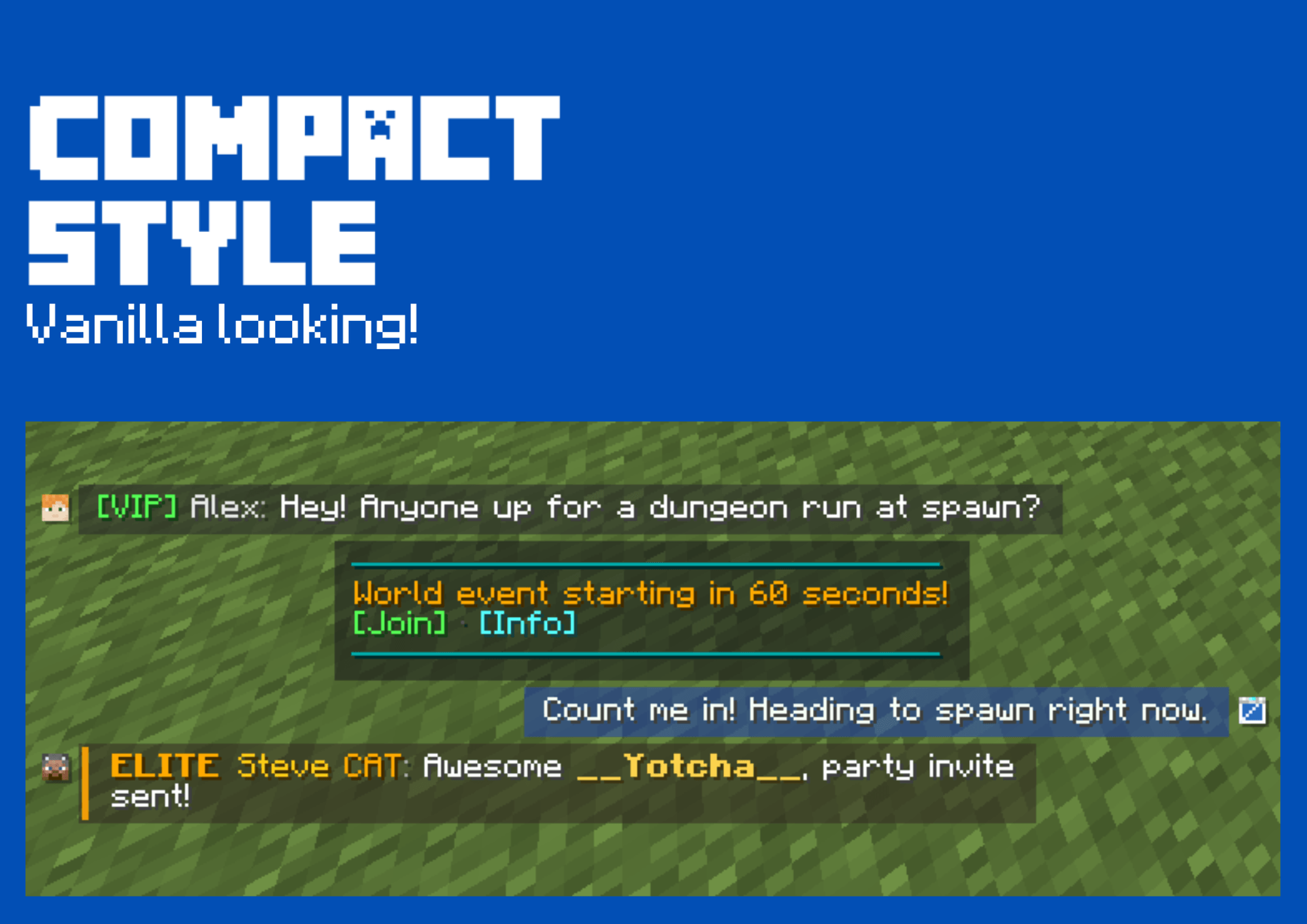
- Compact: A refined, vanilla-enhanced look that keeps the familiar traditional feel while integrating EasyChat's clean design improvements.
Fully customizable:
EasyChat is built with you in mind. Whether you want to completely transform your HUD with a brand-new messaging app style or keep things close to vanilla with a sleek twist, the choice is entirely yours. Tailor your chat experience to match your exact vibe!
Quick In-Game Toggle
Not feeling the bubble layout right now? No need to restart your game or dig through complex config files. Just press J to open the settings menu and toggle EasyChat on or off instantly whenever you want!
Why EasyChat?
Vanilla Minecraft chat hasn't changed much in years: everything is crammed into a left-aligned, stacked text wall where player messages, server announcements, and command outputs blend into one hard-to-read blur.
EasyChat completely modernizes in-game communication. Inspired by modern mobile messengers like iMessage and WhatsApp, EasyChat organizes chat into a clean 3-lane bubble layout:
- Right Lane (Green): Your own outgoing messages.
- Left Lane (Slate / Multi-Color): Other players' messages with their skin avatar and server ranks.
- Center Lane (Neutral Box): System notices, broadcast alerts, and command output.
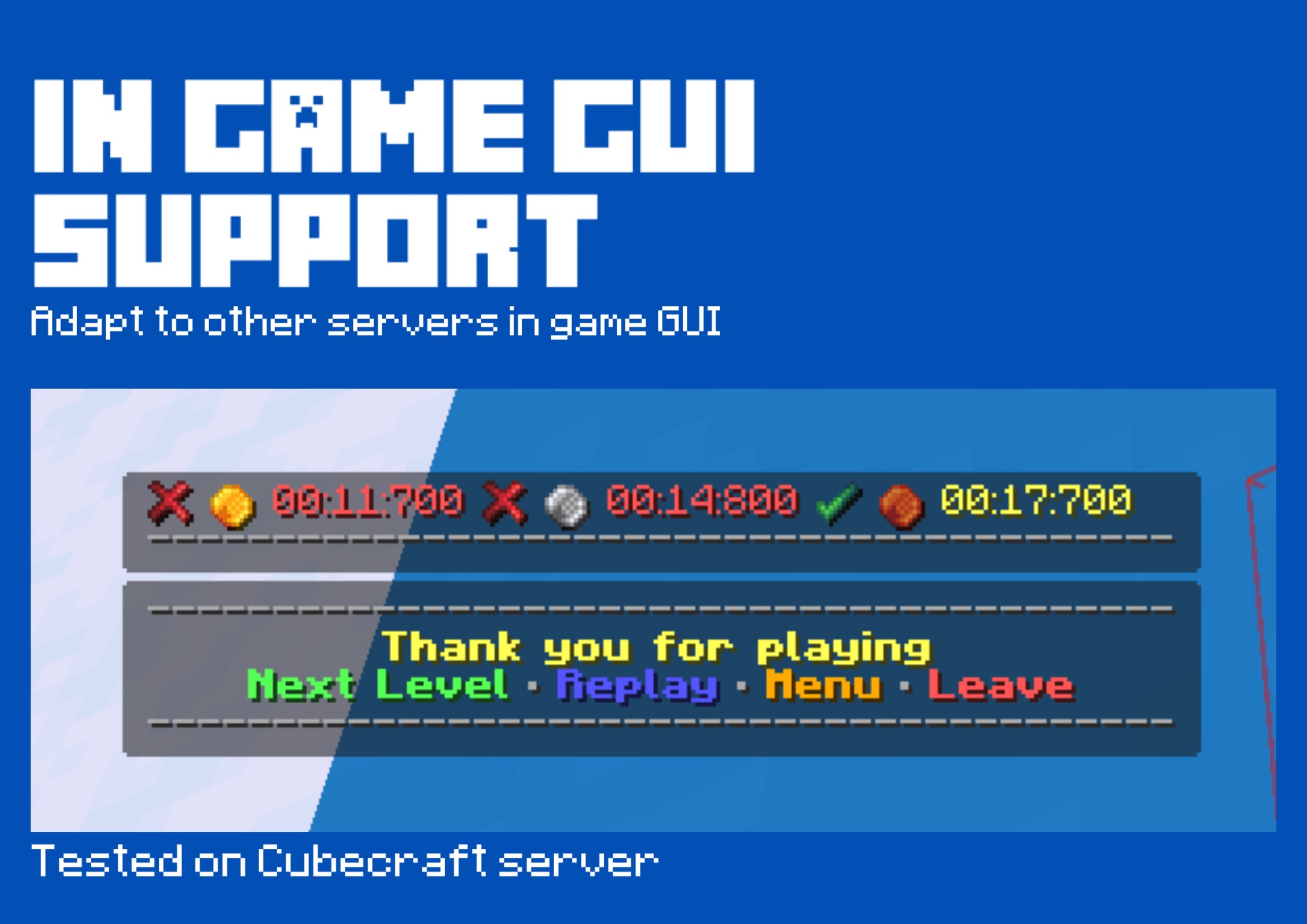
EasyChat is 100% client-side — it works out of the box on singleplayer worlds, private SMPs, and major public multiplayer networks without any server plugins required!
Screenshots
Gallery
-
 1.png 1.png
-
 2.png 2.png
-
 3.png 3.png
-
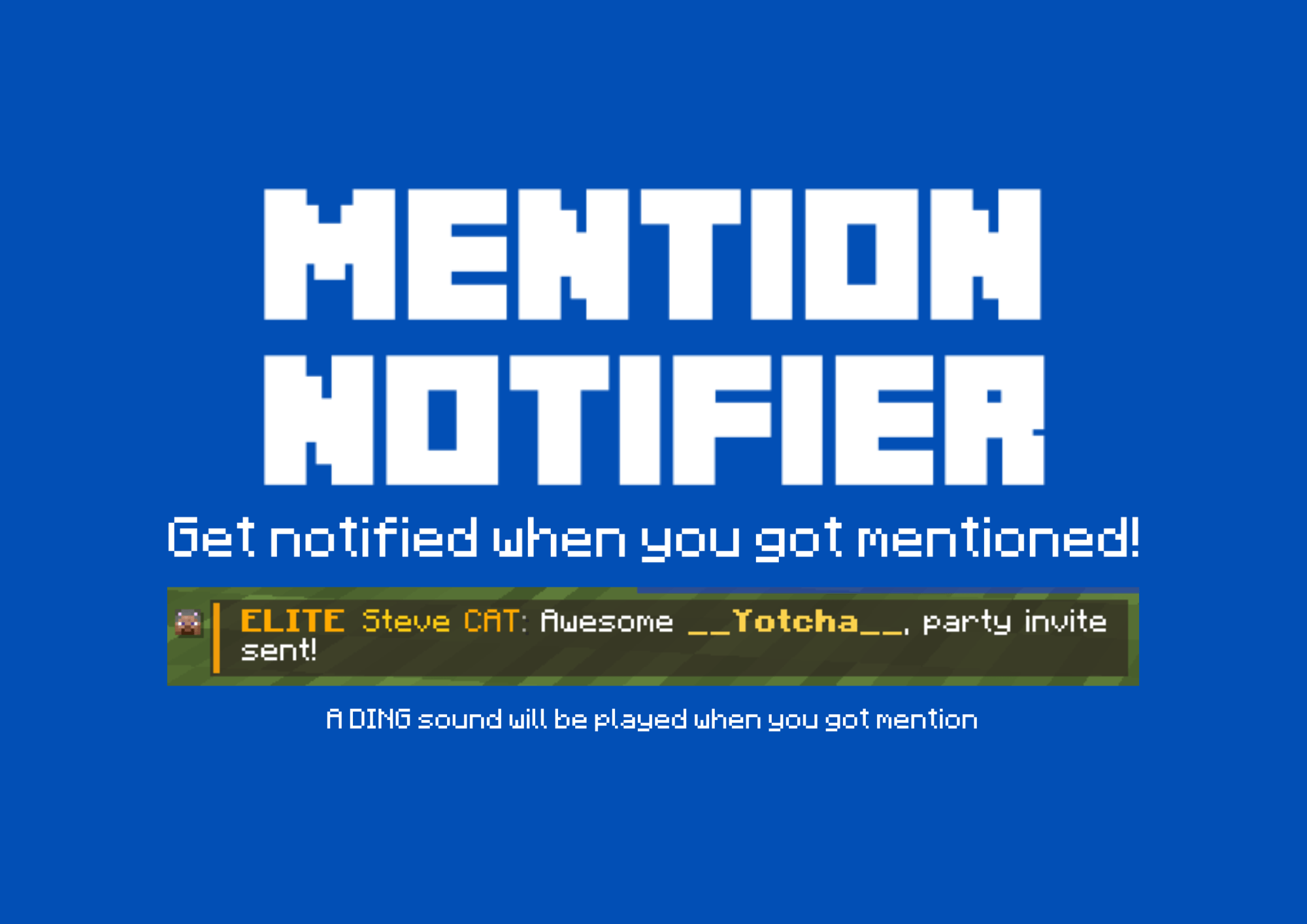 4.png 4.png
-
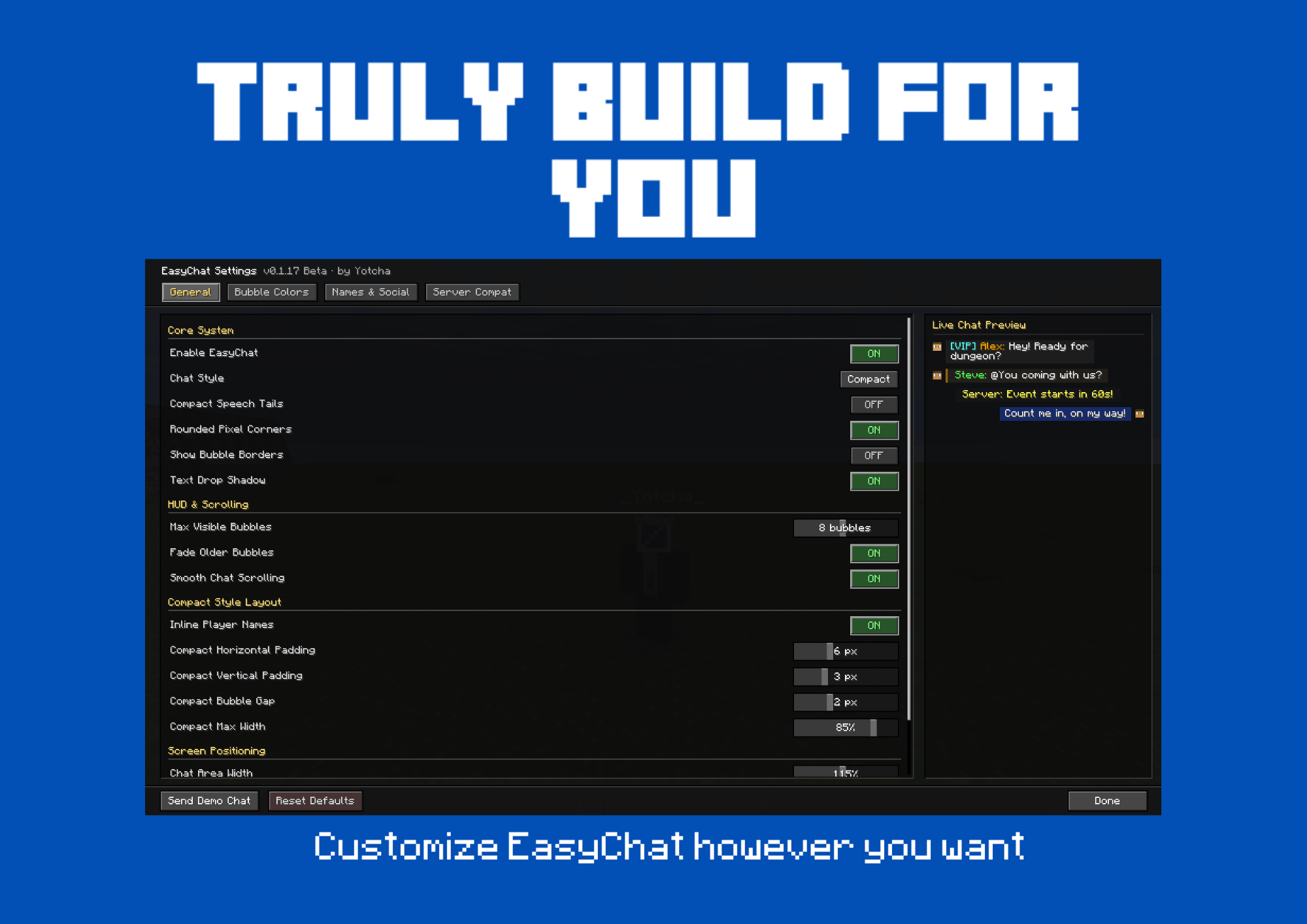 5.png 5.png
-
 6.png 6.png
Versions
Files
Relations
Project Relations
More like this
Similar Mods
Suggestions use data such as tags, dependencies, dependents, descriptions, titles, and more to rank how much they overlap with this mod.
On ModDex
Community snapshot
By the numbers
Statistics

Get it on
Available Platforms
On ModDex
Community snapshot
By the numbers
Statistics
Resources