
Community listing page, reviews here may not be monitored by the author.
Echo HUD


No reviews yet
Directional sound indicators around your crosshair in real time.
Community voices
Reviews
No reviews yet. Be the first to review this project!
Get it on
Available Platforms
Compatibility
Supported Environments
Runs entirely on the client. Works on vanilla servers.
About
Project Details
For authors
Embed Badge
If you're the author of this project, you can embed a live badge anywhere that supports HTML or Markdown. It updates automatically whenever ratings change.
Use HTML for any page that supports it, or Markdown for README files and Markdown-based descriptions.
Identifiers
Platform IDs
Resources
External Links
About
Description
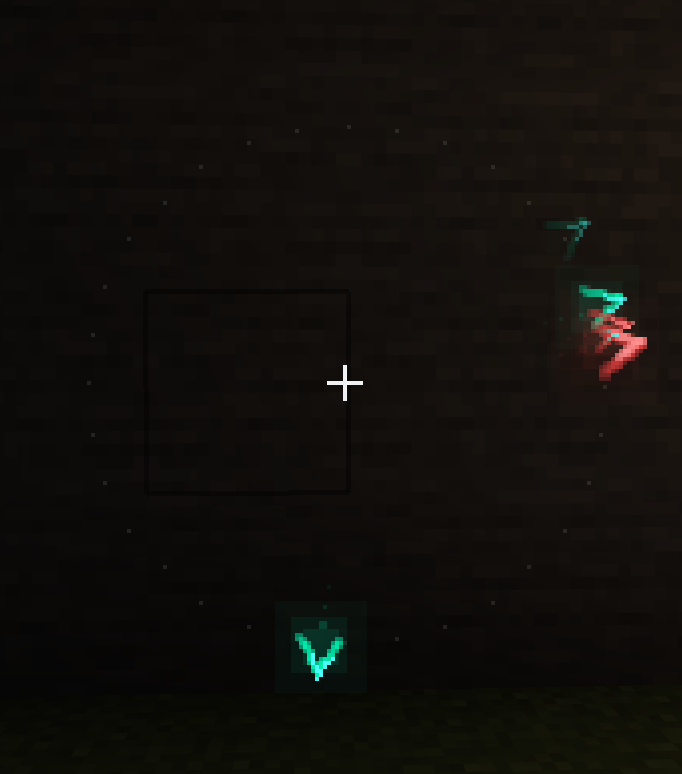
EchoHUD brings modern, FPS-style spatial audio visualization to Minecraft. Instead of relying on the vanilla subtitles buried in the corner of your screen, this mod adds a sleek, customizable ring around your crosshair that points exactly to where sounds are coming from.
Features
Directional Indicators: Visual pings show the exact direction of sounds relative to where you are looking. Overlapping sounds from the same source are grouped together to prevent screen clutter.
Categorized Filters: Sounds are split into categories like Hostile, Passive, Players, Blocks, Weather, and Explosions. You can toggle each category individually and assign custom colors, so you immediately know if that footstep is a zombie or another player.
Deep Customization: Open the settings via Mod Menu to tweak everything. Change the indicator shapes, adjust the ring radius, edit the glow intensity, add pulse animations, or change the maximum detection distance.
EchoHUD brings modern, FPS-style spatial audio visualization to Minecraft. Instead of relying on the vanilla subtitles buried in the corner of your screen, this mod adds a sleek, customizable ring around your crosshair that points exactly to where sounds are coming from.
Features
Directional Indicators: Visual pings show the exact direction of sounds relative to where you are looking. Overlapping sounds from the same source are grouped together to prevent screen clutter.
Categorized Filters: Sounds are split into categories like Hostile, Passive, Players, Blocks, Weather, and Explosions. You can toggle each category individually and assign custom colors, so you immediately know if that footstep is a zombie or another player.
Deep Customization: Open the settings via Mod Menu to tweak everything. Change the indicator shapes, adjust the ring radius, edit the glow intensity, add pulse animations, or change the maximum detection distance.
Screenshots
Gallery
-
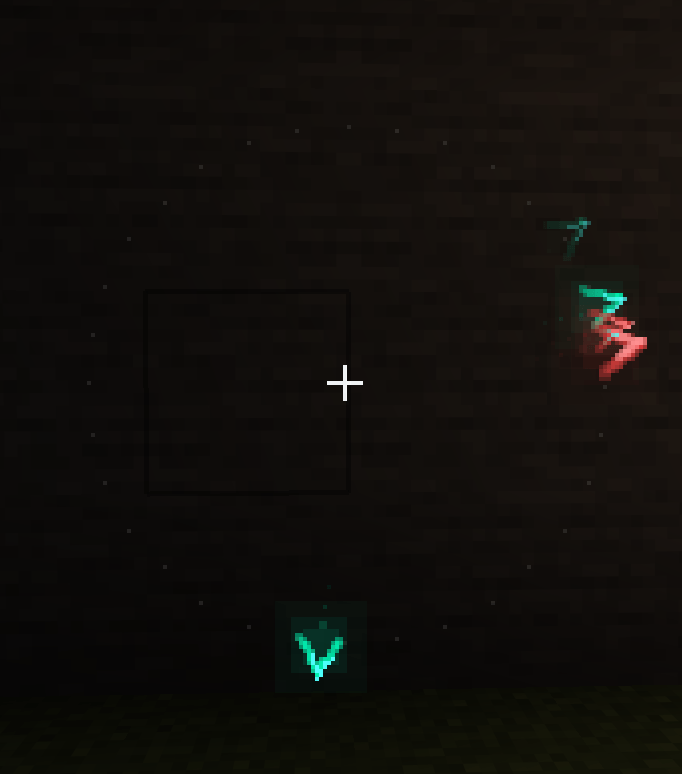 hud.png hud.png
Versions
Files
Relations
Project Relations
More like this
Similar Mods
Suggestions use data such as tags, dependencies, dependents, descriptions, titles, and more to rank how much they overlap with this mod.
On ModDex
Community snapshot
By the numbers
Statistics
Want to reach Minecraft players?
We're looking for a server hosting partner to feature here and other parts of the site. Interested? Send us a message!
Get in touchGet it on
Available Platforms
On ModDex
Community snapshot
By the numbers
Statistics
Resources