
Community listing page, reviews may not be monitored by the author.
Eclipse HUD

No reviews yet
A clean HUD you can move anywhere: info lines, compass with waypoints, looking-at box, armor, food and potions.

Community voices
Reviews
No reviews yet. Be the first to review this project!
Get it on
Available Platforms
 Modrinth
Compatibility
Supported Environments
Runs entirely on the client. Works on vanilla servers.
About
Project Details
For authors
Embed Badge
If you're the author of this project, you can embed a live badge anywhere that supports HTML or Markdown. It updates automatically whenever ratings change.
Use HTML for any page that supports it, or Markdown for README files and Markdown-based descriptions.
Identifiers
Platform IDs
About
Description
Works on 26.1.2 · 26.2 · 26.3 · Fabric · 💬 Discord
What it does
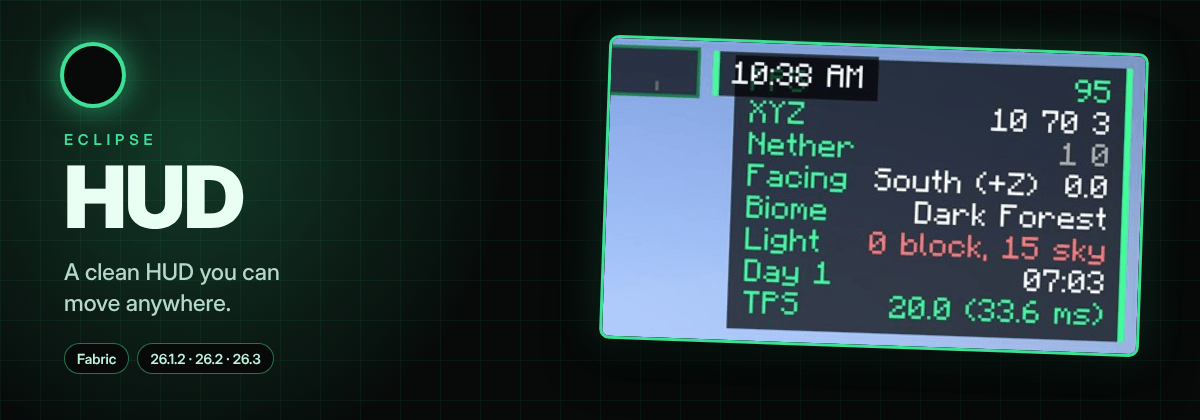
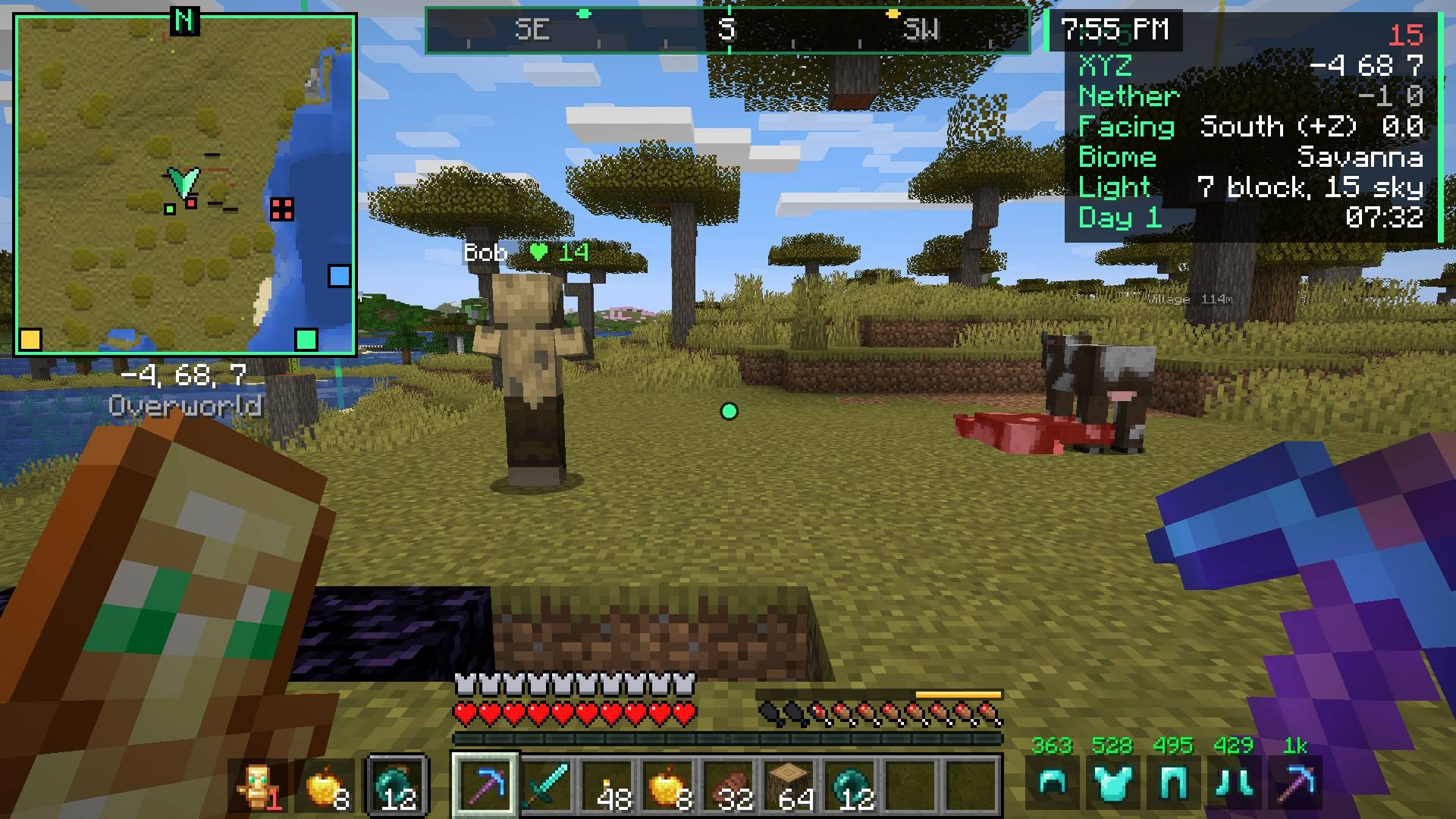
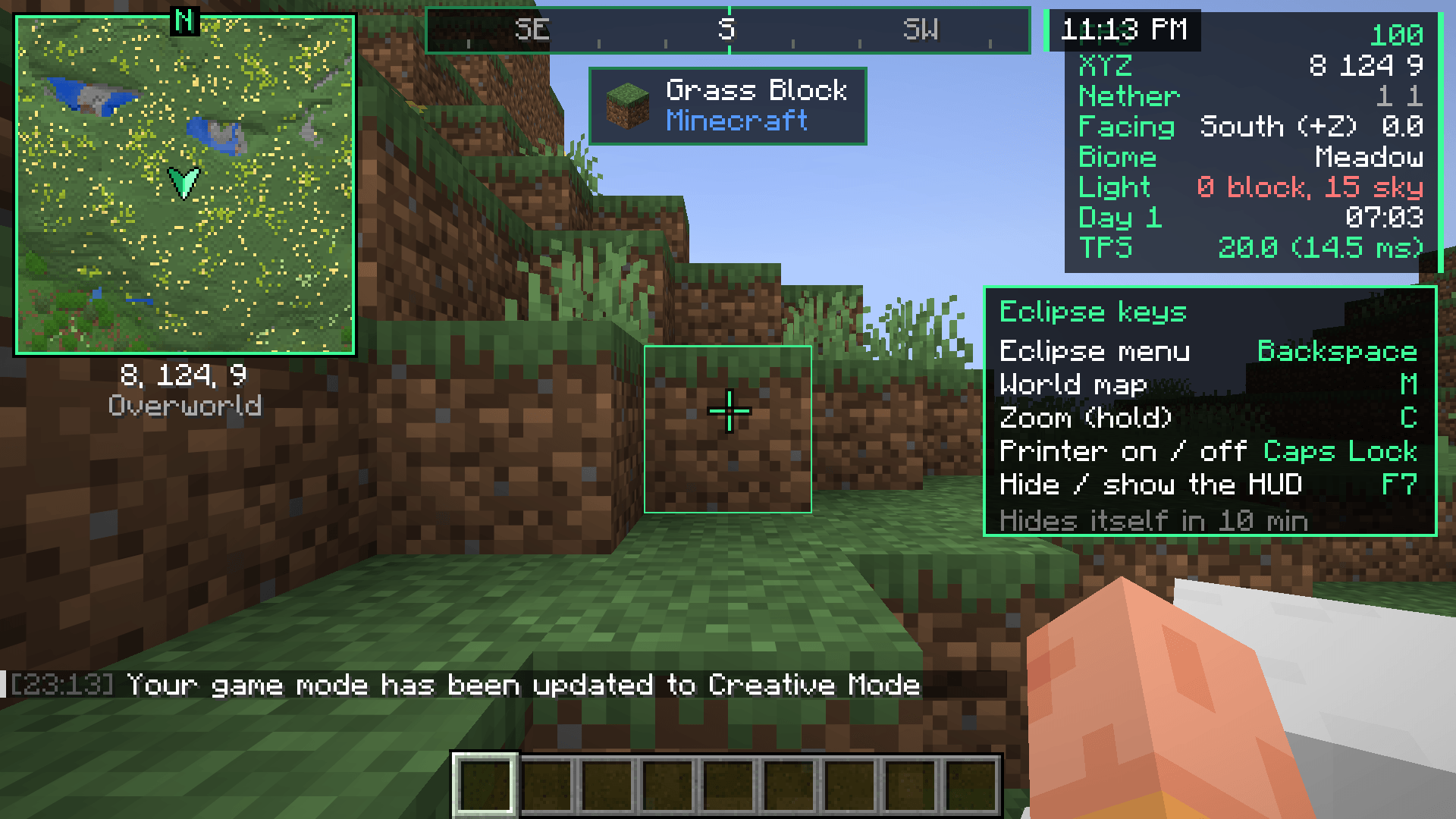
A clean HUD you can move anywhere. Info lines, a compass bar, a "looking at" box, armor, food and potion effects, all in the black + green Eclipse style.

⭐ Top features
| 📊 Info lines | FPS, coords, Nether coords, facing, biome, light, time, ping, TPS and more. |
| 🧭 Compass bar | A compass at the top that shows your waypoints and Chest Finder results. |
| 👀 Looking at | Name and health of what you look at, if your tool can mine it, crop growth. |
| 🍖 Food + armor | Saturation bar, how much your food will fill, armor and tool durability. |
| 🧩 Move anything | Drag every part with the HUD Editor (Eclipse menu → HUD Editor). |
➕ More features
- Potion effects with time left
- Break warning: a sound before your tool breaks
- Low health: red edge + heartbeat
- Item counter: how many of an item you have
- Clock + stopwatch (12/24h)
- Keystrokes: WASD + mouse with CPS
- Session stats: play time, blocks mined, kills, deaths, distance
- Day counter: a big "Day 39" title each morning
- Better tooltips: durability, food values, shulker box preview, rarity borders
⌨️ Keys
F6 HUD settings · F7 hide / show the HUD
Change them in Eclipse menu → Key Binds
📥 Install
- Install Fabric Loader + Fabric API
- Add Eclipse Core and this mod to your
modsfolder - In game, press Backspace to open the Eclipse menu
🧩 The Eclipse family: Core · Map · HUD · Tools · Visuals · Printer · Server · Plus · Shaders
🤖 Made with help from AI tools. Tested in-game on every supported version before each update.
💬 Join the Eclipse Discord for help, updates and to share your setups.
Eclipse HUD
A clean, fully movable HUD in the Eclipse style. Move everything with the HUD editor (Eclipse menu > HUD Editor).
Features
📊 Info lines
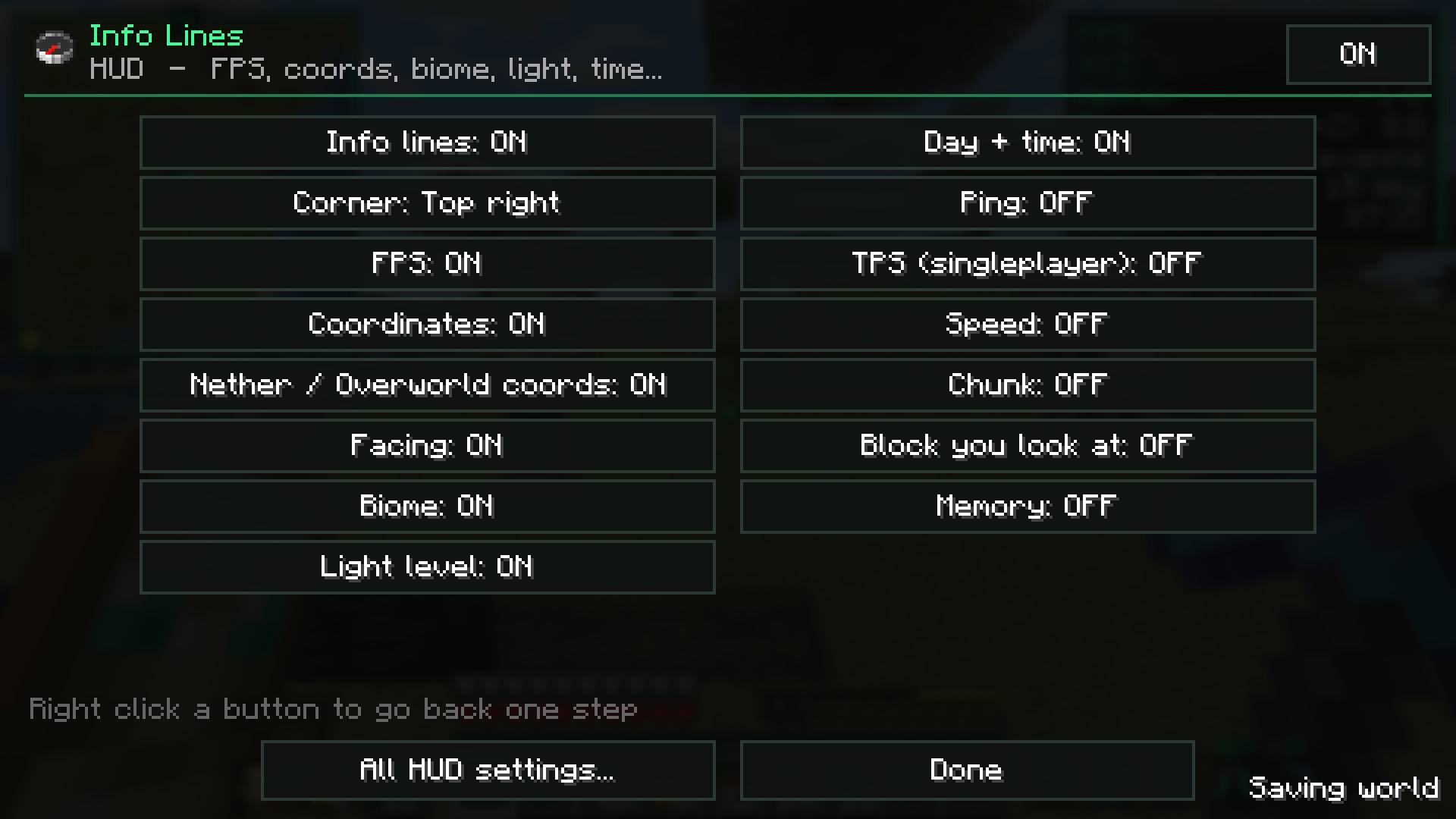
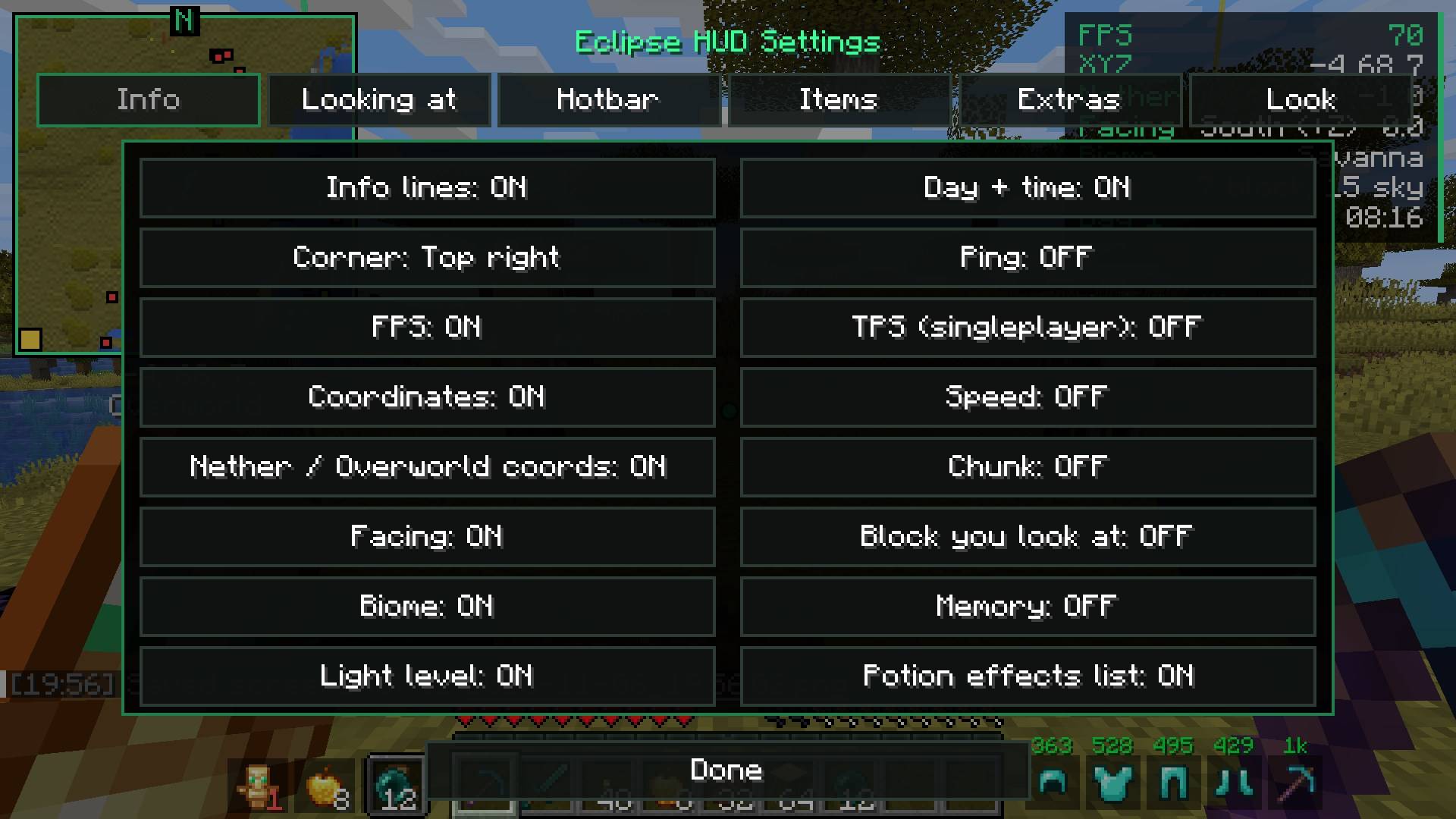
 FPS, coords, Nether/Overworld coords, facing, biome, light level, day + time, ping, TPS (singleplayer), speed, chunk, the block you look at, memory. Pick the corner, scale, background and text shadow.
🧭 Compass bar
 A compass at the top of the screen with your waypoints and chest finder results as markers.
👀 Looking at
 Shows the block or mob you look at: name, health, can you harvest it with your tool, crop growth, mining progress and which mod it's from.
🍖 Food & saturation

- A gold saturation bar above your hunger
- Flashes how much the food in your hand will add
- Food values in tooltips
🛡️ Armor + tools
 Armor and held tool durability next to the hotbar, with optional numbers.
More
| Feature | What it does |
|---|---|
| Potion effects | Your effects with time left |
| Break warning | Warns (with a sound) before your tool breaks |
| Low health | Red edge + heartbeat when you're low |
| Item counter | How many of an item you have |
| Clock + stopwatch | Real time (12/24h) and a stopwatch key |
| Keystrokes | WASD + mouse with CPS |
| Session stats | Play time, blocks mined, kills, deaths and distance walked |
| Day counter | Big "Day 39" title each morning |
| Better tooltips | Durability, food values, shulker box preview, rarity borders |

Requirements
- Minecraft 26.2, Fabric, Fabric API, Eclipse Core
Part of the Eclipse Client modpack.
💬 Questions or ideas? Join the Eclipse Discord
Screenshots
Gallery
-
 hud_day.jpg hud_day.jpg
-
feature_hud.info_lines.jpg feature_hud.info_lines.jpg
-
 hud_settings.jpg hud_settings.jpg
-
 hud-in-game.png hud-in-game.png
-
hud-hud.jpg hud-hud.jpg
-
hud-banner.png hud-banner.png
-
 In game
-
 Looking at, health tags and damage numbers
-
 Info lines
-
 Compass bar
-
 Food & saturation preview
-
 Armor status
-
 HUD settings
-
 Fancy tooltips
Versions
Files
Relations
Project Relations
More like this
Similar Mods
Suggestions use data such as tags, dependencies, dependents, descriptions, titles, and more to rank how much they overlap with this mod.
On ModDex
Community snapshot
By the numbers
Statistics

Get it on
Available Platforms
Modrinth
On ModDex
Community snapshot
By the numbers