
Community listing page, reviews may not be monitored by the author.
ElytraX PackMaker

No reviews yet
ElytraX PackMaker is a client-side Fabric mod for Minecraft that lets you create custom resource packs in-game. Browse bundled item artwork, select textures, name them with helpful Minecraft item-ID guidance

Community voices
Reviews
No reviews yet. Be the first to review this project!
Get it on
Available Platforms
About
Project Details
For authors
Embed Badge
If you're the author of this project, you can embed a live badge anywhere that supports HTML or Markdown. It updates automatically whenever ratings change.
Use HTML for any page that supports it, or Markdown for README files and Markdown-based descriptions.
Identifiers
Platform IDs
Resources
External Links
About
Description
ElytraX PackMaker
✨ Features
In-Game Texture Library
- Swords
- Tools
- Food
- Blocks
- Totems
- Fireworks
- Inventory backgrounds
- And more
Smart Item Naming
Custom Inventory Screens
One-Click Resource-Pack Export
pack.mcmeta- Your selected textures
- License information
- Pack name and description
resourcepacks folder and activated automatically.Kill Effects
- Multiple particle styles
- Adjustable effect duration
- Customizable particle density
- Totem effects
- TNT effects
- Sound effects
- Instant effect previews
Customizable Interface
- Full
- Compact
- Small
Saved Item Names
Performance-Friendly
License Selection
- All Rights Reserved
- CC0
- CC BY 4.0
- MIT
🎮 How to Use
- Press Right Ctrl in-game to open PackMaker.
- Browse the available texture categories.
- Select the artwork you want to use.
- Use ALL or NONE to manage your selections quickly.
- Open Create Pack.
- Assign each texture to a Minecraft item using the name field or smart suggestions.
- Enter your pack name, description, version, and license.
- Click Create Resourcepack.
- Your resource pack will be generated, saved, and enabled automatically.
🧩 Supported Versions
|
Minecraft Version
|
Loader
|
|---|---|
|
1.20.1
|
Fabric
|
|
1.20.4
|
Fabric
|
|
1.21
|
Fabric
|
|
1.21.1
|
Fabric
|
|
1.21.3
|
Fabric
|
|
1.21.4
|
Fabric
|
|
1.21.8
|
Fabric
|
|
1.21.11
|
Fabric
|
Requirements
- Fabric Loader
- Fabric API
❓ Notes
Screenshots
Gallery
-
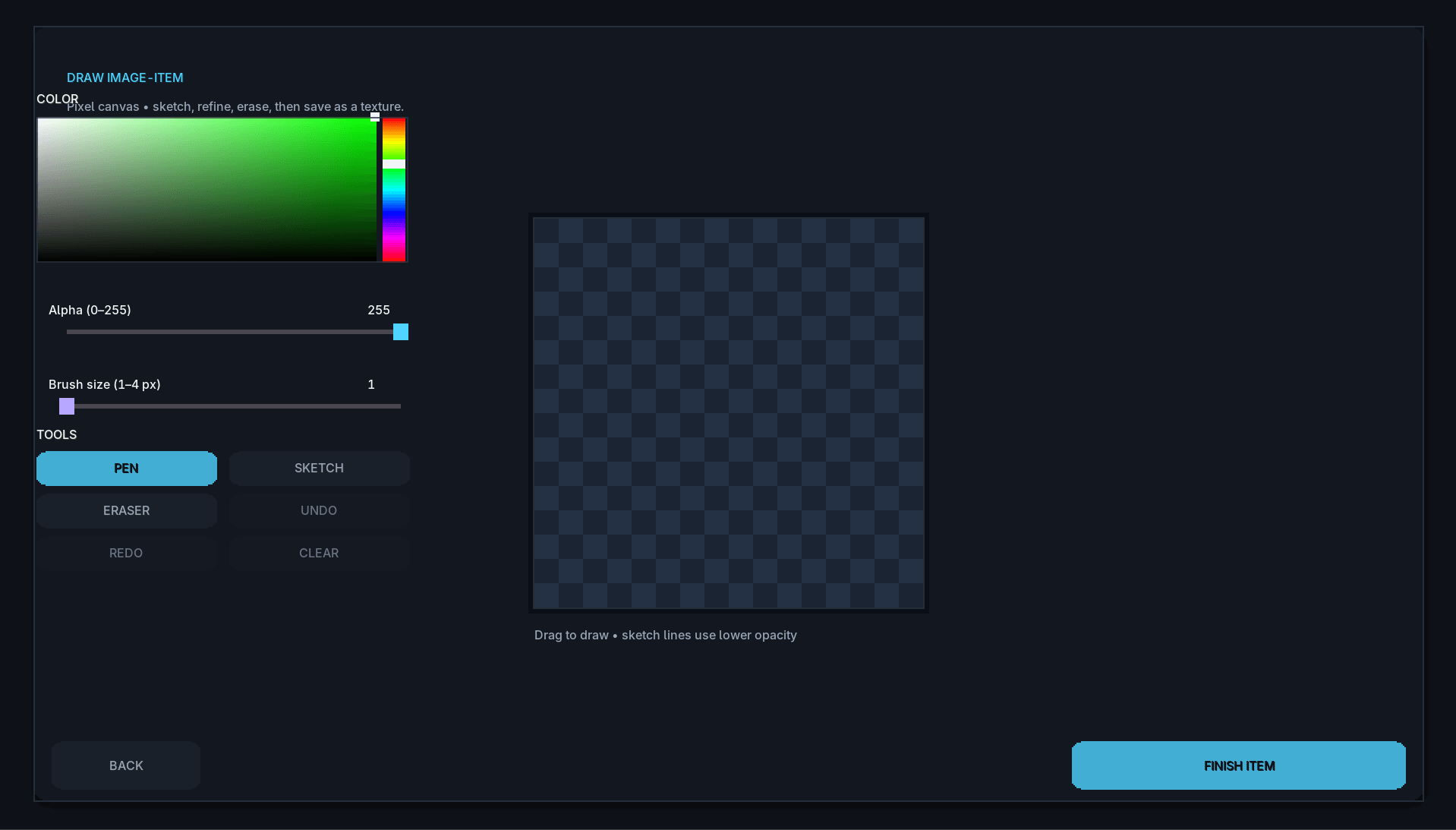 Drawing
 -
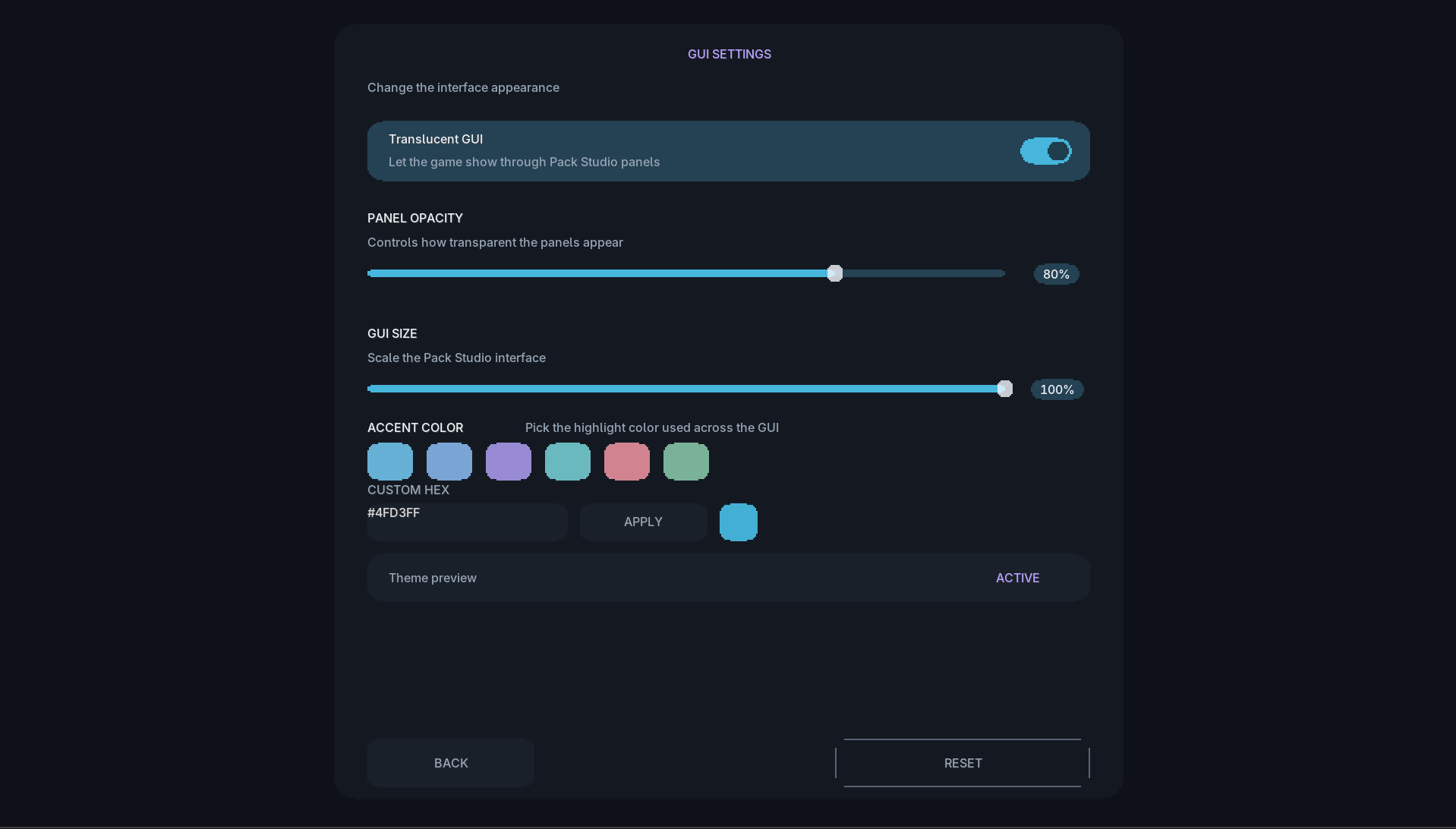 Gui Settings
 -
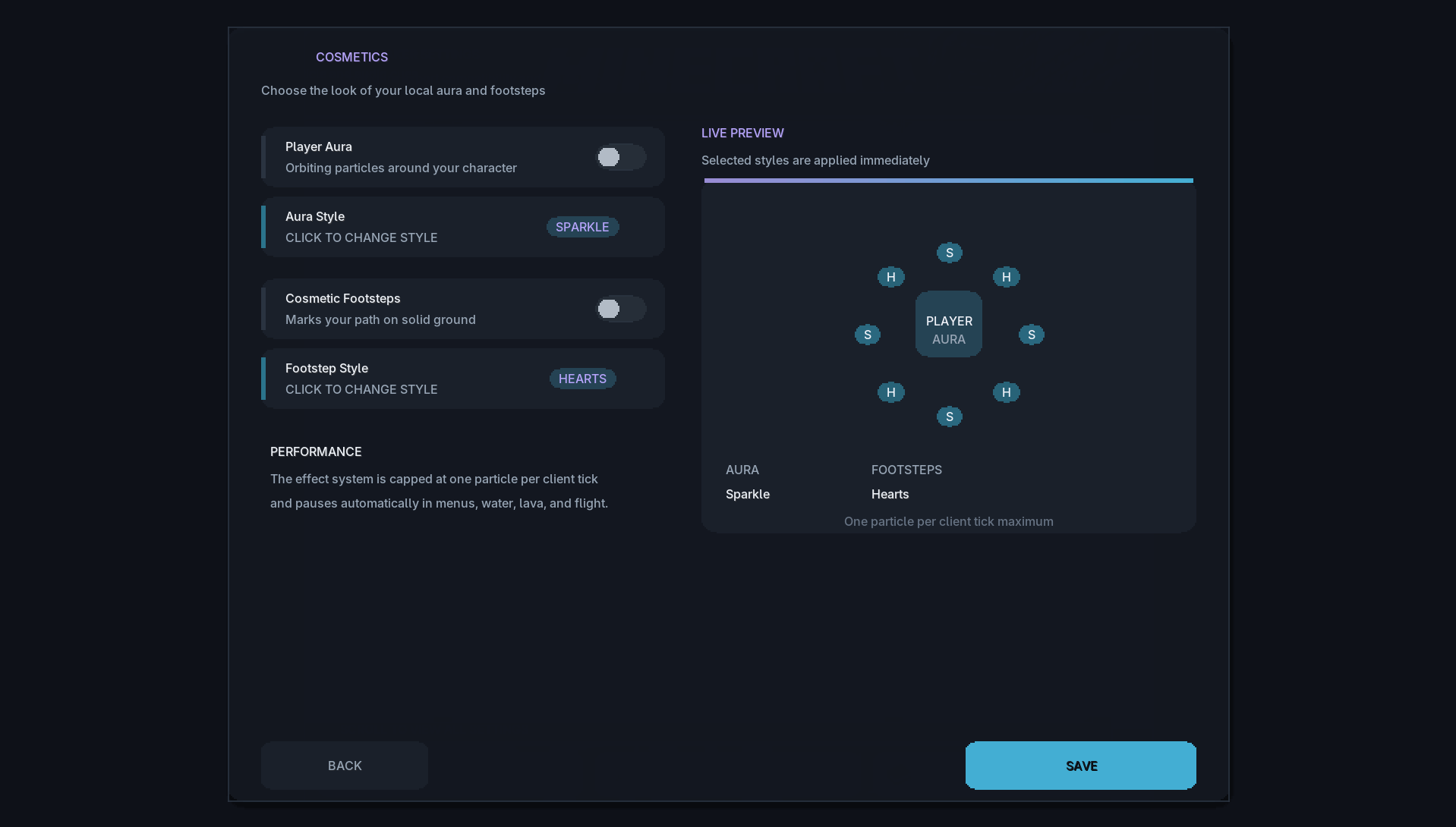 Cosmetics
 -
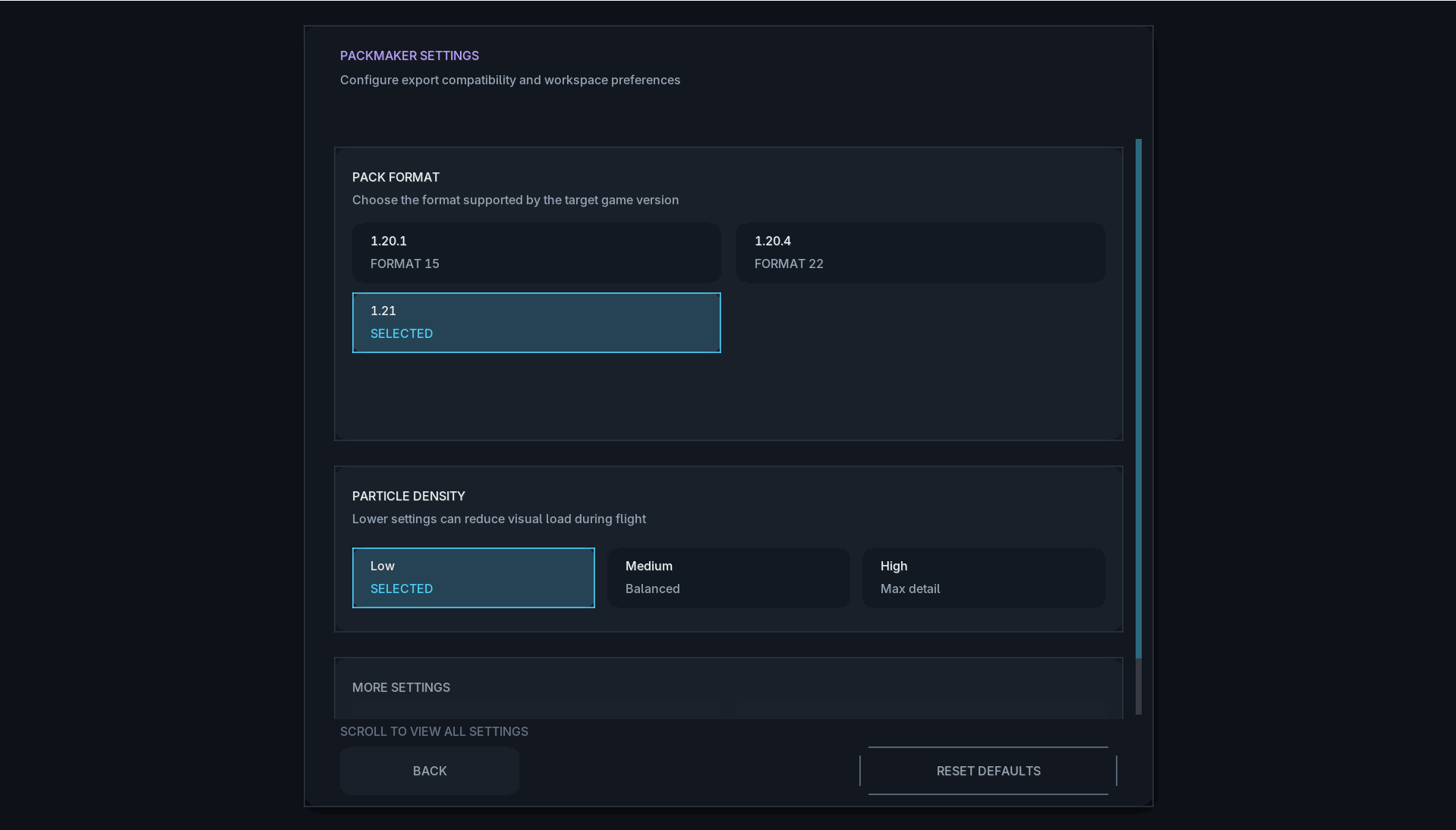 Settings
 -
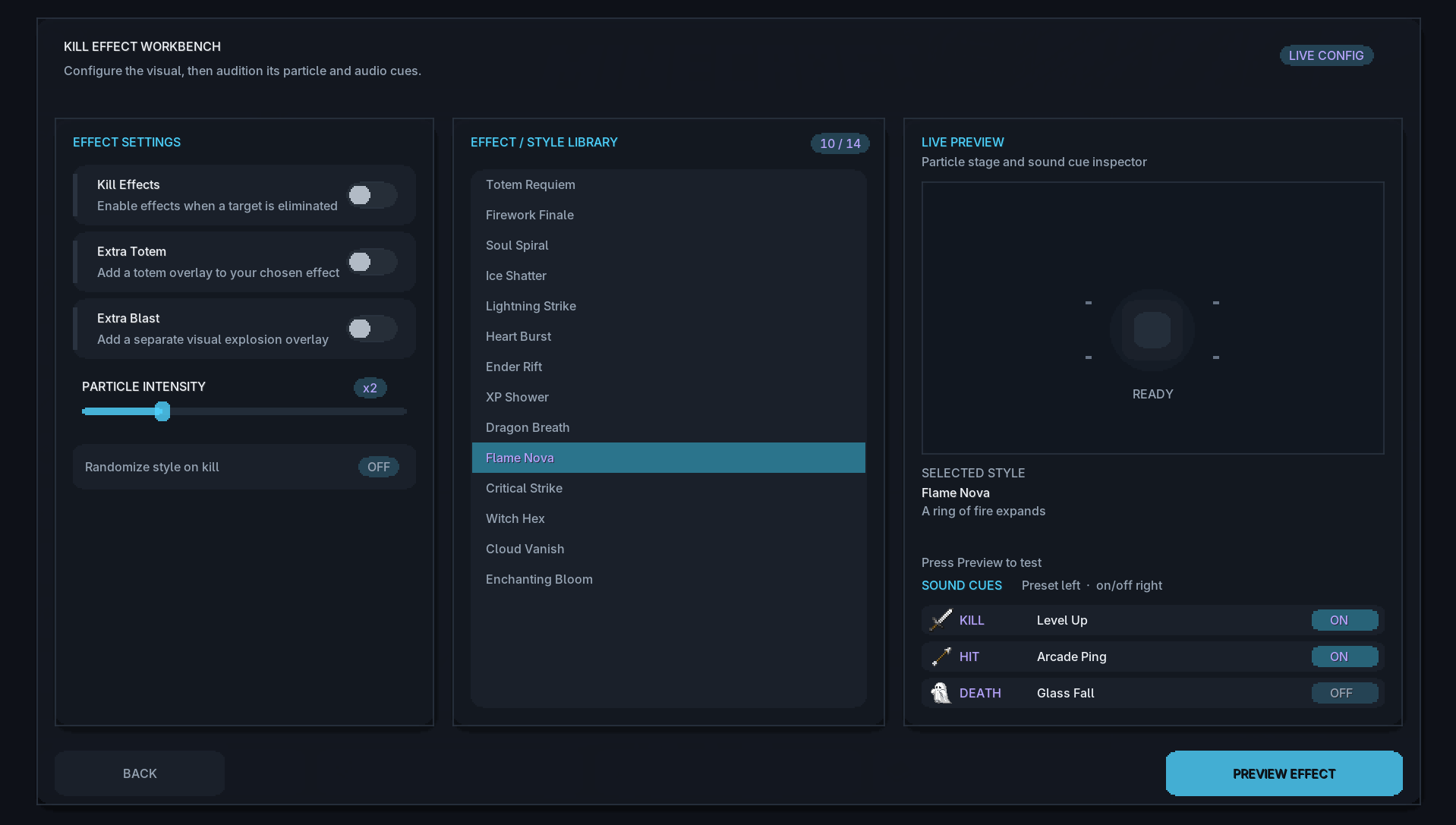 Killeffect
 -
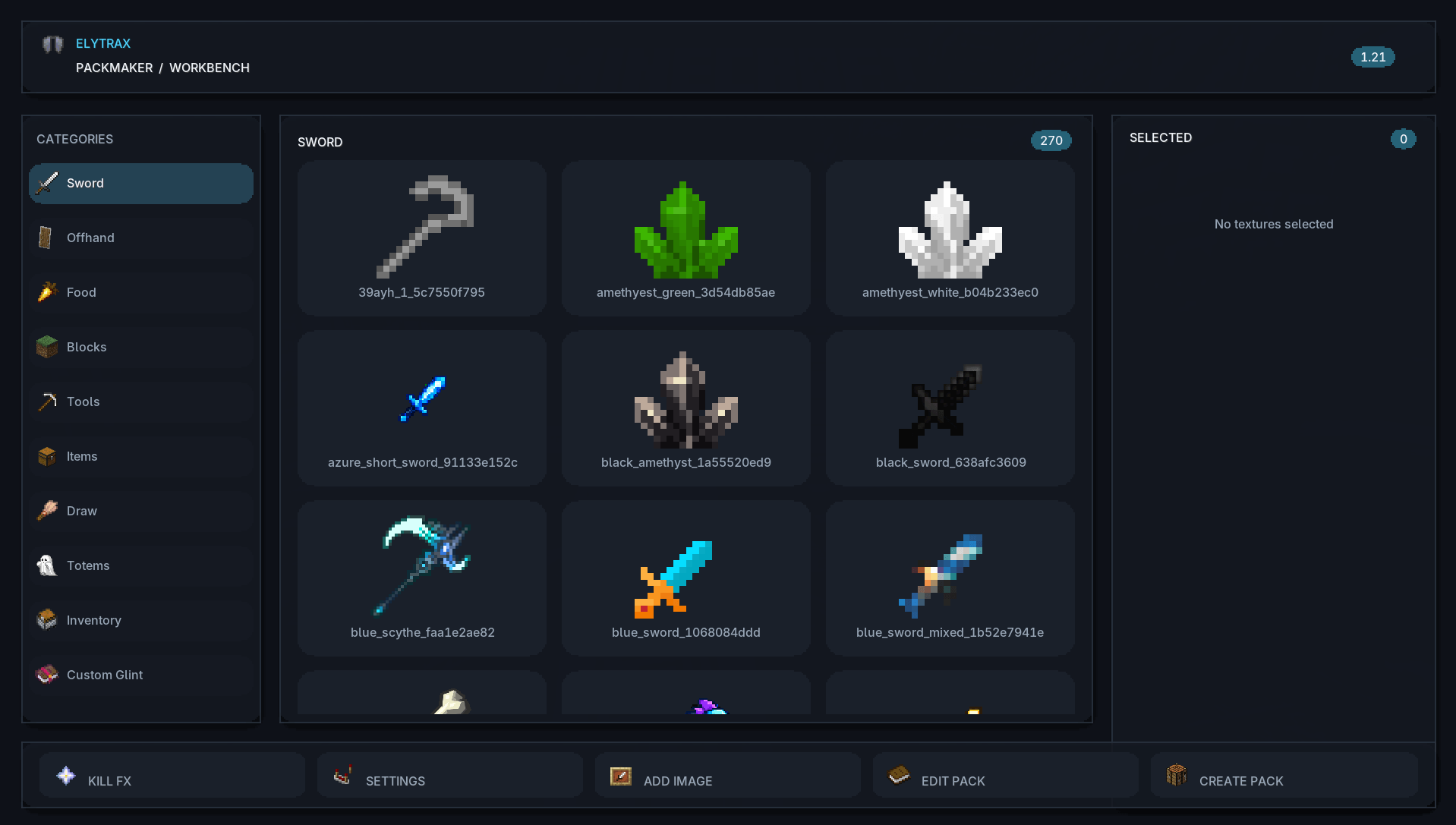 Main Gui
 -
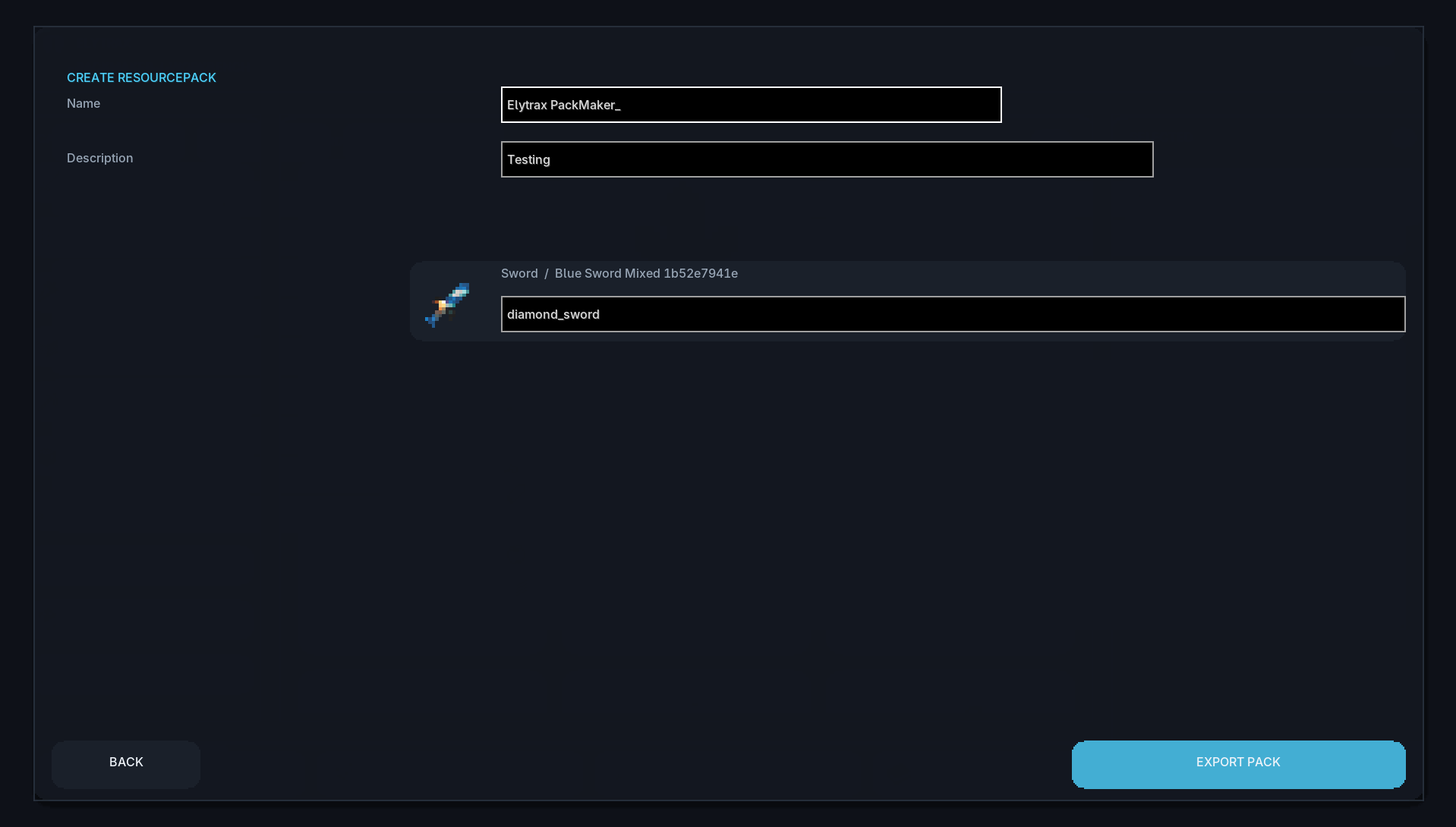 Create ResourcePack
 -
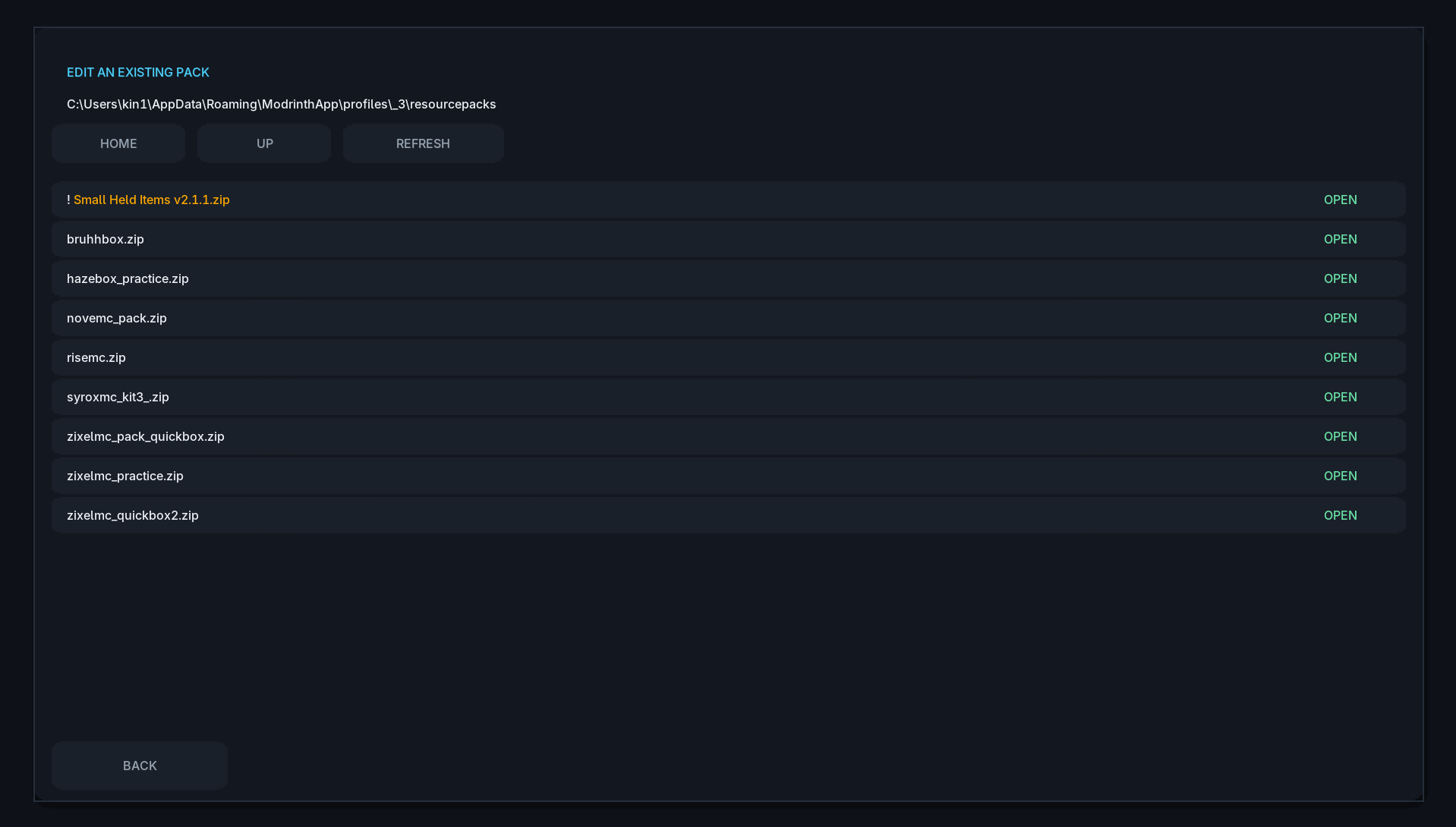 Edit Pack
 -
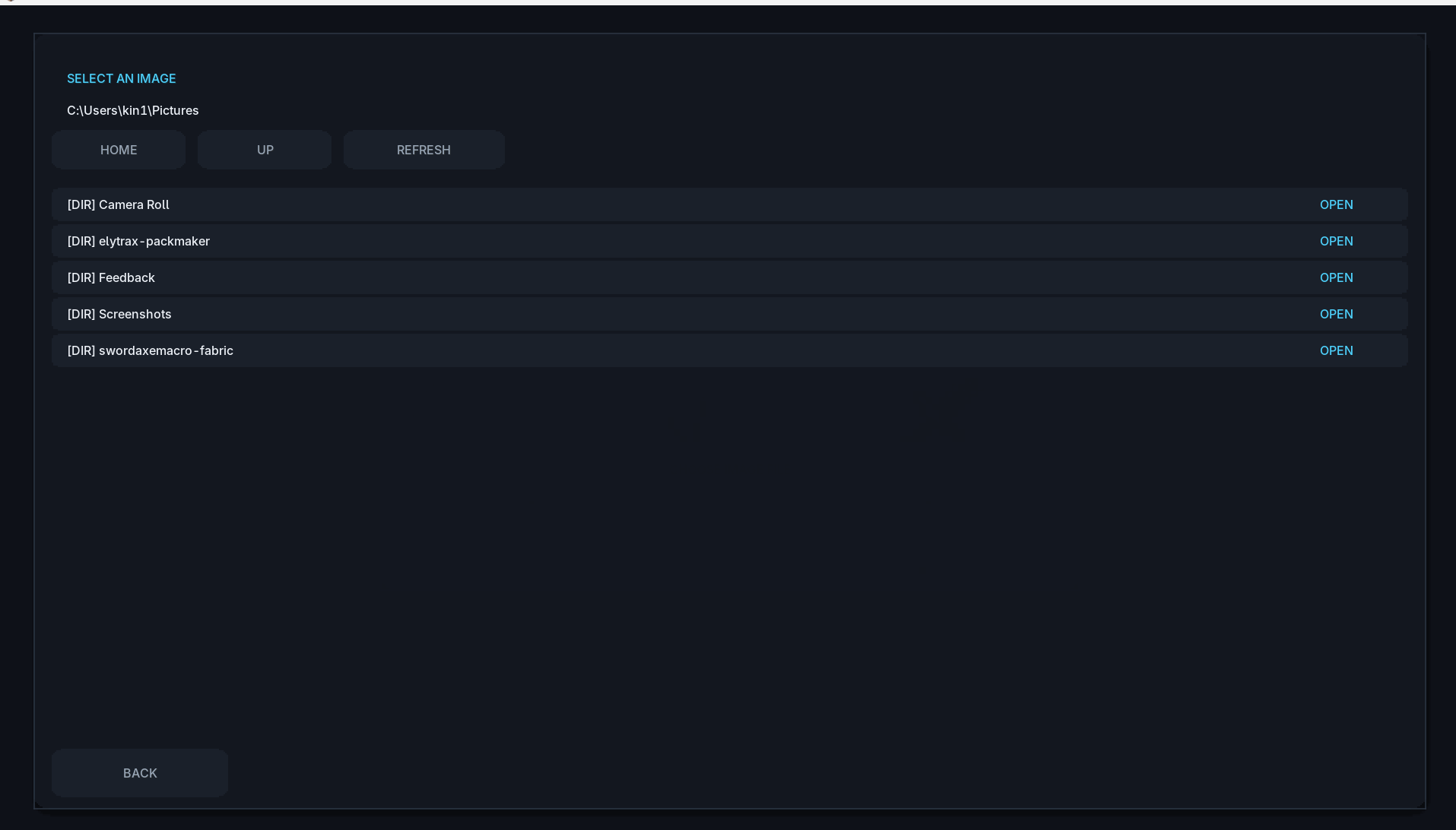 Add Image
Versions
Files
Relations
Project Relations
More like this
Similar Mods
Suggestions use data such as tags, dependencies, dependents, descriptions, titles, and more to rank how much they overlap with this mod.
On ModDex
Community snapshot
By the numbers
Statistics

Get it on
Available Platforms
On ModDex
Community snapshot
By the numbers
Statistics
Resources